
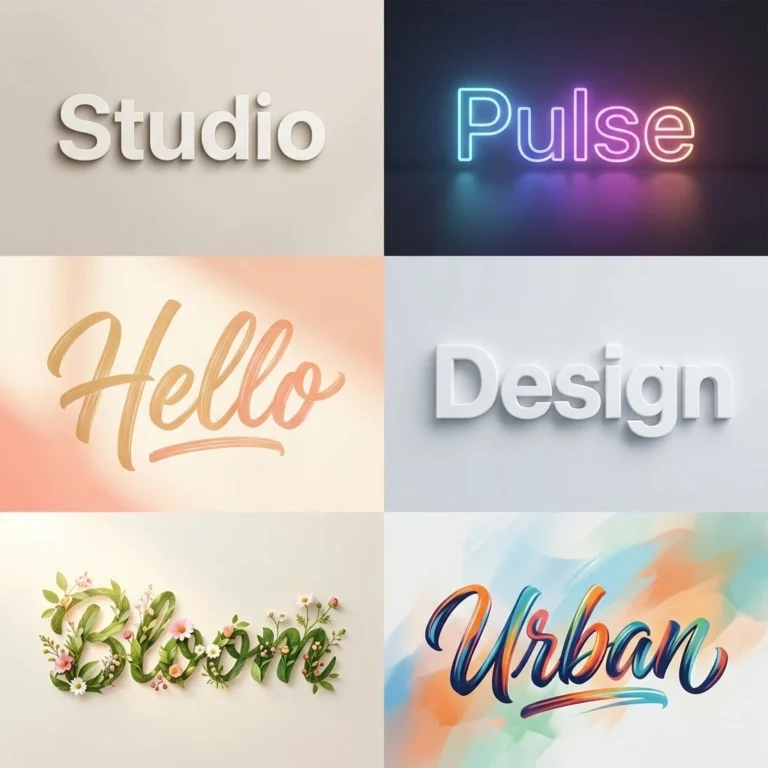
Typography and Logos
Designs where the letters do the work.
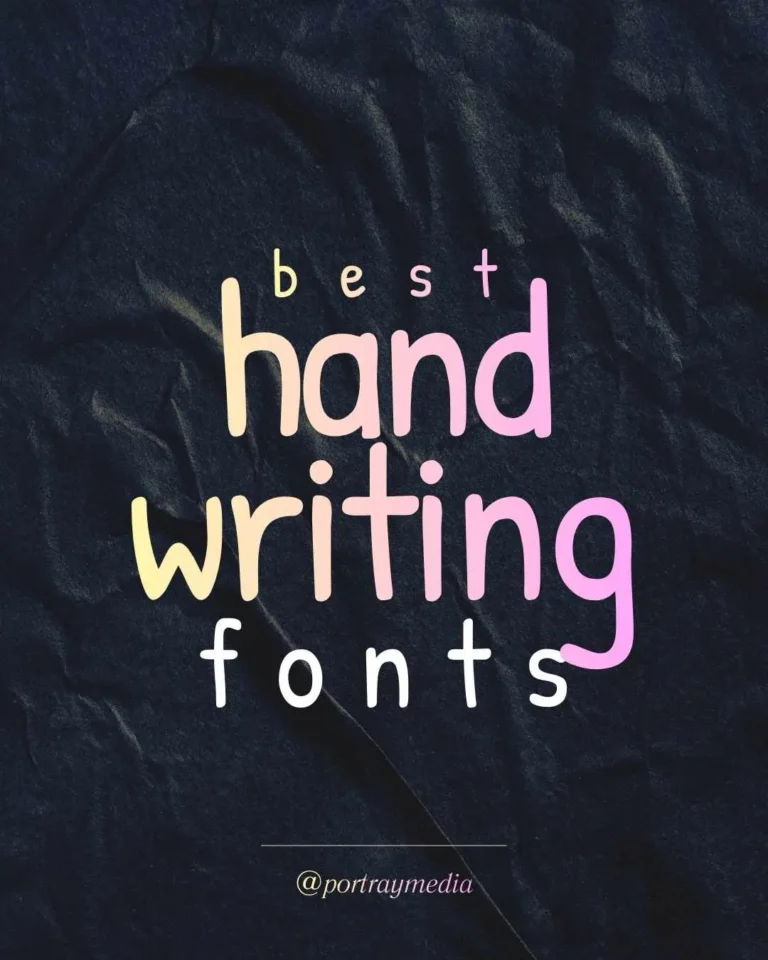
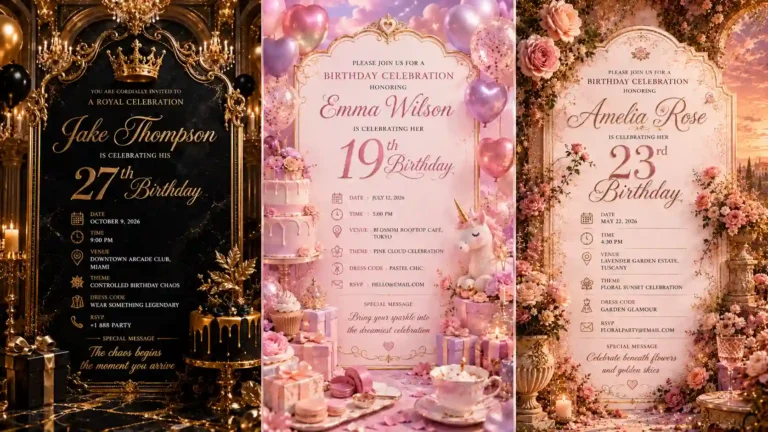
Cards, Greetings and Social Graphics
Personal and business designs made to be shared.
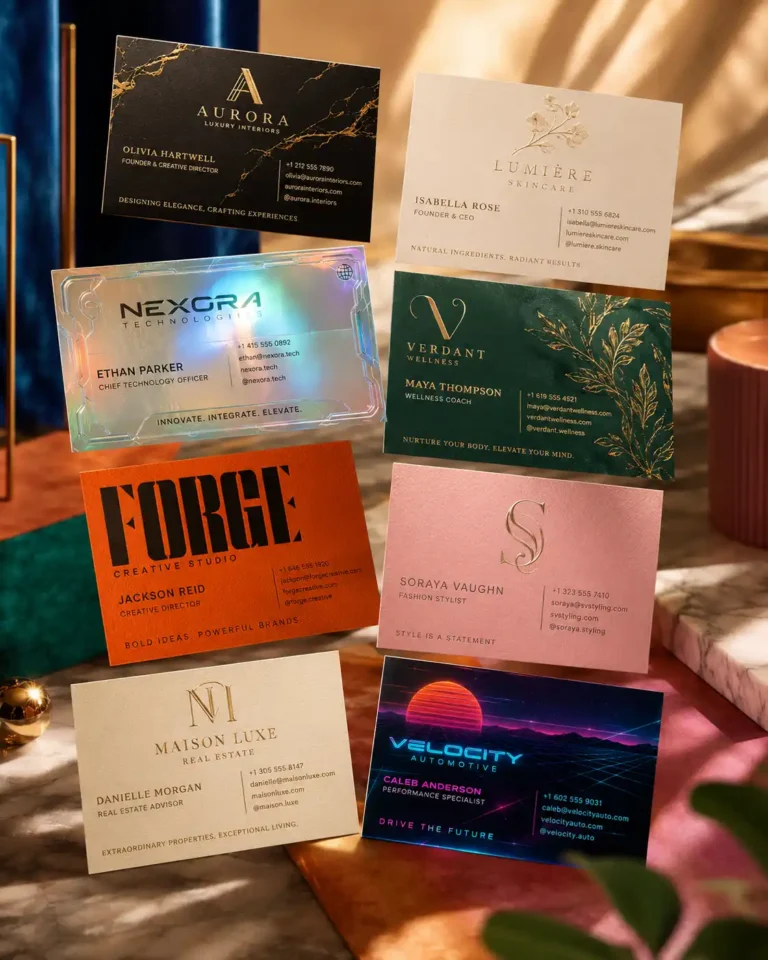


Fashion, Products and Personal Style
Mock-ups and ideas for things people wear.
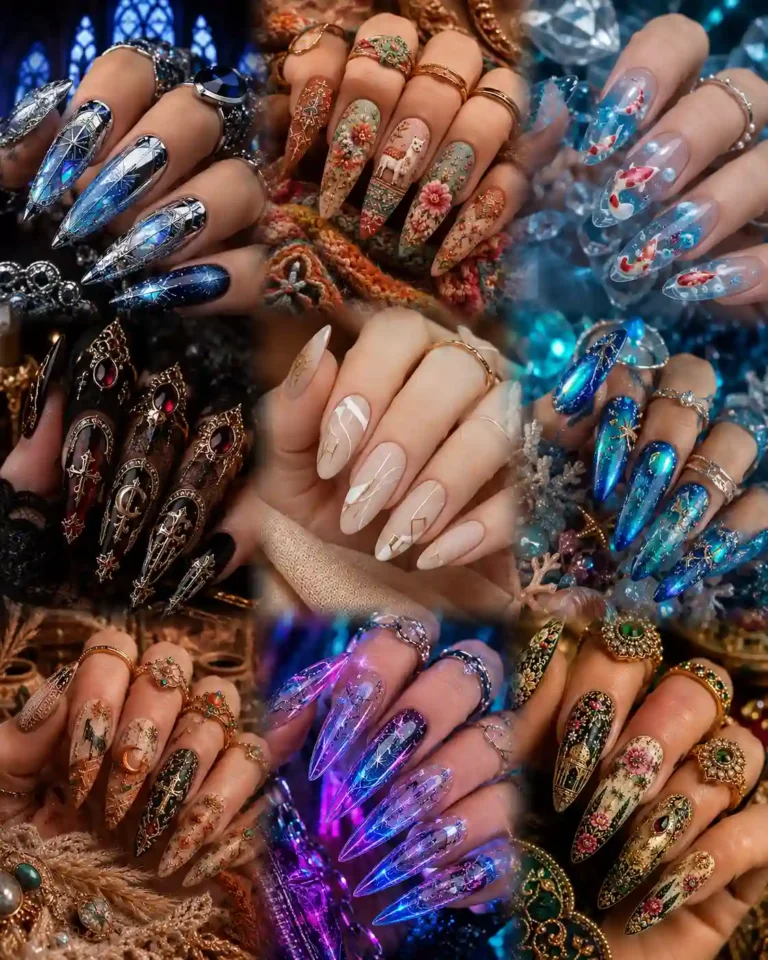
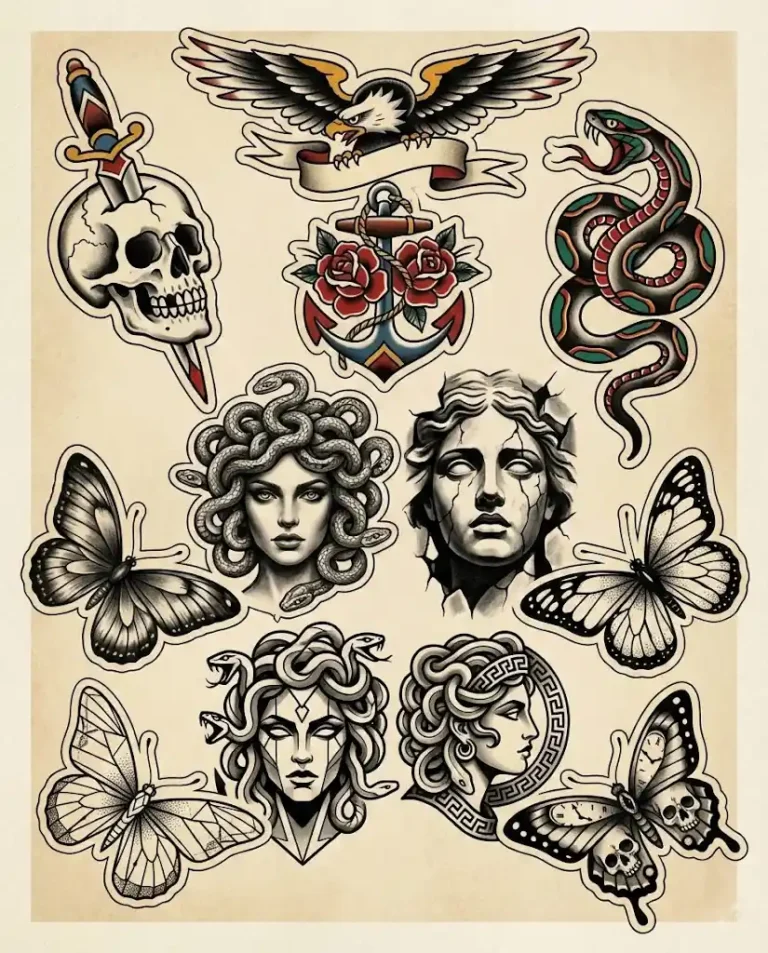
Backgrounds and Design Tools
Surfaces to design on, and how to choose a tool.

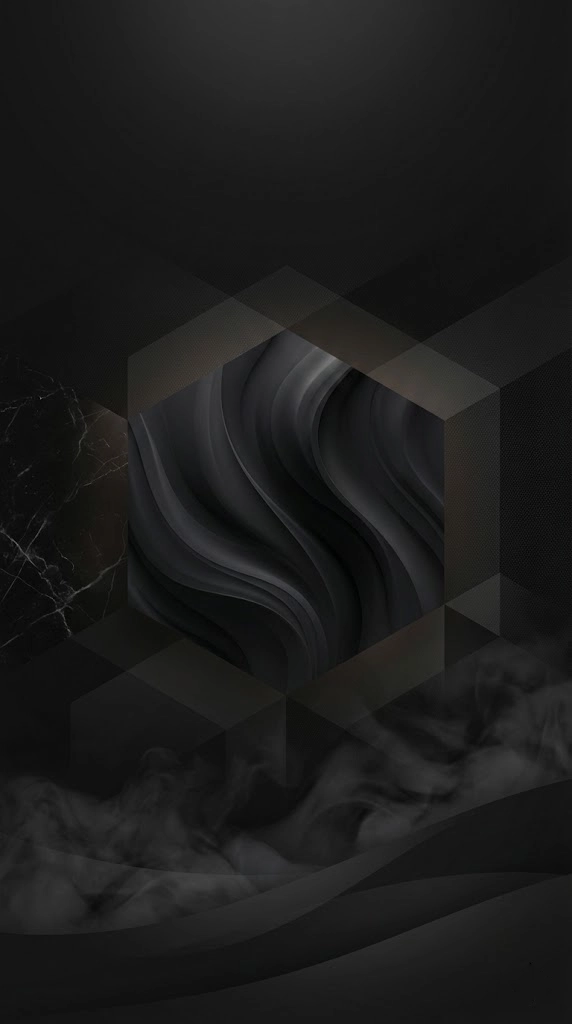
Phone and Desktop Wallpapers
Calm or moody backgrounds that keep your clock and icons easy to read.

Before You Use an AI Design
| Check | Why it matters | What to do |
|---|---|---|
| Spelling | AI can misspell or invent letters | Add important text afterwards in a design tool |
| Small size | Fine detail can vanish on a phone or icon | Shrink the design and see if it still reads |
| Print size | AI images are often too small for print | Upscale it, and ask your printer what they need |
| Ownership | Logos and brand styles may be protected | Don’t copy a real company’s marks, and check your tool’s terms |
A registered logo needs more than a generated image, so treat AI output as a first concept. For anything important, finish the design as a vector file and get proper advice on trademarks.
How to Write a Wallpaper Prompt
Most strong wallpaper prompts cover five things:
- Subject: the one thing you want to see.
- Mood and light: such as soft dawn light or a single neon glow.
- Style: such as watercolor, flat vector or cinematic realism.
- Layout: say where the subject sits, and ask for clear space at the top for your clock.
- Shape: choose 9:16 for a phone or 16:9 for a desktop.
Common Screen Sizes
| Screen | Shape | Target size |
|---|---|---|
| Most Android phones | 9:20 or 9:16 | 1080 x 2400 |
| Recent iPhones | 9:19.5 or 9:16 | About 1179 x 2556 |
| Laptop or monitor | 16:9 | 1920 x 1080 or 2560 x 1440 |
| Ultrawide monitor | 21:9 | 3440 x 1440 |
Exact sizes vary by device, so check yours. If your tool can’t reach the size you need, use an upscaler.
Common Questions
Can AI design a logo?
It can produce concepts quickly, but it may not give you a clean vector file or one you can protect legally. Use it for ideas, then refine your favourite.
How do I get correct text in an AI image?
Keep the wording short and check every letter. For anything longer, ask for “no text” and add the words yourself in Canva or a similar editor.
Which format is best for printing?
Ask your printer first. Many ask for a high-resolution PDF, and a common target for images is 300 pixels per inch.
How do I stop my clock covering a wallpaper’s subject?
Add a phrase such as “subject in the lower half, clear space at the top”, then preview the image on your lock screen before you settle on it.
Keep Exploring
You might also like our guides to clipart, stickers and icons and photo editing.