Cute YouTube Banners: 6 AI Prompts for Your Channel Art
These six AI prompts create cute YouTube banners with friendly, pastel scenes, such as a cozy bedroom, a dreamy sky and a park full of cartoon animals.
Choose the scene closest to your channel’s topic. A cozy desk suits study or tech channels, and a pastel bedroom suits lifestyle or gaming.
How to Make a YouTube Banner With AI
Generate the art in an image tool such as Nano Banana, Flux or Genspark. ChatGPT can help you adapt a prompt to your channel.
Check your sizing. YouTube recommends uploading at 2560 x 1440 pixels, and its safe area for text and logos is the central 1235 x 338 pixels. AI tools may not create those exact sizes, so resize the image in an editor and keep key details in the center.
6 AI Prompts for Cute YouTube Banners
Replace <AR> with 16:9, and leave the center of the image clear for your channel name.
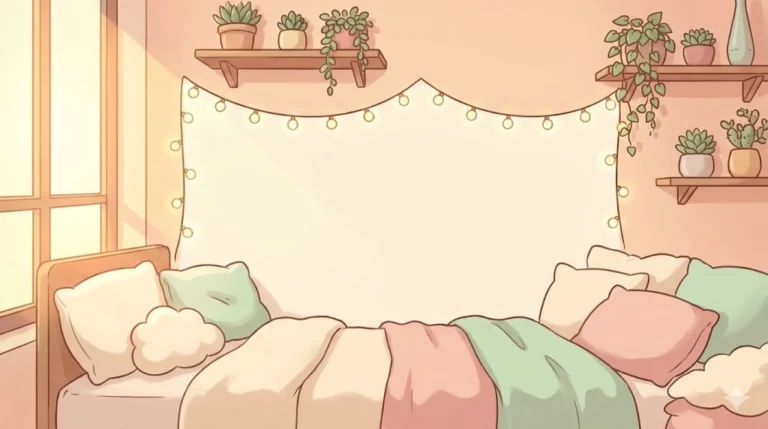
Cozy Pastel Bedroom Scene
Replace the highlighted text with your own details before you run the prompt.
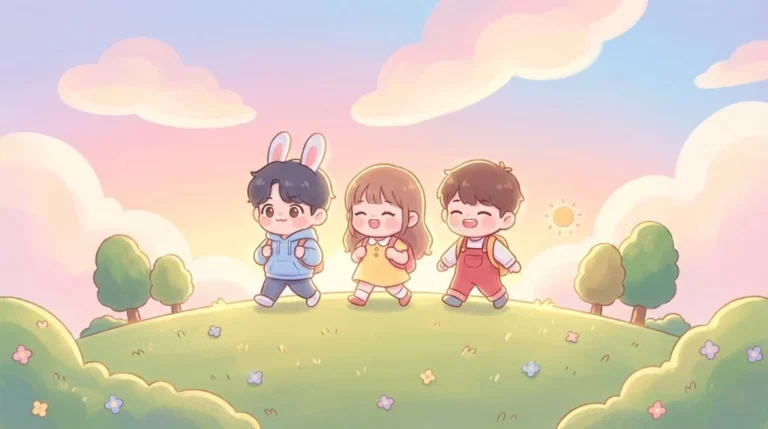
Playful Kawaii Landscape
Replace the highlighted text with your own details before you run the prompt.
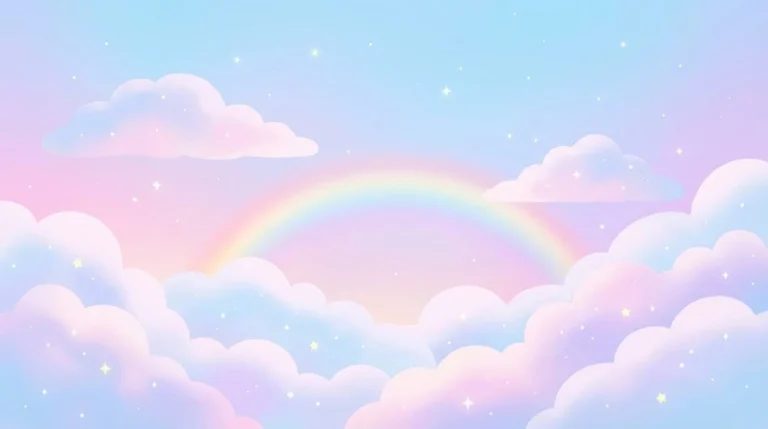
Dreamy Sky Theme
Replace the highlighted text with your own details before you run the prompt.
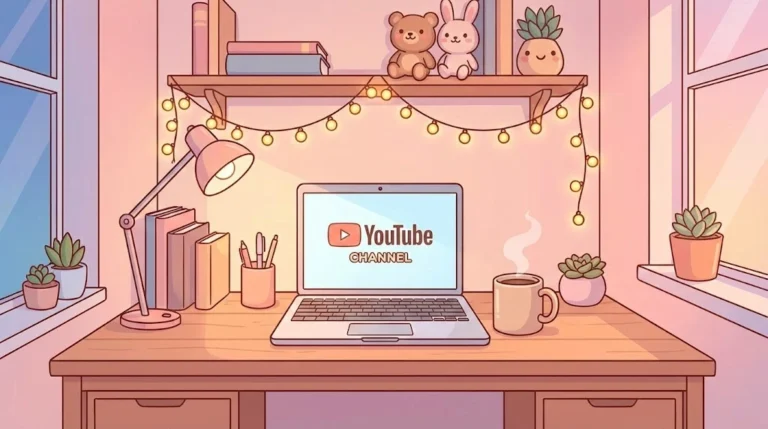
Cozy Desk Setup
Replace the highlighted text with your own details before you run the prompt.
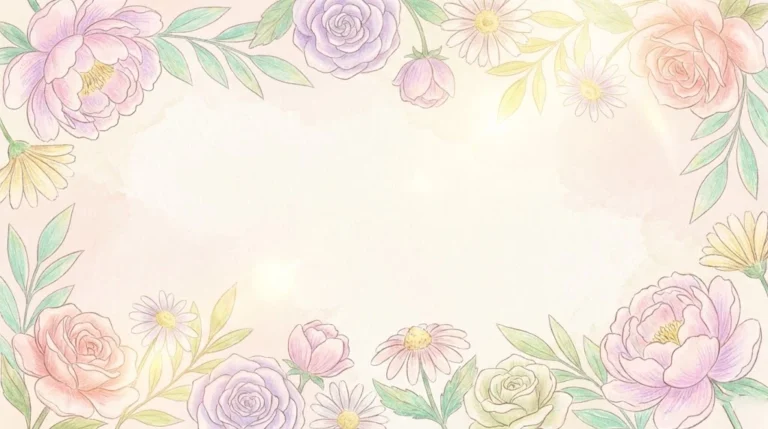
Soft Floral Design
Replace the highlighted text with your own details before you run the prompt.
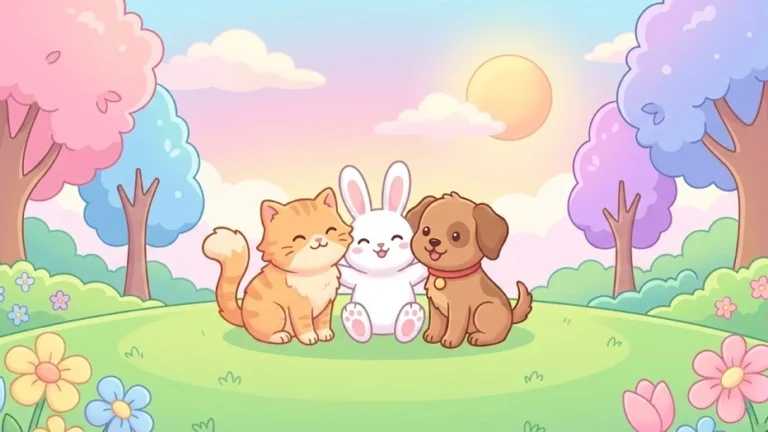
Cute Animal Park Scene
Replace the highlighted text with your own details before you run the prompt.
More in AI Graphic Design Prompts
This guide is part of our AI Graphic Design Prompts hub, where you’ll find every related guide, along with tips and common questions.