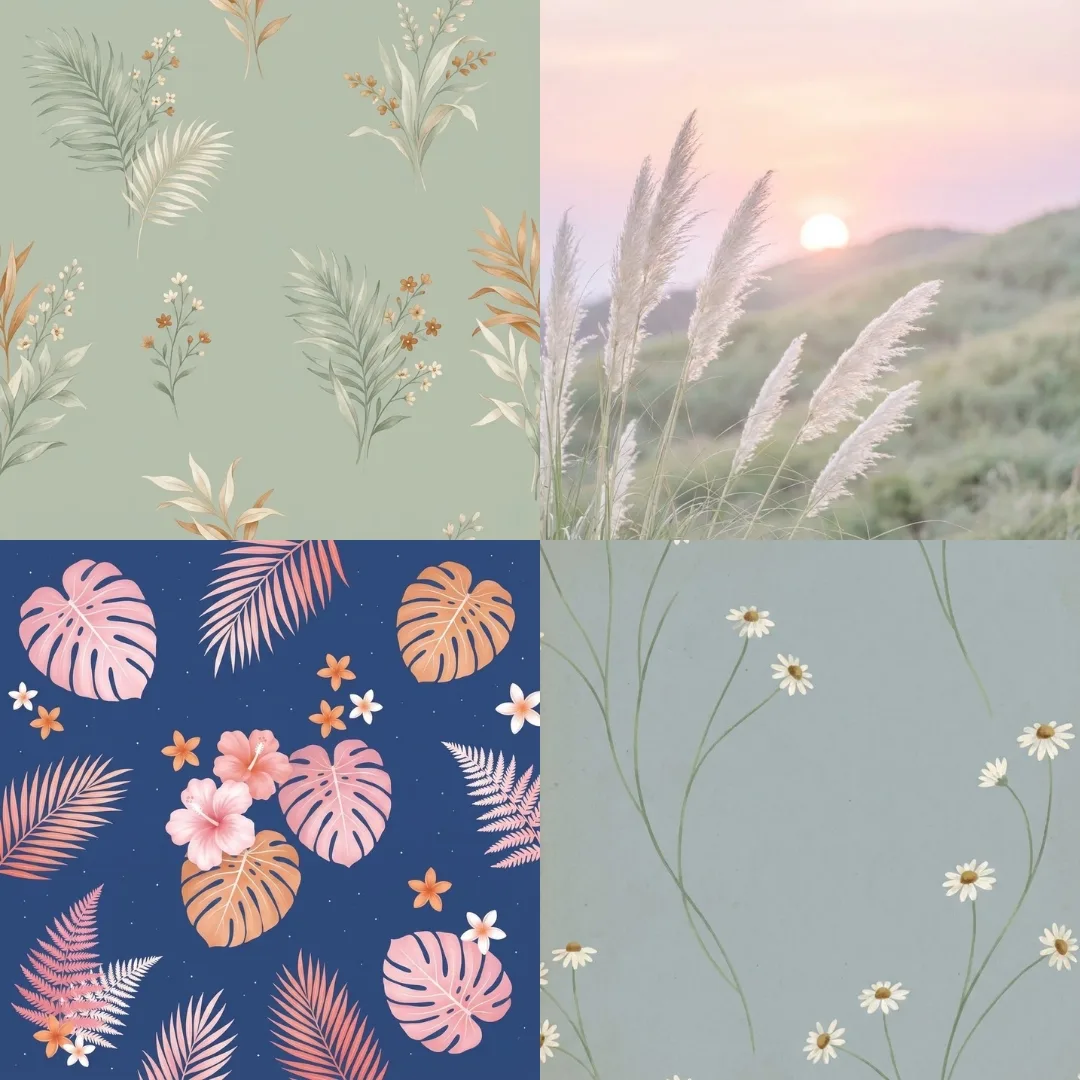
These AI prompts create aesthetic wallpaper in four looks: calm florals, preppy pastels, playful doodle patterns and minimal line art. Paste a prompt into your image tool and choose 9:16 for a phone or 16:9 for a desktop. Quieter designs make icons easier to read, so save the busier ones for your lock screen.
What’s on This Page
| Section | Prompts | Best for |
|---|---|---|
| Calm floral and botanical | 4 | A soft, quiet home screen |
| Preppy Wallpaper Prompts | 6 | Pastels, bows and neat patterns |
| Doodle Wallpaper Prompts | 6 | Tiny hand-drawn icon patterns |
| Line Art Wallpaper Prompts | 6 | Minimal screens with empty space |
| Cute Halloween Wallpaper Prompts | 6 | Cozy seasonal screens |
| JSON Prompts to Enhance a Wallpaper | 6 | Upgrading a wallpaper you have |
| Minimal Beach Wallpaper Prompts | 6 | Calm phone wallpapers |
Calm Floral and Botanical Prompts
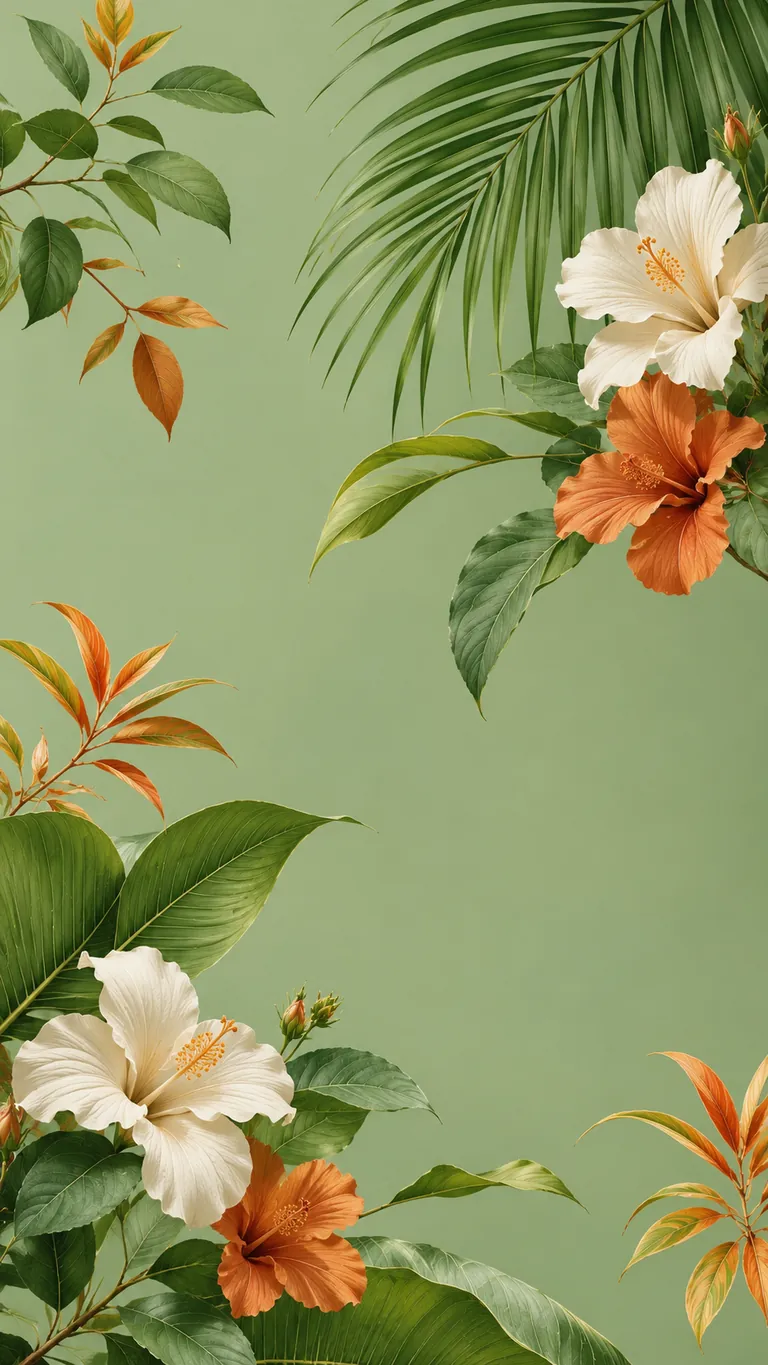
Pastel Botanical Floral
Example image made with ChatGPT from this prompt.

Delicate White Daisies
Example image made with ChatGPT from this prompt.

Dreamy Pampas Grass
Example image made with ChatGPT from this prompt.
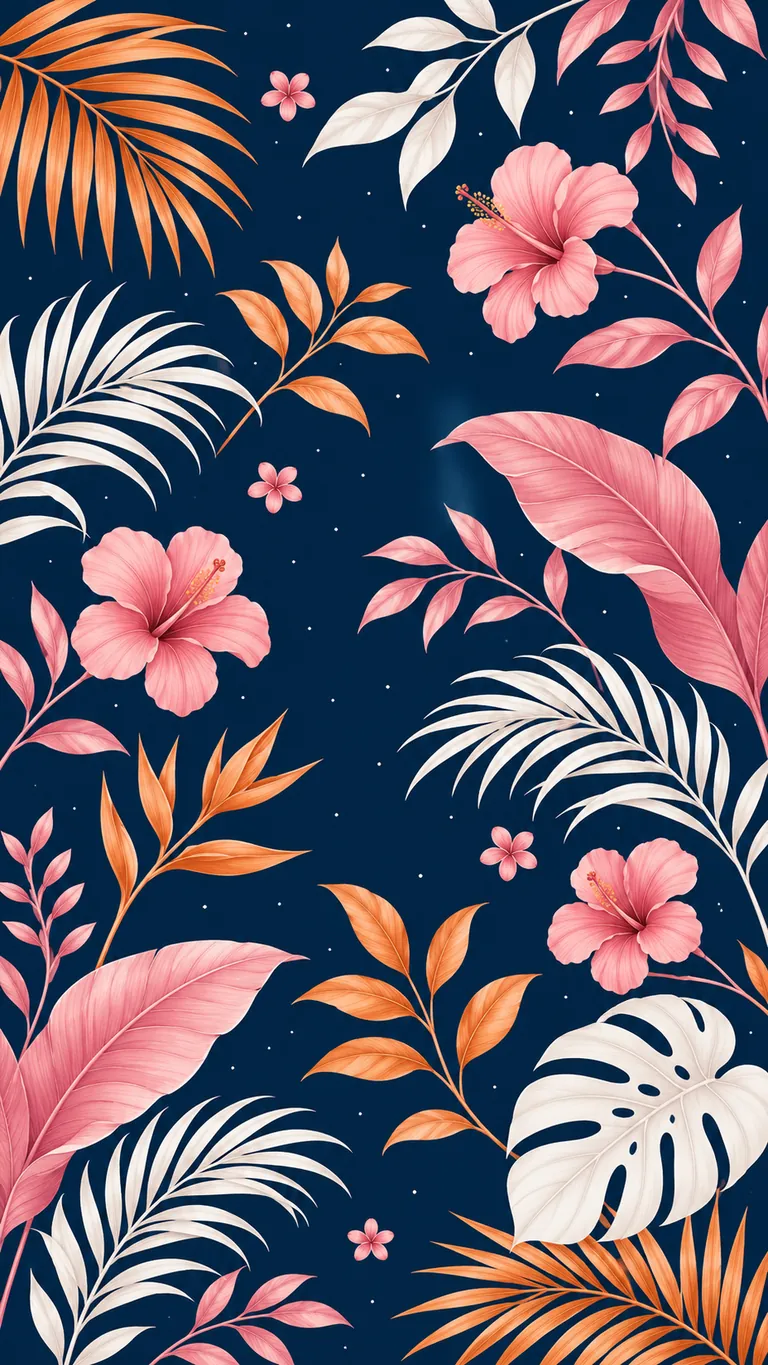
Tropical Botanical Illustration
Example image made with ChatGPT from this prompt.
Preppy Wallpaper Prompts
These six AI prompts create a preppy wallpaper in pastel colours, with details such as lace, gold-veined marble, velvet hearts and watercolor flowers.
Preppy designs look tidy and a little polished, usually with pastel pink, bows, hearts and neat patterns. Change the colours or the pattern size to make a design your own.
How to Make a Preppy Wallpaper for iPhone
Choose a 9:16 aspect ratio in your image tool. Quiet patterns keep your app icons easy to read, so Lace & Satin and Gold Foil Marble are good options for a home screen. Save the busier designs for your lock screen.

Lace & Satin Prompt
Replace the highlighted text with your own details before you run the prompt.

Watercolor Floral Wash Prompt
Replace the highlighted text with your own details before you run the prompt.

Gold Foil Marble Prompt
Replace the highlighted text with your own details before you run the prompt.

Velvet Hearts Prompt
Replace the highlighted text with your own details before you run the prompt.

Preppy Notebook Doodle Prompt
Replace the highlighted text with your own details before you run the prompt.

Glitter Gradient with Butterflies Prompt
Replace the highlighted text with your own details before you run the prompt.
Doodle Wallpaper Prompts
These six AI prompts create doodle wallpaper filled with tiny hand-drawn icons, with themes including space, desserts, gardens, school, travel and the beach.
Choose a topic you like, then keep the design from getting cluttered by asking for even spacing, a small colour palette and icons of a similar size.
The prompts ask for seamless patterns, but AI doesn’t always deliver a true repeat. That won’t matter on a phone. If you need one that tiles across a large screen, test it first.
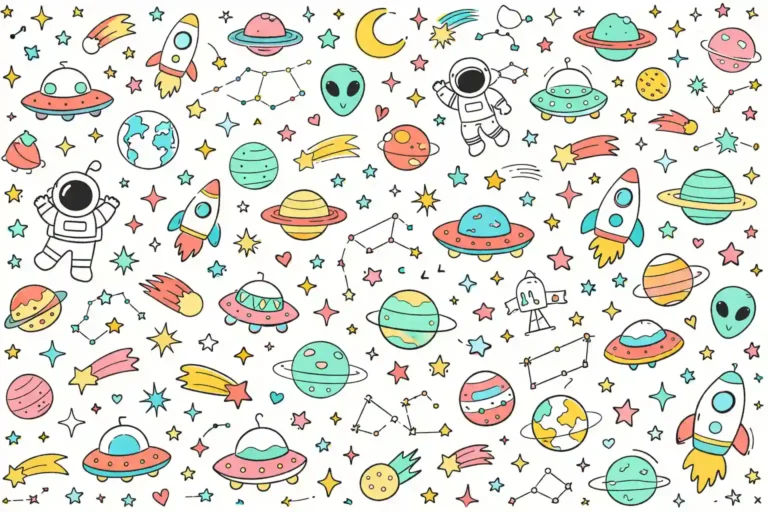
Cute Space Doodle Wallpaper
Replace the highlighted text with your own details before you run the prompt.
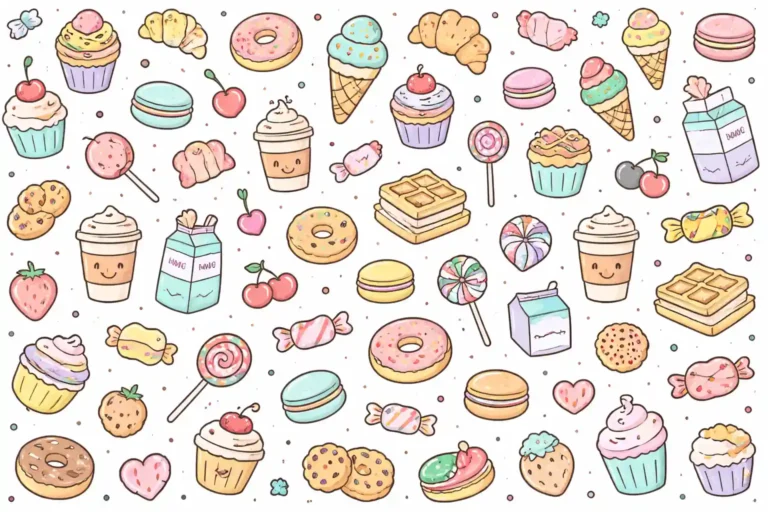
Sweet Food & Dessert Doodle Wallpaper
Replace the highlighted text with your own details before you run the prompt.
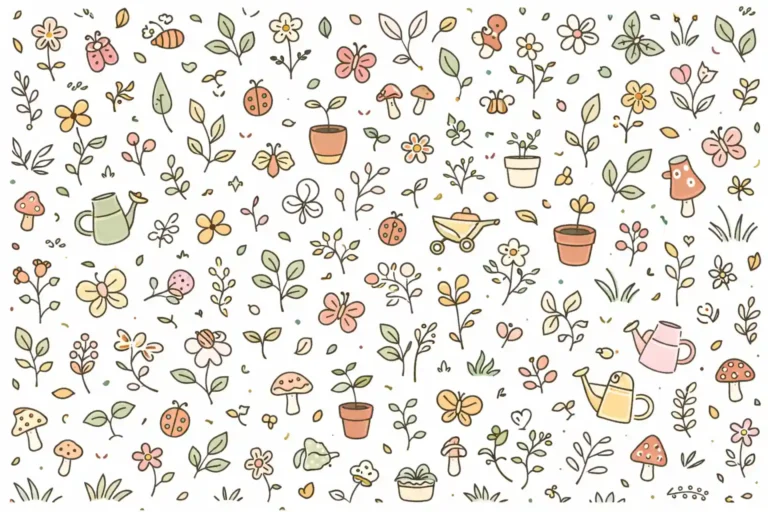
Nature Garden Doodle Wallpaper
Replace the highlighted text with your own details before you run the prompt.
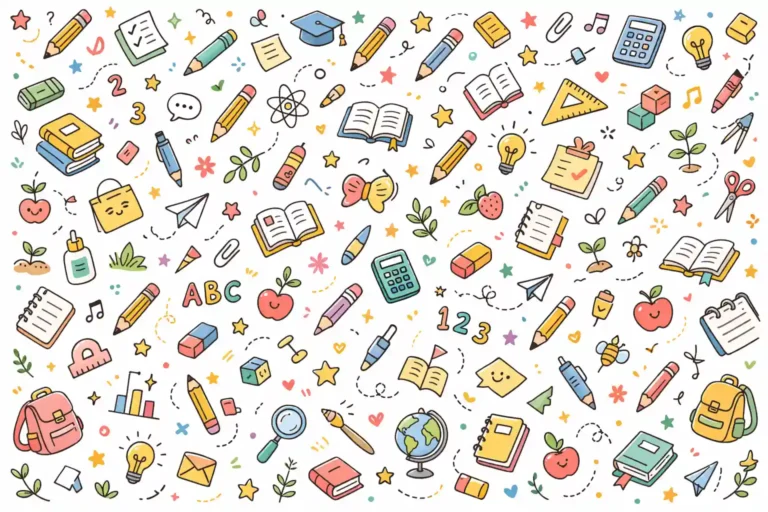
School & Study Doodle Wallpaper
Replace the highlighted text with your own details before you run the prompt.
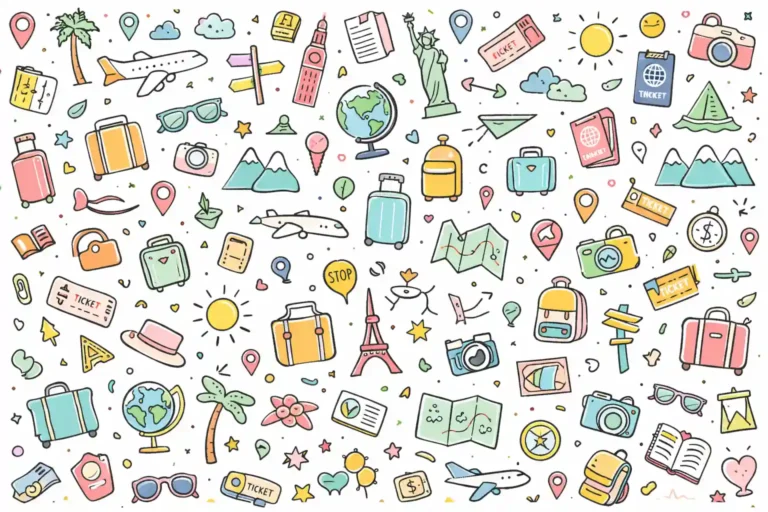
Travel Adventure Doodle Wallpaper
Replace the highlighted text with your own details before you run the prompt.
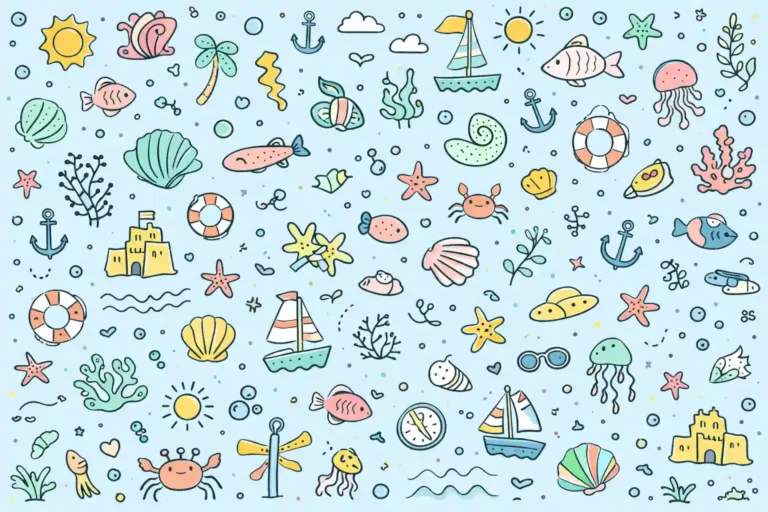
Ocean & Beach Doodle Wallpaper
Replace the highlighted text with your own details before you run the prompt.
Line Art Wallpaper Prompts
These six AI prompts create line art wallpaper with plenty of empty space: a continuous face, botanical stems, abstract waves, geometric lines, mountains and a one-line figure.
Keep the main design away from the area where your clock or icons appear. Set 9:16 for a phone or 16:9 for a desktop, and use a dark background if you prefer a softer look at night.
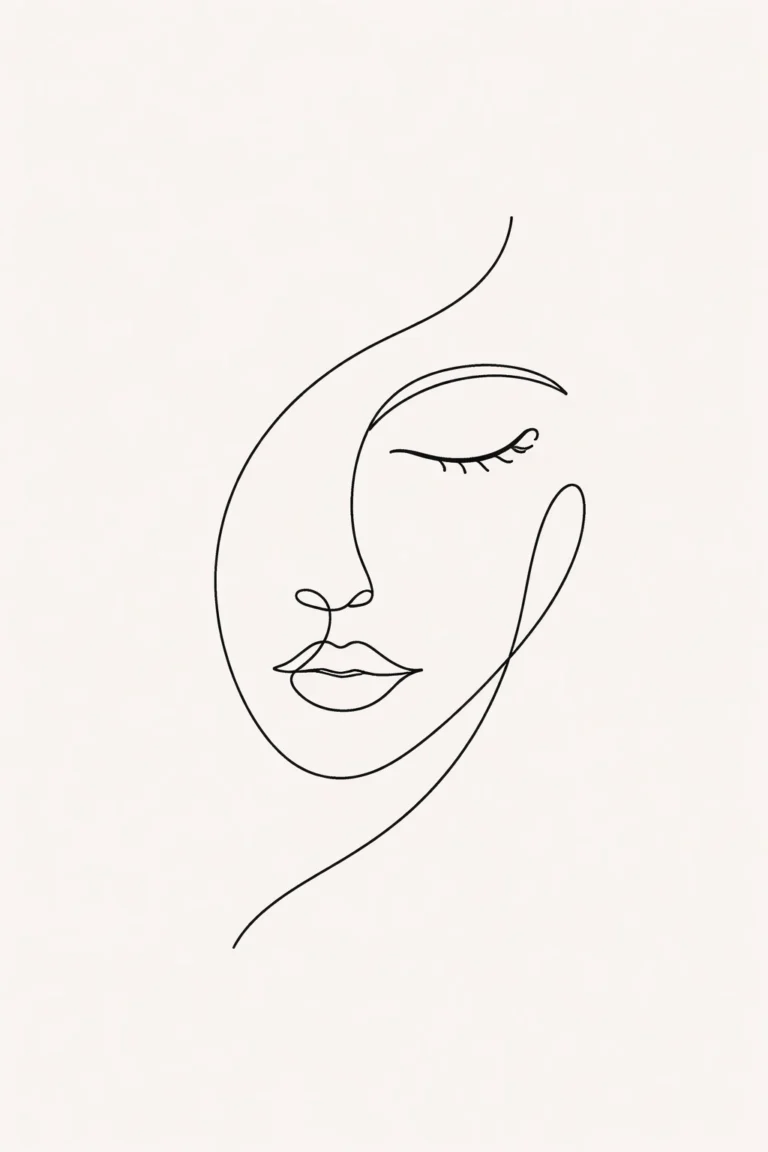
Continuous Face Flow
Replace the highlighted text with your own details before you run the prompt.
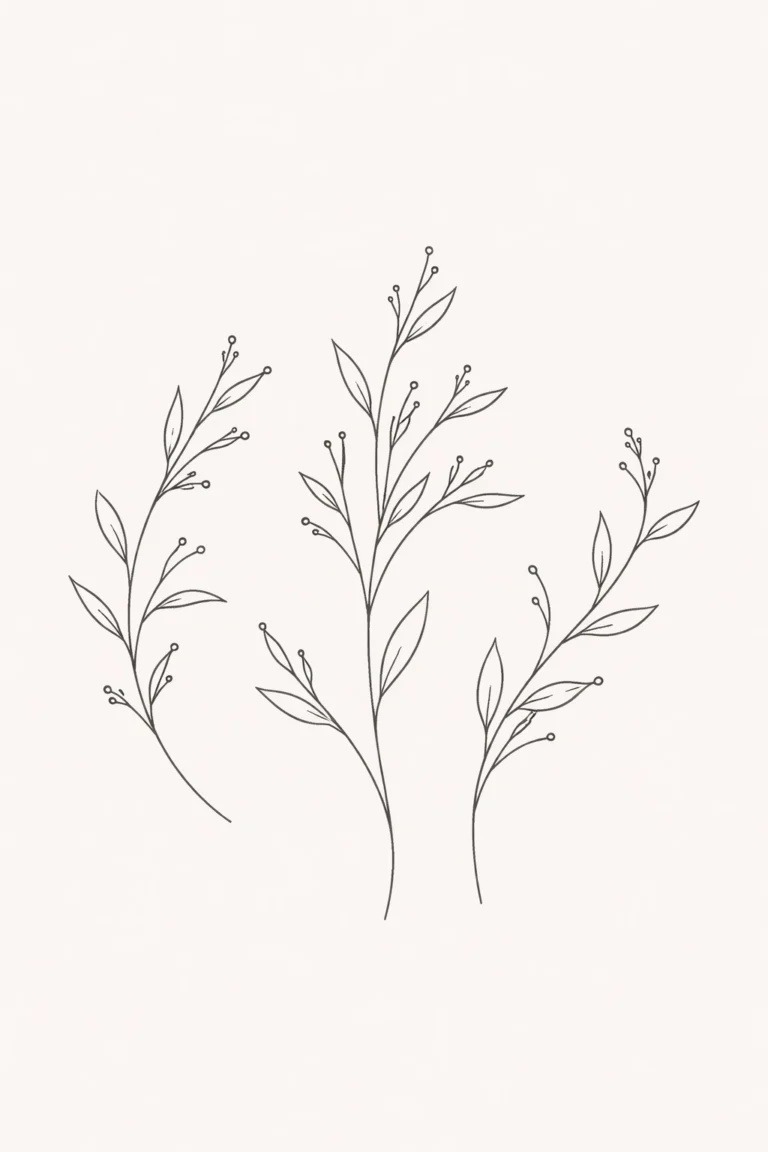
Botanical Line Balance
Replace the highlighted text with your own details before you run the prompt.

Abstract Wave Motion
Replace the highlighted text with your own details before you run the prompt.

Geometric Line Structure
Replace the highlighted text with your own details before you run the prompt.

Mountain Horizon Lines
Replace the highlighted text with your own details before you run the prompt.
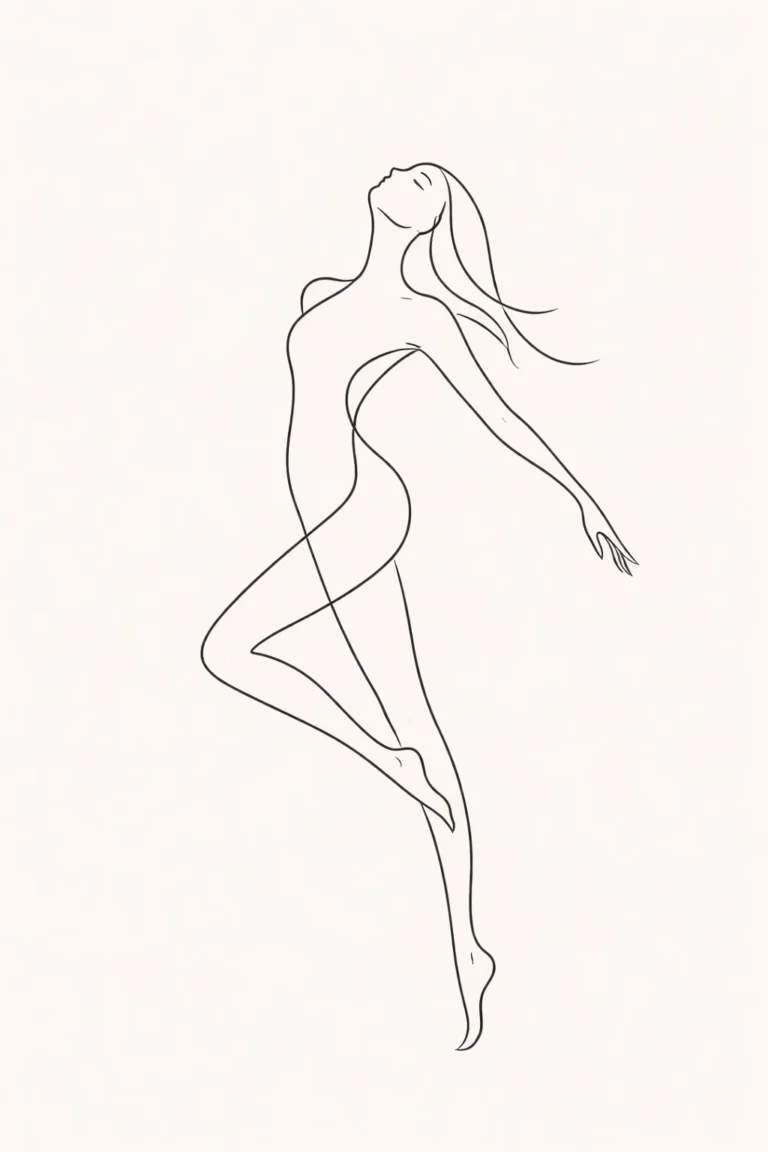
Abstract One-Line Figure
Replace the highlighted text with your own details before you run the prompt.
Cute Halloween Wallpaper Prompts
These six AI prompts create cute Halloween wallpaper that’s cozy rather than scary, with glowing pumpkins, friendly ghosts, a rooftop witch and a black cat by a lantern.
Warm light does most of the work, so keep words like lantern glow and golden light in the prompt. Set your tool to 9:16 for a phone or 16:9 for a desktop. Try swapping the pastel colours for orange and purple if you want a more traditional look.
6 Cute Halloween Wallpaper Prompts
The Pumpkin Meadow and Ghost Picnic are wide outdoor scenes that suit desktops. The Window Cat is simpler, so it’s a good choice for a phone.
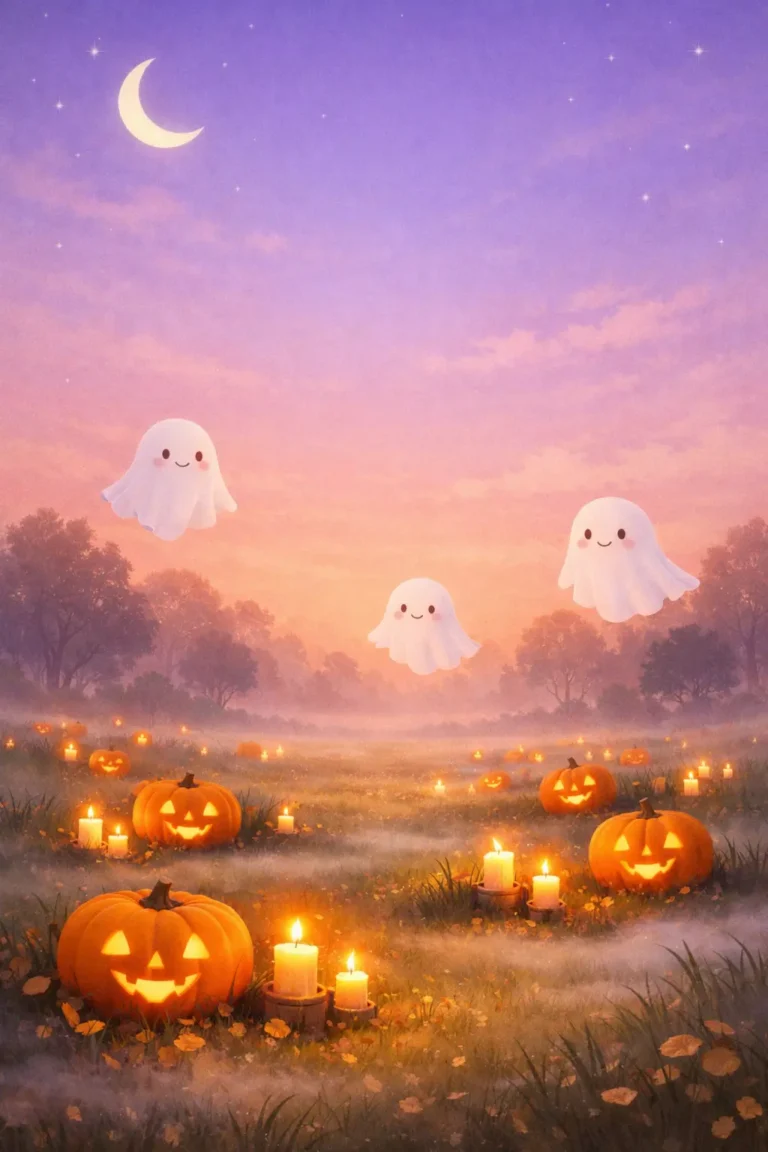
Pumpkin Glow Meadow at Twilight
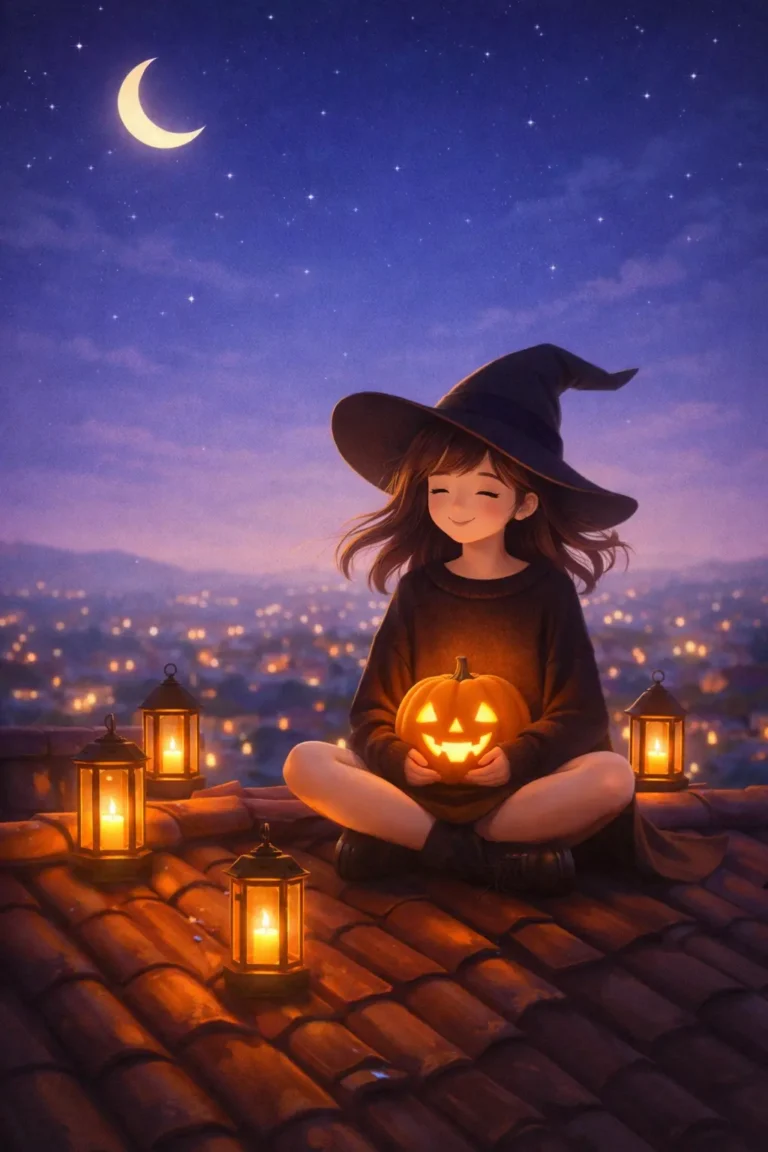
Cozy Witch Rooftop Evening
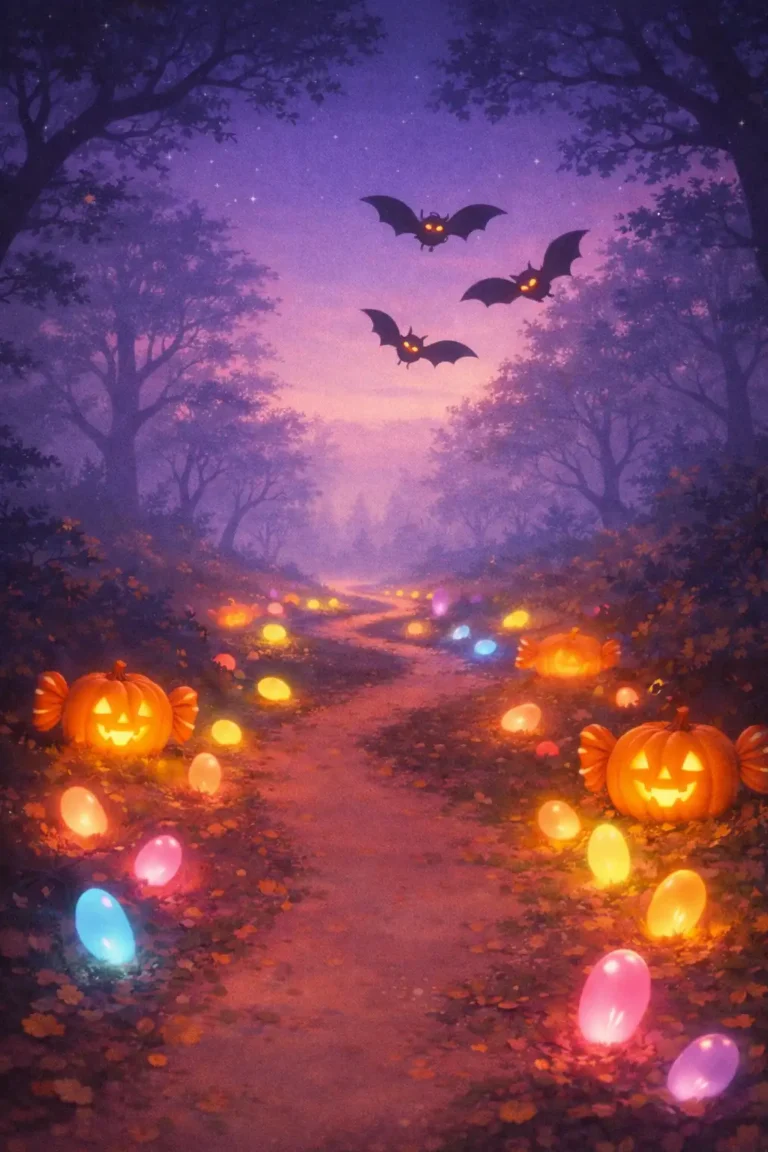
Enchanted Candy Forest Path
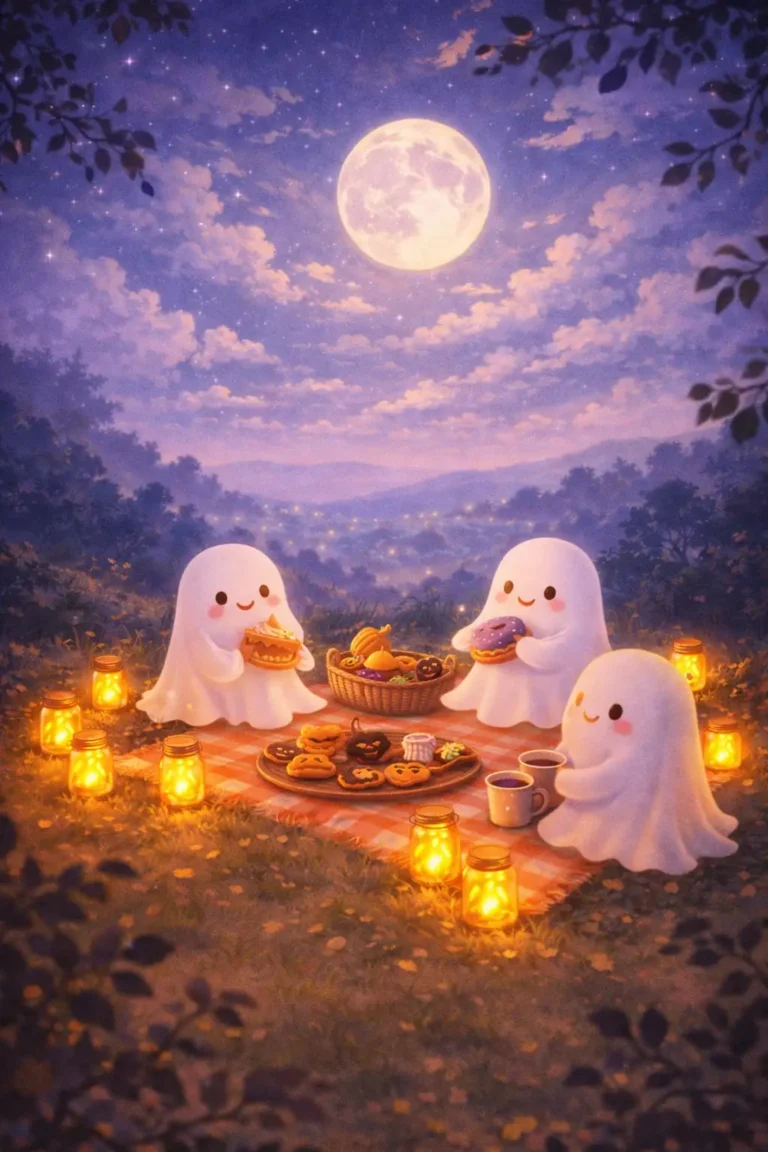
Ghost Picnic Under Autumn Sky
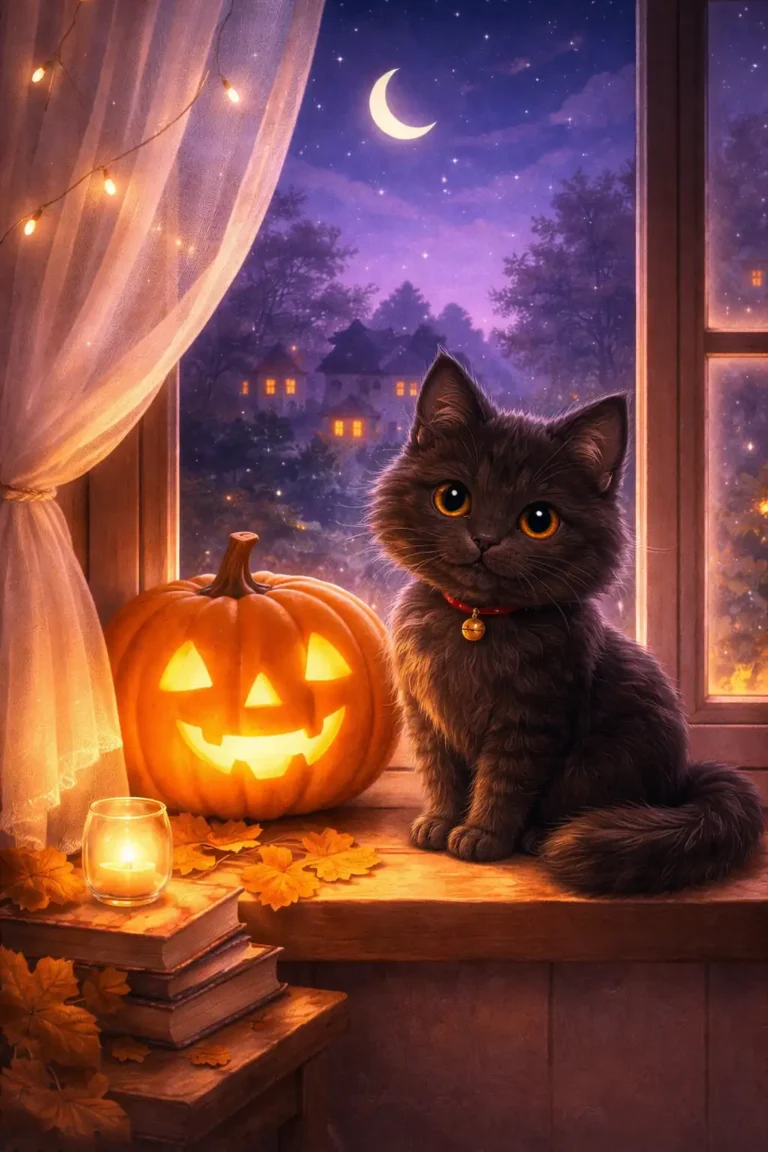
Window Cat & Lantern Scene

Candy Cauldron Courtyard Glow
JSON Prompts to Enhance a Wallpaper
A JSON prompt gives an AI image tool separate instructions for style, lighting, detail and colour. These six prompts enhance a wallpaper you upload, with a before and after example for each.
What Is a JSON Prompt?
JSON is a simple way to organize information into labelled fields. In an AI prompt, each field covers one part of the image, such as "lighting" or "color". Image tools read this as ordinary text, so there’s nothing to install and no special syntax to learn.
Why Use a JSON Prompt?
The labels help you check that you’ve covered everything, and they make it easy to change one setting while leaving the rest alone:
- Sharpness and clarity
- Lighting and shadows
- Colour
- Depth and atmosphere
JSON isn’t magic, and a clear sentence can work just as well. Its main benefit is a tidy, reusable structure.


Cinematic Ultra HD Enhancement (Universal)
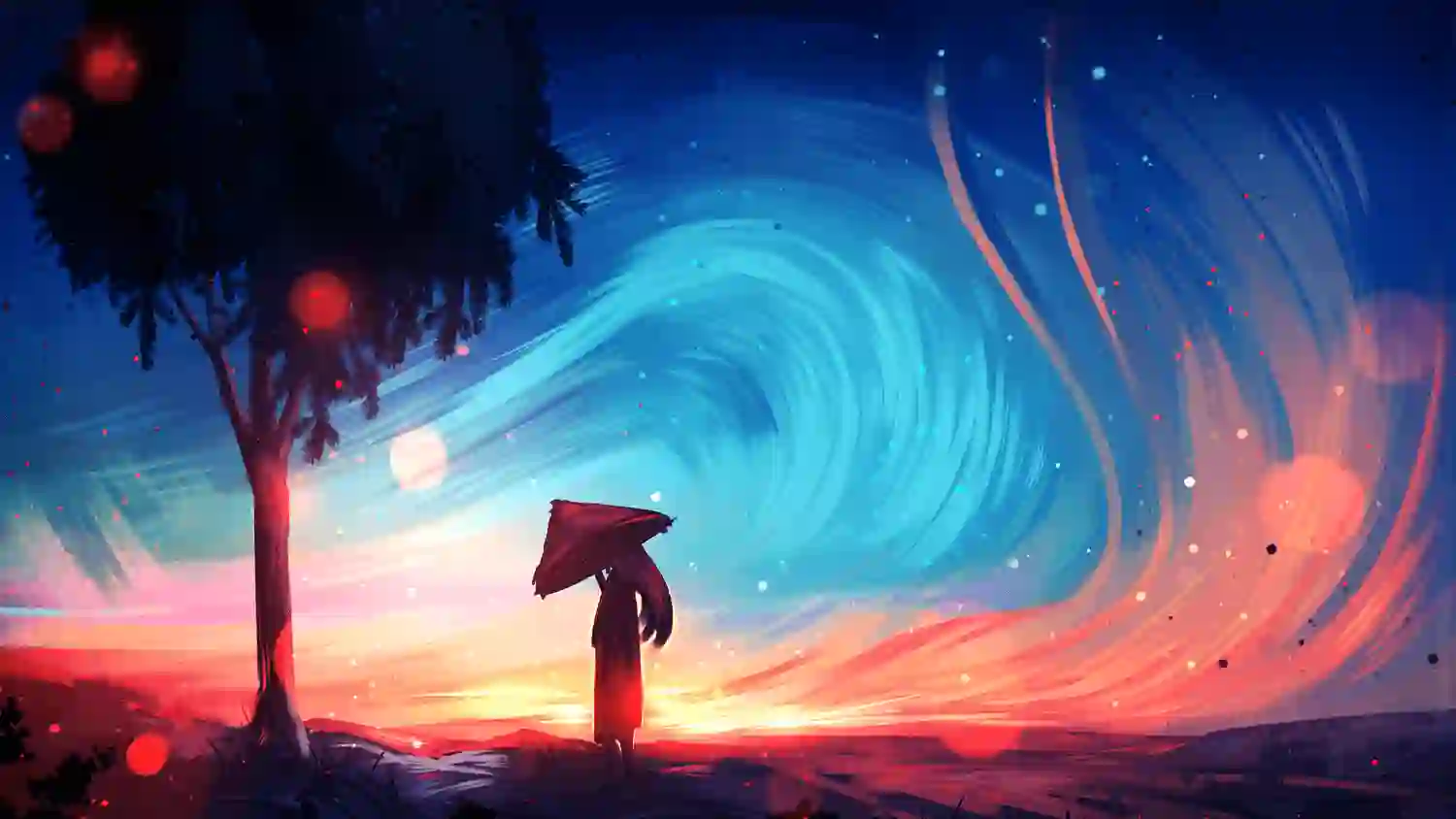

Sharpness & Detail Recovery
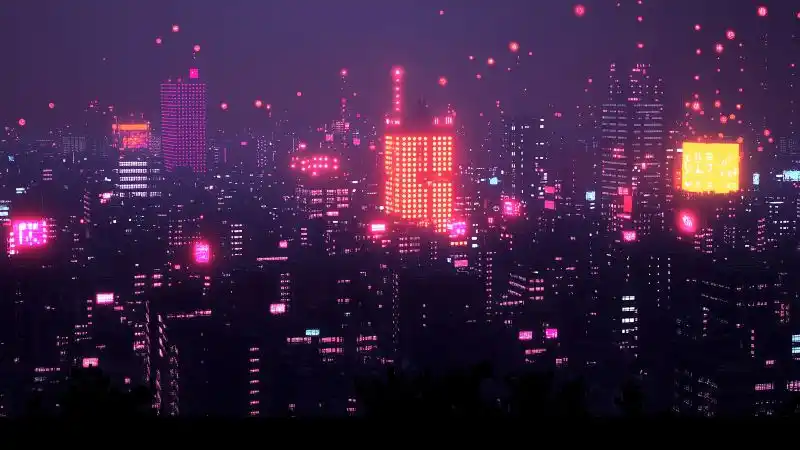
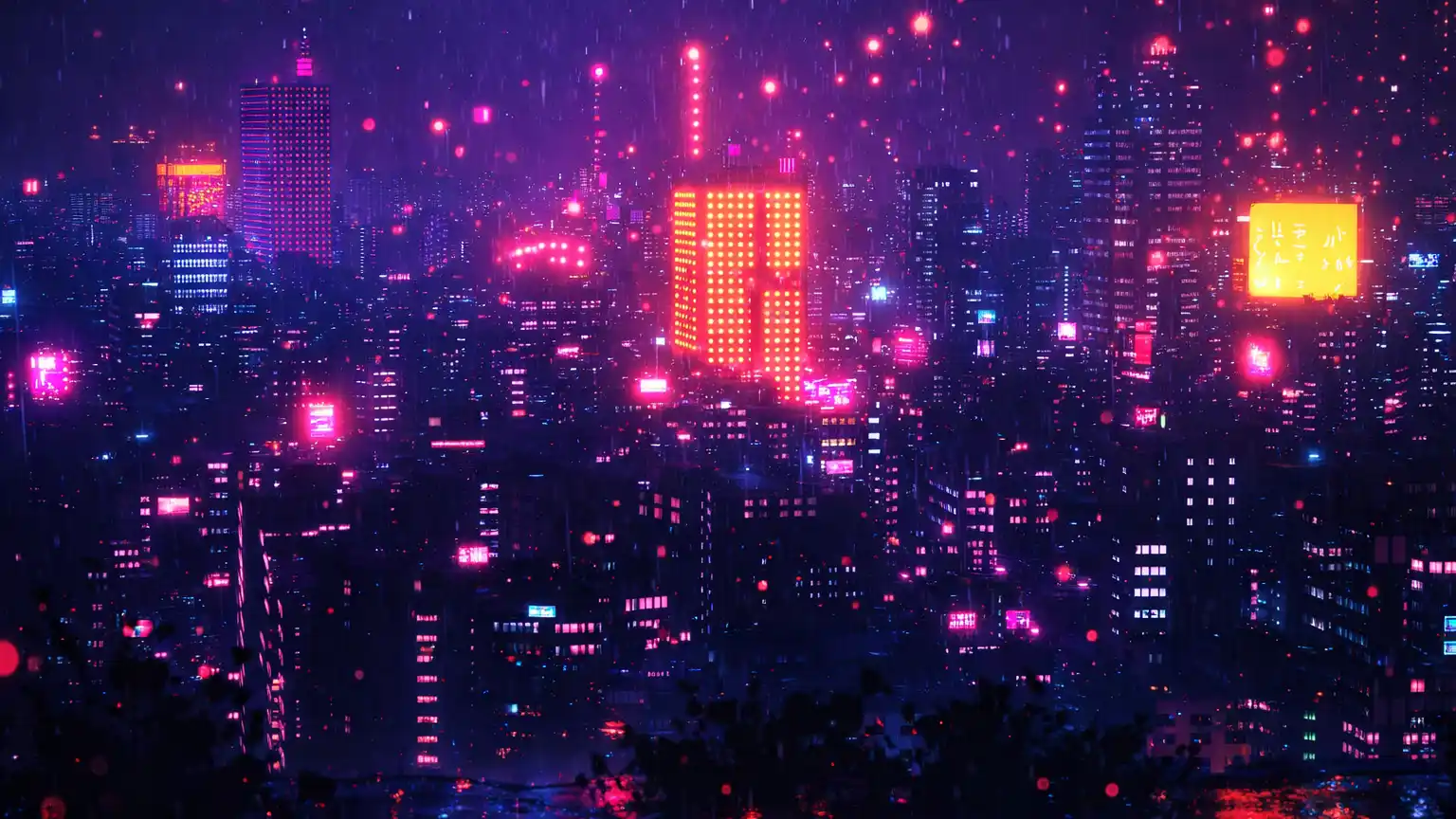
Cyberpunk Neon Enhancement
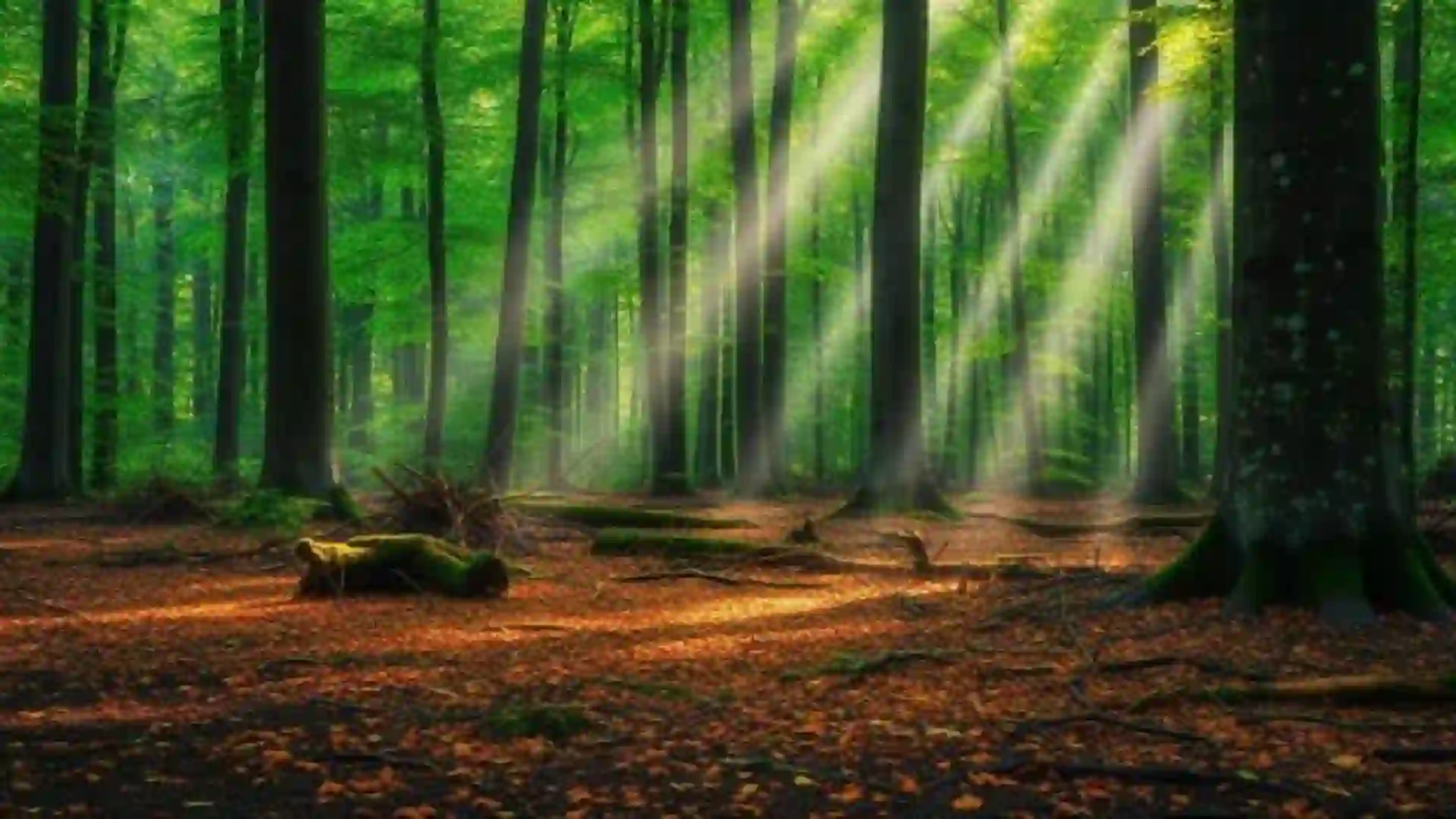
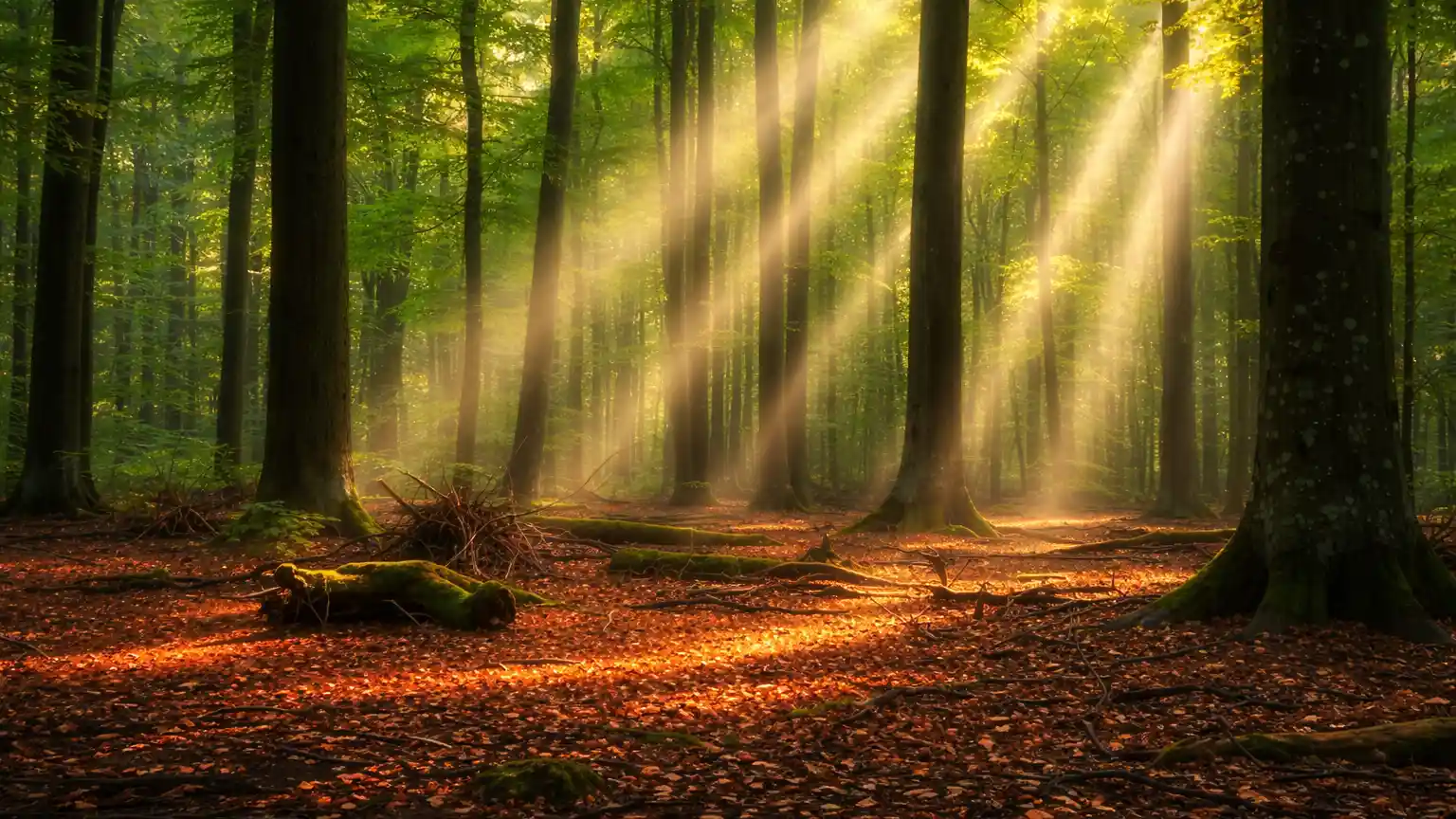
Nature & Landscape Realism
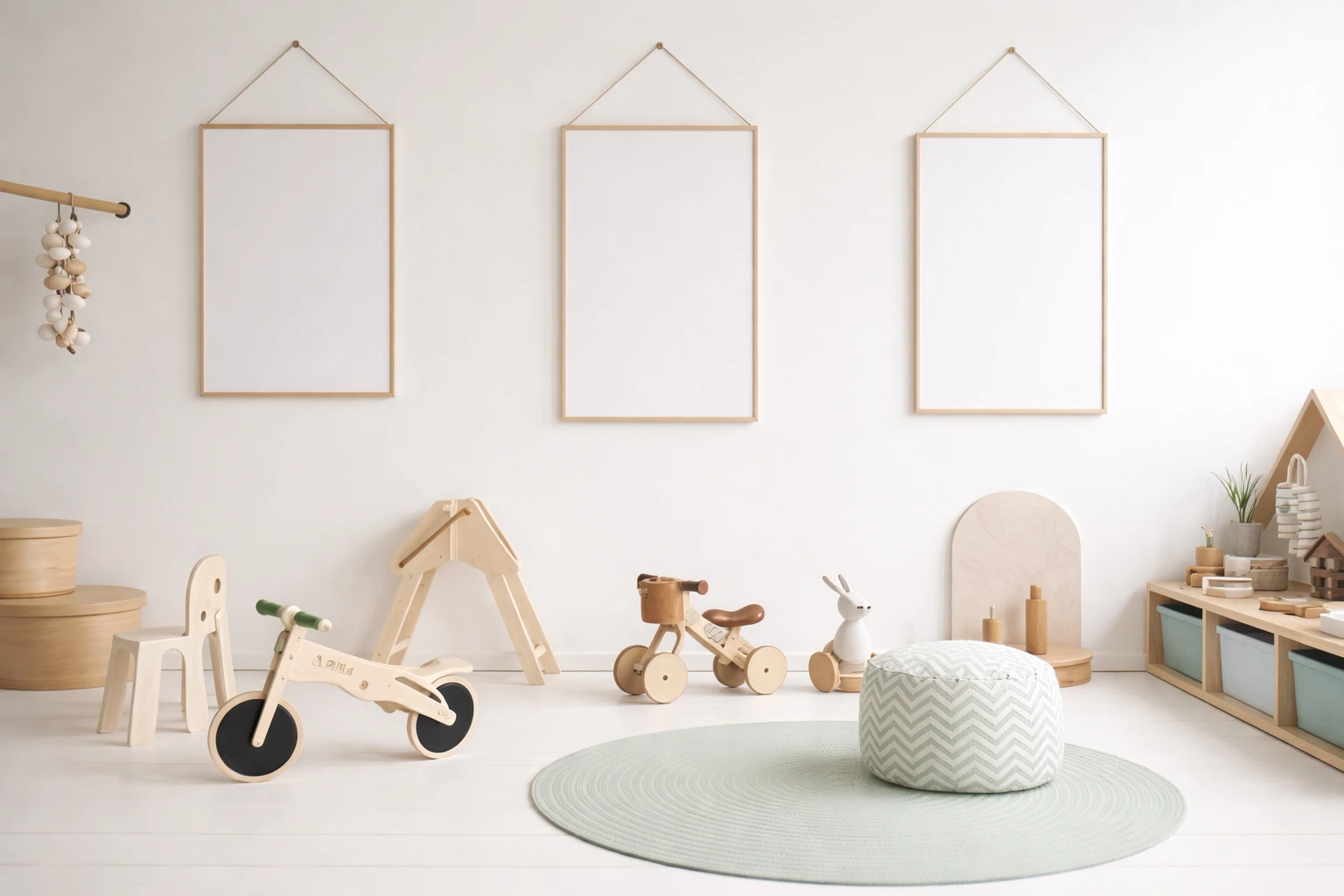
Minimal Clean Aesthetic
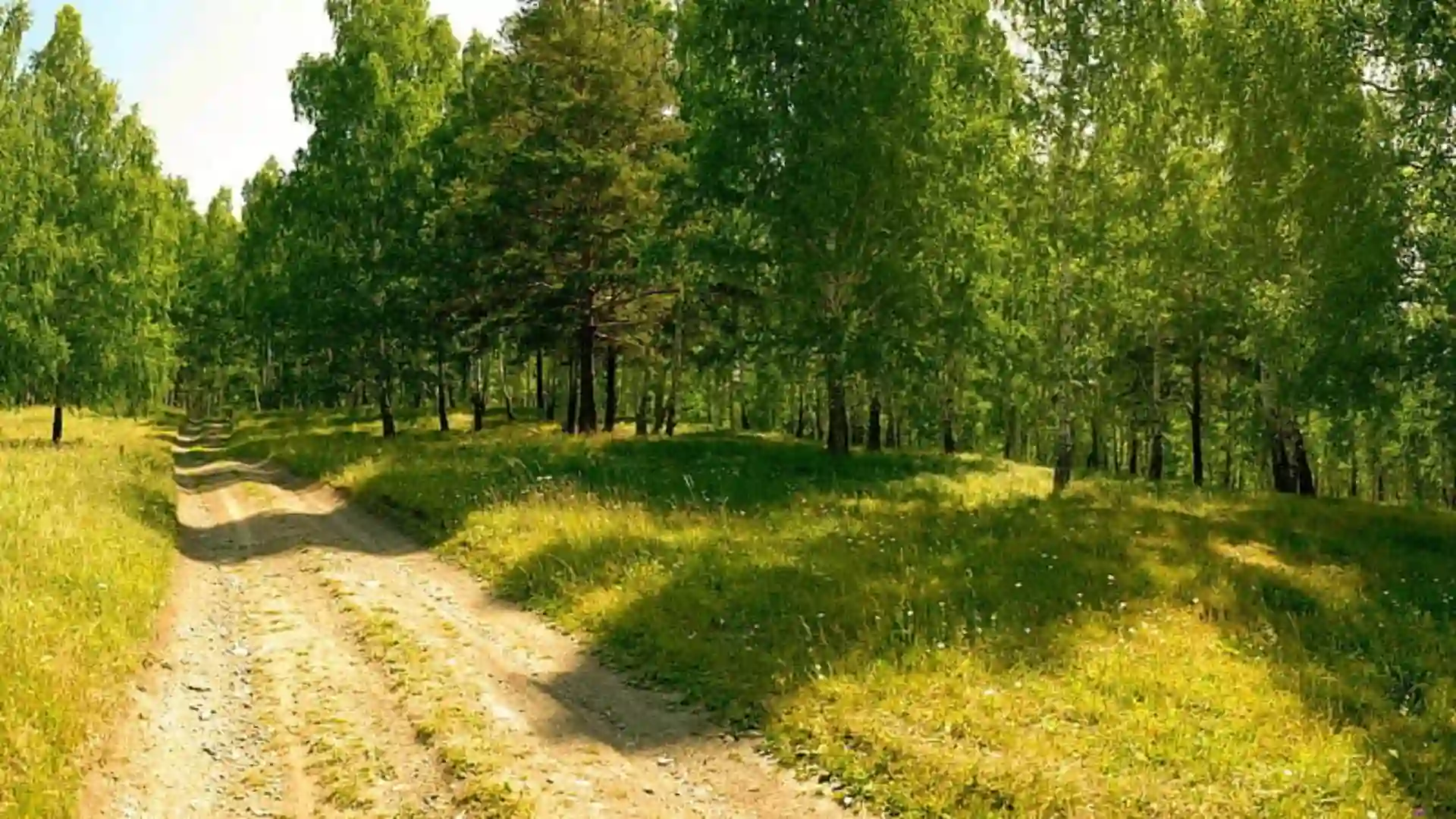
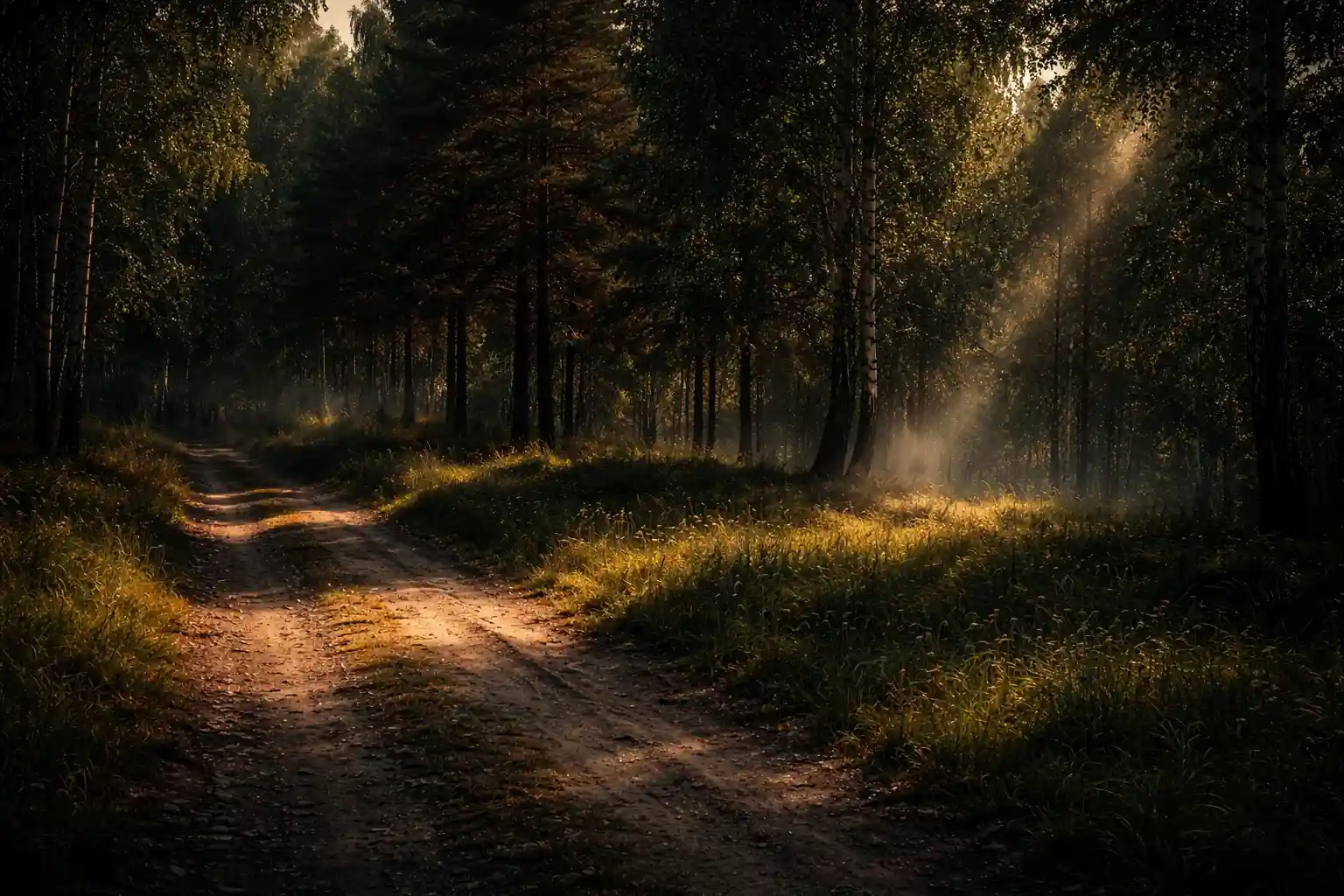
Dark Moody Cinematic Style
How to Get Better Results
- Start with lighting. It usually changes the image the most.
- Change one field at a time. That shows you which setting made the difference.
- Keep it short. Too many extra effects can make the image look messy.
- Match the wallpaper. Use the nature prompt for a landscape, and the cyberpunk prompt for a neon city.
- Check the size. Tools may not deliver the “8k” in the prompt, so check the final file if you need that resolution.
Minimal Beach Wallpaper Prompts
A beach photo can look beautiful on a large screen and still be awkward as a wallpaper. The subject might sit exactly where the clock appears, or the foreground might be so detailed that the icons disappear into it.
I found that the simpler images were easier to use. A little open sky, a clean patch of sand, or a distant horizon gives the phone interface some breathing room without needing a completely empty image.
You do not need a blank background. You just need to avoid putting the most interesting part of the picture where your clock is going to cover it.
Why I Kept These Prompts Fairly Simple
When I first started trying beach scenes in ChatGPT, I was adding too many details. More clouds, more reflections, more tropical elements, more cinematic lighting. The result was usually a wallpaper that looked like a travel advertisement.
The better results came from deciding what the image should focus on before writing the prompt.
For this set, that meant:
- One main subject
- A vertical 9:16 layout
- Softer colors
- Less clutter in the foreground
- Enough open space for the phone interface
How I Use ChatGPT to Refine the Images
I do not usually get the exact wallpaper I want on the first attempt. ChatGPT may place the palm tree in the middle, make the sunset too orange, or add objects that were never really needed.
Instead of starting over, I normally ask for one change at a time.
For example:
“Keep the same image, but move the palm tree to the left and leave more empty space in the center.”
Or:
“Remove the extra objects from the beach. Keep the scene simple.”
That is much easier than rewriting the entire prompt every time something looks slightly wrong.
Beach Minimalism Phone Wallpapers AI Prompts

Soft Ocean Horizon Wallpaper

Pink Sunset Beach Wallpaper

Tropical Palm Minimal Wallpaper
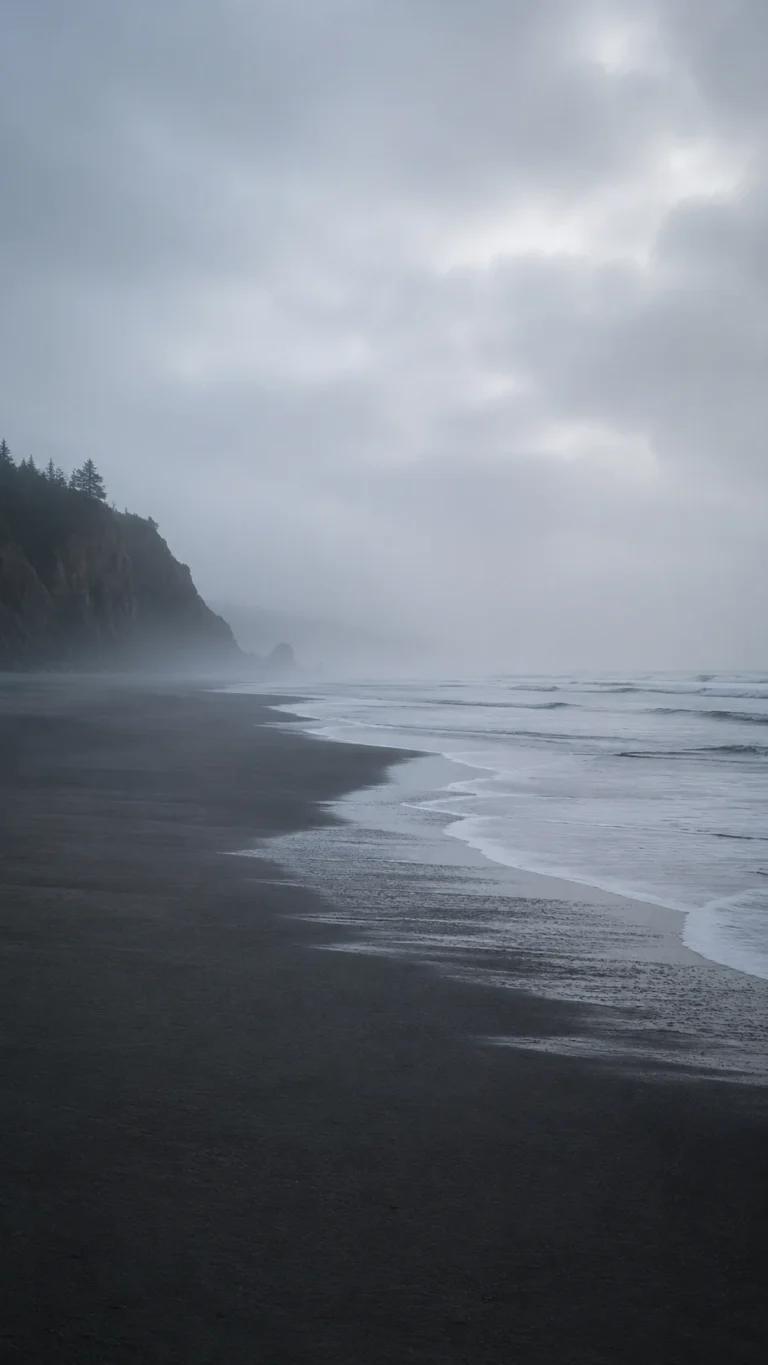
Foggy Coastal Wallpaper

Minimal Wave Texture Wallpaper

Luxury Coastal Sunrise Wallpaper
What to Tell ChatGPT When the First Image Looks Wrong
You do not always need a new prompt. Sometimes one short instruction fixes most of the problem.
Too Many Objects
“Remove the boats, rocks, birds, and extra objects. Keep only the main beach scene.”
Too Much Orange
“Make the sunset less orange and use softer pink, blue, and neutral tones.”
Subject in the Middle
“Move the main subject slightly to one side and leave clear space in the center.”
Too Much Detail
“Simplify the foreground and reduce the amount of visible texture and objects.”
Looks Like Digital Art
“Make the sand, water, and lighting look more natural, like a real coastal photograph.”
Horizon in the Wrong Place
“Lower the horizon slightly and leave more open sky above it.”
Which Prompt Is Worth Trying First?
If you want a wallpaper that works with almost any phone layout, start with Soft Ocean Horizon.
For a little more color, go with Pink Sunset Beach.
If you like tropical wallpapers but do not want a crowded scene, try Tropical Palm.
Foggy Coastal is the better option for cooler, darker tones.
If you are tired of the usual beach landscape wallpaper, Minimal Wave Texture is probably the most different one in this list.
And Luxury Coastal Sunrise is a good pick if you prefer a softer morning look.
More in AI Graphic Design Prompts
This guide is part of our AI Graphic Design Prompts hub, where you’ll find every related guide, along with tips and common questions.