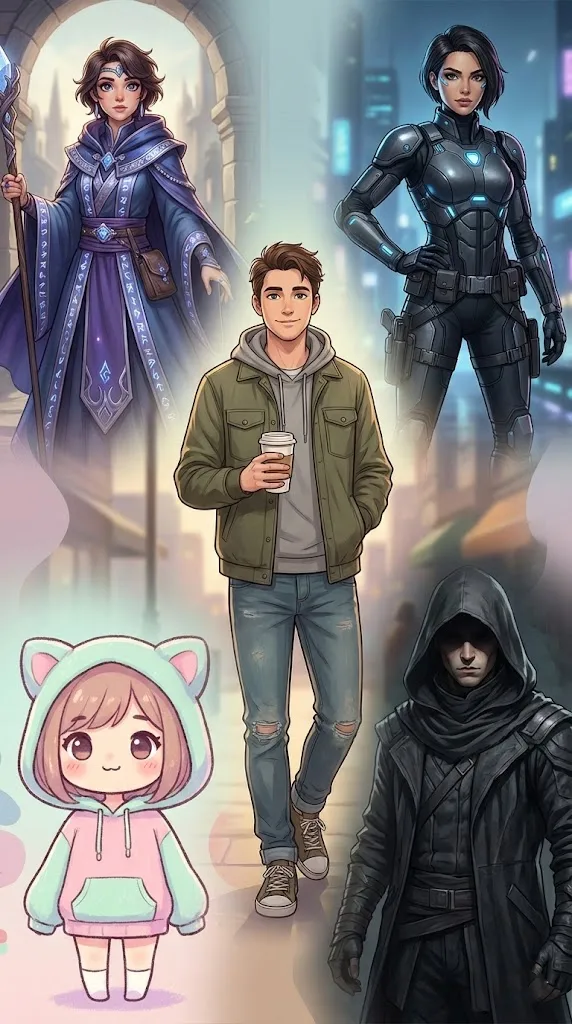
These 10 anime girl AI prompts cover five popular styles: kawaii, fantasy, cyberpunk, traditional kimono and warrior. Each style has an image prompt and a matching motion prompt, so you can create a picture and then animate it.
All of them are written as plain sentences. Copy one, paste it into your image tool, then change the hair, outfit or setting to make the character your own.
Which AI Tools to Use for Anime Girl Prompts
You can paste these prompts into Bing Image Creator, Gemini, ChatGPT, Midjourney, Leonardo AI, Flux, Ideogram or Stable Diffusion. The same words can look quite different from one tool to the next, so if a result misses the style you wanted, run the prompt in a second tool before you rewrite it.
What makes an anime prompt work
- Character: eyes, hair and expression, such as “big, sparkling eyes, soft pastel hair”.
- Outfit and props: one or two clear details, such as “a frilly pink dress with ribbons, holding a plushie”.
- Setting: where she is, such as “a high-tech cityscape with holographic billboards”.
- Light: the mood, such as “warm golden sunset hues” or “soft and glowing”.
- Art style: the finish you want, such as “traditional anime” or “kawaii aesthetics”.
Change one of these parts at a time. That makes it easy to see which words improved the image.
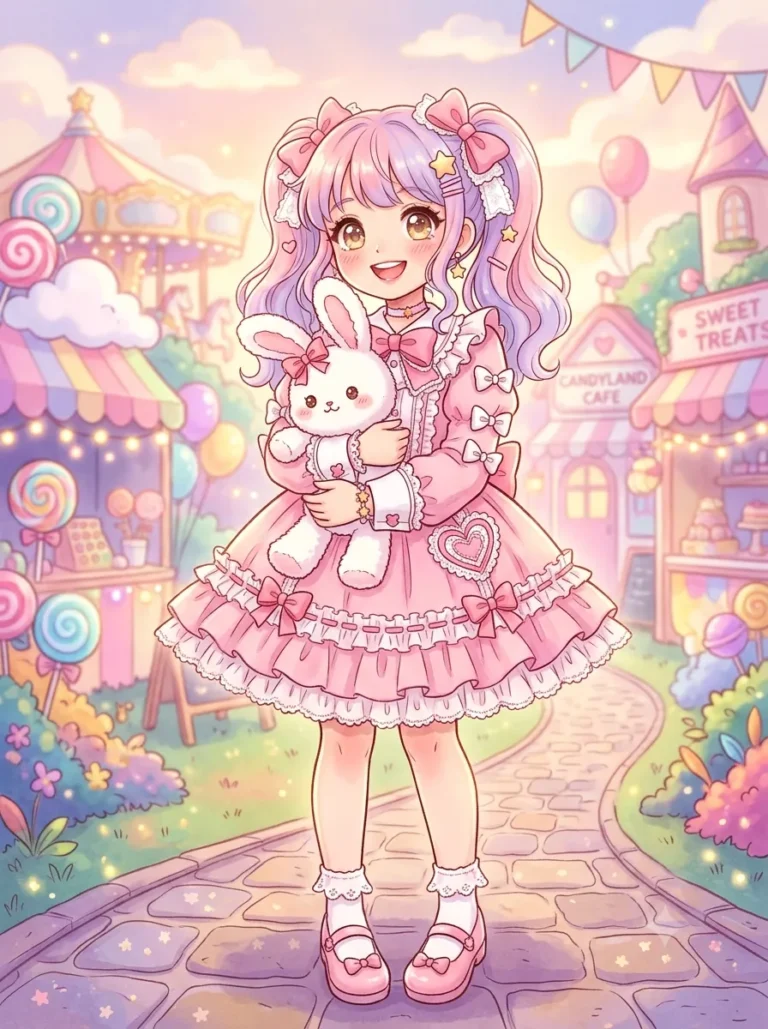
Cute Kawaii Anime Girl
Example image made with Gemini (Nano Banana) from this exact prompt.
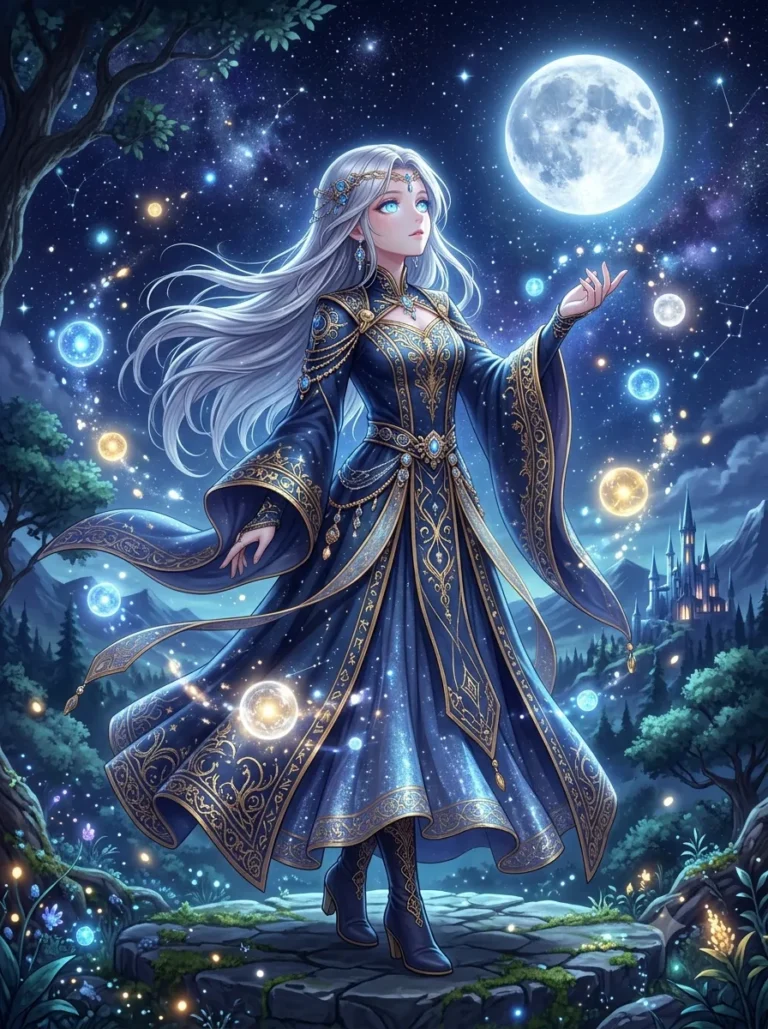
Fantasy-Themed Anime Girl
Example image made with Gemini (Nano Banana) from this exact prompt.
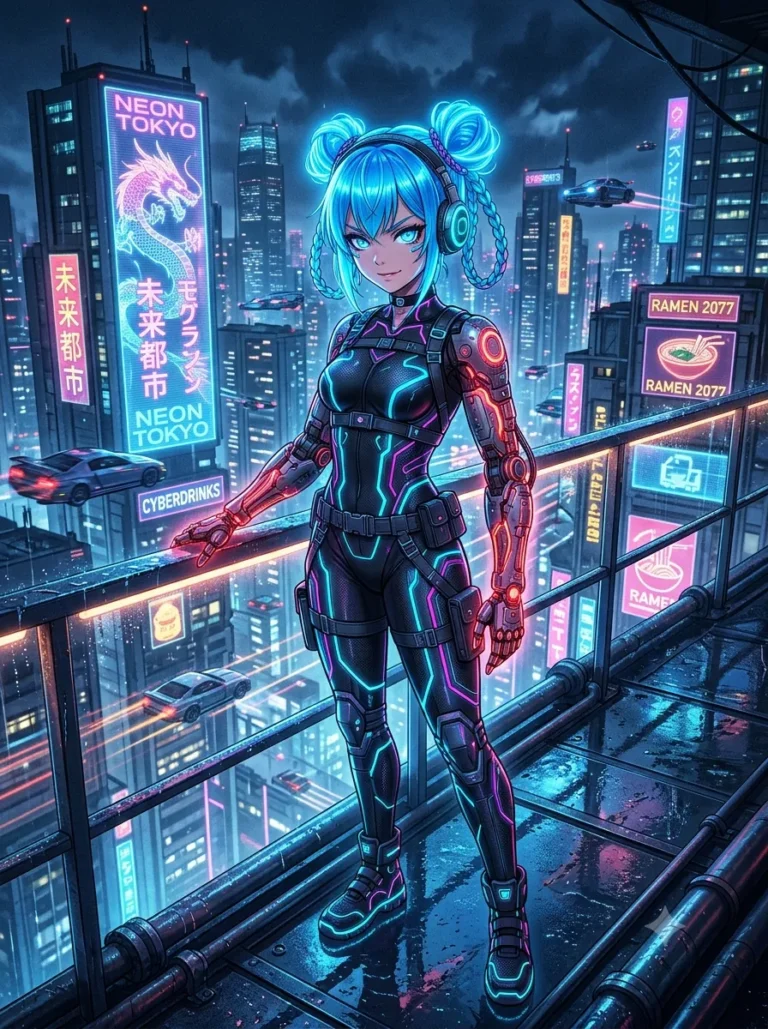
Cyberpunk Anime Girl
Example image made with Gemini (Nano Banana) from this exact prompt.
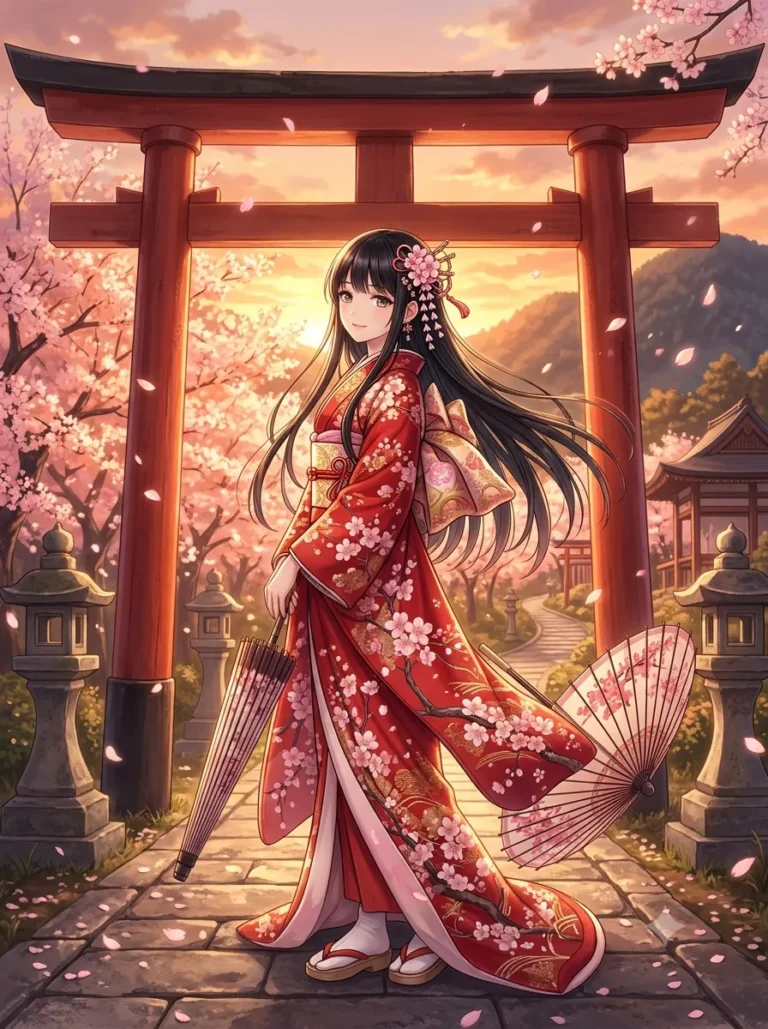
Traditional Kimono Anime Girl
Example image made with Gemini (Nano Banana) from this exact prompt.
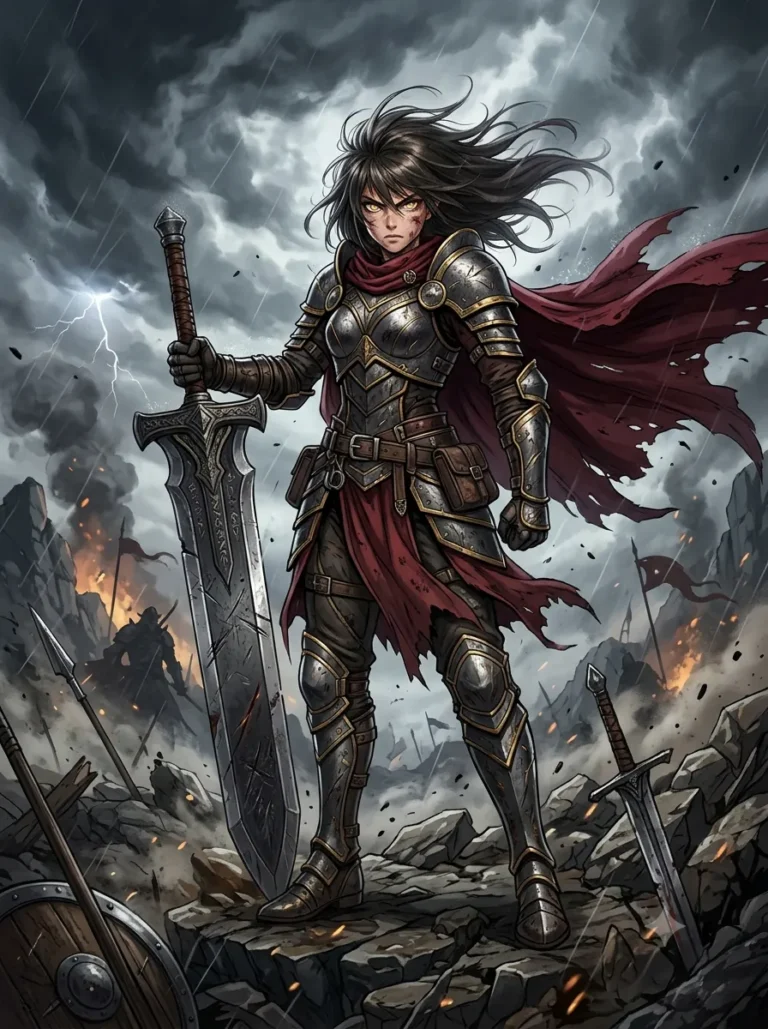
Anime Warrior Girl
Example image made with Gemini (Nano Banana) from this exact prompt.
How to Animate an Anime Girl AI Image
A motion prompt describes what moves, not what the character looks like, because your image already shows that. Include three things: small movements such as hair and blinking, light changes such as a neon flicker, and one camera move such as a slow zoom.
- Open Gemini and check that video generation with Veo is available on your plan.
- Upload the anime girl image you want to animate.
- Paste the motion prompt that matches the image style, from the list below.
- Check that the prompt matches your image. If you changed her hair or outfit, change those words too.
- Generate the clip, then download it if you like the result. If the movement looks unnatural, remove some motion details and try again.
Motion Prompts for Anime Girl AI
Cute & Kawaii Anime Girl Motion
Fantasy-Themed Anime Girl Motion
Cyberpunk Anime Girl Motion
Traditional Kimono Anime Girl Motion
Action-Packed Warrior Anime Girl Motion
How to Get Better Results
Start with the image prompt closest to the character you have in mind. Change one detail, generate again, and keep the wording that works. When you have an image you like, use the matching motion prompt to animate it.
Pro Tip
Eye colour, hairstyle and lighting change the look quickly, so try those first. Save the prompts that work for you, then reuse them to keep the same character across several images.
For more prompts, browse the Portray Media prompt library.
Build Your Own Anime Character
Replace the highlighted text with your own details before you run the prompt.
Character Reference Sheet
Replace the highlighted text with your own details before you run the prompt.
Style Words That Change the Look
Swap the style words in a prompt to change the whole image without changing the character:
| Look you want | Words to add | Works well for |
|---|---|---|
| Classic 90s anime | 1990s cel animation, soft film grain, muted colours | Nostalgic portraits and city scenes |
| Soft shoujo | delicate line art, large sparkling eyes, pastel palette, floral background | Romantic and gentle characters |
| Action shonen | bold outlines, dynamic angle, high contrast, speed lines | Fighters and battle scenes |
| Chibi | small body, oversized head, simple face, flat colours | Stickers and cute icons |
| Painted background anime | detailed painted background, soft sunlight, drifting clouds | Wallpapers and quiet scenes |
| Dark fantasy | deep shadows, muted palette, ornate armour, mist | Warriors and moody portraits |
How to Keep the Same Character Across Images
- Generate a character sheet with the prompt above, and save the version you like.
- Write down the exact words for her hair, eyes and outfit, and paste them into every new prompt.
- Upload the sheet as a reference image, if your tool allows it.
- Change only the setting or pose each time. Changing many details at once makes the character drift.
Fix Common Problems
| What you see | What to try |
|---|---|
| The eyes don’t match | Ask for “symmetrical eyes, both looking the same way”, and start with a close-up. |
| Hands look wrong | Hide them with a pose such as “hands behind her back”, or fix them with an edit tool. |
| It looks semi-realistic | Add “2D anime, flat cel shading, clean line art”, and remove words like “photorealistic” or “8K”. |
| The background is too busy | Name one location and ask for a soft, blurred background. |
| The face changes when you animate it | Use less motion, and describe only small movements such as blinking or hair moving. |
| The tool refuses your prompt | Check for named characters or sexualised wording. Many tools block these, and it’s best to keep characters clearly adult and appropriately dressed. |
Common Questions
What is the best free tool for anime girl images?
It depends on your style, and free limits change often. Paste the same prompt into two or three of the tools listed above and compare them.
Can I use a character from an existing anime?
Characters belong to their rights holders, and some tools block their names. An original character is the safer choice, especially for anything you publish or sell.
Can I sell these images?
Check your AI tool’s commercial terms first, and make sure the character is your own creation.
More in AI Anime and Character Prompts
This guide is part of our AI Anime and Character Prompts hub, where you’ll find every related guide, along with tips and common questions.