These five AI prompts create Christmas cartoon characters: Santa, an elf, a reindeer, a snowman and a grumpy cat in a Santa hat. Each one uses a different style, from clip art to chibi 3D.
Below you’ll also find ideas for other characters and a simple formula for writing your own prompts.
You’ll also find a knitted art prompt further down that turns any subject into a chunky wool design.
Christmas Character Ideas
Choose the type of character first. It makes the rest of the prompt easier to write.
The Classic Icons

- Santa Claus: Decide on his personality, whether that’s laughing, serene or a bit clumsy.
- Mrs. Claus: Show her baking or checking the list.
- Reindeer: Choose a single baby reindeer or the full team, and make them majestic or cuddly.
The Magical Helpers

- Elves: Try pranksters, traditional toymakers or a modern elf fixing a computer.
- Snowmen: Make yours a friendly character or a simple decoration.
- Angels: These suit tree-toppers and traditional scenes.
The Festive Animals

- Animals in festive clothes: A cat in a tiny Santa hat, a dog tangled in lights or a bear in a scarf.
- Woodland creatures: Foxes, squirrels and owls in a snowy forest.
A Simple Formula for Christmas Prompts
Specific words get better results. Use this order in Midjourney, DALL·E, Gemini (Nano Banana), Seedream or Stable Diffusion:
Style + character + action and setting + key details
For example: “watercolor” + “friendly snowman” + “waving on a snowy lawn” + “top hat and red scarf”.
5 Christmas Cartoon Character Prompts
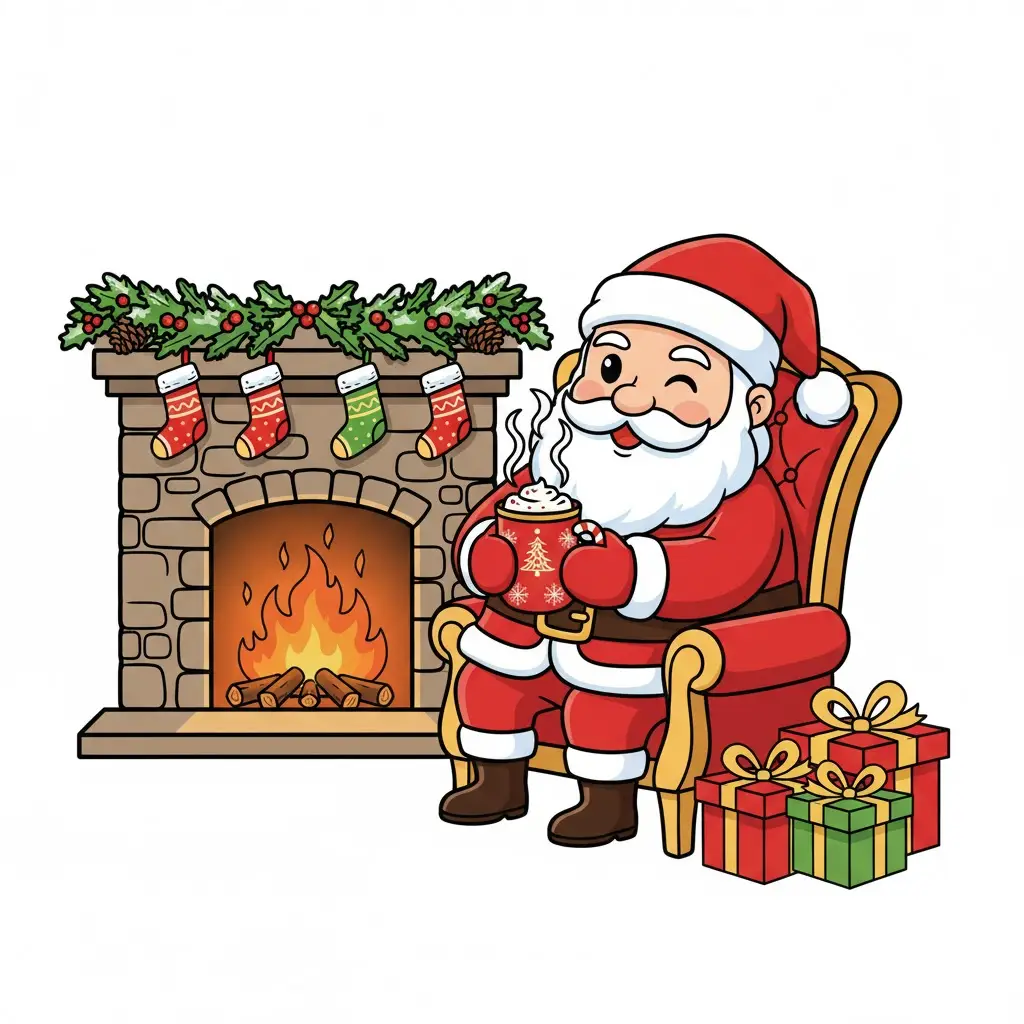
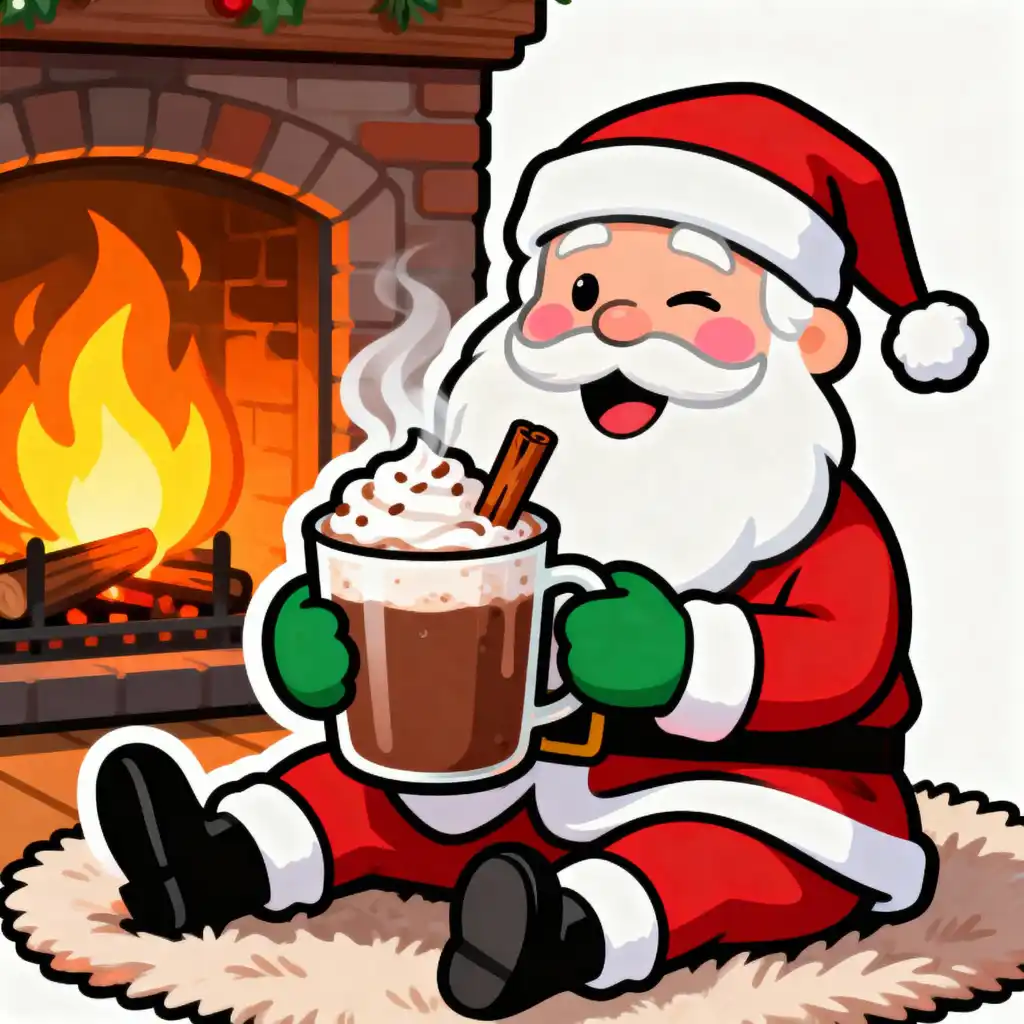
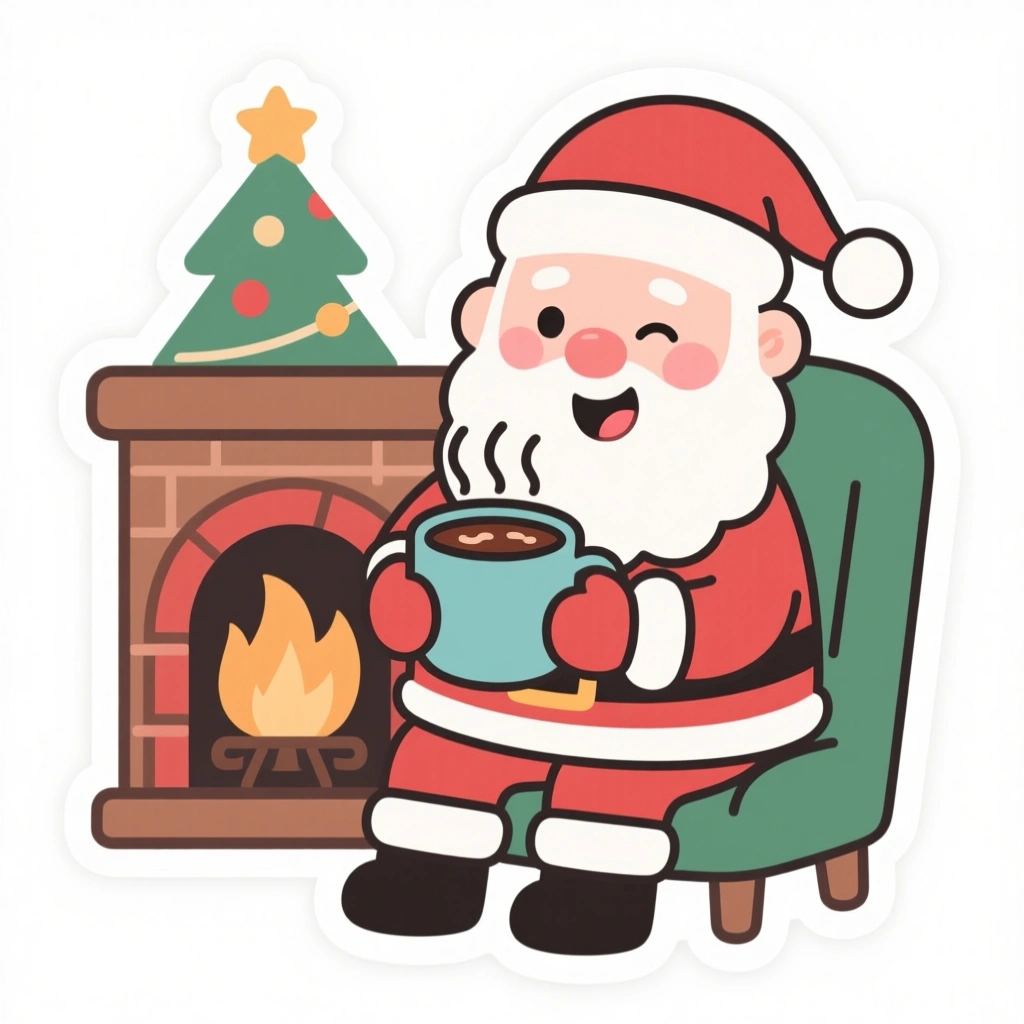
Santa Claus – The Heart of Christmas Cartoon Characters
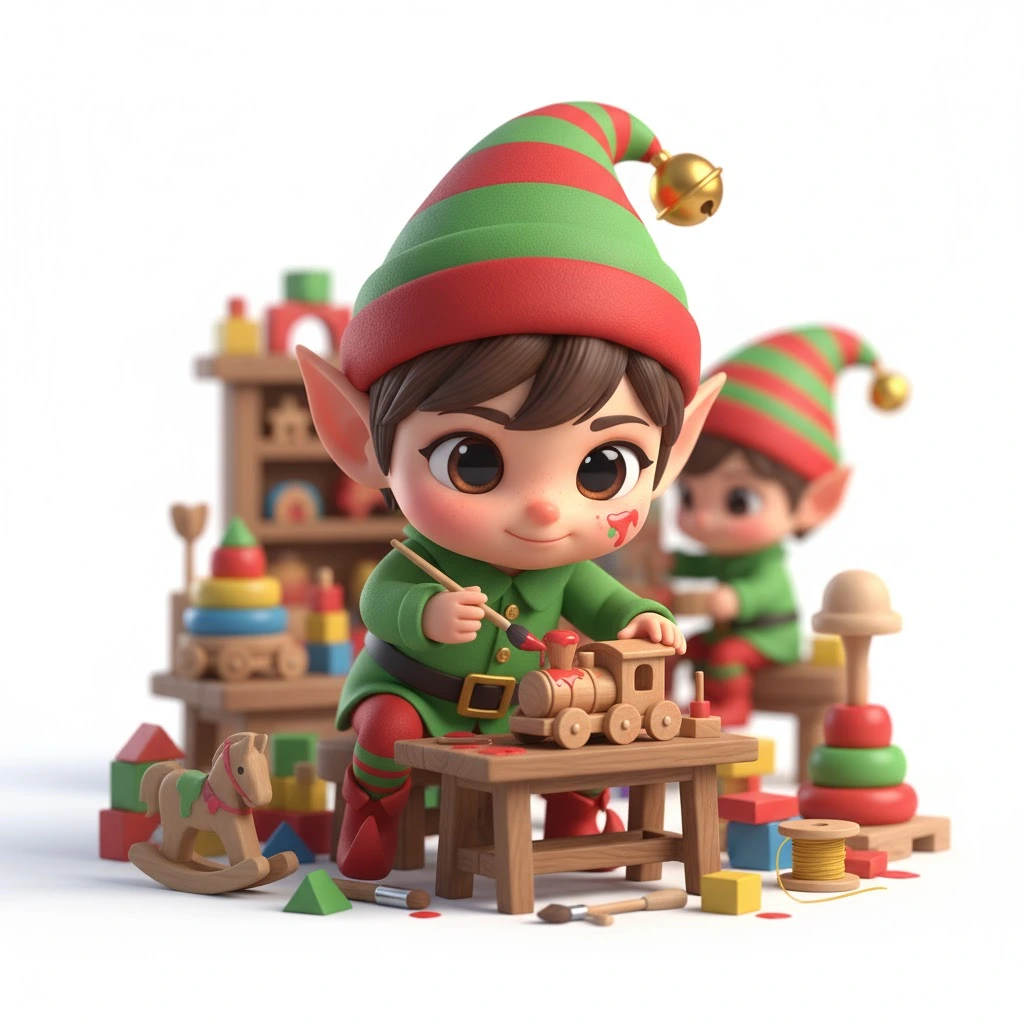
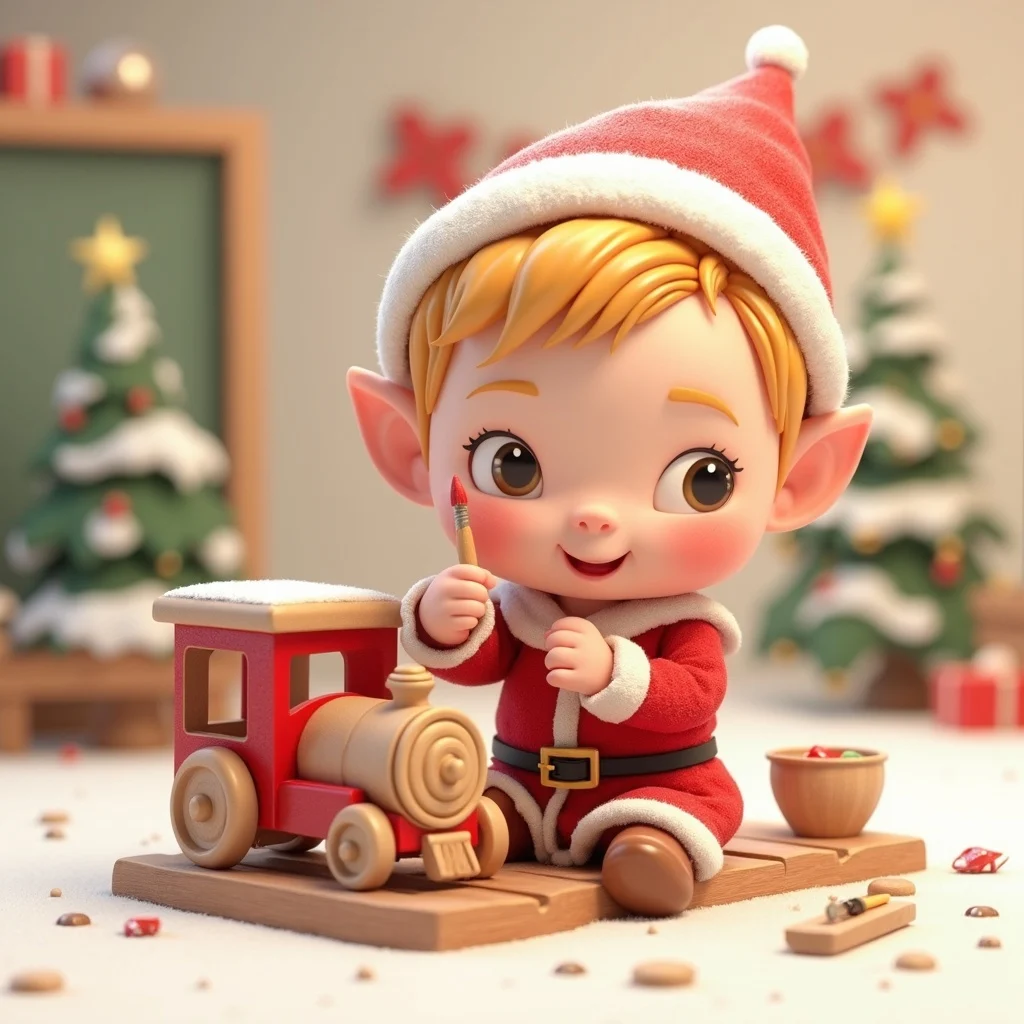
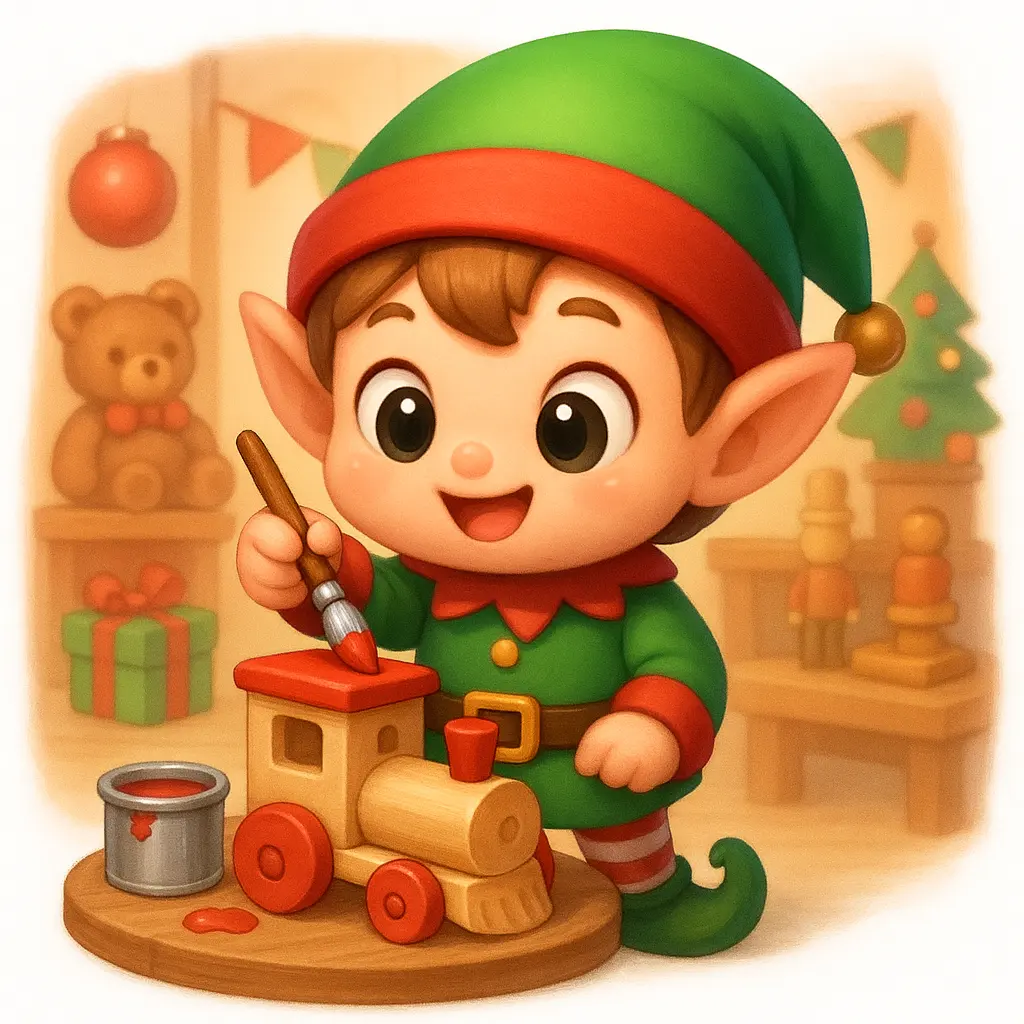
Elf –The Cheerful Helpers of Christmas Cartoon Characters
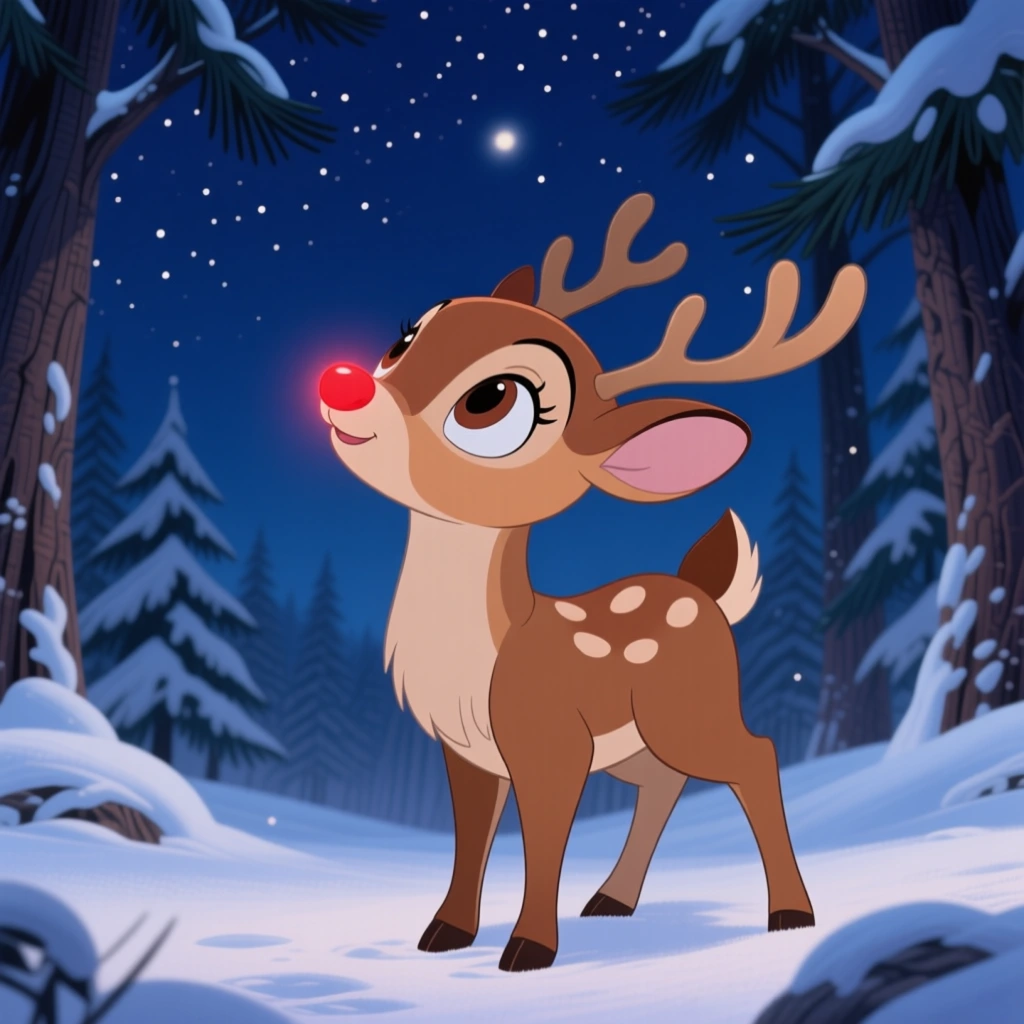
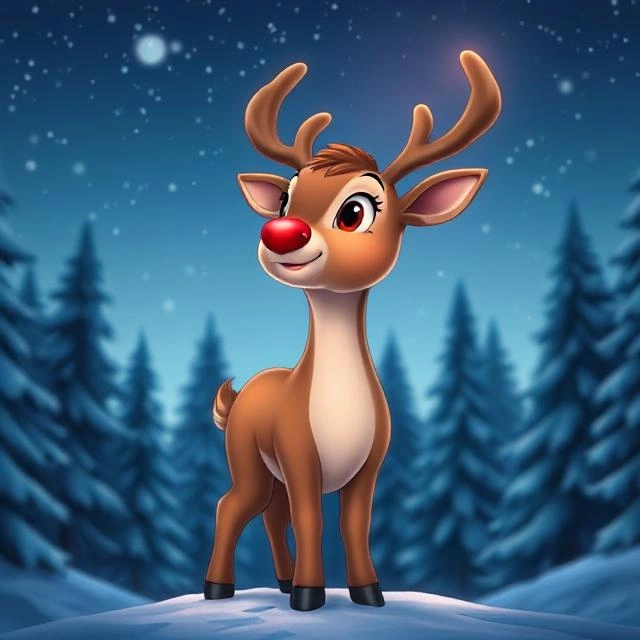
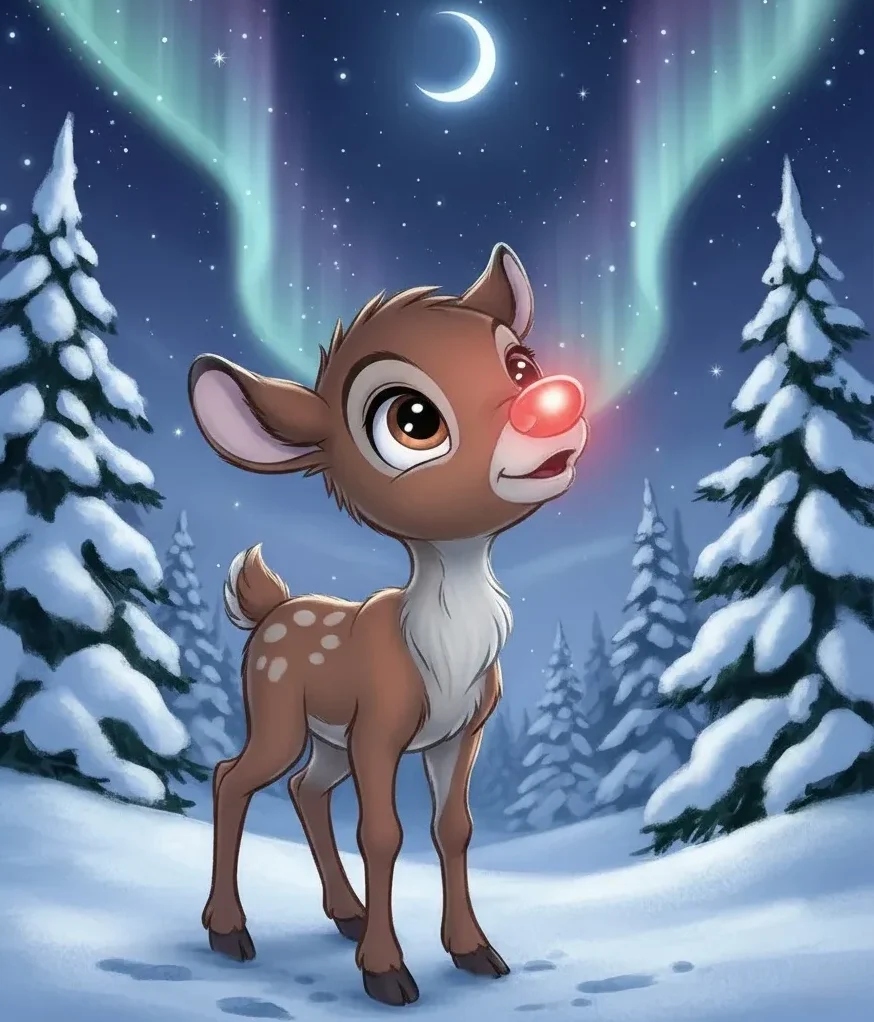
Reindeer – The Magical Companions of Christmas Cartoon Characters
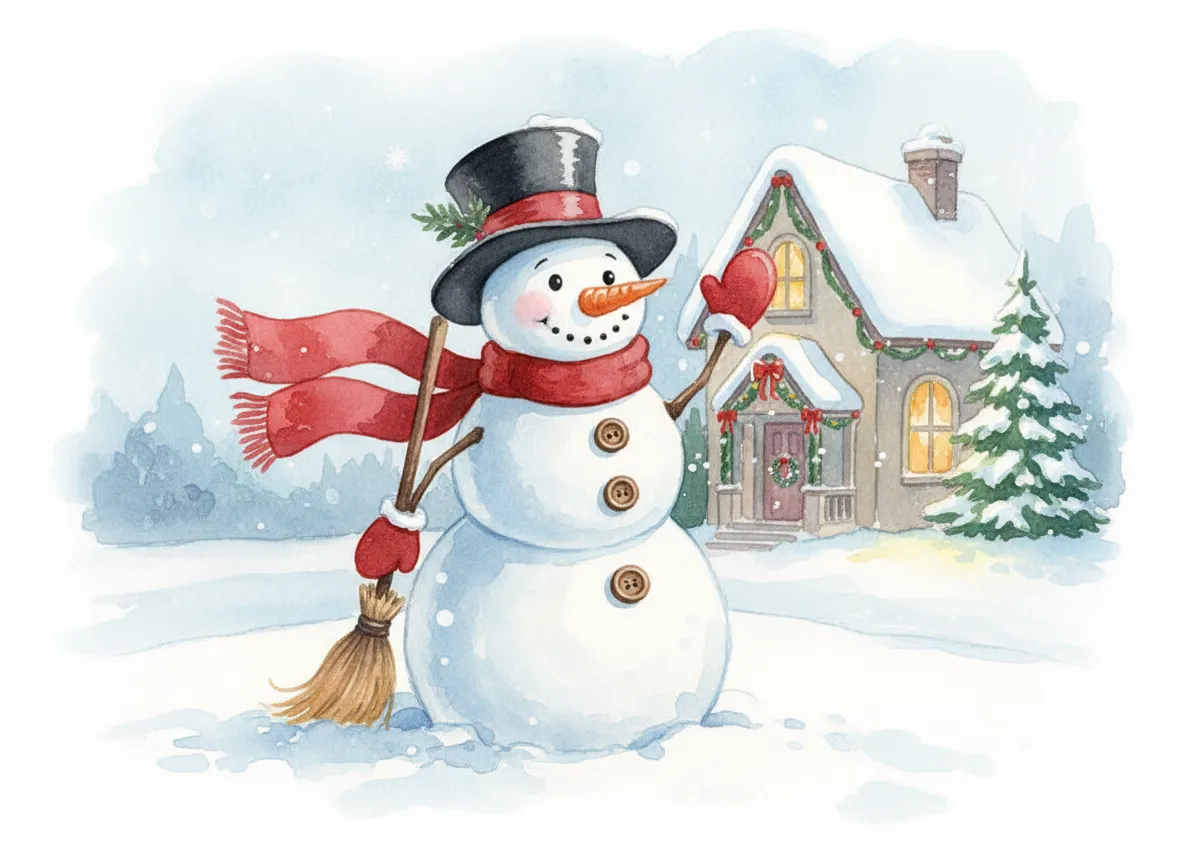
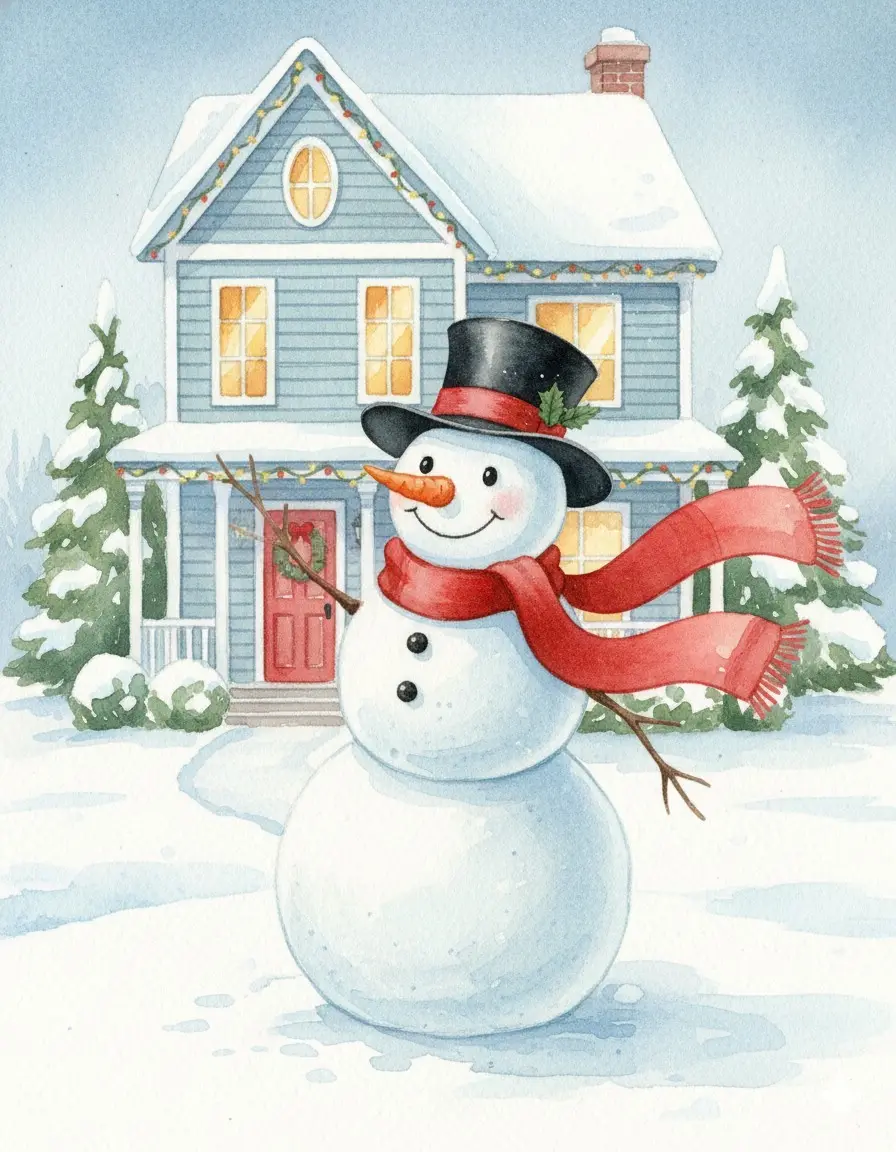
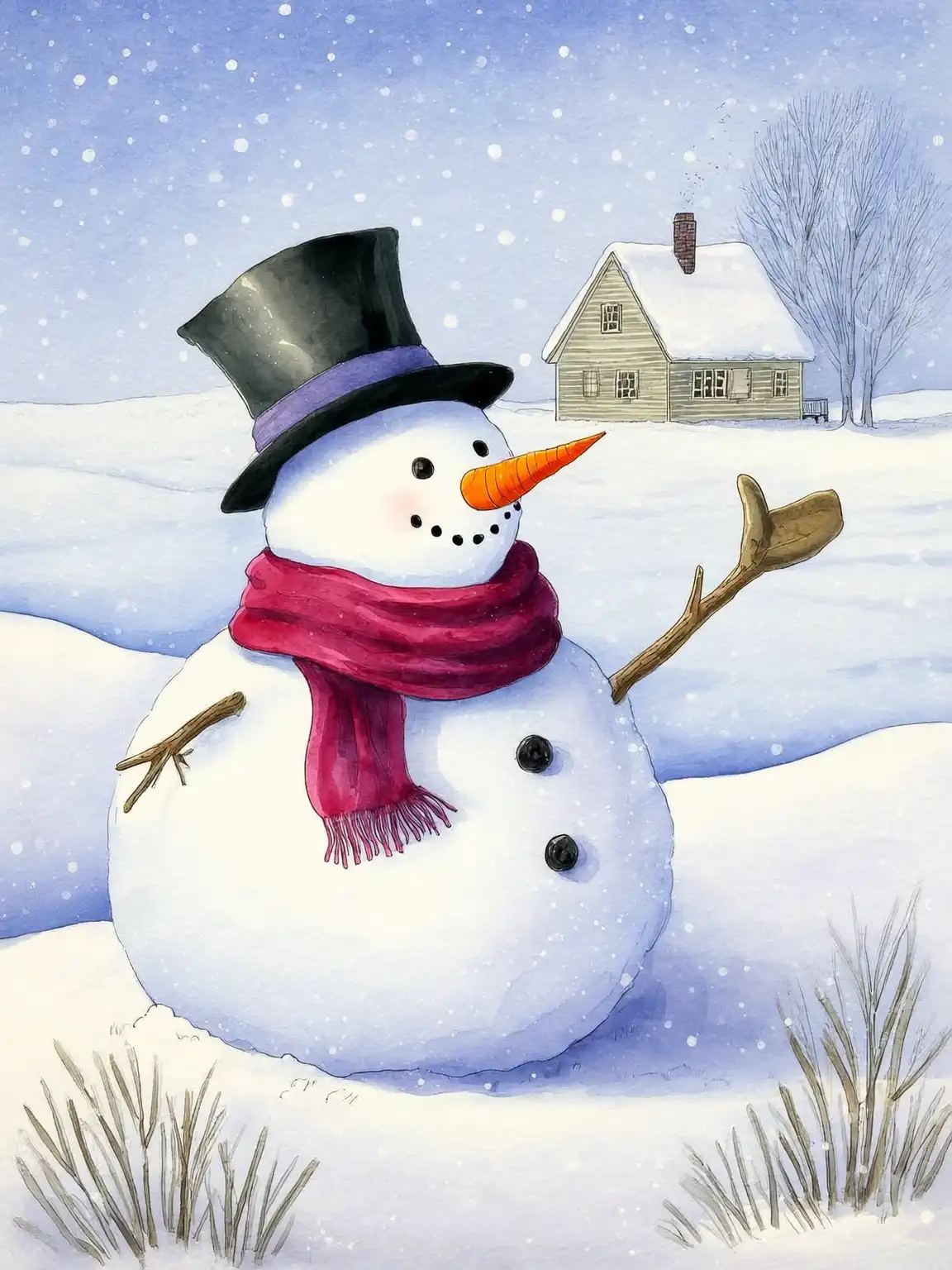
Snowman – The Playful Icon of Christmas Cartoon Characters
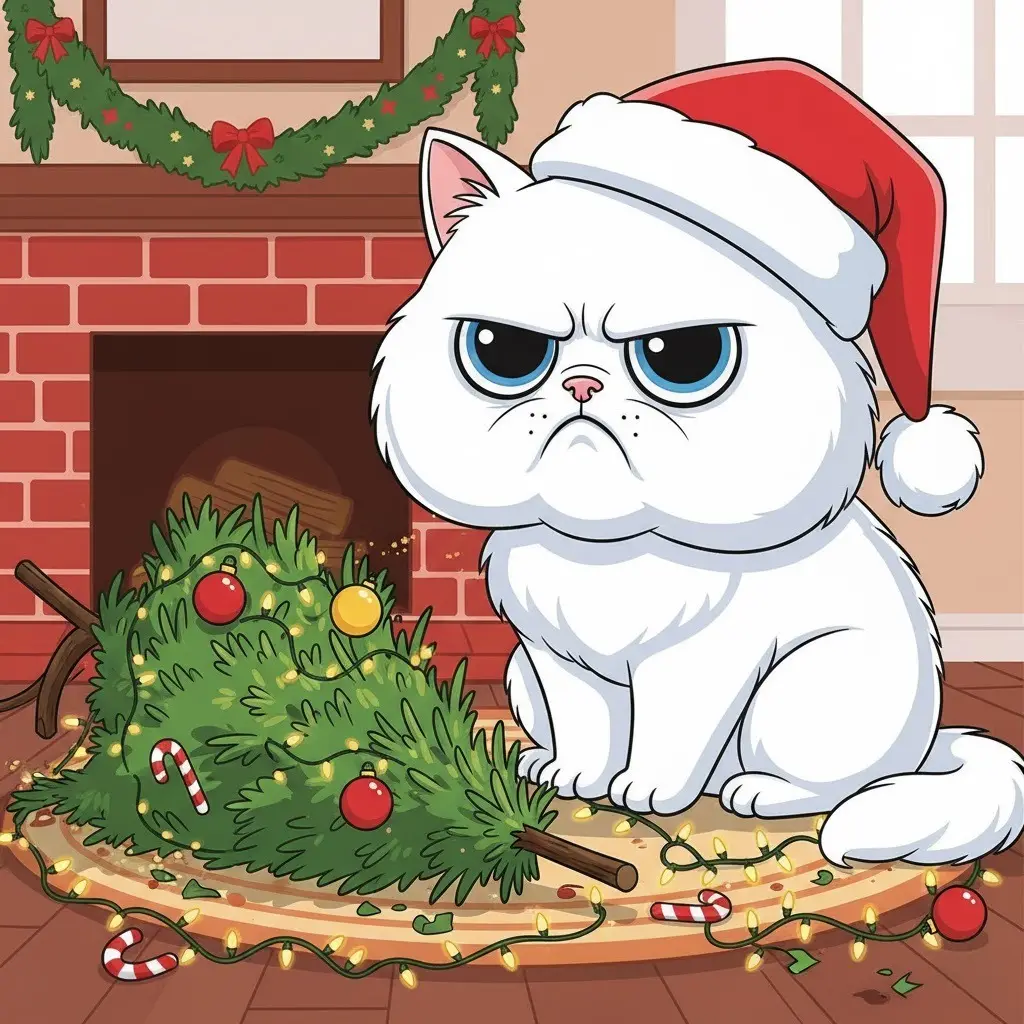
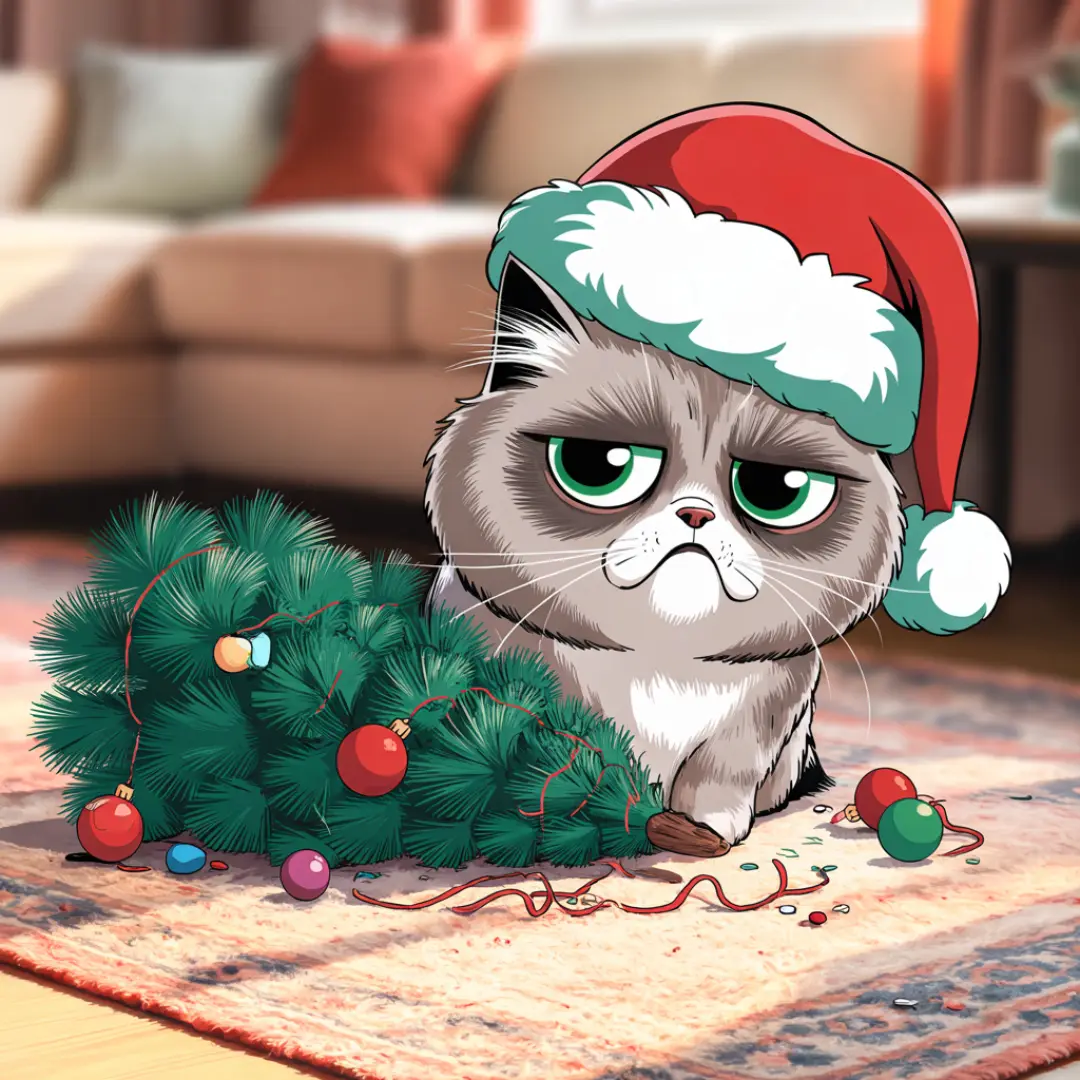
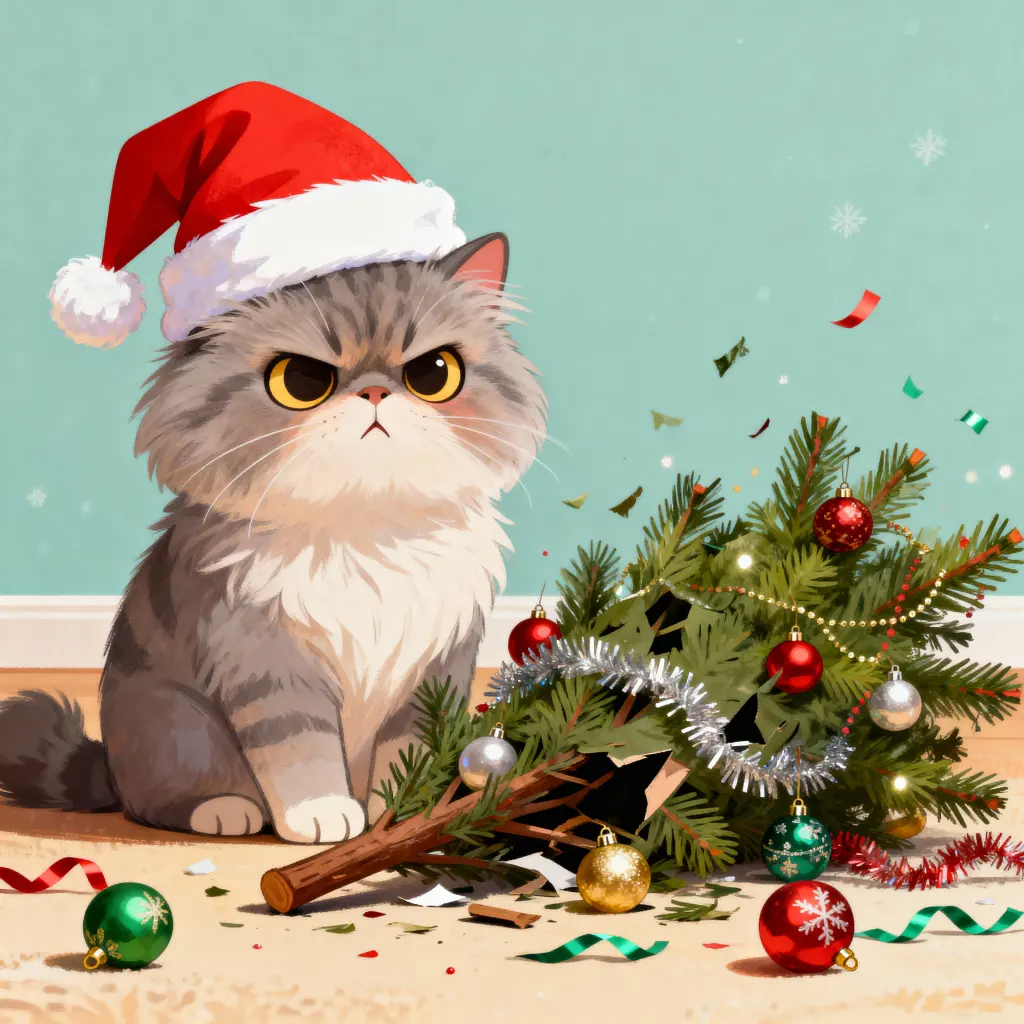
Festive Pets – Adorable Additions to Christmas Cartoon Characters
To make your own version, keep the style from one prompt and swap in a character from another. A chibi snowman or a watercolor Santa takes only a few changed words. If you want to use the art on stickers or cards, ask for a white background.
Build Your Own Christmas Character
Replace the highlighted text with your own details before you run the prompt.
Matching Christmas Sticker Set
Replace the highlighted text with your own details before you run the prompt.
Which Style Suits Your Project
| Project | Style to choose | What to ask for |
|---|---|---|
| Greeting cards | Watercolor or classic 2D | Soft background and space for your message |
| Stickers | Vector clip art or chibi | Thick outlines, flat colours and a white background |
| Social posts | Chibi 3D or cartoon | Bright colours and one big expression |
| Kids’ activity sheets | Simple line art | Black lines, no shading and a white background |
| Children’s stories | Storybook illustration | The same character description in every prompt |
Print Sizes to Plan For
AI images are often too small to print sharply. A common print target is 300 pixels per inch, which gives you these sizes:
| Print size | Pixels needed |
|---|---|
| Sticker, 2 x 2 inches | 600 x 600 |
| Card, 5 x 7 inches | 1500 x 2100 |
| Print, 8 x 10 inches | 2400 x 3000 |
| Poster, 12 x 18 inches | 3600 x 5400 |
Set the shape in your image tool first, then use an upscaler to reach the size you need. Check with your printer, since requirements vary.
Fix Common Problems
| What you see | What to try |
|---|---|
| “Merry Christmas” is misspelled | Ask for “no text”, and add your words afterwards in Canva or another editor. |
| Characters look different across a set | Keep the same style words and colours in each prompt, and change only the character. |
| The white background isn’t clean | Remove the background with an editing tool before printing stickers. |
| The image feels crowded | Remove a prop or the background, and describe one action. |
| Reindeer antlers or hands look odd | Generate a few versions and pick the cleanest, or use a simpler pose. |
Before You Sell Christmas Art
Check your AI tool’s commercial terms, and keep your characters original. The reindeer prompt uses “Disney-style” to describe a look, so for anything you sell, replace it with “classic 2D animation style”. Avoid using well-known film characters, and inspect every image at full size.
Christmas Knitted Art Prompt
This one AI prompt turns any subject into Christmas knitted art with chunky wool and warm light. Replace {INSERT SUBJECT} with what you want to see, such as a reindeer, a snowman, a Christmas tree or your pet.
Simple shapes usually come out best, because knitted texture hides small details.
Prompt
Replace the highlighted text with your own details before you run the prompt.
More in AI Anime and Character Prompts
This guide is part of our AI Anime and Character Prompts hub, where you’ll find every related guide, along with tips and common questions.