
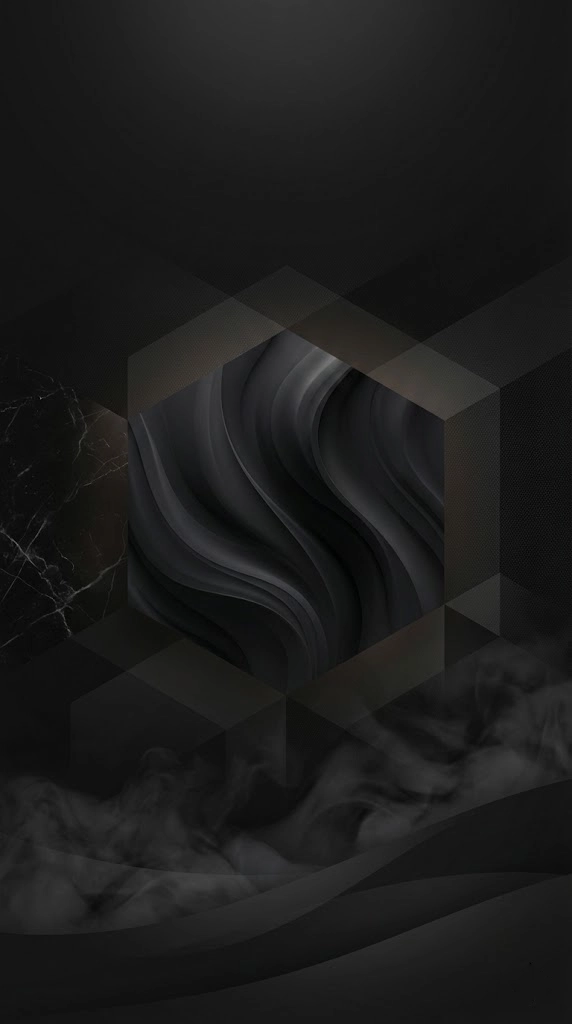
These AI prompts create dark wallpaper in four styles: subtle black textures, black and white scenes, cinematic images with a single light, and black and white florals. A completely flat black image can look empty, so soft texture or one small light source gives the eye something to rest on. Check each result on your own screen, as very dark detail can disappear at low brightness.
What’s on This Page
| Section | Prompts | Best for |
|---|---|---|
| Black textures | 6 | A clean, dark home screen |
| Black and White Scene Prompts | 7 | Moody landscapes and city scenes |
| Cinematic Dark Aesthetic Prompts | 8 | Deep shadow with one light source |
| Black and White Floral Prompts | 12 | Decorative floral screens |
AI Tools You Can Use
Use Nano Banana, Midjourney, DALL·E, Leonardo AI, Stable Diffusion or Adobe Firefly, and set the size for your screen. Check the result on your actual device, because very dark detail can disappear at low brightness.
6 AI Prompts for Black Wallpaper

Minimal Matte Black
Replace the highlighted text with your own details before you run the prompt.

Black Marble Texture
Replace the highlighted text with your own details before you run the prompt.

Abstract Flow Design
Replace the highlighted text with your own details before you run the prompt.

Fabric-Inspired Black
Replace the highlighted text with your own details before you run the prompt.

Geometric Pattern
Replace the highlighted text with your own details before you run the prompt.

Smoke-Inspired Abstract
Replace the highlighted text with your own details before you run the prompt.
Which Design to Choose
For the cleanest home screen, start with Minimal Matte Black or Fabric-Inspired Black. For a design people will notice, try Black Marble Texture or Smoke-Inspired Abstract. If detail vanishes on your screen, ask for “slightly lighter tones” in the prompt.
Black and White Scene Prompts
These seven AI prompts create black and white wallpapers, from misty forests and stormy seas to a surreal city at night. Below, you’ll also see how to write your own.
Black and white images rely on contrast and shape, so the words you use for light and shadow matter more than usual.
How to Write a Black and White Prompt
Each example below shows a weak description and a stronger one.
Be Specific About the Scene
✅ A dramatic black-and-white landscape featuring a misty forest with towering, leafless trees.
❌ A black-and-white forest.
Describe the Mood
✅ The scene is filled with deep contrasts of light and shadow, creating a moody and cinematic atmosphere.
❌ It looks dark.
Add Depth
Say what’s near and what’s far. Layers make a flat image feel deep.
✅ In the distance, rugged mountains fade into the mist, while a calm river reflects the eerie glow of the moonlight.
Add One Telling Detail
One small focal point gives the viewer somewhere to look.
✅ A lone, withered tree stands in the distance, emphasizing the isolation and beauty of the monochrome landscape.
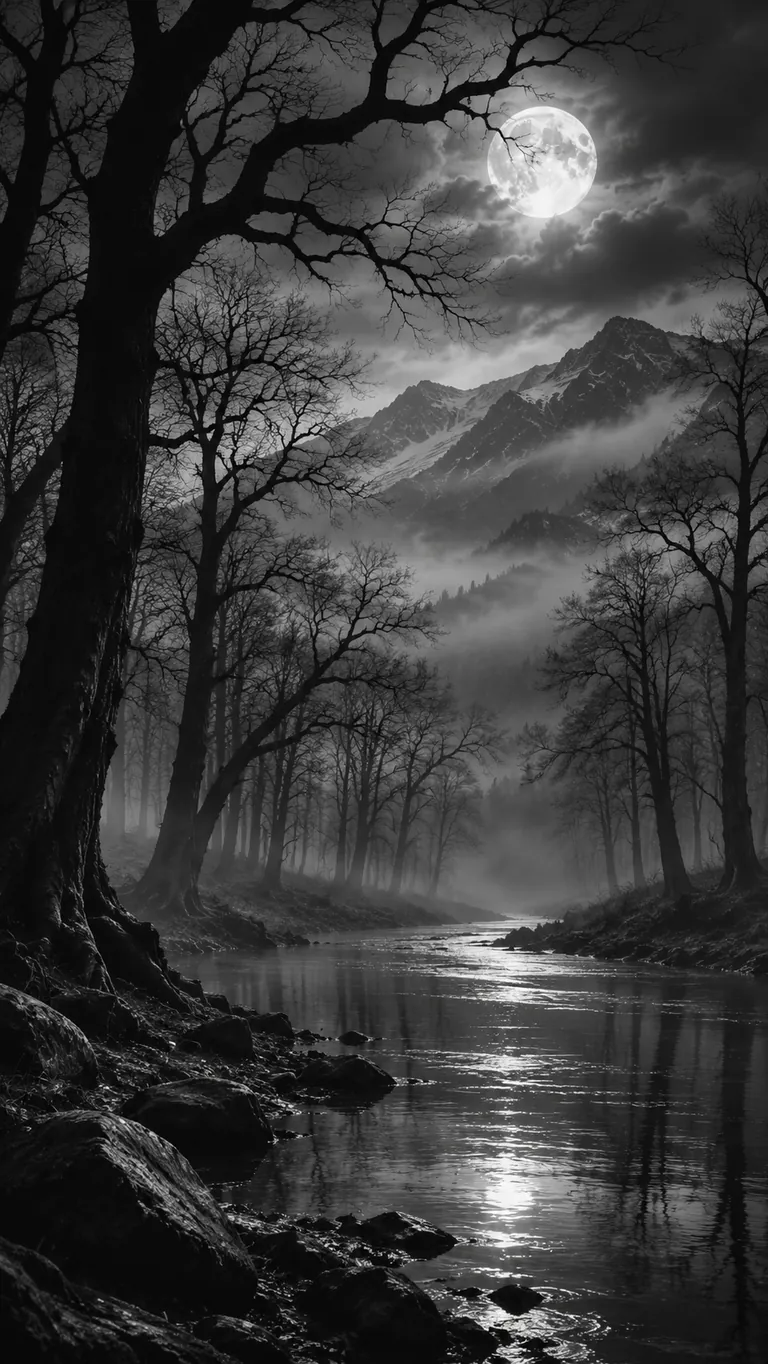
Misty Forest Noir Scene Prompt
Example image made with ChatGPT from this prompt.
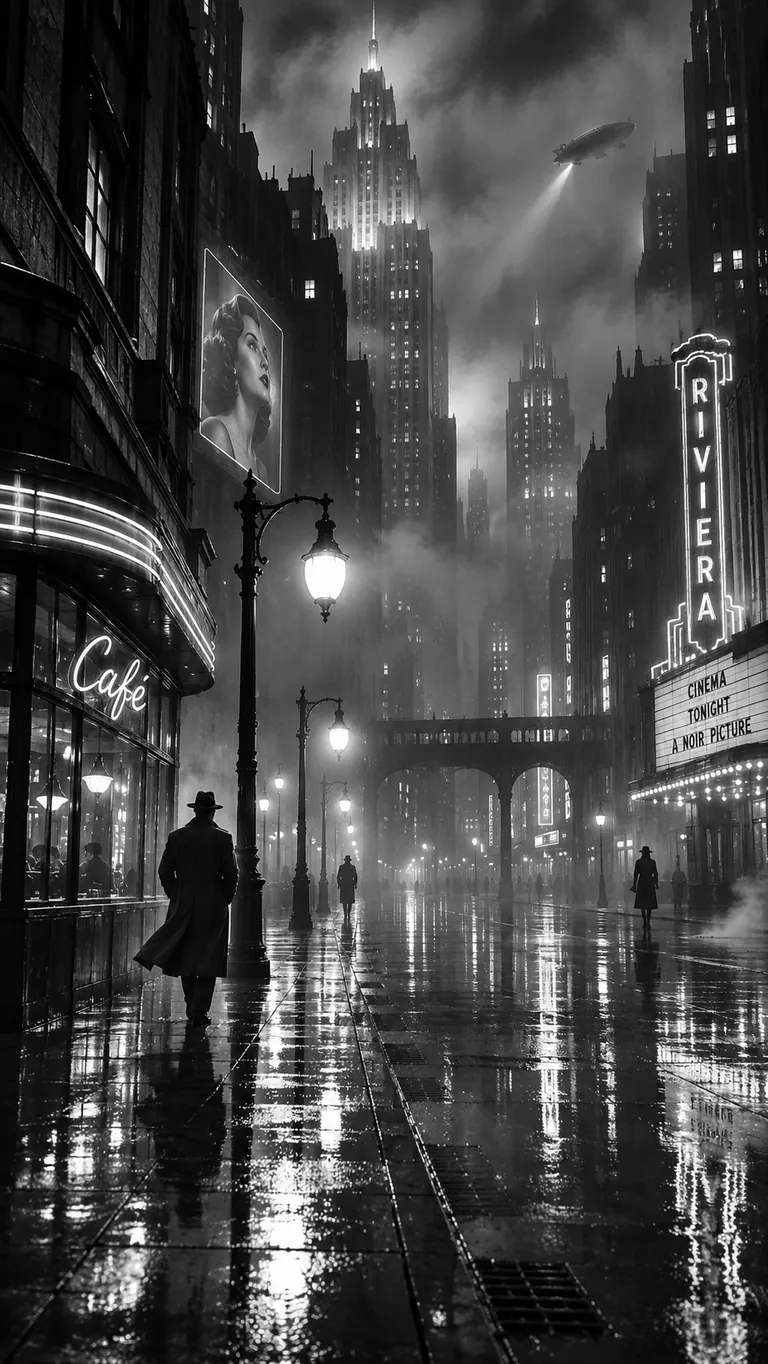
Surreal Cityscape at Night Prompt
Example image made with ChatGPT from this prompt.
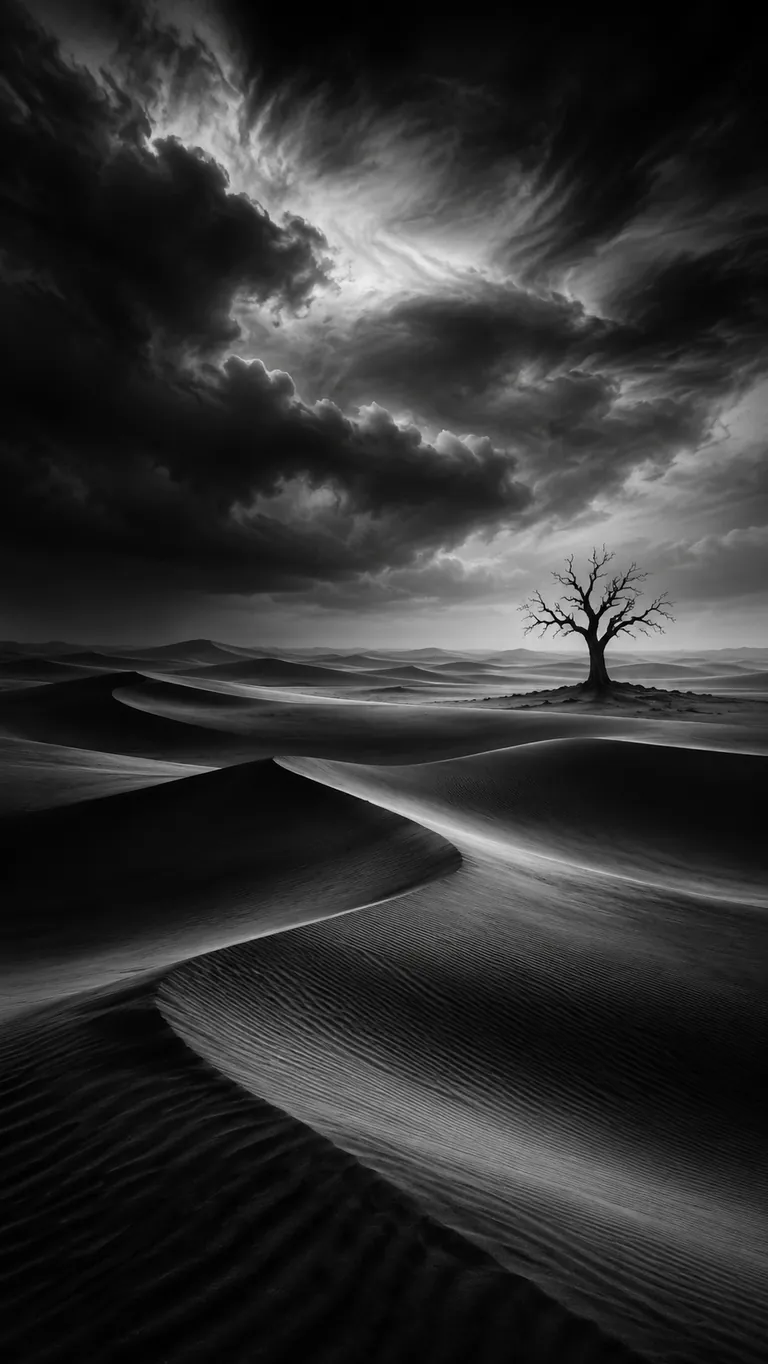
Desolate Desert Monochrome Scene Prompt
Example image made with ChatGPT from this prompt.
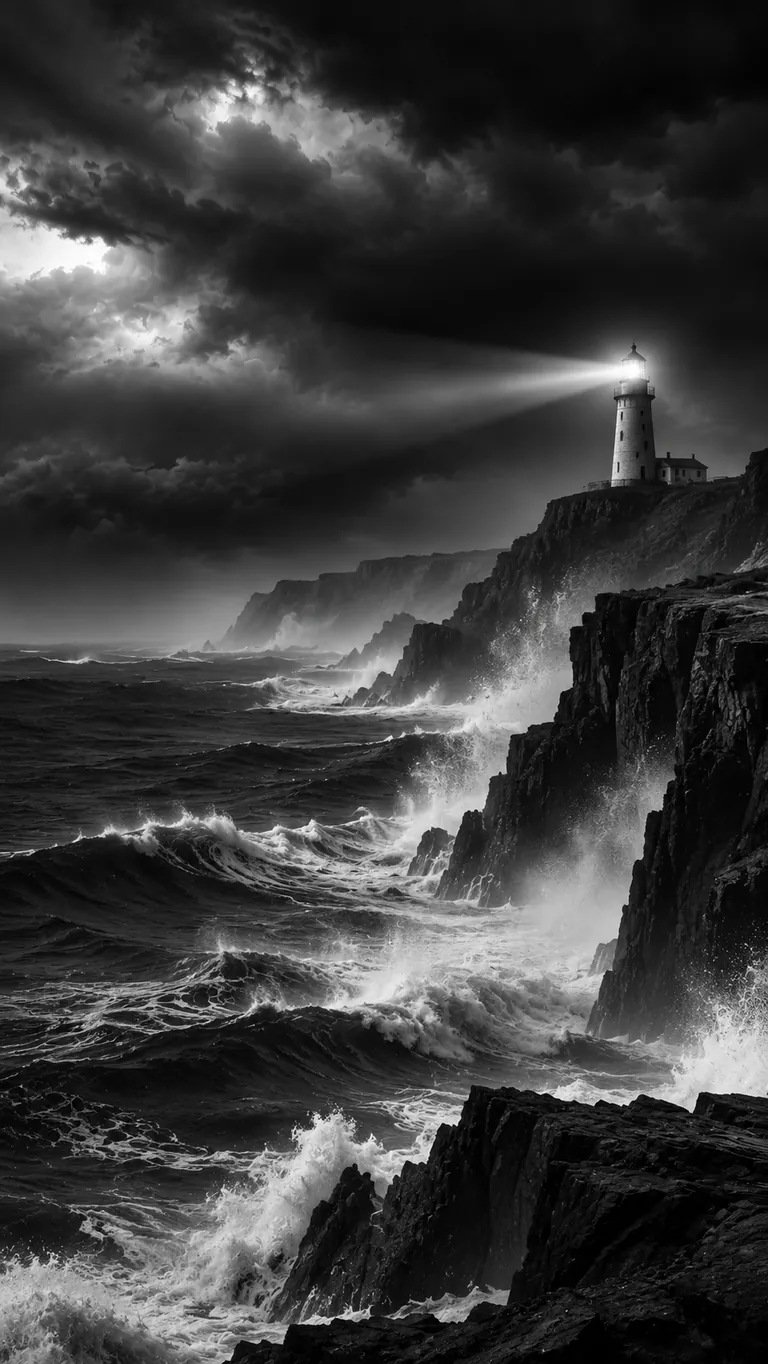
Stormy Ocean and Lighthouse Prompt
Example image made with ChatGPT from this prompt.
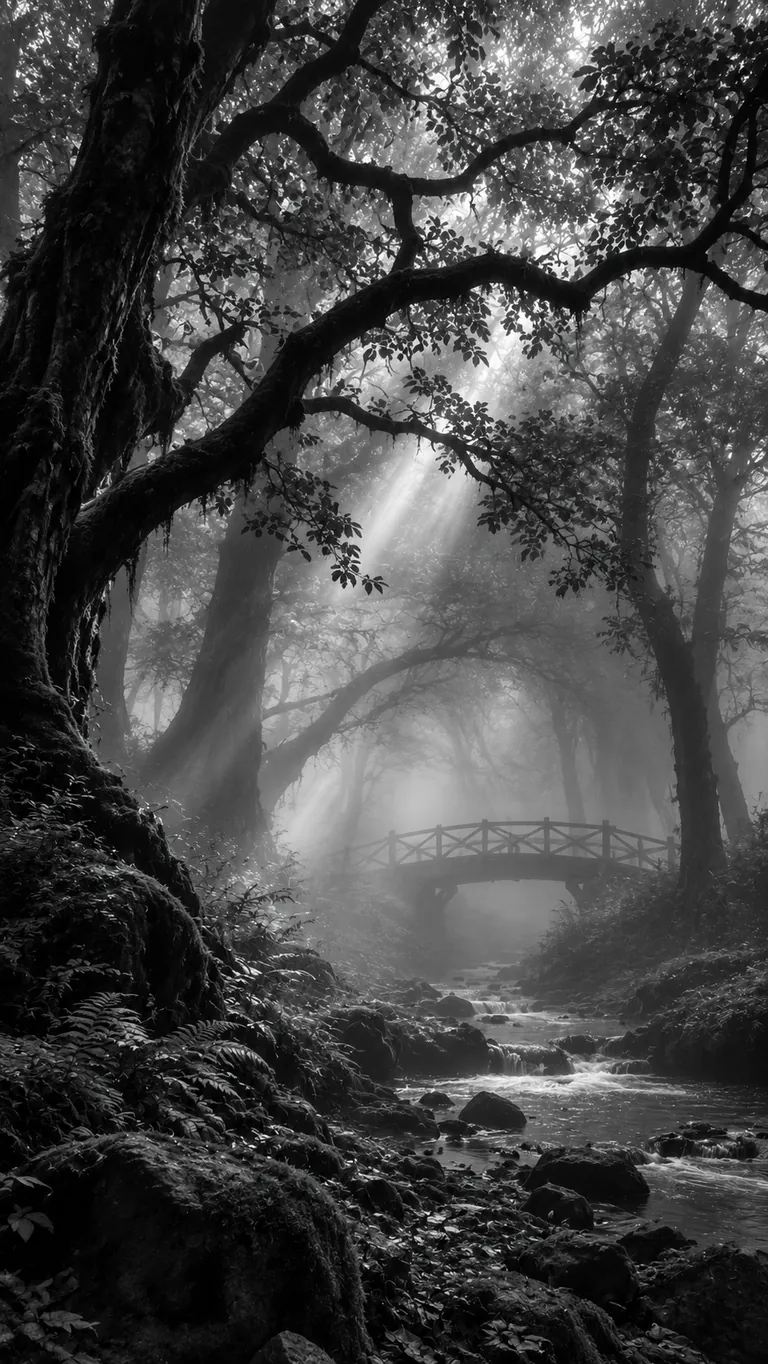
Fog-Covered Ancient Forest Prompt
Example image made with ChatGPT from this prompt.
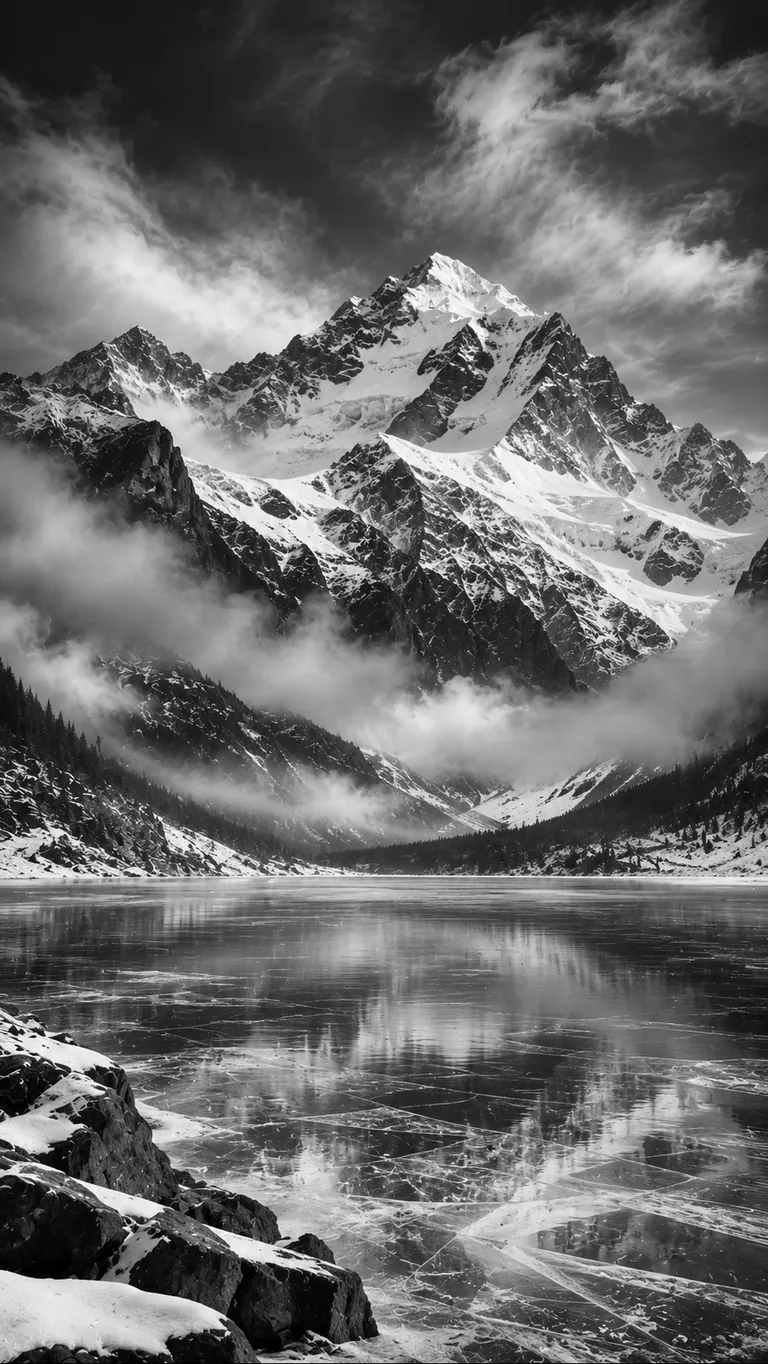
Majestic Mountain Reflection Prompt
Example image made with ChatGPT from this prompt.
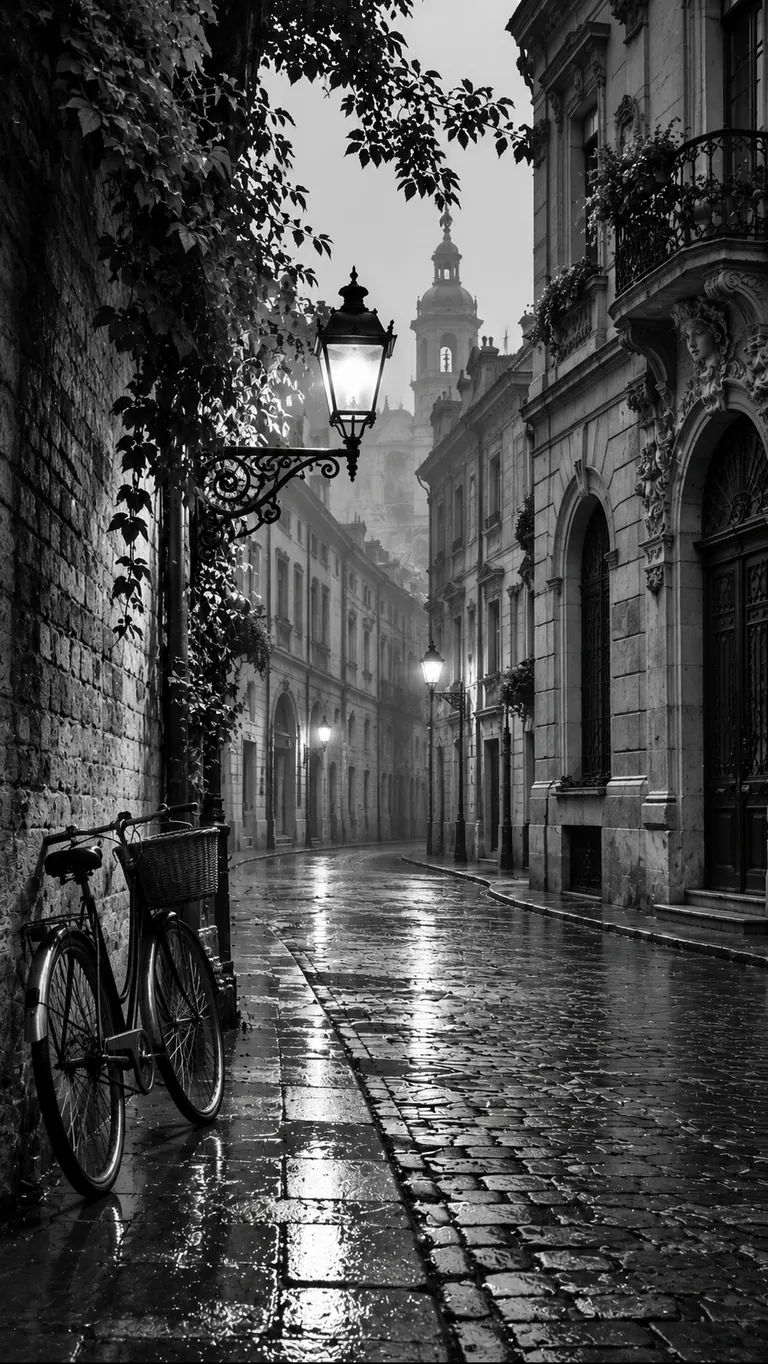
Nostalgic European Street at Dawn Prompt
Example image made with ChatGPT from this prompt.
Tips for a Better Wallpaper
If a result looks flat, ask for stronger contrast or one clear light source. On a phone, choose a calmer image with dark space near the top so the clock stays easy to read.
Cinematic Dark Aesthetic Prompts
These eight AI prompts create dark aesthetic wallpaper with deep shadow and a single source of light. They include an endless corridor, a floating monolith, a noir street and a frozen cave.
One light in the frame is usually enough, so resist adding more detail. Check the result on your own screen, because dark images can look muddy at low brightness. Set 9:16 for a phone or 16:9 for a desktop.
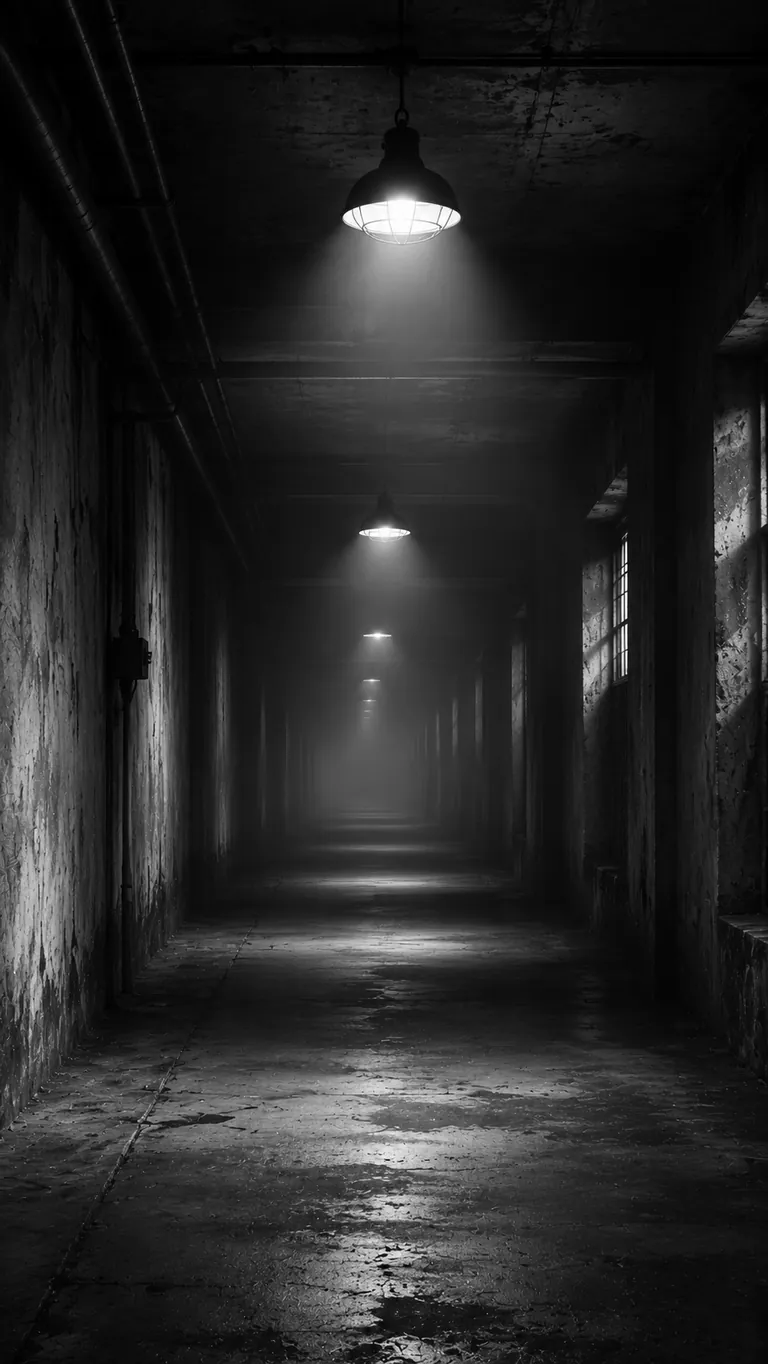
Endless Industrial Corridor
Example image made with ChatGPT from this prompt.
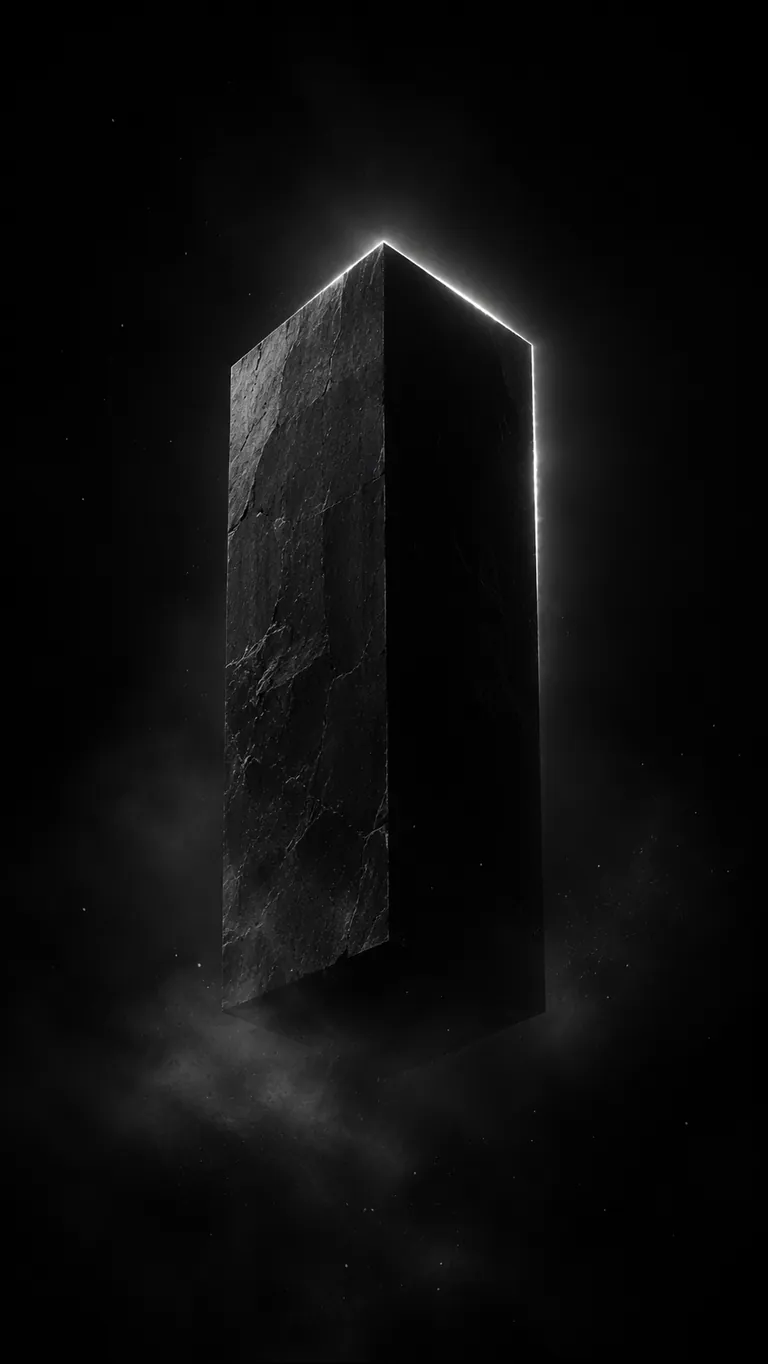
Floating Monolith in Void
Example image made with ChatGPT from this prompt.
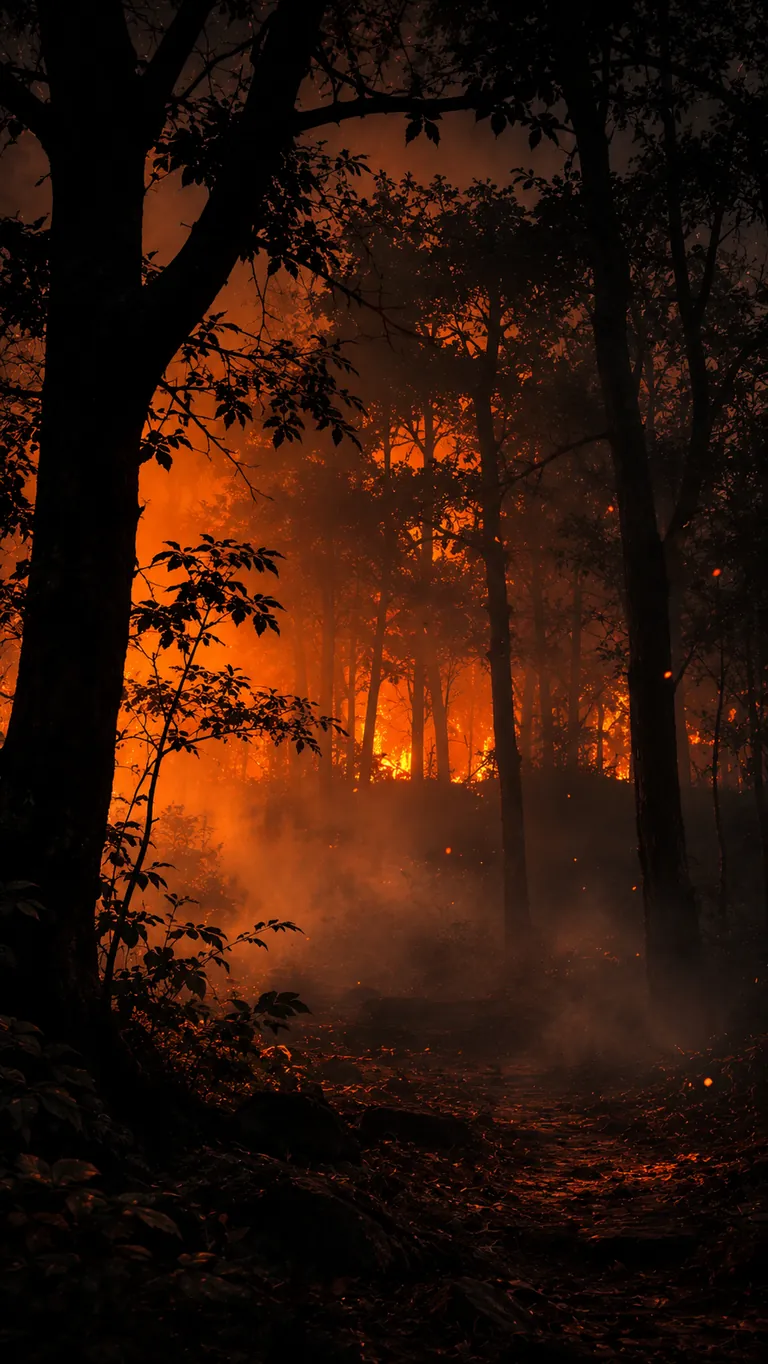
Burning Forest Edge
Example image made with ChatGPT from this prompt.
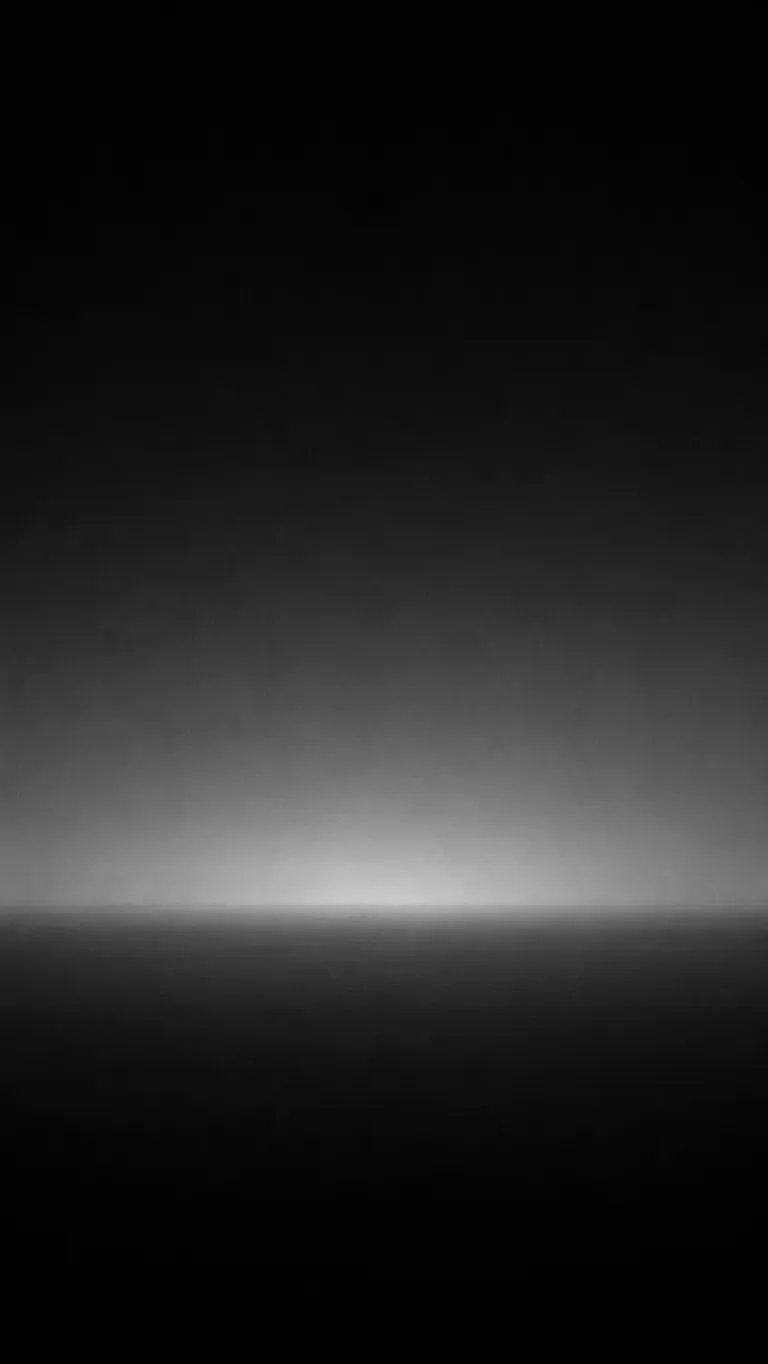
Minimal Gradient Horizon
Example image made with ChatGPT from this prompt.
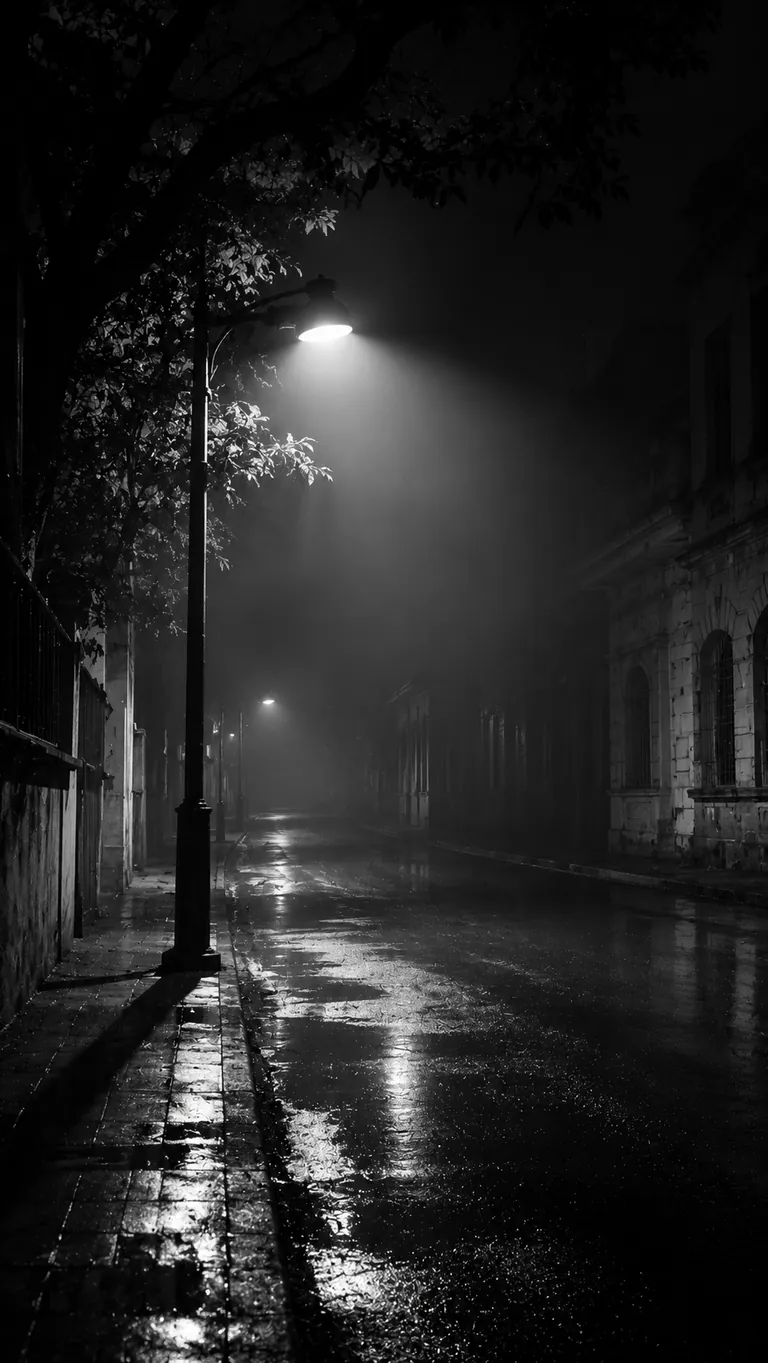
Noir Street Environment
Example image made with ChatGPT from this prompt.
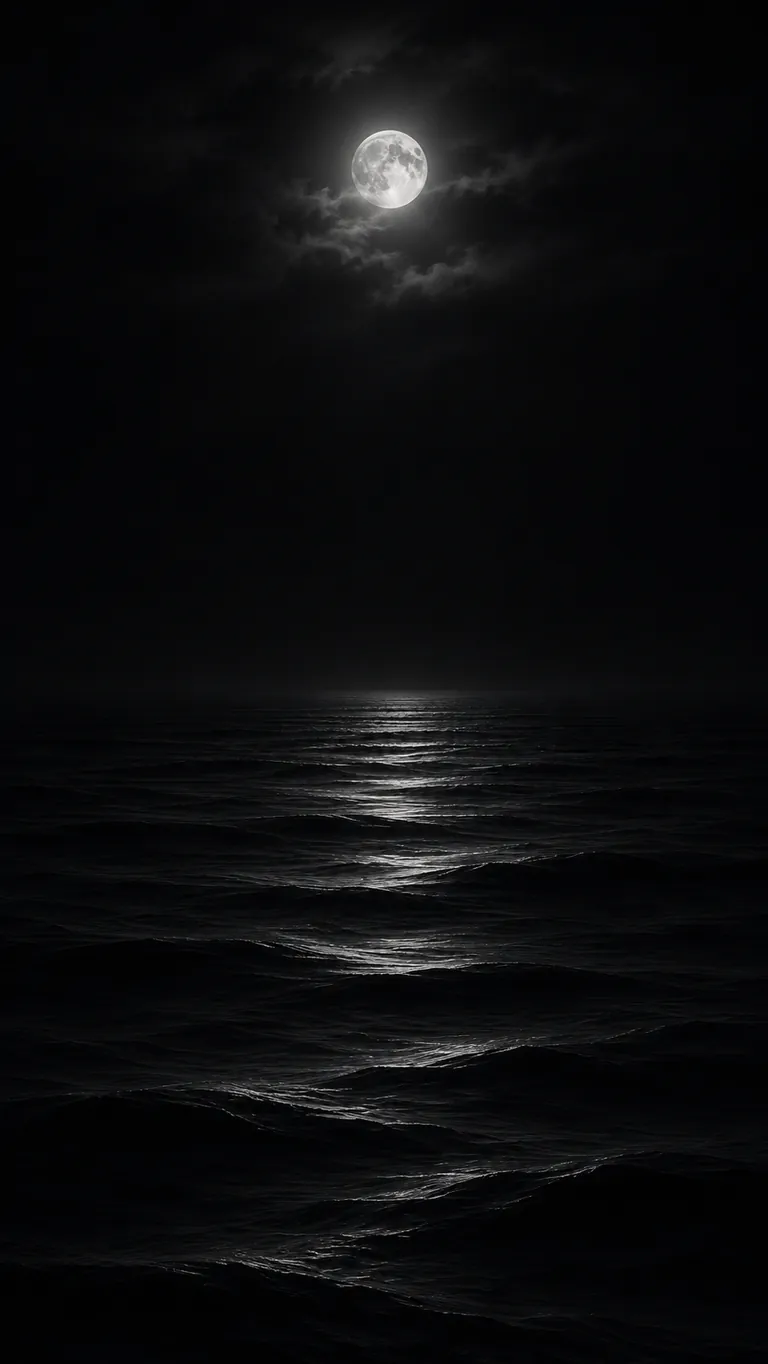
Black Ocean Night
Example image made with ChatGPT from this prompt.
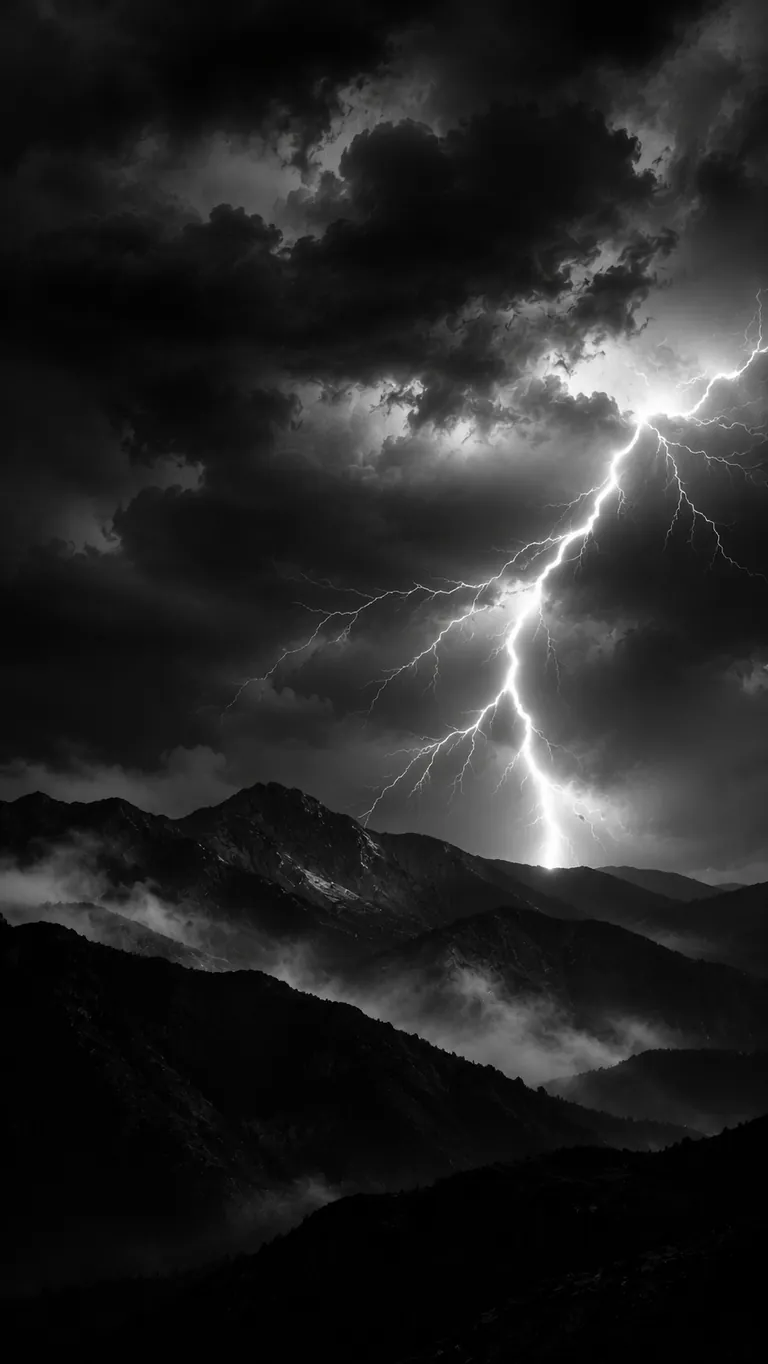
Storm Over Mountain Range
Example image made with ChatGPT from this prompt.
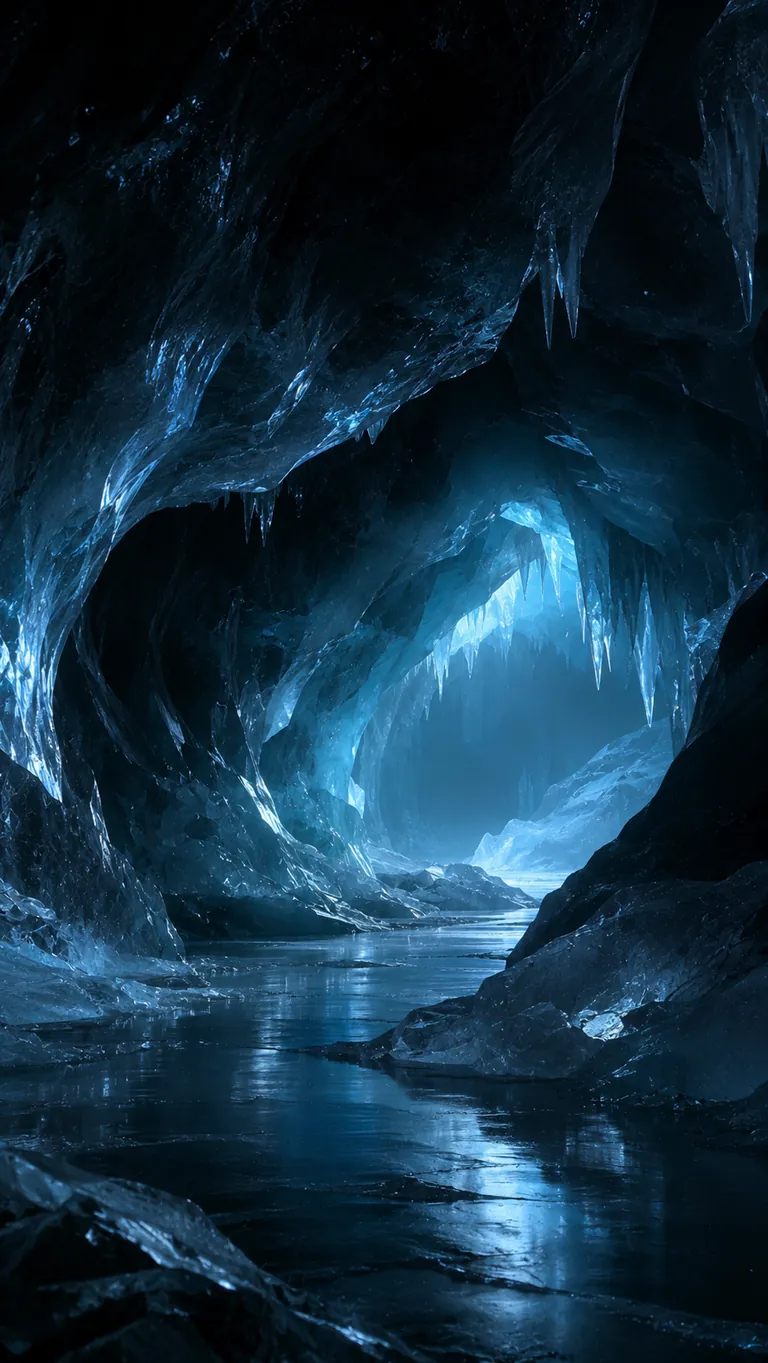
Frozen Cave Interior
Example image made with ChatGPT from this prompt.
Black and White Floral Prompts
These 12 AI prompts create a black and white floral wallpaper for your phone or desktop, with styles from X-ray tulips and vintage etchings to smoke petals and ink wash orchids.
Pick a style that suits the space. Gothic Garden and Midnight Ferns have dark, dense backgrounds. Geometric Flora and Ink Wash Orchids feel lighter and leave more open space.
Try the prompts in Nano Banana, Midjourney or DALL·E.
Replace [Aspect Ratio] with –ar 9:16 for a phone or –ar 16:9 for a PC in Midjourney. In other tools, delete it and choose the size in the settings.

X-Ray Tulips
Replace the highlighted text with your own details before you run the prompt.

Vintage Botanical Etching
Replace the highlighted text with your own details before you run the prompt.

The Dandelion Wish
Replace the highlighted text with your own details before you run the prompt.

Gothic Garden
Replace the highlighted text with your own details before you run the prompt.

Smoke & Petals
Replace the highlighted text with your own details before you run the prompt.

Midnight Ferns
Replace the highlighted text with your own details before you run the prompt.
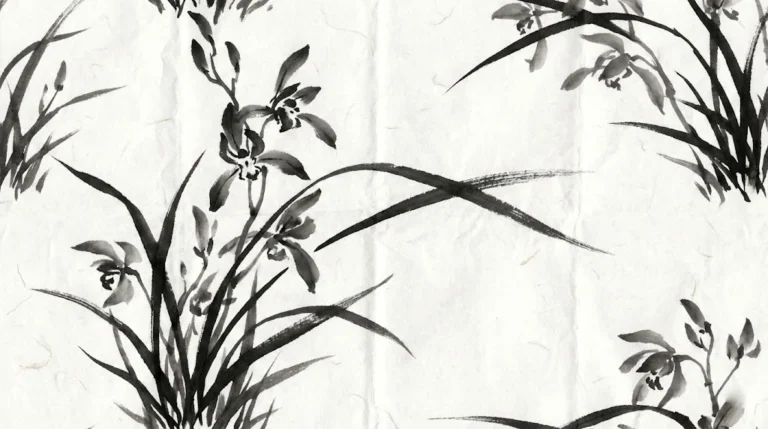
Ink Wash Orchids
Replace the highlighted text with your own details before you run the prompt.
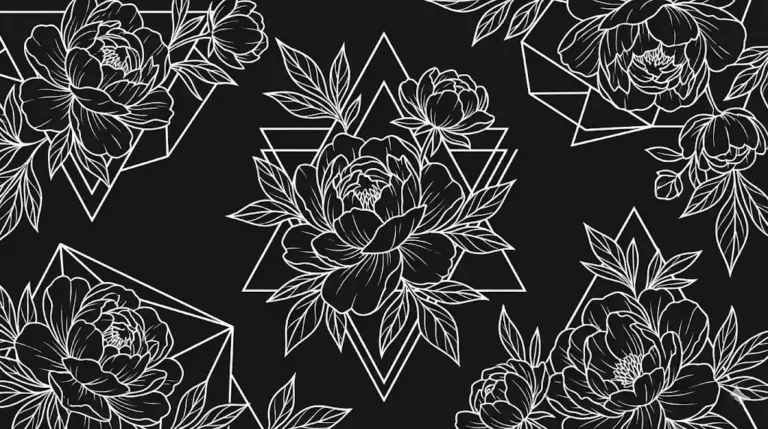
Geometric Flora
Replace the highlighted text with your own details before you run the prompt.
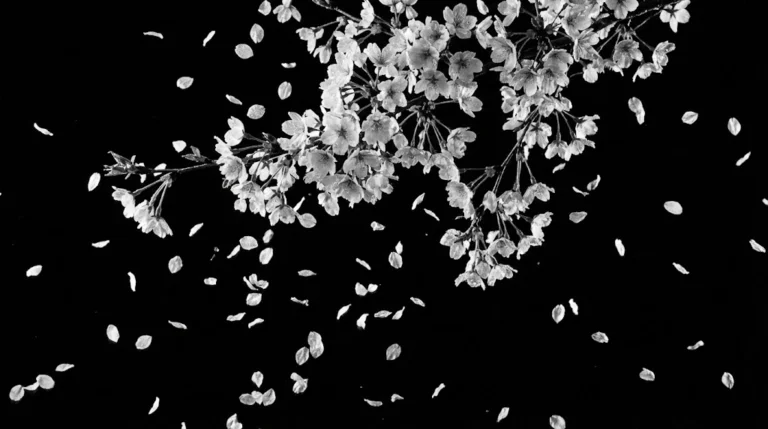
Floating Blossoms
Replace the highlighted text with your own details before you run the prompt.
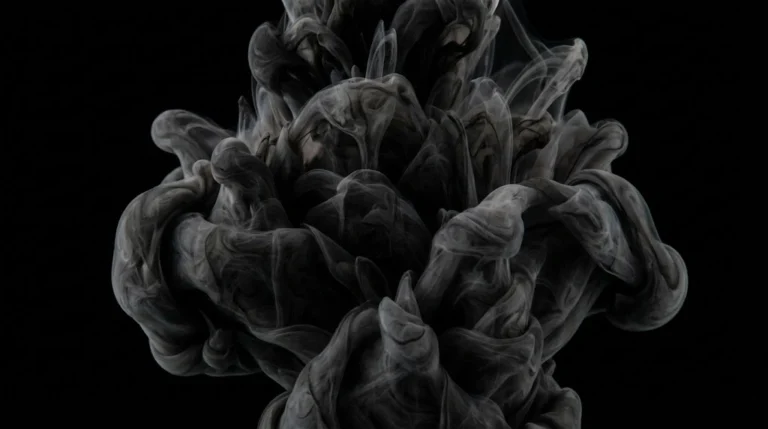
Liquid Flower
Replace the highlighted text with your own details before you run the prompt.
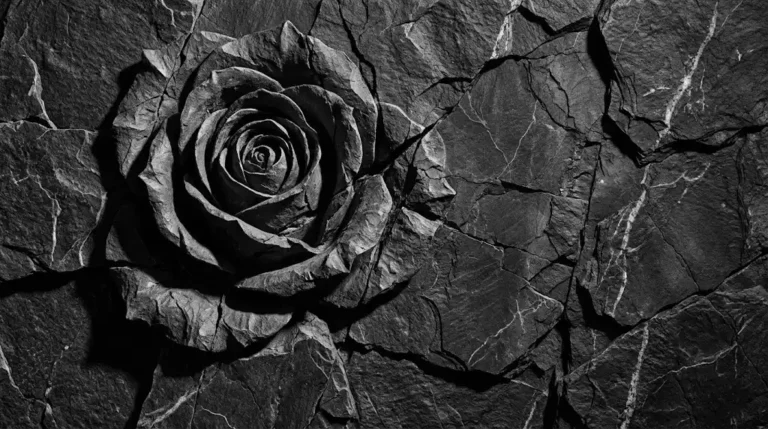
Cracked Stone Rose
Replace the highlighted text with your own details before you run the prompt.
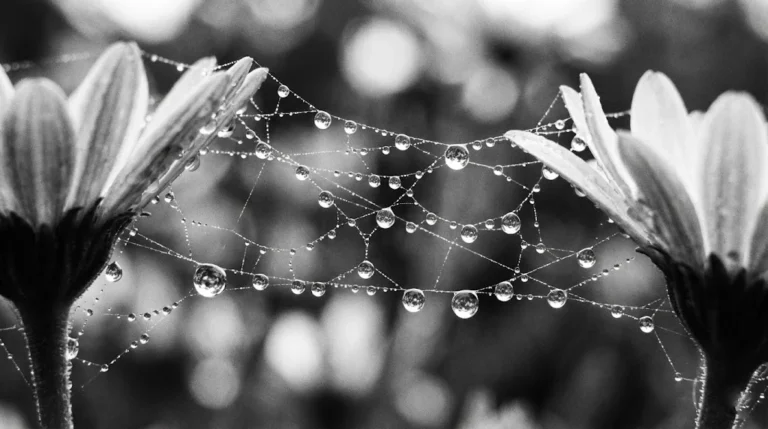
Macro Water Drops
Replace the highlighted text with your own details before you run the prompt.
Screen vs Print
These prompts are made for screens. For a real wall, you’d need a print-ready file with far higher resolution and a pattern that repeats cleanly, so ask a print shop what they require before you order.
More in AI Graphic Design Prompts
This guide is part of our AI Graphic Design Prompts hub, where you’ll find every related guide, along with tips and common questions.


