
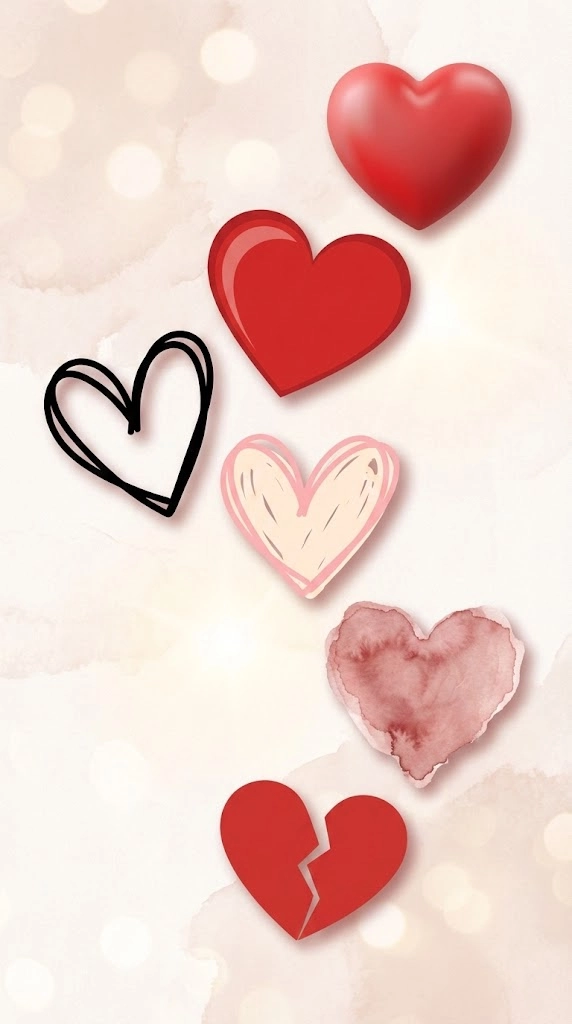
Clipart
Reusable illustrations for print and school projects.

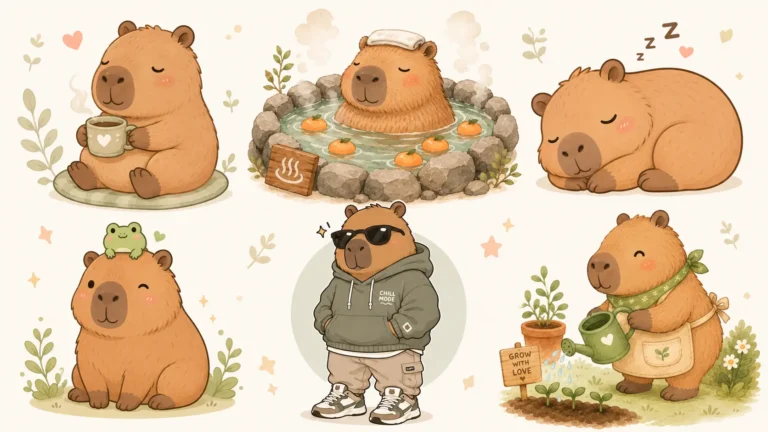
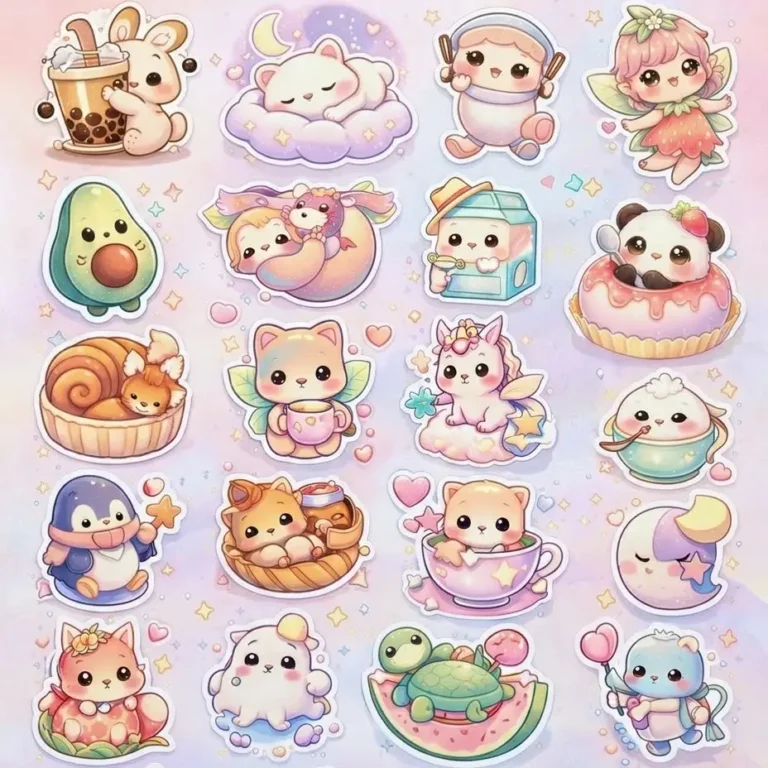
Stickers and Memes
Characters and reactions with big, simple expressions.

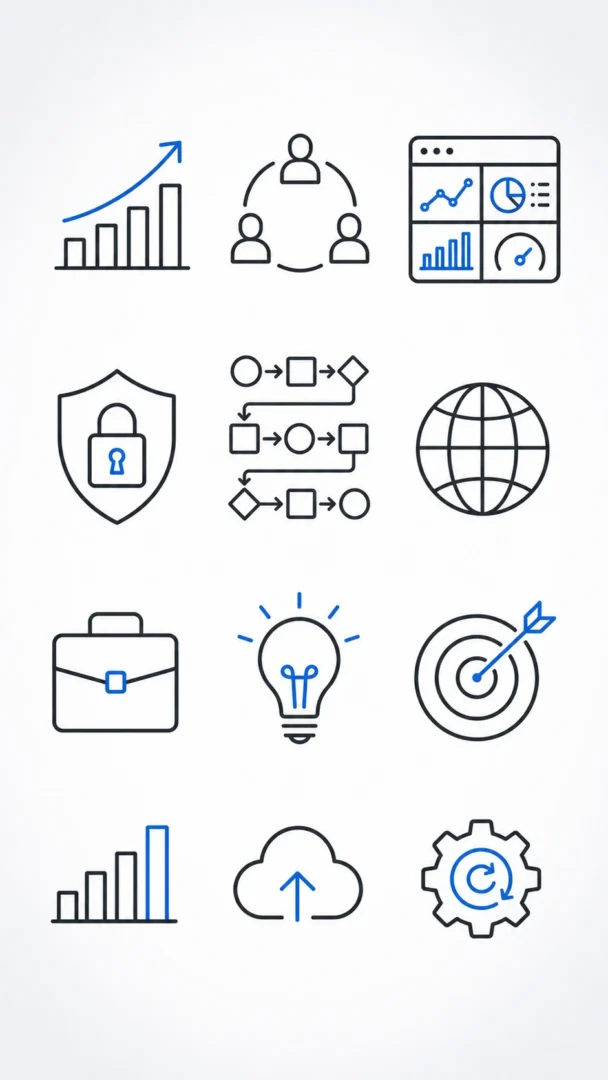
Icons
Small symbols that work as a set.
Which Format Do You Need?
| Format | Best for | Ask for |
|---|---|---|
| Clipart | Worksheets, cards and handouts | Plain white background, clear outline |
| Stickers | Chats, journals and printed sheets | Thick white border, one expression |
| Icons | Websites, slides and apps | One symbol, same colours and light direction |
How to Make a Matching Set
- Keep the style and colour words the same in every prompt.
- Change only the subject.
- Generate a few versions and choose the ones with the closest line weight.
- Remove the background in an editor if your tool doesn’t give you a transparent file.
Common Questions
Can AI make a transparent background?
Some tools can, but many only draw a checkered or white background. Ask for a plain background, then remove it with a background remover.
How do I print AI stickers?
Check the size you need first, as a 2-inch sticker at 300 pixels per inch needs about 600 x 600 pixels. Test one on paper before printing a sheet.
Can I sell AI clipart?
Check your tool’s commercial terms and any marketplace rules. Some marketplaces ask you to disclose AI-made work.
Keep Exploring
You might also like our guides to graphic design and anime and character prompts.