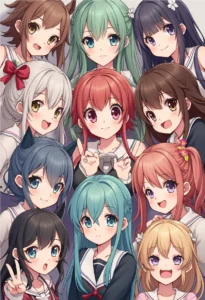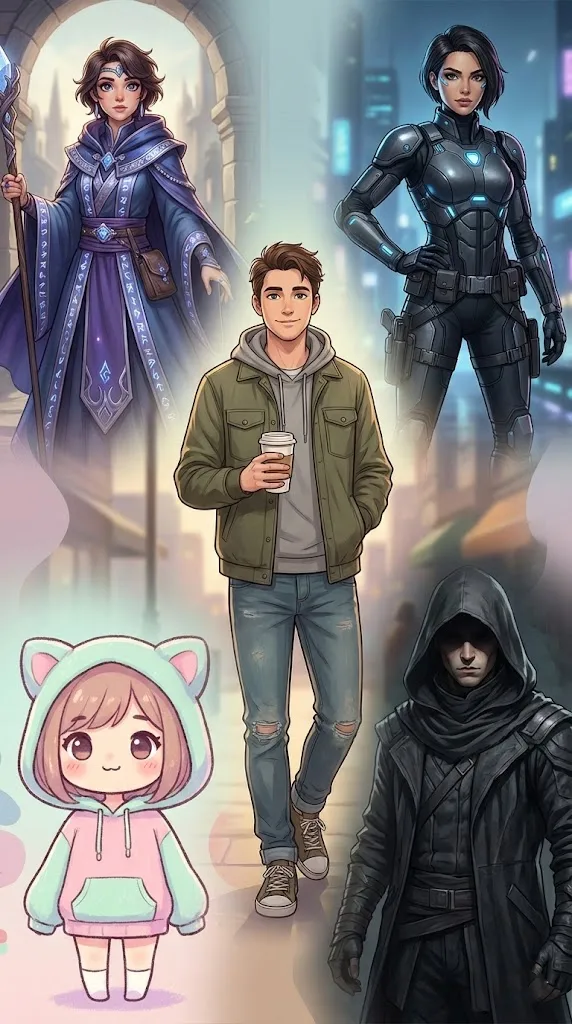
When you’re stuck on a blank canvas, AI can give you rough character design ideas to react to. These ten prompts take you from a first idea to a character you can draw again: a builder for your own concept, six starters for everyday, fantasy, sci-fi, cute, dark and anime characters, and three character sheets.
Use the results as starting points for your own drawing.
What Makes a Character Memorable
A memorable character shows who they are before they do anything. Worn boots, a mended coat or a nervous pose can suggest a whole backstory. Decide one thing about your character’s past first, then let that guide the design.
Design a Character in Five Choices
Before you write a prompt, make five quick decisions. They give the AI something specific to draw, and they give you a character rather than a costume.
- Role: what they do, such as a night-market cook or a retired knight.
- One detail from their past: something visible, such as a scar, a patched cloak or borrowed armour.
- Main shape: the shape their body and outfit are built from (see the table).
- Colours: two main colours and one small accent. More than that makes a character hard to remember.
- Signature item: one object people will link with them, such as a lantern, a broken watch or a scarf.
| Main shape | How it reads | Suits |
|---|---|---|
| Circles and curves | Friendly, soft, easy to like | Sidekicks, healers, mascots |
| Squares and blocks | Strong, steady, dependable | Guards, mechanics, mentors |
| Triangles and points | Sharp, restless or dangerous | Rivals, thieves, villains |
Put your five choices into the builder prompt below.
Character Builder
Replace the highlighted text with your own details before you run the prompt.
How to Get Better Results
Vague prompts return vague images, so add your own details about age, job, mood and setting. Each starter prompt below can take those details. Replace the aspect ratio with your own; in Midjourney, that looks like --ar 16:9.
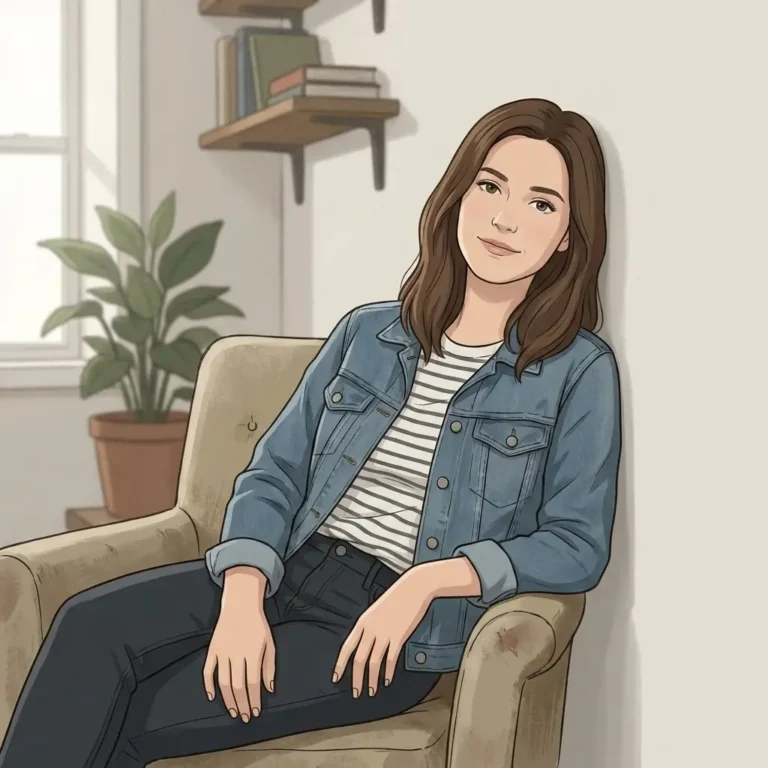
Everyday Slice-of-Life Character
Replace the highlighted text with your own details before you run the prompt.
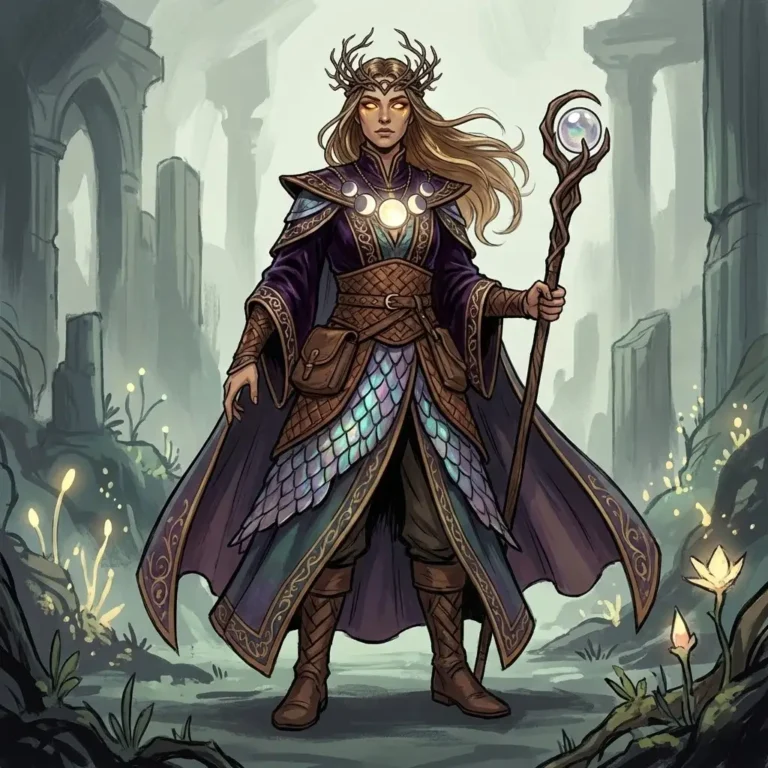
Fantasy World Character
Replace the highlighted text with your own details before you run the prompt.
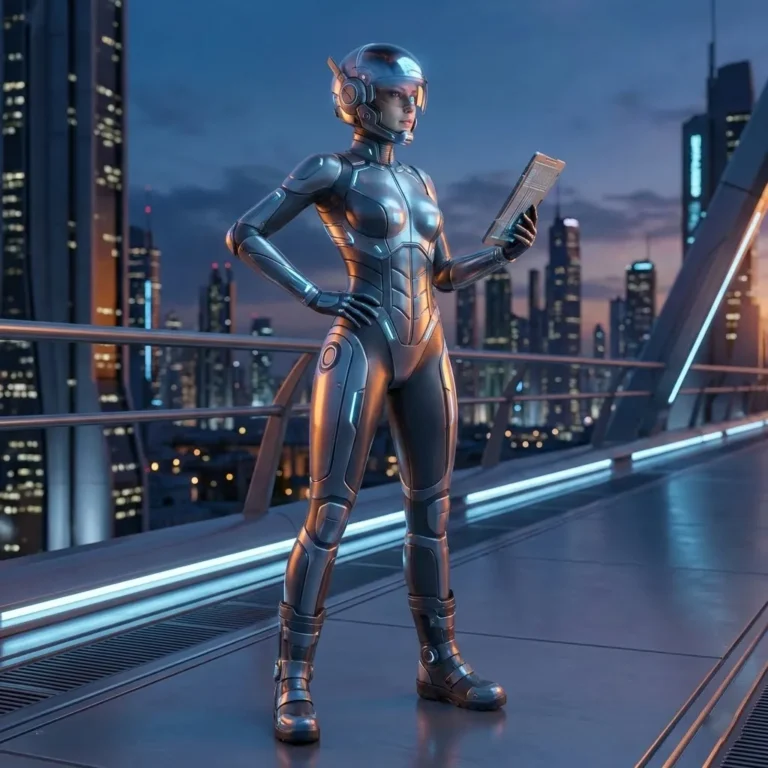
Sci-Fi Character Concept
Replace the highlighted text with your own details before you run the prompt.
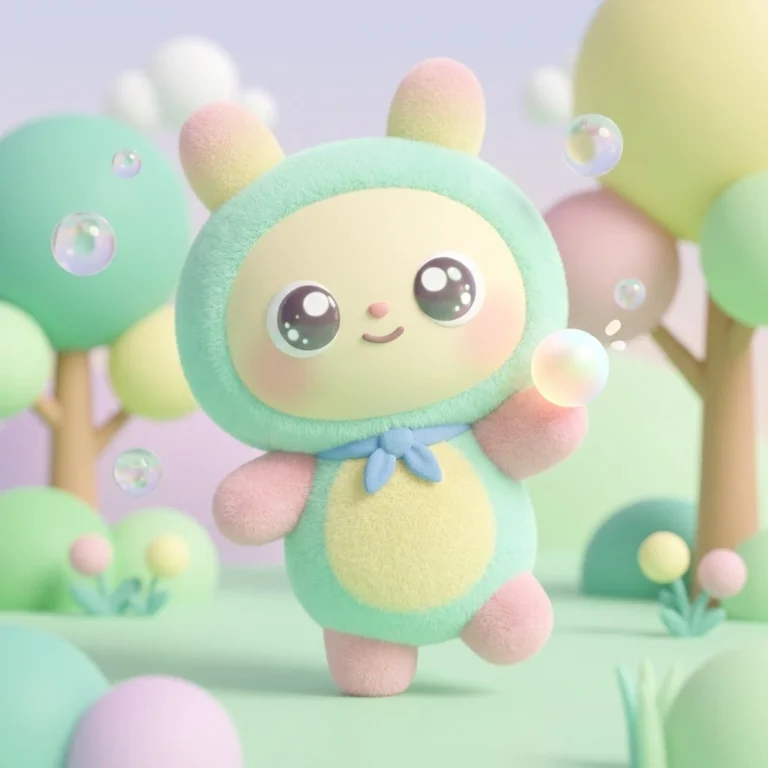
Cute Stylized Character
Replace the highlighted text with your own details before you run the prompt.
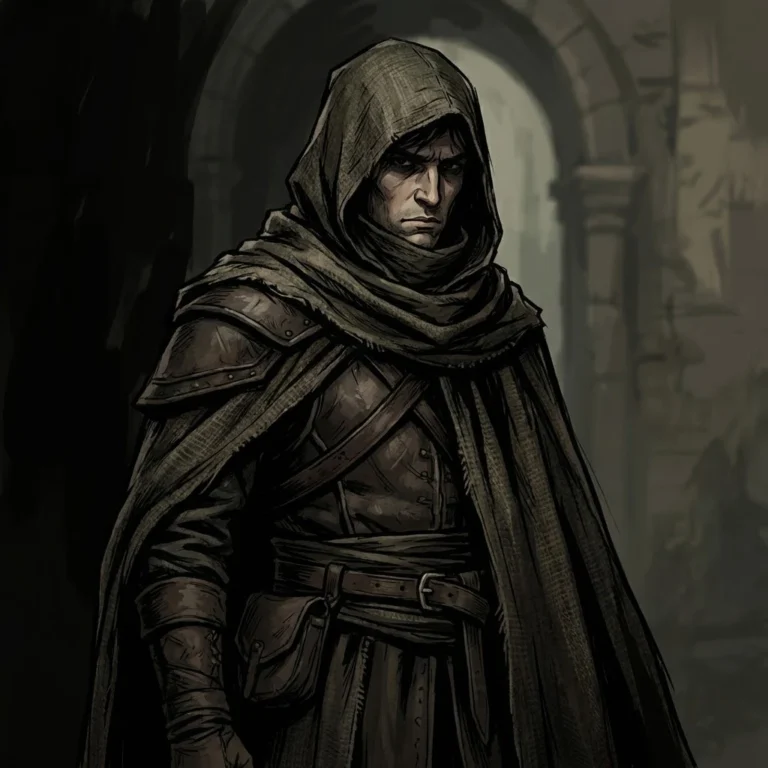
Dark & Mysterious Character
Replace the highlighted text with your own details before you run the prompt.
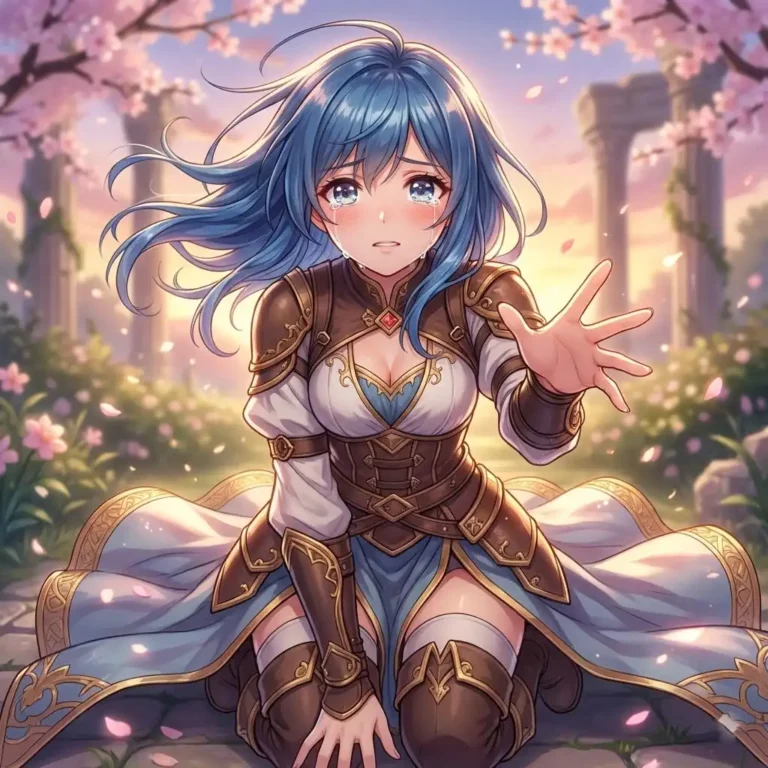
Anime-Inspired Character
Replace the highlighted text with your own details before you run the prompt.
Character Sheet Prompts
Once you have a concept you like, a character sheet turns it into something you can draw again. Paste the same description into each prompt below, word for word. Use a wide shape such as 16:9 for these, so every view fits.
Turnaround Sheet
Replace the highlighted text with your own details before you run the prompt.
Expression Sheet
Replace the highlighted text with your own details before you run the prompt.
Outfit and Prop Details
Replace the highlighted text with your own details before you run the prompt.
Keep It the Same Character
AI tools forget your character between images. Save your best turnaround sheet, and upload it as a reference image whenever your tool allows it. Keep a note of the exact words you used for the face, hair, outfit and colours, and change only the pose or setting in each new prompt. For more on this, see how to keep the same character across images.
How to Improve Your Concepts
- Start simple. Add details once the basic idea works.
- Change one thing at a time. If the mood is wrong, change only the lighting words.
- Check the silhouette. A strong character is recognisable as a solid shape.
- Combine results. Take the hair from one image and the boots from another.
From AI Concept to Your Own Design
Generate plenty of rough concepts quickly, then choose the one that interests you and redraw it in your own style. If you plan to use the character commercially, check the terms of your AI tool, and make sure it doesn’t closely resemble an existing character.
More in AI Anime and Character Prompts
This guide is part of our AI Anime and Character Prompts hub, where you’ll find every related guide, along with tips and common questions.