
Video Prompt Collections
Ready-to-copy scenes for short clips.

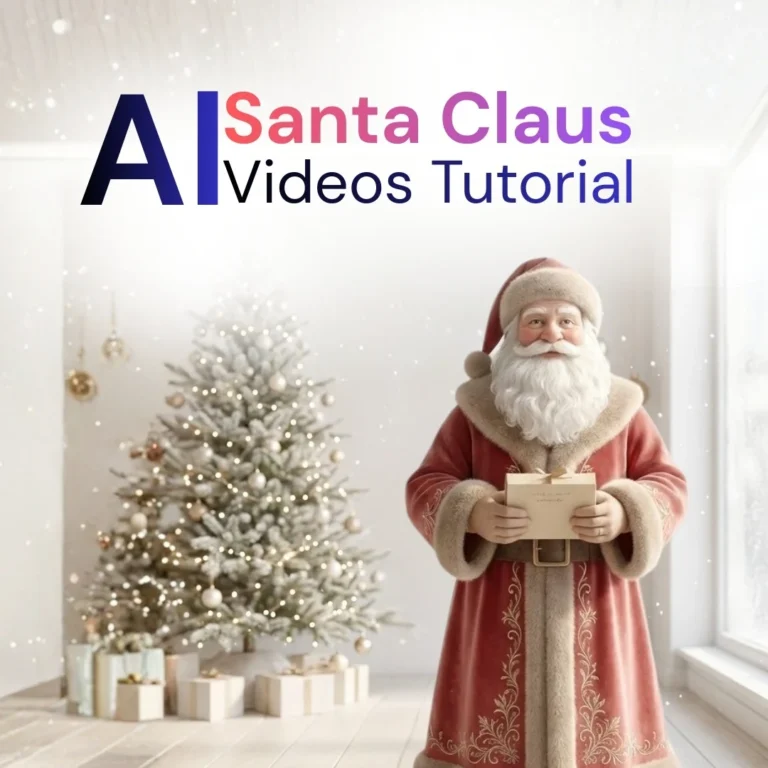
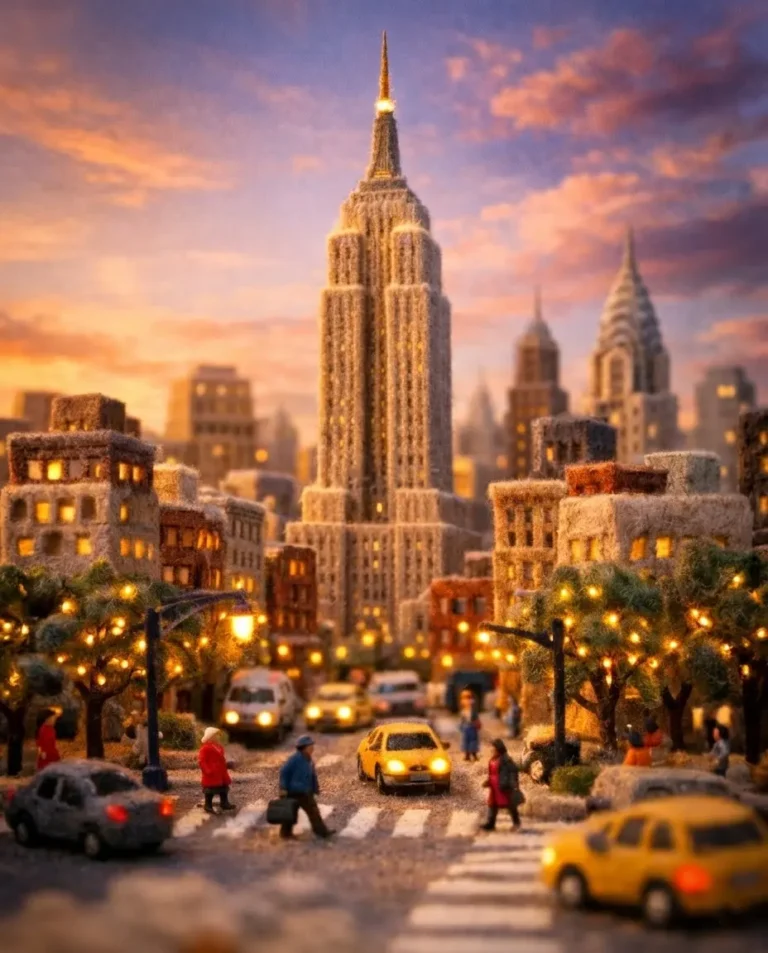
Workflows and Project Breakdowns
Longer guides that take you from images to a finished video.
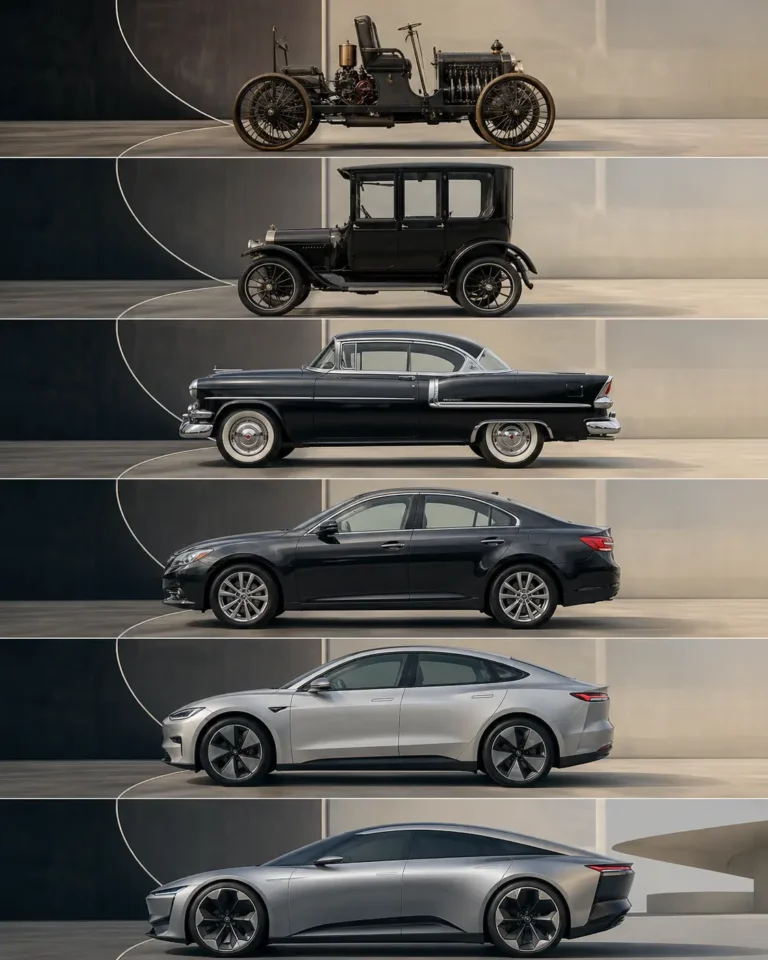
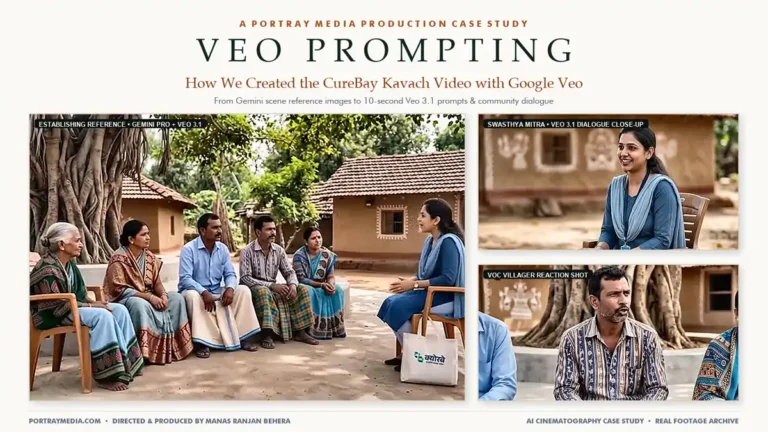
How to Write a Video Prompt
| Part | Ask yourself | Example |
|---|---|---|
| Subject | What’s on screen? | A paper boat on a stream |
| Motion | What moves, and how? | It drifts slowly and turns |
| Camera | Is the camera still or moving? | Slow push-in at water level |
| Light and mood | How should it feel? | Soft morning light |
| Shape | Where will it be watched? | 9:16 for reels, 16:9 for YouTube |
Fix Common Problems
- The clip looks chaotic: reduce it to one main movement.
- The subject changes shape: start from a reference image, or use a shorter clip.
- Long transitions look messy: make several short clips and join them in an editor.
- Text looks wrong: add captions and titles afterwards.
Common Questions
Which tool should I use for AI video?
Features and prices change often, so compare current options. Try the same short prompt in two tools before you commit to a longer project.
How long should an AI clip be?
Start with a few seconds. Short clips are easier to control, and you can join them in a video editor.
Can I show a real person in an AI video?
Only with their permission, and label anything that could be mistaken for real footage.
Keep Exploring
You might also like our guides to photo editing and anime and character prompts.