These 12 AI prompts help you explore tattoo ideas for men in three styles: American traditional, butterfly and Medusa. Use them to compare concepts, then take your favourite to a tattoo artist.
A generated image can show you the mood and shape of a design, but not how it will sit on your skin or age over time. Your artist can adapt it for your body and redraw it as a real stencil.
Start With the Meaning
Start with what you want the tattoo to say. Each style carries a different idea:
- American traditional: bold, classic imagery such as eagles and anchors
- Butterflies: often linked with change and growth
- Medusa: a figure from Greek myth with a powerful presence
How to Use These Prompts
Paste these into Nano Banana, Flux, Leonardo AI, Stable Diffusion or Adobe Firefly. Replace PLACEMENT with the body area, such as forearm or chest, and AR with your image shape, such as 4:5.
American Traditional Tattoo Prompts
Thick outlines and a limited colour palette make this style easy to read, even at a distance.
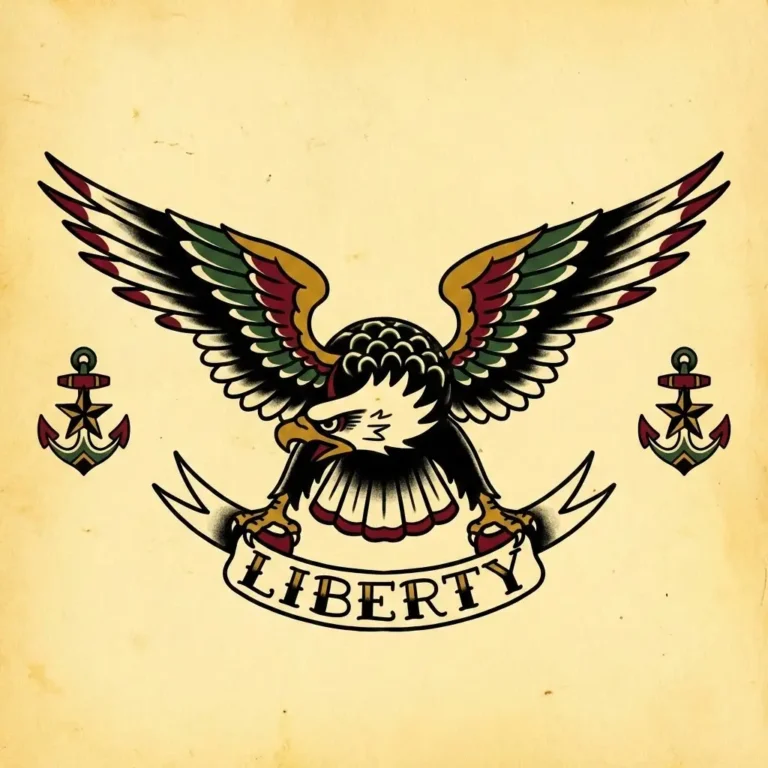
Traditional Eagle
Replace the highlighted text with your own details before you run the prompt.
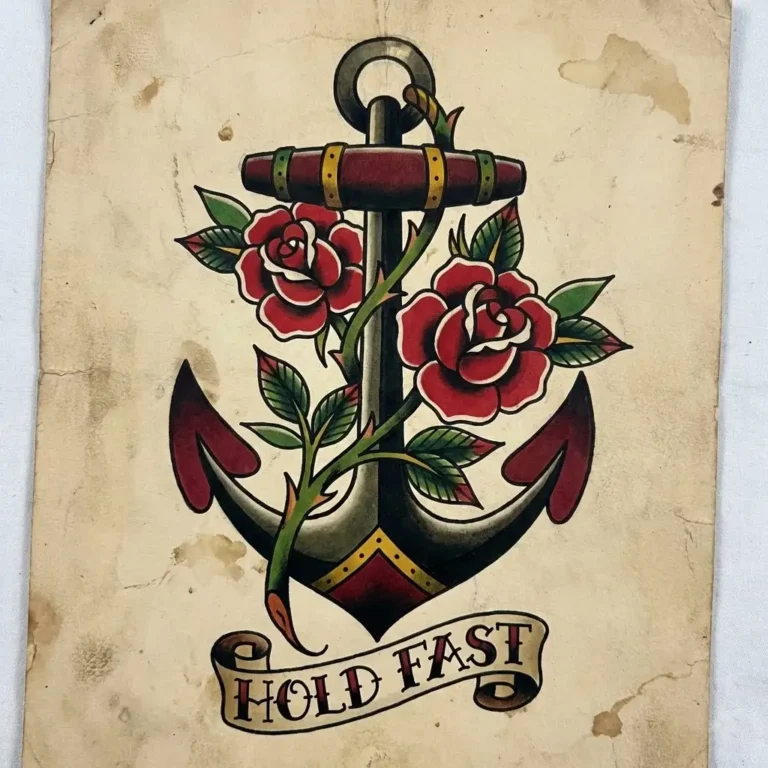
Anchor and Rose
Replace the highlighted text with your own details before you run the prompt.

Skull and Dagger
Replace the highlighted text with your own details before you run the prompt.
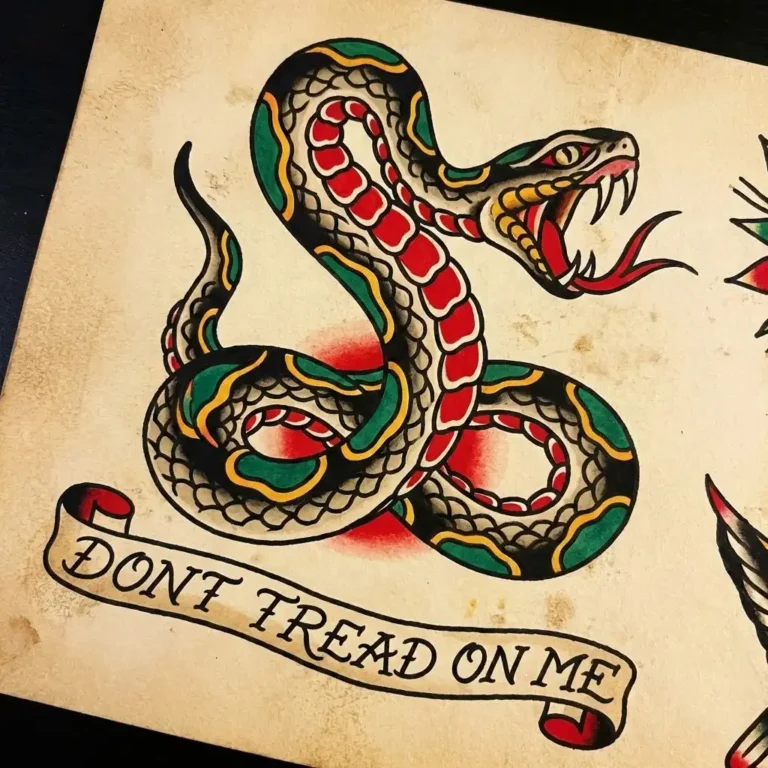
Coiled Snake
Replace the highlighted text with your own details before you run the prompt.
Butterfly Tattoo Prompts
These range from realistic wings to black ink and geometric shapes. Thin, detailed lines may not hold up well at a small size, so ask your artist.
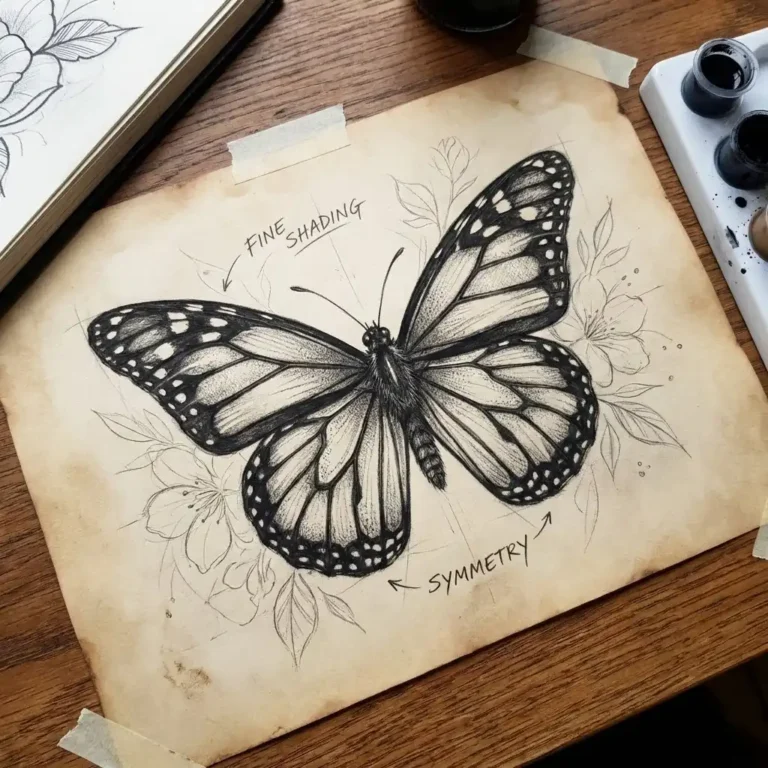
Realistic Butterfly
Replace the highlighted text with your own details before you run the prompt.
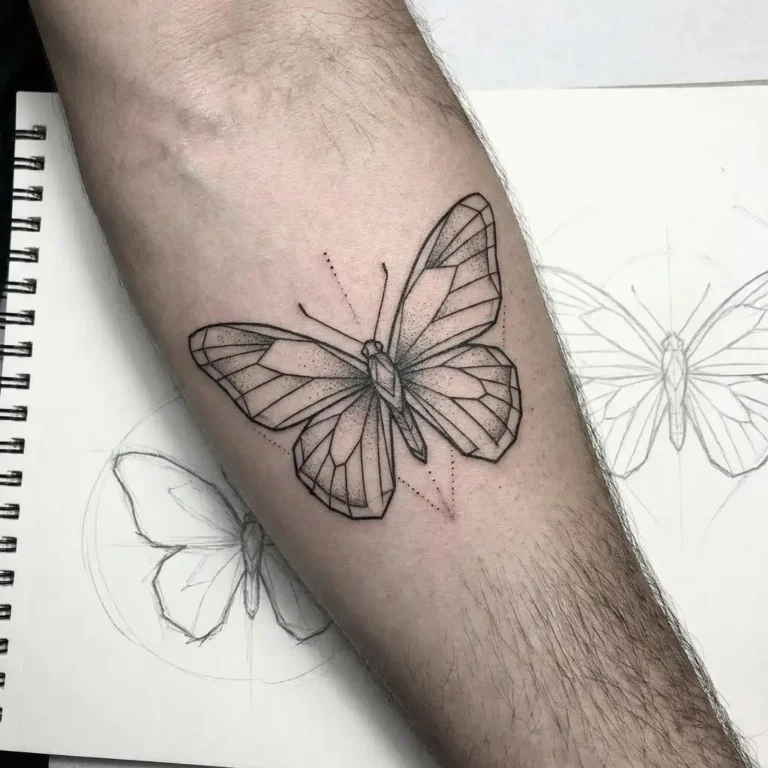
Black Ink Butterfly
Replace the highlighted text with your own details before you run the prompt.
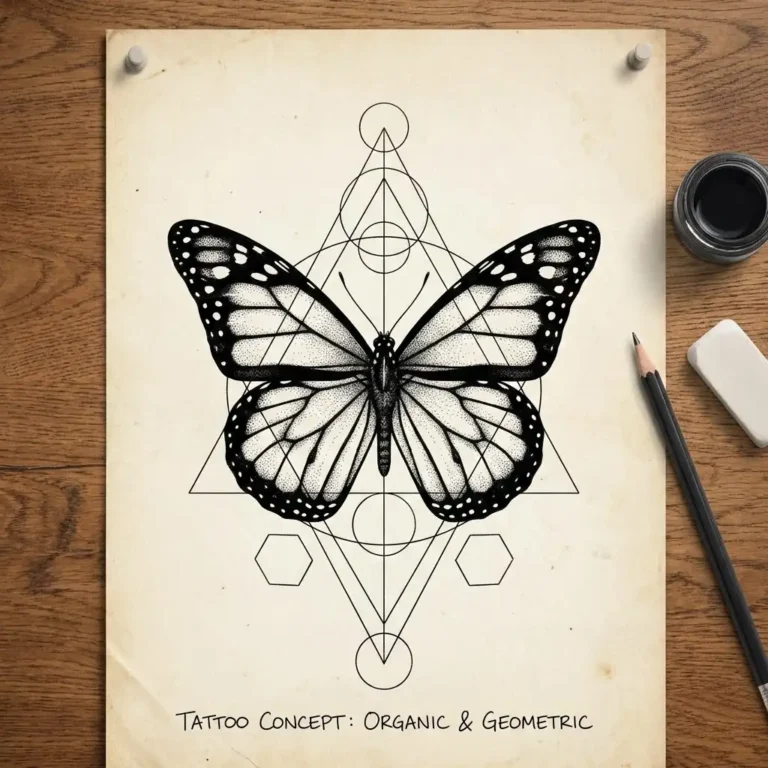
Butterfly With Geometry
Replace the highlighted text with your own details before you run the prompt.
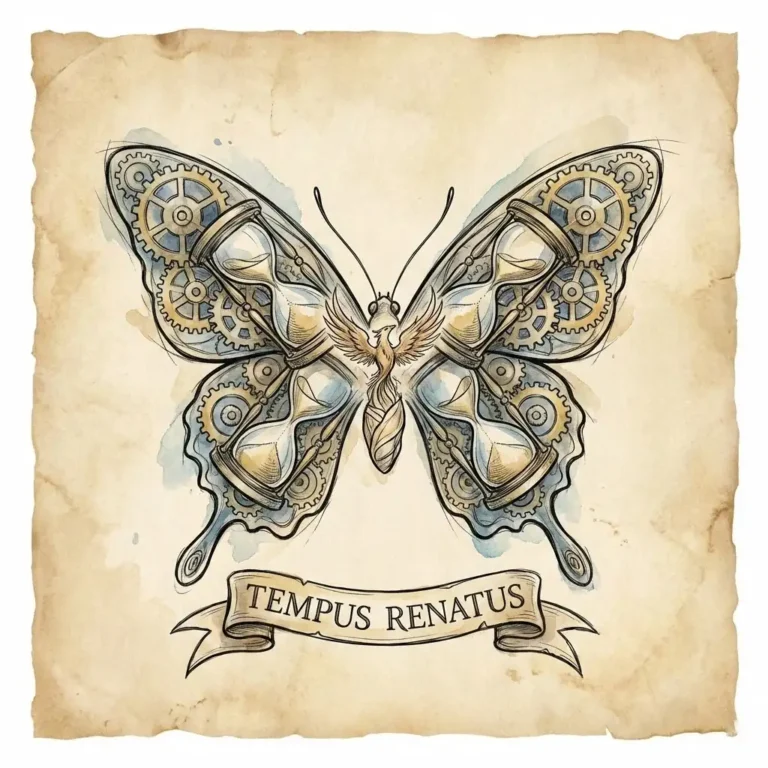
Symbolic Butterfly
Replace the highlighted text with your own details before you run the prompt.
Medusa Tattoo Prompts
These prompts cover realistic, black and grey, symbolic and stylized versions. Faces need room for detail, so think about a larger placement.
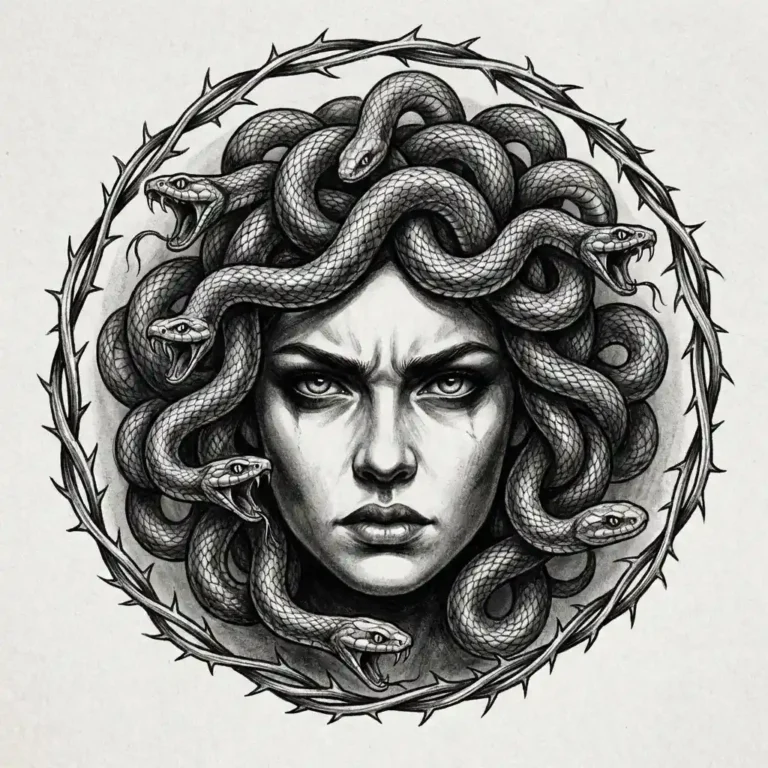
Realistic Medusa Portrait
Replace the highlighted text with your own details before you run the prompt.
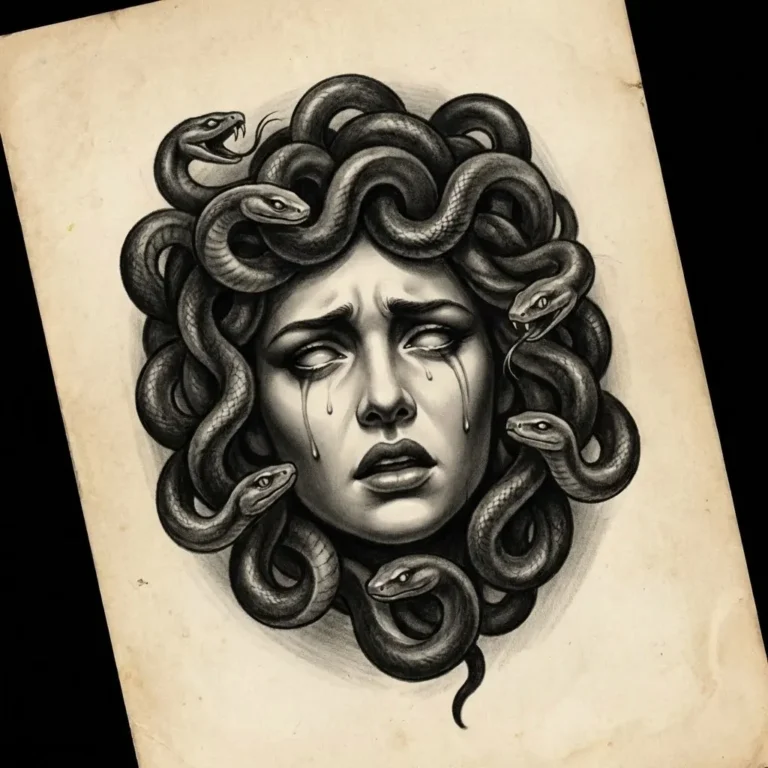
Black and Grey Medusa
Replace the highlighted text with your own details before you run the prompt.

Medusa With Symbolism
Replace the highlighted text with your own details before you run the prompt.

Stylized Medusa
Replace the highlighted text with your own details before you run the prompt.
Choose a Placement and Shape
A design that works on a chest may not fit a forearm, so pick the area first and set the image shape to match it. Use these as a starting point, then check with your artist.
| Placement | Suits | Try this shape |
|---|---|---|
| Forearm | Long designs such as daggers, snakes and anchors | 1:2 or 2:3 |
| Upper arm or shoulder | Eagles, roses and Medusa portraits | 3:4 |
| Chest | Wide, symmetrical designs such as an eagle with spread wings or a butterfly | 3:2 |
| Back | Large scenes and detailed portraits | 4:5 |
| Calf | Tall designs with medium detail | 1:2 |
| Wrist or hand | Small, simple shapes with few lines | 1:1 |
Fine lines and tiny details can blur as a tattoo ages, especially on small placements. If a design has a face or a lot of detail, ask your artist how big it needs to be.
Once you have a design you like, you can see roughly how it sits on you. Take a well-lit photo of the area. In an image editing tool such as Nano Banana, upload the photo first and your design second, then use the prompt below.
Preview the Design on Your Skin
Replace the highlighted text with your own details before you run the prompt.
Tips for Better Tattoo Concepts
- Keep the background simple.
- Mention line weight, such as “bold” or “fine”.
- Decide on the body placement early.
- Treat the image as concept art, not a final stencil.
Before You Book Your Appointment
Save two or three favourite results and note what you like about each one. That gives your artist a clear starting point. A good artist will create an original version rather than copying the image exactly.
More in AI Graphic Design Prompts
This guide is part of our AI Graphic Design Prompts hub, where you’ll find every related guide, along with tips and common questions.