
Colour and Visual Effects
Change the mood and style of an image.
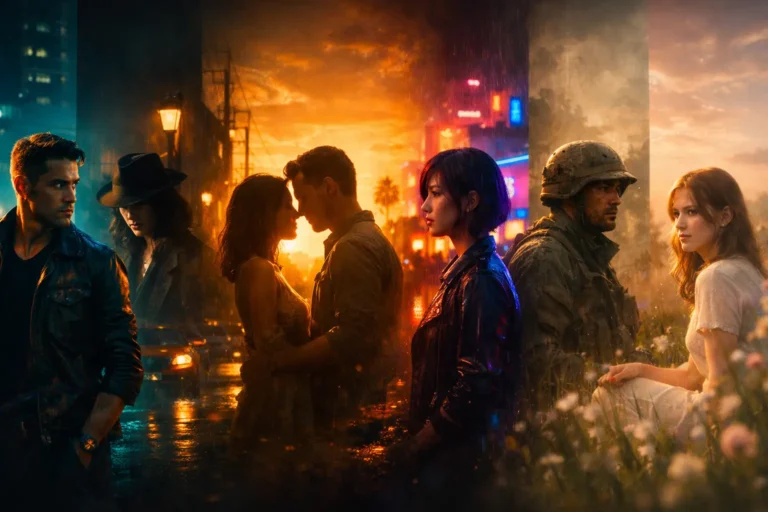
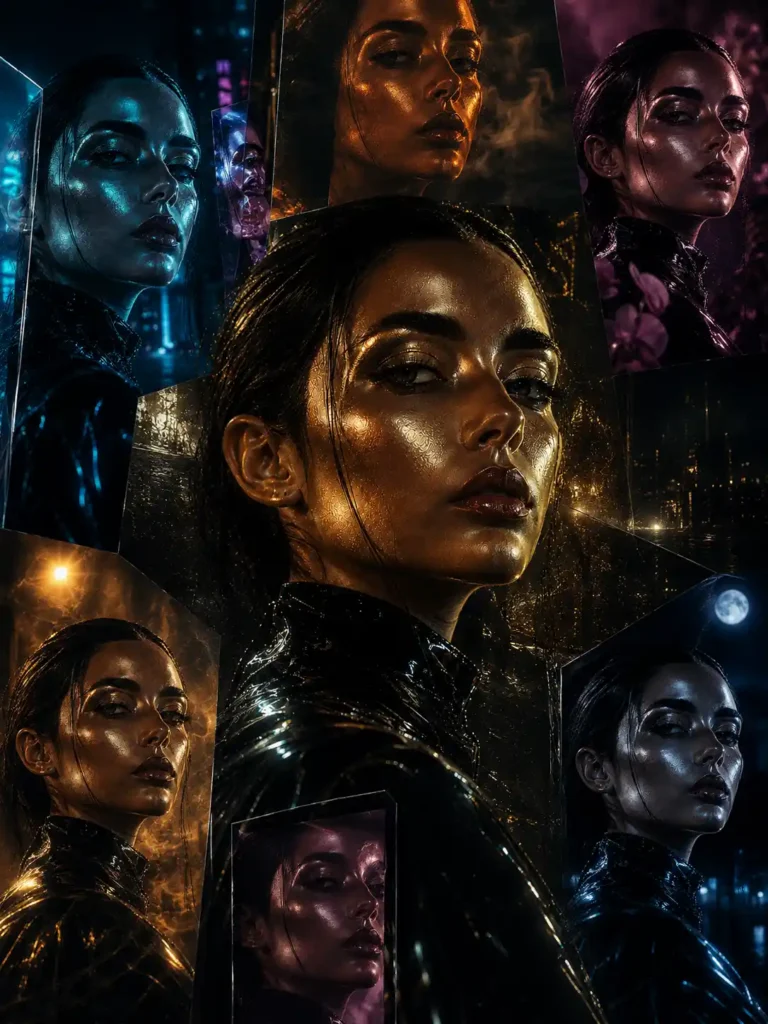
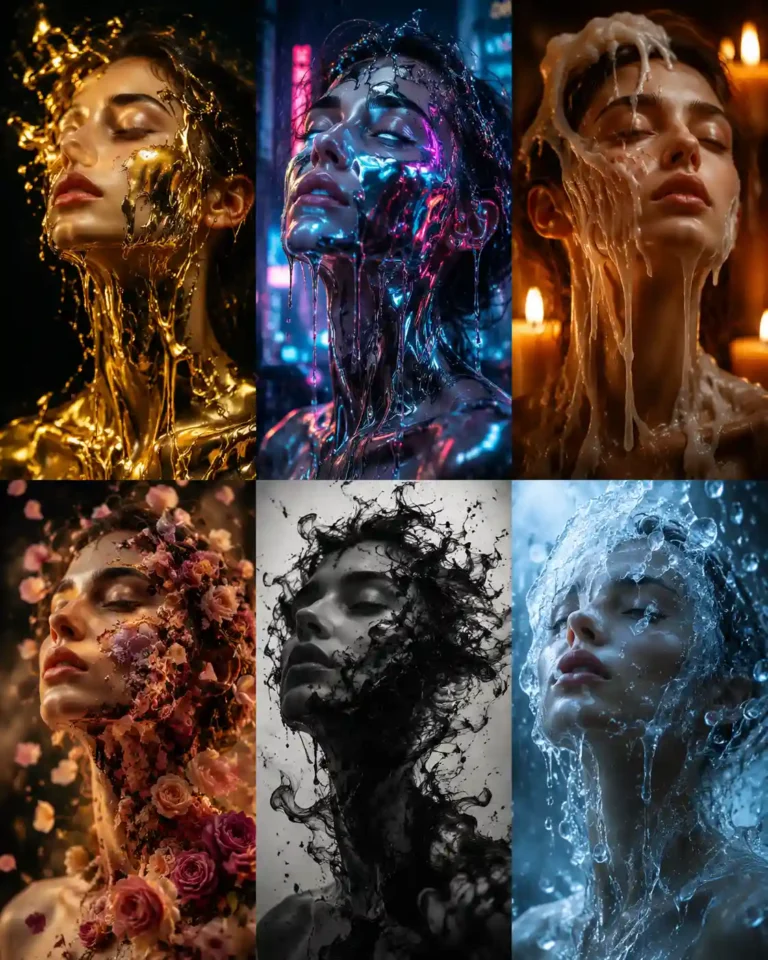
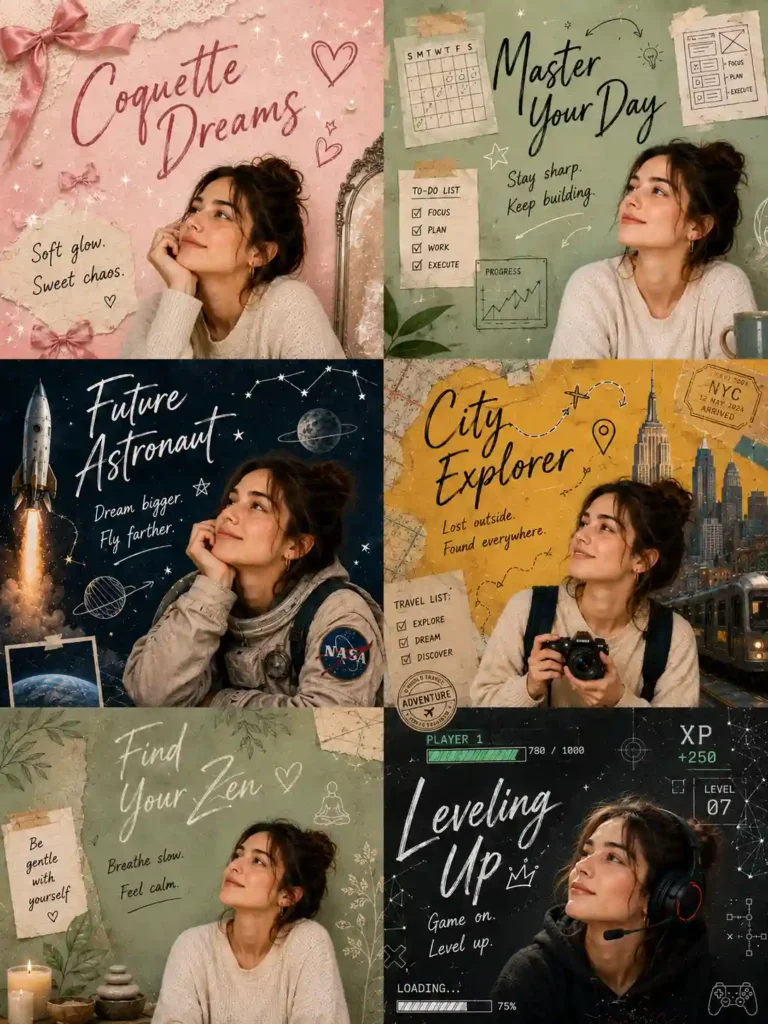
People, Clothes and Faces
Tools and prompts for portraits. Only edit photos of people who have agreed.
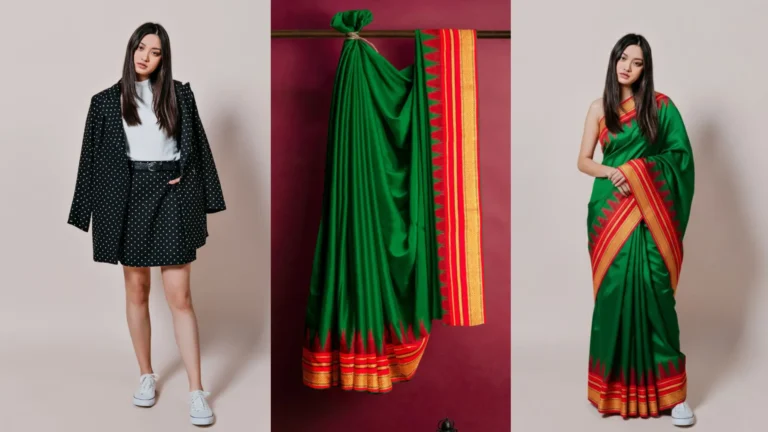
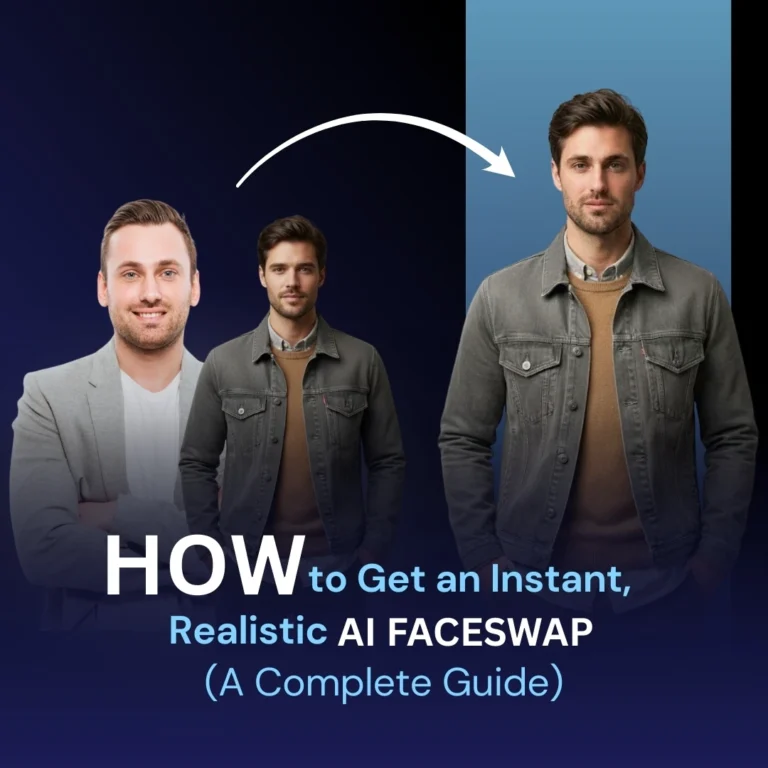
Everyday Photo Tasks
Practical jobs that don’t need a design background.
How to Write an Editing Prompt
| Part | What to say | Example |
|---|---|---|
| Keep | What must not change | Keep the face, pose and background the same |
| Change | The one edit you want | Change only the jacket to navy wool |
| Match | How it should blend in | Match the light and shadows in the photo |
| Finish | The look of the final image | Natural colour, realistic skin texture |
Privacy and Consent
Your photos are uploaded to someone else’s service, so read its privacy policy before you share anything personal. Get permission before you edit someone’s photo, and never create sexual, humiliating or deceptive images of a real person.
Common Questions
Why did AI change my face?
Many tools regenerate the whole image. Ask it to keep the face unchanged, or use a tool that lets you highlight just the area to edit.
Can AI restore old family photos?
It can help, but it may invent details that were never there. Keep your original, and treat the result as an interpretation.
Is AI or a photo editor better for colour?
A photo editor gives you exact control and keeps your original pixels. AI is quicker for trying out a look, but it may redraw parts of the image.
Keep Exploring
You might also like our guides to video and graphic design.