These AI sticker prompts cover three kinds of design: cute kawaii characters, emoji-style reactions for chats, and bold travel stickers for suitcases and laptops. Each works best with one simple idea and a plain background, which makes it easier to cut out.
What’s on This Page
| Section | Prompts | Best for |
|---|---|---|
| Kawaii stickers | 6 | Cute characters for chats and journals |
| Emoji Sticker Prompts | 6 | Reactions regular emojis miss |
| Travel Sticker Prompts | 6 | Suitcases, laptops and print |
6 AI Prompts for Kawaii Stickers
For a sticker that’s easy to cut out, ask for a plain background and a clear outline. Small shapes and a single expression stay readable at sticker size. To make a matching set, keep the same palette and change only the character.
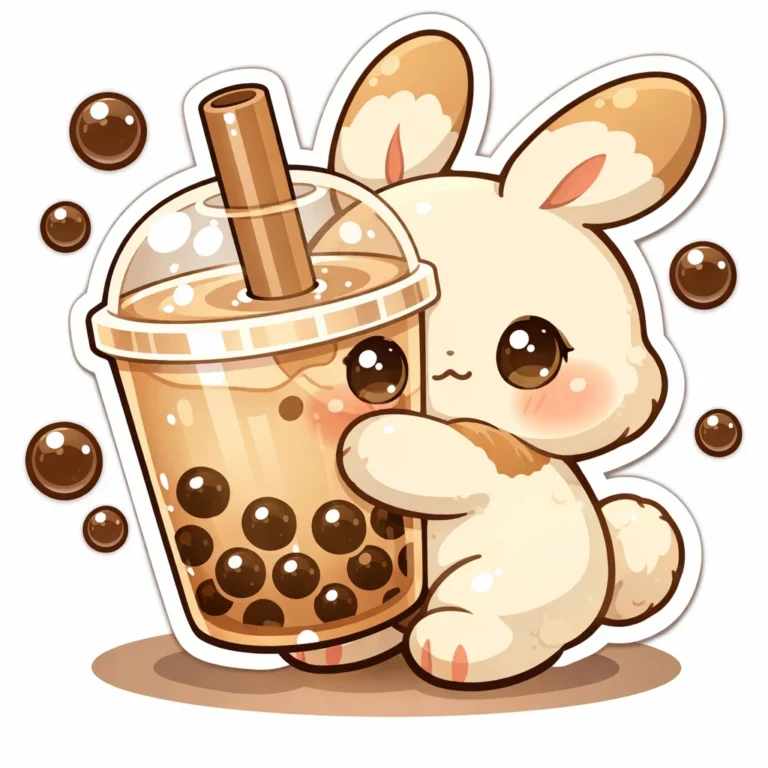
Cozy Milk Tea Bunny Sticker
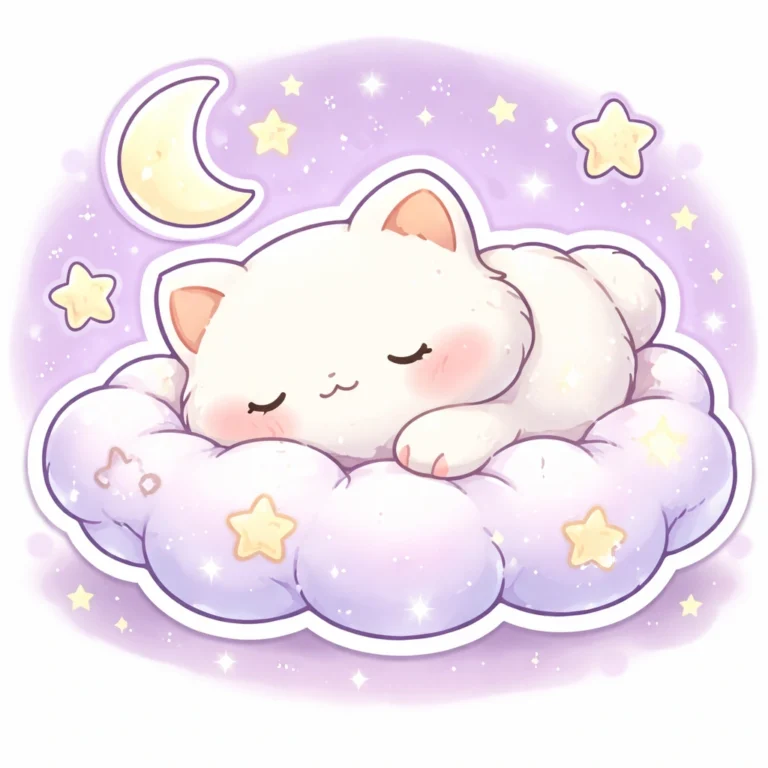
Sleepy Cloud Cat Sticker
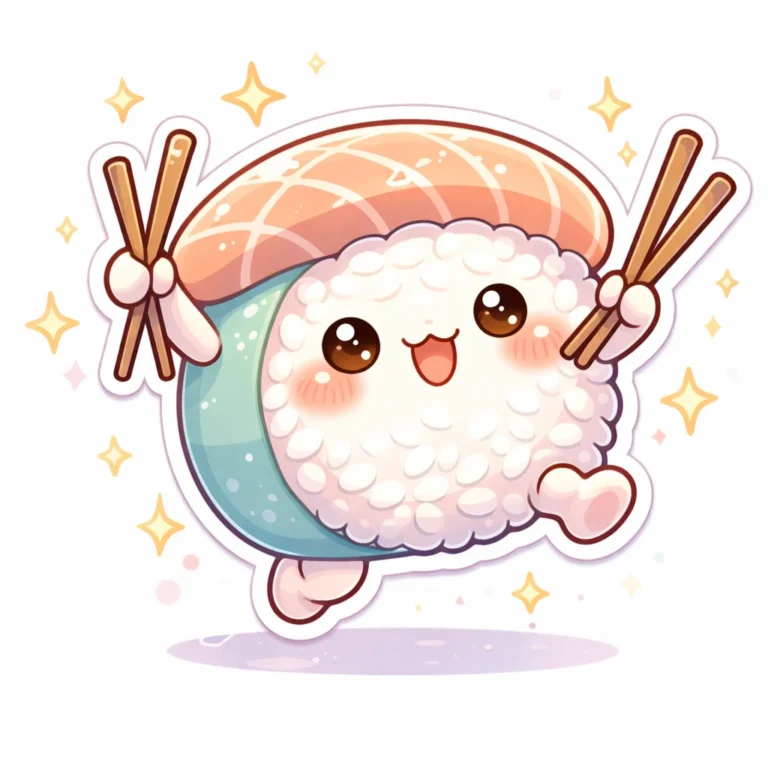
Happy Sushi Roll Sticker
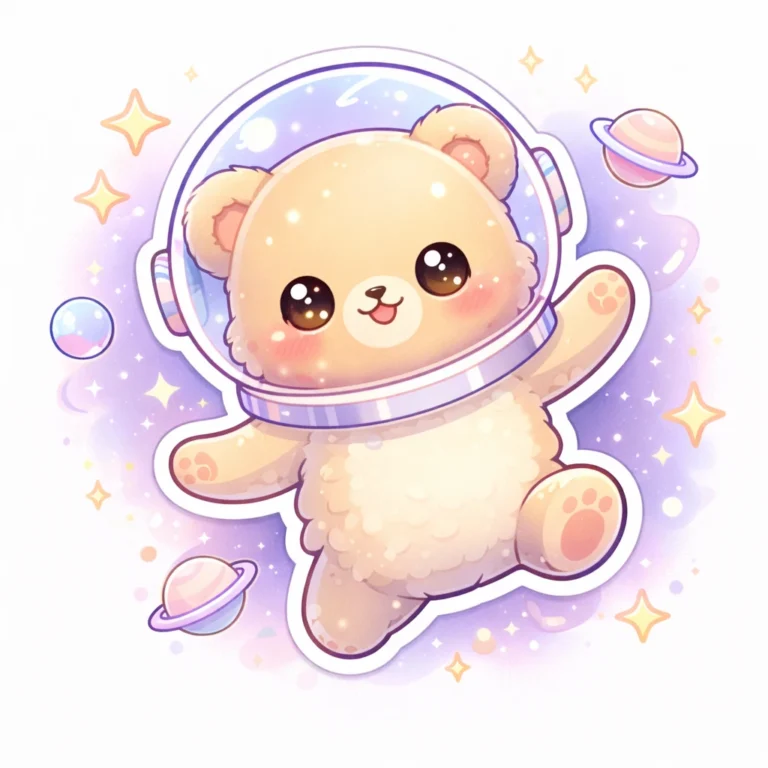
Tiny Astronaut Bear Sticker
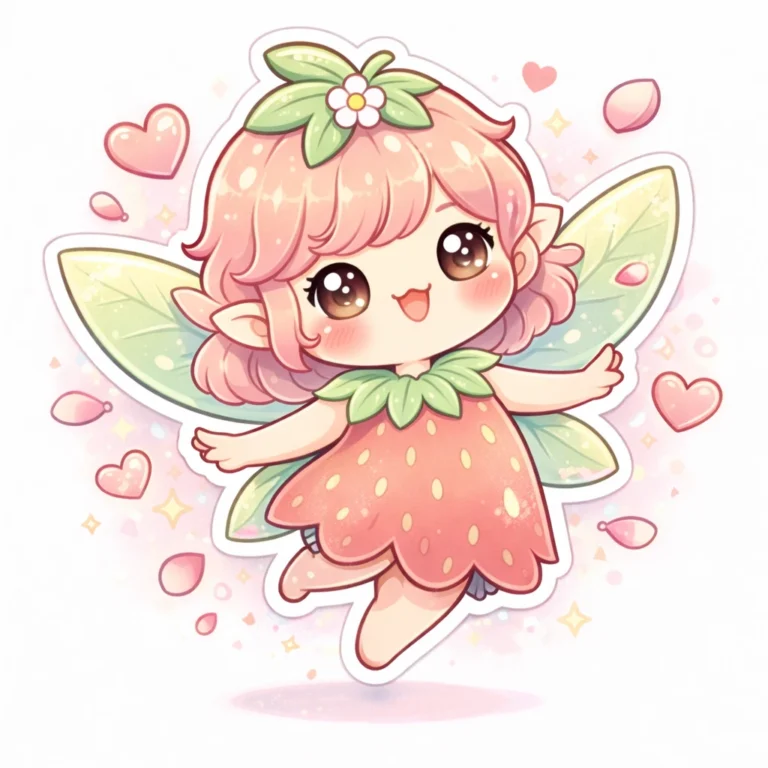
Magical Strawberry Fairy Sticker
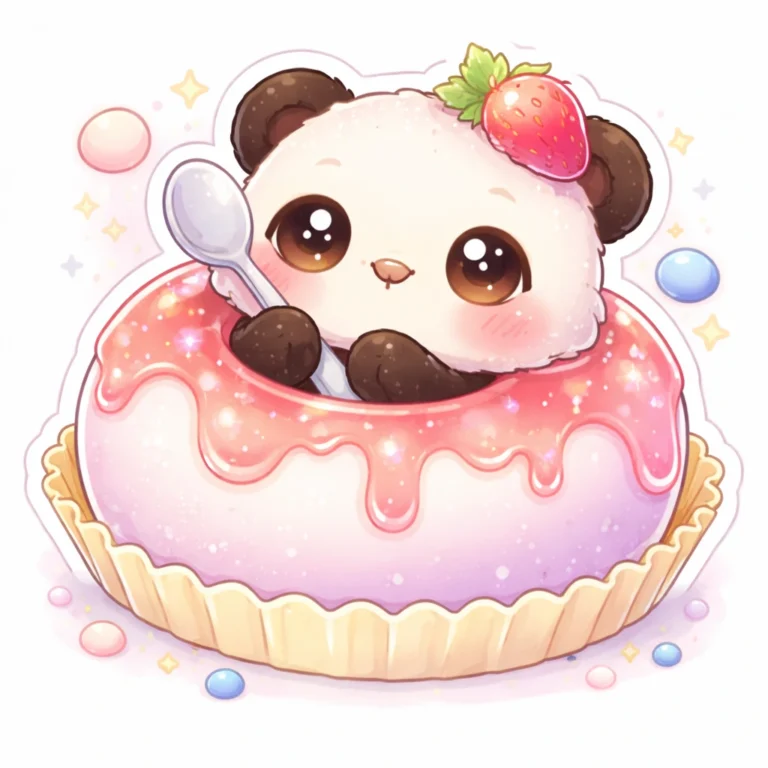
Mochi Panda Snack Sticker
Emoji Sticker Prompts
These six AI prompts create emoji stickers for feelings that regular emojis don’t quite capture: overexcited, shy but happy, laughing but done, silently judging, clingy and confused.
Paste a prompt into Nano Banana, Flux or DALL·E. To invent your own, describe one specific reaction, such as “pretending to listen”, and give the character a slightly exaggerated face.
Why Specific Reactions Work Better
People tend to reuse stickers that match a specific moment in a chat. A slightly awkward or exaggerated expression can feel more human than a perfect smile. These work well in:
- Group chats and casual conversations
- Social media replies
- Sticker packs for messaging apps
To turn an image into a real sticker, you’ll usually need to remove the background and follow your app’s size rules.
Each prompt uses a 1:1 shape, which suits most messaging apps.
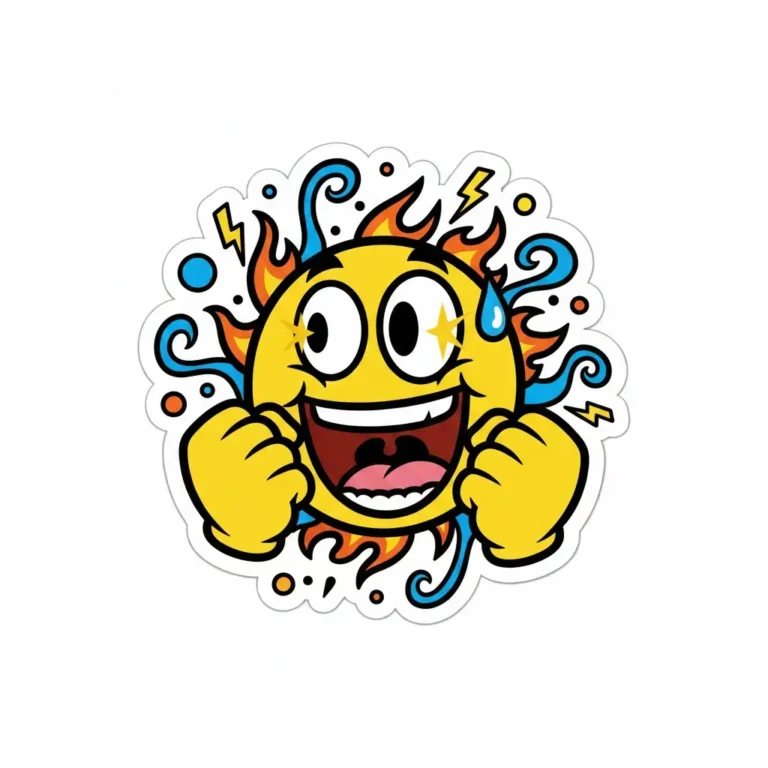
Overexcited Can’t-Contain-It Emoji
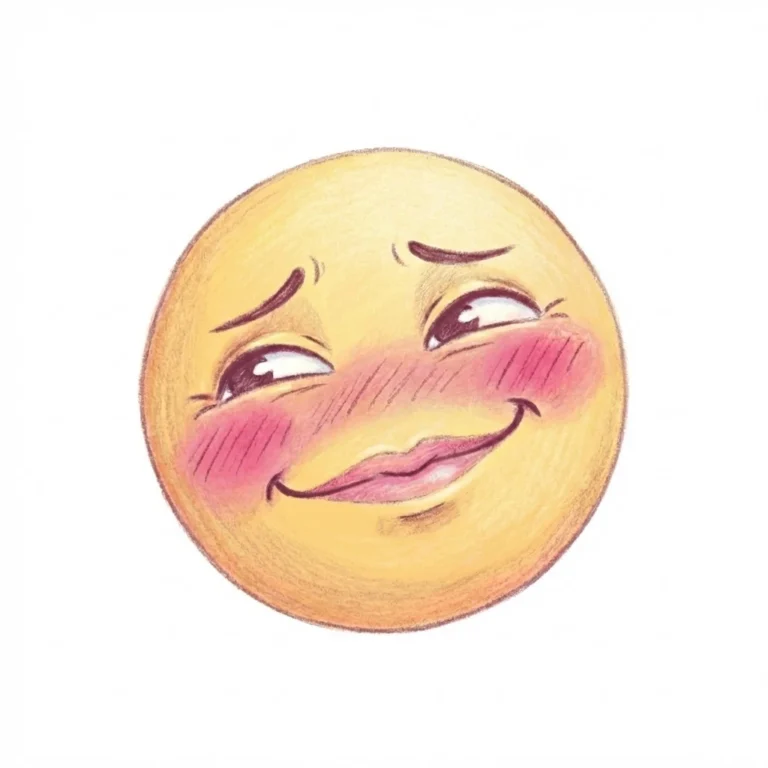
Soft Embarrassed but Happy Emoji
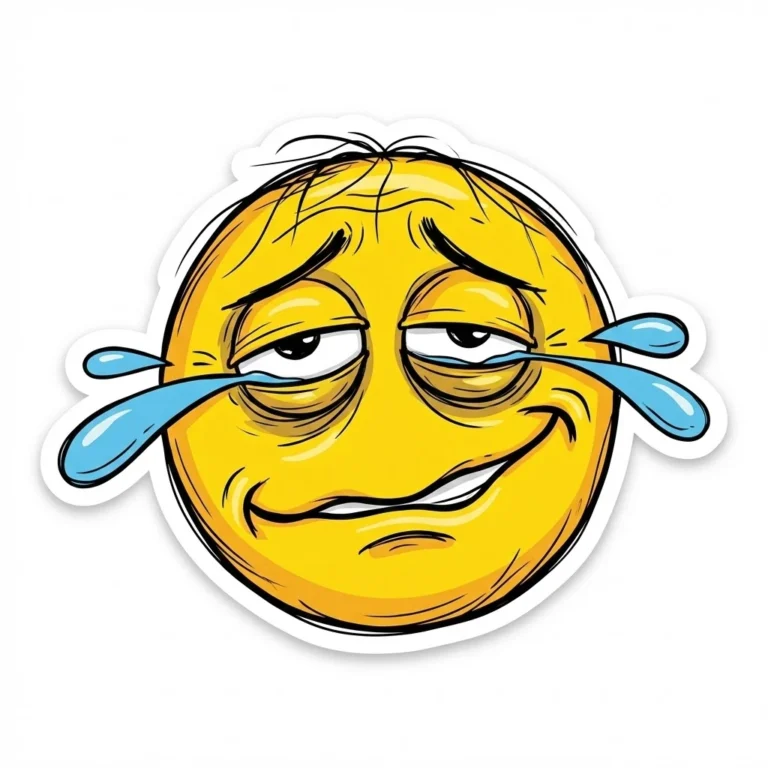
Laughing but Completely Done Emoji
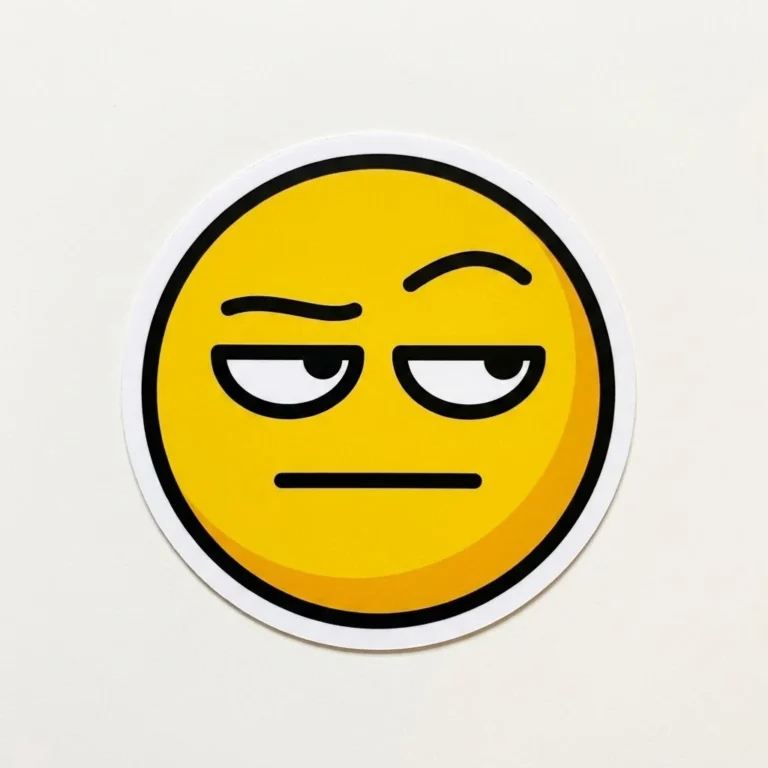
Silent Judgment Emoji
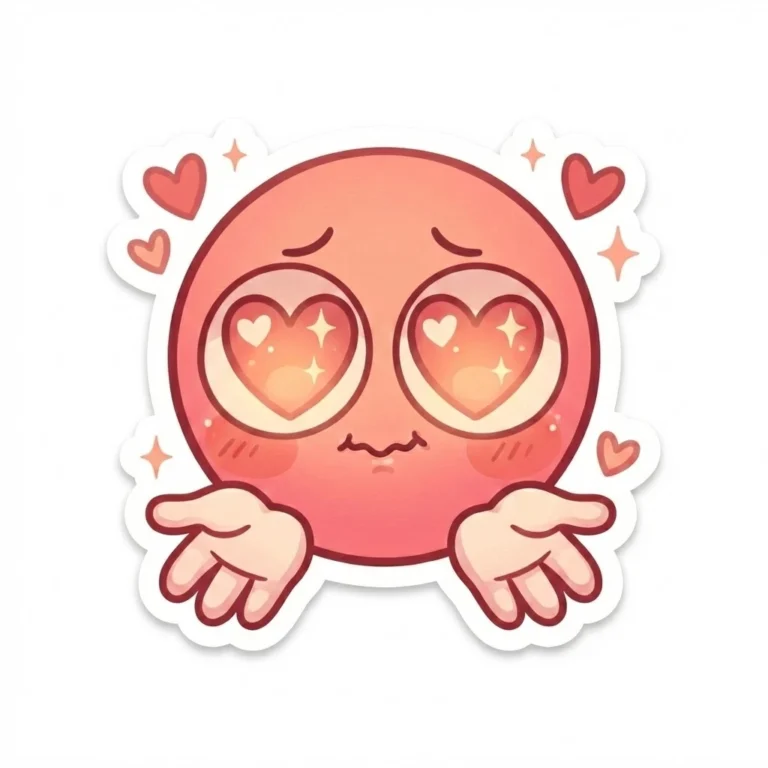
Clingy Cute Love Emoji
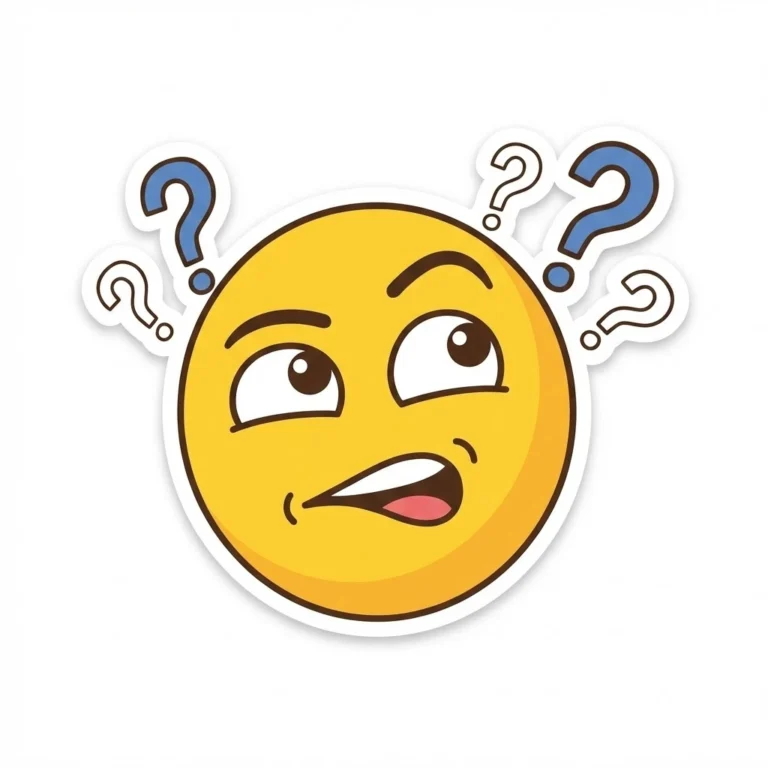
Confused but Trying Emoji
Travel Sticker Prompts
These six AI prompts create travel stickers for suitcases and laptops, including neon airport codes, retro boarding passes and embroidered-style adventure patches.
Generate them in Midjourney, DALL·E, Leonardo AI or Adobe Firefly. Replace any city or airport code with a place that means something to you.
For printing, choose a design with bold shapes and few tiny details, and ask for a plain background so it’s easy to cut around.
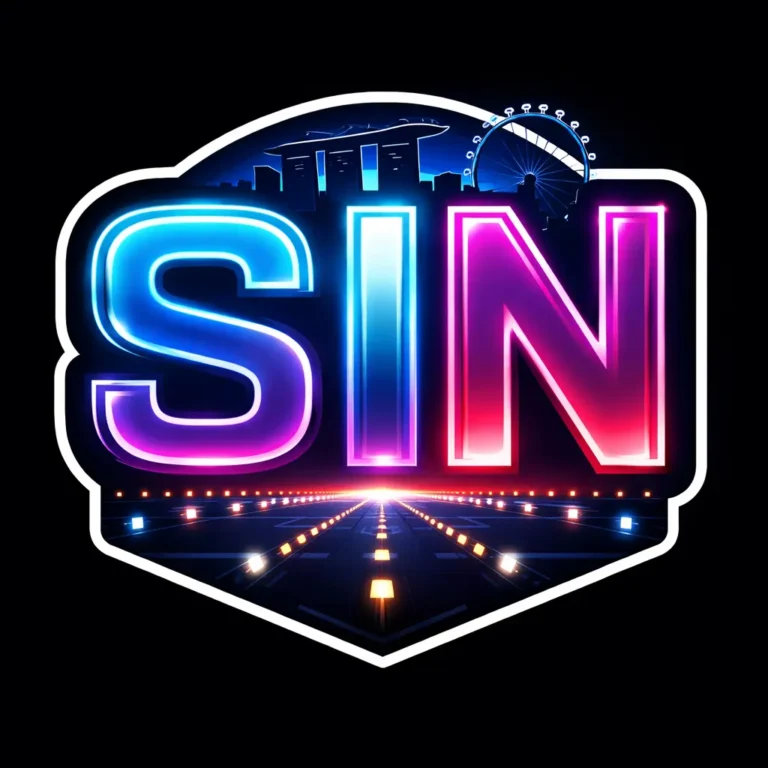
Neon Airport Code Glow Sticker
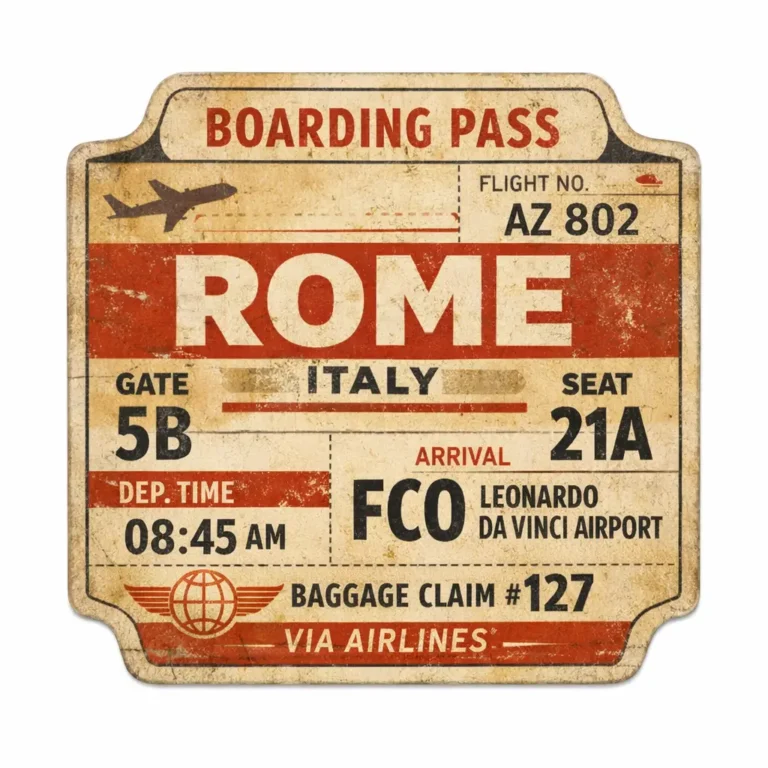
Retro Boarding Pass Collector Edition
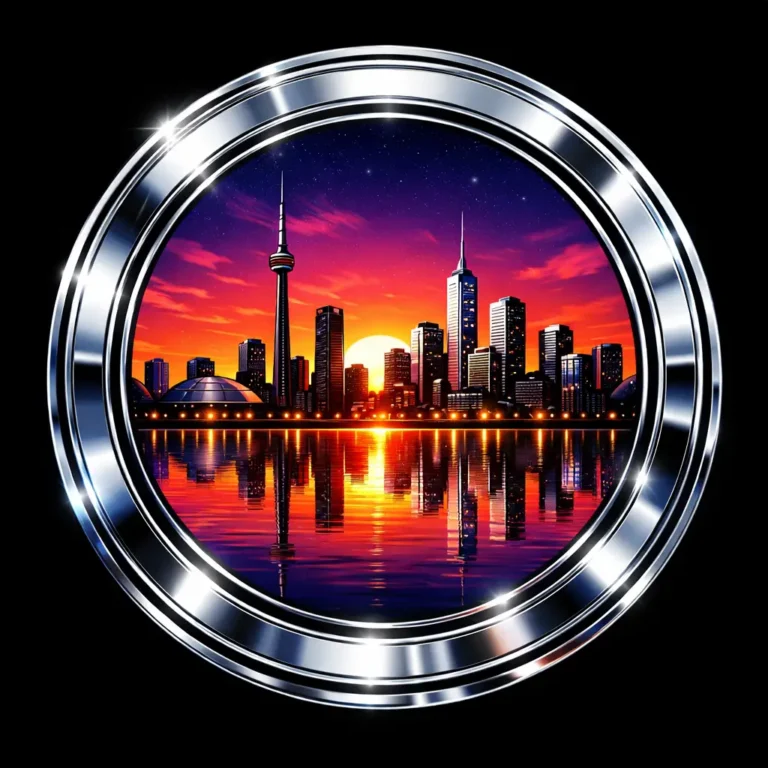
Chrome Skyline Reflection Sticker
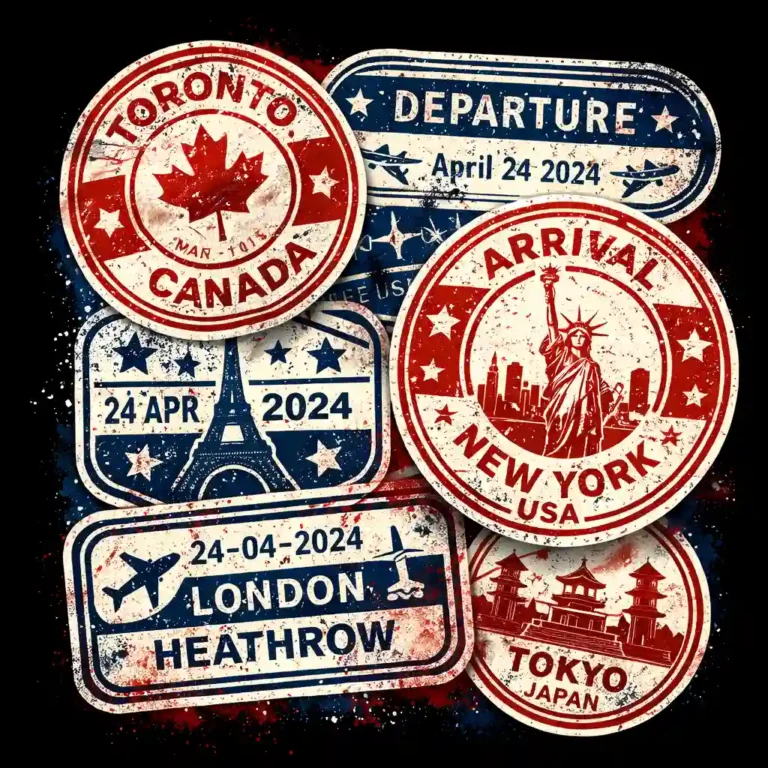
Passport Stamp Explosion Design
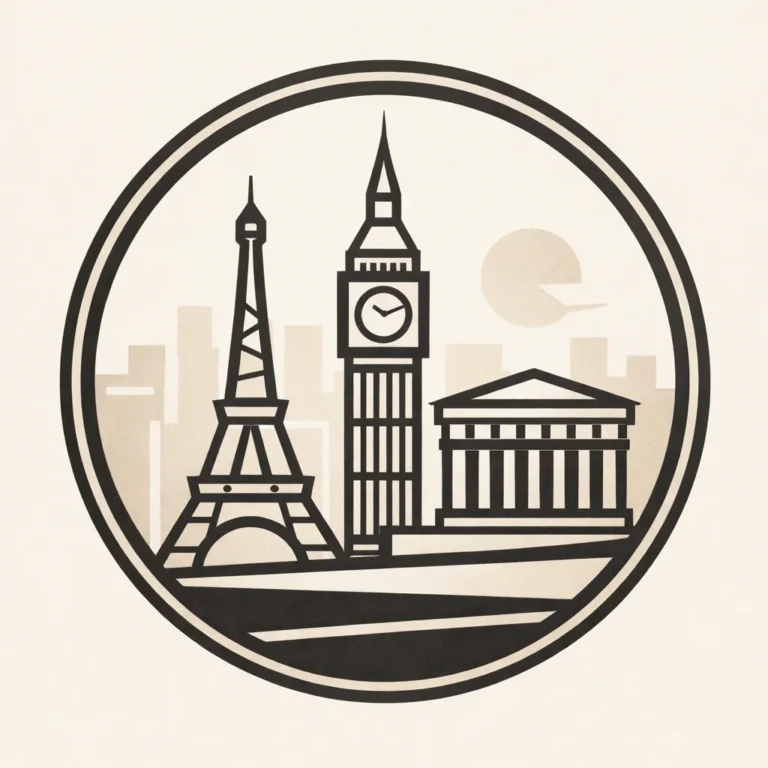
Minimal Geo-Line Landmark Emblem
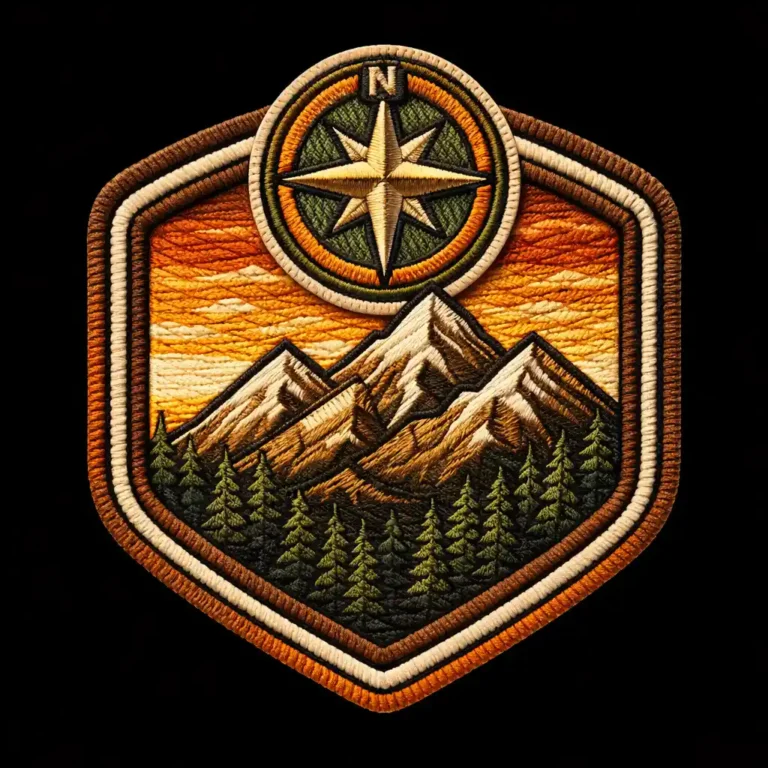
Adventure Patch Badge 3D Effect
Before You Print or Sell
Before you print or sell stickers, inspect the image at full size, because AI often misspells text and distorts small details. Real logos and airline branding may be protected, so keep your designs original. Check your AI tool’s commercial terms too.
More in AI Clipart, Sticker and Icon Prompts
This guide is part of our AI Clipart, Sticker and Icon Prompts hub, where you’ll find every related guide, along with tips and common questions.