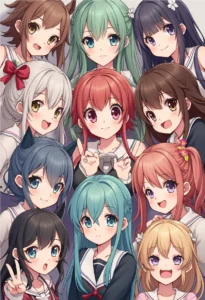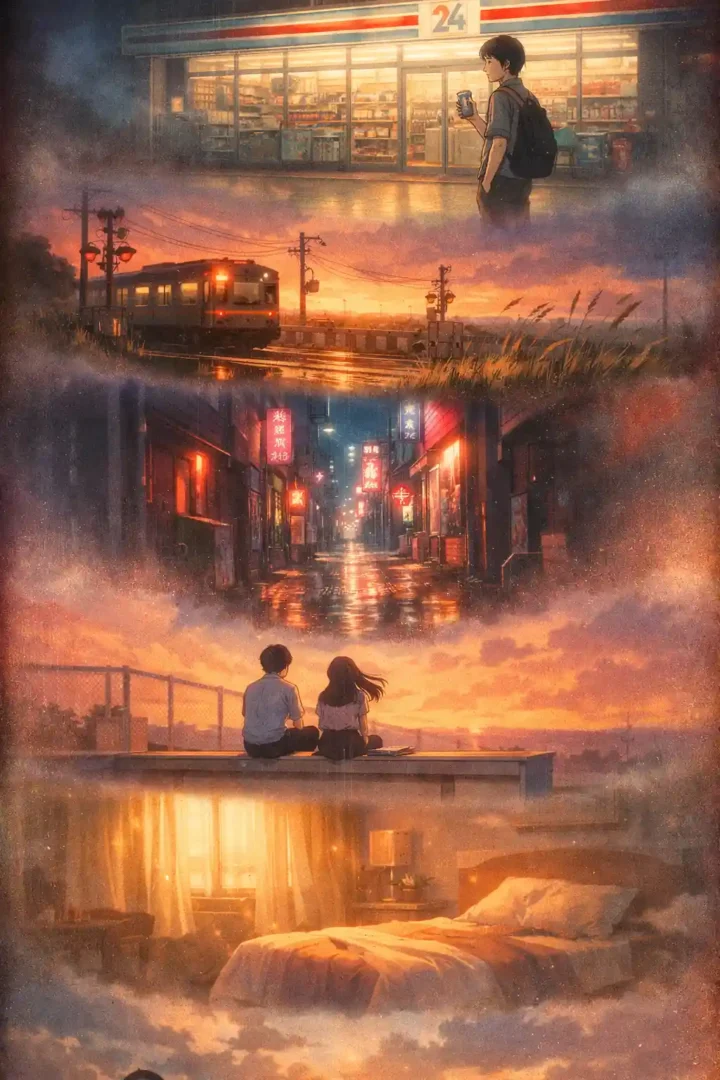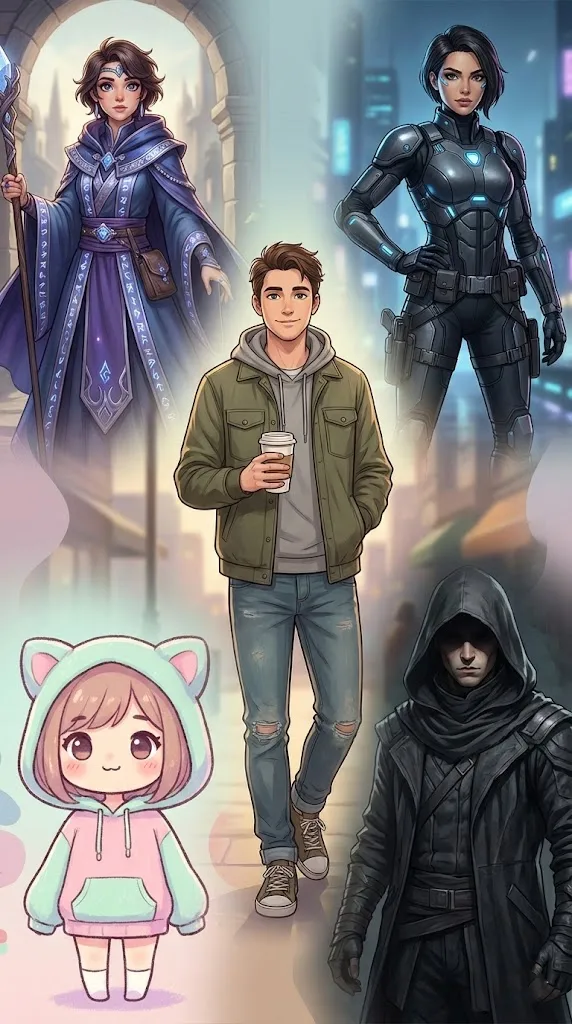
Christmas Cartoon Character AI Prompts Tested in ChatGPT and Gemini

Christmas Cartoon Characters | portraymedia

Goal: Christmas cartoon characters you can actually put on a card or a sticker sheet. I took four prompts from this guide (Santa, Elf, Reindeer and Snowman), ran each one in ChatGPT and in the free Gemini app, and kept the first image every time. The results, the failures and the fixed prompts are all below.

Quick answer: Santa and the Snowman worked first time in both tools. The Elf prompt asks for a workshop and a white background, so neither tool gave me a clean sticker until I dropped the workshop. The reindeer came out with a glowing red nose in both tools, which looks a lot like a famous film character, so I changed the nose and tested again in Gemini. Both fixes worked on the second run, and all five character prompts below already include them.

Christmas Character Ideas

Choose the type of character first. It makes the rest of the prompt easier to write.

The Classic Icons

Christmas Cartoon Characters | portraymedia
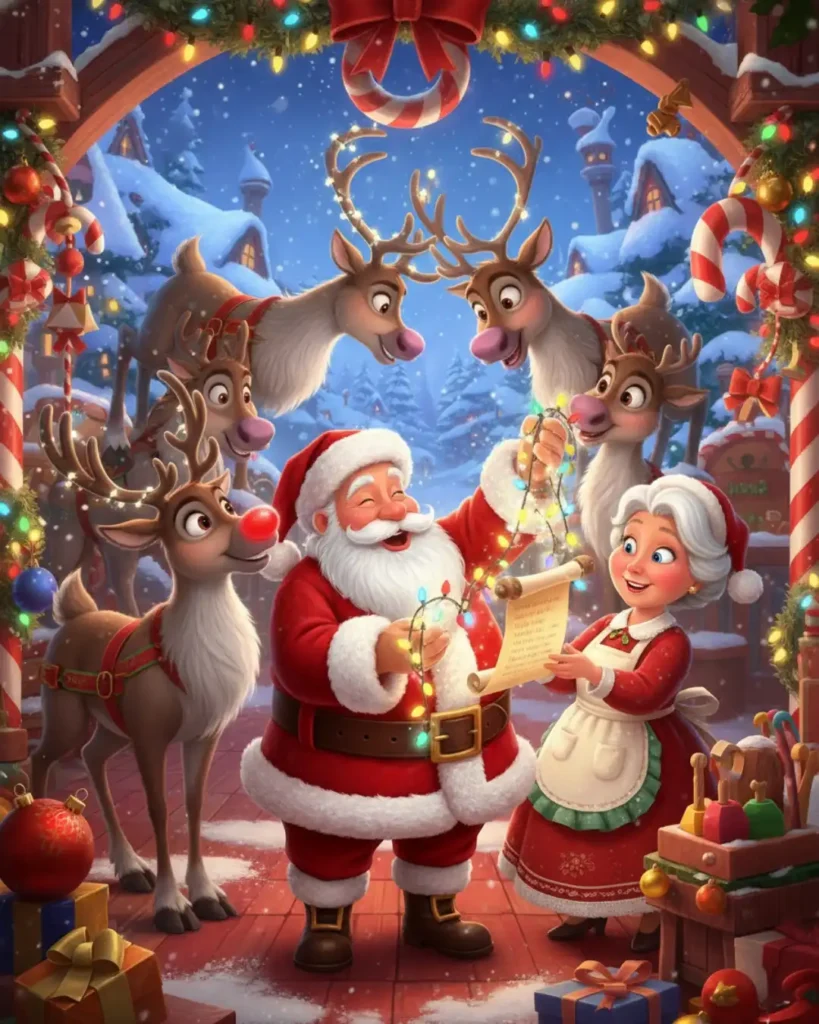
  • Santa Claus: Decide on his personality, whether that’s laughing, serene or a bit clumsy.
  • Mrs. Claus: Show her baking or checking the list.
  • Reindeer: Choose a single baby reindeer or the full team, and make them majestic or cuddly.

The Magical Helpers

Christmas Cartoon Characters | portraymedia
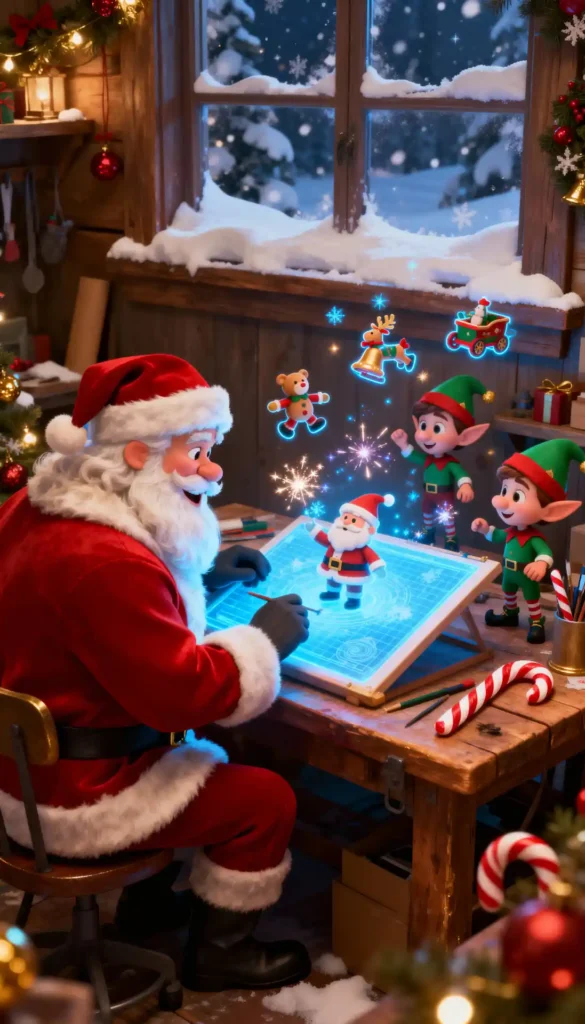
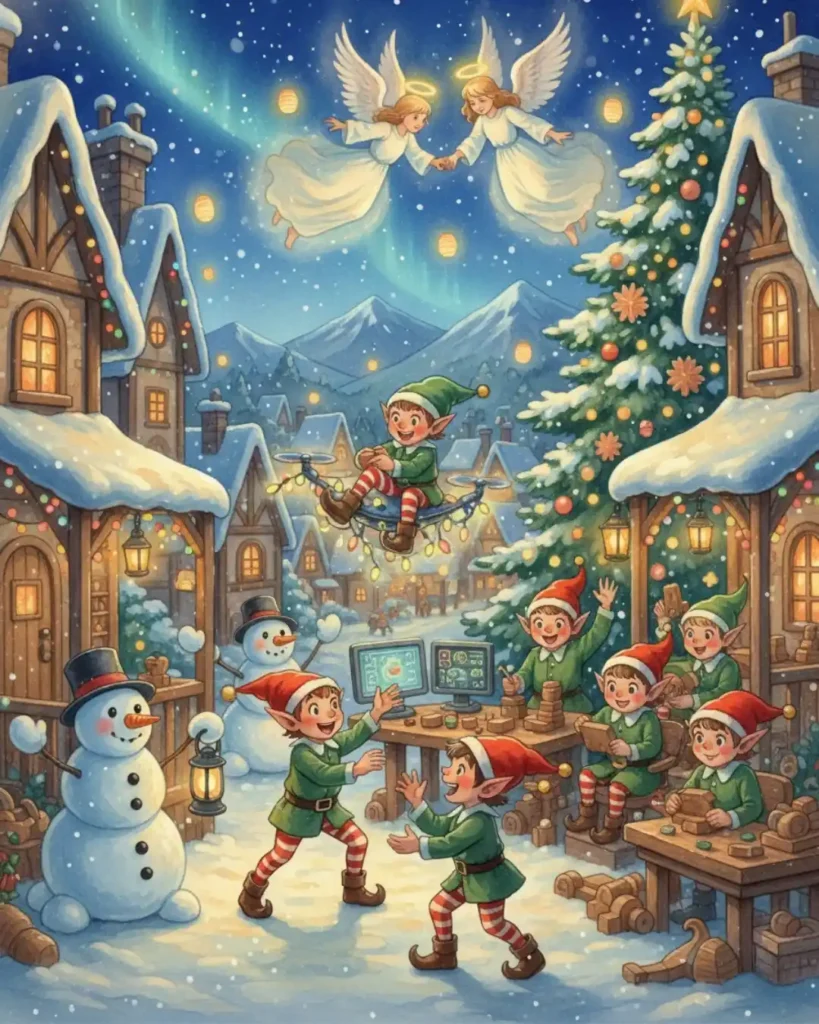
  • Elves: Try pranksters, traditional toymakers or a modern elf fixing a computer.
  • Snowmen: Make yours a friendly character or a simple decoration.
  • Angels: These suit tree-toppers and traditional scenes.

The Festive Animals

Christmas Cartoon Characters | portraymedia
  • Animals in festive clothes: A cat in a tiny Santa hat, a dog tangled in lights or a bear in a scarf.
  • Woodland creatures: Foxes, squirrels and owls in a snowy forest.

How I tested these prompts

On 11 November 2026 I ran four of the character prompts in two tools: image generation in ChatGPT and in the Gemini app on a free Google account. Every prompt went into a fresh chat, starting with “Generate an image:”, and I changed nothing between the tools. The images below are the first result each time, not the best of several. I timed each one from pressing send to the finished image.

I scored each image on what matters if you want to print it or cut it out:

  • Style: does it look like the style the prompt names (clip art, chibi 3D, 2D animation, watercolor)?
  • Anatomy: hands, legs, antlers and faces.
  • Clean background: can you cut it out for a sticker?
  • Surprises: text, logos or likenesses I didn’t ask for.

Step by step: what I did in each tool

  1. Open a new chat, type Generate an image: and paste the prompt exactly as it appears below.
  2. Send it and wait. ChatGPT took 52–73 seconds per image here; Gemini took 21–60 seconds.
  3. Download the first image and check it at full size before you use it, especially any writing on signs or mugs.
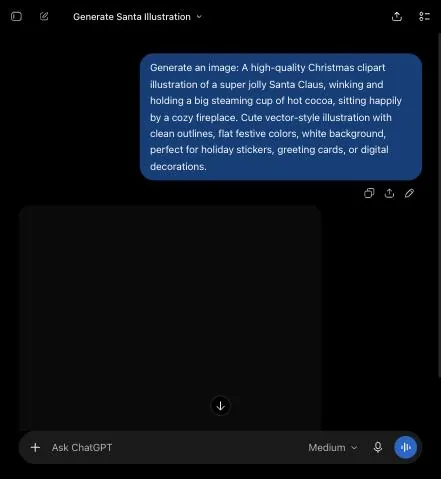
ChatGPT chat with the Santa clipart prompt sent and the image loading below it
The Santa prompt sent in ChatGPT
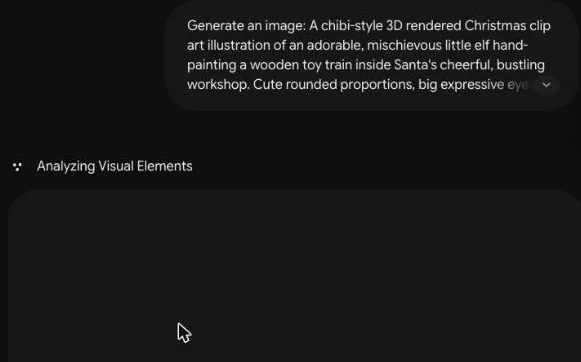
Gemini chat showing the elf prompt with an Analyzing Visual Elements status while the image is being made
Step 2: Gemini working on the elf image

Results at a glance

PromptChatGPTGemini
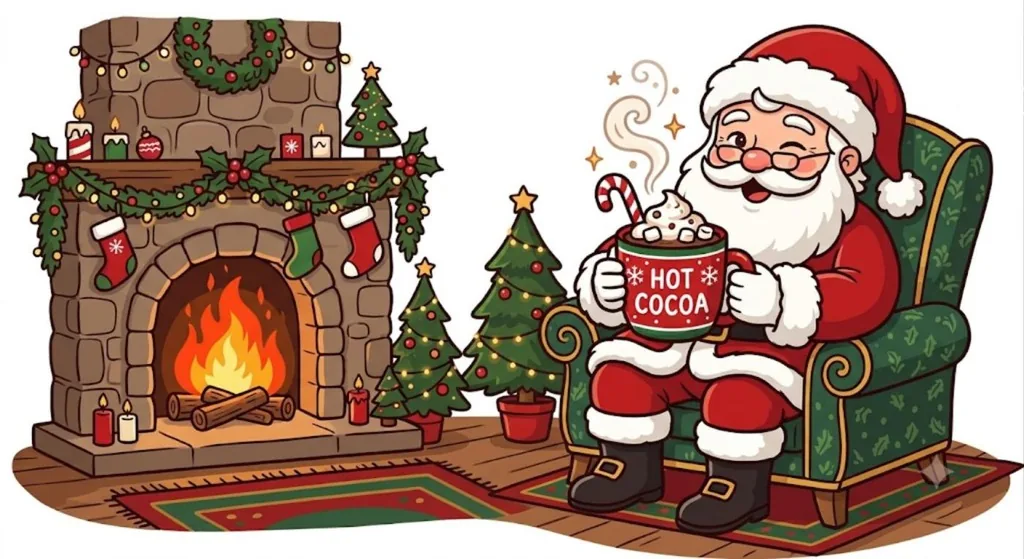
Santa Claus (clip art)Winking Santa in an armchair by the fire, holding cocoa, clean white background. Sticker-ready: yes. 52 sSame scene in sticker style on white, but it wrote “HOT COCOA” on the mug, which I didn’t ask for. Sticker-ready: yes, if you like the text. 39 s
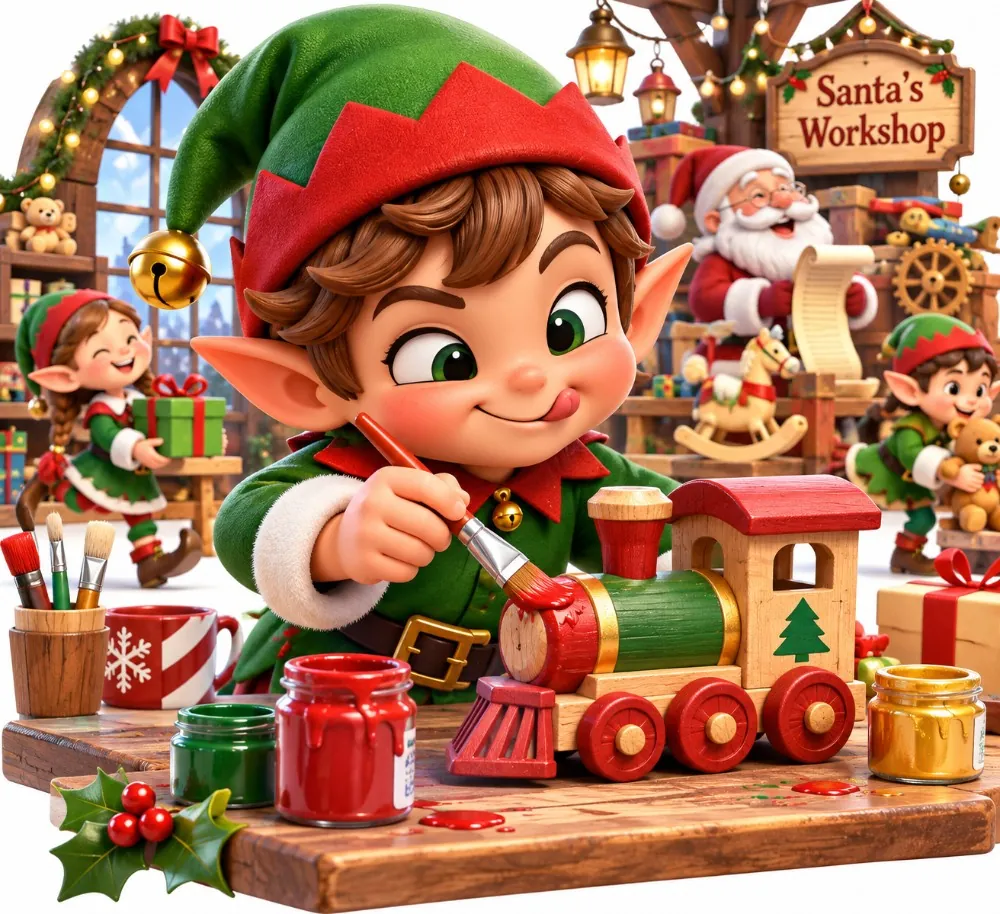
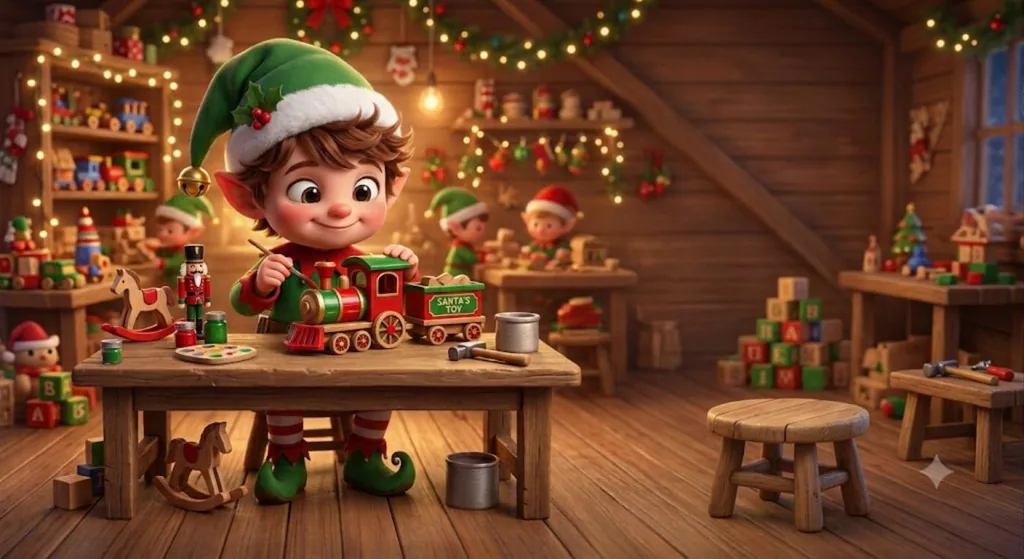
Elf (chibi 3D)Lovely chibi elf painting the train, but inside a full workshop with Santa, other elves and a “Santa’s Workshop” sign. Only the edges are white. Sticker-ready: no. 73 sA full wooden workshop scene with more elves. It ignored “white background” completely. Sticker-ready: no. About 60 s
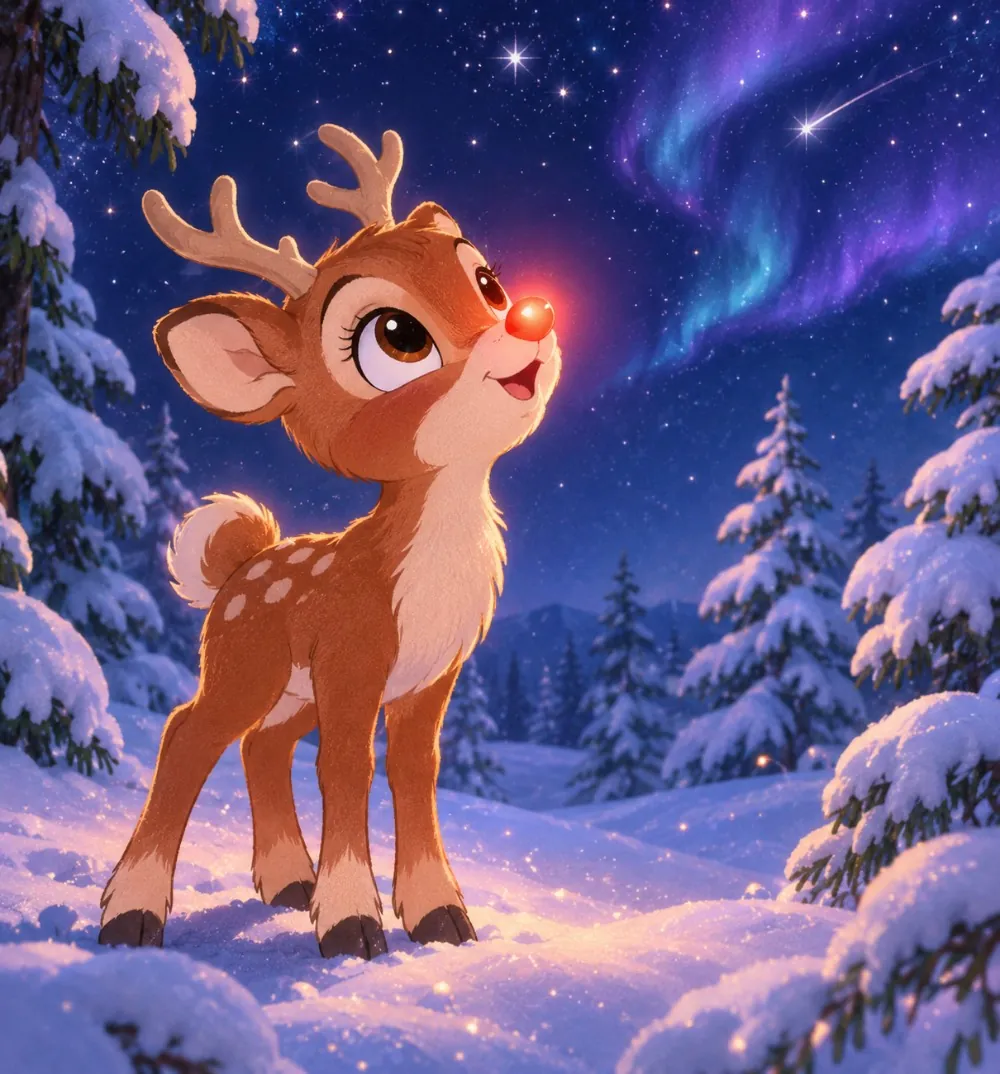
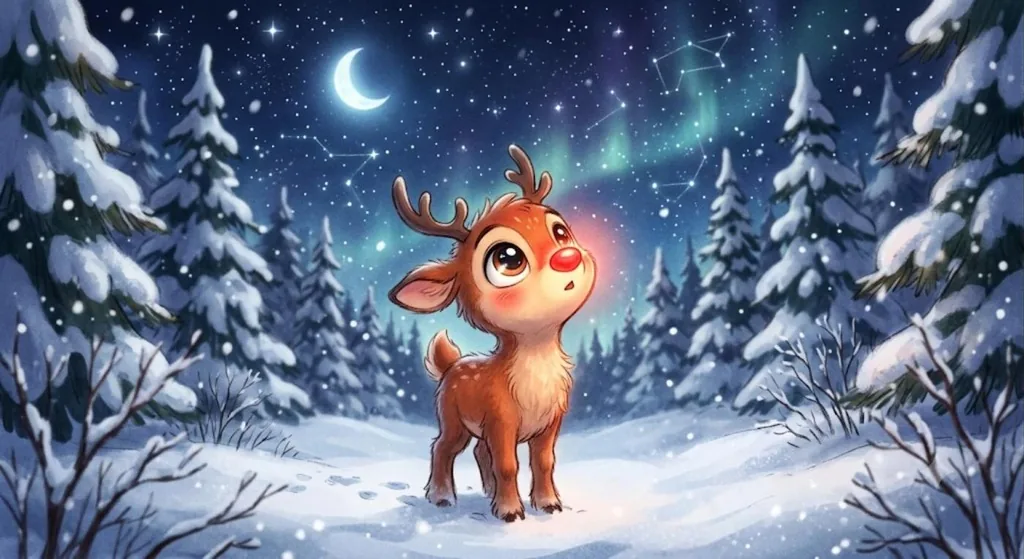
Reindeer (2D animation)Big-eyed fawn with a glowing red nose under an aurora. Looks very close to a classic studio fawn. Safe to sell: not as is.First try stuck on “Creating your image” for over four minutes. In a new chat it took 21 s: big eyes, glowing red nose, aurora sky. Safe to sell: not as is.
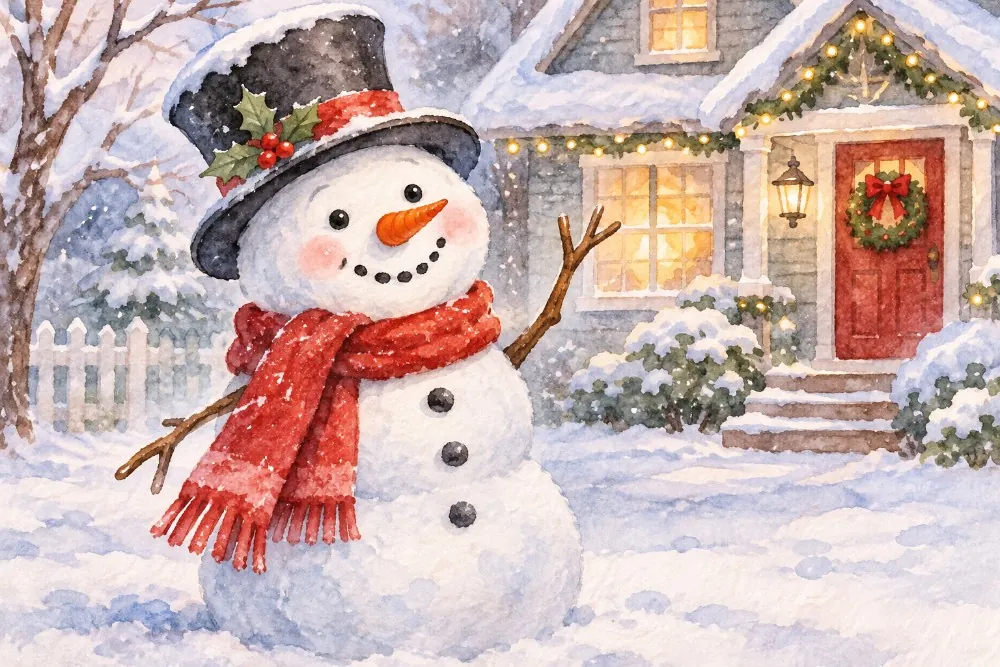
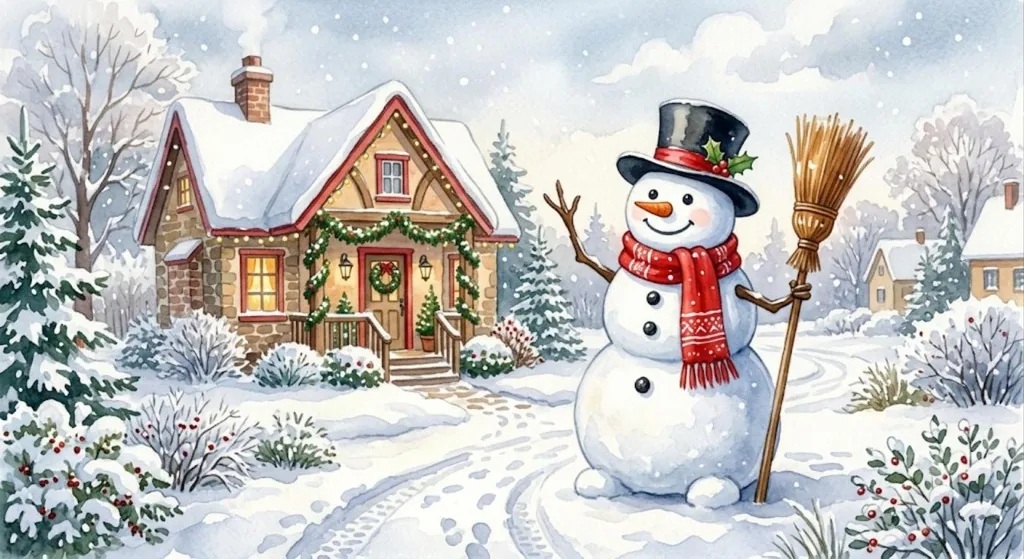
Snowman (watercolor)Watercolor snowman waving, top hat and red scarf, cottage behind. Matches the prompt closely. Card-ready: yes.Watercolor snowman and cottage, but it added a broom I didn’t ask for. Card-ready: yes. 38 s

I sent the ChatGPT Reindeer and Snowman prompts back to back, so I don’t have a clean time for those two.

My verdict: for flat clip art and stickers, ChatGPT followed “white background” more closely. Gemini was faster and its watercolor was just as good, but it treats the background as a suggestion. Both tools need you to watch for text and for characters that look borrowed.

The images side by side

ChatGPT on the left, Gemini on the right. Gemini images come out wide (1024×559) with a small sparkle watermark in the corner.

Santa Claus
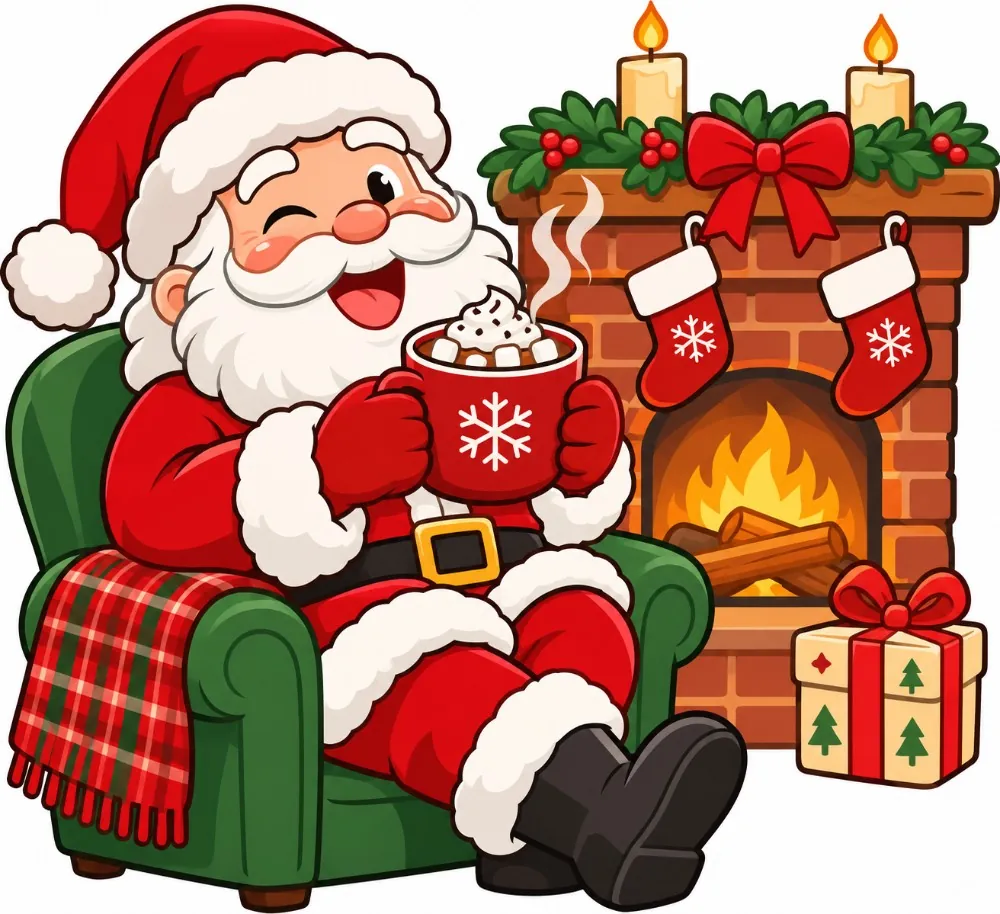
ChatGPT result for the Santa clipart prompt: winking Santa with hot cocoa in an armchair by a fireplace on a white background
ChatGPT, Santa Claus prompt, first run
Gemini result for the Santa clipart prompt: Santa in a green armchair by a stone fireplace holding a mug that says HOT COCOA, sticker style on white
Gemini, Santa Claus prompt, first run (39 s)

Elf

ChatGPT result for the chibi 3D elf prompt: elf painting a wooden toy train in Santa's workshop
ChatGPT, Elf prompt, first run
Gemini result for the chibi elf prompt: elf painting a toy train at a table inside a full wooden workshop scene, no white background
Gemini, Elf prompt, first run: the white background was ignored

Reindeer

ChatGPT result for the baby reindeer prompt: big-eyed fawn with a glowing red nose under a starry sky in a snowy forest
ChatGPT, Reindeer prompt, first run
Gemini result for the baby reindeer prompt: big-eyed reindeer with a glowing red nose under a crescent moon and aurora in a snowy pine forest
Gemini, Reindeer prompt, second try (21 s); the first try stalled

Snowman

ChatGPT result for the watercolor snowman prompt: snowman in a top hat and red scarf waving in front of a house
ChatGPT, Snowman prompt, first run
Gemini result for the watercolor snowman prompt: waving snowman in a top hat and red scarf holding a broom in front of a snowy cottage
Gemini, Snowman prompt, first run (38 s)

What went wrong, and how I fixed it

Problem 1: the Elf prompt fights itself

The original prompt says “inside Santa’s cheerful, bustling workshop” and then “on a clean white background”. You can’t have both. ChatGPT drew the workshop and faded the edges to white; Gemini drew the workshop and dropped the white completely. Neither is a sticker you can cut out.

My fix was to decide what the image is for. For a sticker, I removed the workshop and said what I wanted in plain words:

A chibi-style 3D rendered Christmas clip art illustration of an adorable, mischievous little elf hand-painting a wooden toy train. Cute rounded proportions, big expressive eyes, soft lighting, glossy textures and bright festive colors. The elf and the train only, isolated on a plain pure white background, no workshop, no scenery, no text, sticker-ready.

I ran the fixed prompt in a new Gemini chat and it took 24 seconds: just the elf and the train on plain white, ready to cut out. It still added a small wooden base and paint pots, so add “no base, no other props” if you want only the two.
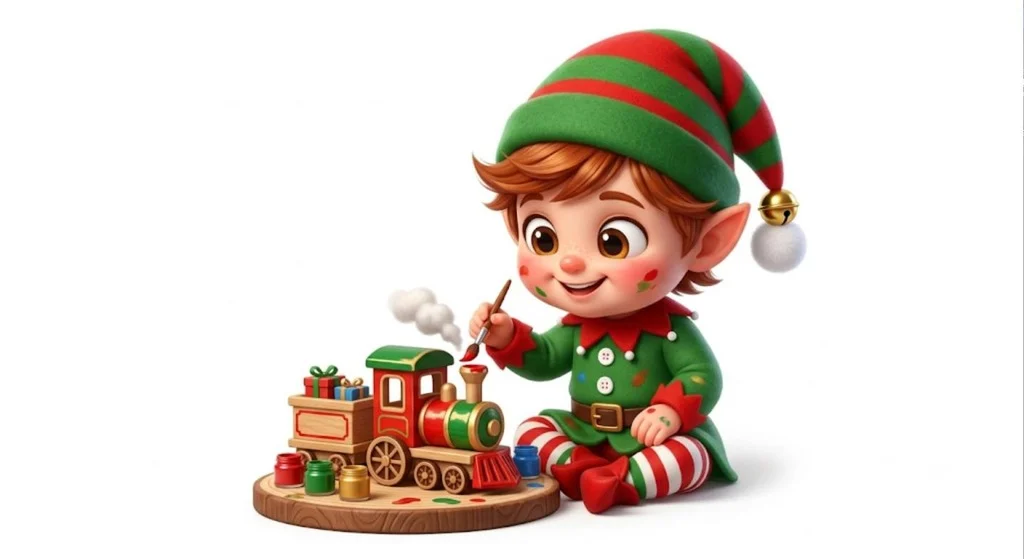
Gemini 3D chibi elf painting a wooden toy train, isolated on a plain white background
Gemini, Elf with the white-background, sticker-ready fix (24 s)

If you want the workshop scene for a card instead, keep the workshop and delete “on a clean white background”.

Problem 2: a red nose that isn’t yours

Both tools gave the baby reindeer a glowing red nose and big film-style eyes. That is what the prompt asked for, but the result looks very close to a famous film character, and the ChatGPT version looks like a well-known studio fawn. That is fine for your own screen, not for anything you sell. I had already taken “Disney-style” out of the prompt before testing; the nose was the other half of the problem. I changed it like this:

A cute, classic hand-drawn 2D animation drawing of a sweet baby reindeer with a small brown nose and a knitted green scarf, who is looking straight up at the beautiful night sky, standing in a quiet, snowy pine forest, emphasize the big, endearing eyes and give it a truly magical, soft glow.

In Gemini, the fixed prompt took 27 seconds. The reindeer now has a small brown nose and a green knitted scarf, and it reads as a character of its own. Gemini added northern lights and a cabin by itself, which suit a card.
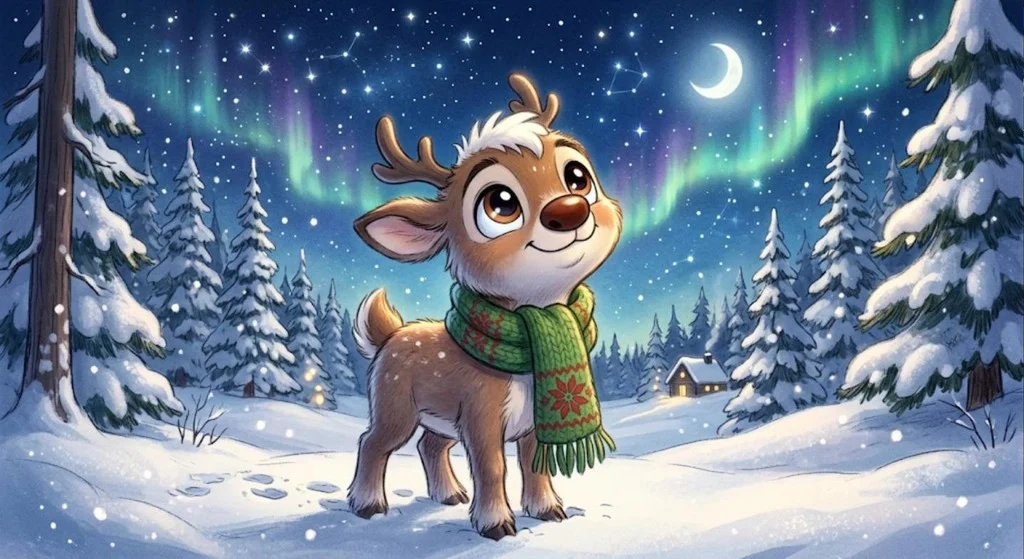
Gemini 2D cartoon baby reindeer with a small brown nose and green knitted scarf looking up at a starry sky in a snowy forest
Gemini, Reindeer with the brown-nose, green-scarf fix (27 s)

Smaller things I noticed

  • Text you didn’t ask for. Gemini wrote “HOT COCOA” on Santa’s mug, and ChatGPT put a “Santa’s Workshop” sign behind the elf. Both were spelled right this time, but check every letter before you print. Add “no text” if you will write your own greeting.
  • Extra props. Gemini gave the snowman a broom. Small, but if you are making a matching set, name the props you want and say “no other props”.
  • A stuck generation. My first Gemini reindeer sat on “Creating your image” for more than four minutes. I stopped it and pasted the same prompt into a new chat, and it finished in 21 seconds. If it hangs past a minute, start again.
  • Shape. Gemini images are wide; ChatGPT’s came out square-ish or landscape. For a square sticker sheet, leave room around the character so you can crop.
A Simple Formula for Christmas Prompts

Specific words get better results. Use this order in Midjourney, DALL·E, Gemini (Nano Banana), Seedream or Stable Diffusion:

Style + character + action and setting + key details

For example: “watercolor” + “friendly snowman” + “waving on a snowy lawn” + “top hat and red scarf”.

5 Christmas Cartoon Character Prompts

ChatGPT result for the Santa clipart prompt: winking Santa with hot cocoa in an armchair by a fireplace on a white background
ChatGPT, Santa Claus prompt, first run
Gemini result for the Santa clipart prompt: Santa in a green armchair by a stone fireplace holding a mug that says HOT COCOA, sticker style on white
Gemini, Santa Claus prompt, first run (39 s)

Santa Claus – The Heart of Christmas Cartoon Characters

A high-quality Christmas clipart illustration of a super jolly Santa Claus, winking and holding a big steaming cup of hot cocoa, sitting happily by a cozy fireplace. Cute vector-style illustration with clean outlines, flat festive colors, white background, perfect for holiday stickers, greeting cards, or digital decorations.
ChatGPT result for the chibi 3D elf prompt: elf painting a wooden toy train in Santa's workshop
ChatGPT, Elf prompt, first run
Gemini 3D chibi elf painting a wooden toy train, isolated on a plain white background
Gemini, Elf with the white-background, sticker-ready fix (24 s)

Elf –The Cheerful Helpers of Christmas Cartoon Characters

A chibi-style 3D rendered Christmas clip art illustration of an adorable, mischievous little elf hand-painting a wooden toy train. Cute rounded proportions, big expressive eyes, soft lighting, glossy textures and bright festive colors. The elf and the train only, isolated on a plain pure white background, no workshop, no scenery, no text, sticker-ready.
Gemini result for the baby reindeer prompt: big-eyed reindeer with a glowing red nose under a crescent moon and aurora in a snowy pine forest
Gemini, Reindeer prompt, second try (21 s); the first try stalled
Gemini 2D cartoon baby reindeer with a small brown nose and green knitted scarf looking up at a starry sky in a snowy forest
Gemini, Reindeer with the brown-nose, green-scarf fix (27 s)

Reindeer – The Magical Companions of Christmas Cartoon Characters

A cute, classic hand-drawn 2D animation drawing of a sweet baby reindeer with a small brown nose and a knitted green scarf, who is looking straight up at the beautiful night sky, standing in a quiet, snowy pine forest, emphasize the big, endearing eyes and give it a truly magical, soft glow.
ChatGPT result for the watercolor snowman prompt: snowman in a top hat and red scarf waving in front of a house
ChatGPT, Snowman prompt, first run
Gemini result for the watercolor snowman prompt: waving snowman in a top hat and red scarf holding a broom in front of a snowy cottage
Gemini, Snowman prompt, first run (38 s)

Snowman – The Playful Icon of Christmas Cartoon Characters

A friendly snowman Christmas character, rendered in a beautiful watercolor illustration style, who is waving one of his little stick arms in greeting, wearing a jaunty top hat and a bright red scarf, standing on a snowy front lawn right in front of a quaint house.
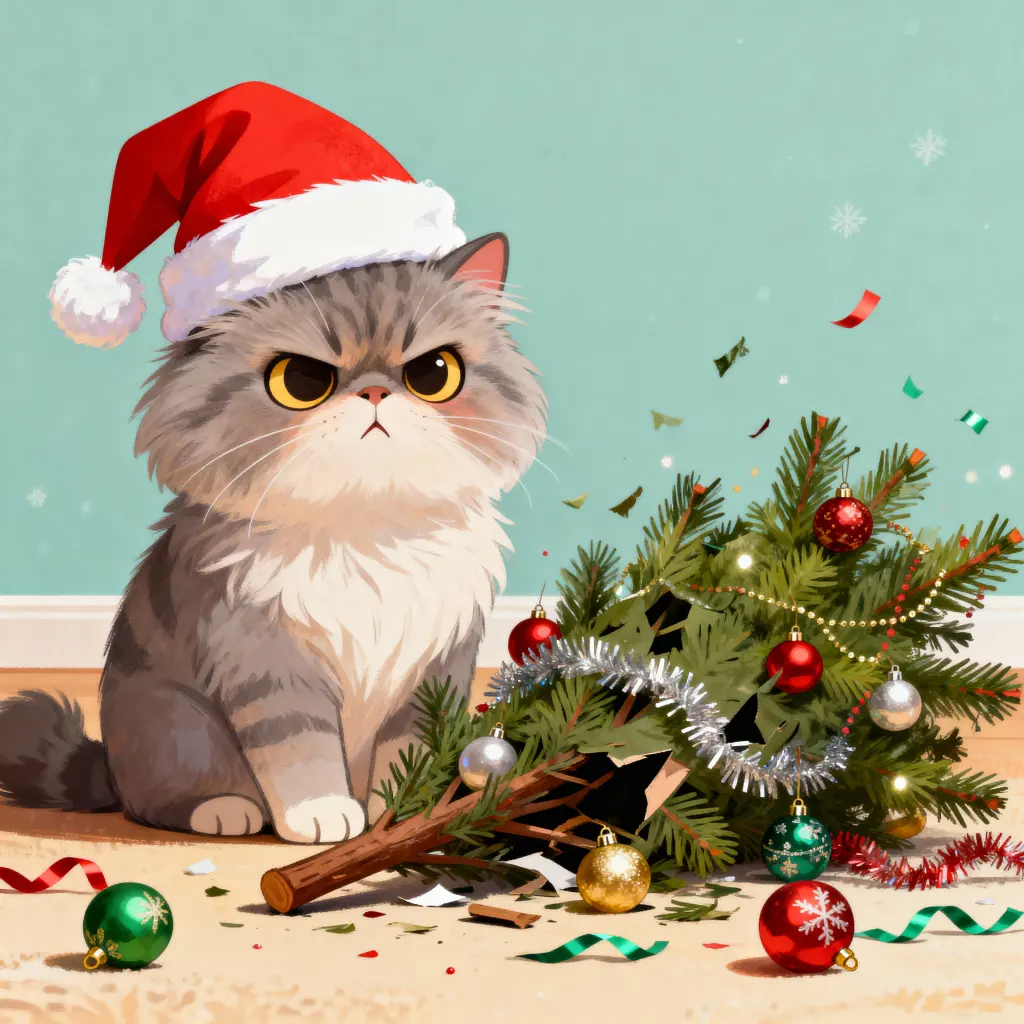
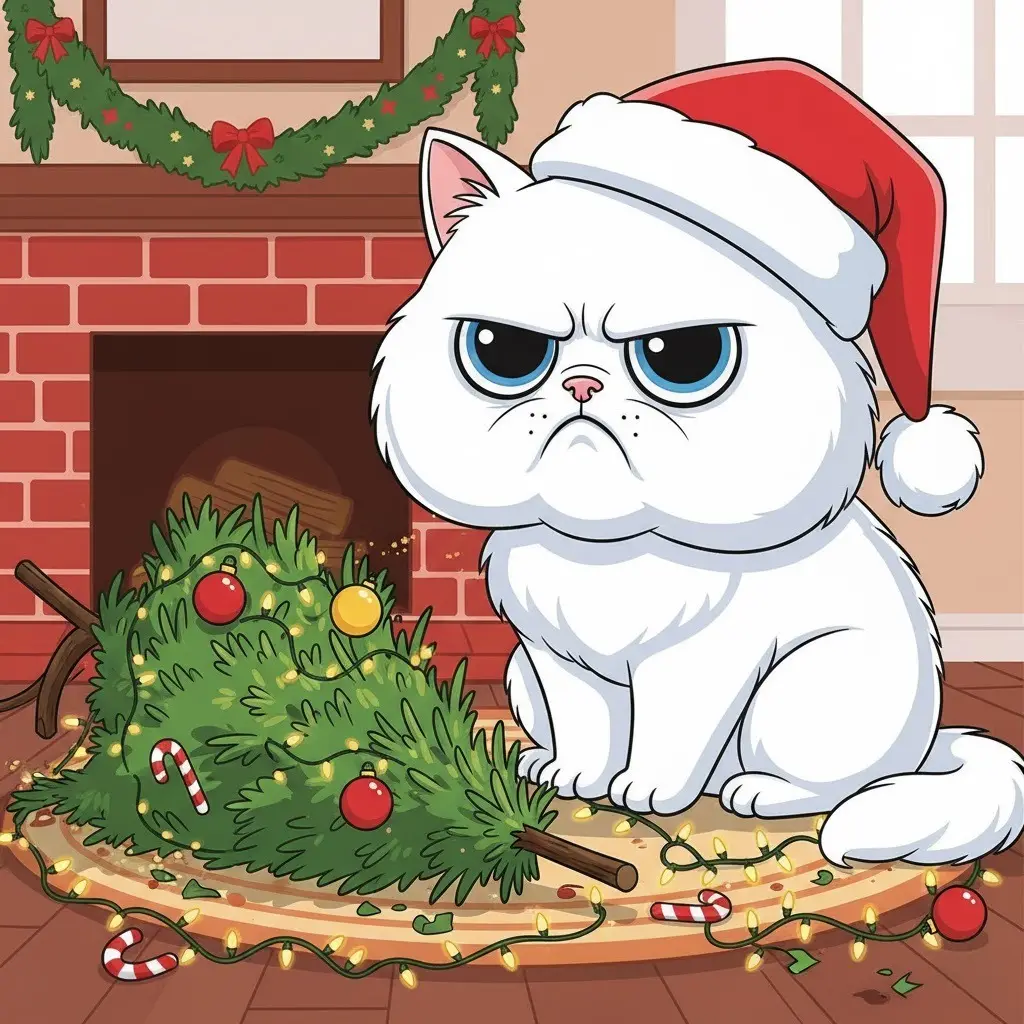
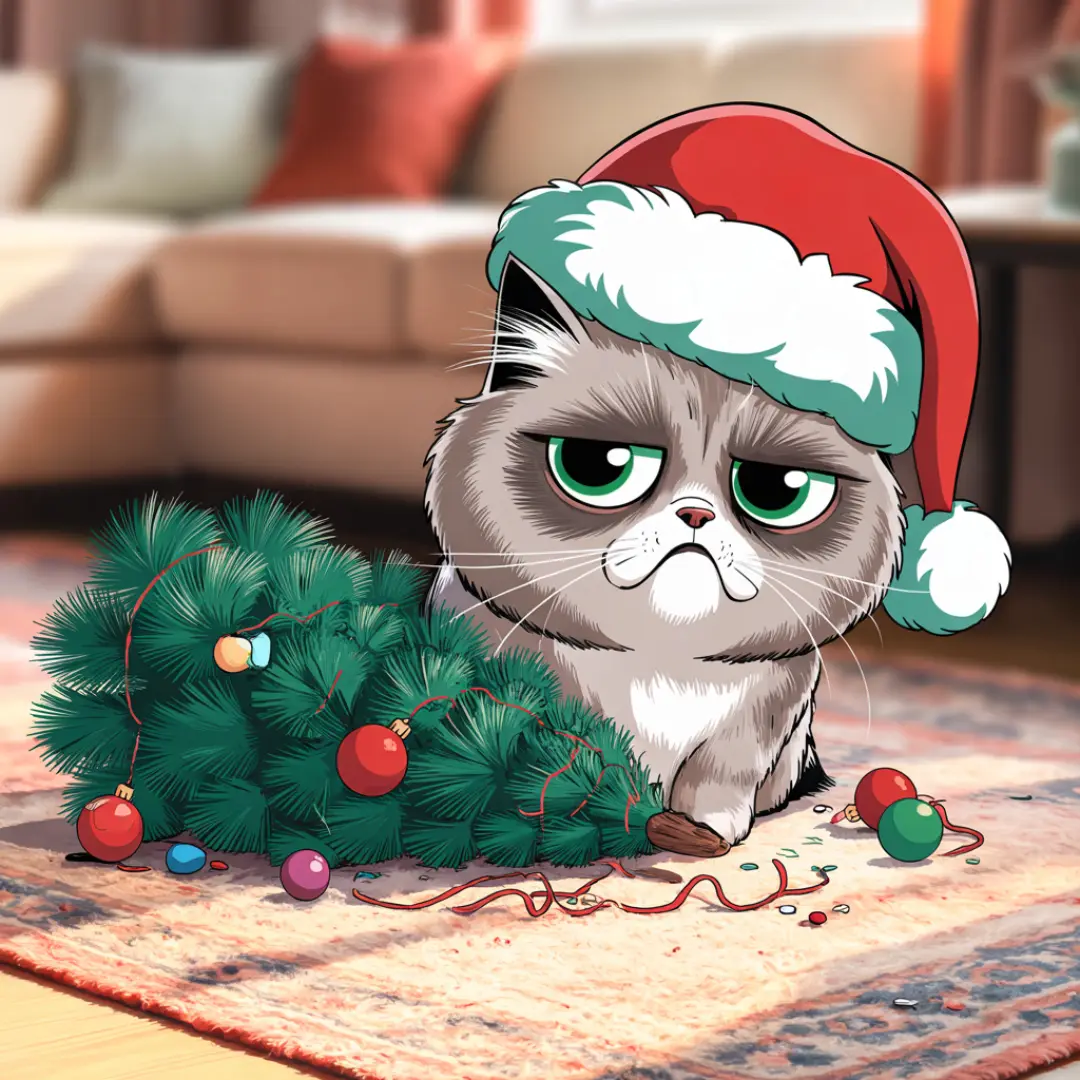
Festive Pets – Adorable Additions to Christmas Cartoon Characters

Festive Pets – Adorable Additions to Christmas Cartoon Characters

A digital illustration in a cartoon/character design style, similar to children's book illustration or high-quality clip art. It features a grumpy Persian cat with an oversized head and large, expressive eyes, wearing a ridiculously ill-fitting Santa hat. The cat is sitting next to a totally demolished, knocked-over Christmas tree. The overall scene should look very funny and cute, maintaining a festive but humorous holiday theme.

To make your own version, keep the style from one prompt and swap in a character from another. A chibi snowman or a watercolor Santa takes only a few changed words. If you want to use the art on stickers or cards, ask for a white background.

Build Your Own Christmas Character

[STYLE] illustration of a [CHARACTER] who is [ACTION] in [SETTING], wearing [FESTIVE DETAIL]. [COLOUR PALETTE]. One character only, clear shapes, friendly expression, plain white background, no text.

Replace the highlighted text with your own details before you run the prompt.

Matching Christmas Sticker Set

A sticker sheet of six Christmas characters in the same [STYLE] style: Santa, an elf, a reindeer, a snowman, a penguin and a gingerbread figure. Same line weight and colour palette on every character, each with a thick white outline, evenly spaced on a plain background, no text.

Replace the highlighted text with your own details before you run the prompt.

Which Style Suits Your Project

ProjectStyle to chooseWhat to ask for
Greeting cardsWatercolor or classic 2DSoft background and space for your message
StickersVector clip art or chibiThick outlines, flat colours and a white background
Social postsChibi 3D or cartoonBright colours and one big expression
Kids’ activity sheetsSimple line artBlack lines, no shading and a white background
Children’s storiesStorybook illustrationThe same character description in every prompt

AI images are often too small to print sharply. A common print target is 300 pixels per inch, which gives you these sizes:

Print sizePixels needed
Sticker, 2 x 2 inches600 x 600
Card, 5 x 7 inches1500 x 2100
Print, 8 x 10 inches2400 x 3000
Poster, 12 x 18 inches3600 x 5400

Set the shape in your image tool first, then use an upscaler to reach the size you need. Check with your printer, since requirements vary.

Fix Common Problems

What you seeWhat to try
“Merry Christmas” is misspelledAsk for “no text”, and add your words afterwards in Canva or another editor.
Characters look different across a setKeep the same style words and colours in each prompt, and change only the character.
The white background isn’t cleanRemove the background with an editing tool before printing stickers.
The image feels crowdedRemove a prop or the background, and describe one action.
Reindeer antlers or hands look oddGenerate a few versions and pick the cleanest, or use a simpler pose.

Before You Sell Christmas Art

Check your AI tool’s commercial terms, and keep your characters original. In my test, the old wording of the reindeer prompt (“Disney-style”, glowing red nose) produced a reindeer that looks borrowed in both ChatGPT and Gemini, so the version above uses “classic hand-drawn 2D animation” and a small brown nose instead. Avoid naming film characters or studios, and inspect every image at full size for stray text and logos before you print or sell it.

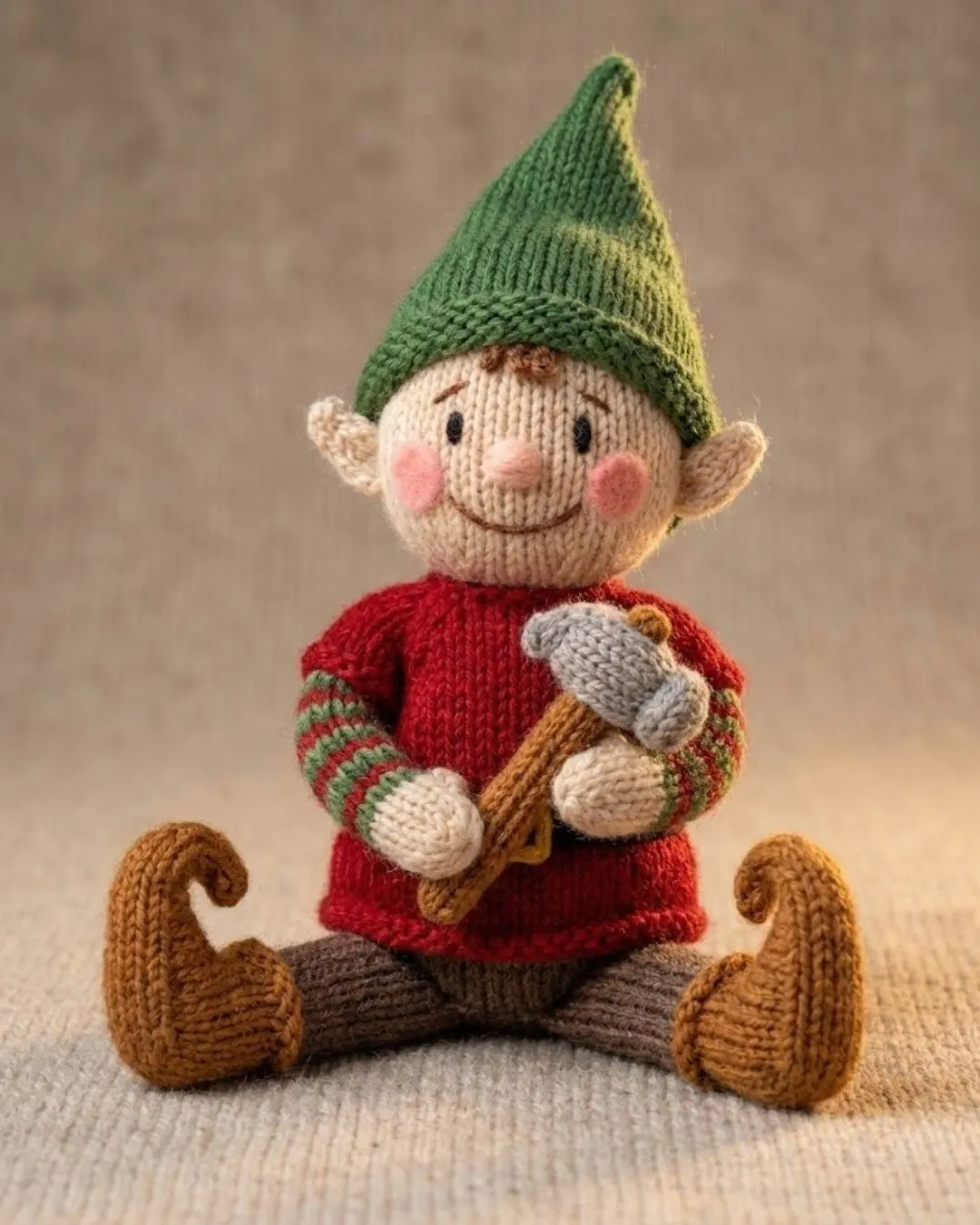
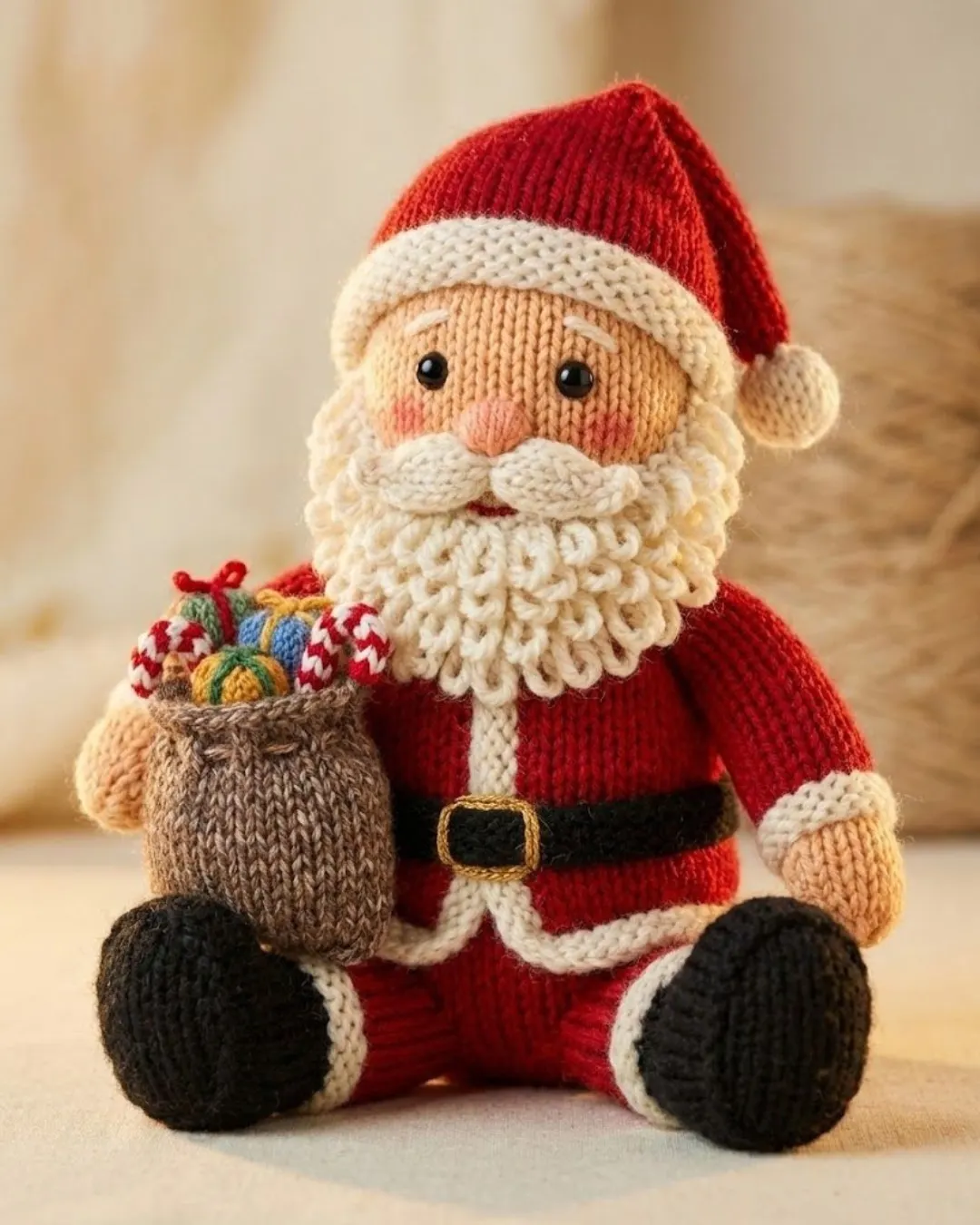
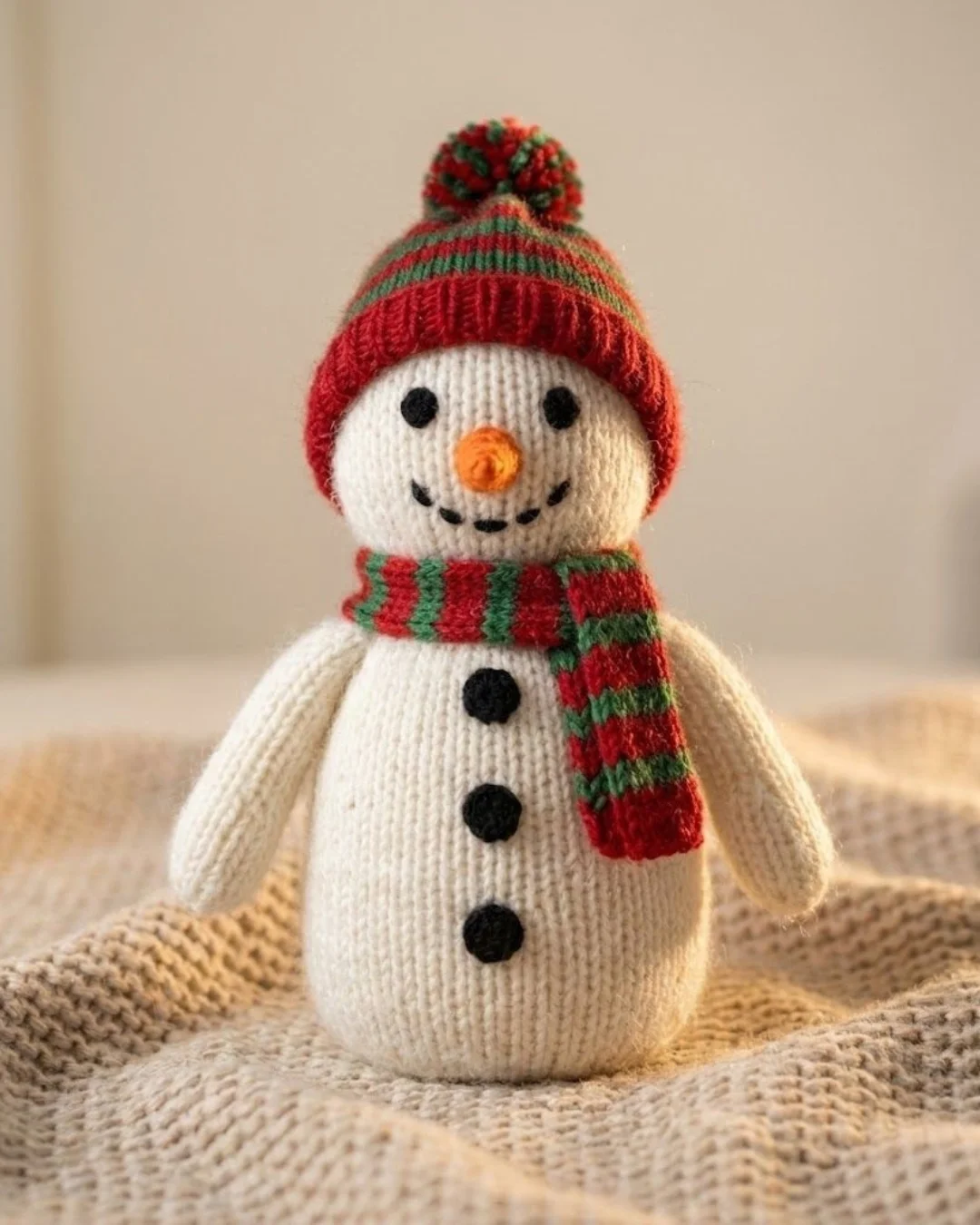
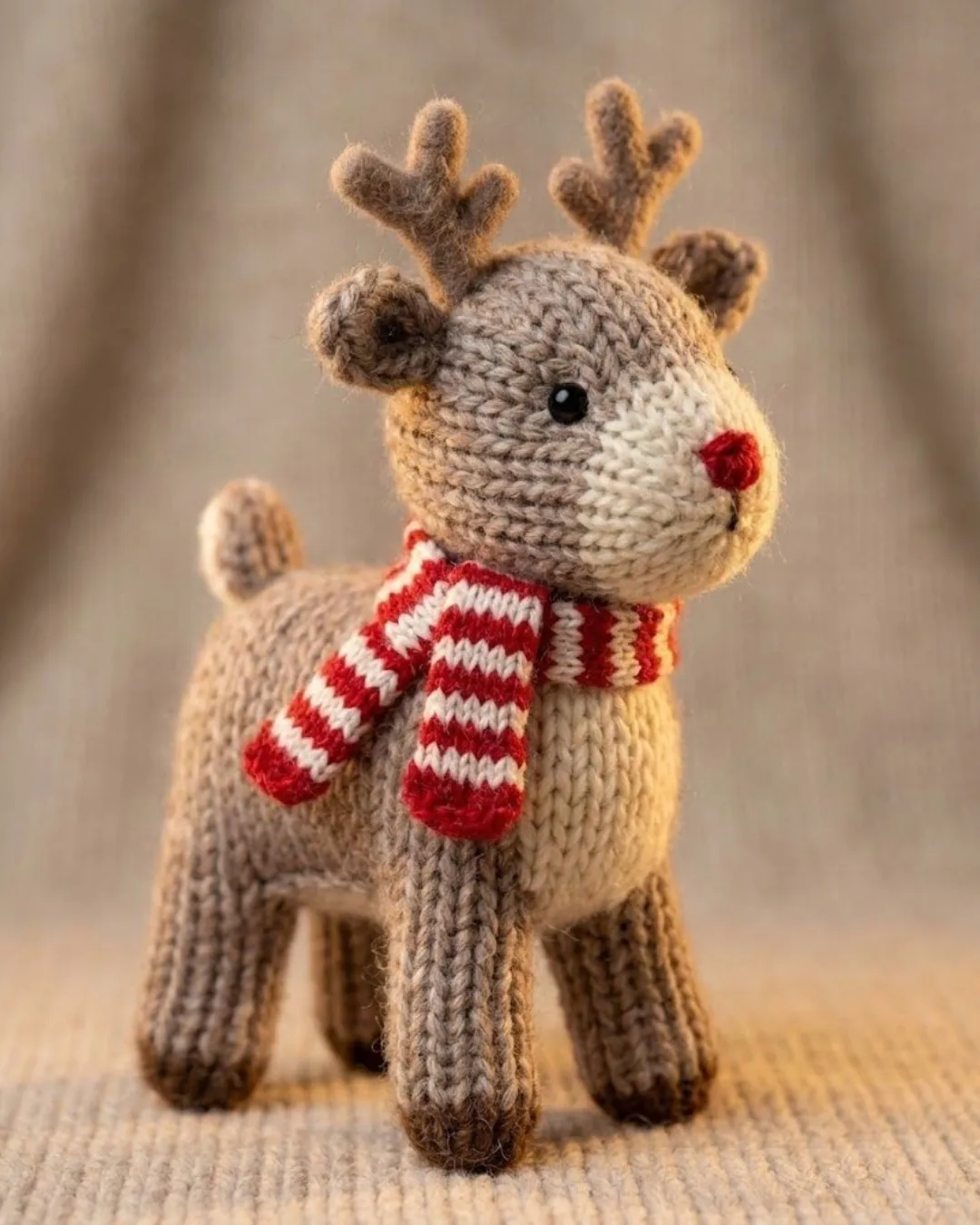
Christmas Knitted Art Prompt

This one AI prompt turns any subject into Christmas knitted art with chunky wool and warm light. Replace {INSERT SUBJECT} with what you want to see, such as a reindeer, a snowman, a Christmas tree or your pet.

Simple shapes usually come out best, because knitted texture hides small details.

Prompt

Create a handcrafted knitted version of {INSERT SUBJECT}, rendered as a miniature plush-scale object with cute yet anatomically believable proportions, soft realism (not flat cartoon and not plastic), and visible handmade warmth. The pose, expression, scale, accessories, symmetry, and micro-details should automatically adapt to the subject’s natural identity, behavior, or iconic characteristics, with slight organic asymmetry to enhance authenticity. Use knitted wool, soft yarn, and felted fibers with clearly visible stitches, natural stitch tension variation, loose fibers, soft fuzz halo, fabric compression around joints, and subtle handcrafted imperfections that behave like real knitted textiles. Render the subject in a strict 4:5 vertical composition optimized for portrait-oriented displays, using ultra-detailed 8K photorealistic 3D rendering with macro lens simulation, shallow depth of field, and sharp focus on defining features. Apply warm cinematic studio lighting with a golden key light, soft rim light catching yarn fibers, gentle falloff shadows, and creamy bokeh depth that adapts to enhance volume and fiber detail. Place the subject against a minimal, softly blurred neutral background that complements its knitted color palette, with grounding only if visually necessary and no distractions. Automatically derive a warm, soft, slightly desaturated color palette from the subject’s natural or iconic colors, avoiding harsh neon or synthetic tones. The final result must clearly appear as a handmade knitted object with no plastic, rubber, or metallic surfaces, no flat cartoon shading, no text, logos, watermarks, noise, or artifacts.

Replace the highlighted text with your own details before you run the prompt.

Scroll to Top