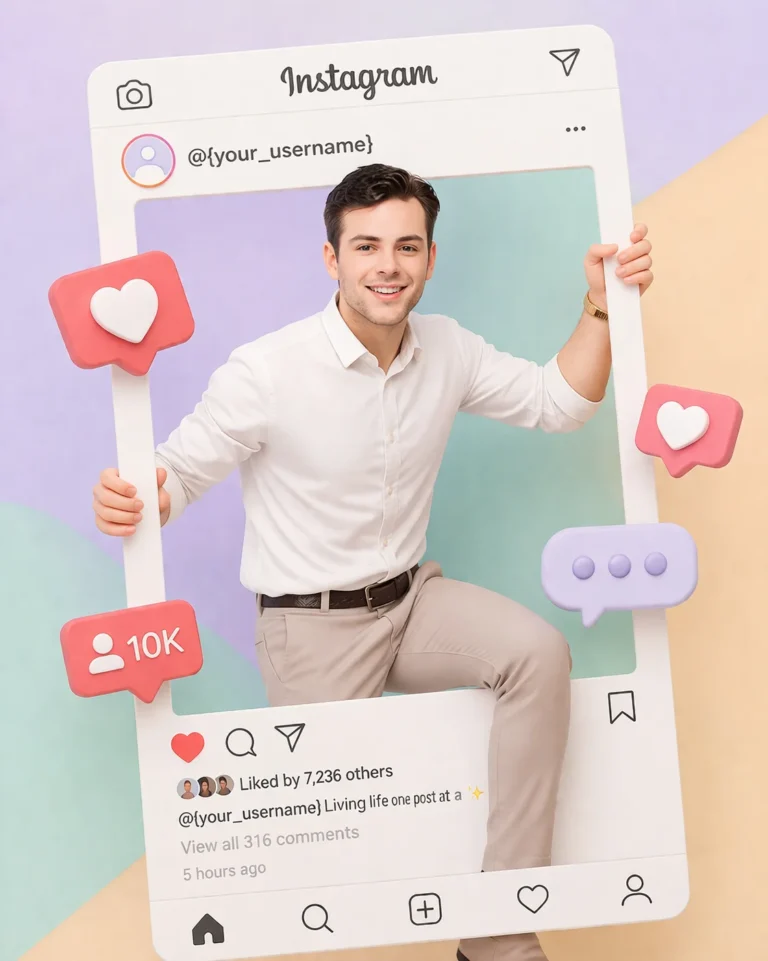
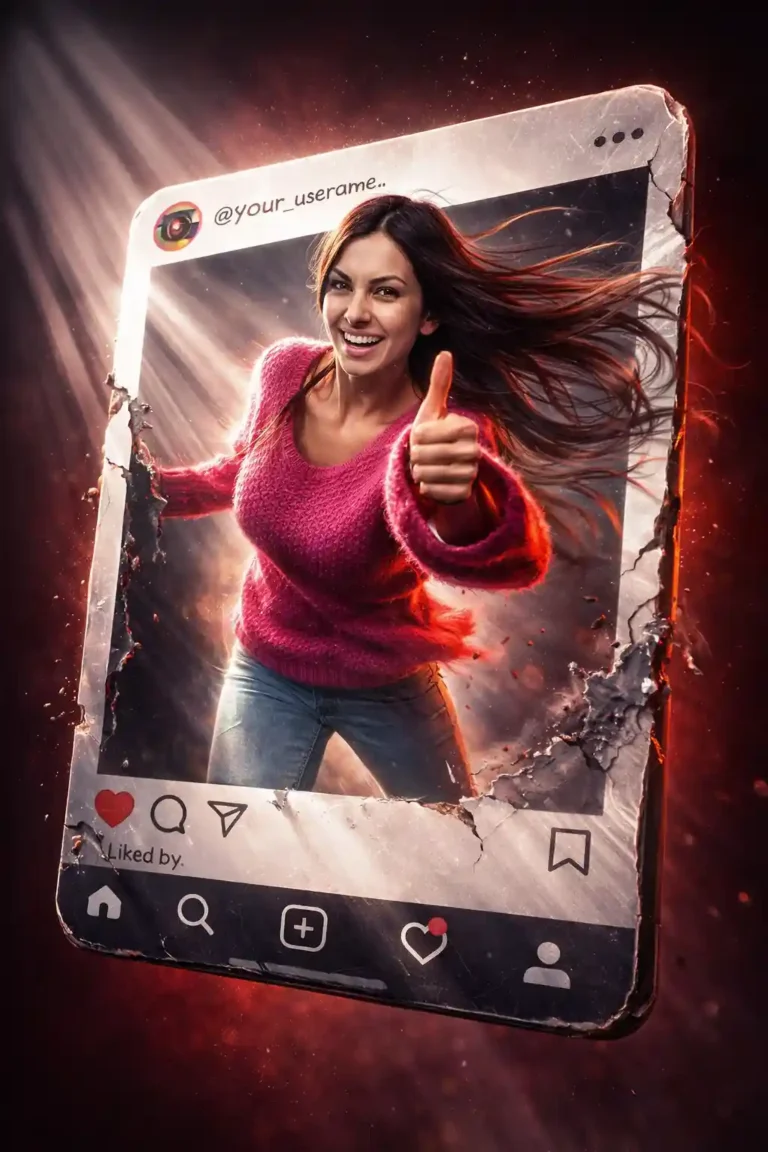
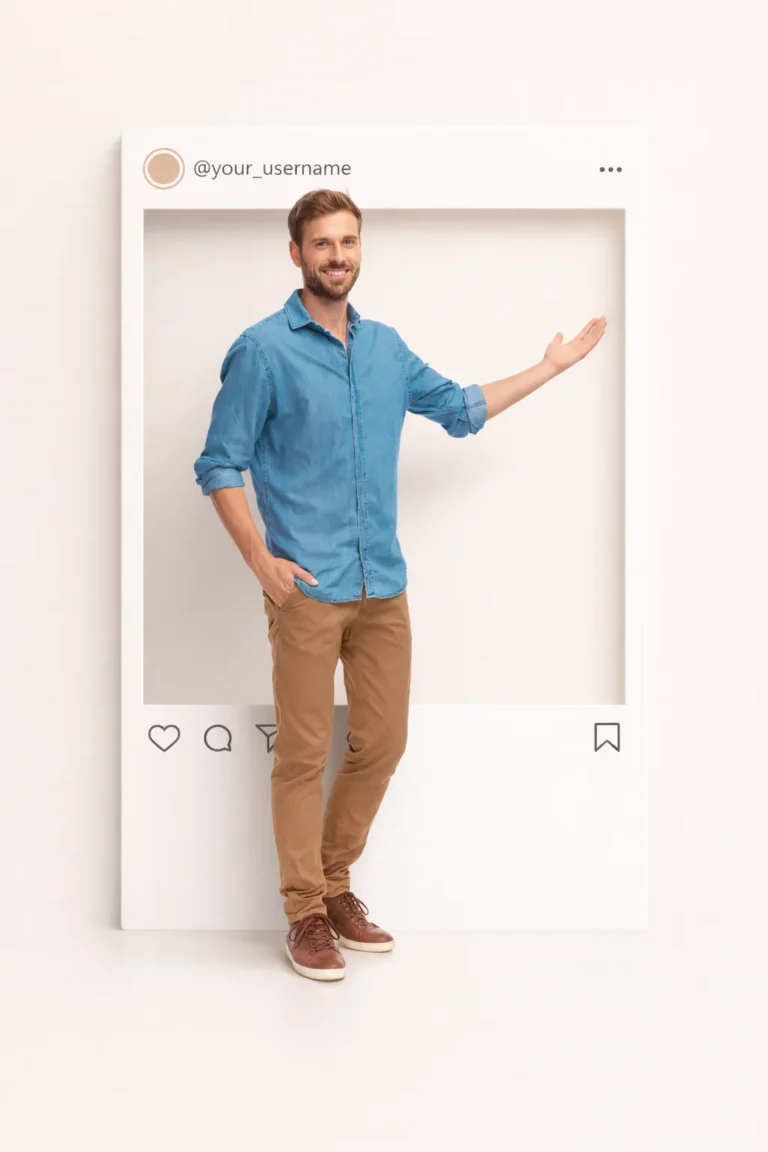
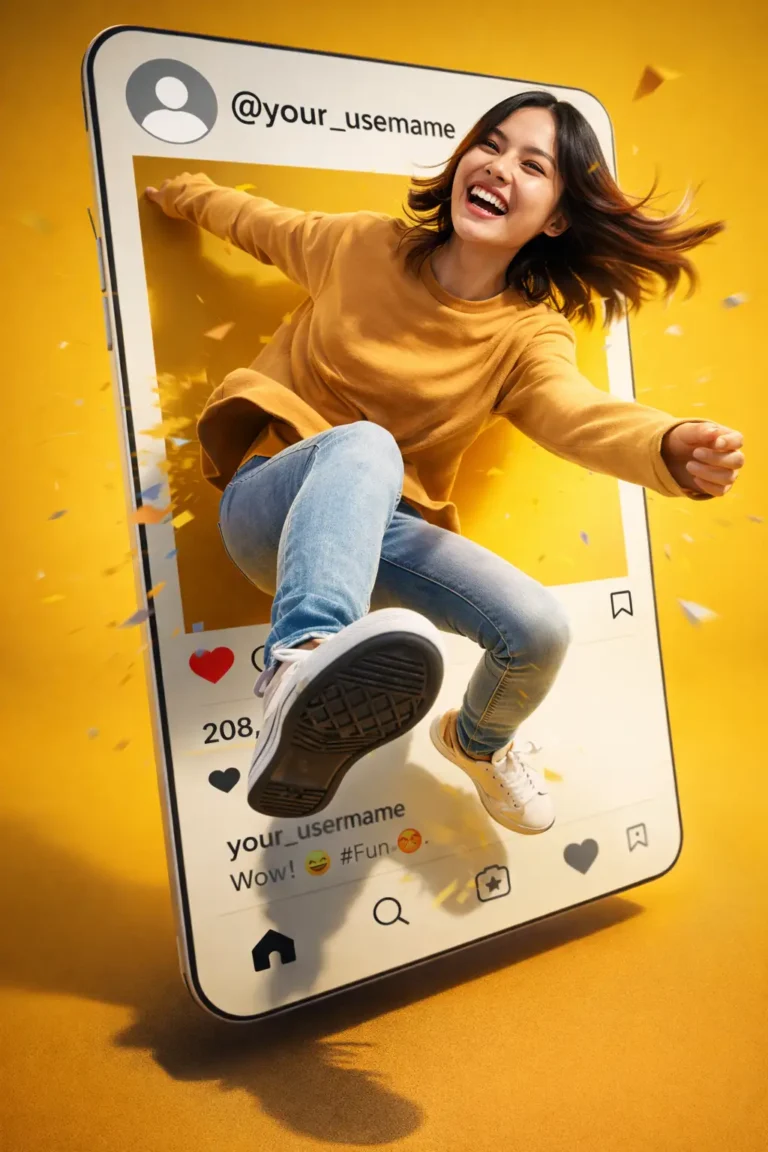
These six AI prompts turn one of your photos into a 3D pop-out picture, where you seem to step out of an Instagram post. Each prompt keeps your face, hair and outfit from the uploaded photo, then adds the frame, depth and shadows around you.
Use them in an image tool that edits uploaded photos, such as ChatGPT or Nano Banana in Gemini.
Start With the Right Photo
The effect only works if the tool can see you clearly. Pick a photo with:
- even, natural light on your face
- a full-body or half-body pose, so a hand, foot or shoulder can cross the frame
- a simple background, which is easier for the tool to replace
- nothing cut off at the edges that you want to pop out
Avoid group photos. Most tools struggle to keep several faces accurate at once.
How to Make a 3D Pop-Out Picture
- Upload your photo to ChatGPT, Gemini or another tool that edits uploaded images.
- Copy a prompt below and replace the highlighted parts. Put your Instagram handle in place of {your_username}, and set [AR] to 4:5 for a feed post or 9:16 for Stories and Reels.
- Compare the face with your original photo. If it has changed, run it again and add “keep the face exactly as in the uploaded photo”.
- Check the hands and feet that cross the frame, since that is where mistakes usually show.
6 AI Prompts for 3D Pop-Out Pictures
Each prompt gives the same effect a different look, from a luxury portrait to a surreal fantasy scene.
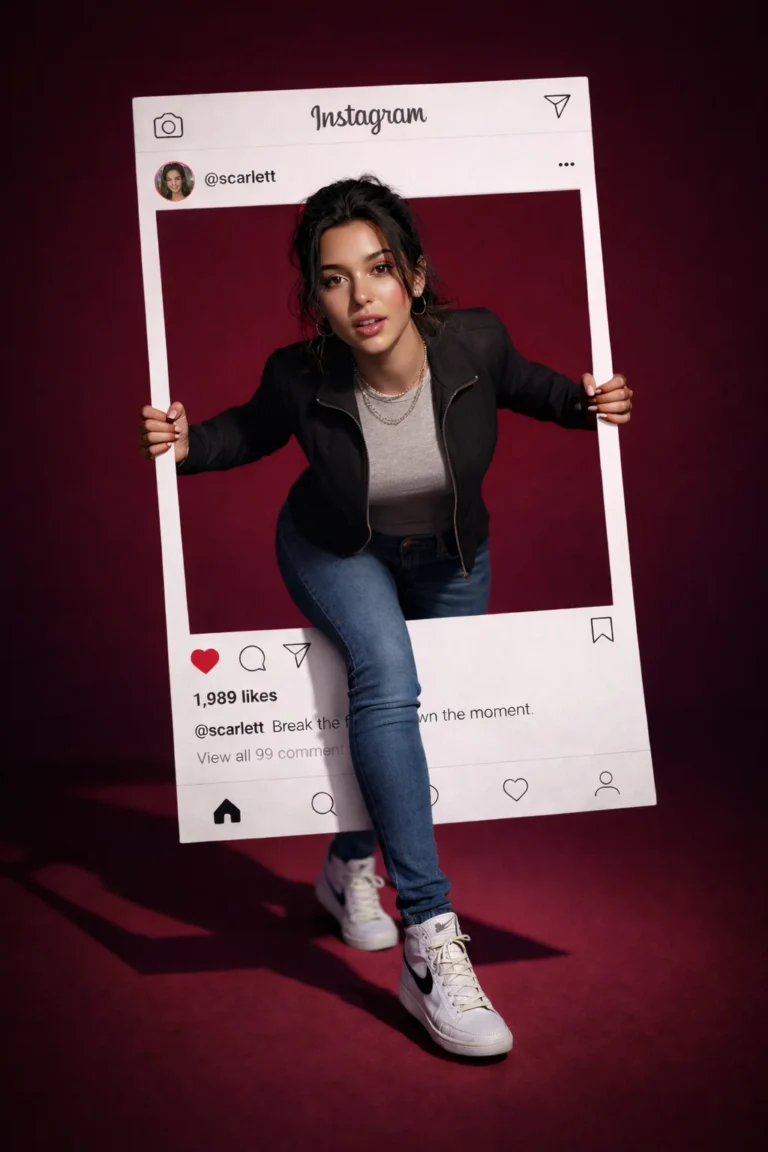
Hyper-Realistic Luxury Portrait
Replace the highlighted text with your own details before you run the prompt.
Playful Gen Z Social Style
Replace the highlighted text with your own details before you run the prompt.
Cinematic Movie Poster Look
Replace the highlighted text with your own details before you run the prompt.
Minimal Premium Aesthetic
Replace the highlighted text with your own details before you run the prompt.
Dynamic Action Pop Out Effect
Replace the highlighted text with your own details before you run the prompt.
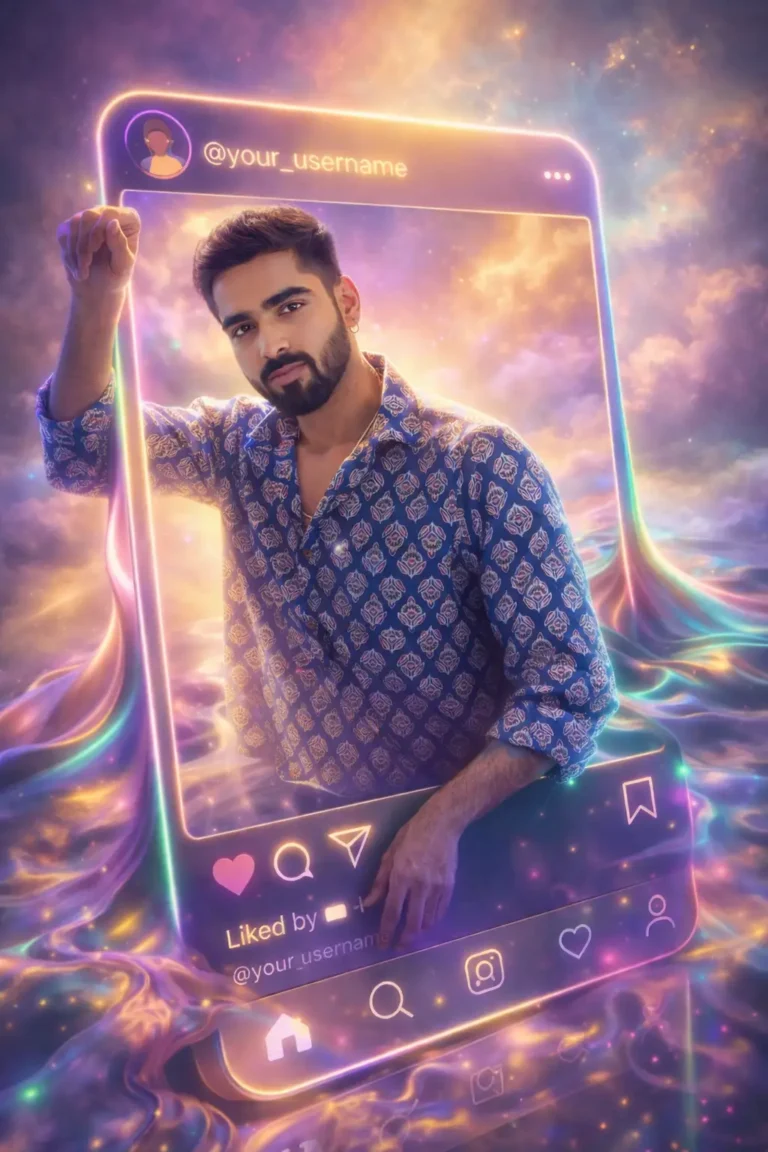
Surreal Fantasy Art Concept
Replace the highlighted text with your own details before you run the prompt.
Fix Common Problems
| What you see | What to try |
|---|---|
| The face doesn’t look like you | Add “keep the face exactly as in the uploaded photo”, and use a clearer, front-facing photo |
| You look pasted on | Ask for a contact shadow where you touch the frame, and light from the same direction as your photo |
| Nothing crosses the frame | Name the body part, such as “her right hand grips the top edge and her left foot steps out of the frame” |
| Extra fingers or a twisted leg | Choose a simpler pose, or crop your photo so fewer limbs show |
| The Instagram layout is garbled | Ask for “a plain white post frame”, then add the username and icons in an editor |
Frequently Asked Questions
What is a 3D pop-out picture?
A 3D pop-out picture is an image that creates the illusion of a subject extending beyond the photo frame through realistic depth, perspective, and shadow effects.
What is the best AI prompt for 3D pop-out pictures?
The best prompt instructs the AI to preserve the subject's identity while allowing parts of the body, such as hands or feet, to extend beyond the frame with realistic shadows and perspective.
Can ChatGPT create 3D pop-out pictures?
Yes. ChatGPT image generation can create 3D pop-out pictures when you upload a photo and use a detailed prompt describing how the subject should interact with the frame.
Which aspect ratio works best for Instagram?
For Instagram feed posts, 4:5 is often the best choice because it occupies more screen space. For Stories and Reels, 9:16 works best.
More in AI Photo Editing Prompts and Guides
This guide is part of our AI Photo Editing Prompts and Guides hub, where you’ll find every related guide, along with tips and common questions.