Goal: clean black line art you could print, frame or hand to a tattoo artist, with no grey shading, no paper texture and nothing a printer would choke on. I ran four prompts from this guide (Botanical, Mother and Child, Cat on Balcony and Lighthouse) in ChatGPT and in the free Gemini app, one run each, and kept the first image.
Quick answer: Botanical, Mother and Child and Cat gave clean line art in at least one tool on the first try. Lighthouse failed in both: each drew a shaded pen sketch on cream paper, and one extra line fixed it. Gemini also turned the Botanical prompt into a photo of a printed card, which another line fixed. The prompts below already include the fixes.
What’s on This Page
| Section | Prompts | Best for |
|---|---|---|
| My ChatGPT vs Gemini test | 4 tested | What worked, what failed and the fixes |
| Minimalist line art | 8 | Tattoos, posters and logos |
| Black Ink Scene Prompts | 6 | Small everyday moments |
| Expressive Ink Drawing Prompts | 6 | Loose, emotional drawings |
| Mono Line Illustration Prompts | 6 | Even-weight lines for everyday scenes |
| Fantasy Line Art Clipart Prompts | 6 | Floral fashion figures |
Tested and written by Manas Ranjan Behera, Portray Media. Test date: 11 November 2026.
How I tested these prompts
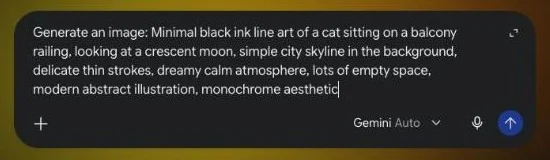
On 11 November 2026 I ran four of the prompts below in two tools: image generation in ChatGPT and in the Gemini app on a free Google account. Each prompt went into a fresh chat after “Generate an image:”, word for word the same in both. What you see is the first image each time, not the best of several.
I picked one prompt from each kind of line art in this guide, from a simple plant to a full scene, and checked each image for four things:
- Real line art: black outlines only, with no grey shading, hatching or filled areas.
- Clean background: plain white, not paper texture, a cream tint or a mockup.
- Prompt match: the subject, the props and how “minimal” it really is.
- Usable as is: could I print it or turn it into a vector without cleaning it up first?
Step by step: how I ran each prompt
- Open a new chat in ChatGPT or the Gemini app and type “Generate an image:”, then paste the prompt.
- Leave
--ar 16:9in if it’s there. I wanted to see whether these tools read Midjourney’s size setting (ChatGPT did; Gemini gives a wide image either way). - Open the result at full size and zoom in on the lines. Grey tones and paper grain are easy to miss at phone size and show up badly in print.
- If it fails, add one line to the end of the same prompt and run it again in a new chat.
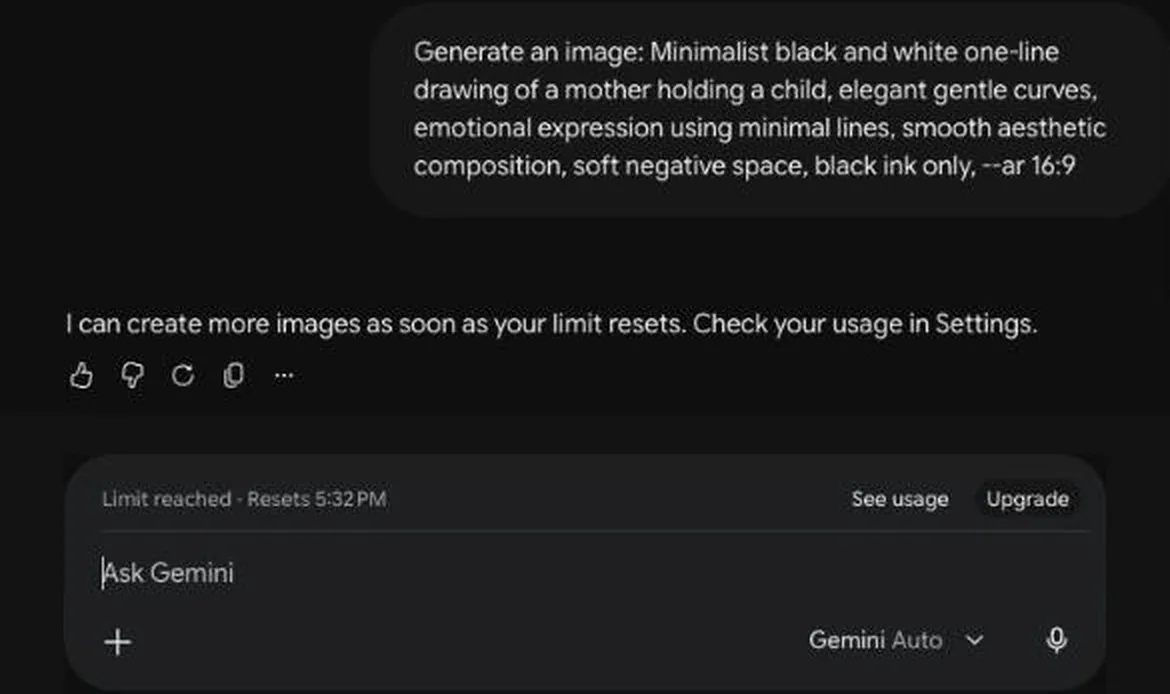
One thing to know before you start: the free Gemini plan stopped me after about ten images in one session (second screenshot). Plan your runs, or come back later when the limit resets.
Results at a glance
| Prompt | ChatGPT | Gemini |
|---|---|---|
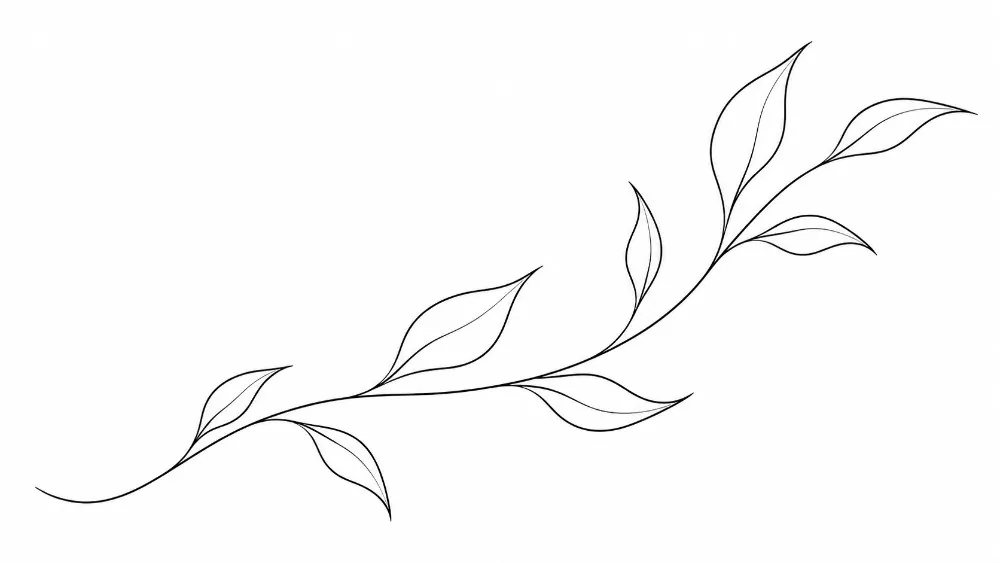
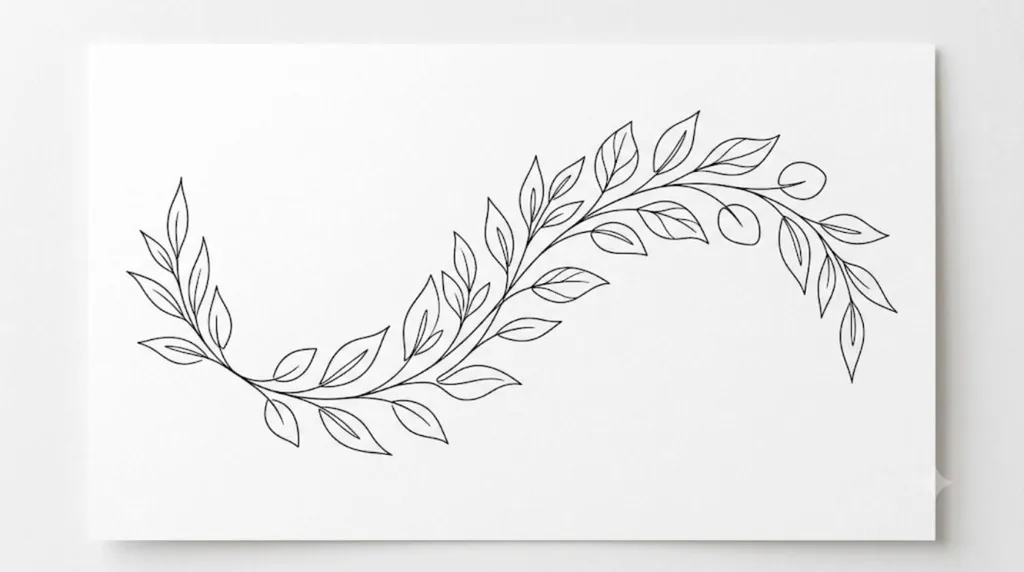
| Botanical Line Flow | Clean thin outlines of a leafy stem on pure white, wide 16:9 as asked. Separate leaves rather than one continuous stroke. Pass. | A wave of leafy outlines, but shown as a printed card on a grey surface with a shadow (a mockup), not flat artwork. Fail: mockup. 18 s |
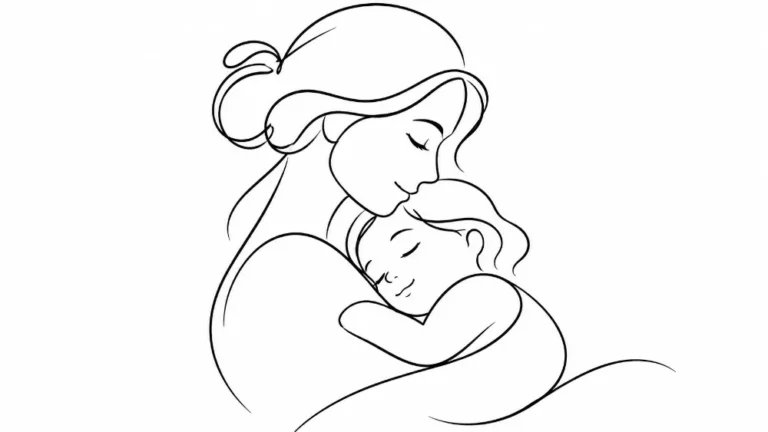
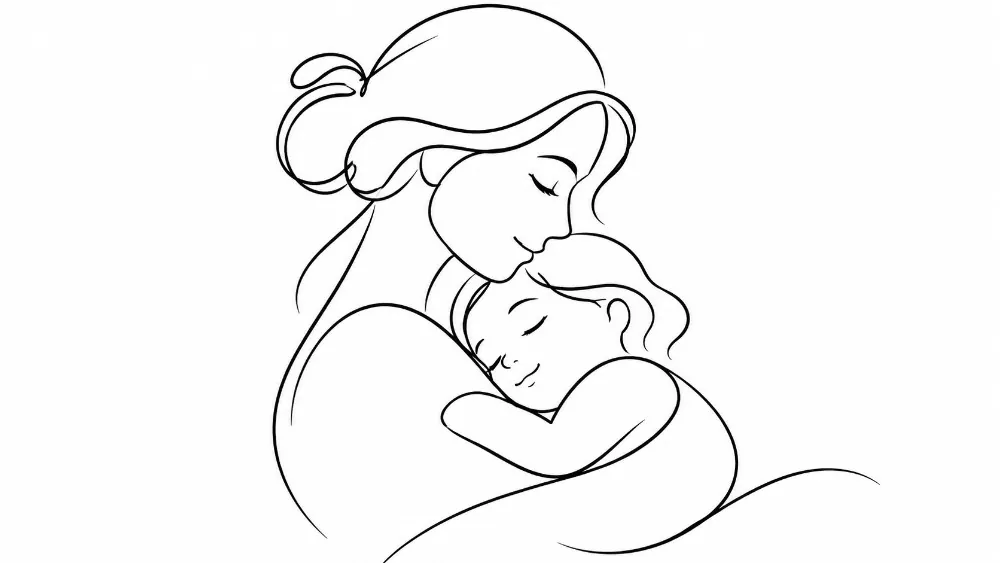
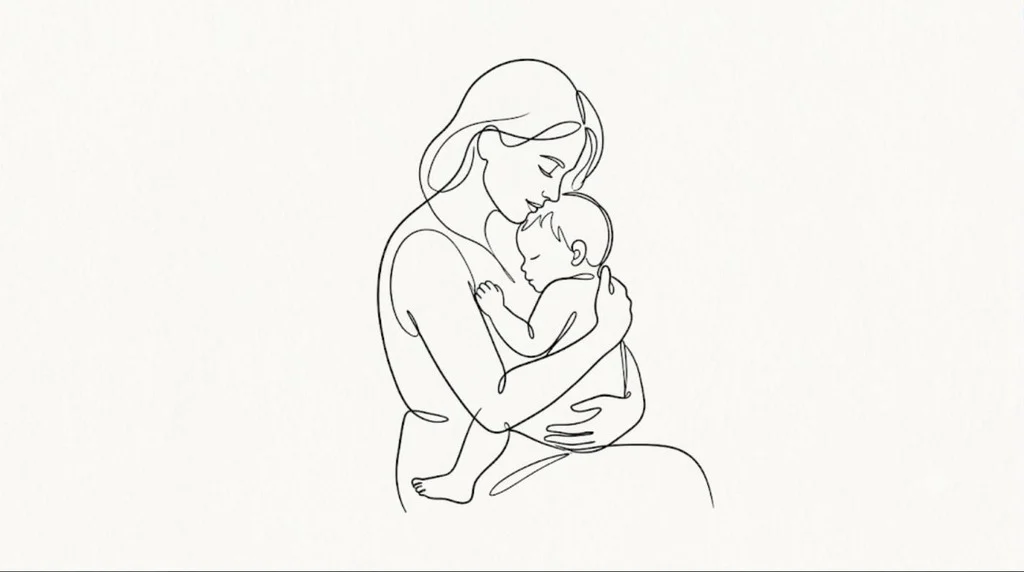
| Mother and Child | Smooth one-line style with closed eyes and a soft hug, plain white, 16:9. Pass. | Closer to a true one-line drawing than ChatGPT’s, with the baby held close. Slightly cream paper background. Pass. 141 s, my slowest run |
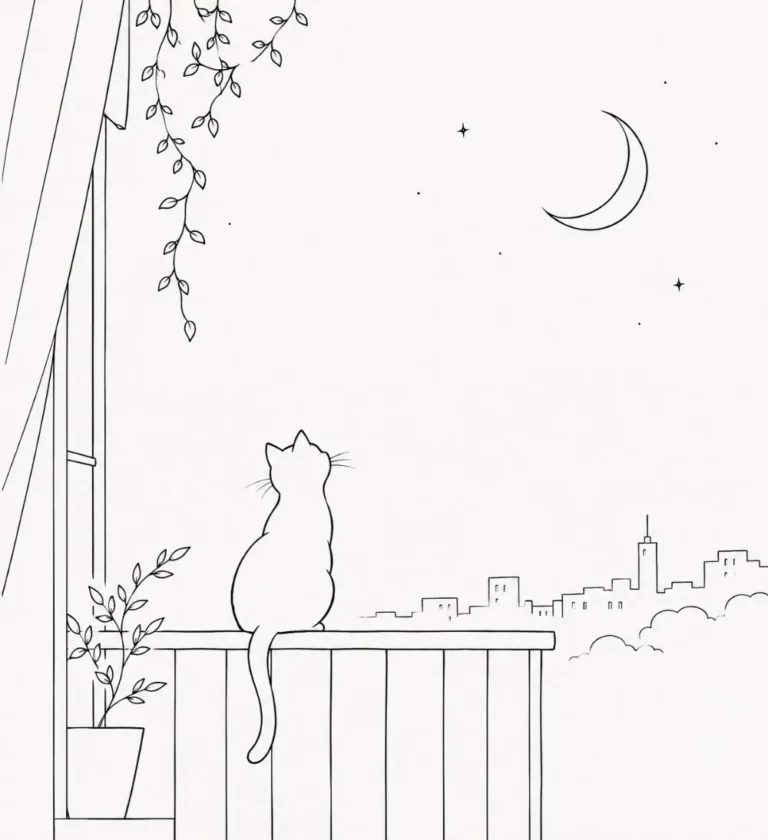
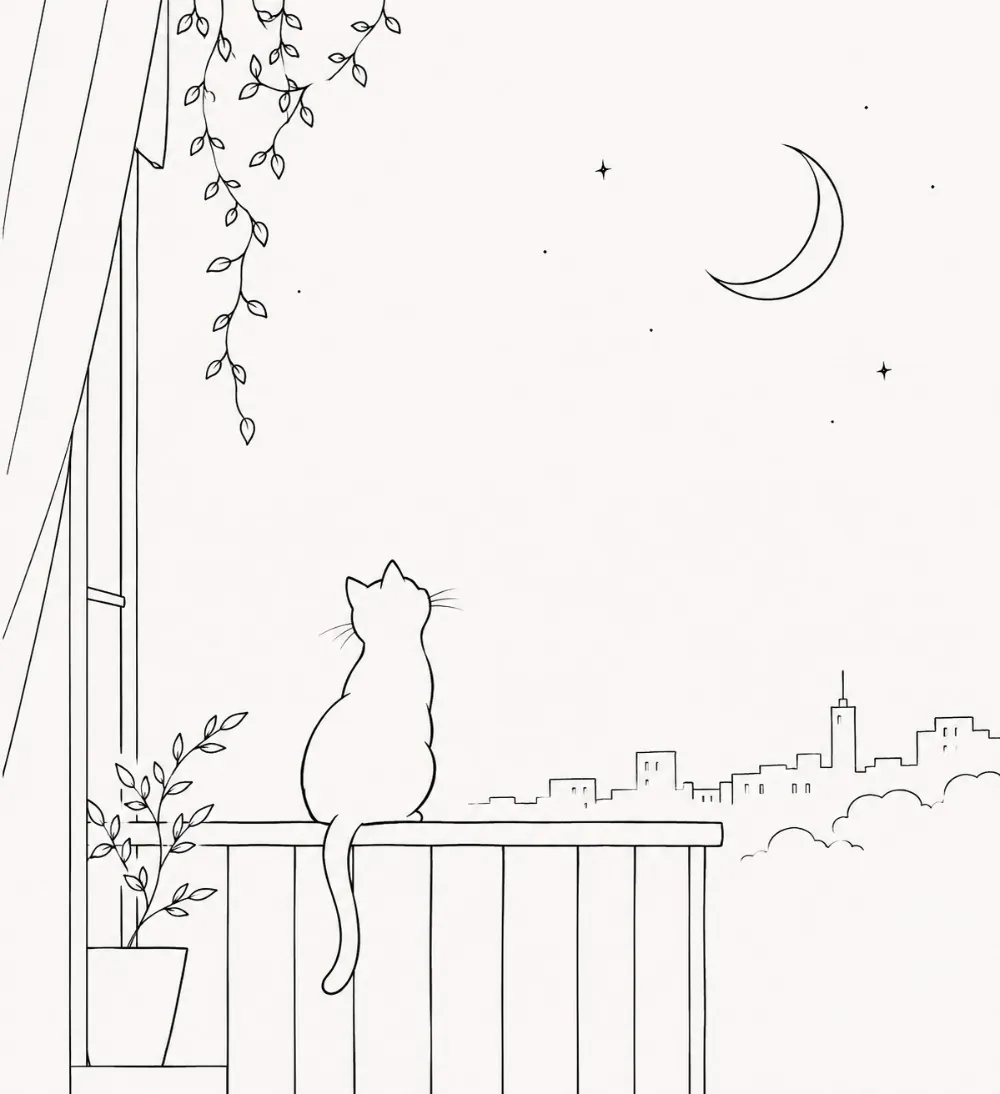
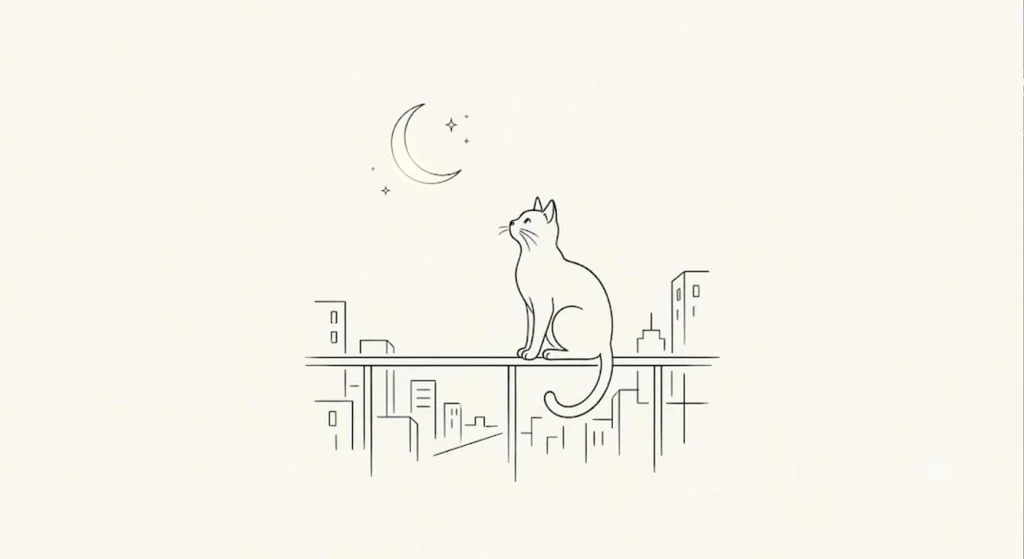
| Cat on Balcony | Cat on the railing under a crescent moon with a small skyline. Tall portrait image, and it added a curtain, a hanging vine and a potted plant. Pass, but busier than “minimal”. | Very minimal: the cat, the moon and a few buildings, with lots of empty space. Off-white background and a soft glow around the moon. Pass. 25 s |
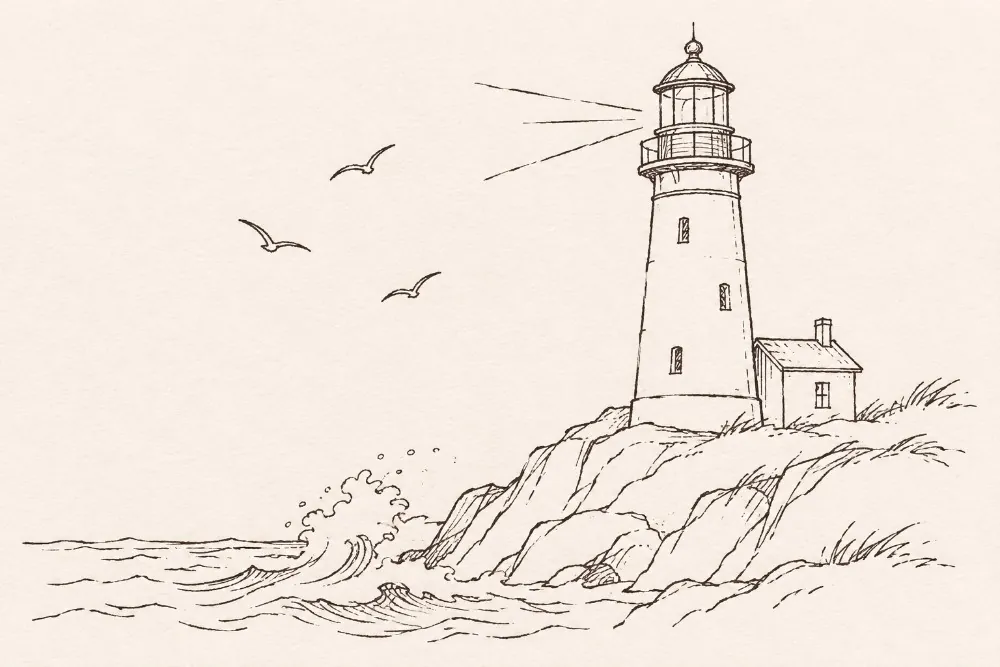
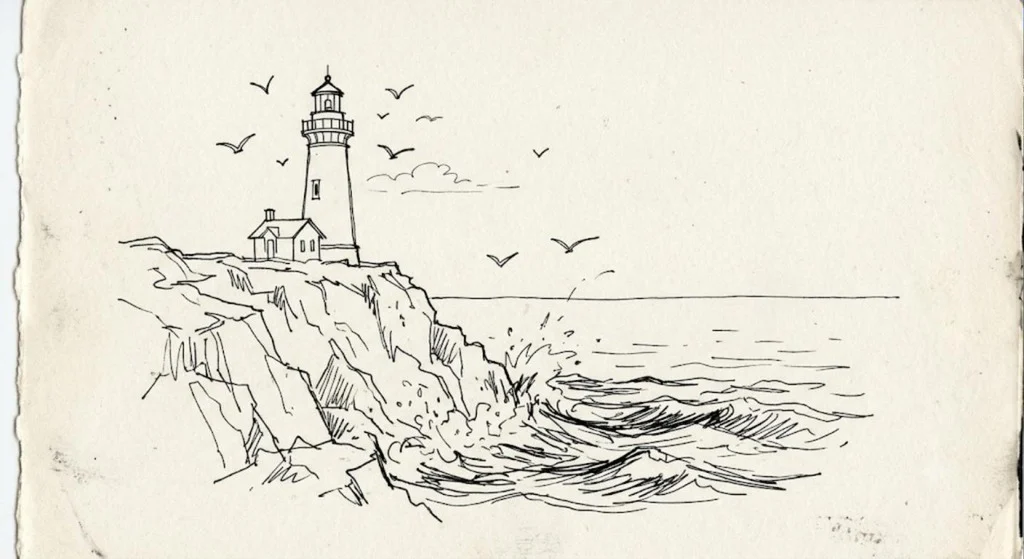
| Lighthouse | A detailed pen sketch with hatching, a cottage and cream paper texture. Nice drawing, but not line art. Fail. | Hatched cliffs and waves on torn cream paper, the same mistake as ChatGPT. Fail. 16 s |
My verdict: For simple subjects, both tools give clean line art. Gemini followed “minimal” and “one-line” more closely, and ChatGPT gave cleaner white backgrounds. Words like “sketch”, “journal” and “poster” pull both tools away from clean lines, so end every line art prompt by asking for even black outlines, no shading and a pure white background.
The images side by side
ChatGPT on the left, Gemini on the right. Gemini images come out wide (1024×559) with a small sparkle watermark in the corner.
Botanical Line Flow
Mother and Child
Cat on Balcony
Lighthouse
What went wrong, and how I fixed it
Problem 1: a sketch instead of line art (Lighthouse)
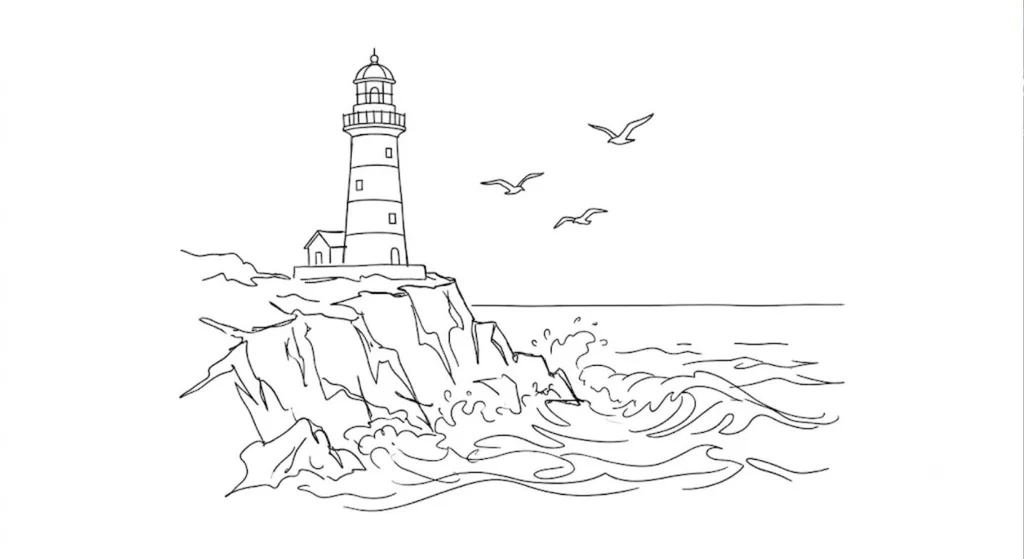
“Hand-drawn ink”, “sketch style” and “travel journal” told ChatGPT to draw like a pen sketch in a notebook, so it added hatching on the cliffs, shading on the tower and a cream paper background. That looks nice on a screen but it is not line art, and the paper tint prints as a grey box. One line at the end fixes it. I tested the fix in Gemini:
Clean line art only: even black outlines, no shading, no hatching, no paper texture, pure white background.
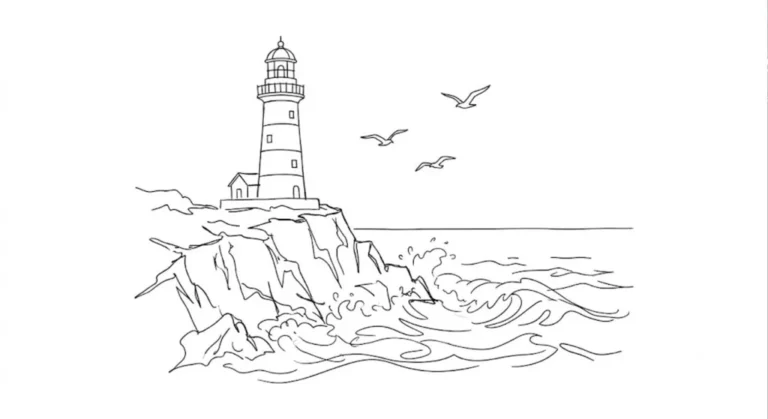
With that line, Gemini drew even black outlines on pure white in 18 seconds, with no hatching and no paper:
Problem 2: a mockup instead of artwork (Gemini, Botanical)
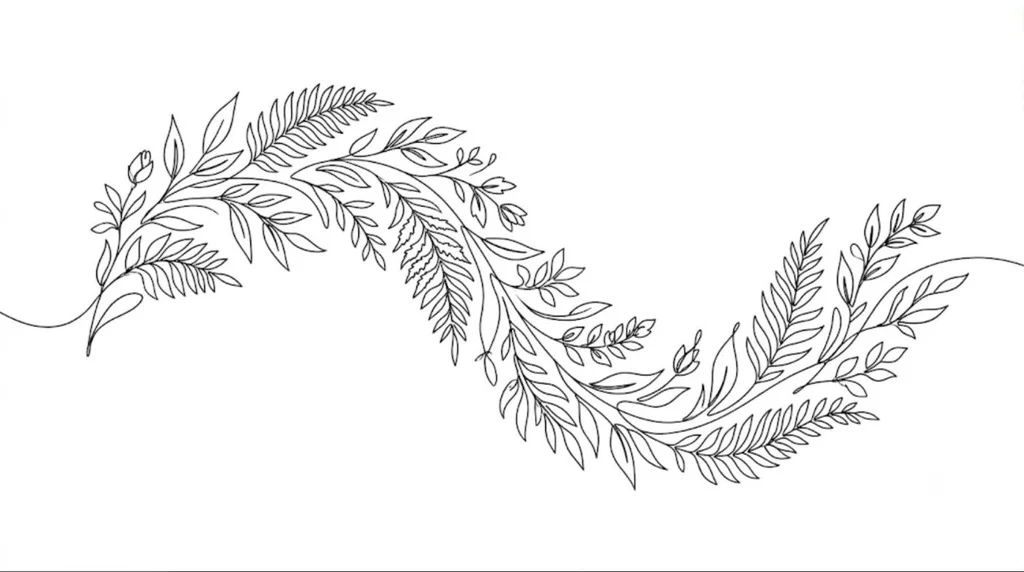
Gemini drew good outlines but showed them as a printed card lying on a grey surface, with a shadow, like a product mockup. “Premium poster line quality” probably made it think of a photo of a poster. You can’t print or sell a picture of a card, so I added one line:
Flat artwork that fills the whole image, not a mockup: no paper, card, frame or shadow.
The second run was flat artwork on pure white that fills the frame, in 14 seconds. It came out busier than the first, with ferns and buds, so add “only a few leaves” if you want it sparse.
Smaller things I noticed
- “Single continuous line” is a wish, not a rule. Neither tool drew a true one-line drawing. If you need one unbroken line, trace the result by hand or in a vector app.
- Extra props. “Balcony at night” made ChatGPT add a curtain, a vine and a plant. Say “no other objects” if you want it empty.
- Off-white backgrounds. Several images look white but are slightly cream. Before you print or sell, set the background to pure white or remove it.
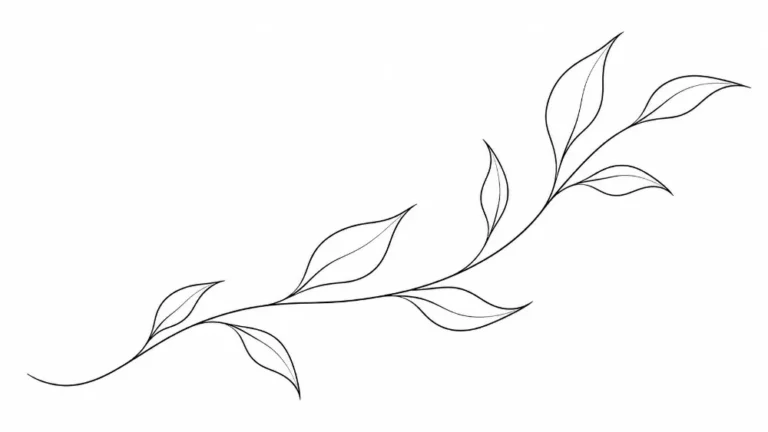
- Turning it into a vector. Clean outlines like the ChatGPT botanical convert to SVG well in Illustrator’s Image Trace or Inkscape’s Trace Bitmap. Hatching and paper texture don’t.
Why Minimalist Line Art Works
With so little in the image, the shape of the line does all the work. That makes the style easy to read at any size and easy to use on posters, packaging and tattoos.
What Defines the Style
- Soft curves
- One continuous stroke, or only a few
- Plenty of empty space
- One subject, with no background detail
Which AI Tools to Use
I tested these in ChatGPT and Gemini (see above); they also work in Flux, Nano Banana and Leonardo AI. The same prompt can come back with different line weights in each tool, so if the first result looks too heavy, ask for “thin even lines”. The --ar 16:9 at the end is Midjourney’s size setting. In my test ChatGPT followed it and made a wide image, while Gemini made a wide image anyway. In other tools, delete it and pick the size in the settings.
Where to Use Line Art
The style suits tattoo designs, packaging, posters, logos and Pinterest art, where a simple shape has to stand out quickly.
How to Get Cleaner Lines
- Ask for a thin stroke or a single continuous line.
- Name the background, such as “pure white”, so the AI doesn’t add one.
- Add “black ink only” to stop colour and shading.
- Remove words about texture and shadow, which make the image heavier.
- Choose a subject with a clear outline. A bird or a lotus works better than a busy scene.
8 Minimalist Line Art AI Prompts

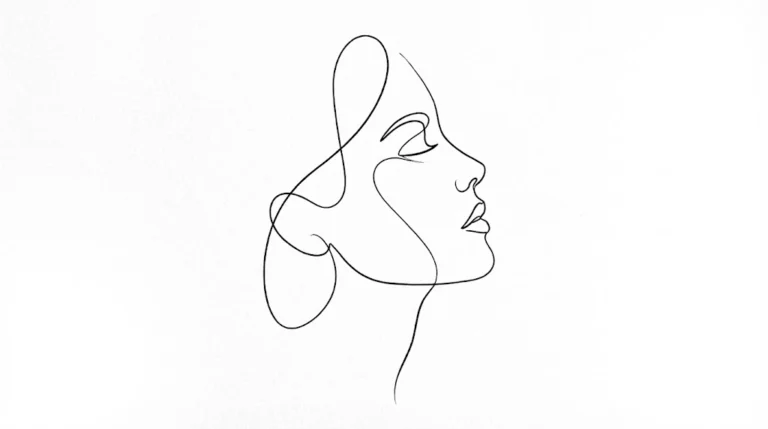
Serene Botanical Line Flow (Inspired by Fine-ink Tattoo Aesthetics)
Image: my ChatGPT test result from this exact prompt, first run, 11 November 2026.

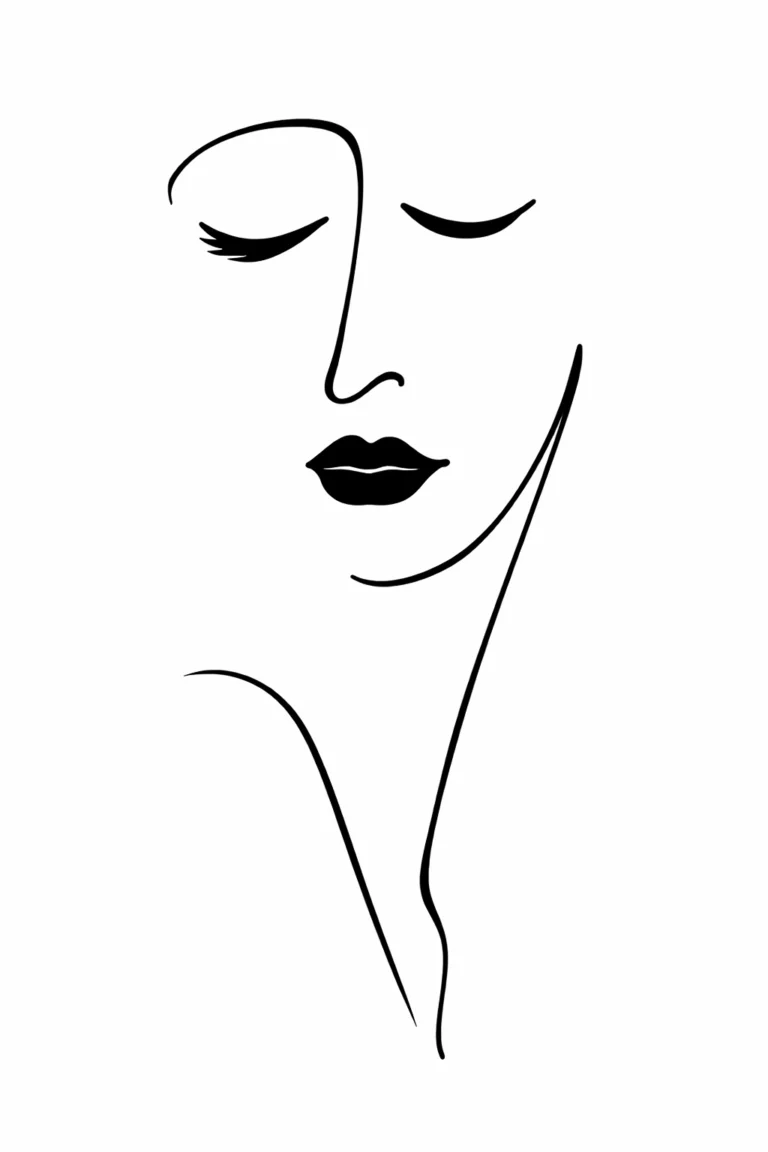
Abstract Feminine Silhouette (Inspired by Elegant Poster Illustration)

Single-Line Mother and Child (Inspired by Modern Emotion Art)
Image: my ChatGPT test result from this exact prompt, first run, 11 November 2026.

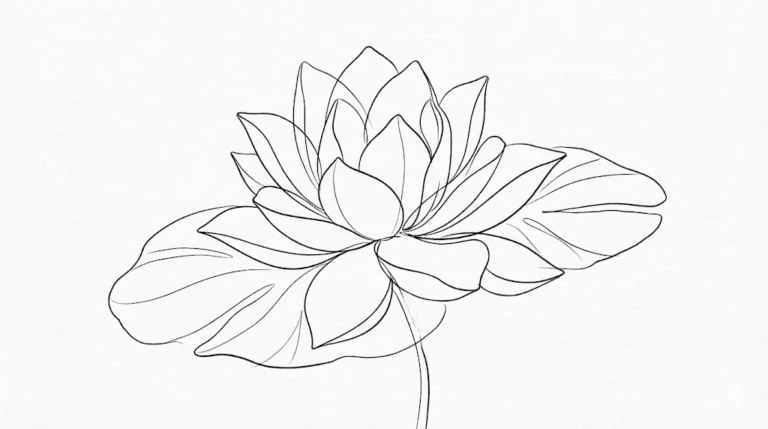
Lotus Calm Spirit (Inspired by Zen Botanical Tattoos)

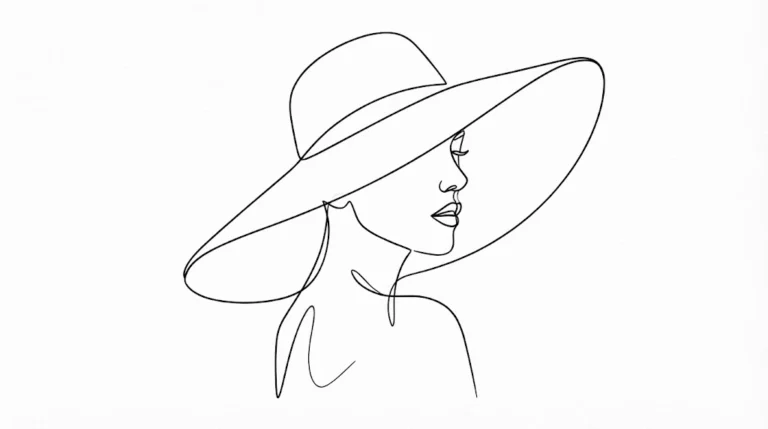
Modern Line Portrait with Hat (Inspired by Editorial Illustrations)

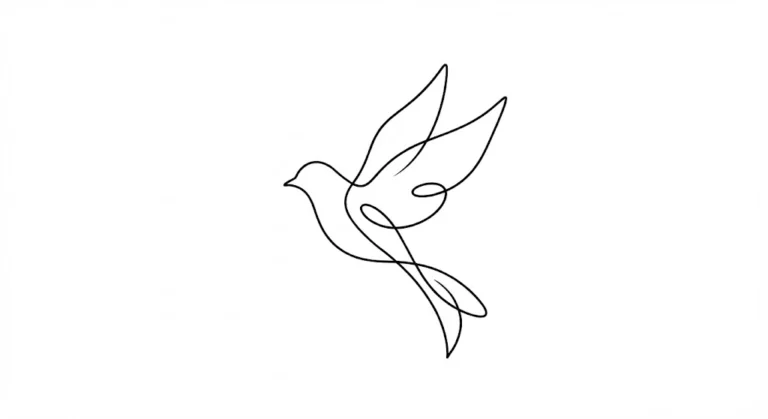
Gentle Bird Tattoo Outline (Inspired by Elegant Ink Work)

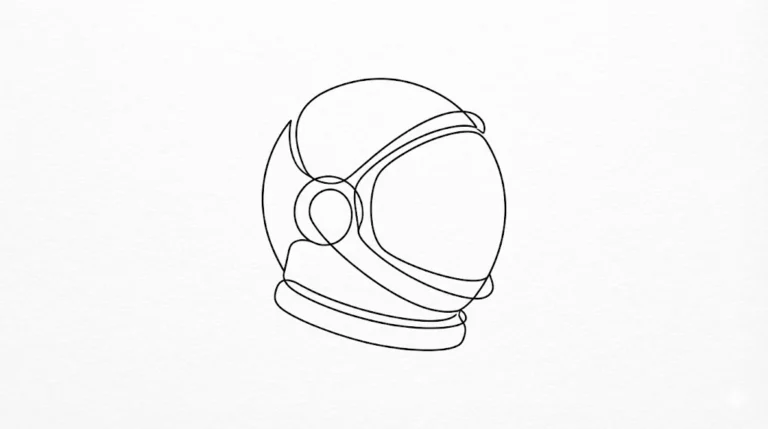
Astronaut Helmet Outline

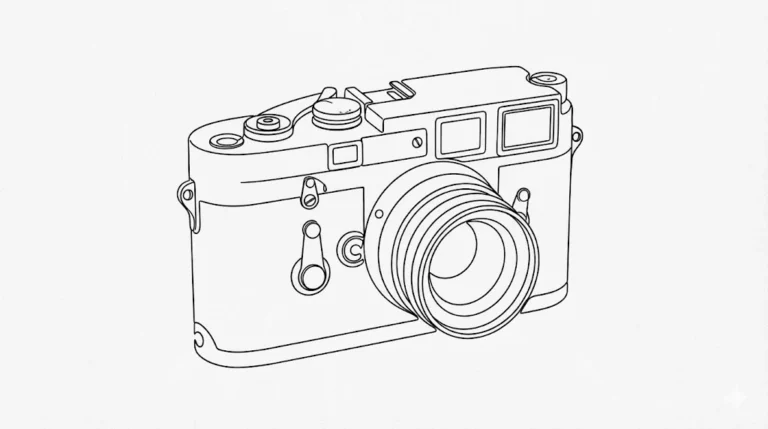
Modern Camera Outline
Next Step
Start with the prompt closest to what you need and replace only the subject. If the result looks too detailed, cut words rather than adding them.
Black Ink Scene Prompts
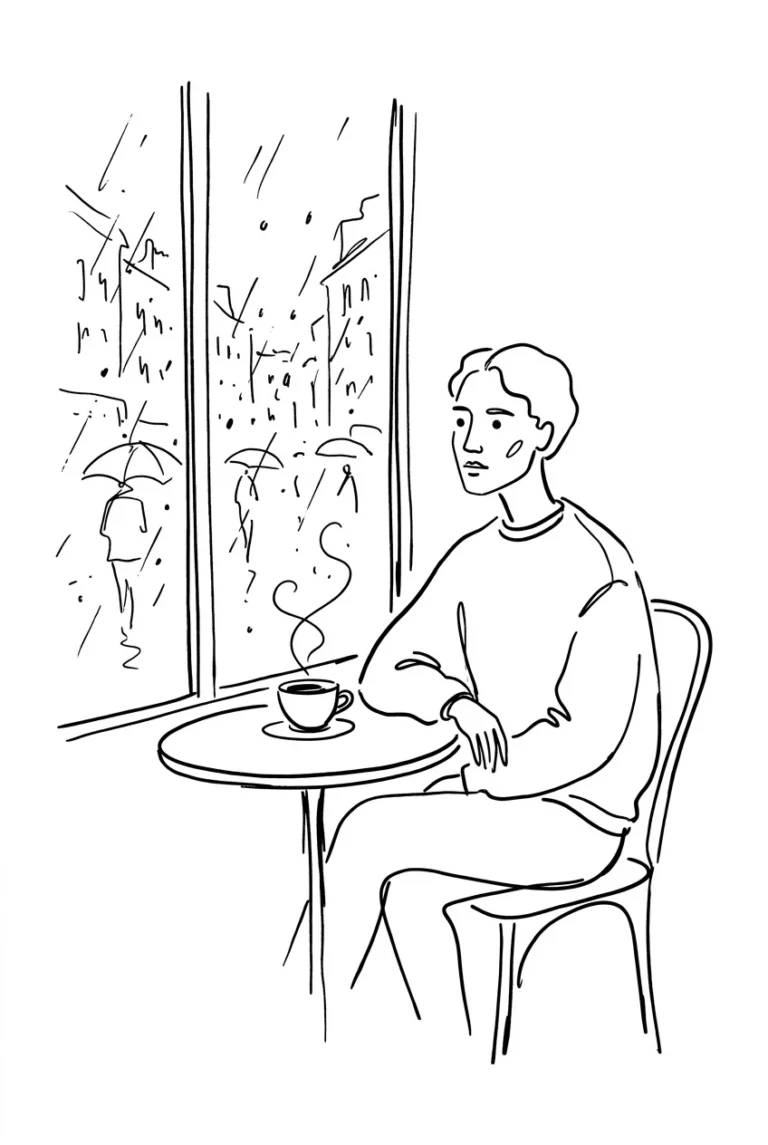
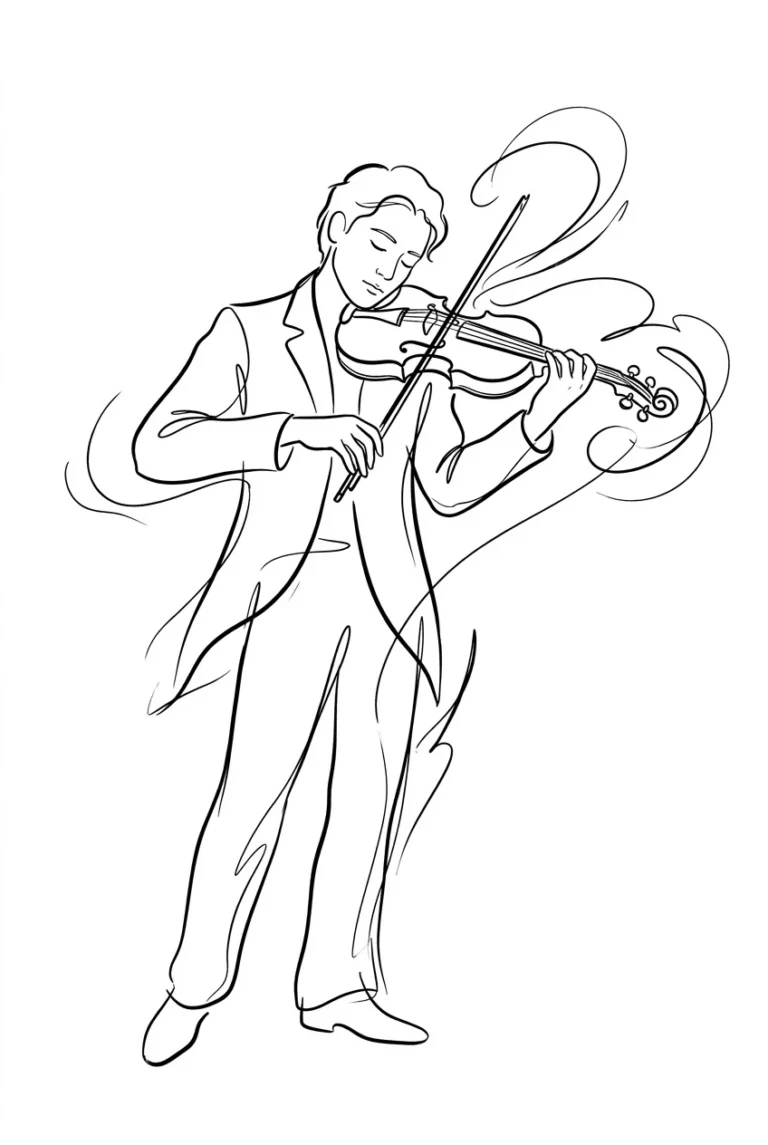
These six AI prompts create black ink line art with few strokes and plenty of white space. The scenes include a rainy café window, a violinist and a cat on a balcony at night.
Use them in ChatGPT, Midjourney, Leonardo AI or Stable Diffusion.
Empty space is part of the drawing, so don’t add more detail than you need. If the result comes back shaded or grey, ask for pure black lines on a white background.

Café Window Rain Scene

Musician with Violin

Cat on Balcony at Night
Image: my ChatGPT test result from this exact prompt, first run, 11 November 2026. Add “no other objects” for an emptier scene.

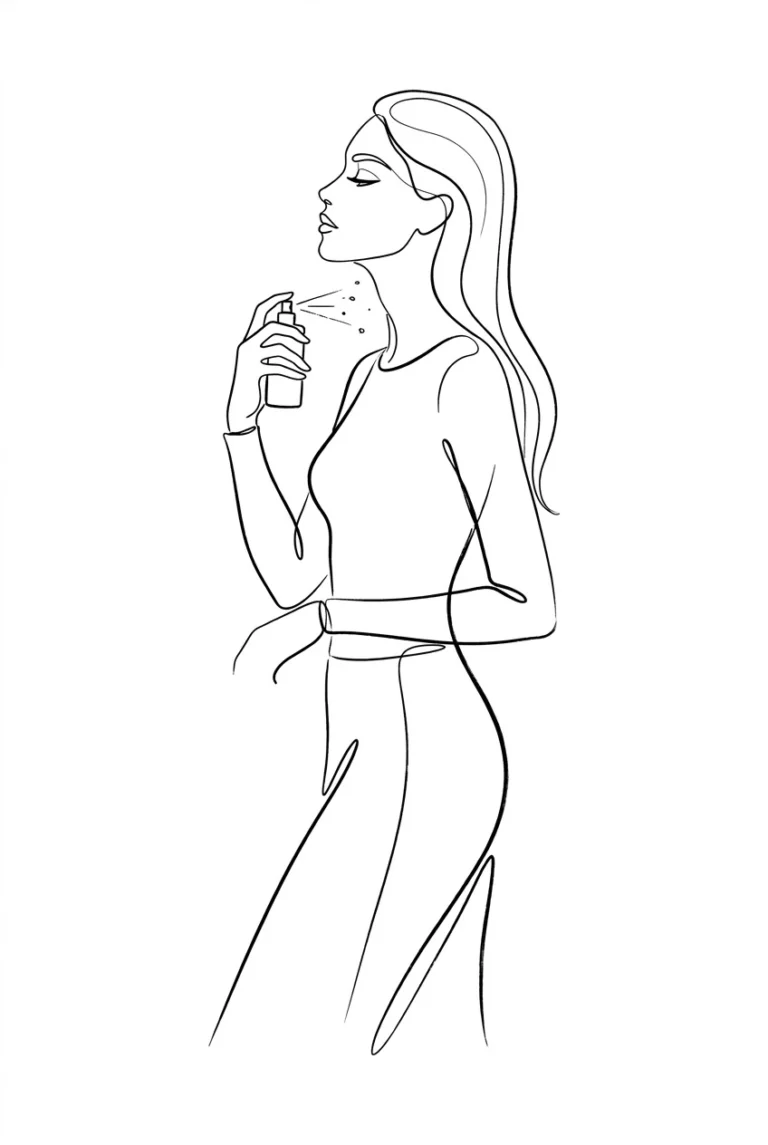
Woman Applying Perfume

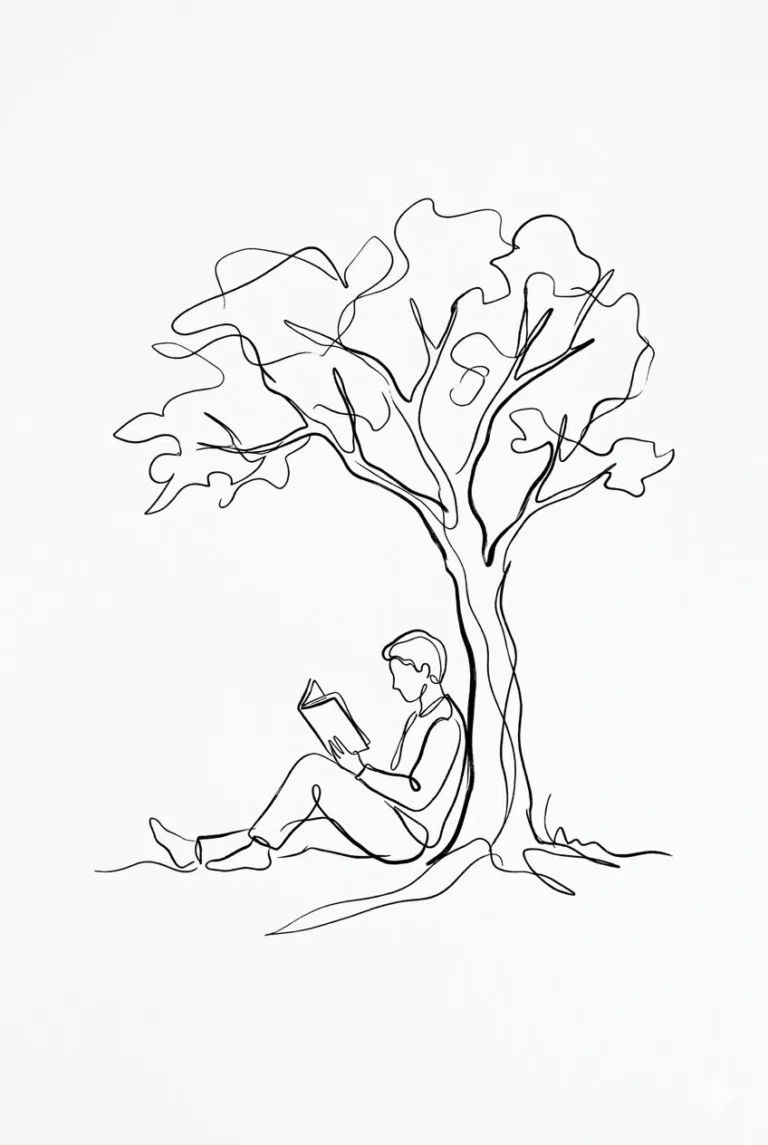
Book Reader Under Tree

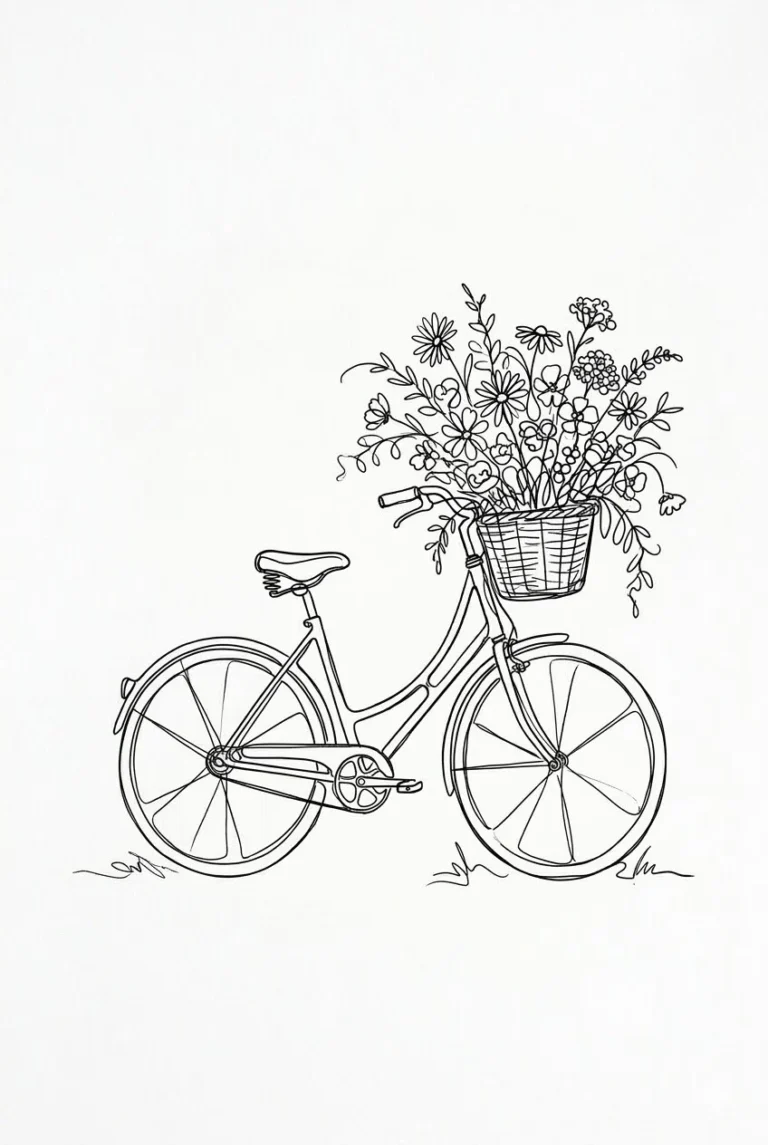
Bicycle with Flowers Basket
Expressive Ink Drawing Prompts
These six AI prompts create black ink line drawings of everyday and emotional subjects, including a serene face, a pasta twirl, the Eiffel Tower and a couple.
A loose line can look human, so don’t worry about small wobbles. If the result gets too detailed, ask for fewer lines and no shading.

Serene Face Portrait

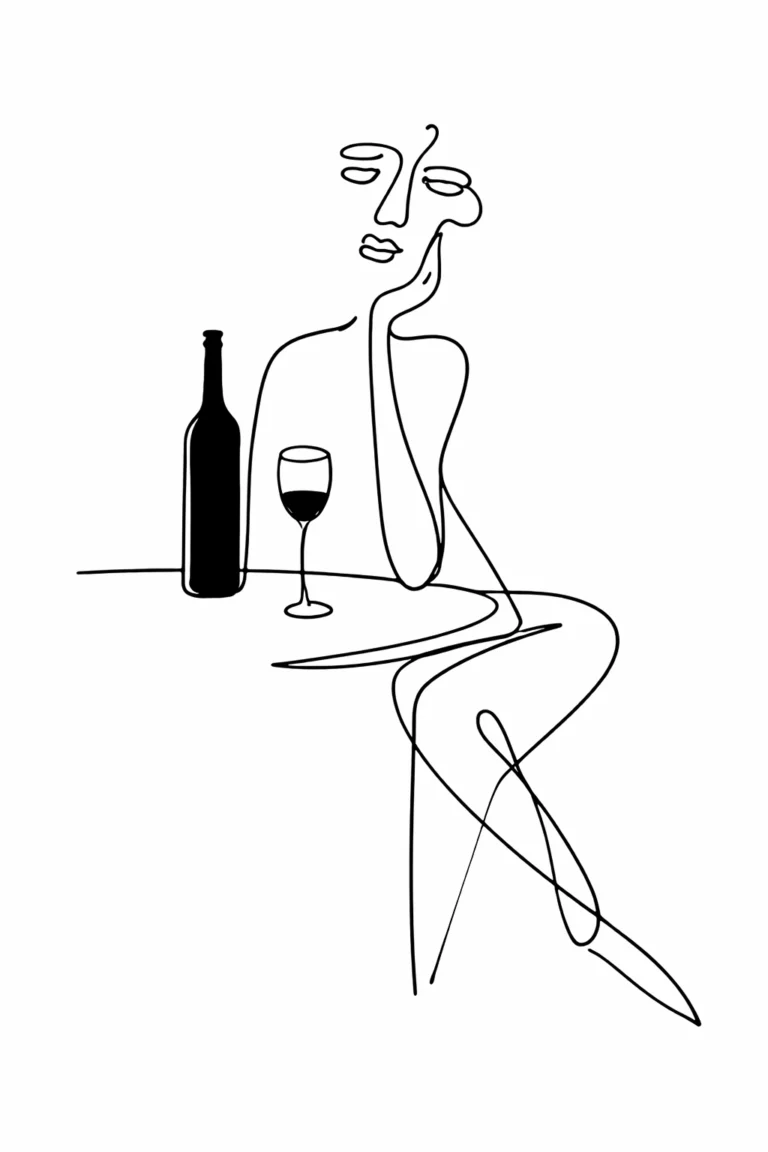
Wine Dinner Lifestyle Minimalism

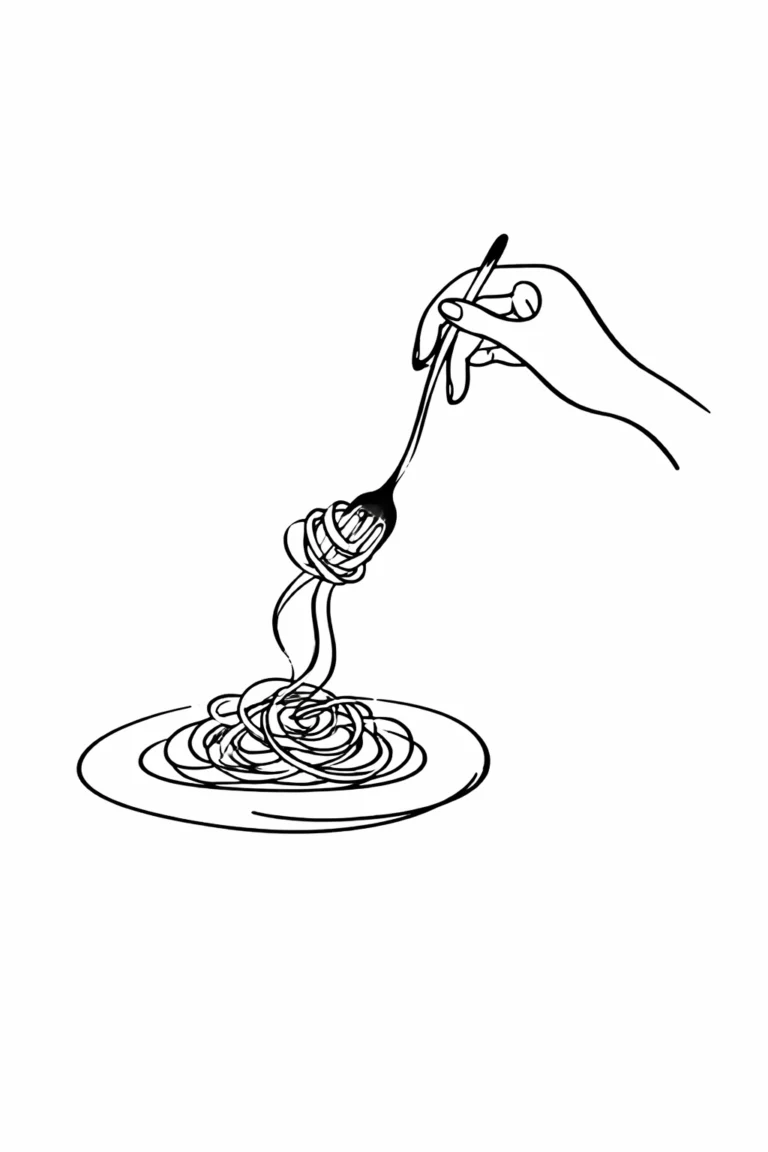
Pasta Twirl Expressive Motion

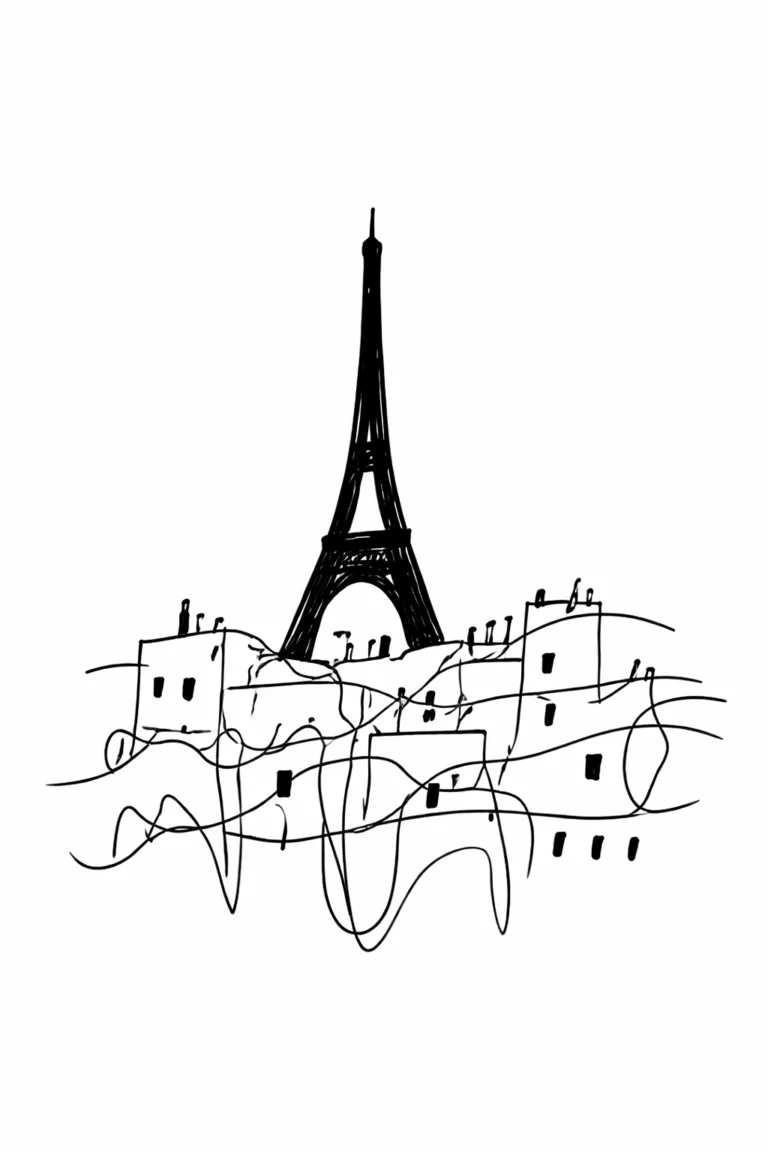
Eiffel Tower Abstract City

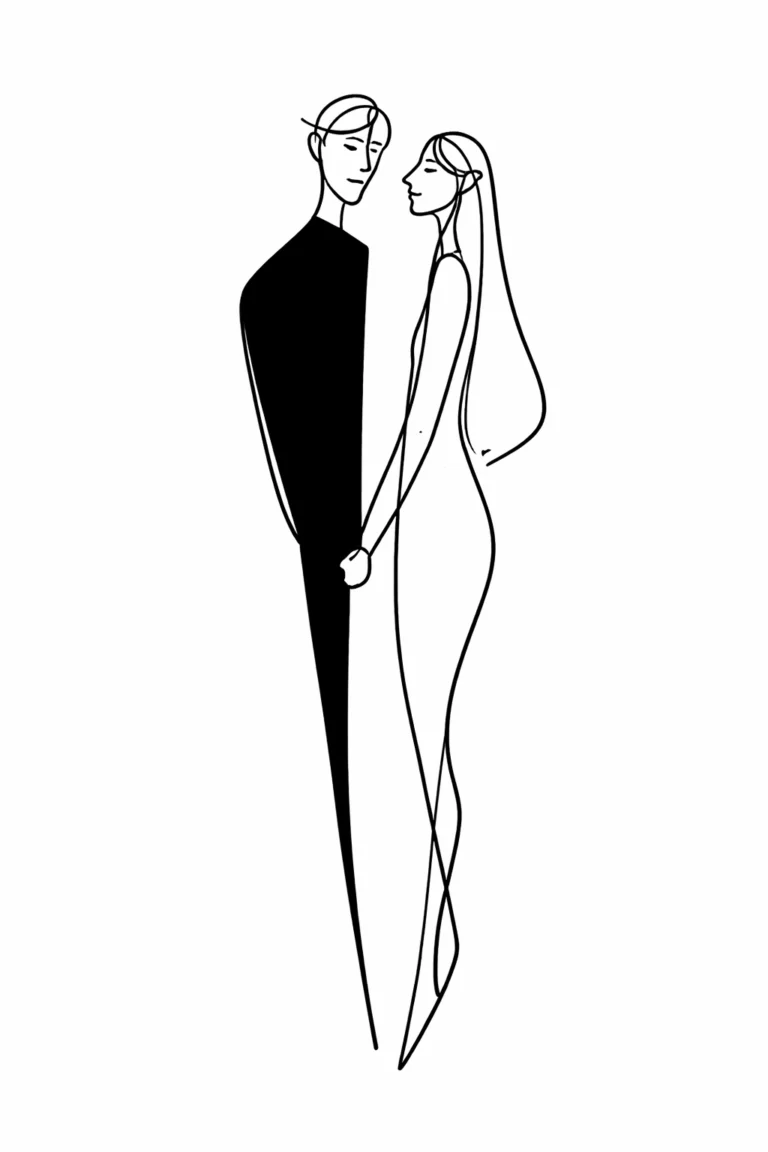
Romantic Couple Emotional Form

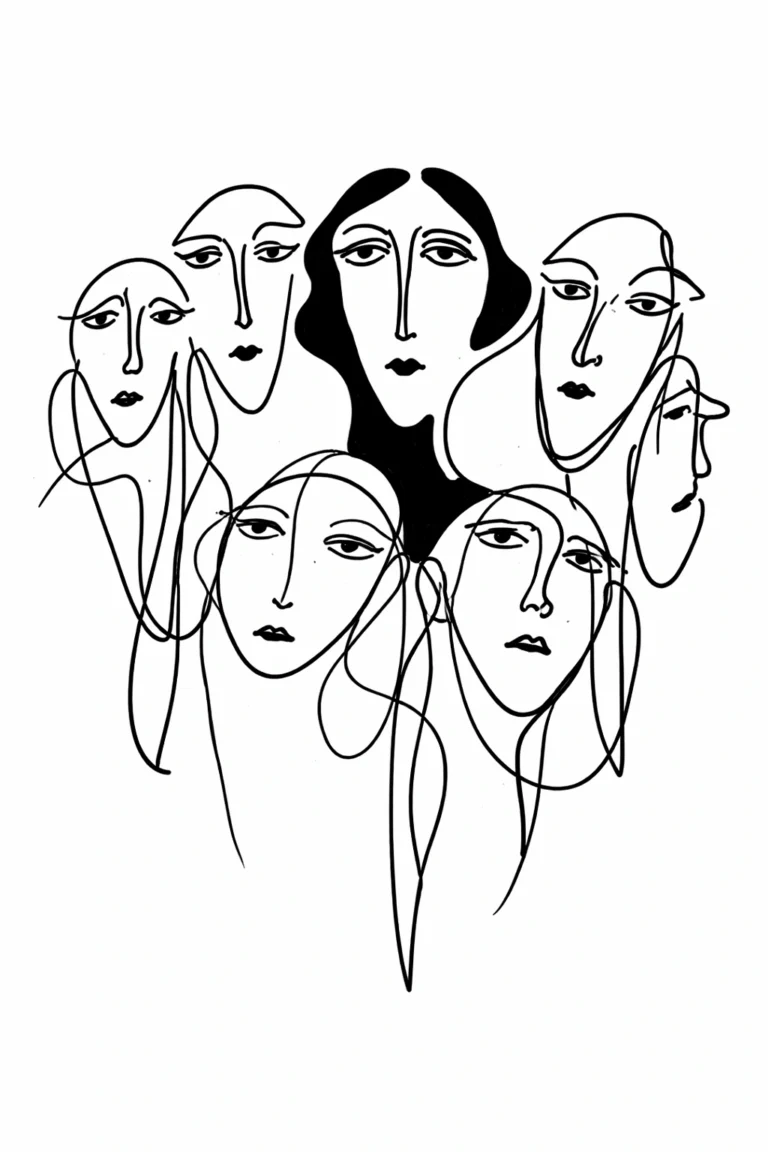
Crowd Identity Psychological Style
Mono Line Illustration Prompts
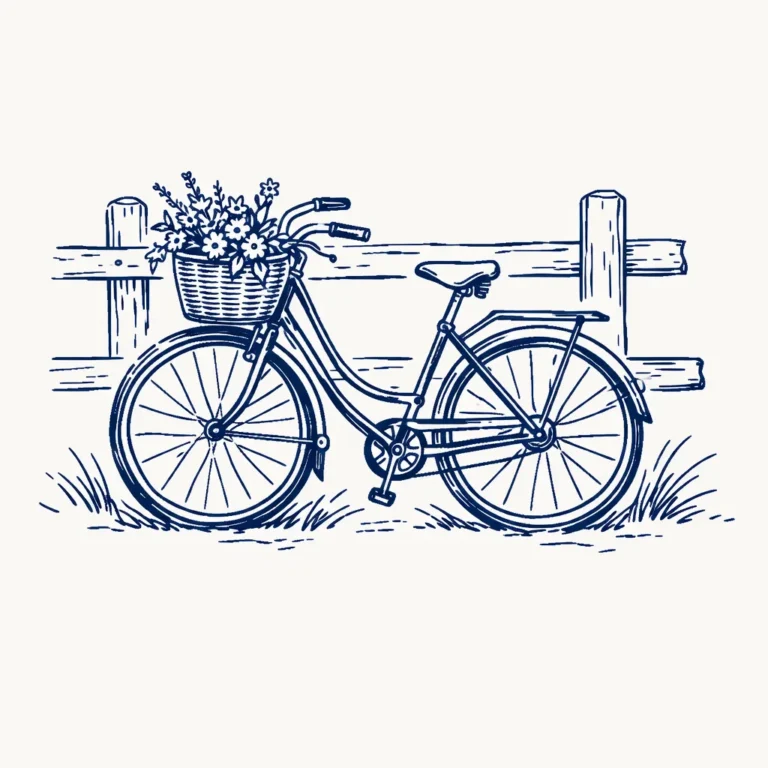
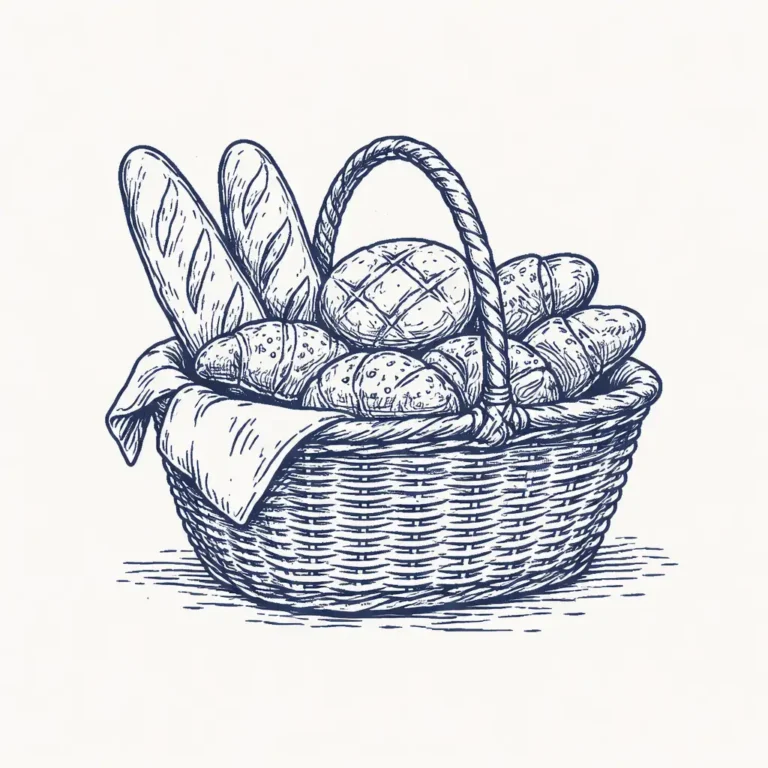
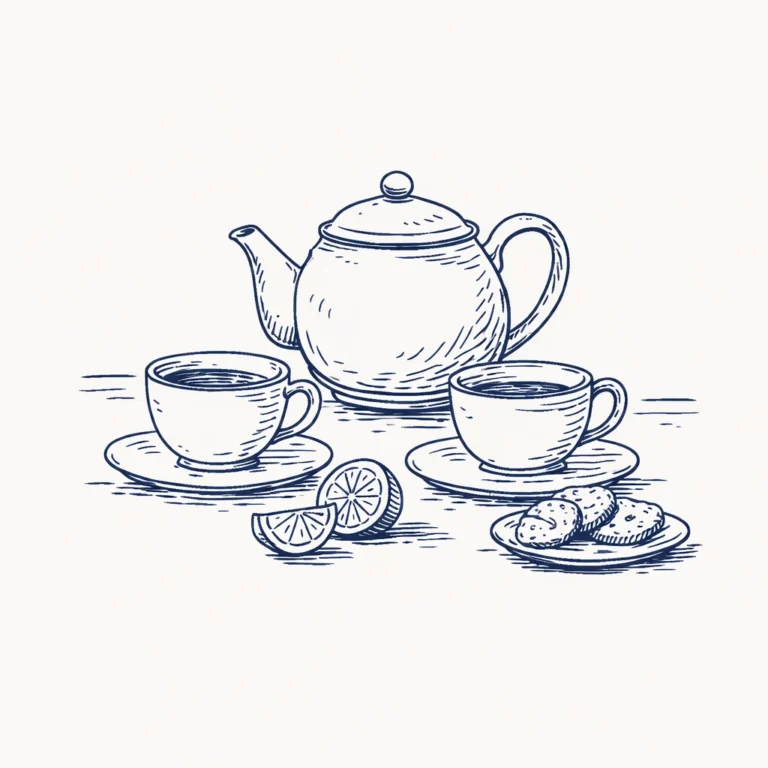
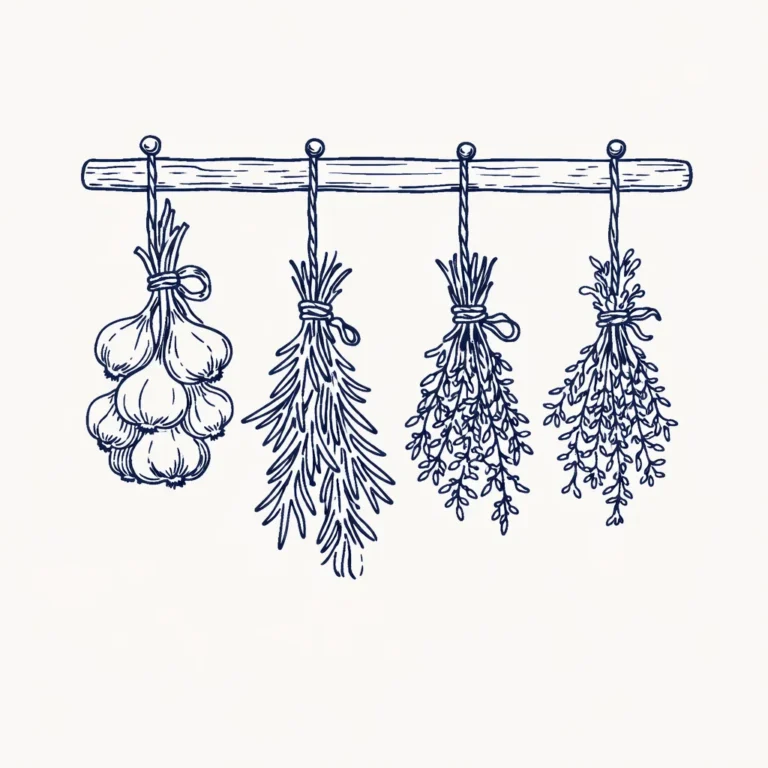
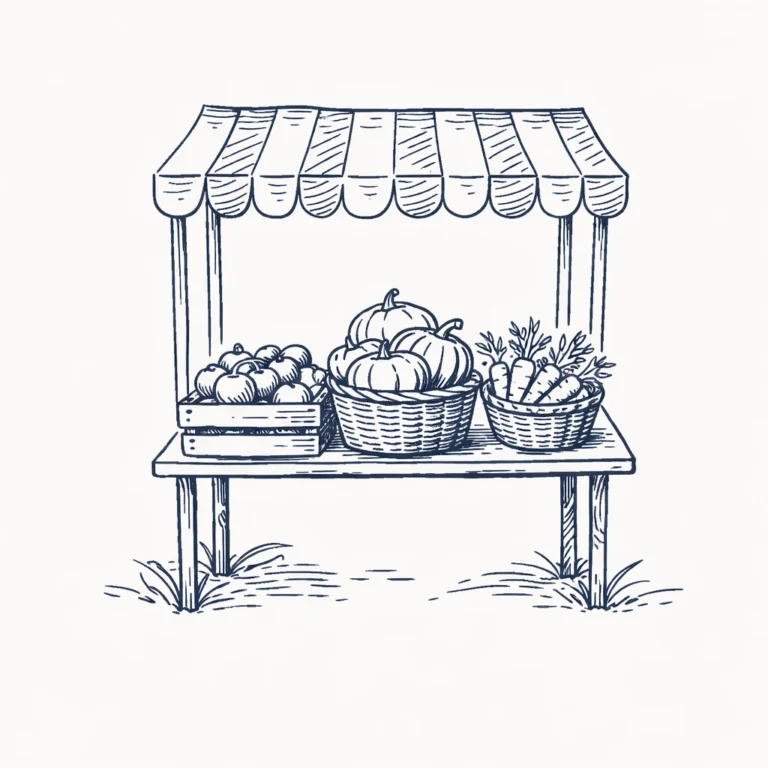
A mono line illustration uses lines of one even weight to draw a subject. These six AI prompts apply the style to everyday scenes, such as a vintage bicycle, a tea table and a farmer’s market stall.
Try them in Midjourney, DALL·E, Stable Diffusion, Leonardo AI, Adobe Firefly or Ideogram. Simple subjects give cleaner results. If lines look too heavy or shaded, add “no shading, no fill”.

Vintage Bicycle Scene

Rustic Bakery Basket

Tea Time Table

Kitchen Herbs Hanging

Lighthouse by the Sea
I added the last sentence after testing: without it, both ChatGPT and Gemini drew a shaded pen sketch on cream paper. Image: my Gemini result from this revised prompt.

Farmer’s Market Stall
Fantasy Line Art Clipart Prompts
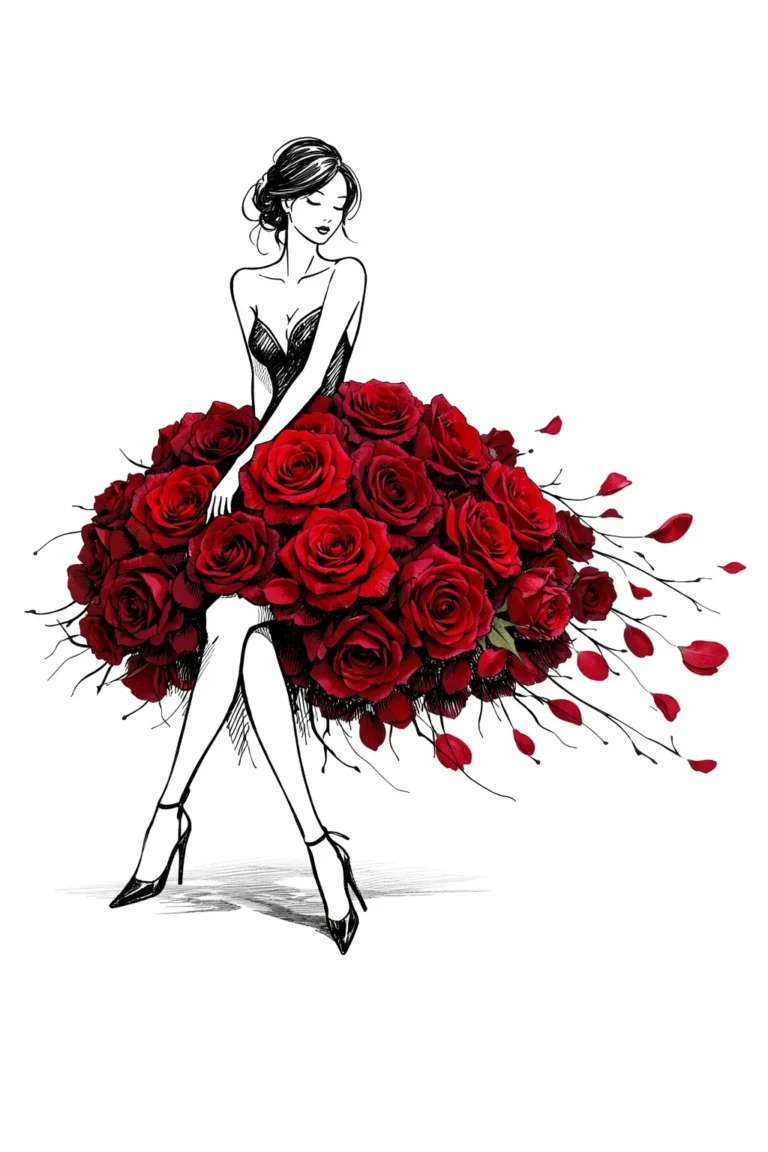
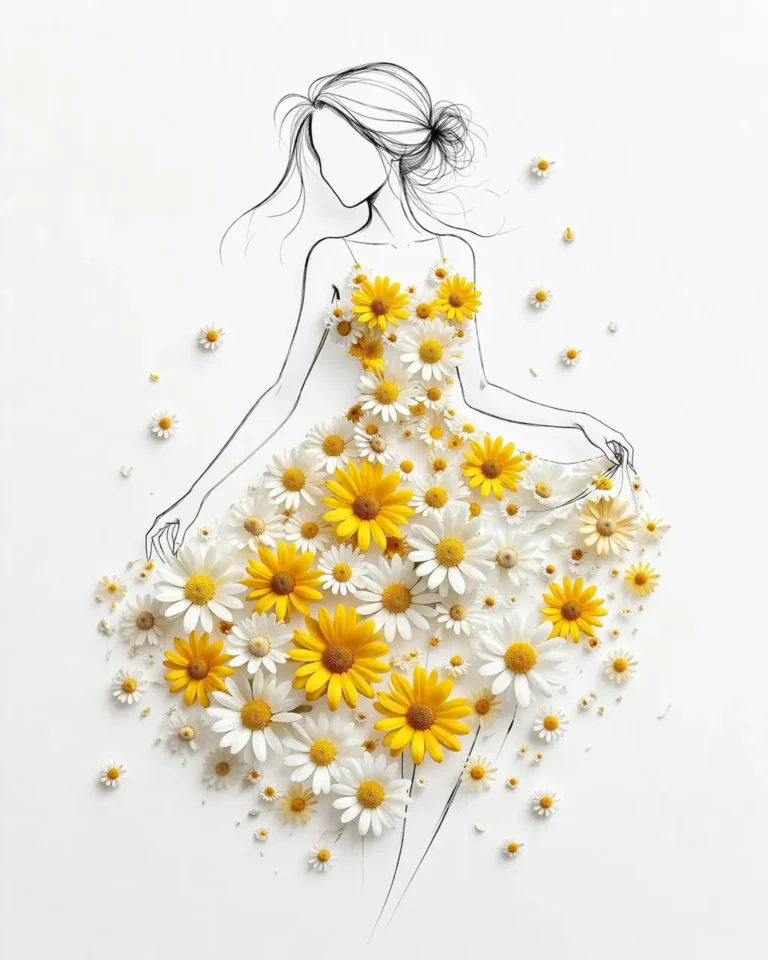
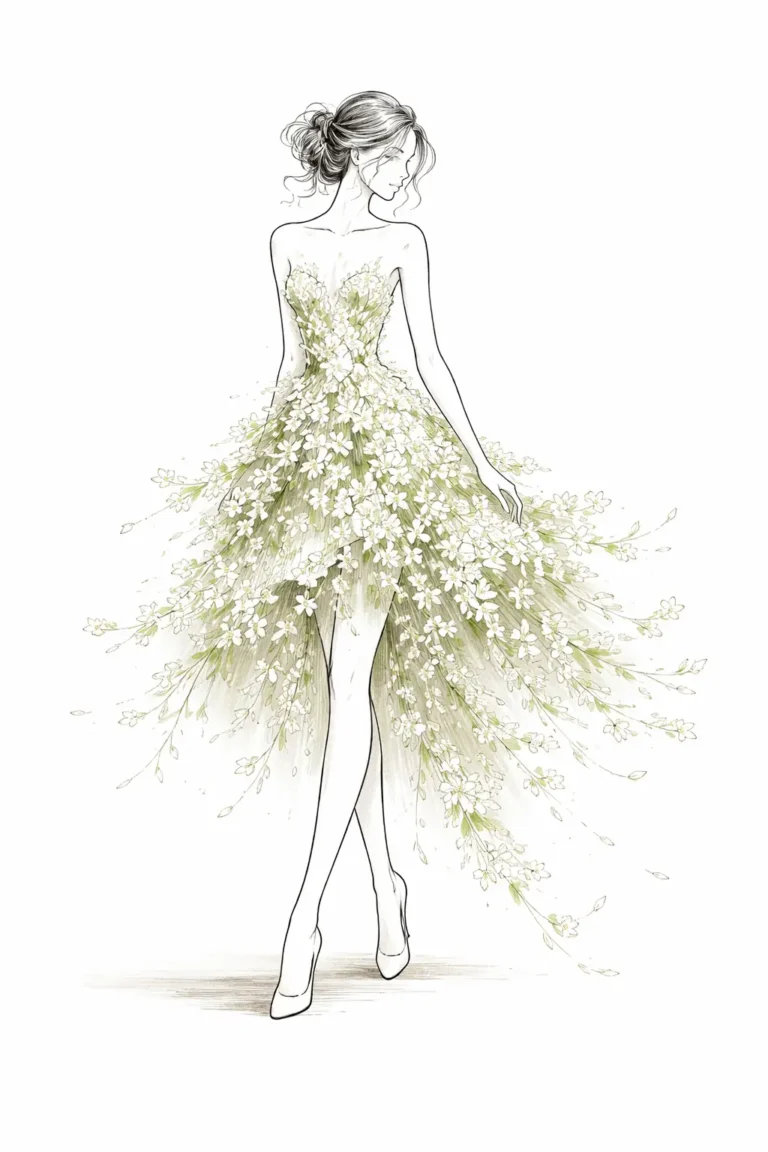
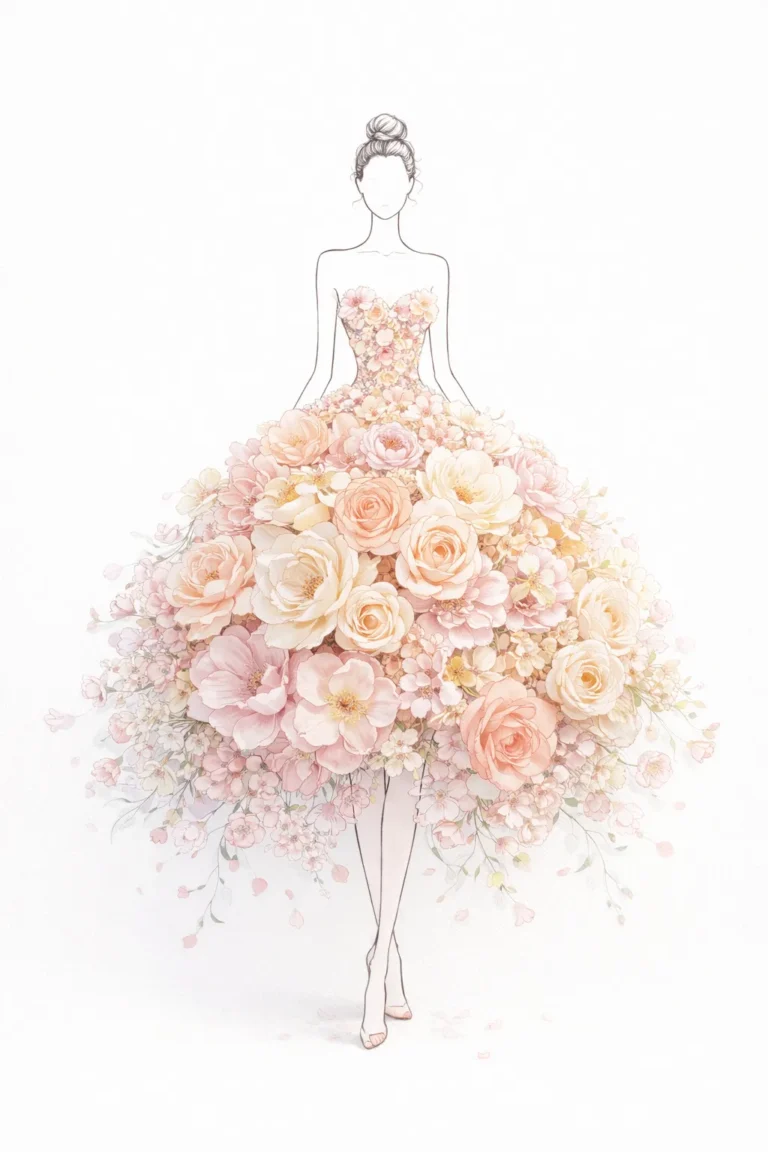
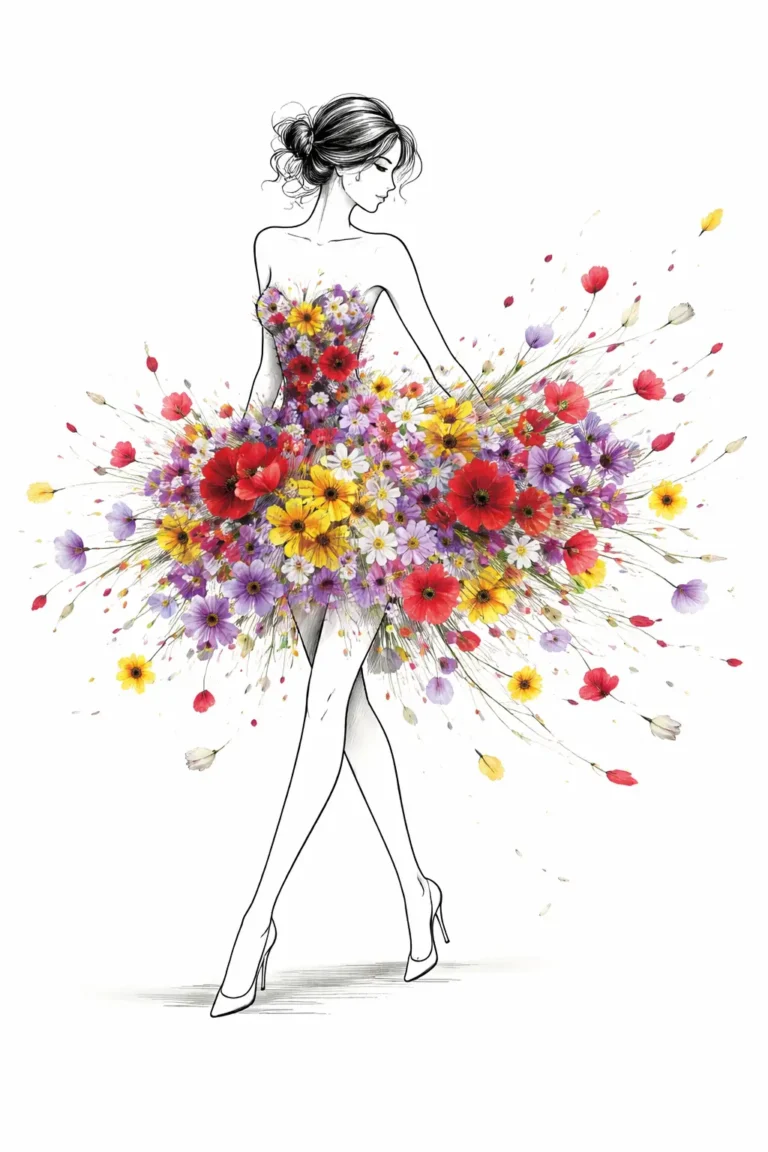
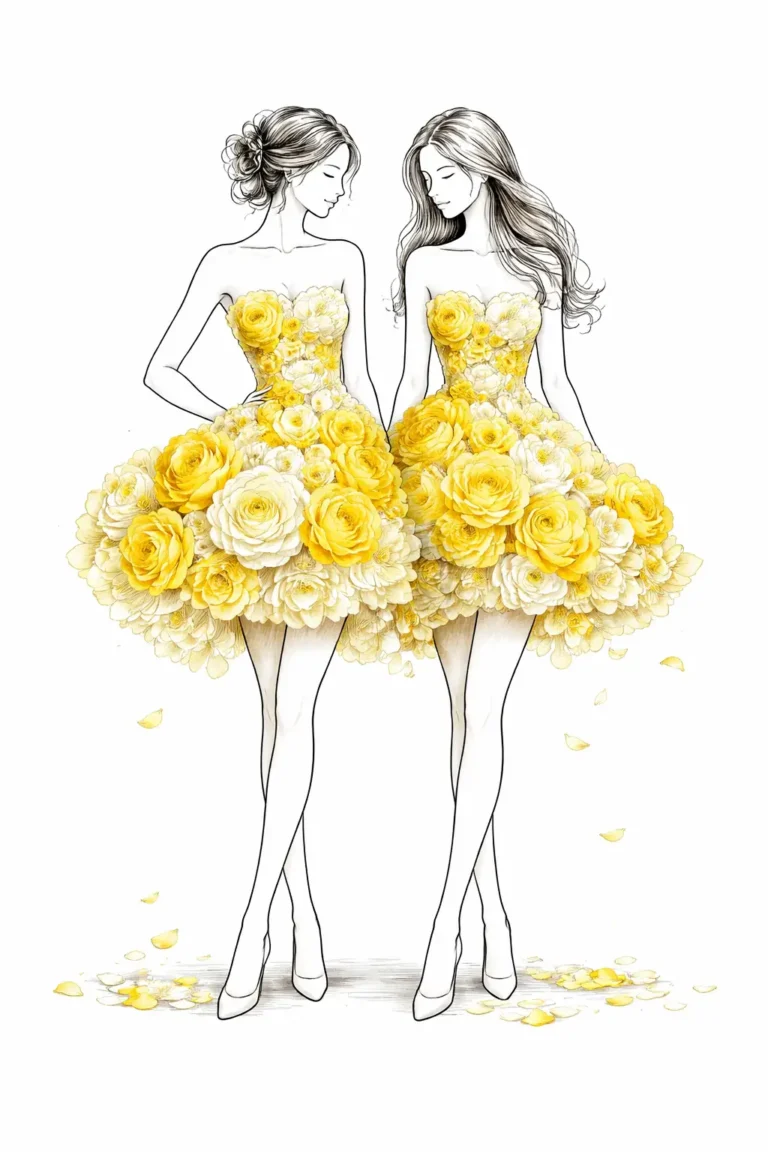
These six AI prompts create fantasy line art woman clipart, with slim fashion figures and dresses made of flowers such as roses, daisies and wildflowers.
To use one as clipart, generate on a plain white background and remove it afterwards. Replace the flower in the prompt to create new designs, and keep the line art words so the figures match.

Rose Couture Fantasy Figure

Daisy Bloom Dream Dress

White Blossom Ethereal Gown

Pastel Floral Princess Dress

Wildflower Explosion Silhouette

Twin Floral Fashion Illustration
More in AI Drawing and Art Style Prompts
This guide is part of our AI Drawing and Art Style Prompts hub, where you’ll find every related guide, along with tips and common questions.