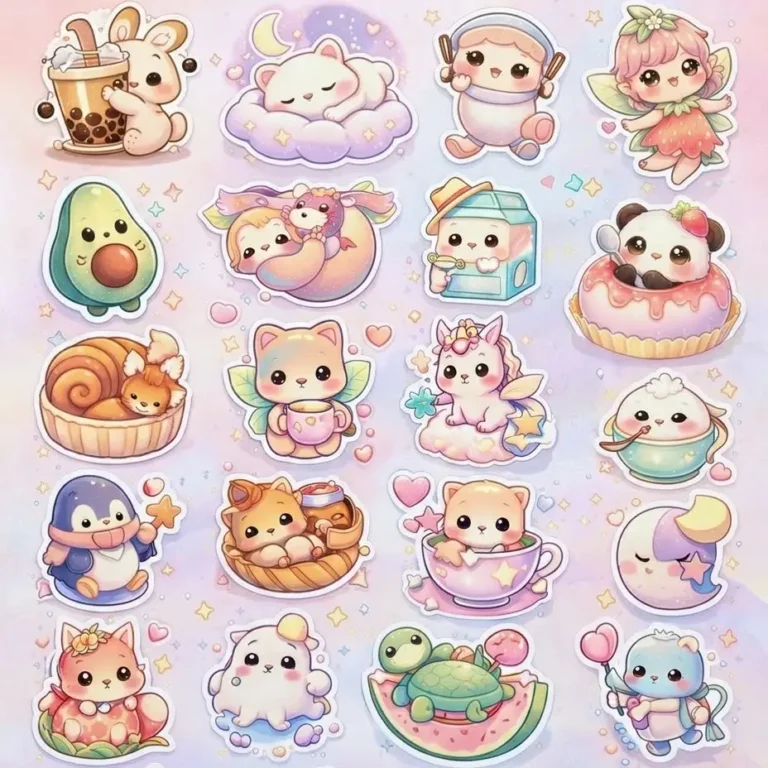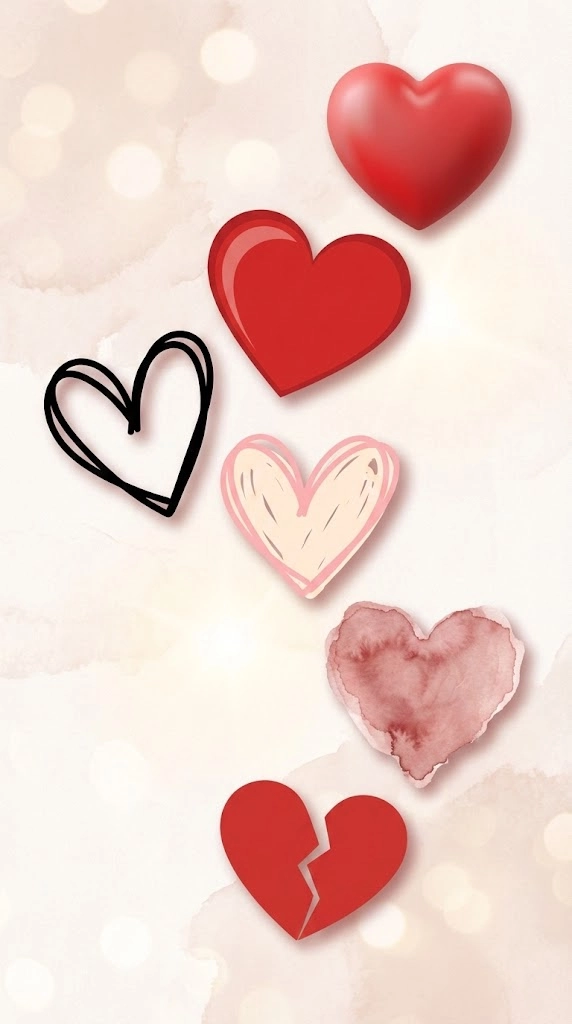
These AI prompts create clipart for four subjects: hearts, books, suns and volleyball. Each set covers several styles, from black and white outlines to watercolor and 3D. Choose by where you’ll use it. Black and white suits printing, while brighter styles work better on screens. Using one style across a project keeps your graphics consistent.
What’s on This Page
| Section | Prompts | Best for |
|---|---|---|
| Heart clipart | 6 | Cards and valentines |
| Book Clipart Prompts | 6 | Worksheets and reading graphics |
| Sun Clipart Prompts | 6 | Planners, kids’ content and printable art |
| Volleyball Clipart Prompts | 6 | Team and sports graphics |
| Dog Clip Art Prompts | 11 | Dog clip art in many styles |
| Capybara Clipart Prompts | 6 | Cute, relaxed animal clipart |
6 Heart Clipart Prompts
Replace <AR> with your screen or canvas shape, such as 9:16 for a phone, 16:9 for a desktop or 1:1 for a square. For cards and labels, a plain white background makes the clipart easier to cut out.
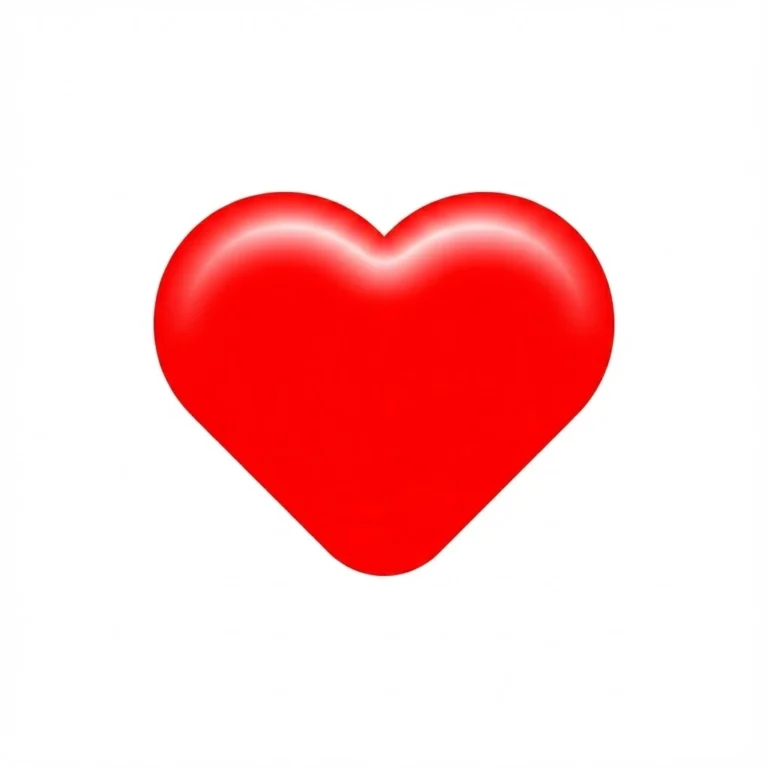
Classic Red Heart Clipart Prompt
Replace the highlighted text with your own details before you run the prompt.
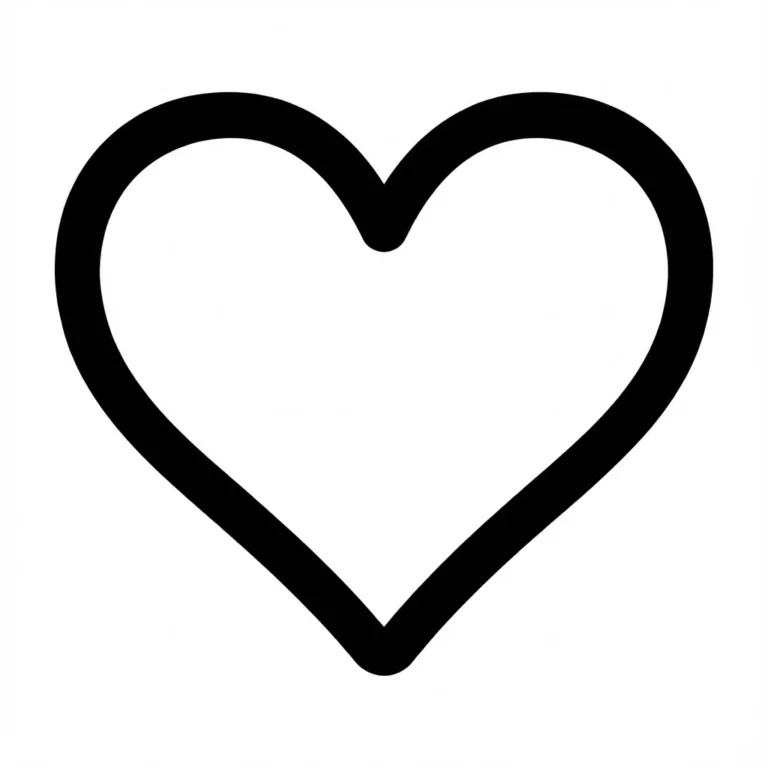
Black & White Heart Prompt
Replace the highlighted text with your own details before you run the prompt.
Broken Heart Clipart Prompt
Replace the highlighted text with your own details before you run the prompt.
3D Heart Clipart (Glossy & Realistic) Prompt
Replace the highlighted text with your own details before you run the prompt.
Doodle Heart Clipart Prompt
Replace the highlighted text with your own details before you run the prompt.
Watercolor Heart Clipart Prompt
Replace the highlighted text with your own details before you run the prompt.
Book Clipart Prompts
These six AI prompts create book clipart for worksheets, blog headers and reading graphics, in styles from a clean isometric hardcover to a cute chibi stack.
Describing the book yourself lets you match the colours and style of your project, which is harder with stock graphics.
How to Use These Prompts
Paste a prompt into Flux, Nano Banana or Midjourney. To change the result, adjust one thing at a time, such as the angle, the number of books or the background.
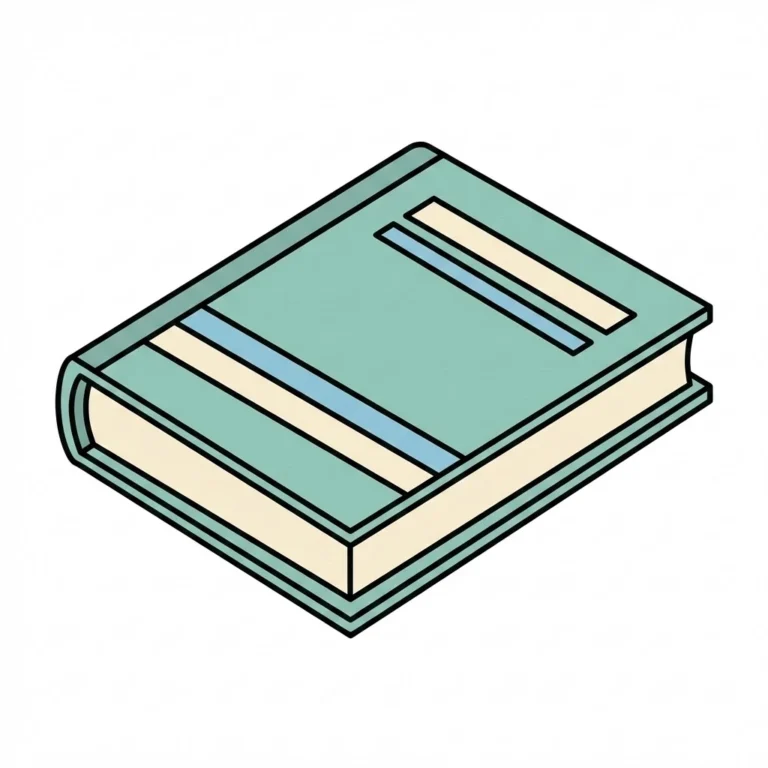
Modern Book Clipart
Replace the highlighted text with your own details before you run the prompt.
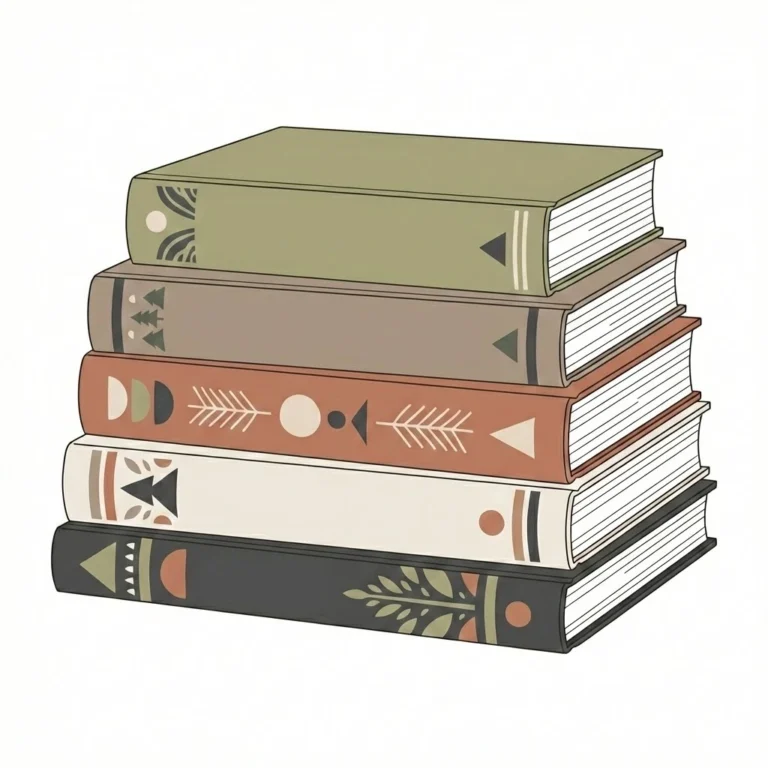
Books Clipart Collection
Replace the highlighted text with your own details before you run the prompt.
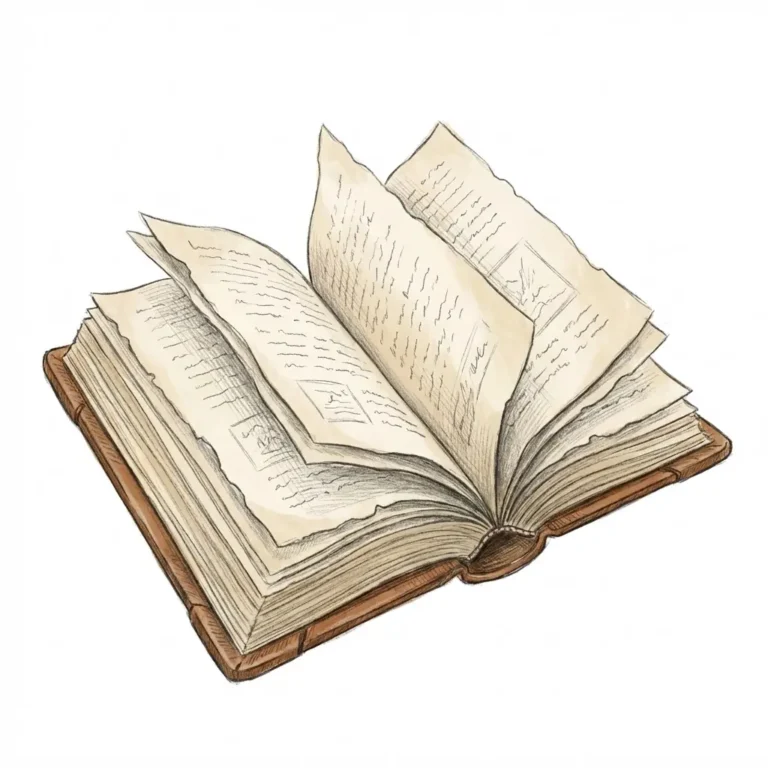
Open Book (Soft Detail)
Replace the highlighted text with your own details before you run the prompt.
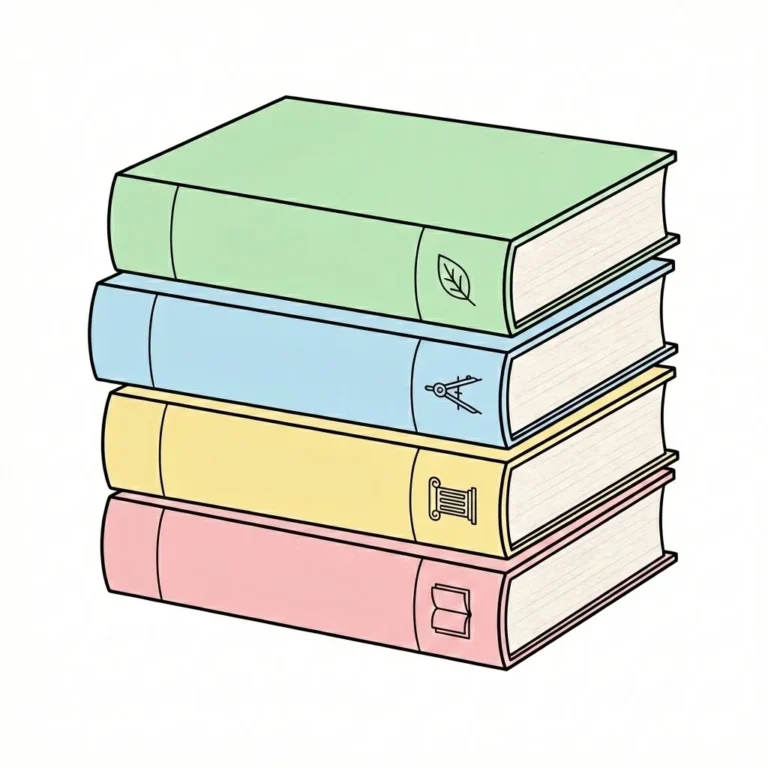
Stack of Books (Study)
Replace the highlighted text with your own details before you run the prompt.
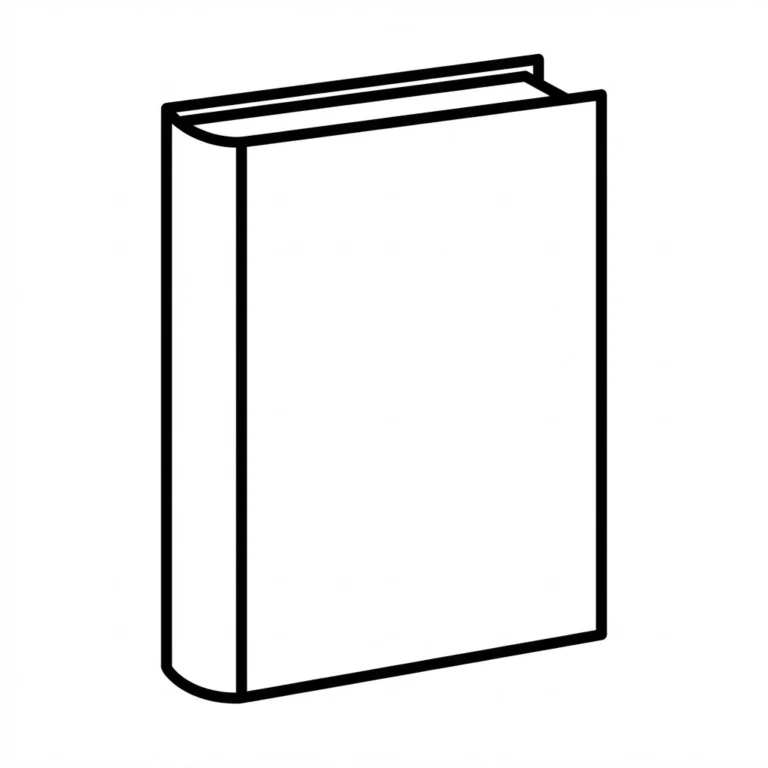
B&W Outline
Replace the highlighted text with your own details before you run the prompt.
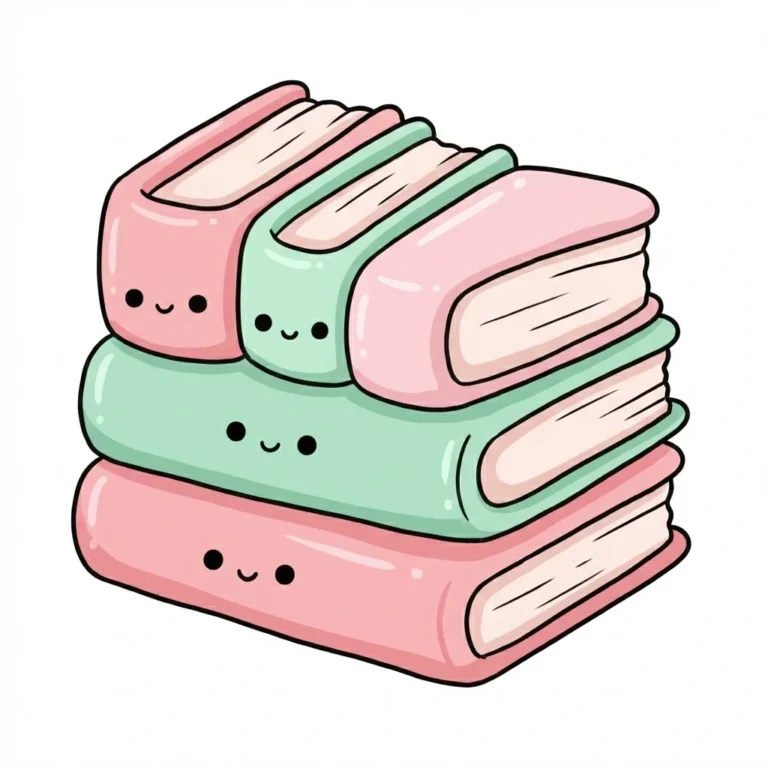
Cute Style
Replace the highlighted text with your own details before you run the prompt.
Sun Clipart Prompts
These six AI prompts create sun clipart in boho, crayon, geometric, soft pastel, rainbow and paper-cut styles.
Using one prompt style for a whole project keeps your graphics consistent, which is hard to do with mixed downloads.
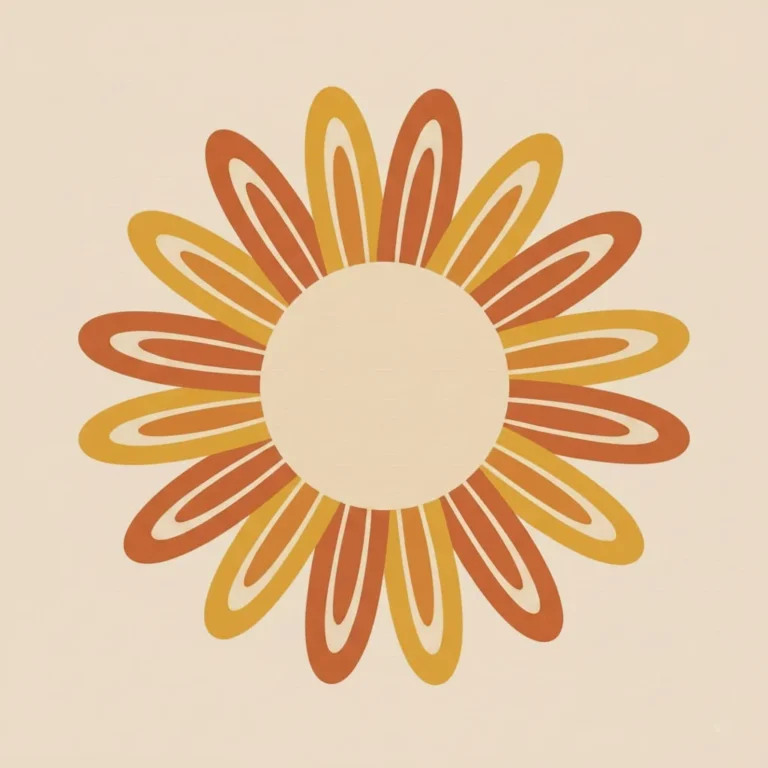
Boho Sun Clipart Prompt
Replace the highlighted text with your own details before you run the prompt.
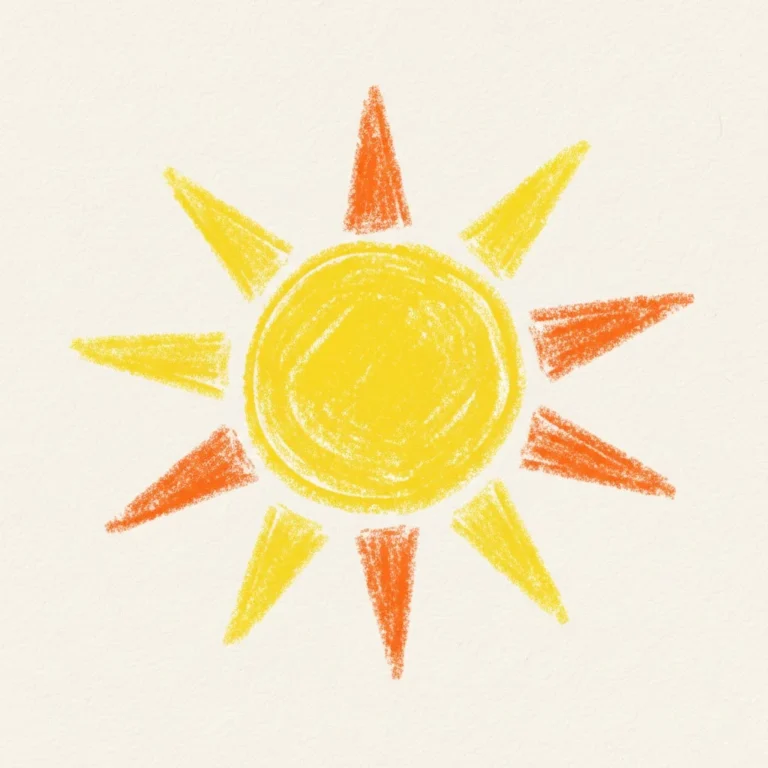
Crayon-Style Sun Clipart Prompt
Replace the highlighted text with your own details before you run the prompt.

Geometric Sun Clipart Prompt
Replace the highlighted text with your own details before you run the prompt.

Soft Pastel Sun Clipart Prompt
Replace the highlighted text with your own details before you run the prompt.
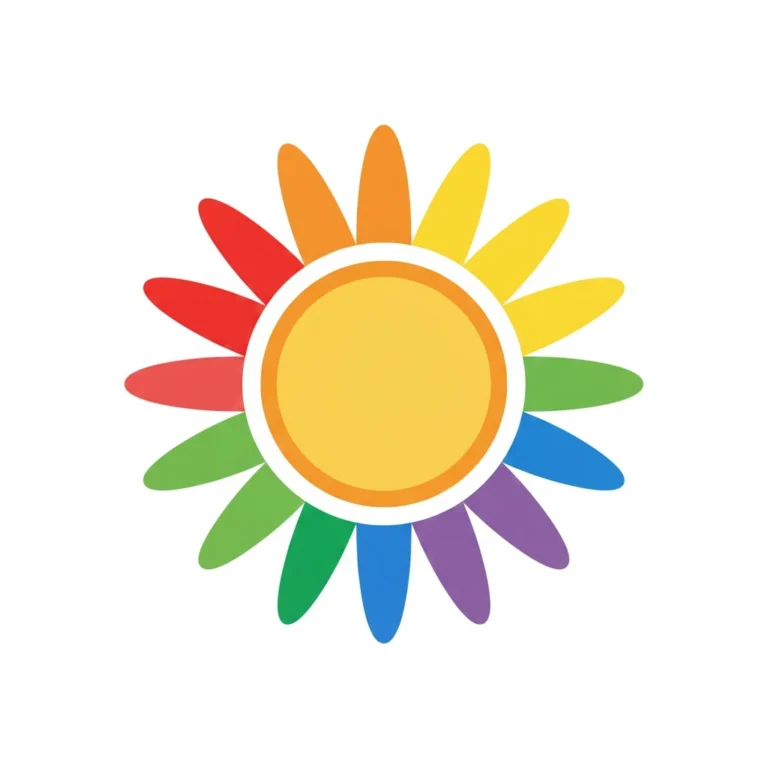
Rainbow Sun Clipart Prompt
Replace the highlighted text with your own details before you run the prompt.
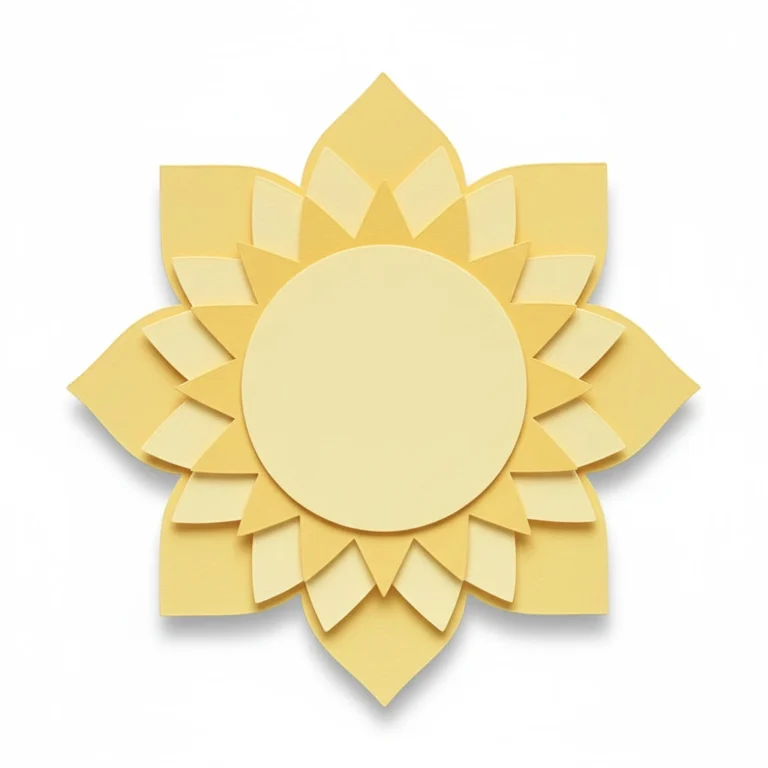
Paper Cut Sun Clipart Prompt
Replace the highlighted text with your own details before you run the prompt.
Which Style to Use
- Worksheets and kids’ content: Crayon or Rainbow
- Planners and printable art: Boho or Paper Cut
- Modern or educational designs: Geometric or Soft Pastel
Volleyball Clipart Prompts
These six AI prompts create volleyball clipart: a classic ball, a jumping player, a net, a black and white design, a cartoon scene and a version in team colours.
Teachers can use them in worksheets, coaches in training plans, and clubs on posters and social media. Use the black and white prompt for anything you plan to photocopy.
You can change the last prompt to match your own team. Real team names and logos may be protected, so use colours rather than copying a logo.

Classic Volleyball Clipart
Replace the highlighted text with your own details before you run the prompt.
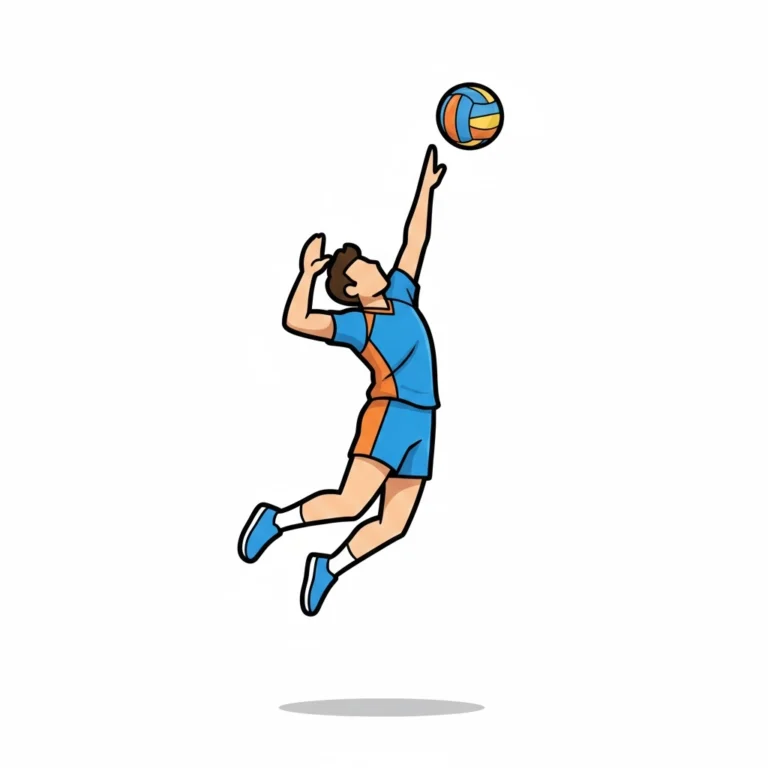
Volleyball Player Clipart
Replace the highlighted text with your own details before you run the prompt.
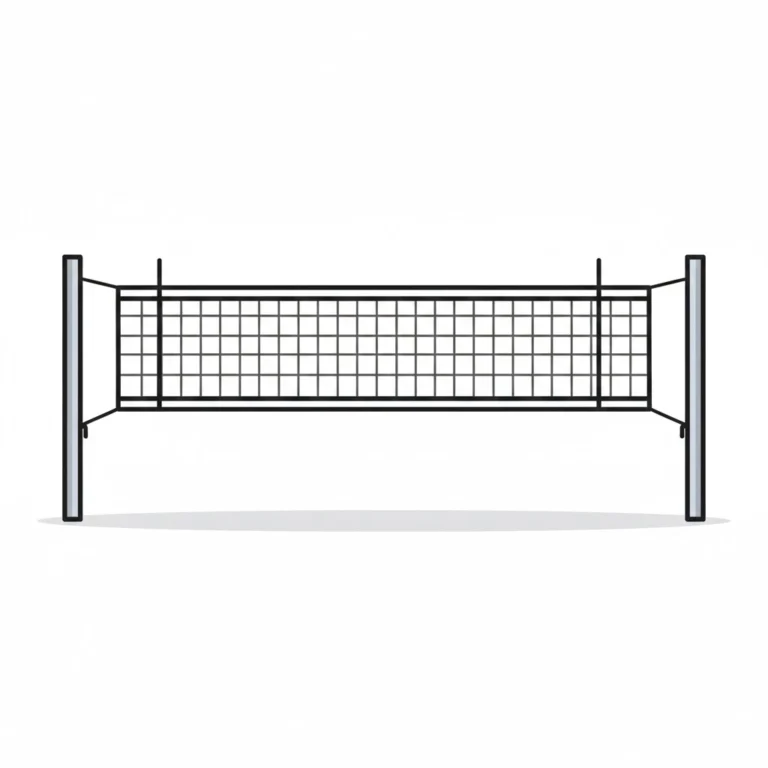
Volleyball Net Clipart
Replace the highlighted text with your own details before you run the prompt.
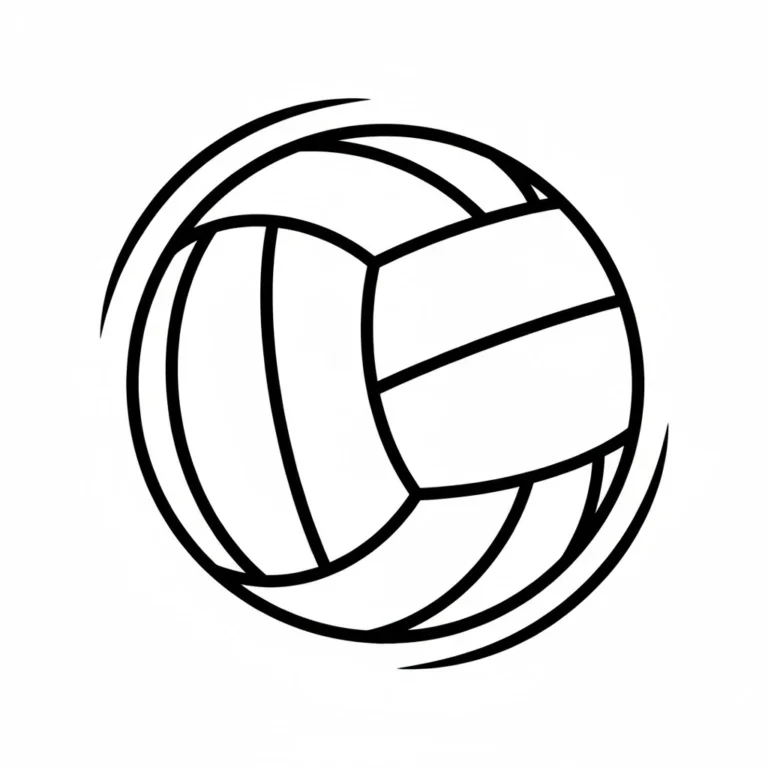
Volleyball Clipart Black and White
Replace the highlighted text with your own details before you run the prompt.
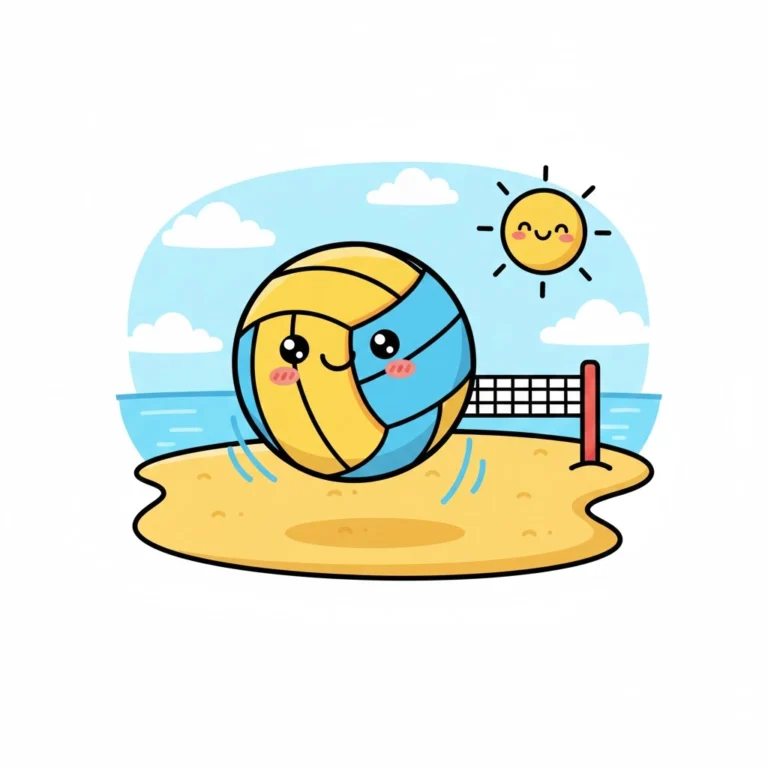
Cartoon Volleyball Scene
Replace the highlighted text with your own details before you run the prompt.

Themed Team Color Volleyball
Replace the highlighted text with your own details before you run the prompt.
Dog Clip Art Prompts
These 11 AI prompts create dog clip art in different styles, from cartoon puppies and watercolor portraits to one-line logos and T-shirt silhouettes.
Most prompts list a few breeds as examples. Choose one and delete the rest before you generate, then paste the prompt into Midjourney, DALL·E, Canva Magic Media or Gemini (Nano Banana). A note under each prompt says what the style suits.
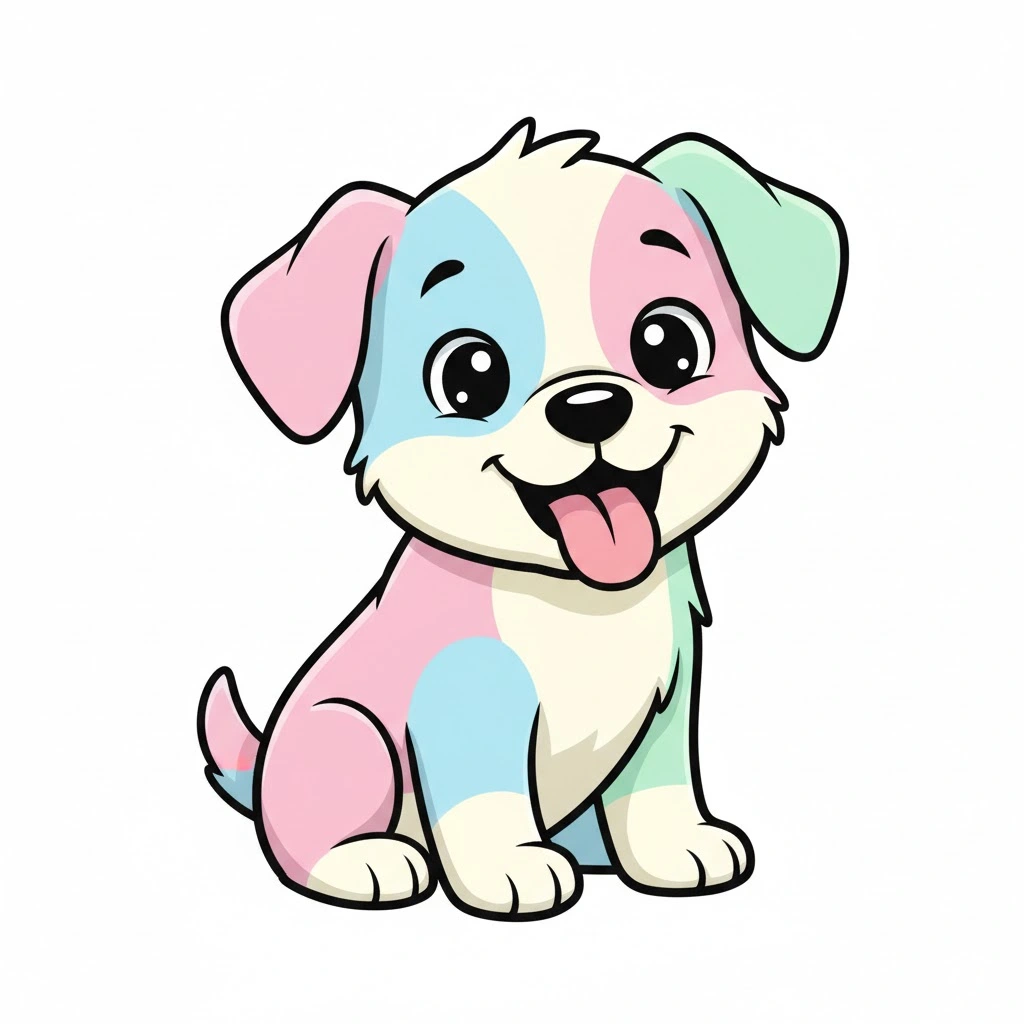
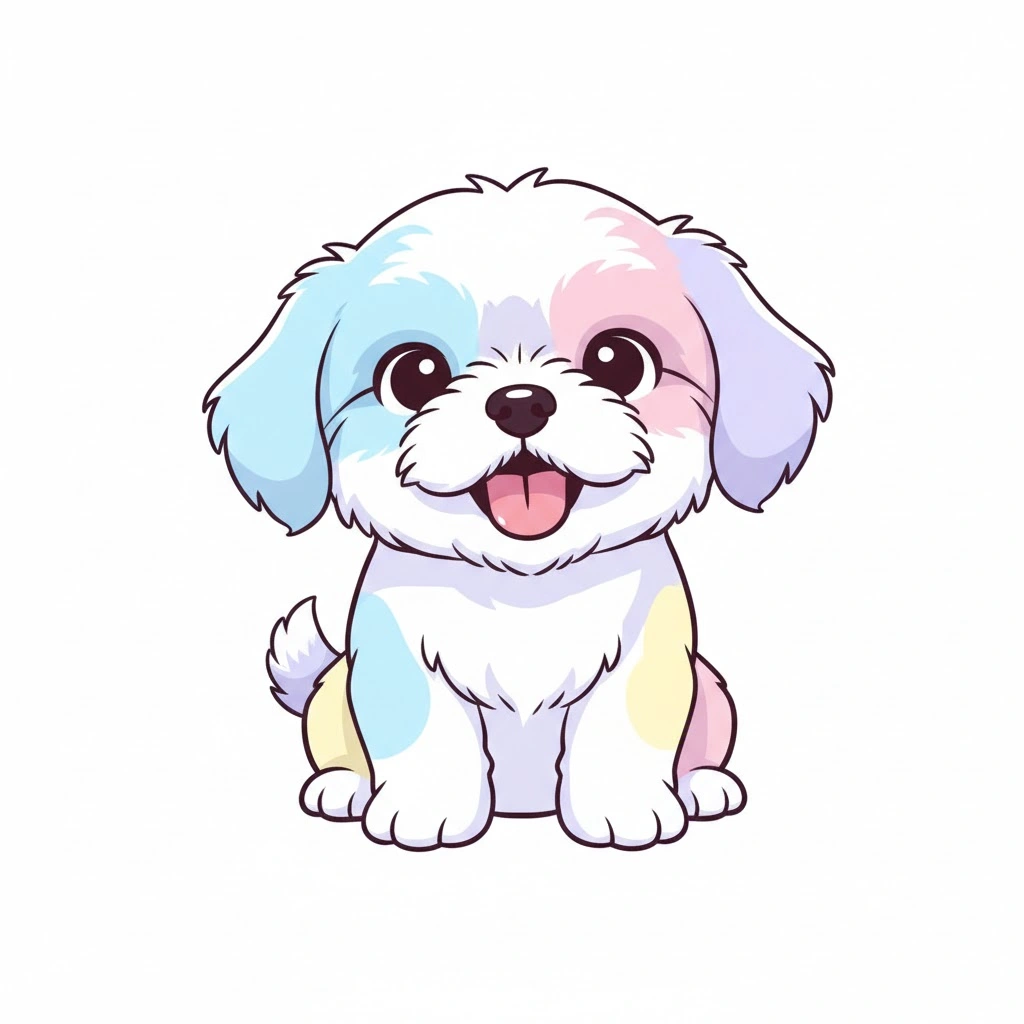
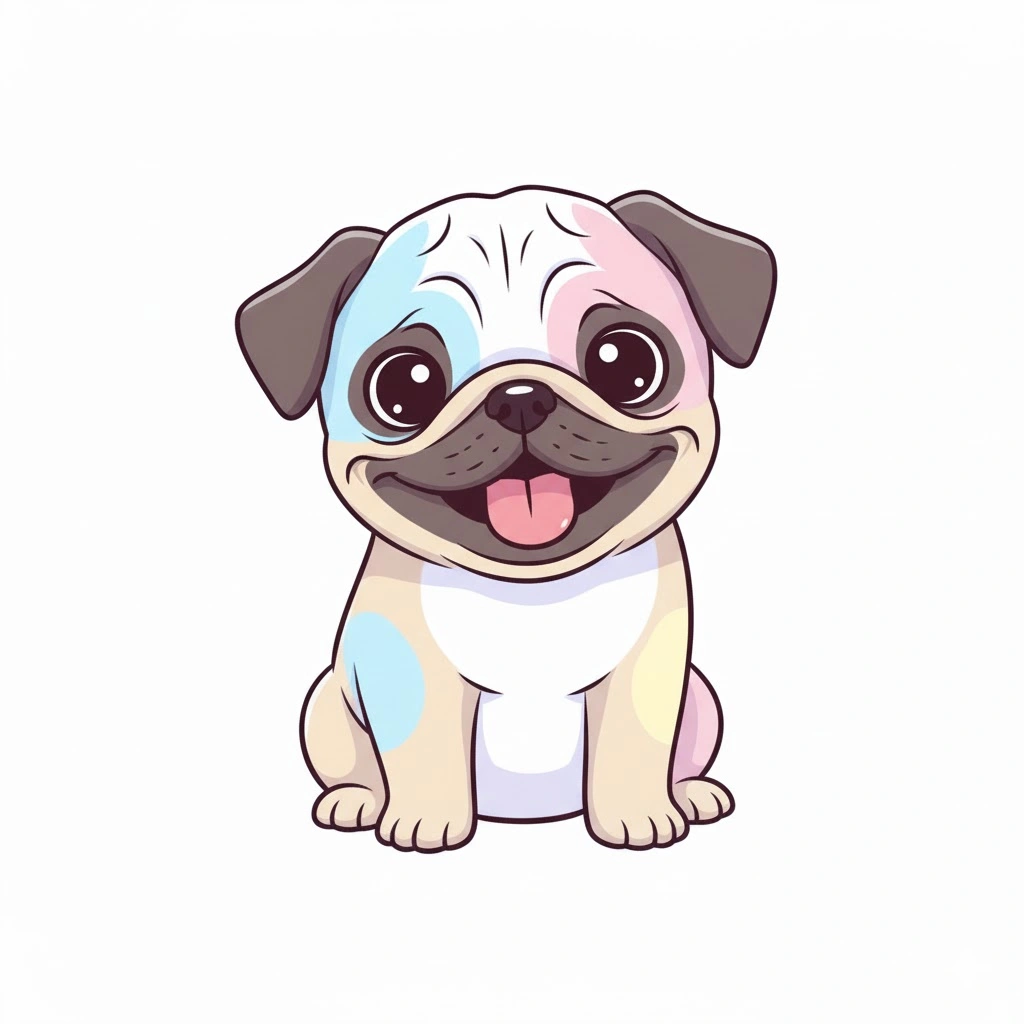
Dog Clip art in a Sweet, Simple Cartoon Pup Style
This aesthetic is a no-brainer for children's items, sticker sheets, and printable cards. The cheerful color palette makes the pup look fun and friendly.
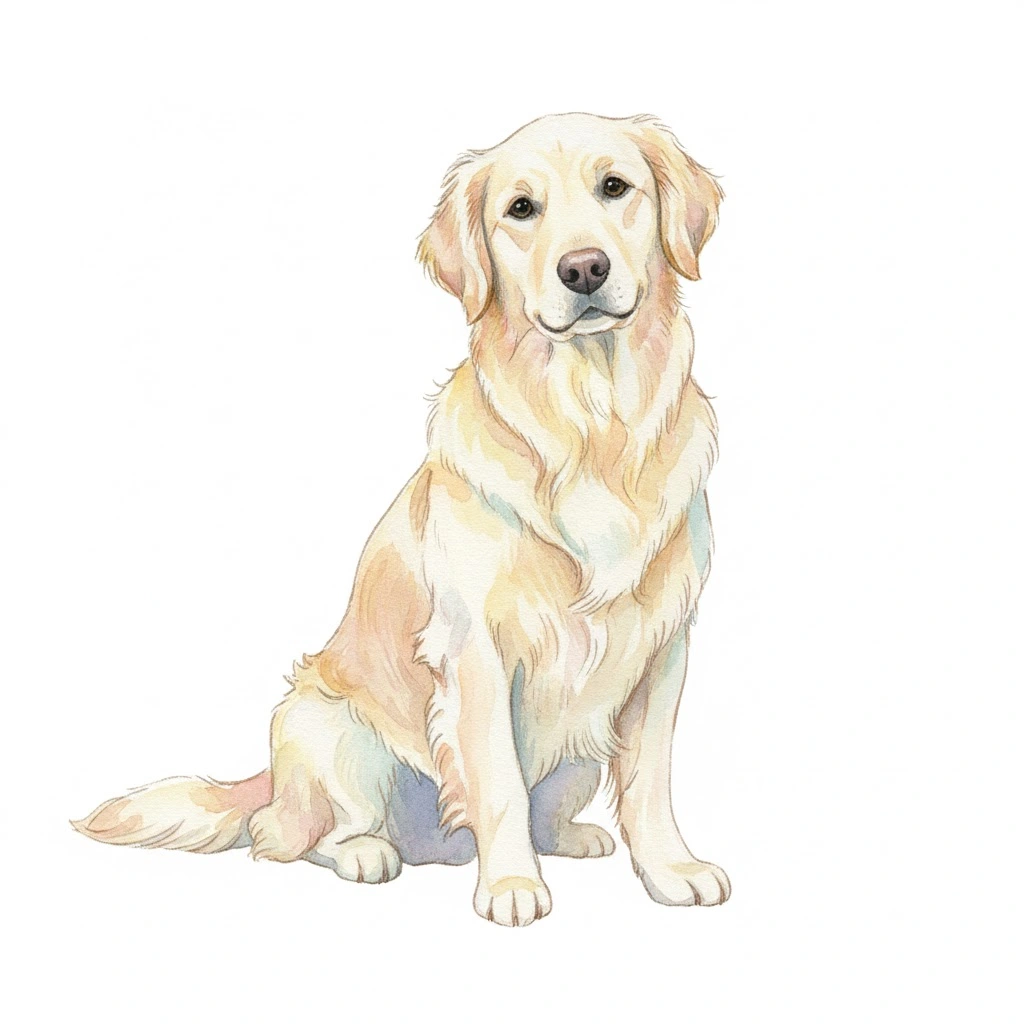
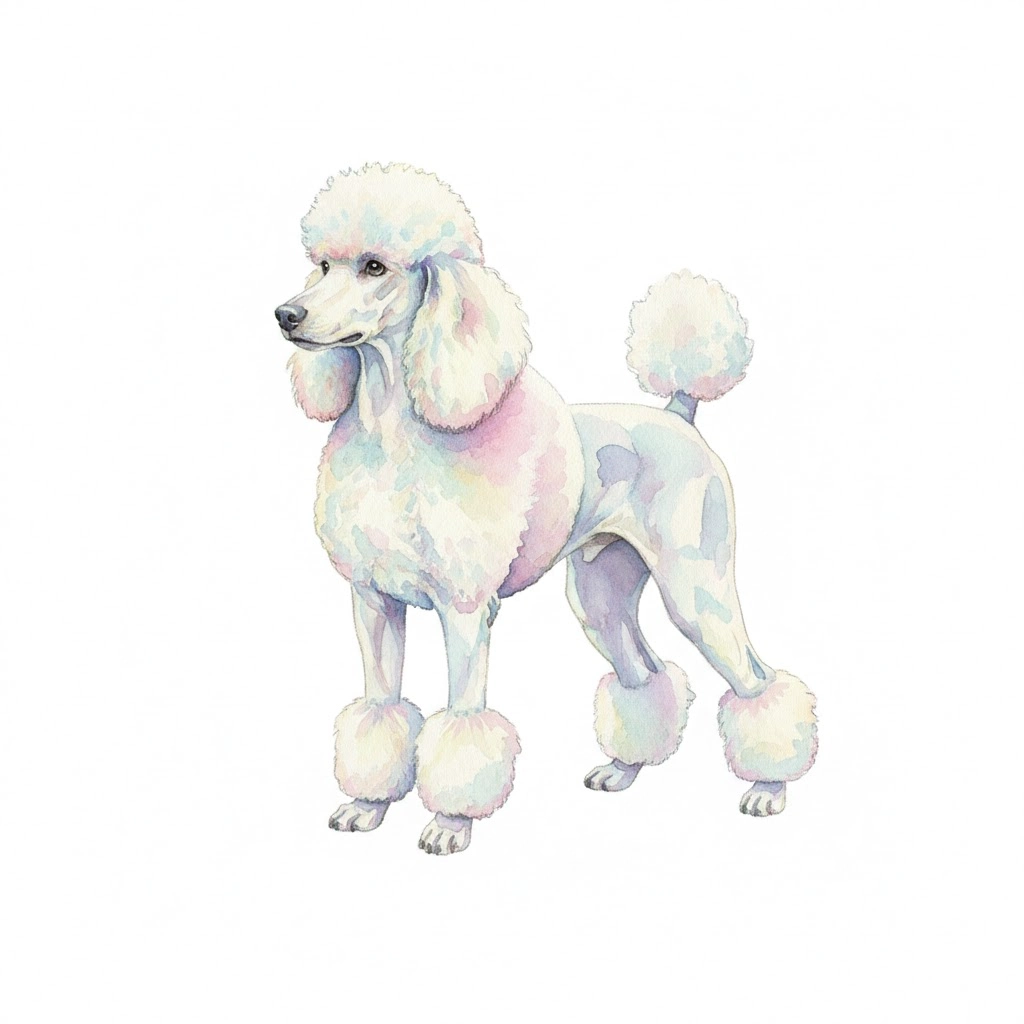
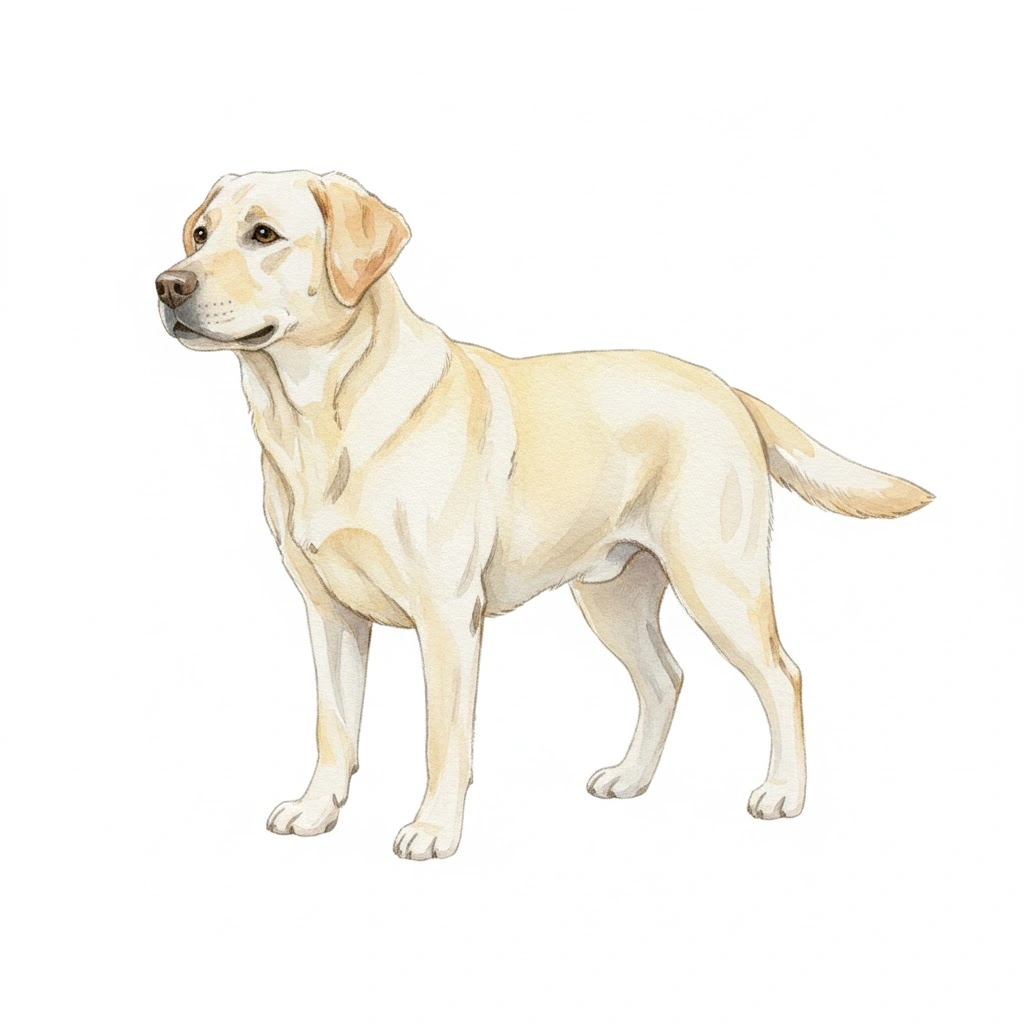
Watercolor Dog Clip Art
Need elegance? Use this for striking wall art or upscale greeting cards. The watercolor technique brings a warm, genuine, hand-painted aesthetic to the finished piece.
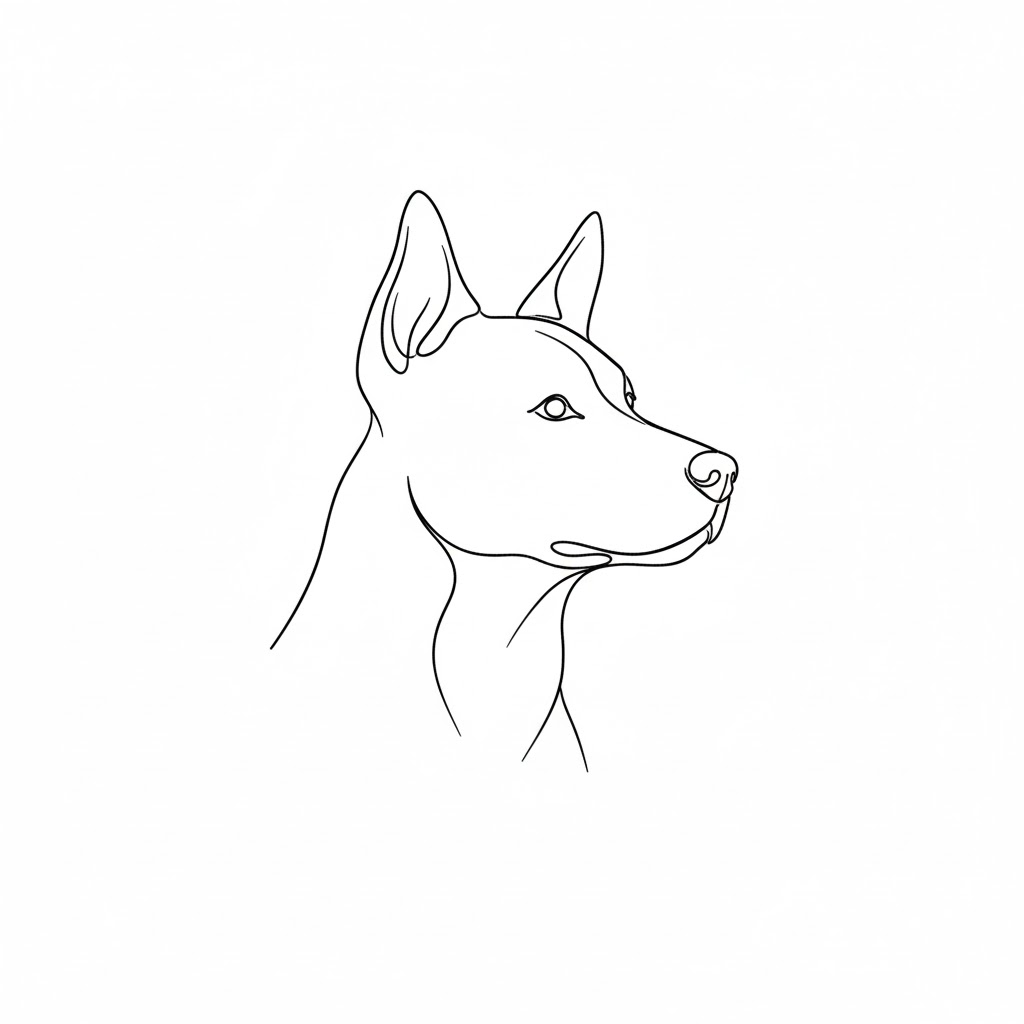
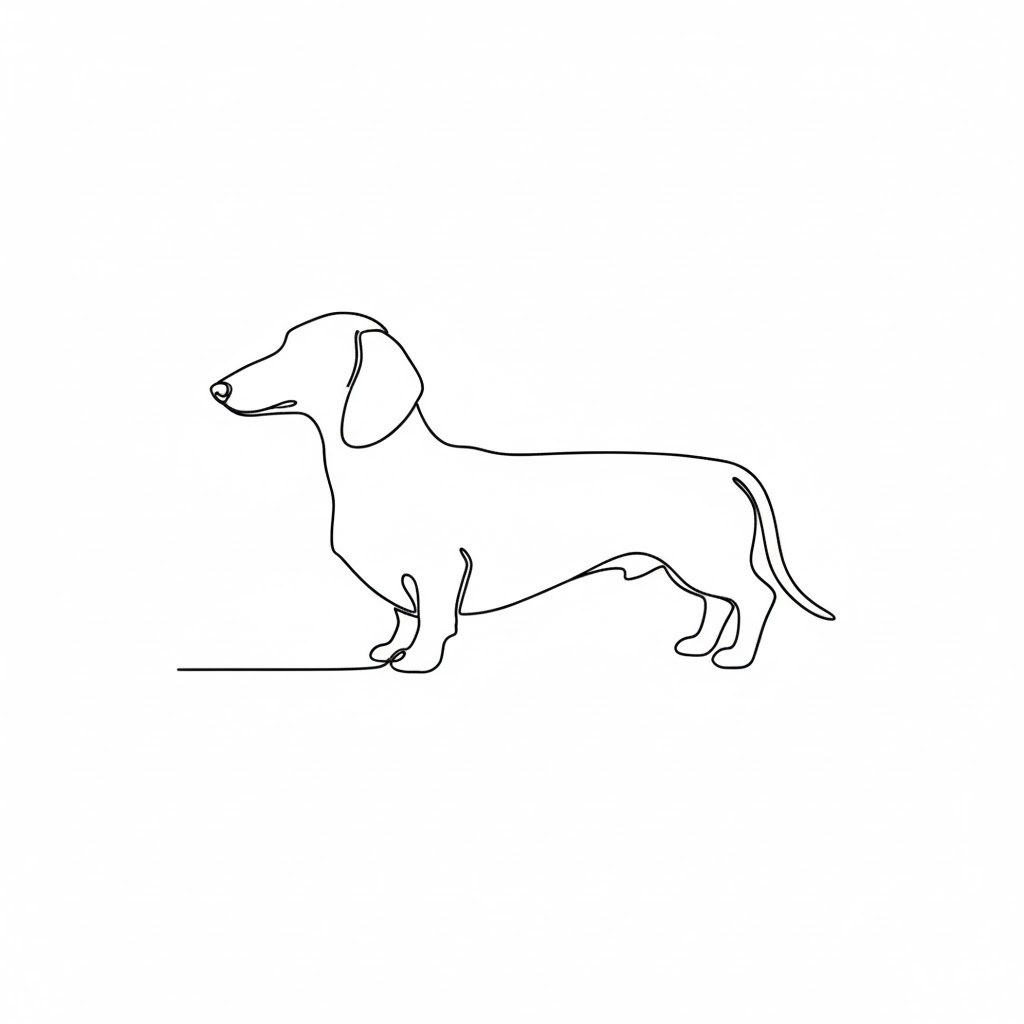
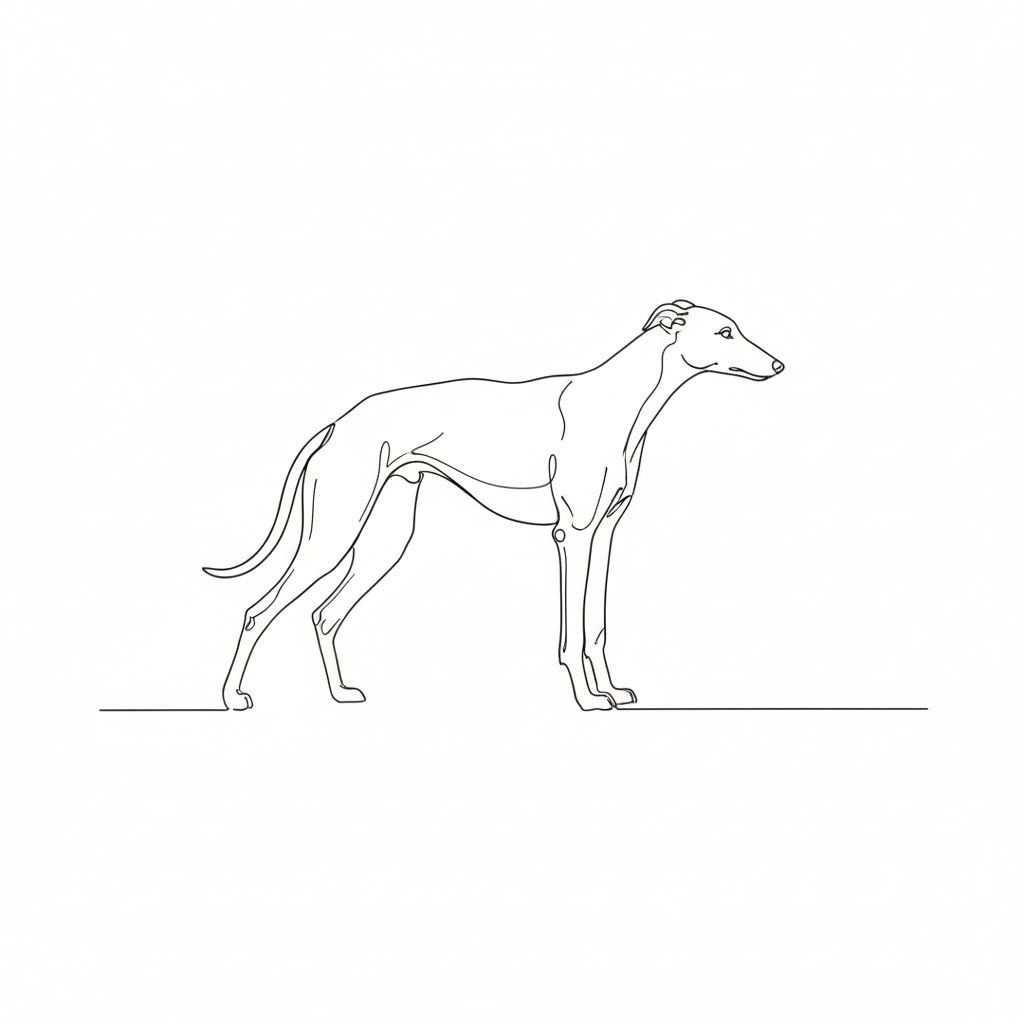
Minimalist One-Line Dog Clip art Logo
It’s the ideal choice for branding and logo design — simple, timeless and classy.
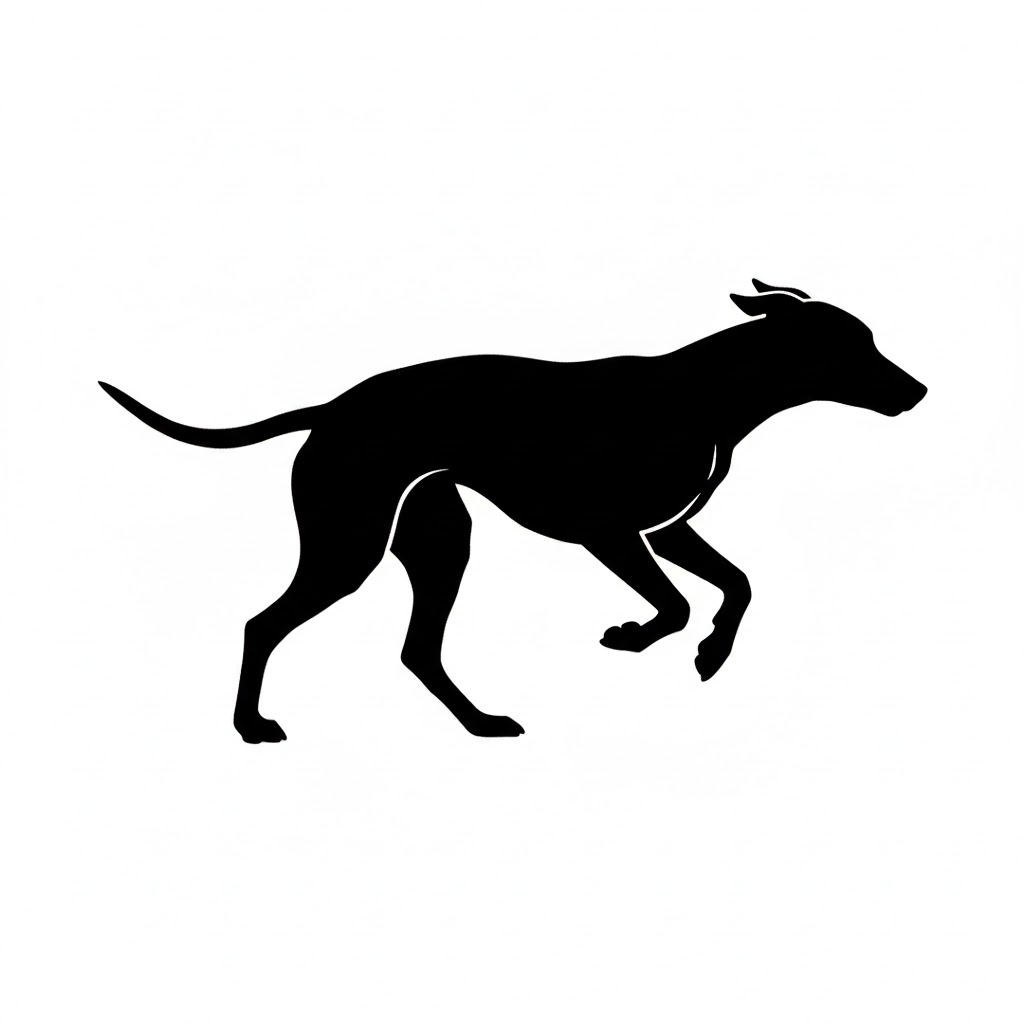
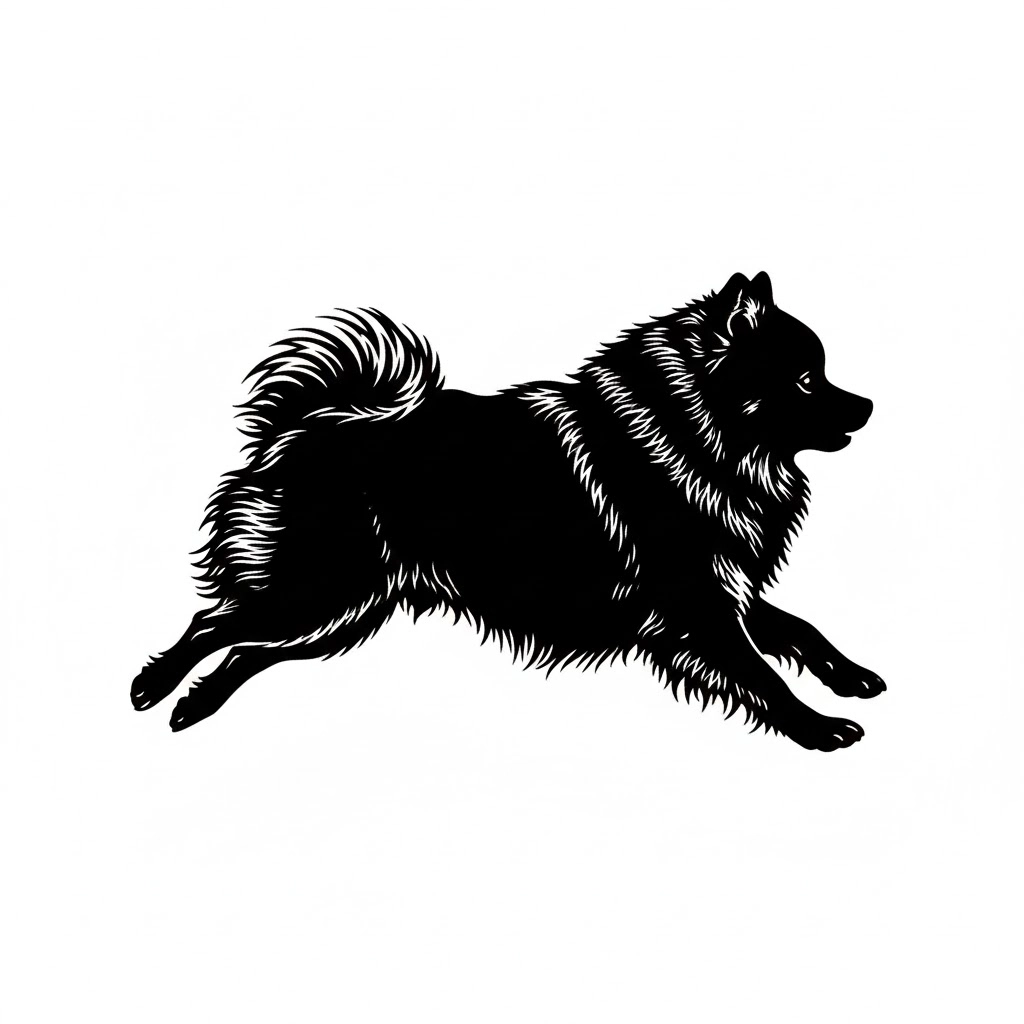

Running Dog Silhouette Clip art for Apparel
These silhouettes are perfect for T-shirt printing or integrating into a minimalist, modern décor theme.

Comic-Style Dog Face Clip art Pack
This is your go-to for digital sticker sets or designs that lean into humor and expressive, comic-style personality.
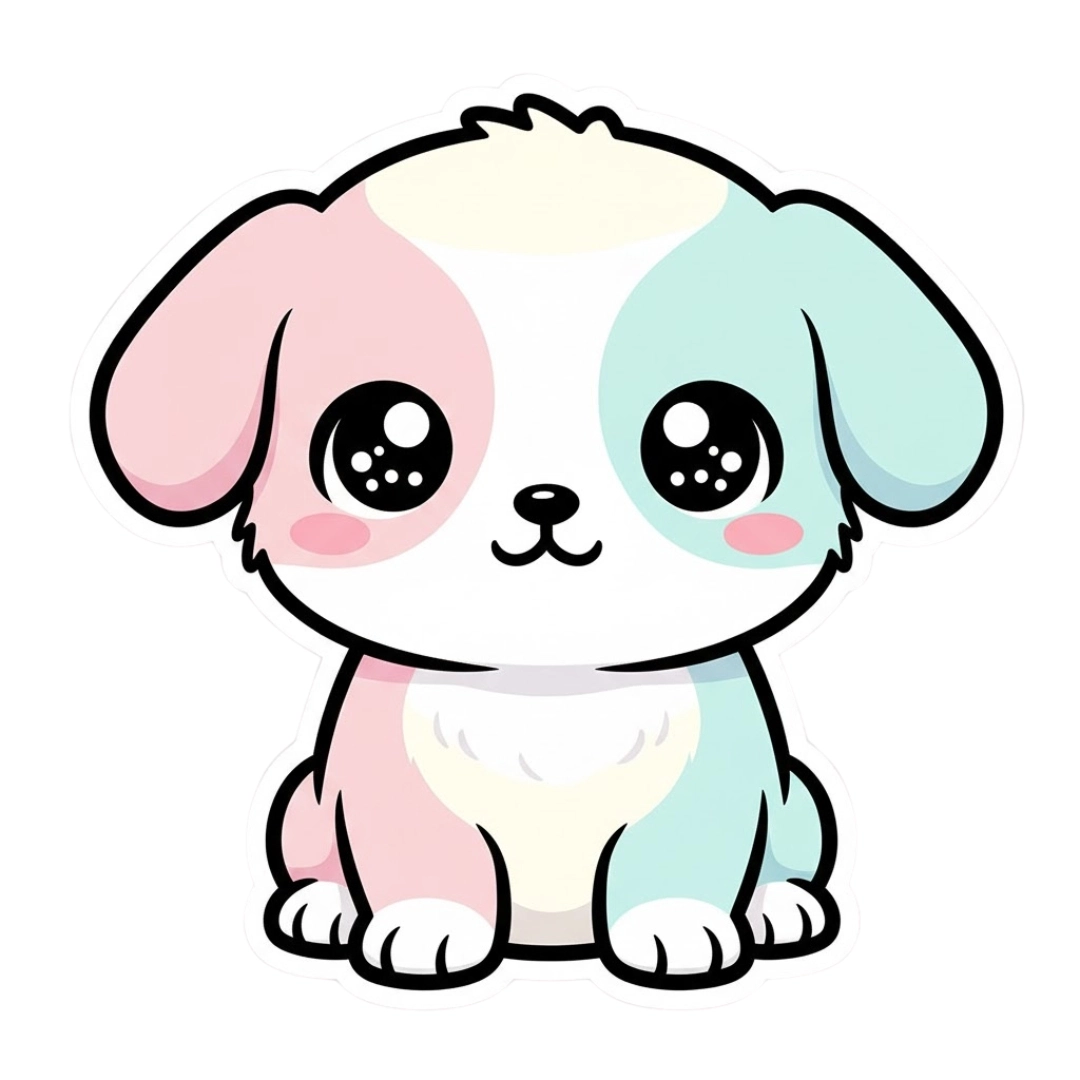
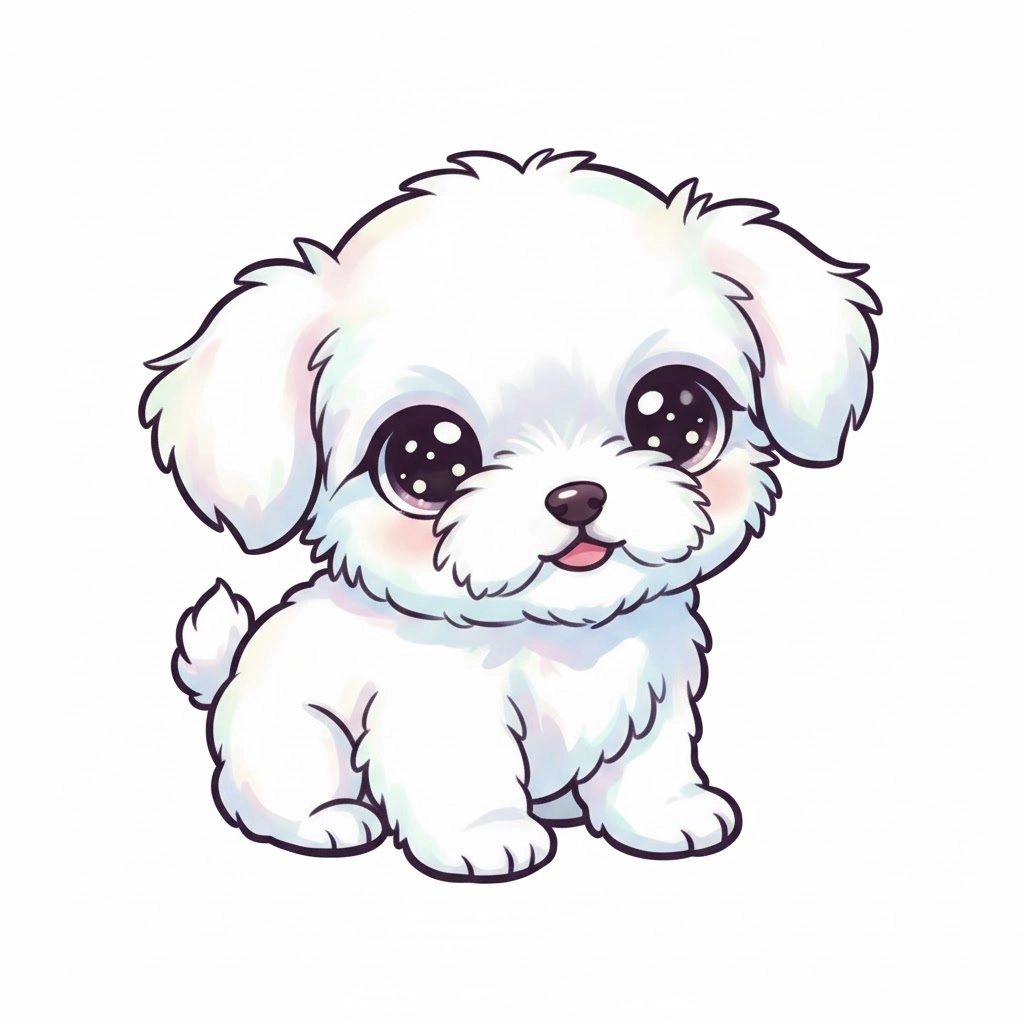
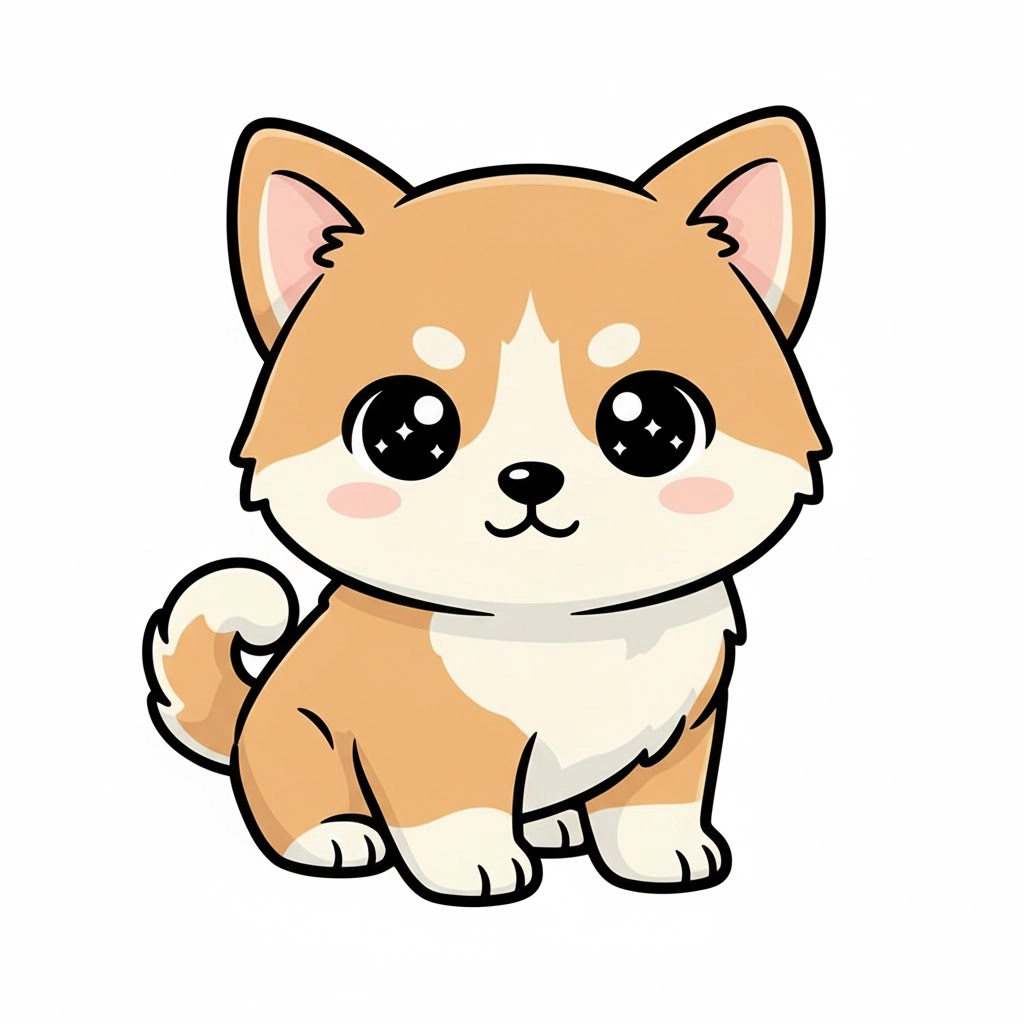
Kawaii Baby Puppy Dog Clip art
It’s perfect for stationery, kid's products, or adding cuteness to any pet-focused social media post.
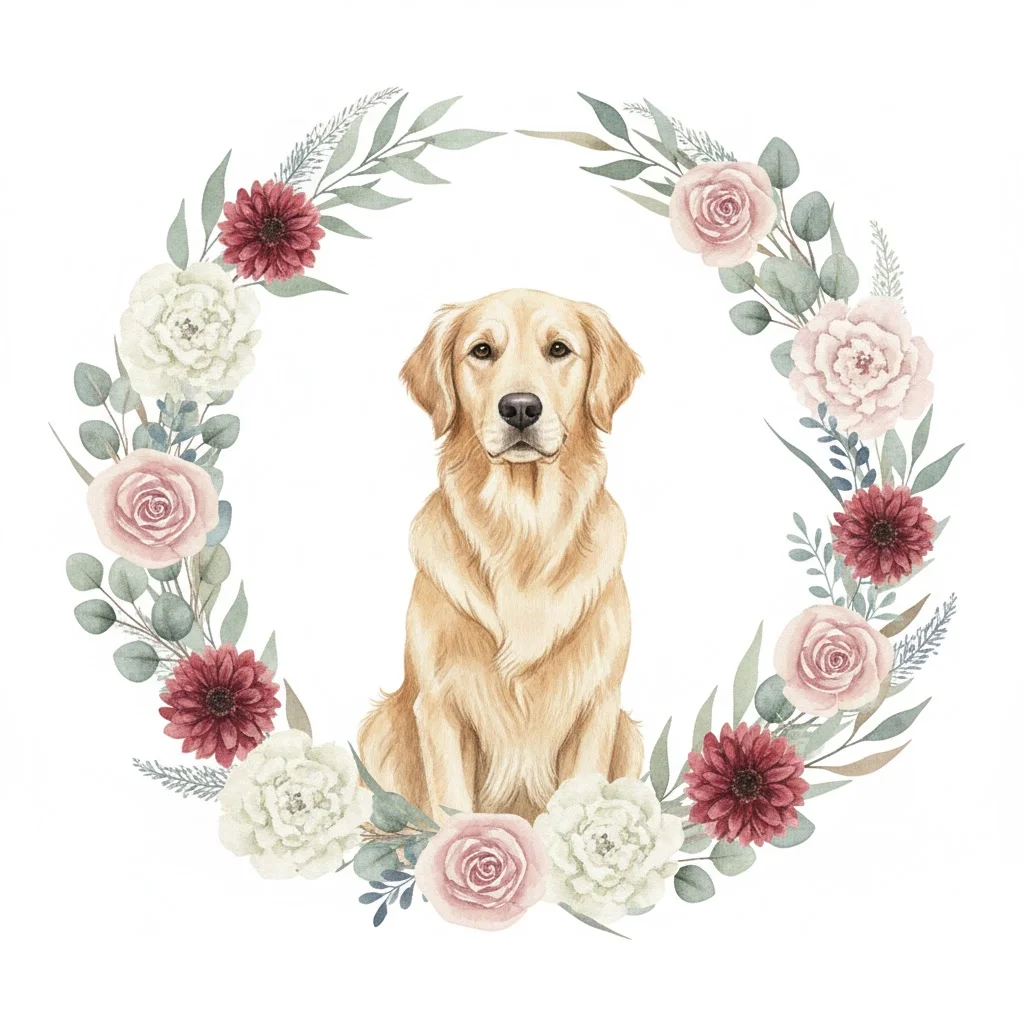
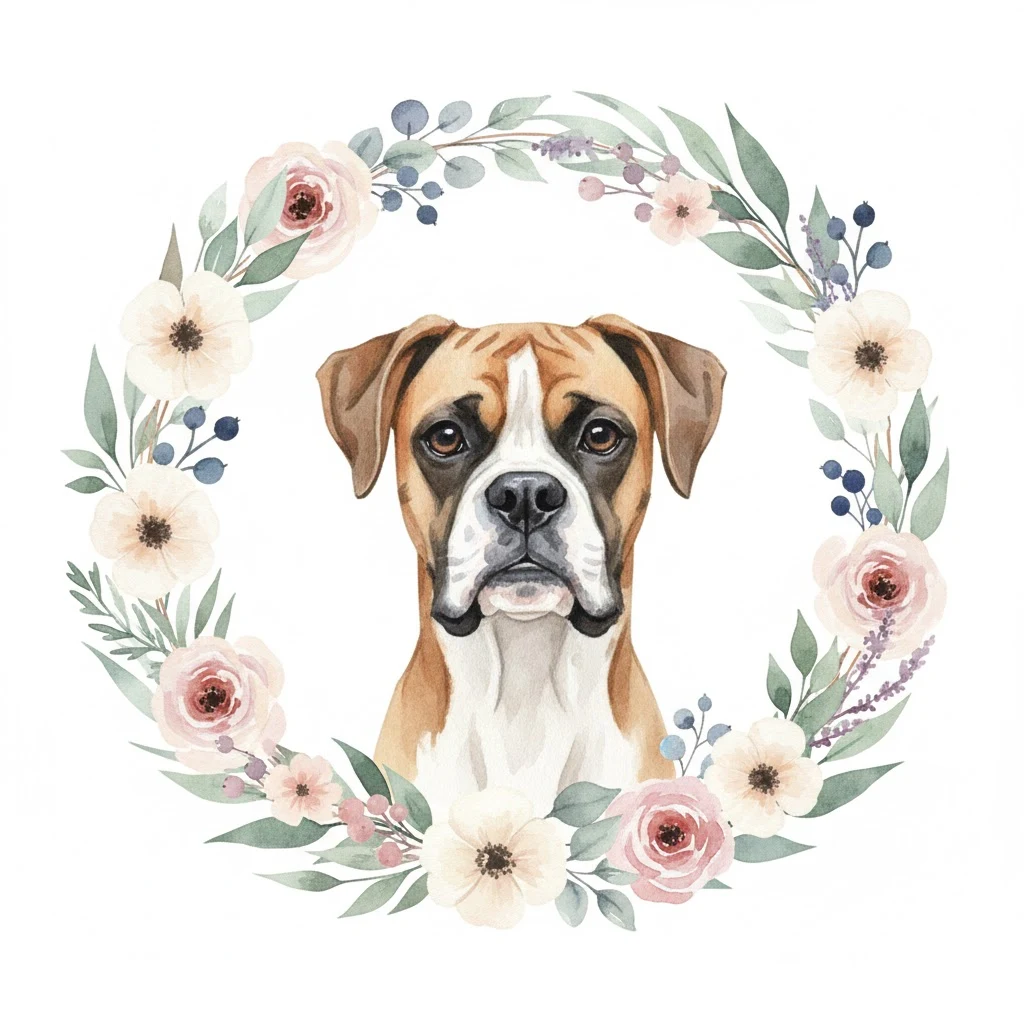
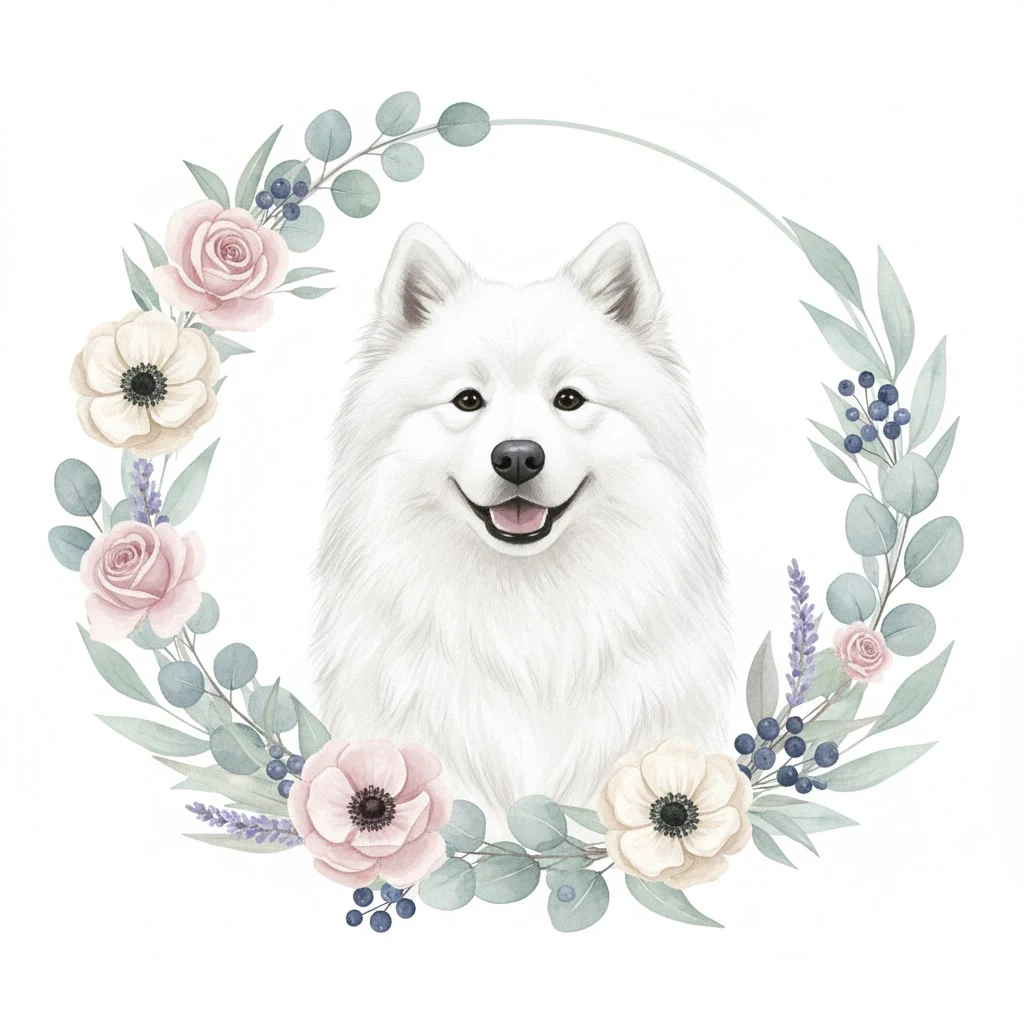
Boho-Chic Floral Dog Clip art Design
This element adds a wonderfully artistic and feminine touch, great for greeting cards or even sophisticated wedding invitations.
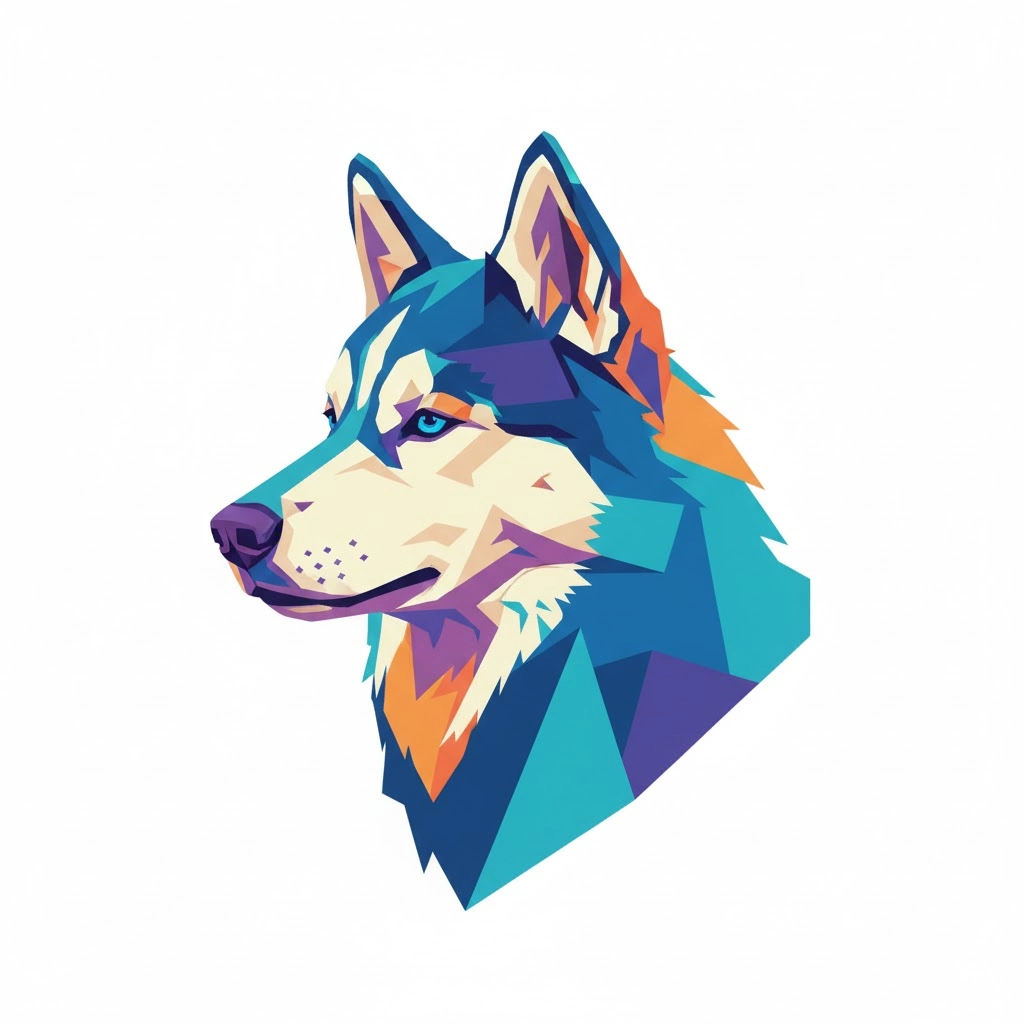
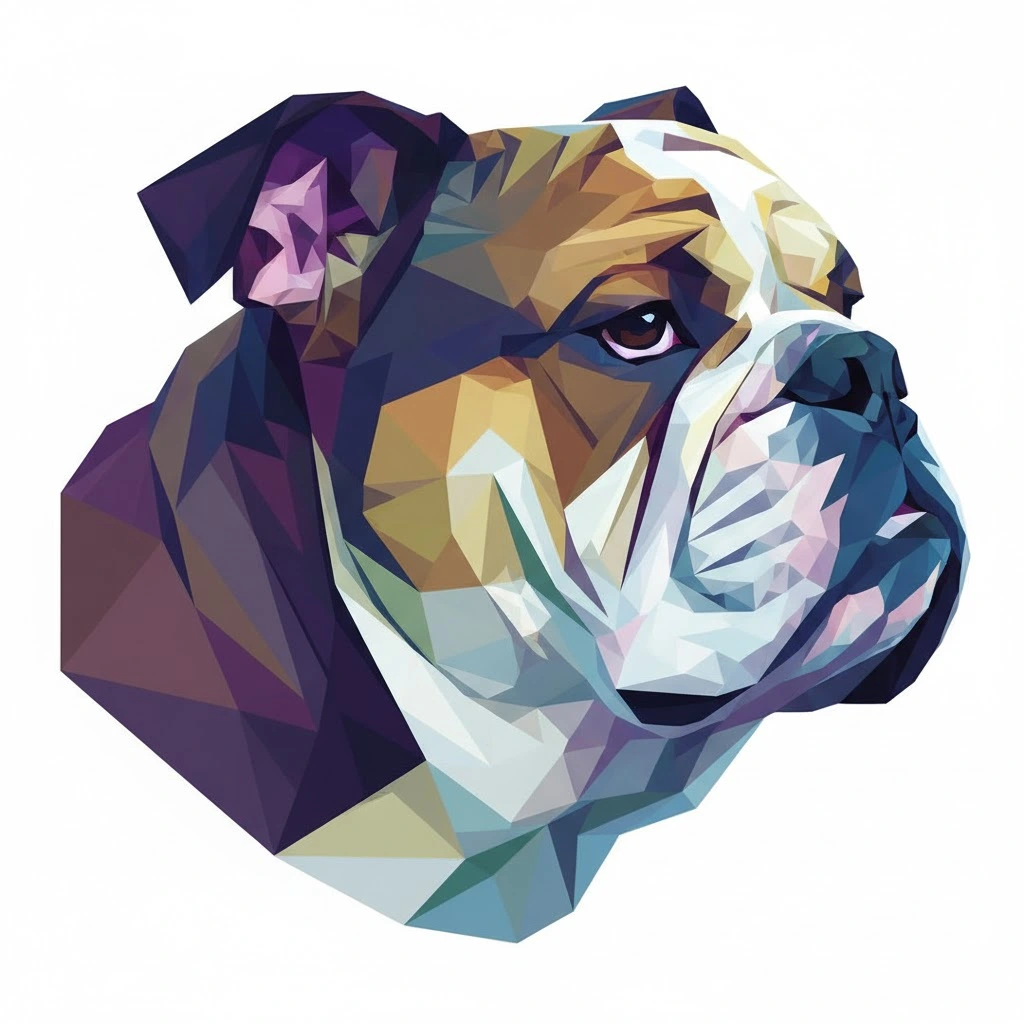
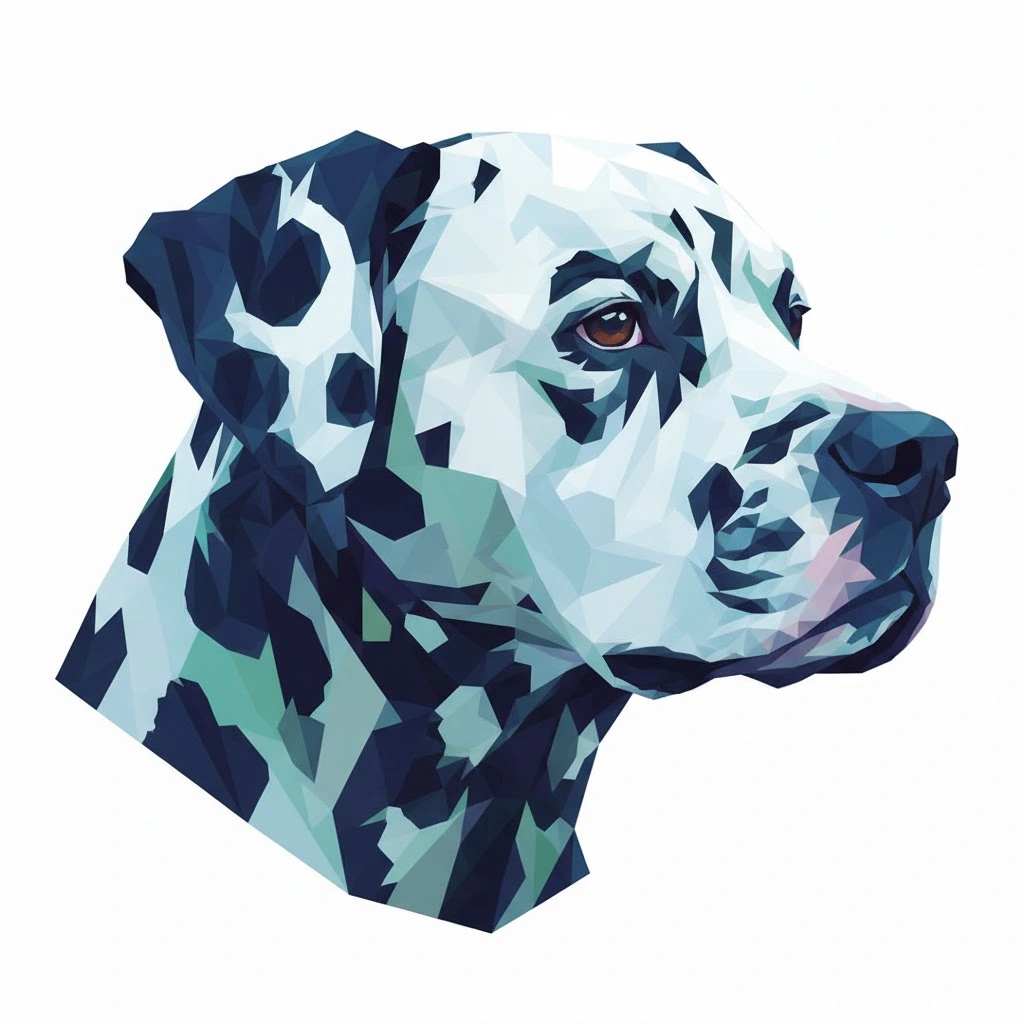
Abstract Geometric Low-Poly Dog Clip art
This contemporary design is highly effective for posters, tech-themed pet projects, or logos requiring a truly modern edge.
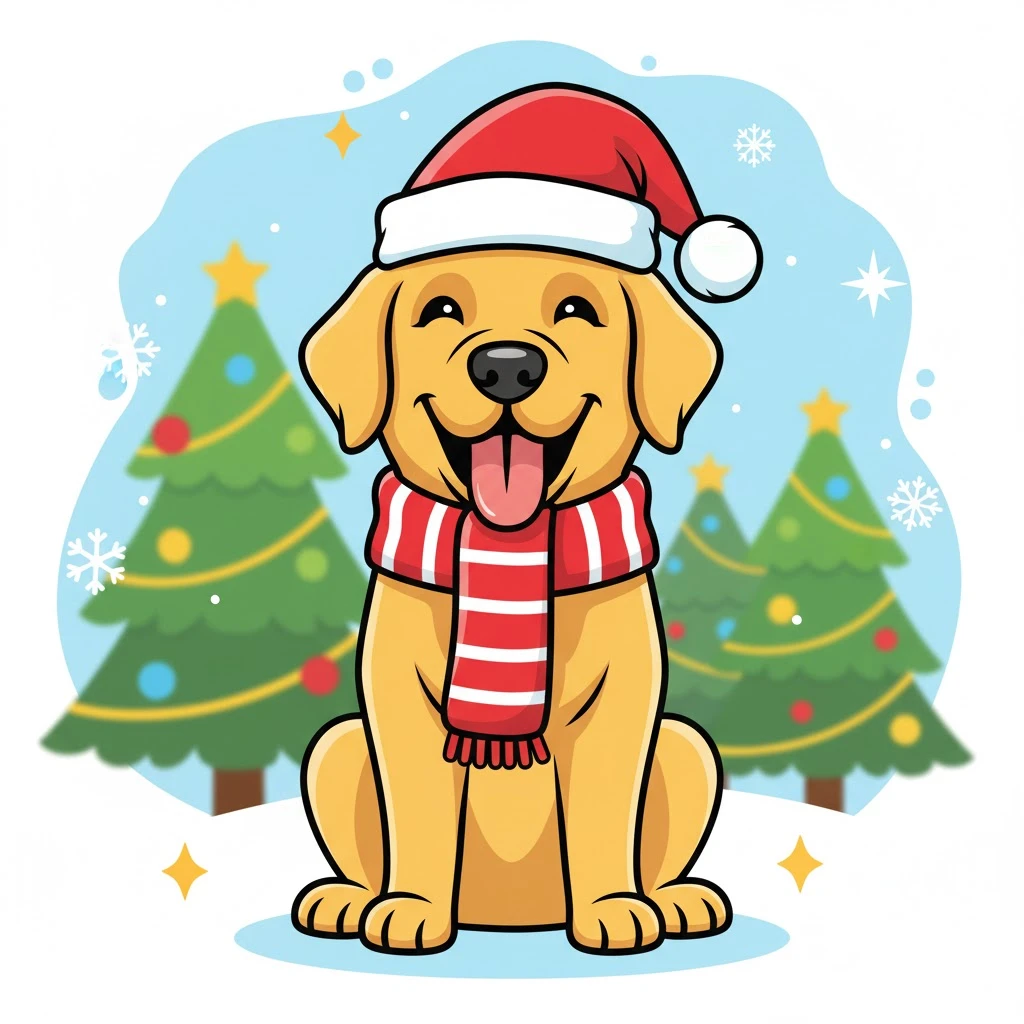
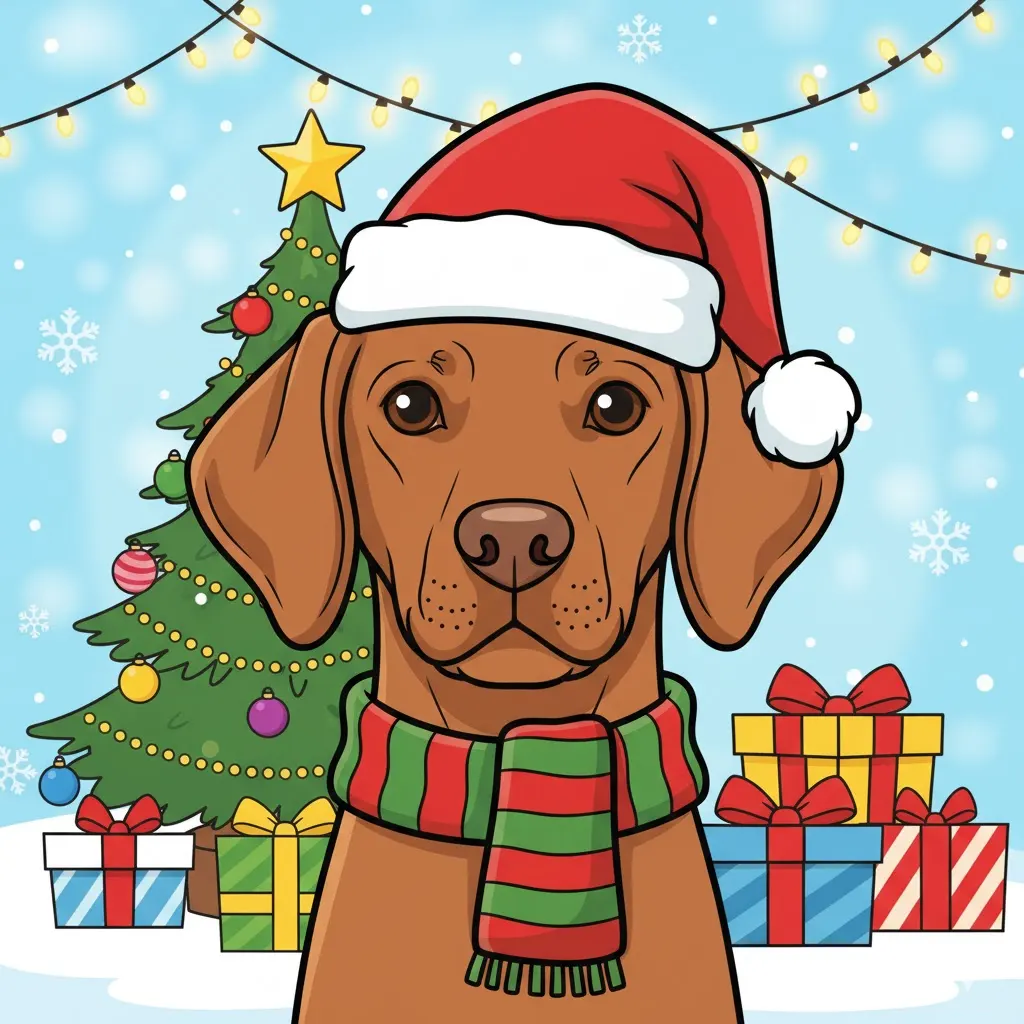
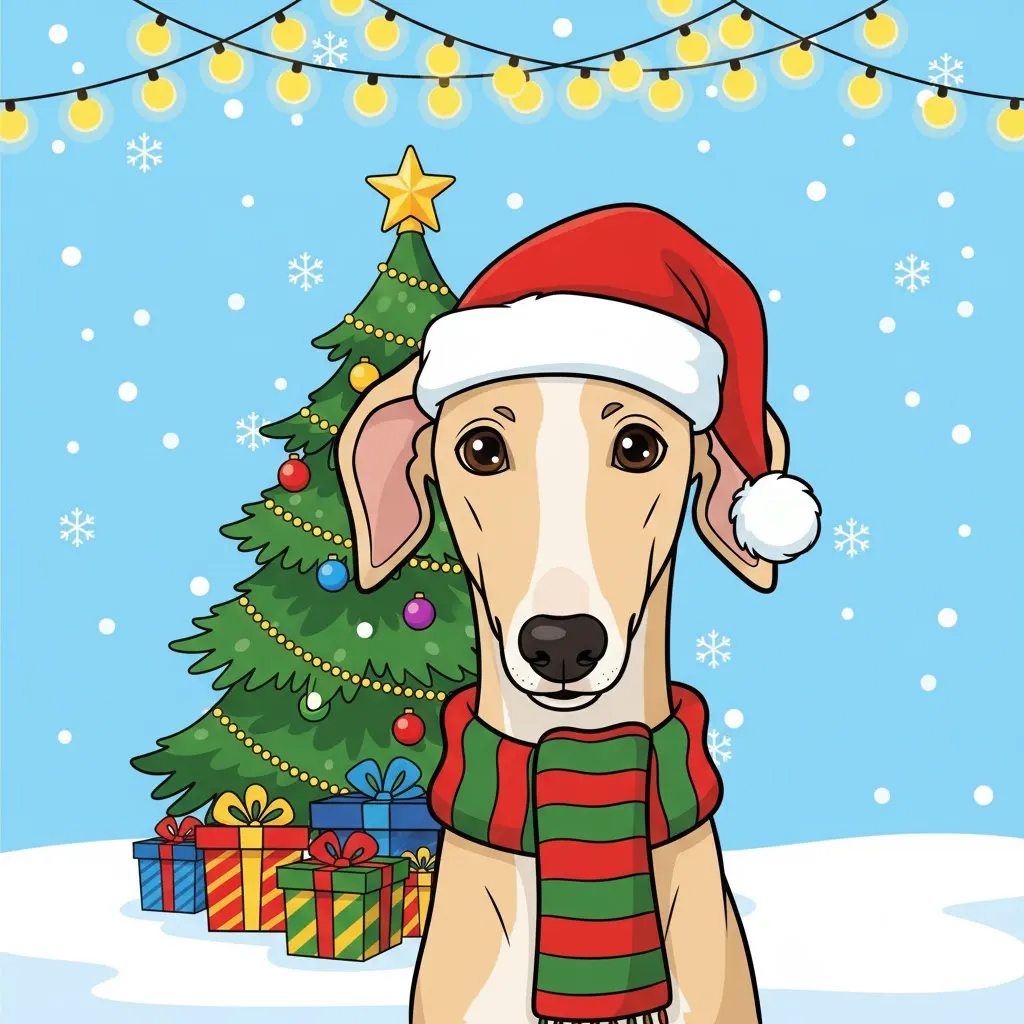
Christmas-Themed Dog Clip art
This prompt allows flexibility with popular dog breeds, making it ideal for creating diverse and adorable holiday designs for merchandise, greeting cards, or digital artwork.
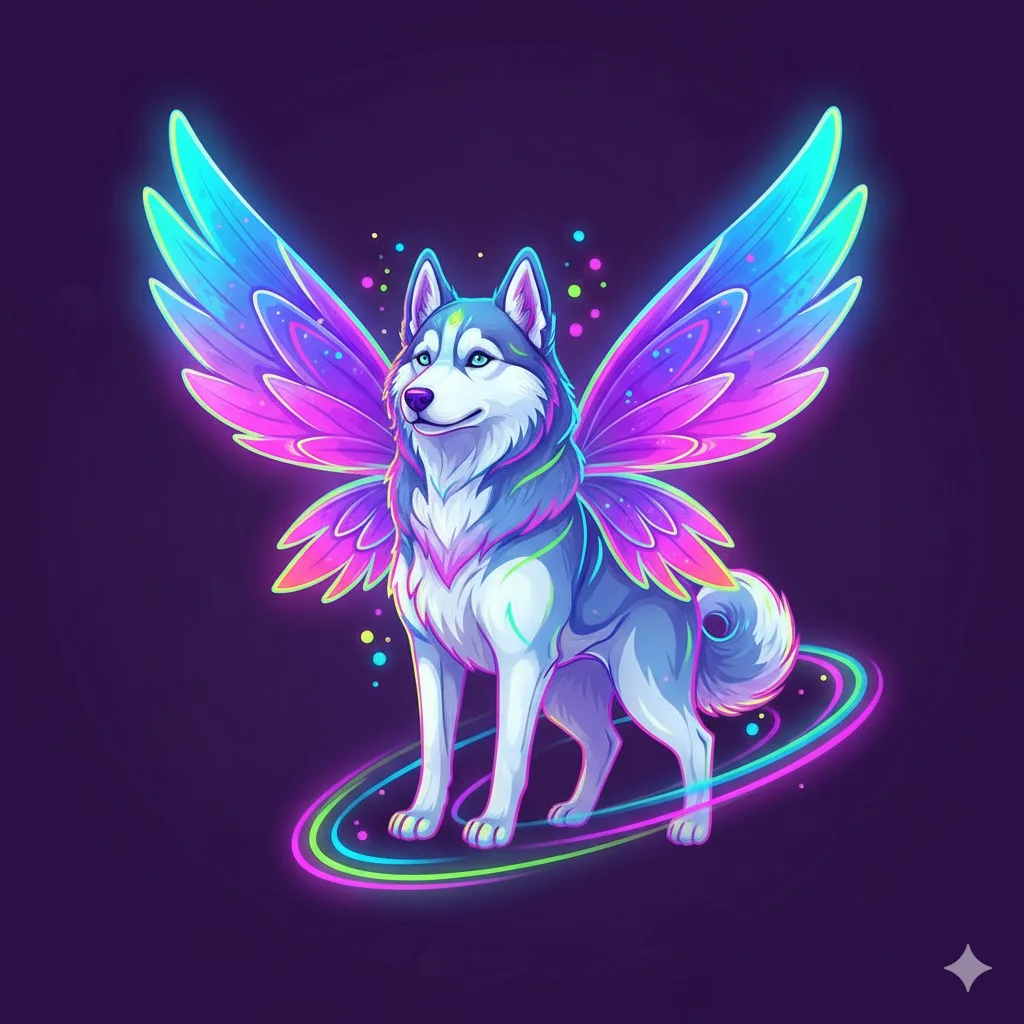
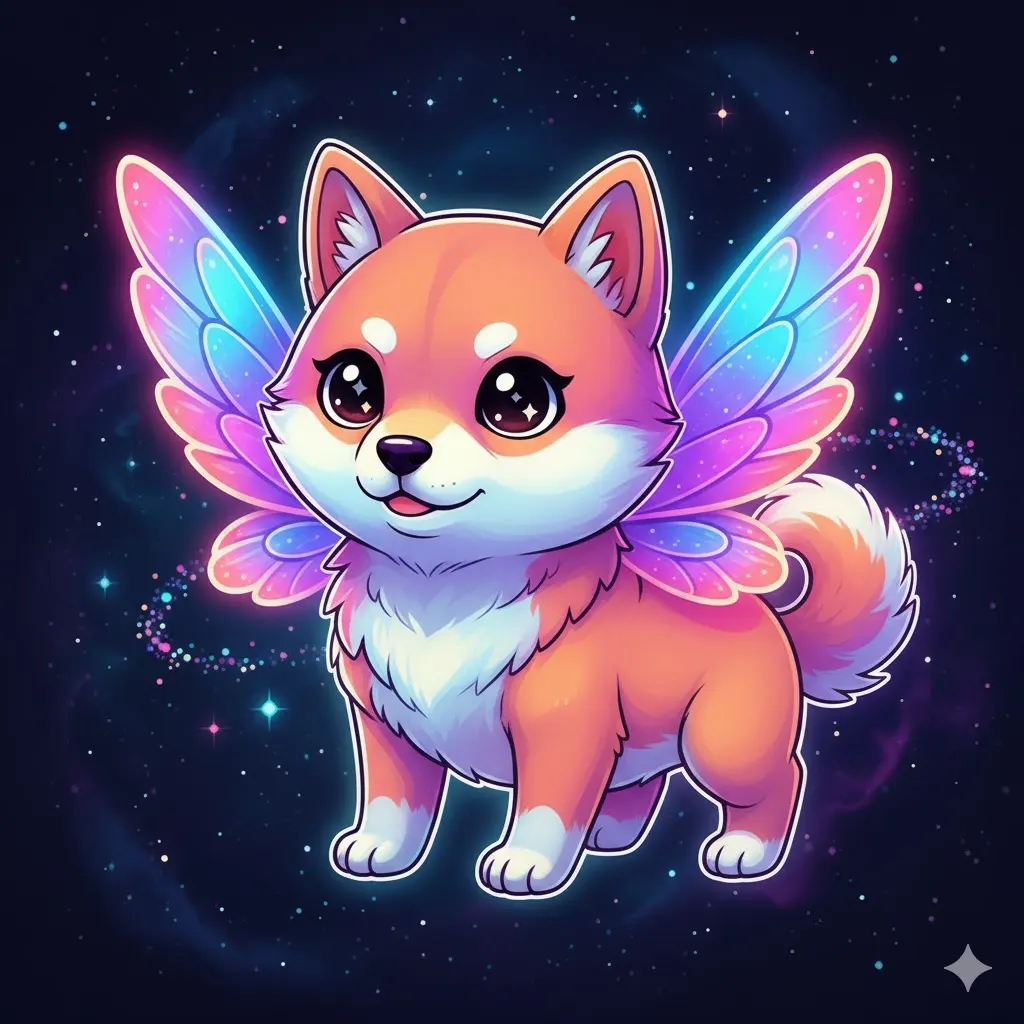
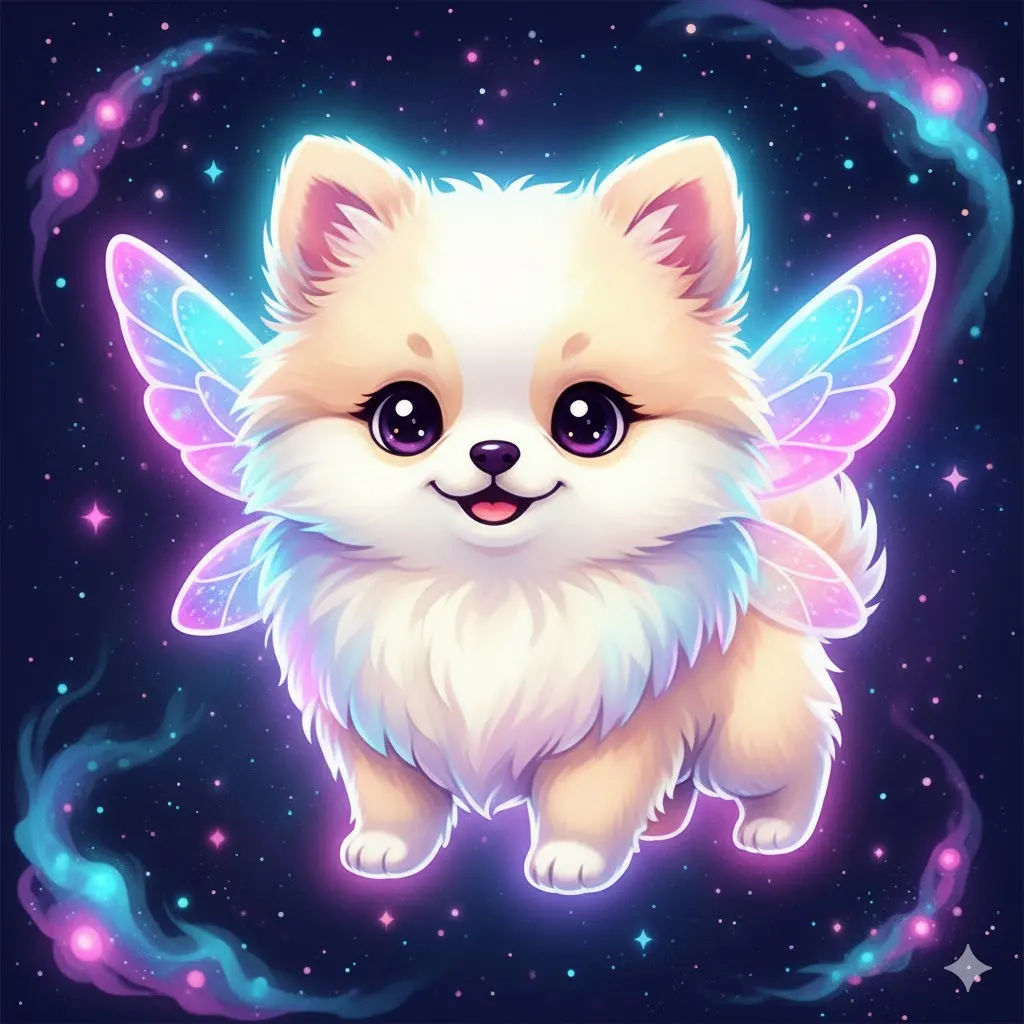
Fantasy Dog Clip art with Wings and Aura
This style is a massive hit with digital artists — it delivers a vibrant, eye-catching punch for any fantasy-themed work while allowing flexibility with different adorable dog breeds.
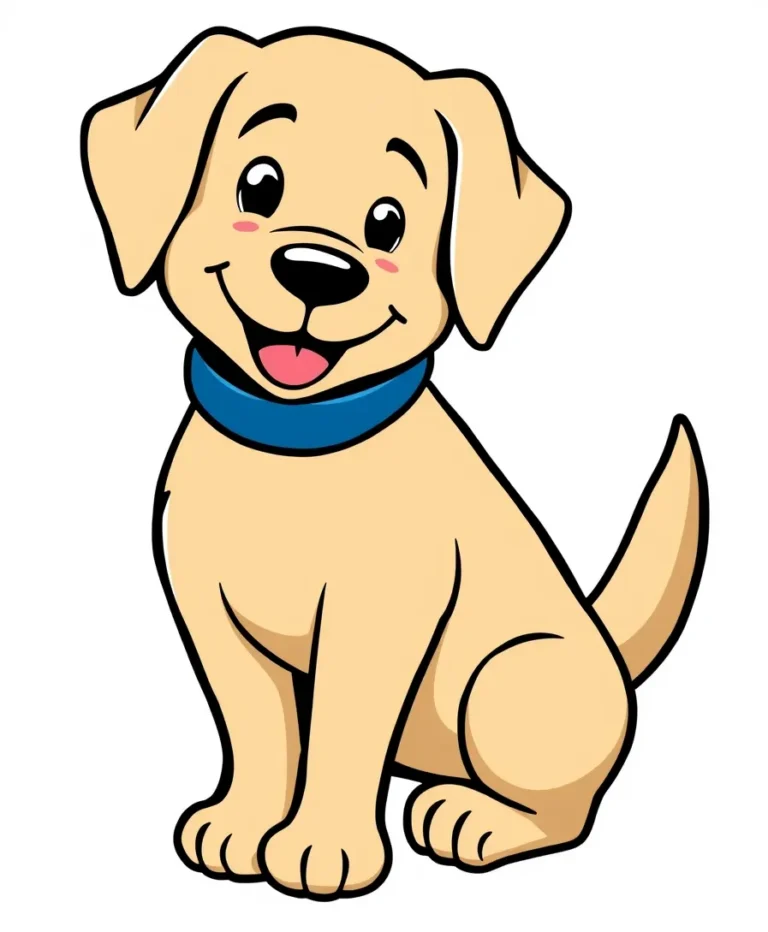
Friendly Dog Clip art Design
Easy to recognise at small sizes, this cheerful cartoon dog fits into almost any design theme — from fun classroom visuals to professional marketing materials. The soft colors, friendly posture, and clean transparent background make it flexible, approachable, and ready for everyday creative use.
Before You Use Your Clip Art
For clip art, a plain background makes the image easier to reuse. Most prompts already ask for white or transparent, but many tools can’t produce a truly transparent file, so you may need a background remover afterwards. If you plan to sell your clip art, check the commercial terms of the tool you used.
Capybara Clipart Prompts
Looking for a capybara clipart idea that doesn’t end up looking like the same cartoon animal repeated six times?
The easiest way to get variety is to give the capybara a job.
Let it hold tea. Put it in a hot spring. Make it sleep. Give it a tiny frog. Dress it in streetwear. Let it water plants.
Those small changes are enough to push the same animal into completely different illustration directions.
That makes capybara a useful subject for stickers, PNG clipart, T-shirts, planners, printable artwork, classroom graphics and digital products. Current clipart marketplaces already show these kinds of uses, including stickers, sublimation, classroom resources, invitations and printable designs.
The six prompts below are built around those different uses.
Capybara Clipart AI Prompts
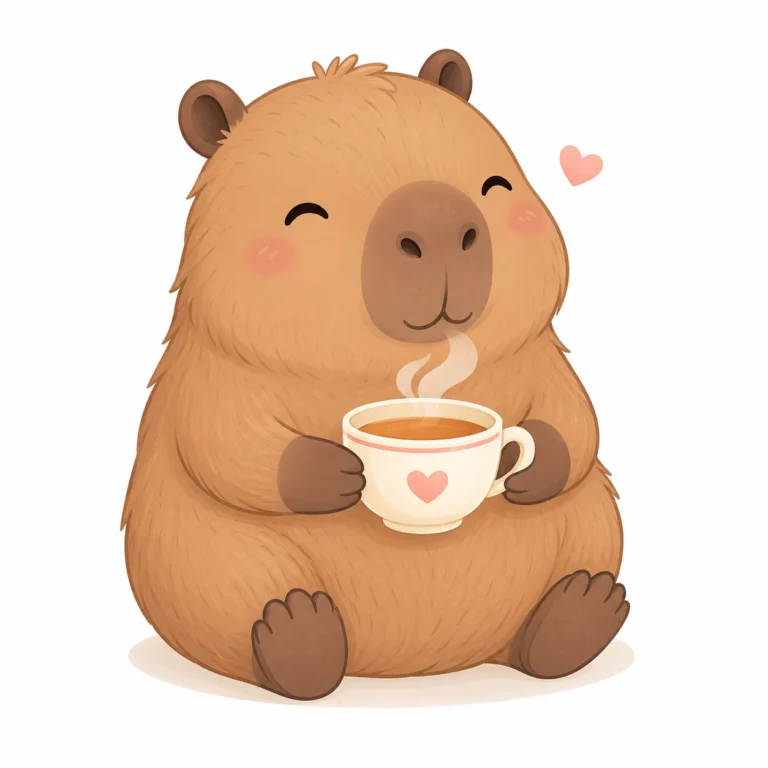
Cozy Capybara Tea Illustration
Replace the highlighted text with your own details before you run the prompt.
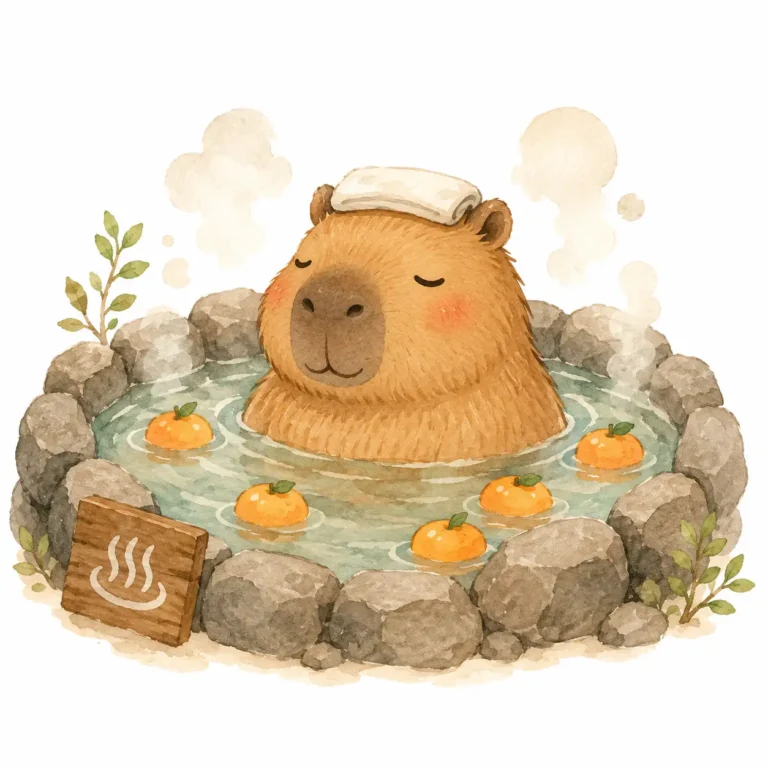
Capybara Hot Spring Scene
Replace the highlighted text with your own details before you run the prompt.
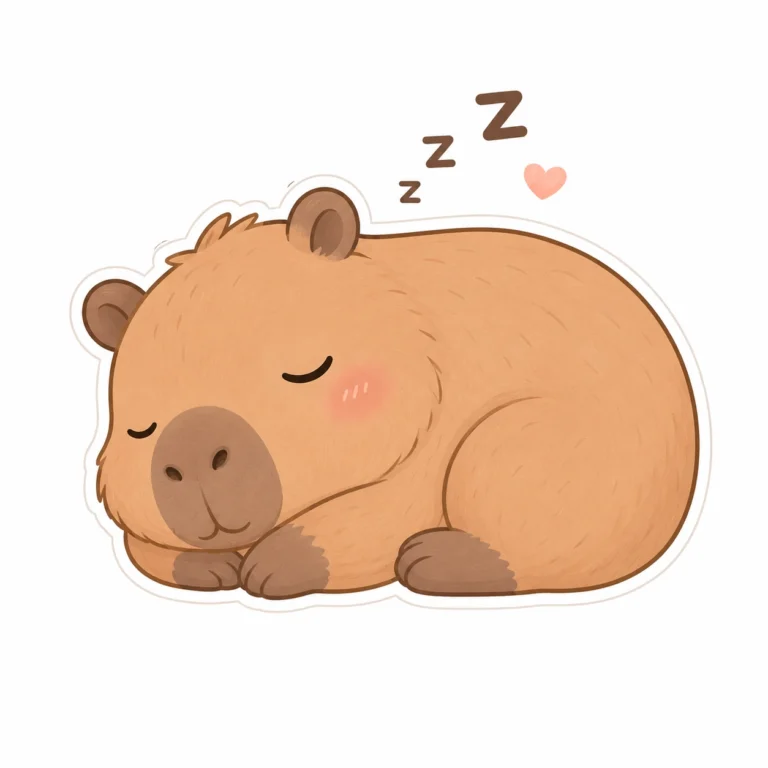
Sleeping Capybara Character
Replace the highlighted text with your own details before you run the prompt.
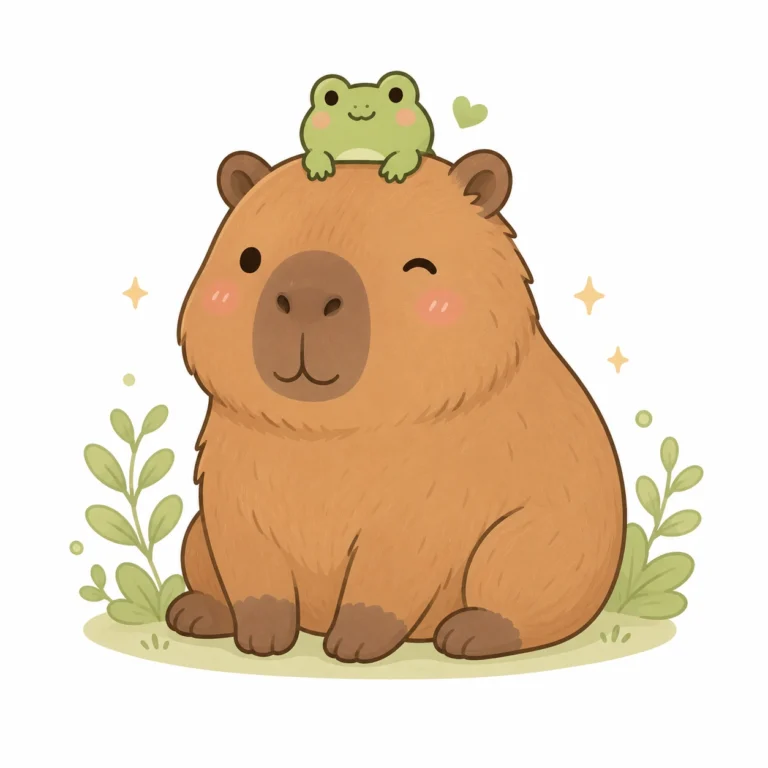
Capybara With Frog Friend
Replace the highlighted text with your own details before you run the prompt.
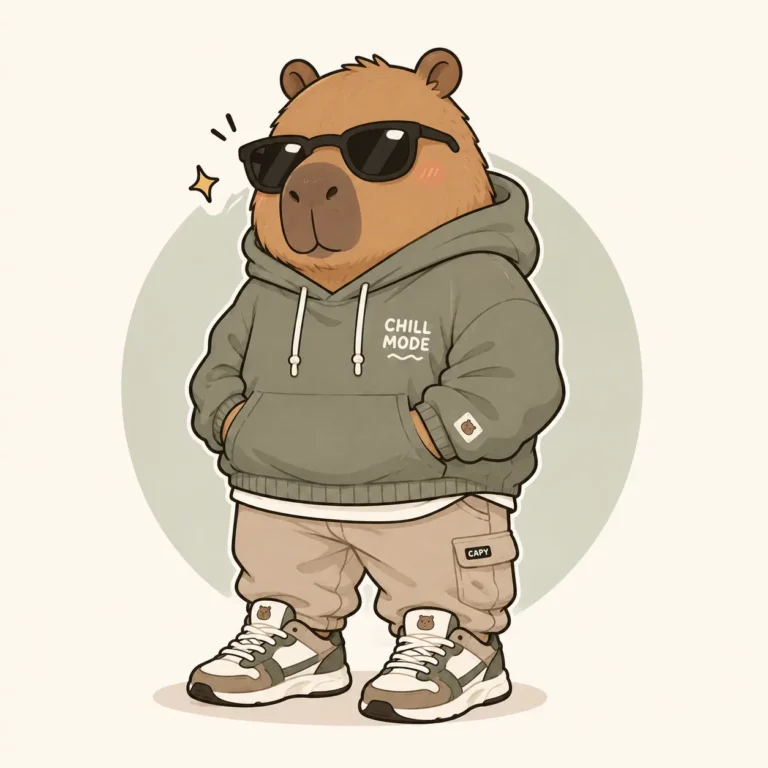
Fashionable Capybara Illustration
Replace the highlighted text with your own details before you run the prompt.
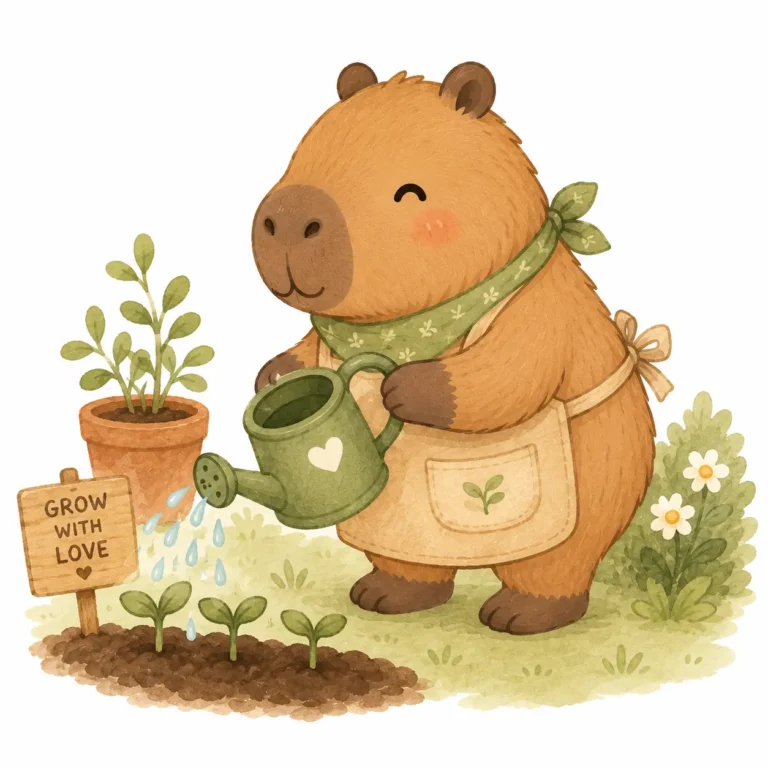
Gardening Capybara Clipart
Replace the highlighted text with your own details before you run the prompt.
What Can You Use Capybara Clipart For?
The answer depends on the file and the way the artwork is prepared.
Stickers
For stickers, an isolated character with a clear outline is easier to work with.
T-Shirts and Sublimation
For T-shirts and sublimation, the illustration needs to hold up when enlarged and printed, so excessive tiny details are not particularly helpful.
Planner Stickers
For planner stickers, simple poses are easier to recognize at small sizes.
Classroom Artwork
For classroom artwork, character variations can be turned into reading, gardening, painting or other activity themes. Capybara clipart is already being used in classroom resources and educational graphics.
Digital Downloads
For digital downloads, transparent-background PNG files are particularly convenient because the buyer can place the character into another design.
Printable Artwork
For printable artwork, watercolor and hand-drawn treatments can work better than a heavily outlined sticker style.
Capybara PNG, SVG or Clipart: What’s the Difference?
These terms are often mixed together, but they are not interchangeable.
PNG
PNG is a raster image format. A transparent PNG is convenient when you want to place a capybara over another background.
SVG
SVG is a vector format and can be scaled without the same loss of quality associated with raster artwork.
Clipart
Clipart describes the artwork itself rather than one specific file format. A capybara clipart collection may contain PNG files, SVG files, or both.
If you are creating artwork specifically for printing, check the actual dimensions and resolution instead of assuming that the word “clipart” means high resolution.
Commercial listings commonly advertise transparent PNG files, 300 DPI and large pixel dimensions for printable capybara artwork.
How to Get Cleaner Capybara AI Clipart
There is one thing worth checking before worrying about more elaborate prompts: the edges.
Open the generated image against a plain background and look closely at the ears, paws, whiskers, clothing and small objects.
AI-generated artwork can look perfectly fine when viewed as a complete image while still containing awkward little details around the character.
For clipart, those details matter because the character is usually isolated from its original scene.
A Practical Workflow
- Generate several variations.
- Remove versions with awkward anatomy.
- Check the silhouette at the intended output size.
- Look for unwanted background elements.
- Clean the selected image before using it in a final design.
- Keep the strongest character version as a reference for later generations.
If you’re building a collection, don’t change the entire visual language every time. Keep the character recognizable and change the activity.
Capybara Clipart Ideas You Can Generate Next
Once the character is working, the same approach can produce a much larger set:
- capybara reading a book
- capybara eating watermelon
- capybara baking cookies
- capybara holding flowers
- capybara listening to music
- capybara riding a bicycle
- capybara wearing rain boots
- capybara camping
- capybara drinking coffee
- capybara celebrating a birthday
- capybara wearing a Halloween costume
- capybara holding a Valentine’s Day heart
Seasonal variations are particularly practical if you’re building downloadable clipart collections. Marketplace listings already show demand around themed sets such as Halloween and Valentine’s Day capybara PNG bundles.
Frequently Asked Questions About Capybara Clipart
What is capybara clipart?
Capybara clipart is illustrated capybara artwork prepared as a reusable graphic. It can be used for stickers, printables, classroom resources, merchandise, social media graphics, stationery and other design projects.
Can I create capybara clipart with AI?
Yes. AI image generators can create capybara artwork in cartoon, kawaii, watercolor, children’s-book and vector-style directions. The prompts above focus on different poses and uses rather than generating the same character repeatedly.
What is the best format for capybara clipart?
For many digital design projects, a transparent PNG is convenient because the background can be removed from the design workflow. SVG can be preferable when scalable vector artwork is specifically required.
Can capybara clipart be used on T-shirts?
It can be used in T-shirt designs, but check the terms attached to the artwork or image-generation service before selling products. Commercial-use permissions vary between sources and products. Some current marketplace listings explicitly provide commercial-use terms while restricting redistribution of the original files.
What style is good for capybara stickers?
Kawaii, simple cartoon, watercolor and clean outlined styles are all possible. The better choice depends on the sticker’s purpose, audience and final size rather than one universally “best” style.
How do I make several capybara images look like one collection?
Keep recurring character proportions, facial features, outline treatment and color direction. Change the pose, clothing or activity while keeping those core elements consistent.
More in AI Clipart, Sticker and Icon Prompts
This guide is part of our AI Clipart, Sticker and Icon Prompts hub, where you’ll find every related guide, along with tips and common questions.