Jujutsu Kaisen Wallpapers: 6 AI Prompts for Cinematic Scenes
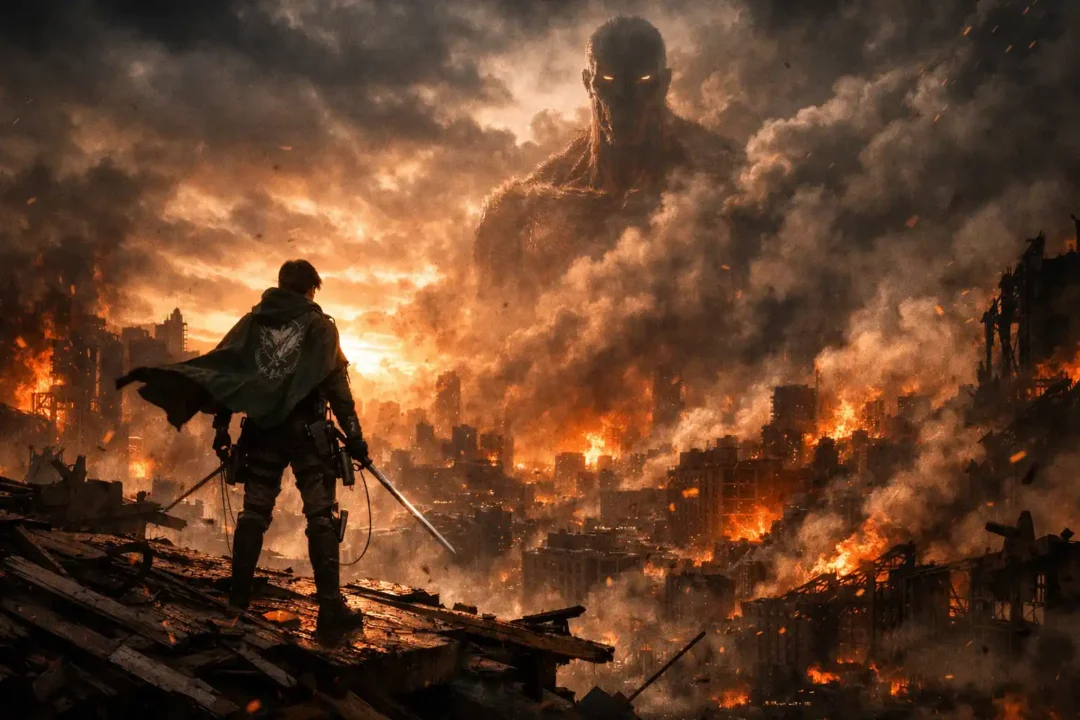
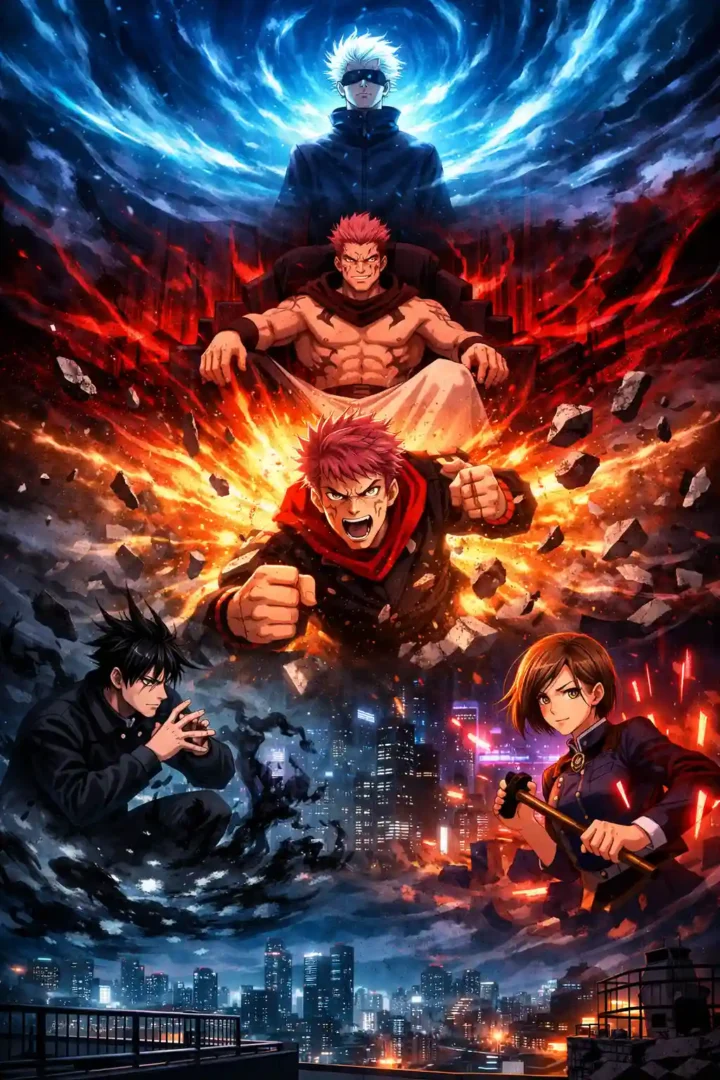
These six AI prompts create Jujutsu Kaisen wallpapers around a single dramatic moment: Gojo in the Infinite Void, Sukuna on a throne, Yuji mid-strike, Megumi’s shadows, Nobara’s nails and a quiet Tokyo rooftop.
Each prompt sets the lighting, colour and camera angle, so the result looks like a scene rather than a character on a plain background.
Copy a prompt and paste it into an image tool such as ChatGPT, Gemini (Nano Banana) or Flux. Then replace [AR] with the shape of your screen: 9:16 for most phones, 16:9 for a laptop or monitor, and 21:9 for an ultrawide display.
6 AI Prompts for Jujutsu Kaisen Wallpapers
Each prompt uses a colour pair to set its mood: blue and indigo for Gojo, red and black for Sukuna, and warm orange against cool twilight for Yuji.
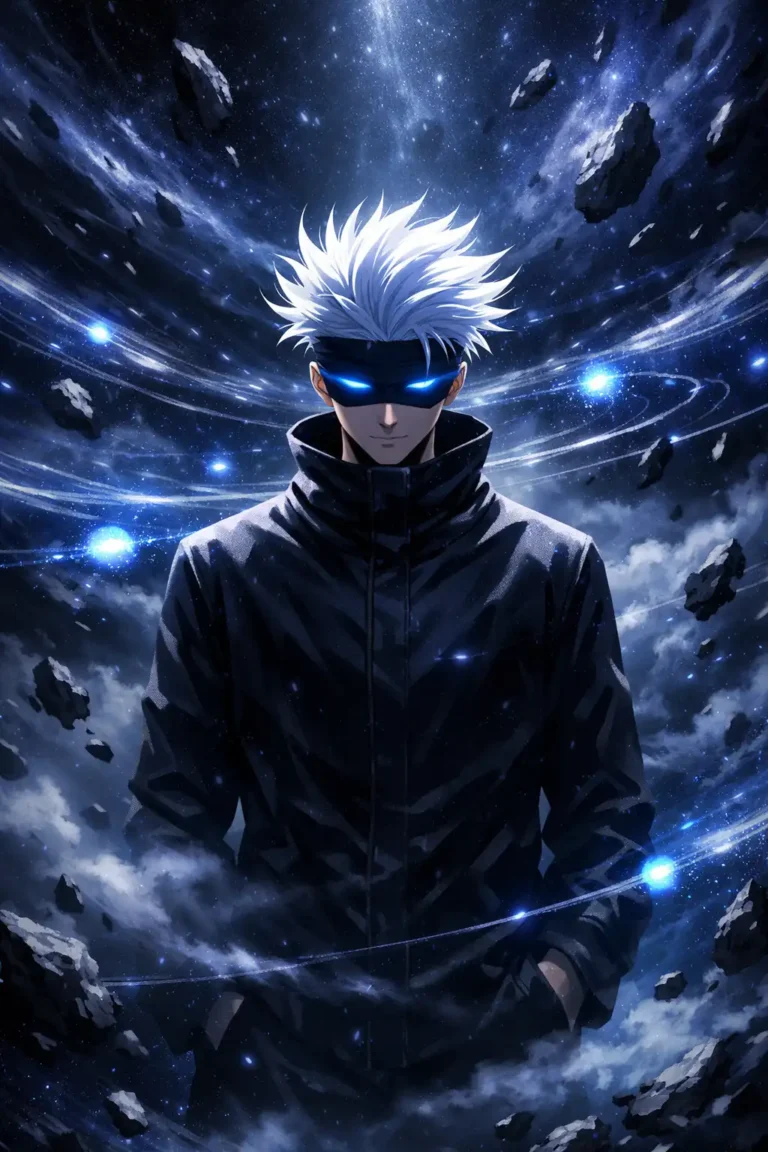
Gojo Satoru – Infinite Void Distortion
Replace the highlighted text with your own details before you run the prompt.
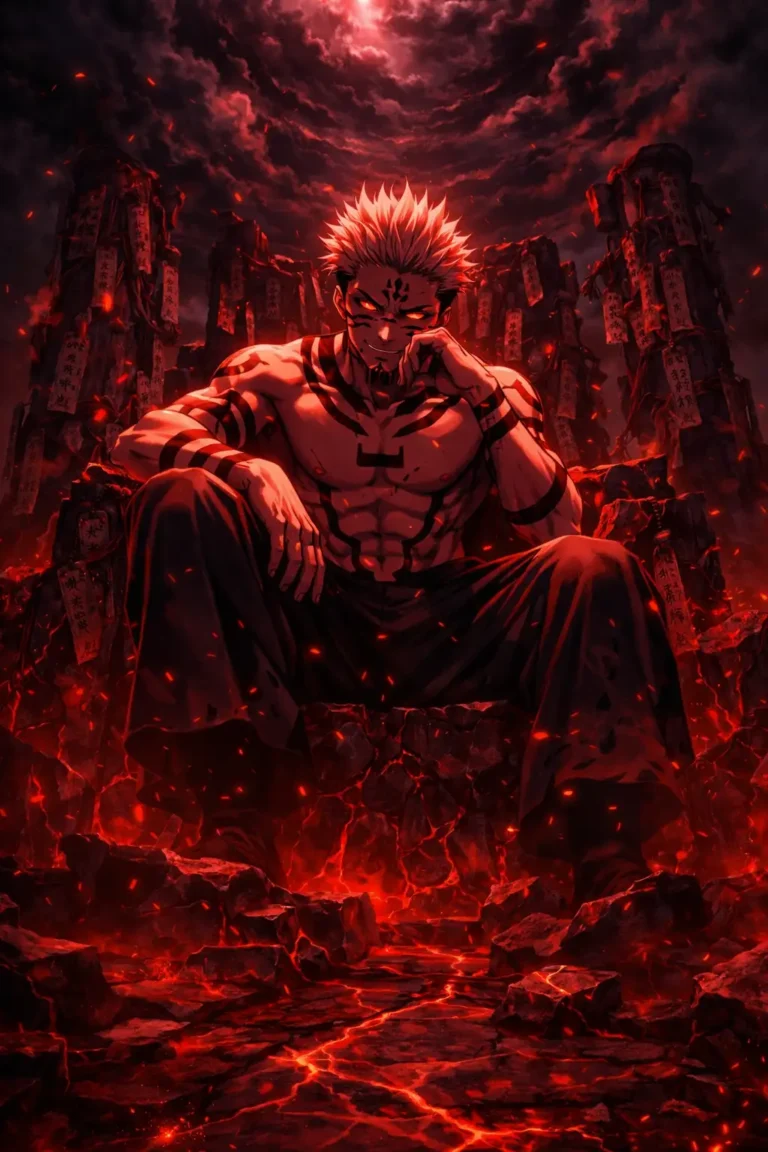
Sukuna – Throne of Cursed Dominion
Replace the highlighted text with your own details before you run the prompt.
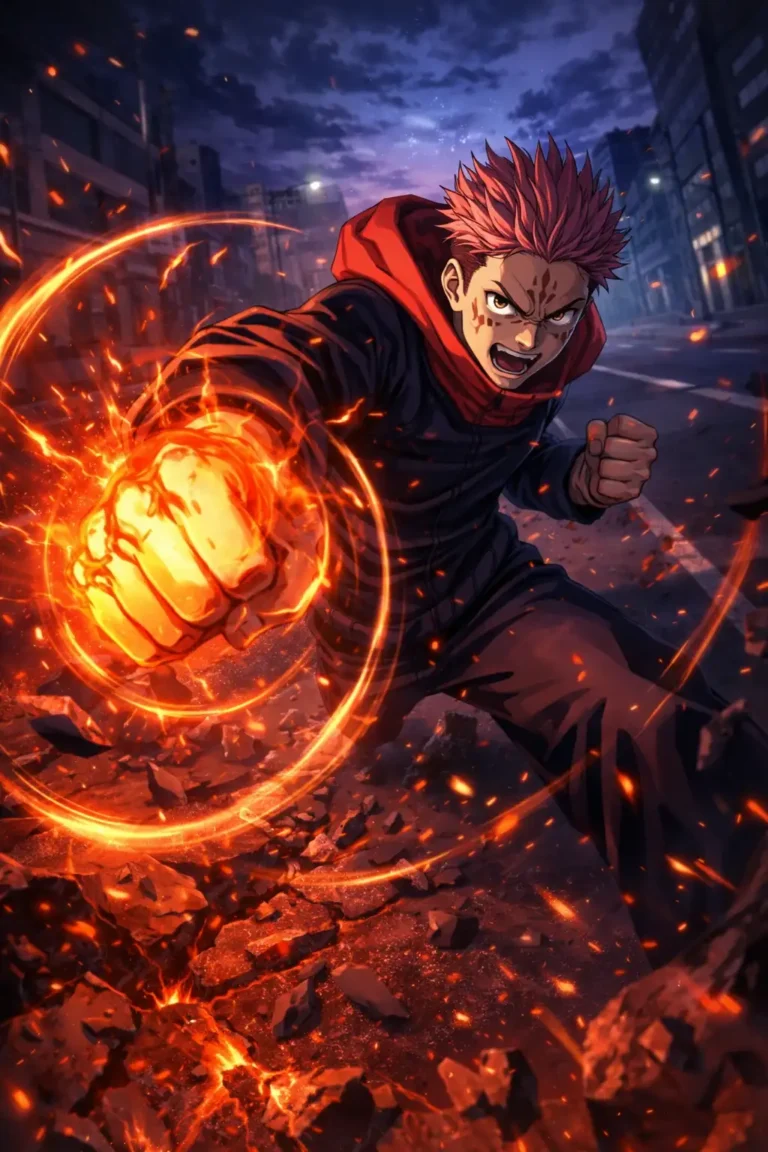
Yuji Itadori – Shockwave Impact Moment
Replace the highlighted text with your own details before you run the prompt.
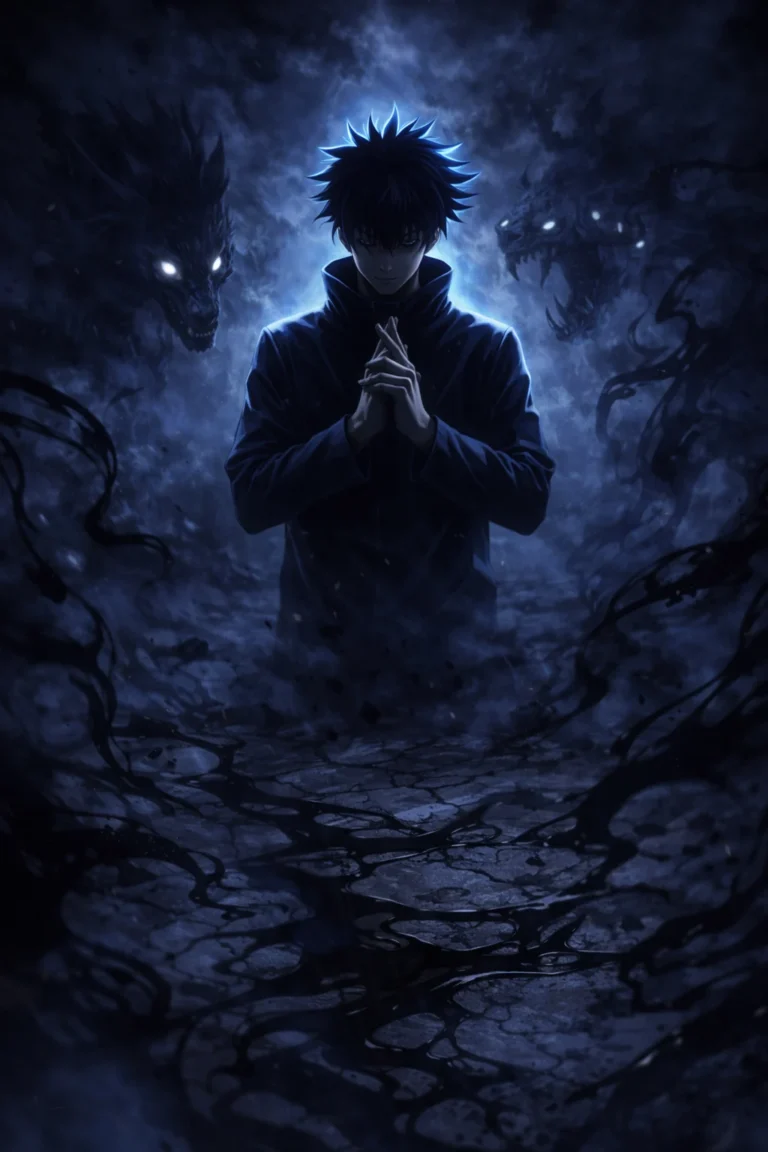
Megumi Fushiguro – Shadow Domain Expansion
Replace the highlighted text with your own details before you run the prompt.
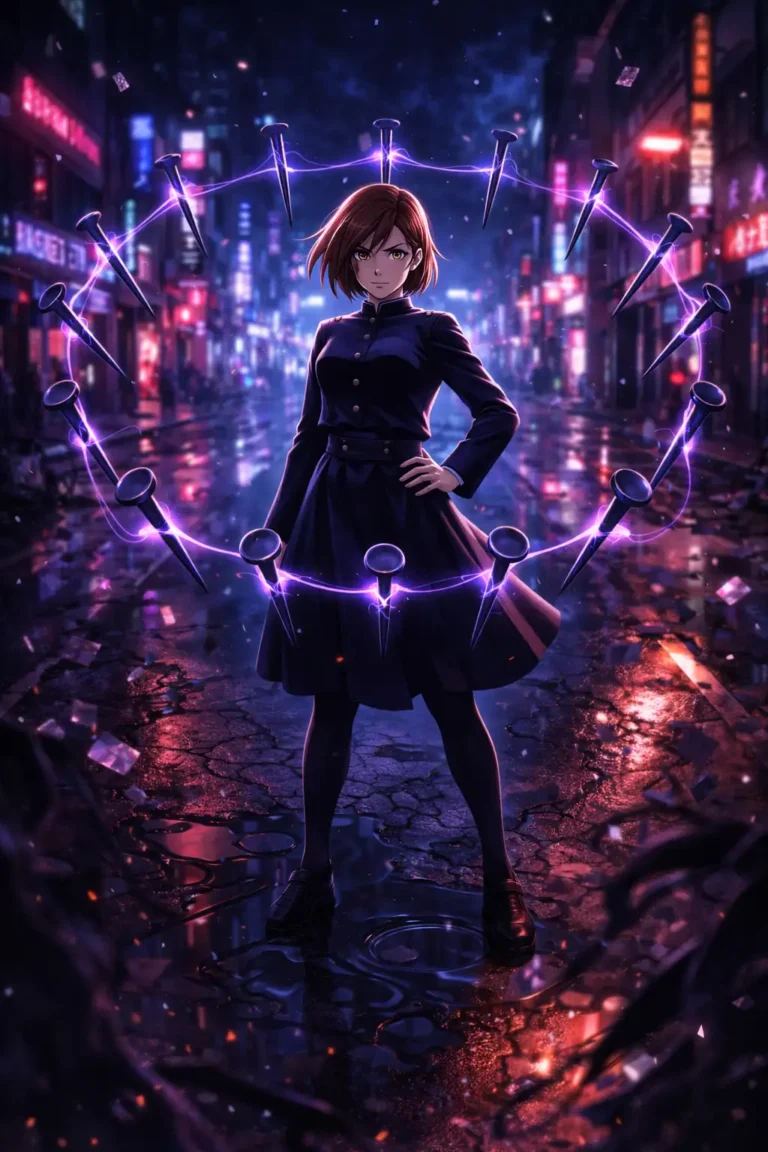
Nobara Kugisaki – Urban Cursed Resonance
Replace the highlighted text with your own details before you run the prompt.
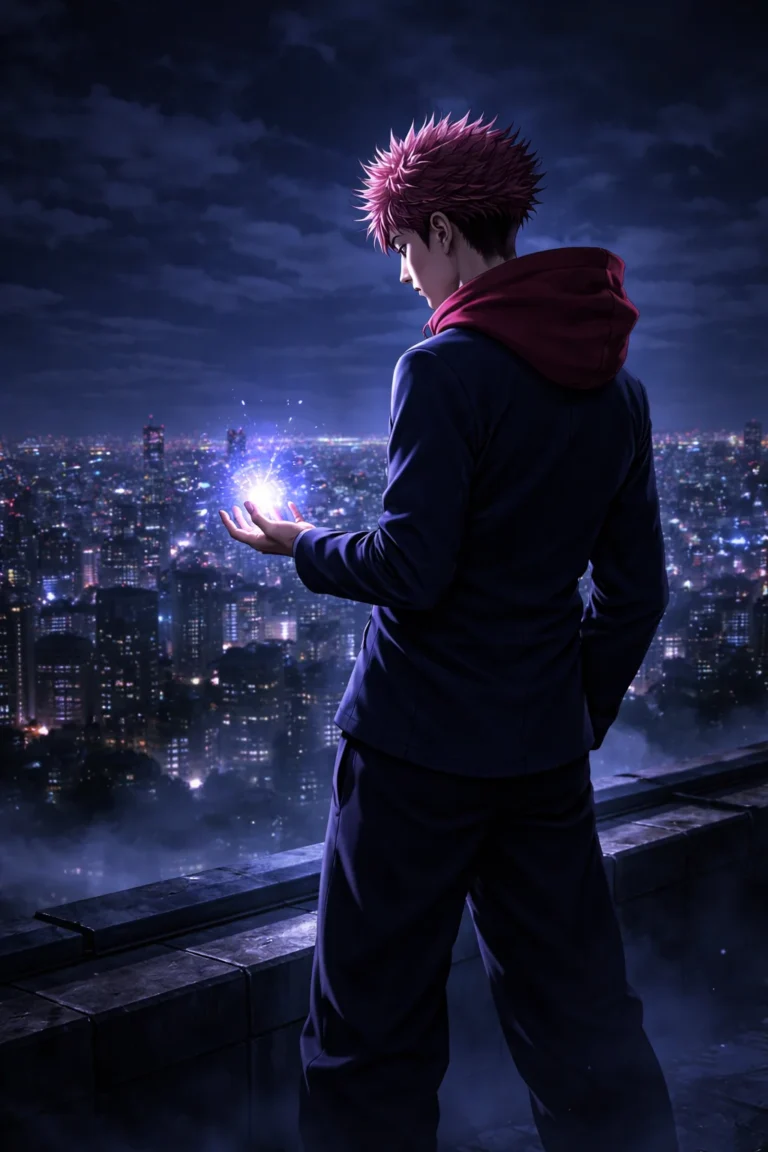
Tokyo Rooftop – Calm Before Chaos
Replace the highlighted text with your own details before you run the prompt.
Create Your Own Original Sorcerer
Replace the highlighted text with your own details before you run the prompt.
How to Make These Wallpapers Your Own
- Leave room for your clock: On a phone wallpaper, keep the face out of the top third. Add “clear space at the top for the clock” if the tool crowds it.
- Swap the character, keep the scene: The Tokyo Rooftop prompt suits almost anyone in the cast, since it says only “character”. Name the character you want.
- Check the details: Blindfolds, curse markings and hands are easy for AI to get wrong. If one is wrong, mention it more clearly in the prompt and regenerate.
- If a name is blocked: Some tools limit named characters. Try describing the look and setting instead.
Please note: Jujutsu Kaisen and its characters belong to their rights holders, and Portray Media is not affiliated with them. These prompts are for personal wallpapers. Don’t sell the images or use them for branding.
Colour and Camera Choices for Each Scene
Use this table to adapt a prompt without losing its mood:
| Scene | Main colours | Camera | Best screen |
|---|---|---|---|
| Gojo, Infinite Void | Blue, indigo and white | Centred and wide | Phone or desktop |
| Sukuna, throne | Red and black | Low angle | Phone |
| Yuji, impact | Warm orange against cool twilight | Close and tilted | Desktop |
| Megumi, shadows | Cold blue and black | Wide, with mist around him | Desktop or ultrawide |
| Nobara, street | Purple and neon reflections | Medium shot | Phone |
| Tokyo rooftop | Blue and muted violet | Wide skyline | Desktop or ultrawide |
Fit the Scene to Your Screen
- Phone (9:16): Use a single character with vertical movement, such as debris rising or energy climbing upward.
- Desktop (16:9): Place the character on one side, and let the background fill the other side where your icons sit.
- Ultrawide (21:9): Ask for “wide panoramic composition, the character off centre, a long city skyline”.
- Dual purpose: Generate a wide version first, as a wide image can often be cropped to a phone shape.
Fix Common Problems
| What you see | What to try |
|---|---|
| It’s too dark on your phone | Add “bright rim light around the character”, or raise the wallpaper brightness. |
| The energy effects cover the character | Say “energy behind the character, face clear”. |
| The anime style looks like a 3D render | Add “2D anime, cel shading, clean line art”. |
| The image is too busy for icons | Remove the debris and ask for a darker, simpler lower half. |
| The tool blocks the prompt | Use the original sorcerer prompt above, which doesn’t depend on a named character. |
More in AI Wallpaper Prompts
This guide is part of our AI Wallpaper Prompts hub, where you’ll find every related guide, along with tips and common questions.