Getting a realistic AI image is usually less about adding more adjectives and more about deciding what the viewer should notice first.
A wildlife scene, for example, needs believable anatomy, light and distance. A noir image depends much more on rain, reflections and shadow. Macro work has a completely different problem: the closer the camera gets, the more important focus and surface detail become.
That is why the prompts below take different approaches instead of forcing every image into the same “cinematic” formula.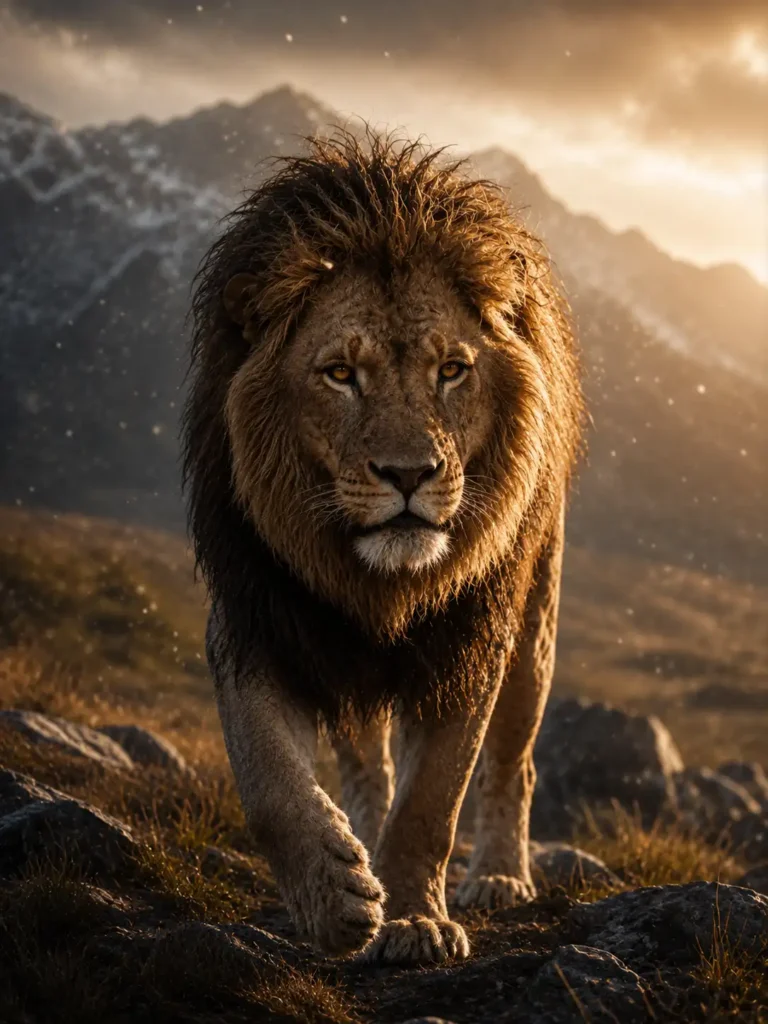
Wildlife Documentary Hyperrealism
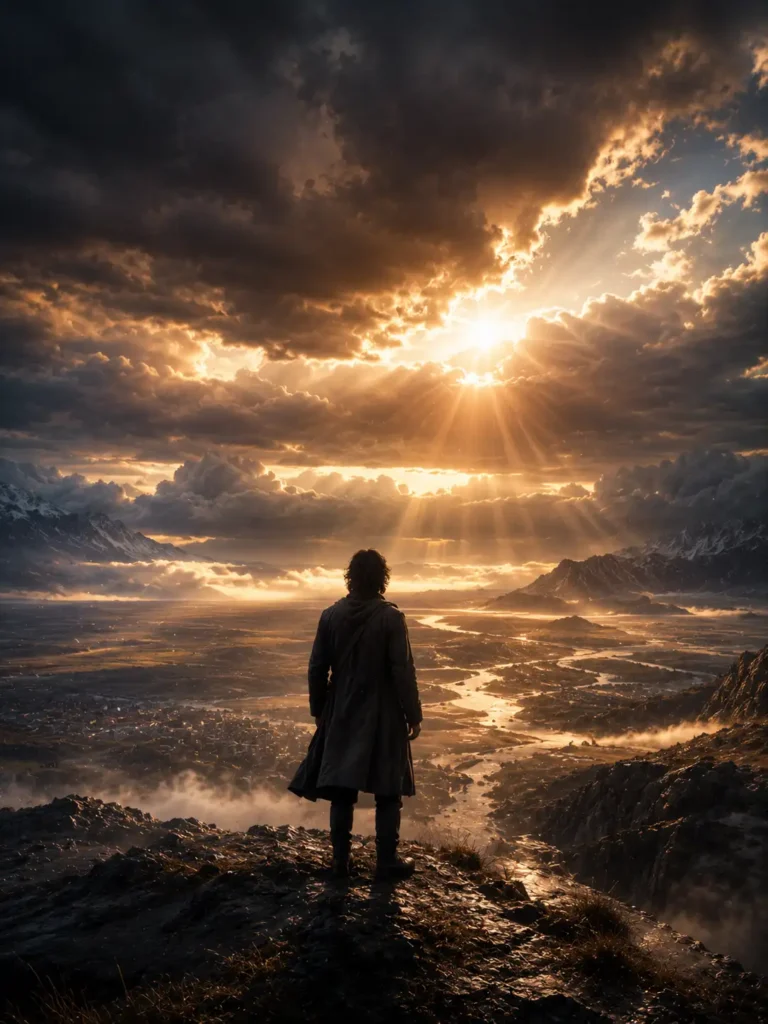
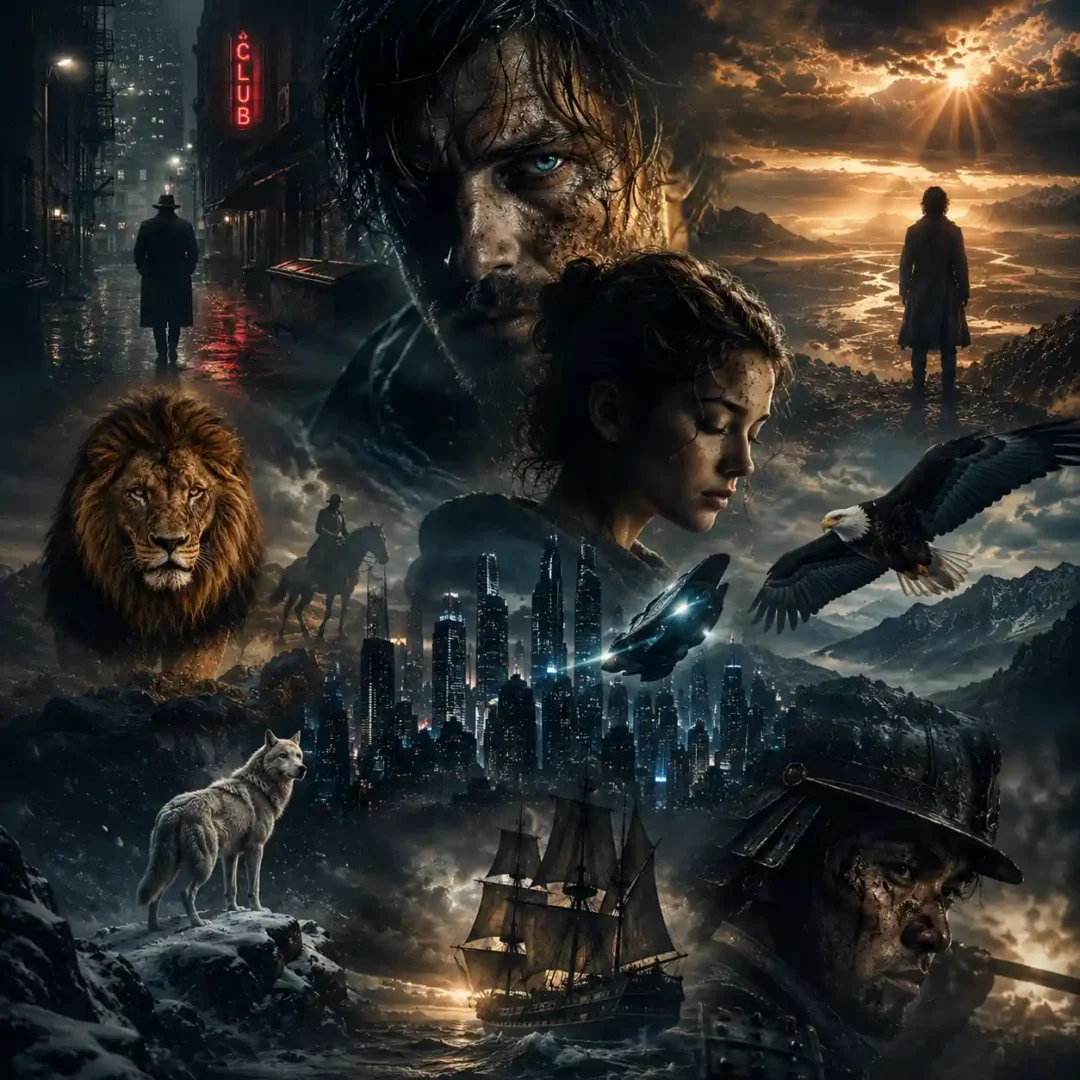
Cinematic IMAX Hyperrealism
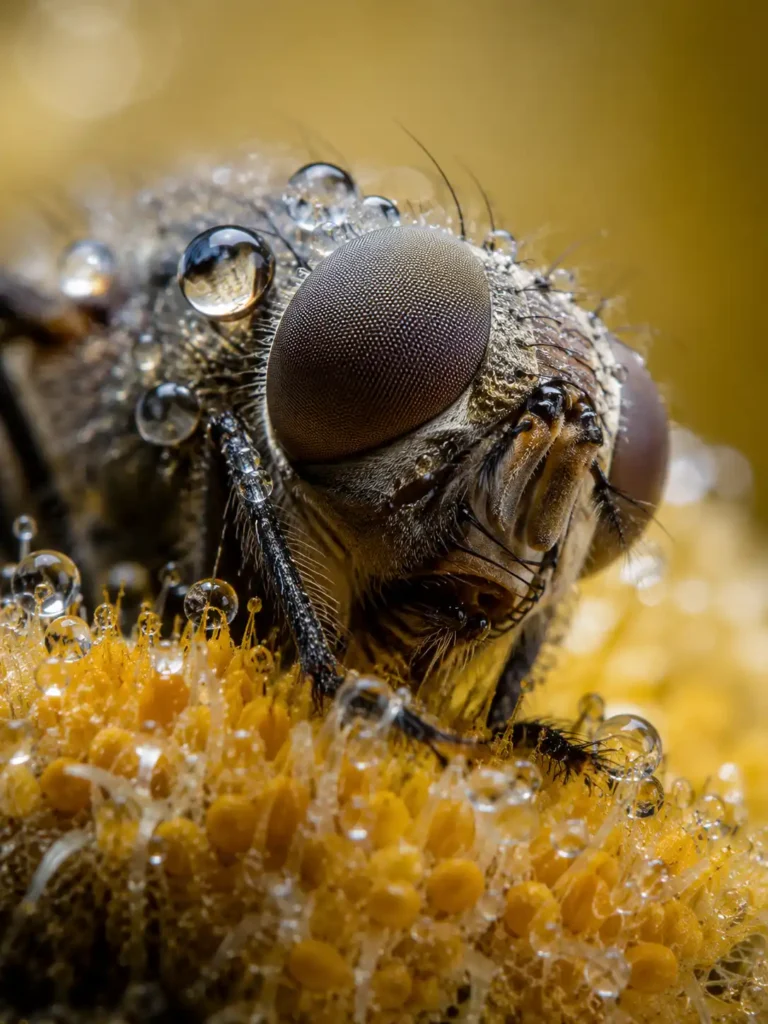
Extreme Macro Hyperrealism
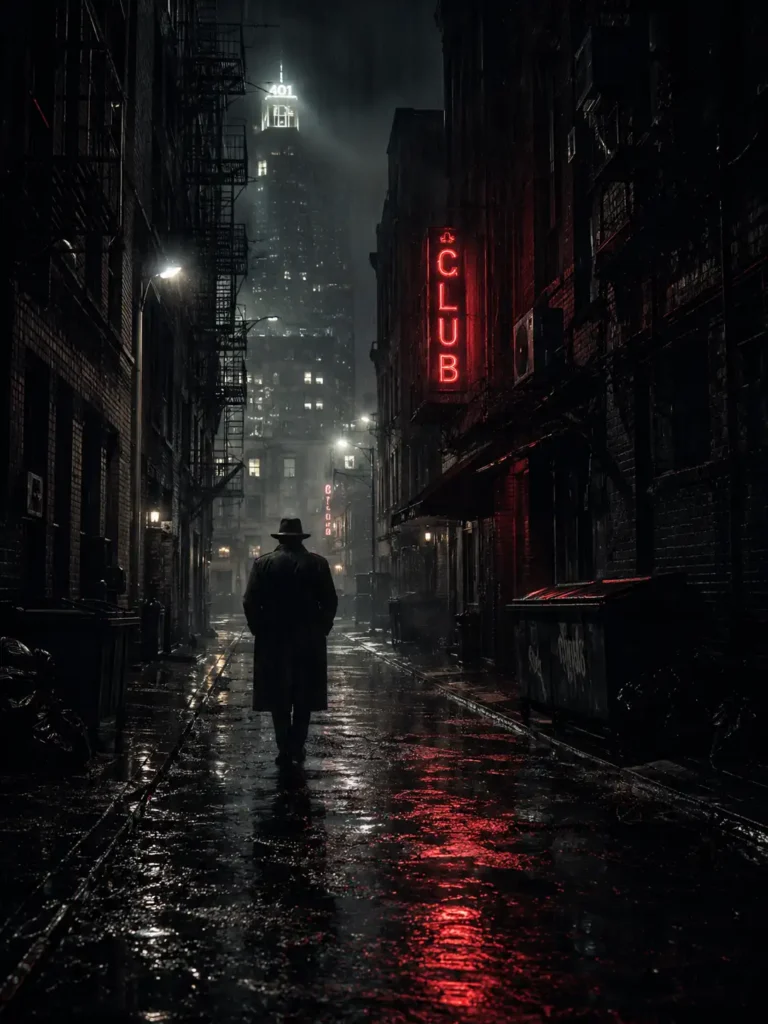
Dark Noir Atmospheric Hyperrealism
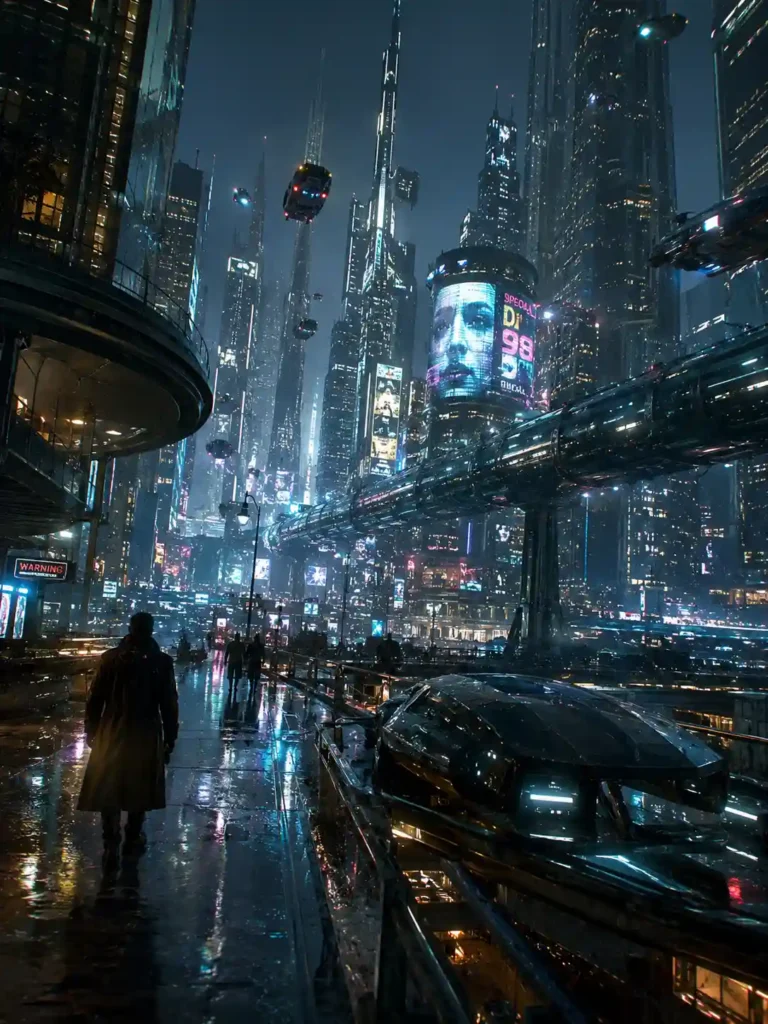
Neo-Futuristic Sci-Fi Hyperrealism

Museum-Grade Fine Art Hyperrealism
Can Futuristic Images Still Look Real?
Yes, but realism becomes more difficult when the subject itself doesn’t exist.
For futuristic architecture, vehicles or technology, the trick is to give imaginary objects real physical behaviour. Metal should reflect its surroundings. Glass should distort what sits behind it. Light should fall across surfaces instead of simply glowing around them.
This is where futuristic hyperrealism differs from ordinary cyberpunk imagery. The design can be impossible while the materials and lighting remain believable.
Hyperrealism Doesn’t Mean Removing Every Imperfection
This is one of the easiest mistakes to make.
Real photographs contain tiny inconsistencies: uneven surfaces, slight lens distortion, subtle noise, imperfect reflections and areas that fall outside the focus plane. Removing all of these can make an AI image look cleaner but less believable.
For that reason, adding more detail isn’t always the right fix when an image feels artificial.
Sometimes removing detail is what makes it work.
What Usually Goes Wrong?
A few problems appear repeatedly in AI-generated hyperrealism:
Skin becomes unnaturally smooth.
Reflections don’t match the surrounding environment.
Objects have inconsistent proportions.
Backgrounds contain repeated patterns.
Shadows point in conflicting directions.
Everything is equally sharp.
Metallic surfaces look like plastic.
Fog or glow is added everywhere.
Fine details become noisy instead of meaningful.
When one of these problems appears, changing the entire description isn’t always necessary. Identify the specific failure and correct that part of the image.
How to Make Hyperrealism Art More Convincing
Start with the subject and scene rather than stacking dozens of visual adjectives.
Decide what the viewer should notice first. Then establish the environment, light source, camera perspective and material behaviour. After that, refine smaller details.
This produces a more controlled result than repeatedly adding words such as ultra-detailed, masterpiece, 8K or cinematic.
Those terms can describe an intention, but they don’t solve a lighting or composition problem.
Is Hyperrealism the Same as Photorealism?
Not exactly.
Photorealism generally aims to make an image resemble a photograph. Hyperrealism can push beyond ordinary photographic representation, emphasising texture, clarity, atmosphere or visual detail while still maintaining a convincing sense of reality.
In AI artwork, however, the two terms often overlap. What matters more than the label is whether the image’s visual elements make sense together.
What to keep in mind
The most convincing hyperrealistic AI artwork isn’t necessarily the image with the most detail. It is the one where the lighting, materials, perspective and imperfections make sense together.
Sometimes a softer background or an imperfect reflection will make an image feel more believable than adding another layer of detail. That’s the difference between an image that looks technically impressive and one that actually feels real.
More in AI Drawing and Art Style Prompts
This guide is part of our AI Drawing and Art Style Prompts hub, where you’ll find every related guide, along with tips and common questions.