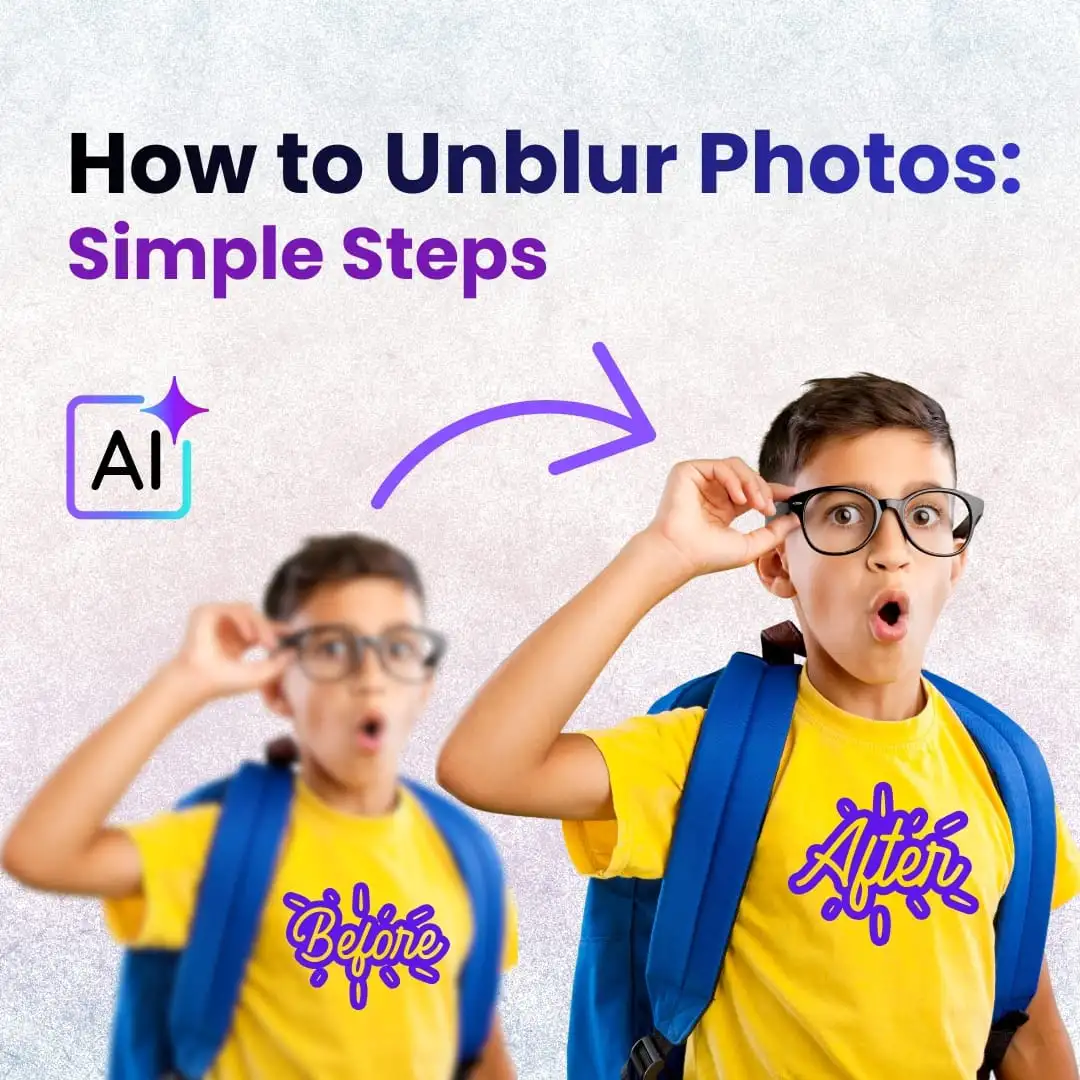
Ever taken a photo you loved… and then noticed it’s blurry the moment you zoom in? Yeah — it happens to everyone. The good thing is, you don’t need fancy software anymore to fix it. Learning how to unblur photos is pretty simple now, thanks to AI. A couple of clicks, and suddenly that fuzzy image looks way clearer.
In this guide, I’ll show you a few tools I actually like using, plus a few tips that make the results look more natural instead of over-edited.
Let’s try to rescue those photos.
Why Photos Get Blurry
Most of the time, blur shows up because something moved — either your hand, or whatever you were photographing. Low light also doesn’t help, and sometimes the camera just focuses on the wrong thing. And if you zoom in too much on a small image, it can start looking soft instantly.
Understanding the cause helps you decide the best way to fix it.
How to Unblur Photos
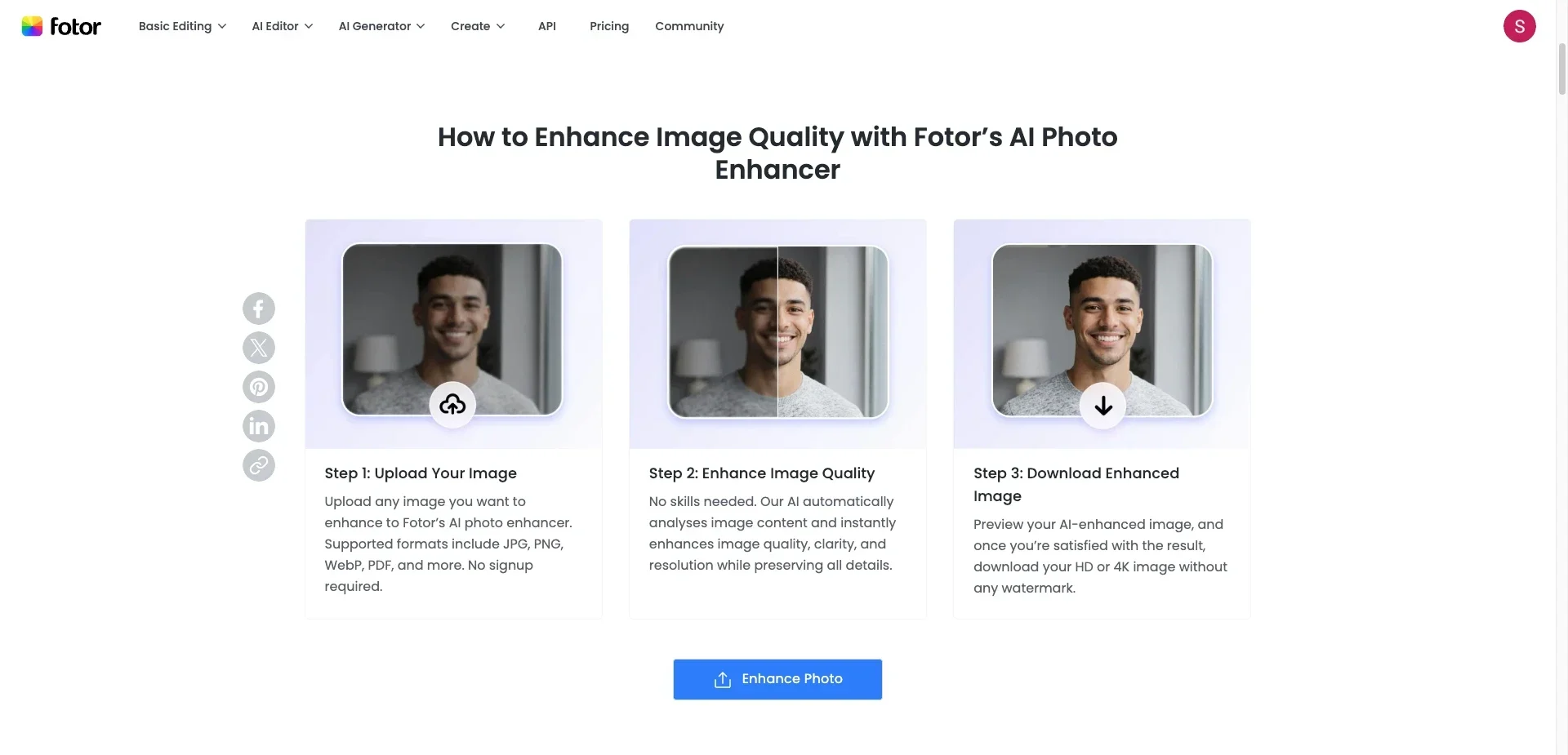
Open any AI tool you like and follow these simple steps:
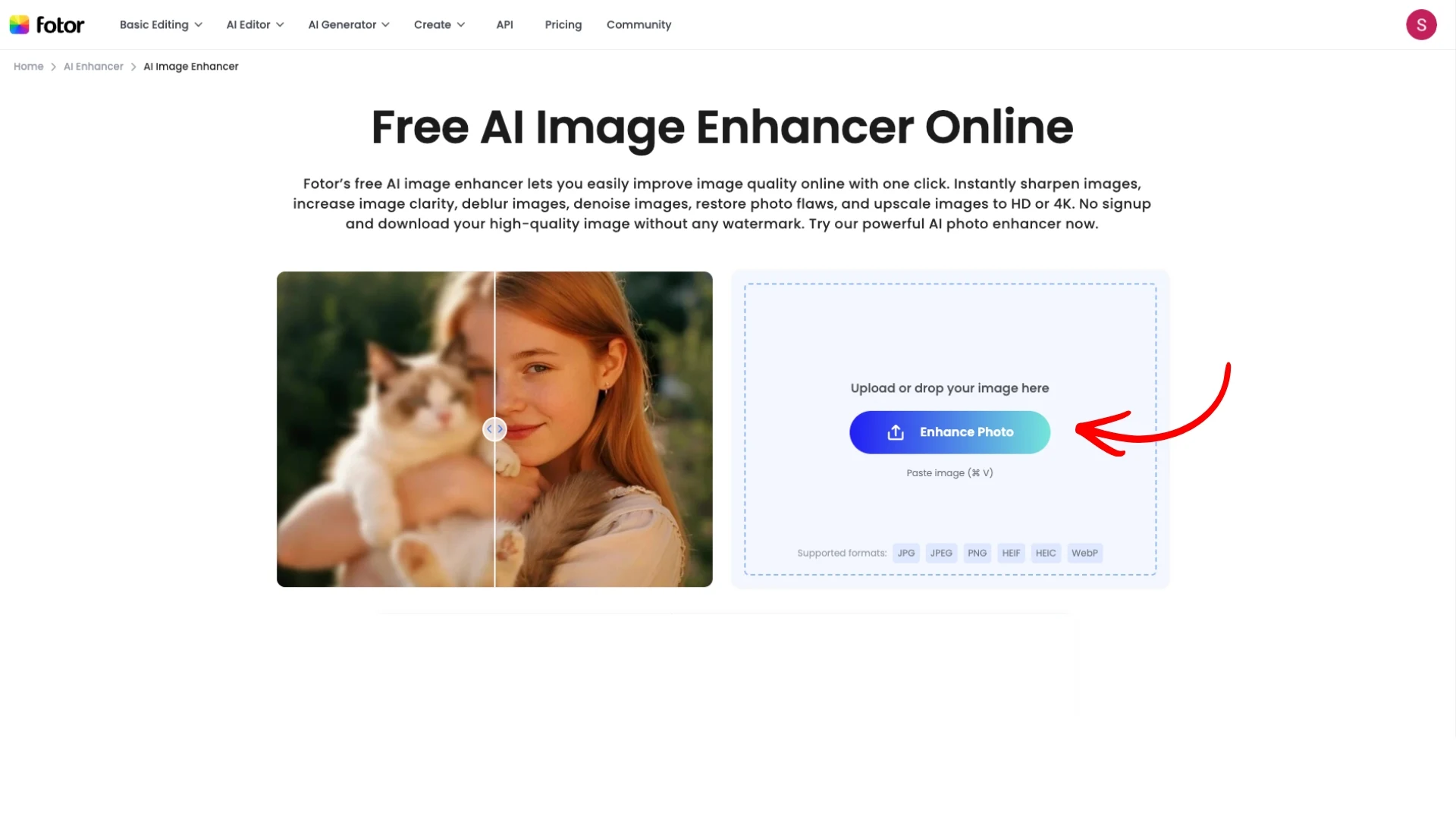
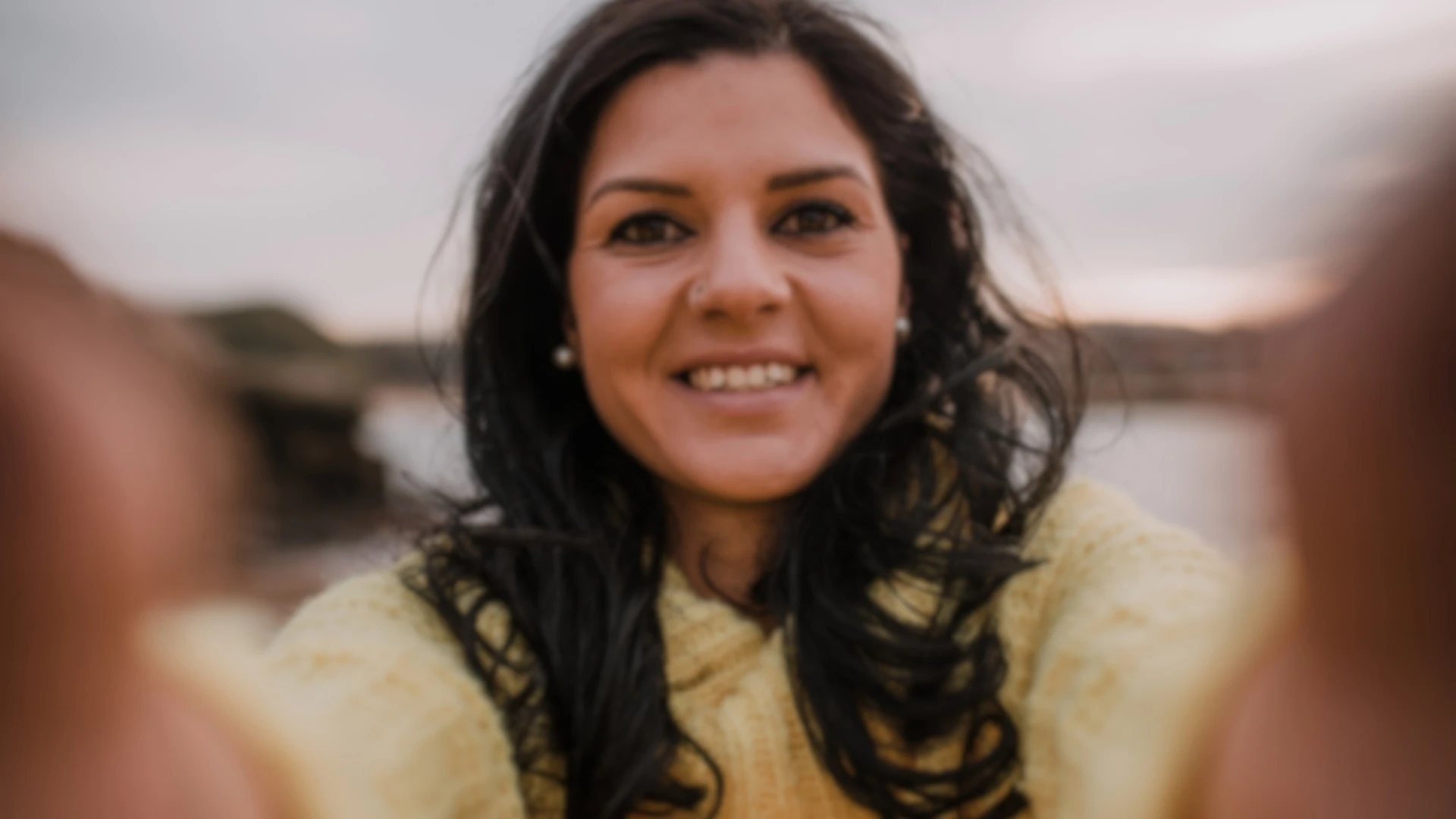
Upload your blurry photo
Select Enhance, Sharpen, or Deblur
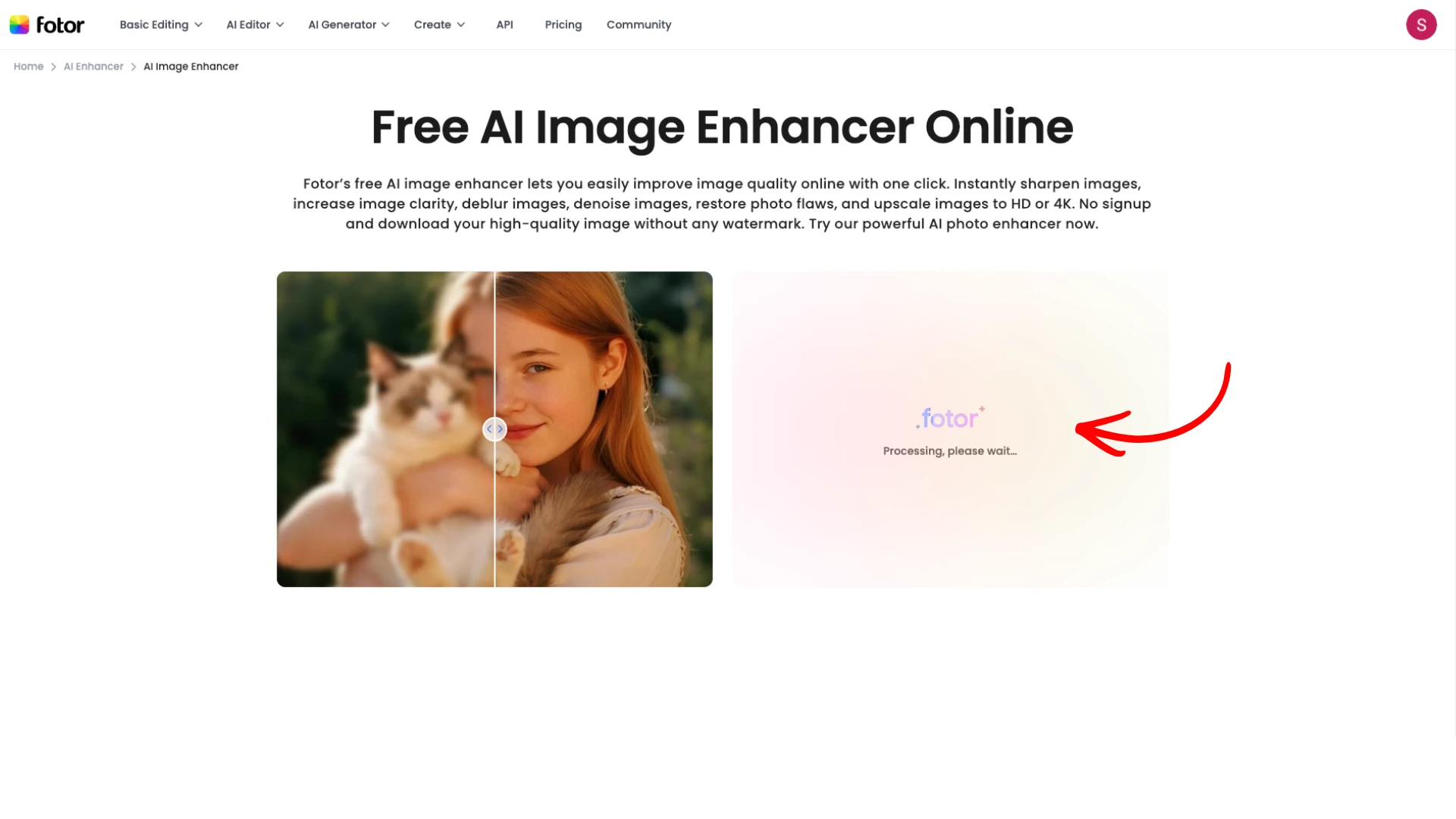
Wait a few seconds while the AI processes it
Preview the result
Download the clearer version
No complicated software — just a few quick clicks.
4 Free AI Tools that Actually Help to Unblur Photos
Here are a few that do the job without making you pay upfront.
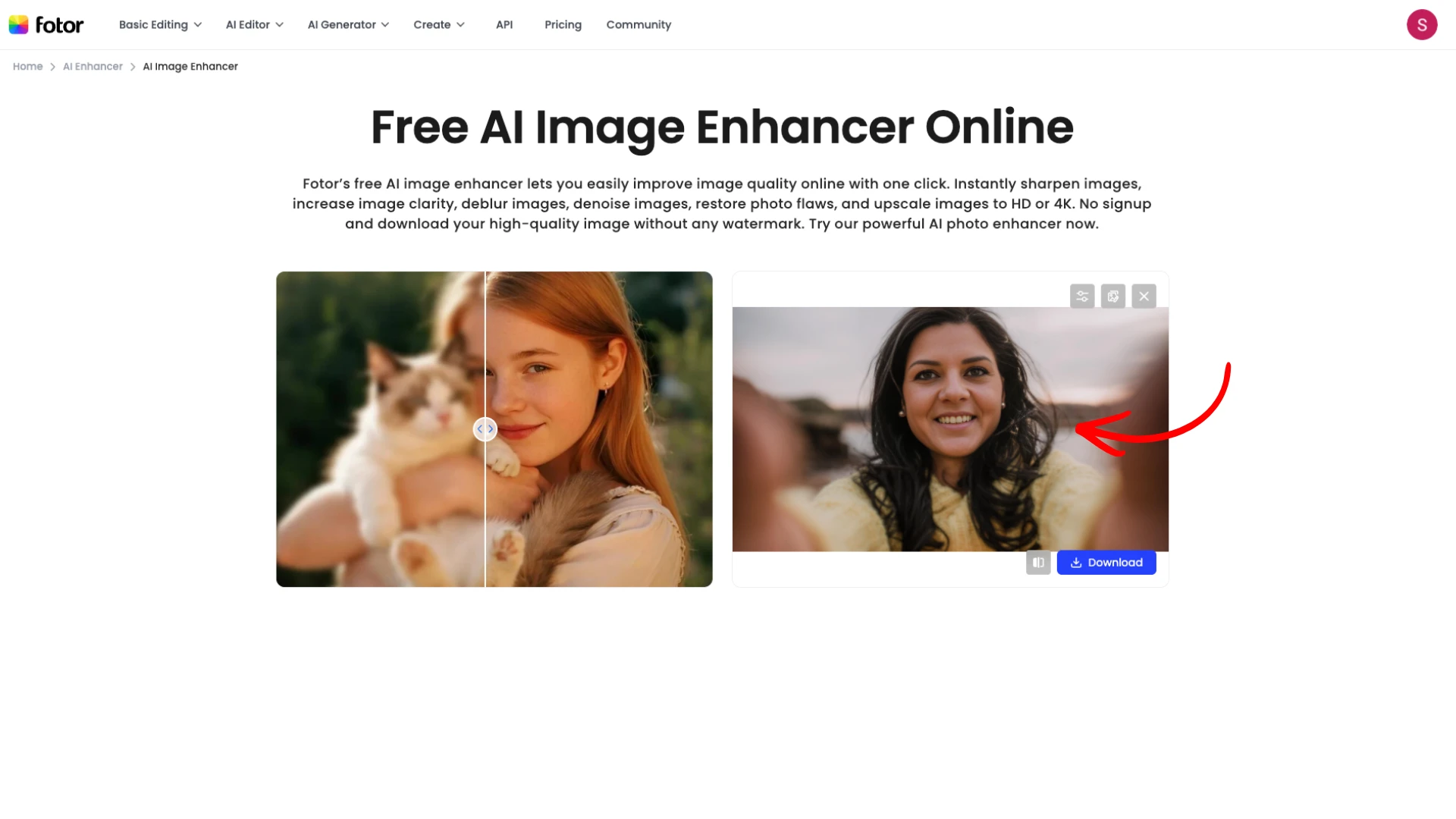
Fotor AI Image Enhancer
Super easy. It sharpens, fixes contrast, and cleans things up. Great when you just want something fast.
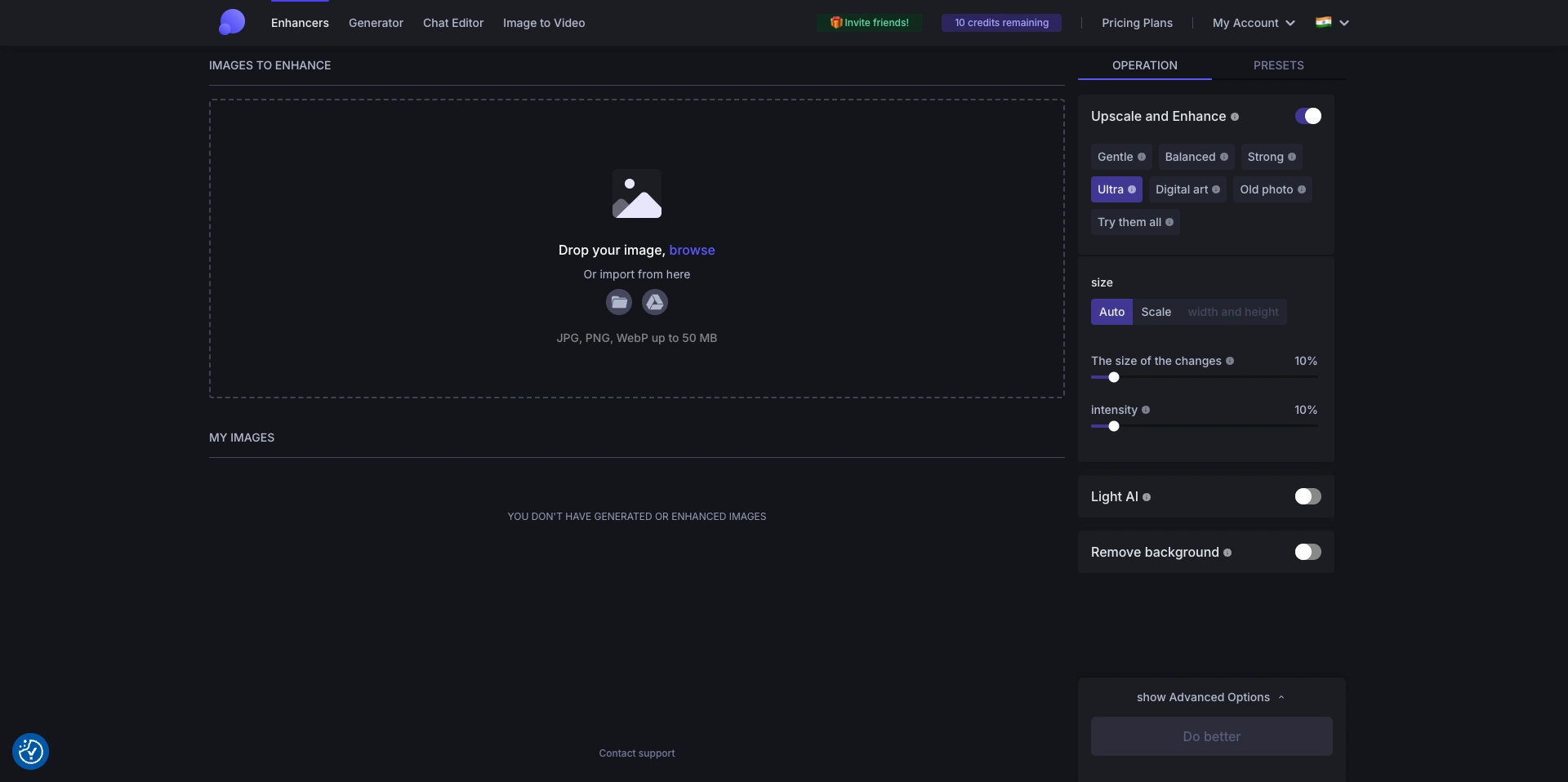
Let’s Enhance
This one increases resolution while clearing things up. Works nicely for older photos that look soft or pixelated.
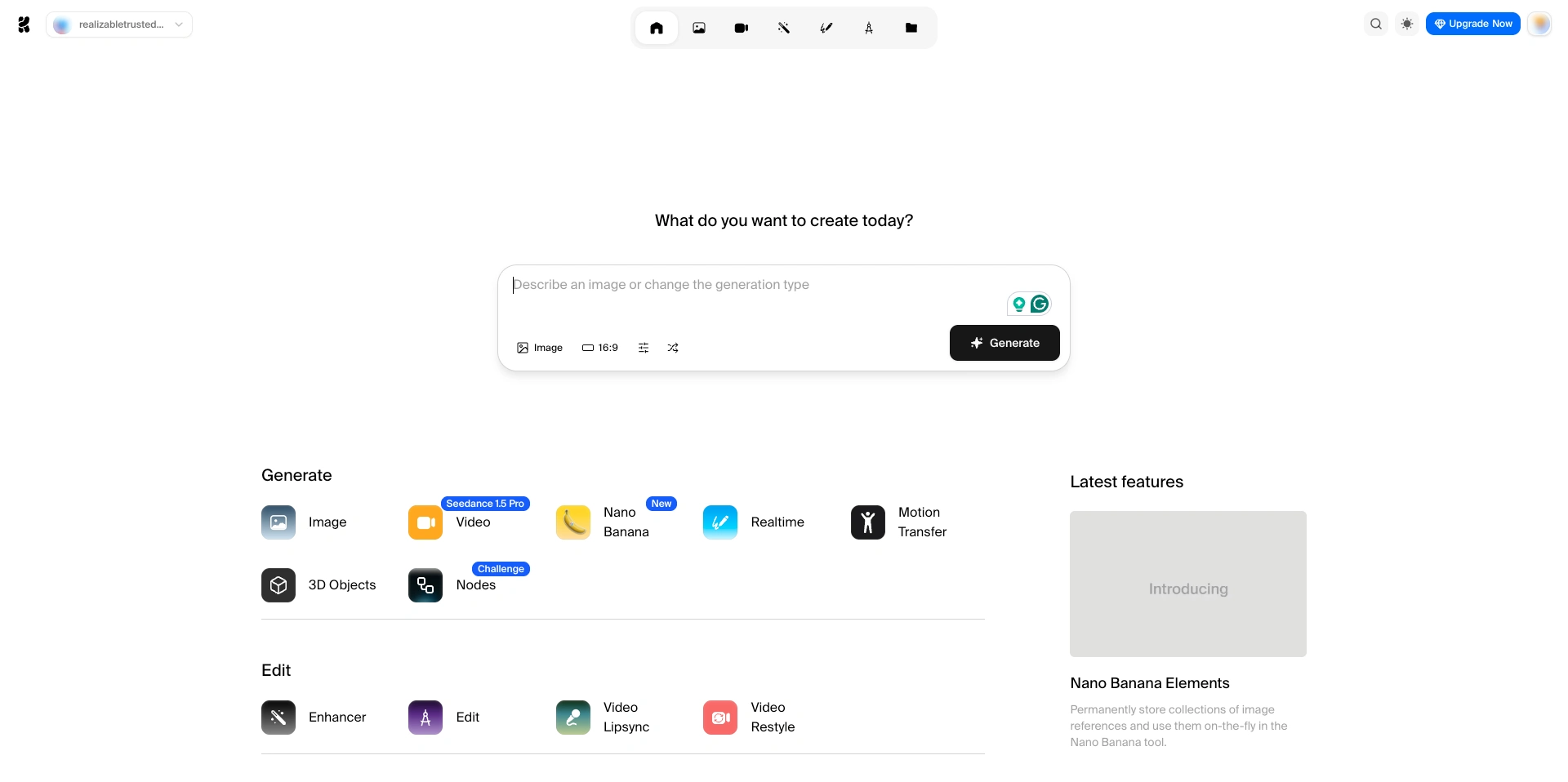
Krea.ai
Upload, choose the enhancement you want, and let it work. It’s quick and surprisingly creative with details.
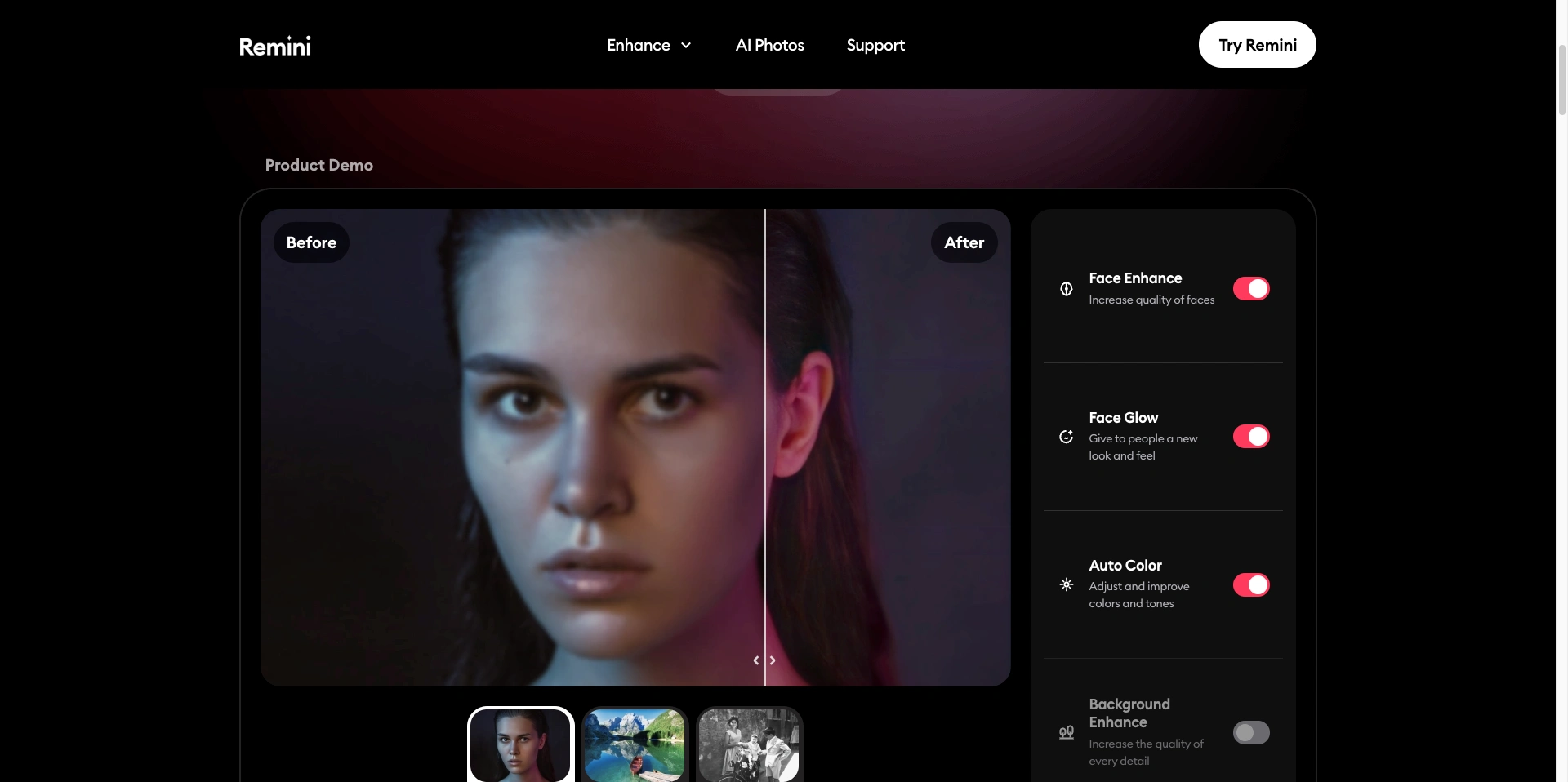
Remini
The favorite mobile option. It’s especially good with faces and everyday phone photos.
If one tool doesn’t work well, don’t worry — try another. AI tools each “see” blur differently.
A Few Small Tricks That Make Results Look Better
Start with the highest-quality version you have
Don’t push sharpening too far
Always keep a copy of the original
A small contrast boost can sometimes help afterward
Those little tweaks can go a long way.
Final thoughts
Once you understand how to unblur photos, saving blurry shots becomes way less stressful. AI tools like Fotor, Let’s Enhance, Krea.ai, and Remini can turn “ugh, ruined” into “hey, that actually looks good.”