How to Create Viral Human Evolution Videos with AI (Step-by-Step)
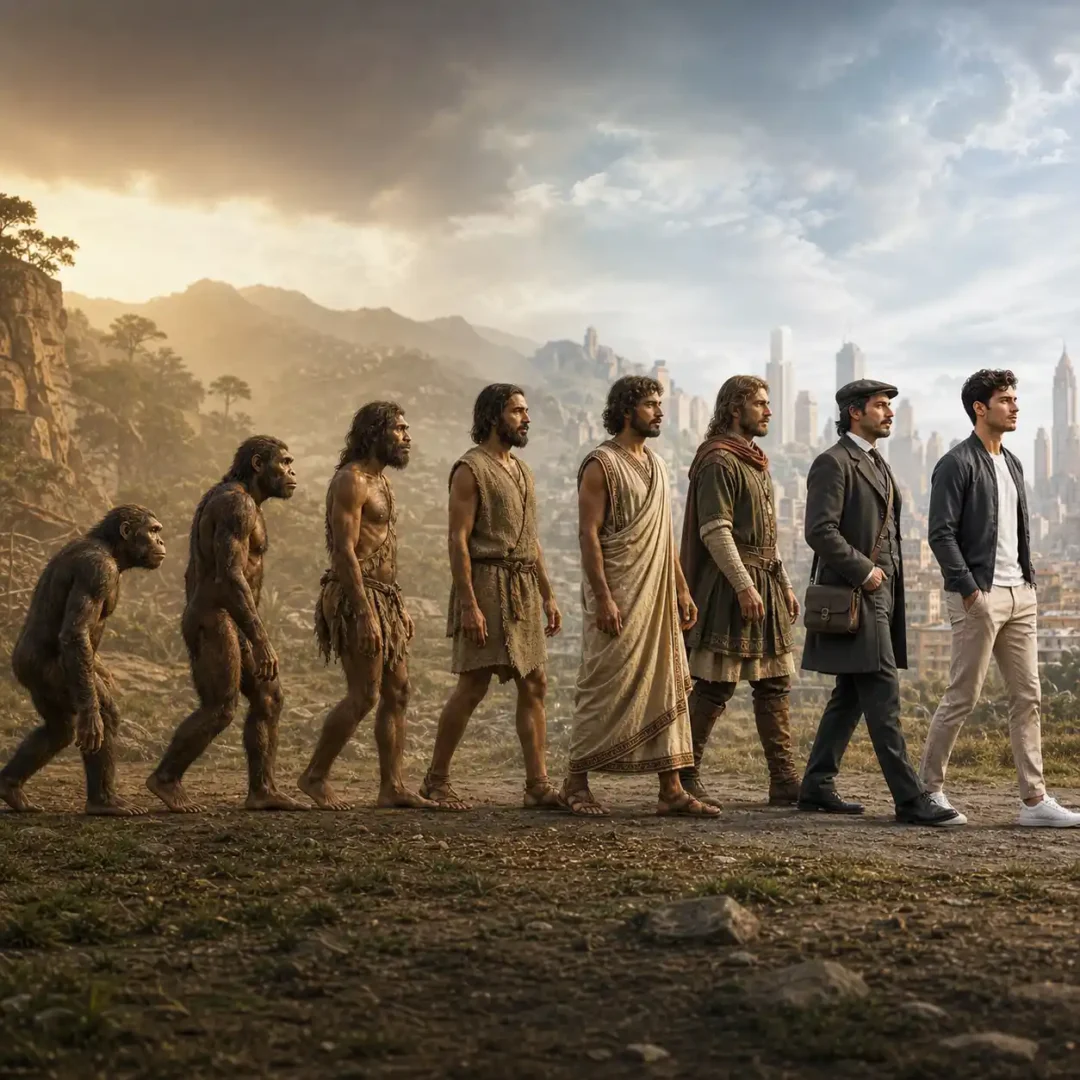
You’ve probably seen those videos where a human slowly transforms from primitive to modern without any cuts—it feels smooth, continuous, and almost real, which is exactly why they go viral. But here’s the truth: it’s not about fancy tools, it’s about how you build the sequence.
Generate the Image Sequence
Use any AI image tool:
- ChatGPT image generation
- Nano Banana
- Flux
AI Prompts for Viral Human Evolution Videos (Image Stage)
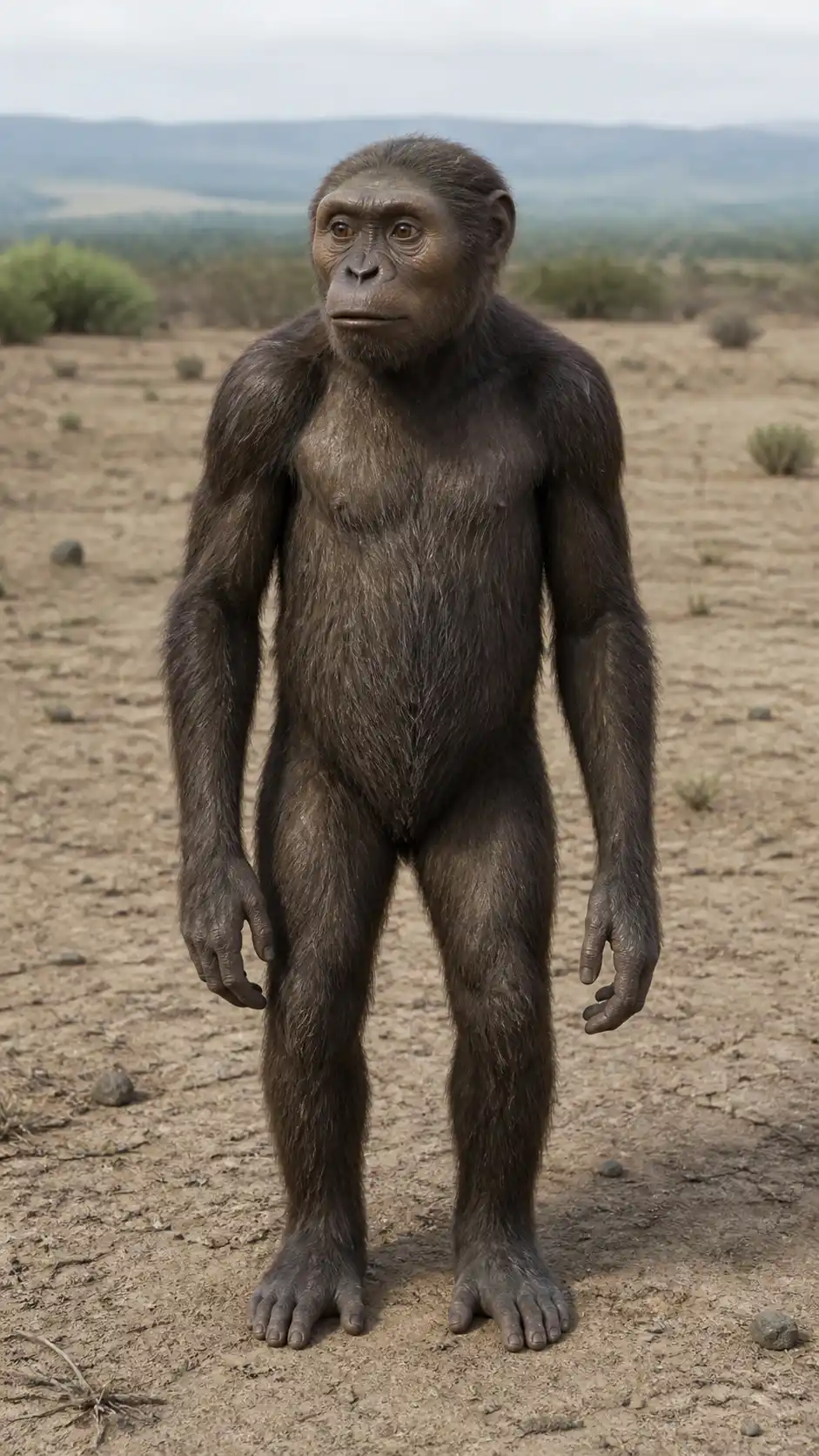
Frame 1 — Early Primate
Prompt:
Create an early primate ancestor standing with slightly hunched posture, elongated arms, dense body hair, primitive facial structure, soft daylight, neutral environment, fixed camera angle, centered composition, consistent perspective, ultra realistic, aspect ratio [AR]
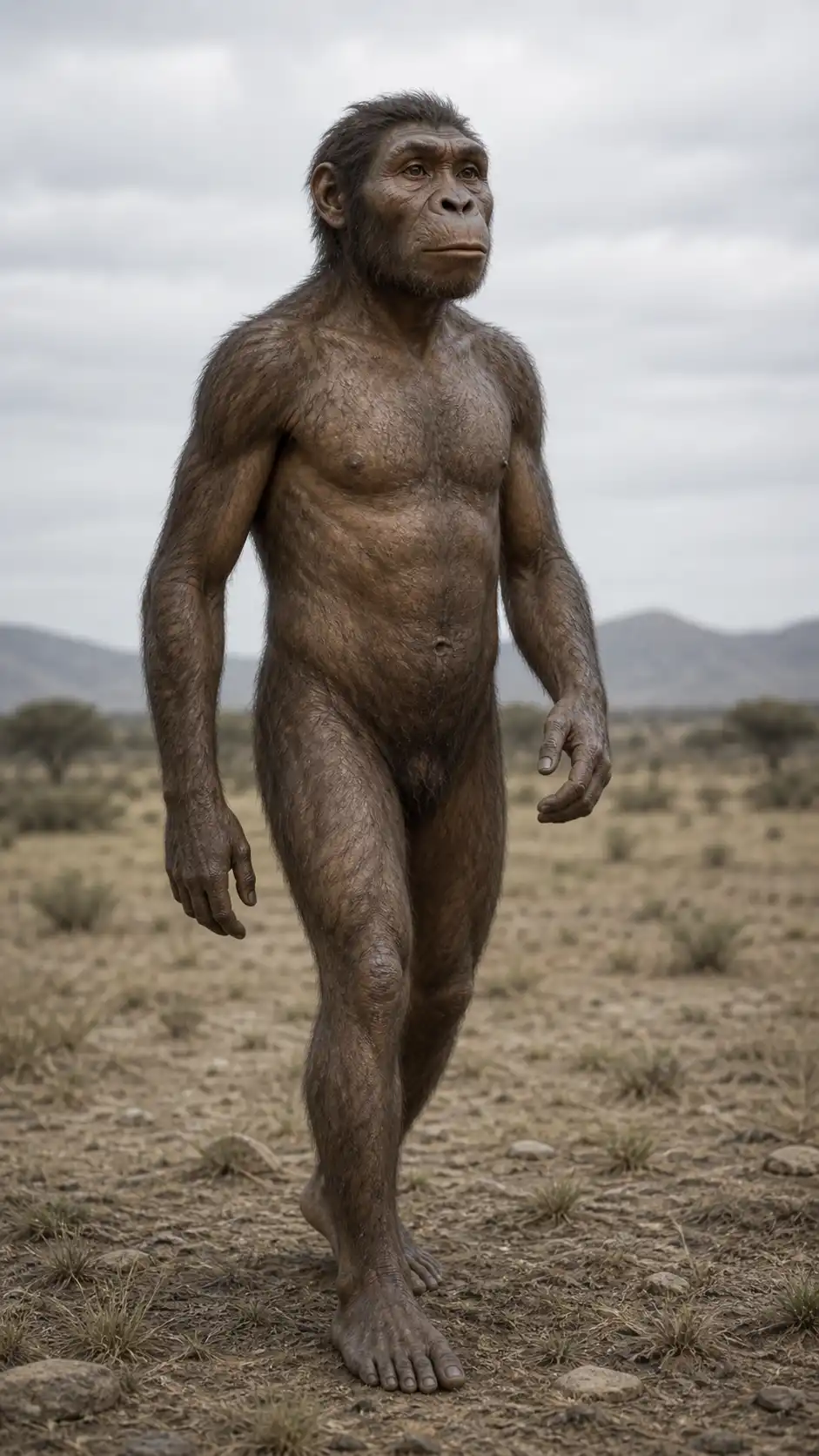
Frame 2 — Hominid
Prompt:
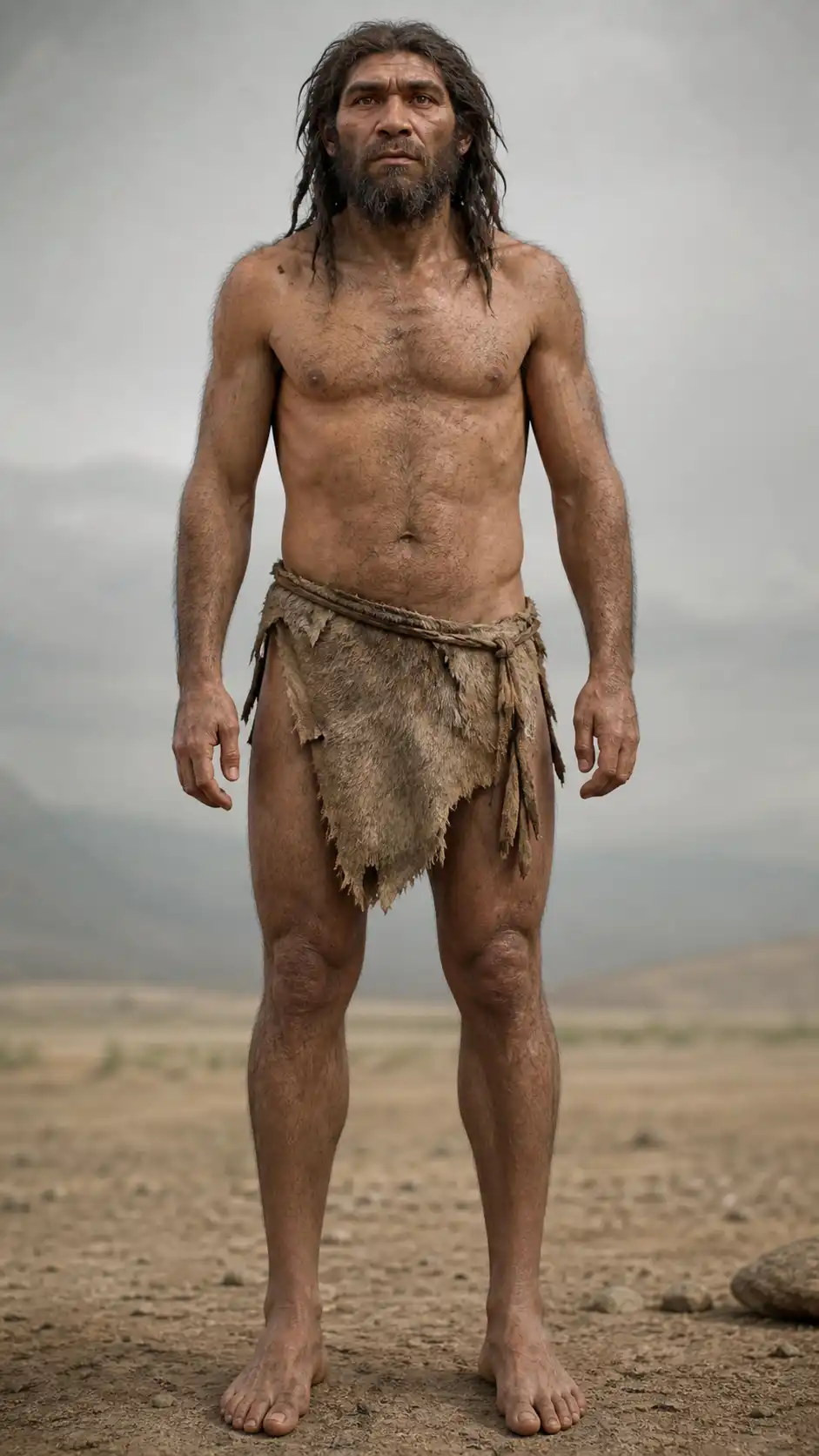
Create a transitional hominid with partially upright posture, shorter arms, stronger legs, reduced body hair, evolving facial features, same camera angle and framing, neutral environment, consistent perspective, ultra realistic, aspect ratio [AR]
Frame 3 — Early Human
Prompt:
Create an early human with upright stance, balanced proportions, simple primitive coverings, natural skin texture, same camera angle and composition, neutral environment, consistent perspective, ultra realistic, aspect ratio [AR]
Frame 4 — Agricultural Human
Prompt:
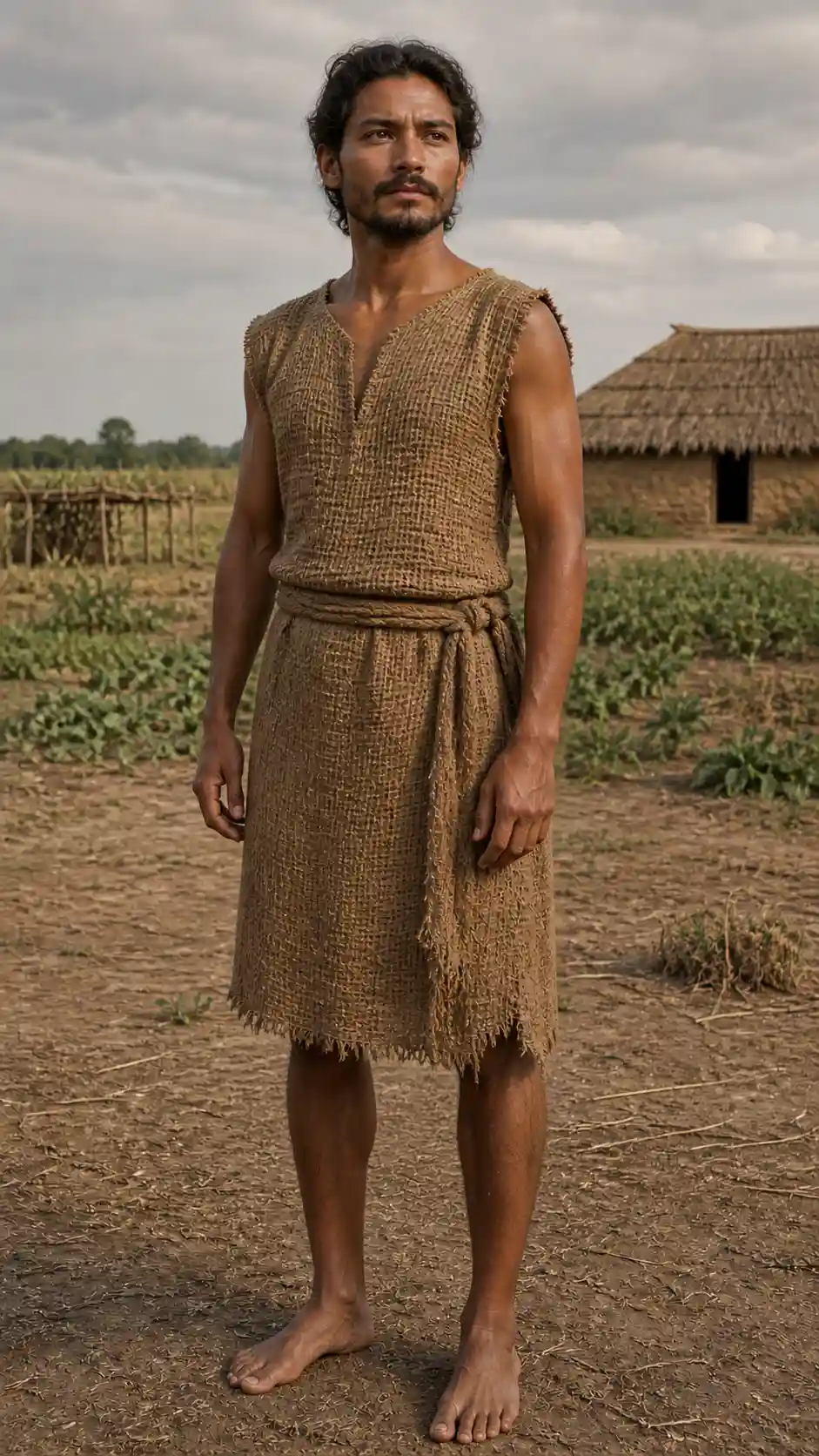
Create an early agricultural human with basic woven clothing, stable posture, slightly refined facial structure, same camera angle and framing, neutral environment, consistent perspective, ultra realistic, aspect ratio [AR]
Frame 5 — Ancient Human
Prompt:
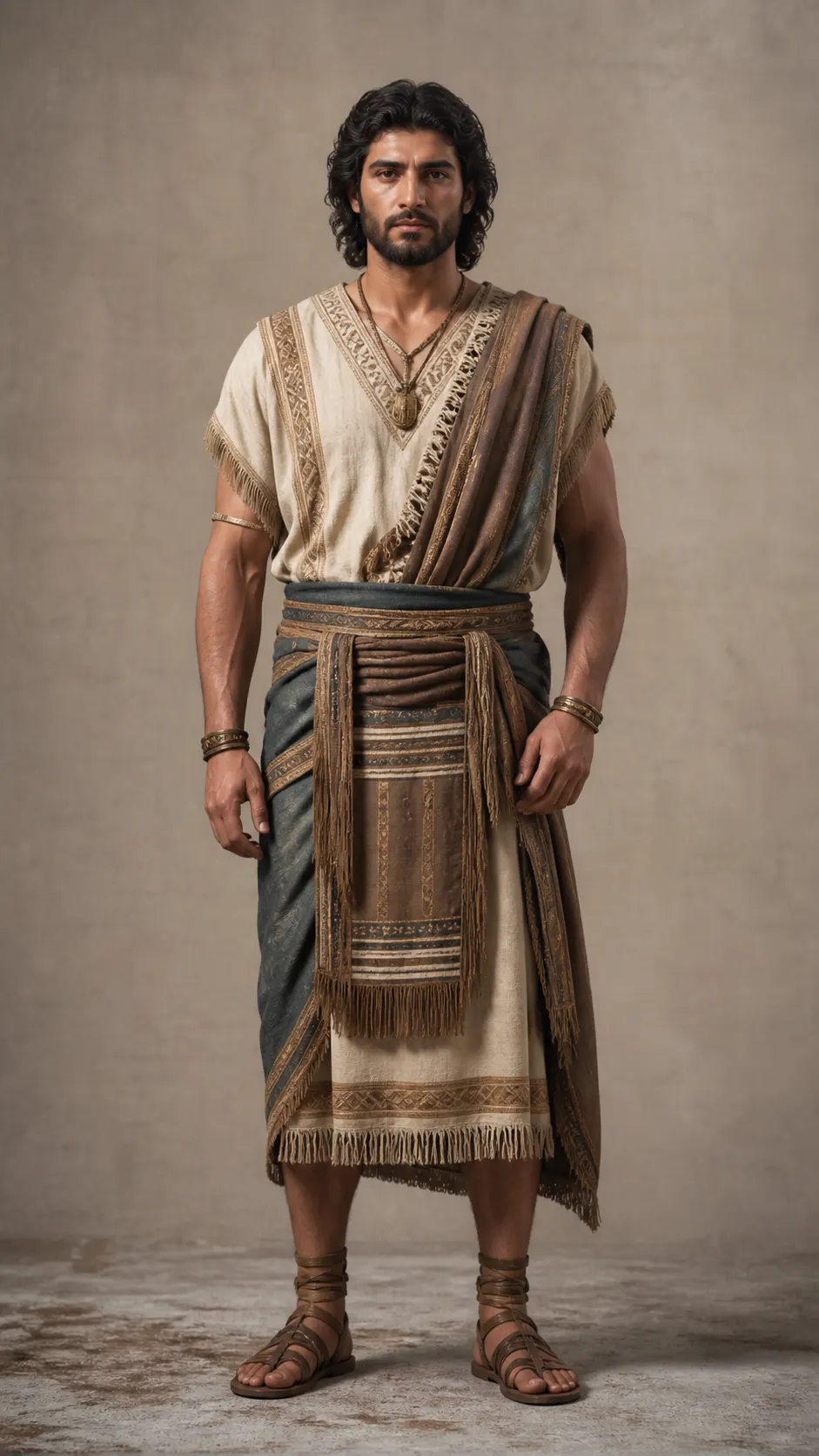
Create an ancient human wearing structured garments, confident posture, improved facial symmetry, same camera angle and composition, neutral environment, consistent perspective, ultra realistic, aspect ratio [AR]
Frame 6 — Medieval Human
Prompt:
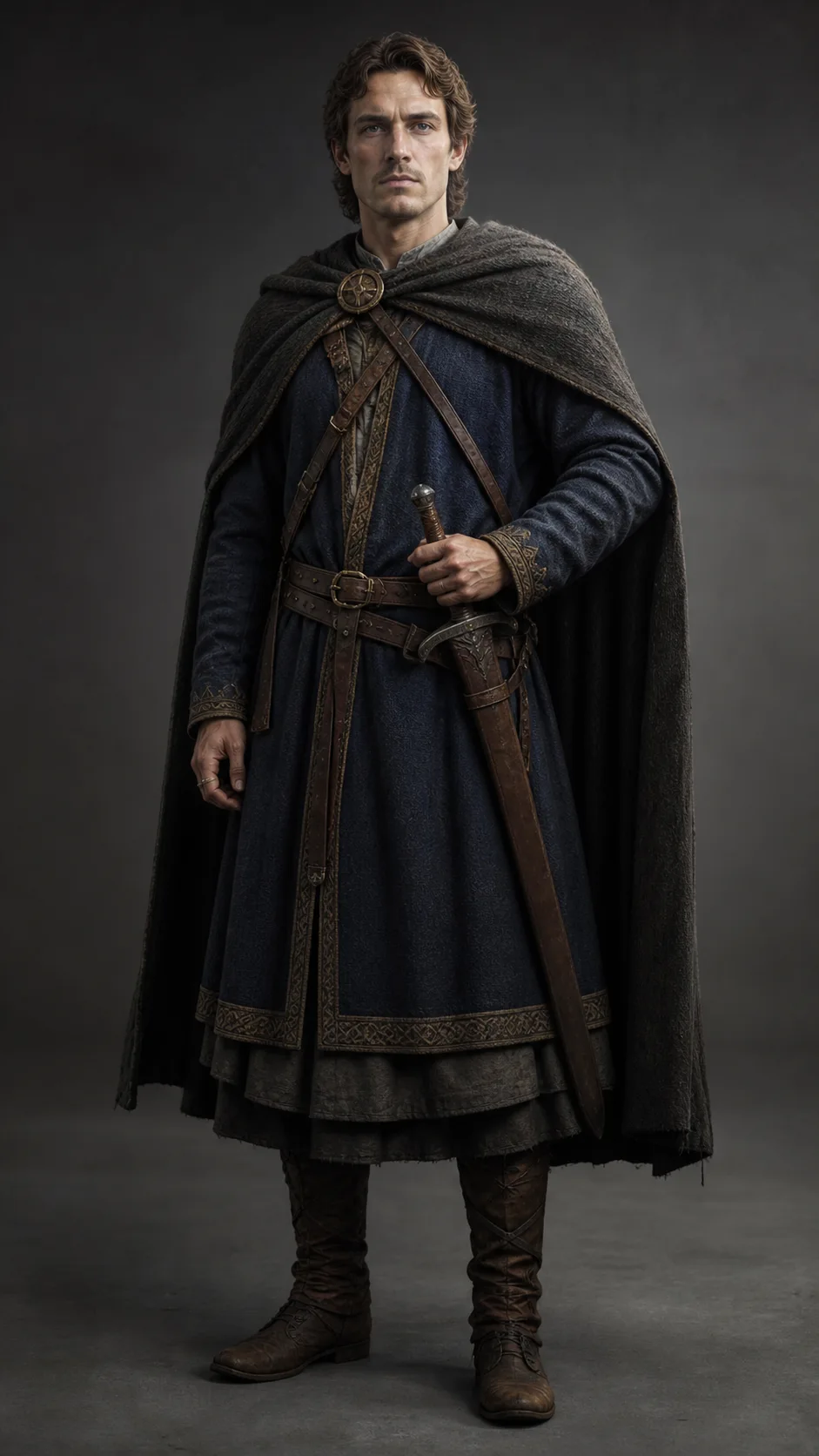
Create a medieval-era human with layered clothing, upright stance, refined bone structure, same camera angle and framing, consistent lighting, ultra realistic, aspect ratio [AR]
Frame 7 — Industrial Human
Prompt:
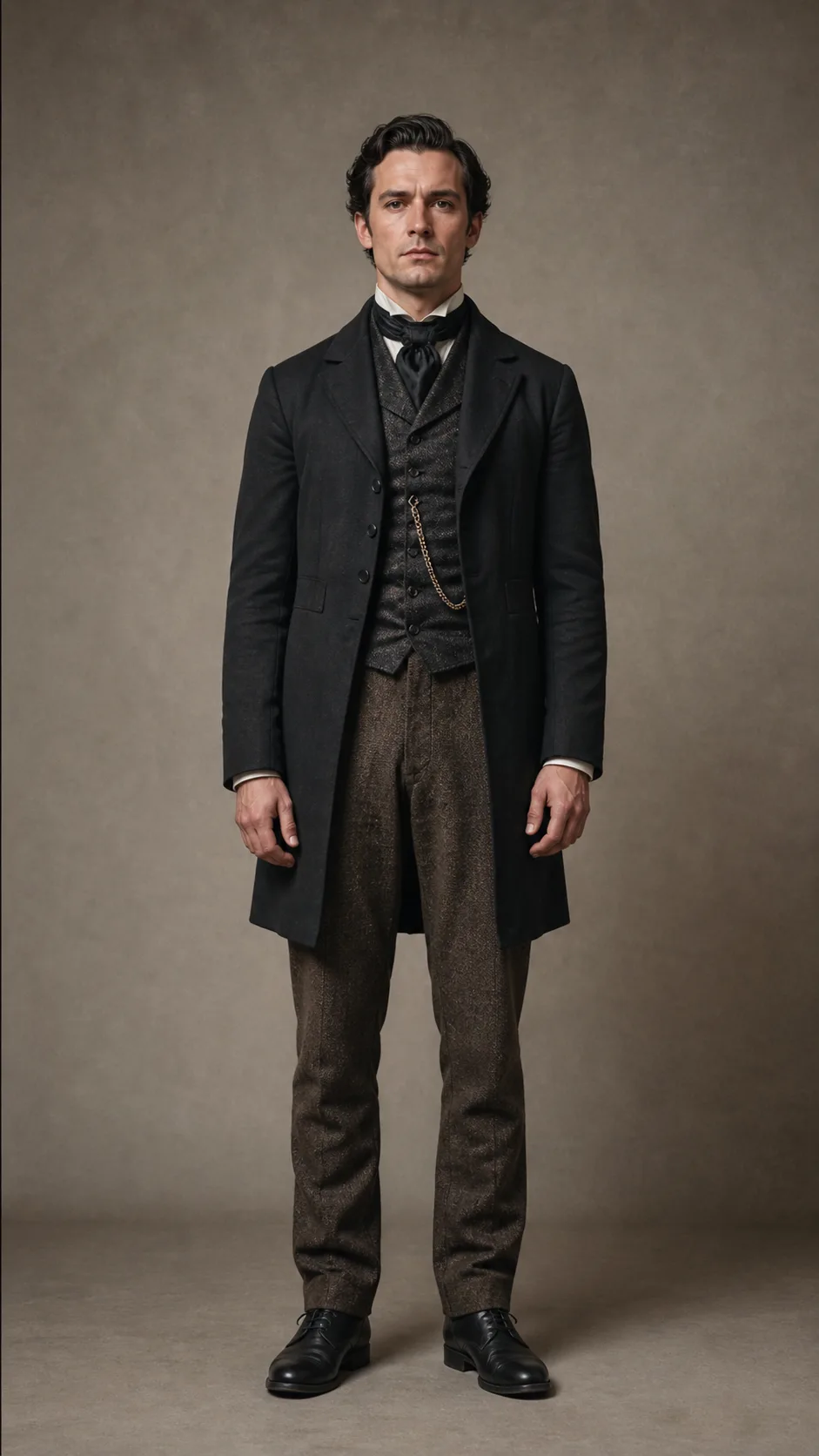
Create an industrial-era human with structured clothing, refined posture, more defined features, same camera angle and framing, consistent perspective, ultra realistic, aspect ratio [AR]
Frame 8 — Modern Human
Prompt:
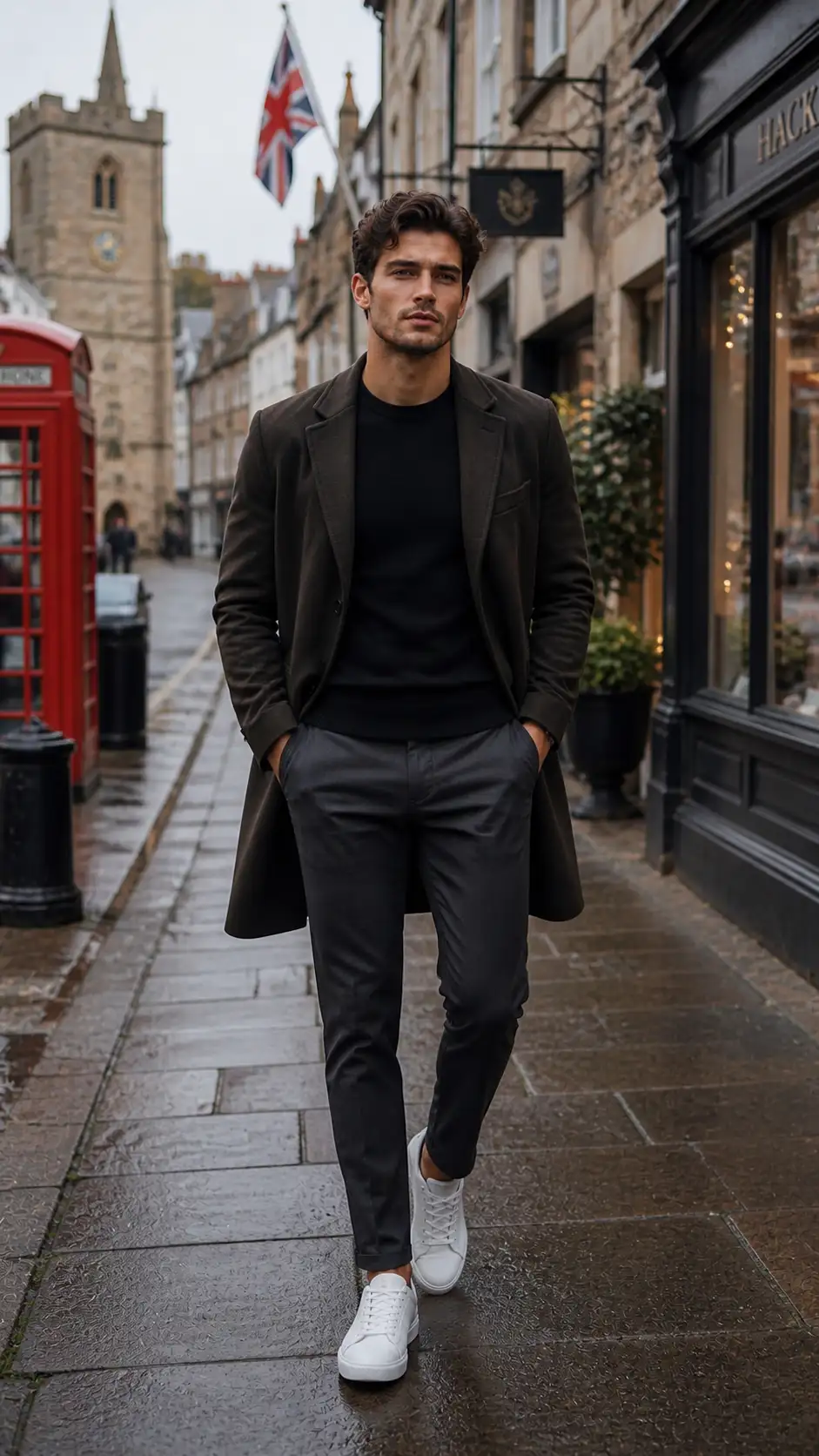
Create a modern human with contemporary clothing, clean appearance, balanced proportions, soft lighting, same camera angle and composition, consistent perspective, ultra realistic, aspect ratio [AR]
Organize Your Images
frame_01.jpg
frame_02.jpg
frame_03.jpg
frame_04.jpg
frame_05.jpg
frame_06.jpg
frame_07.jpg
frame_08.jpg
frame_09.jpgTurn Images Into Video (Google Flow/PixVerse)
Open Google Flow/ PixVerse
:
- Click Create
- Select Frames → Video
Now don’t upload all frames at once.
Use 2 frames at a time
Use This Morph Prompt (VERY IMPORTANT)
Prompt: “Create a smooth realistic transformation between two consecutive stages of the same human subject, use the first image as start and second as end, maintain identical camera angle, framing and scale, preserve body proportions and alignment, gradually morph posture, facial features, skin detail and clothing, no distortion, consistent lighting and background, seamless transition, cinematic realism”
Generate All Transitions
Create clips like this:
- frame_01 → frame_02
- frame_02 → frame_03
- frame_03 → frame_04
- frame_04 → frame_05
- frame_05 → frame_06
- frame_06 → frame_07
- frame_07 → frame_08
Combine Everything
- Merge all clips
- Keep order clean
- No transitions needed