Book Clipart: How AI Prompts Help You Design Your Own Reading Graphics
Generic book clipart is everywhere—classroom worksheets, blog headers, you name it. Most of it looks the same: flat and overused. That’s why creators are moving toward AI prompts instead of stock downloads.
Seriously, quit wasting time hunting through those same tired stock photos everyone has already seen. With AI, you can finally build book clipart that actually matches the specific vision in your head. You’re in the driver’s seat for every little detail—from how sharp it looks to the general vibe—whether you need something ultra-pro or just a bit of fun. You end up with art that actually fits your project, rather than some generic image you’re just forcing to work.Creating Book Clipart with AI
Newer tools like Flux and Google’s Nano Banana—along with Midjourney—have totally flipped the script. Instead of clicking through page after page of boring icons, you just describe the exact illustration you’re looking for. Flux is especially great at following weirdly specific directions. You can mess with the lighting, move the layout around, or swap the background until it’s perfect.
6 High-Detail AI Prompts for Book Clipart
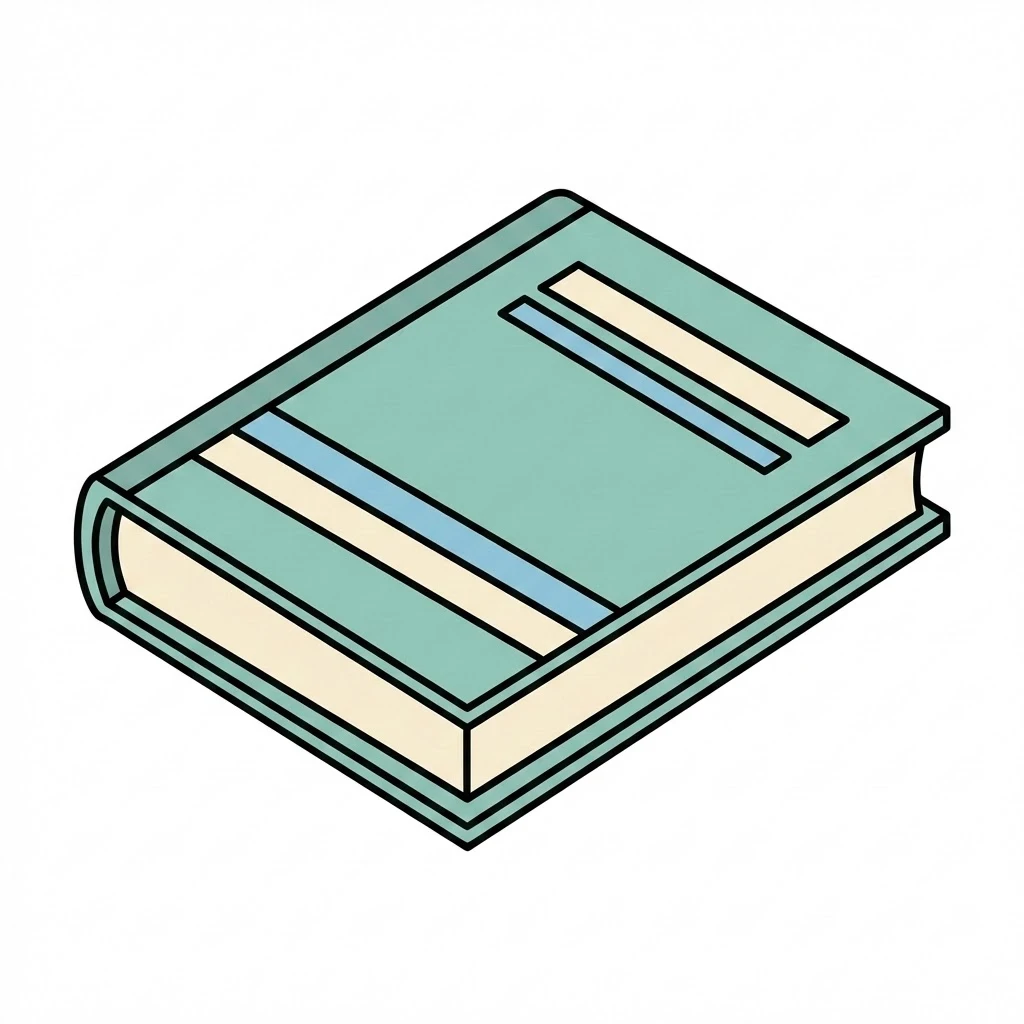
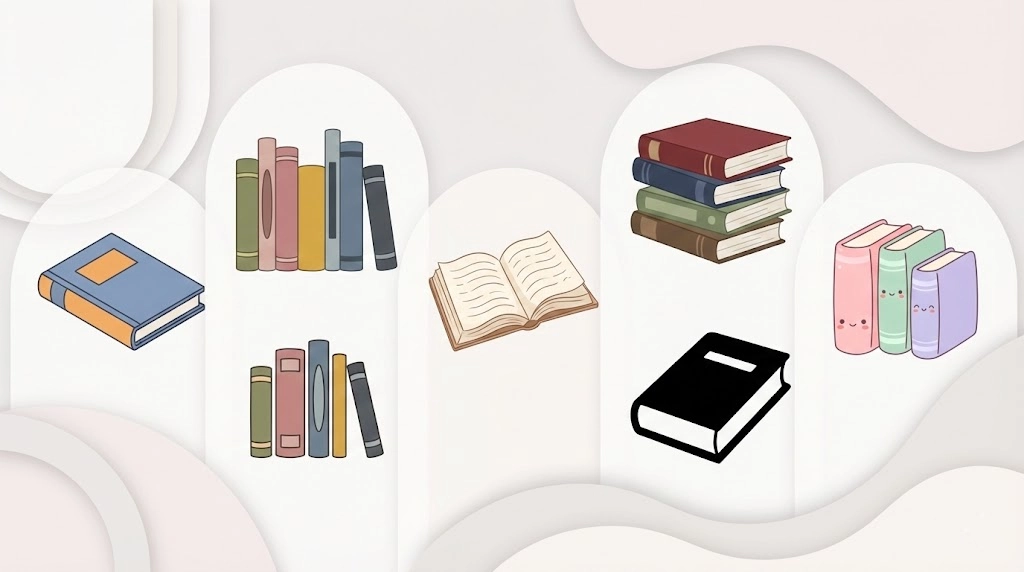
Modern Book Clipart
Prompt:
Single hardcover book at a 45-degree isometric angle, smooth vector edges, soft satin cover texture, flat 2D color style, clean 2pt stroke outline, isolated on transparent background -- <AR>.
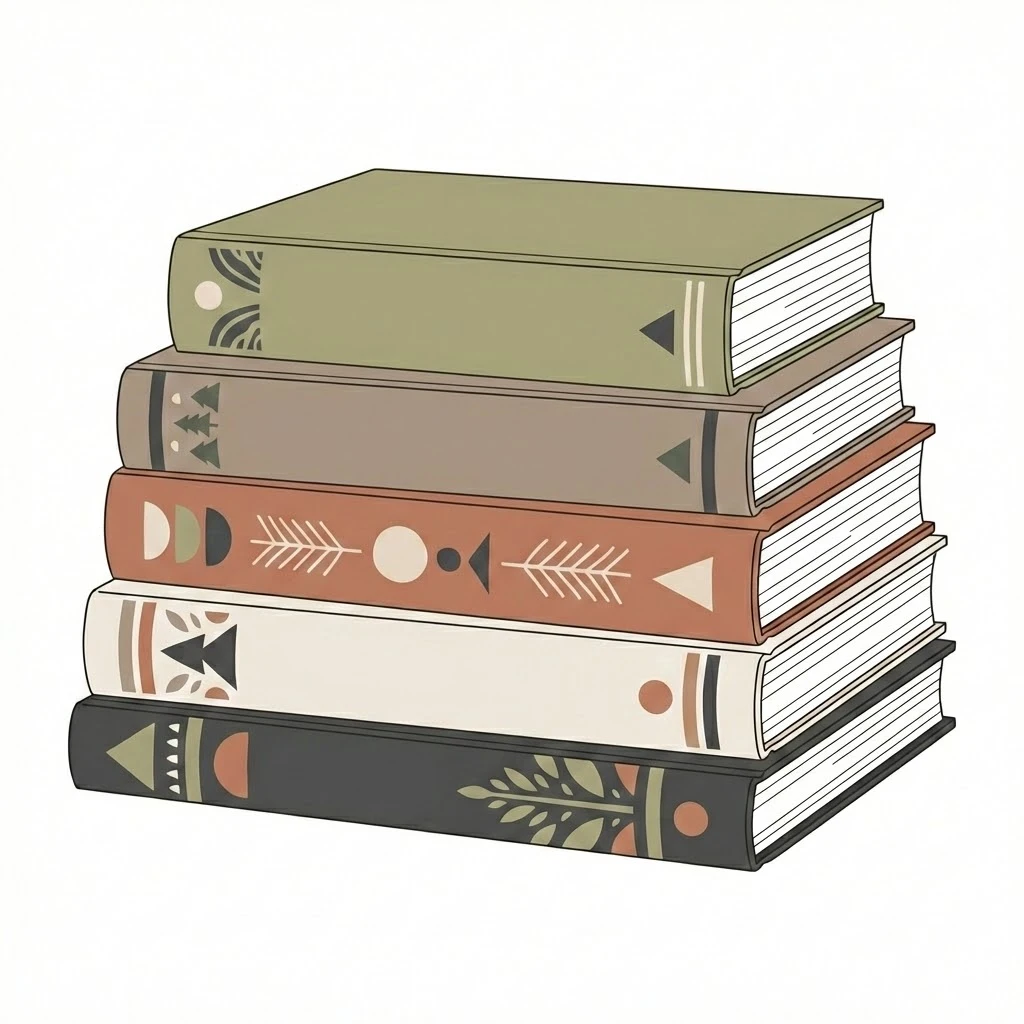
Books Clipart Collection
Prompt:
A curated set of five books, varying heights and spine thicknesses, consistent Scandi-style illustration, muted earthy color palette, high-resolution vector look, transparent background -- <AR>.
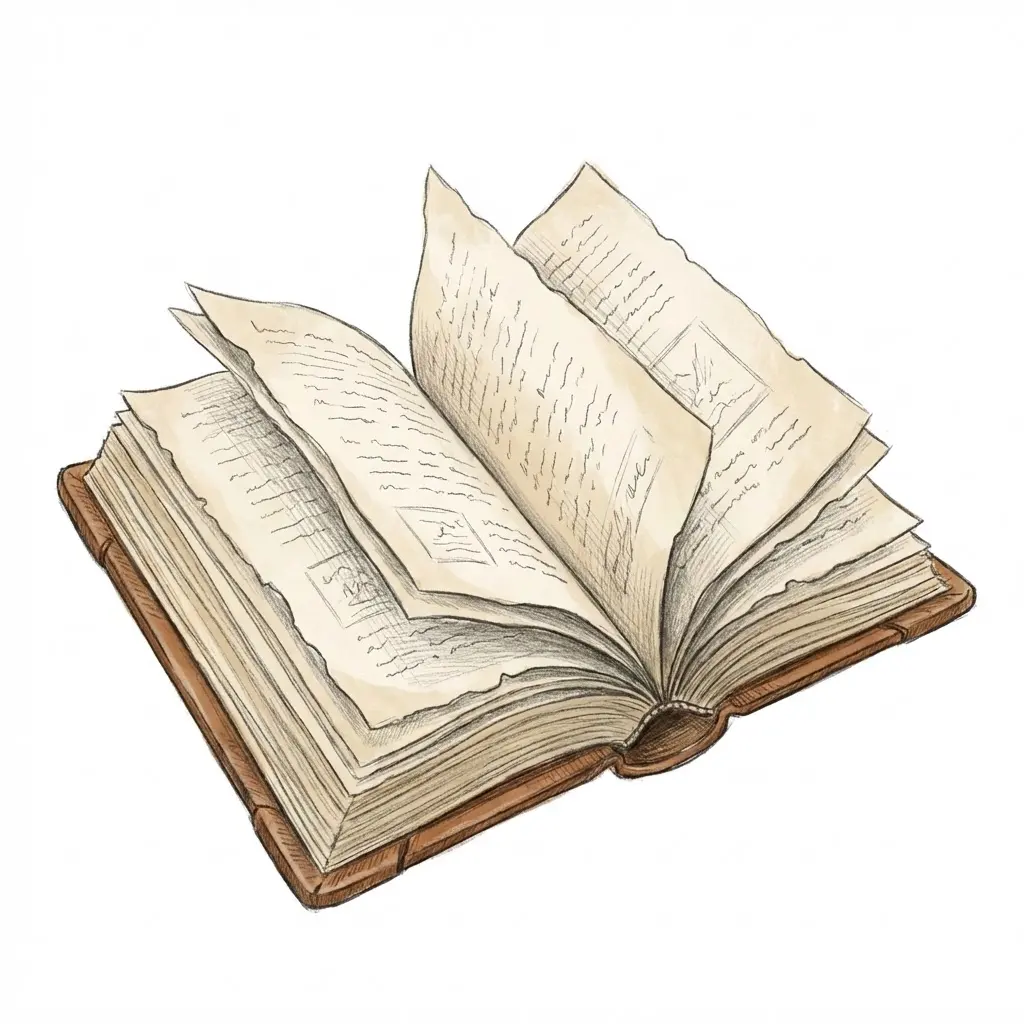
Open Book (Soft Detail)
Prompt:
Open book with gently fluttering deckle-edge pages, soft pencil sketch shading for depth, friendly hand-drawn illustration style, centered composition, transparent background -- <AR>.
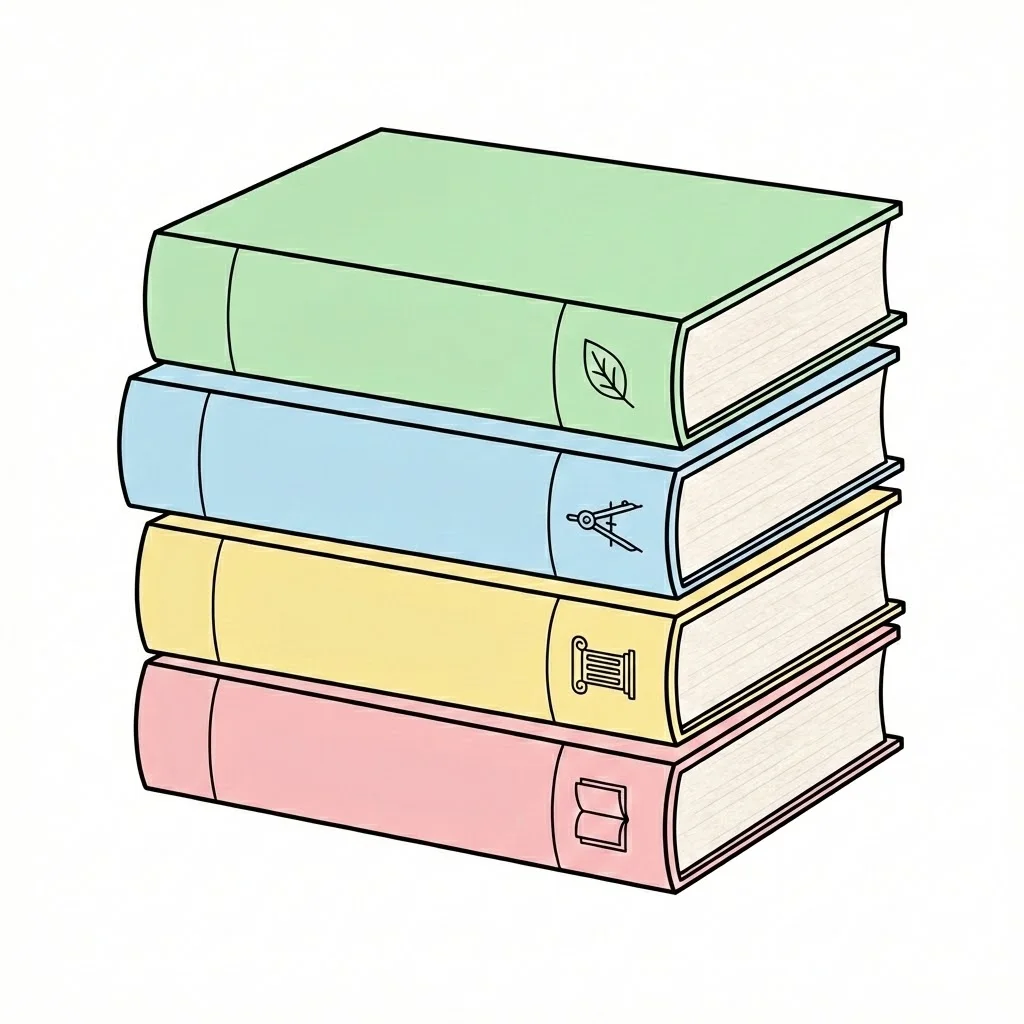
Stack of Books (Study)
Prompt:
A neat vertical stack of four textbooks, "Study" theme, slight paper texture on the page edges, clean minimalist vector outlines, educational pastel colors, transparent background -- <AR>.
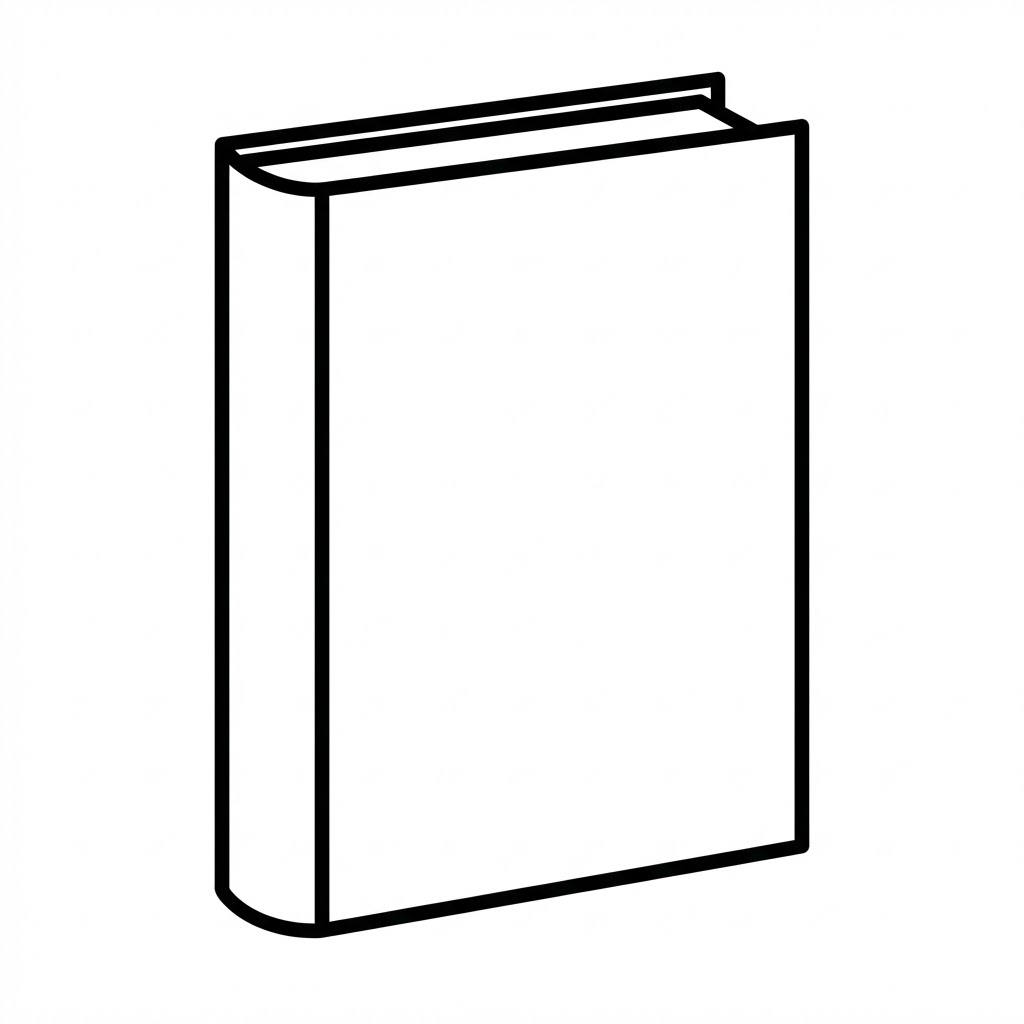
B&W Outline
Prompt:
High-contrast book silhouette, bold 5pt black ink outline, zero internal shading, crisp white fill, professional technical drawing style, isolated on transparent -- <AR>.
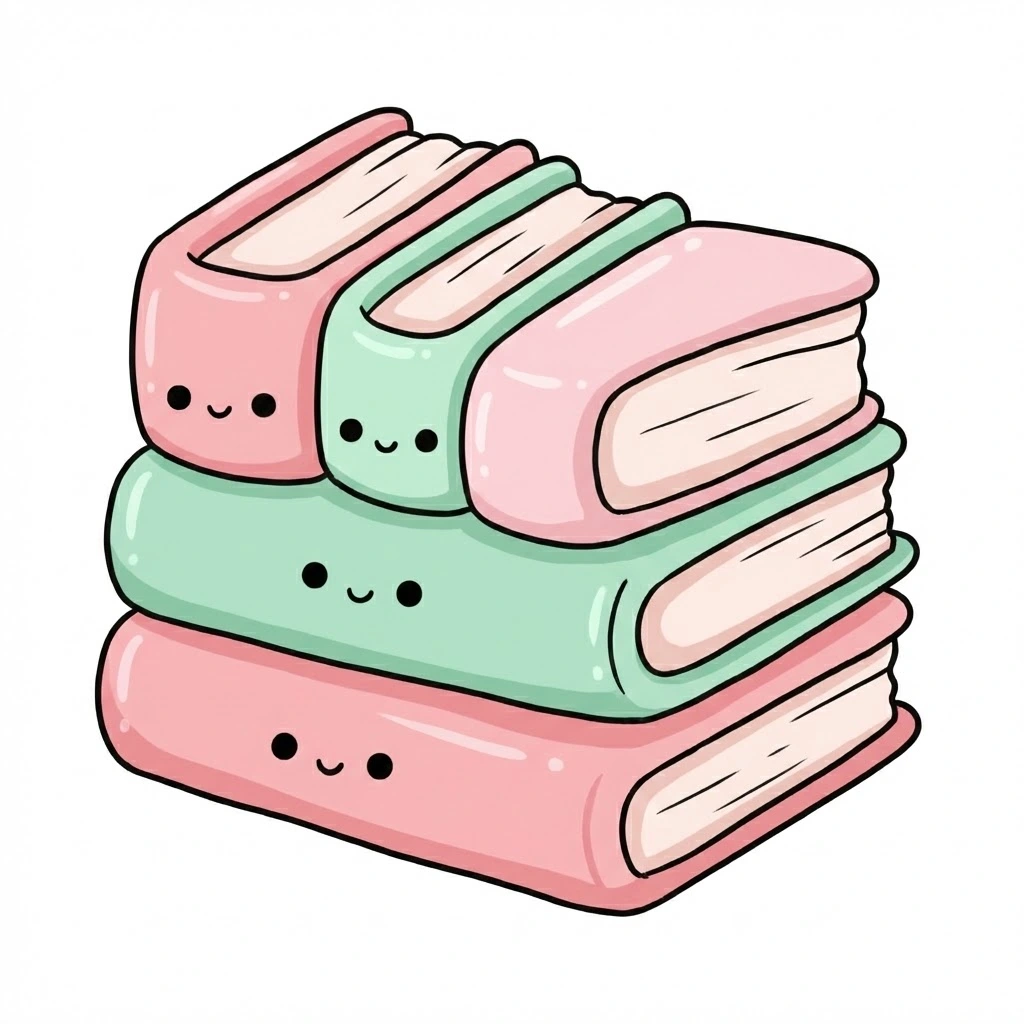
Cute Style
Prompt:
Whimsical rounded books, "Chibi" proportions, soft marshmallow-like edges, pastel pink and mint tones, simple dot-eye accents on the spine, friendly vibe -- <AR>.
Conclusion
Think about where this art is actually going to live. If you’re printing stuff out, a simple black and white line drawing is usually the smartest move you can make. For a screen, a little pop of color goes a long way. And if you want things to feel welcoming? Stick with an open book graphic.
You don’t have to keep using those boring, cookie-cutter graphics. If you use the right prompts—whether you’re playing with Flux or DALL-E—you can make custom illustrations that actually fit the mood of your project.