Miniature Diorama | portraymedia

Miniature Diorama: Create Tiny Cinematic Cities with AI

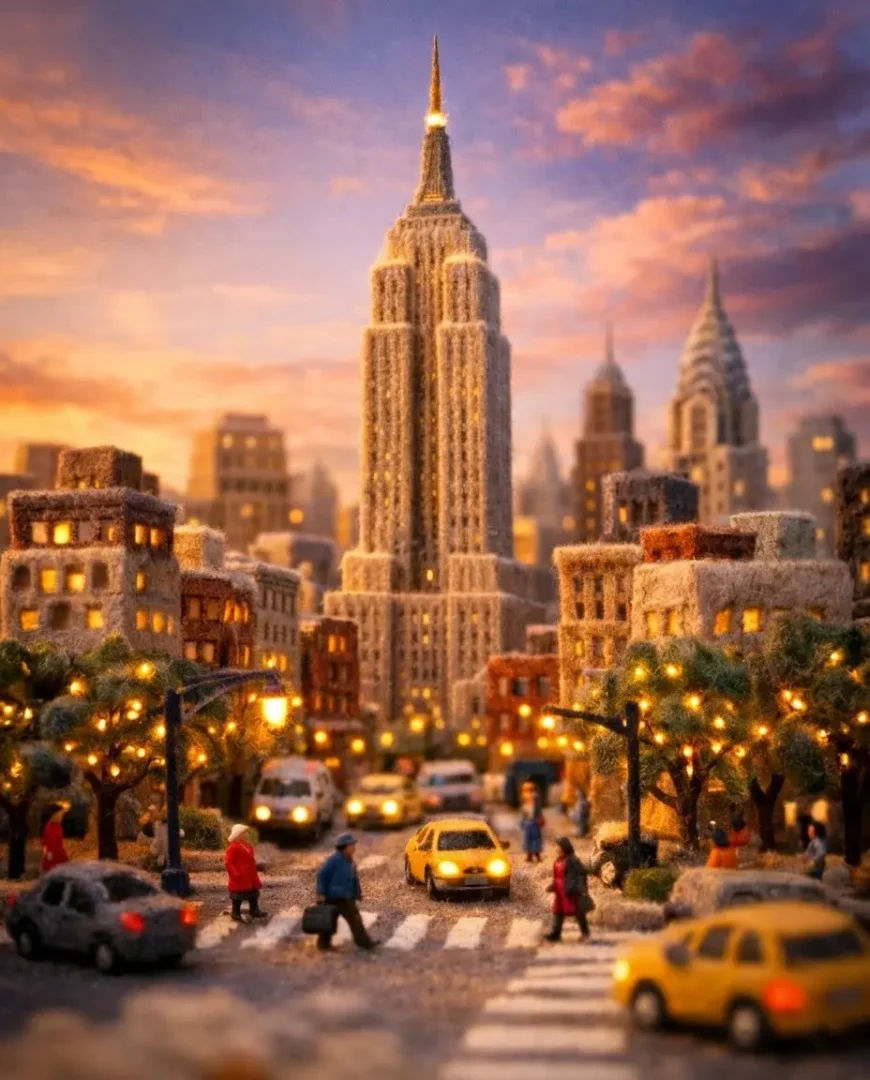
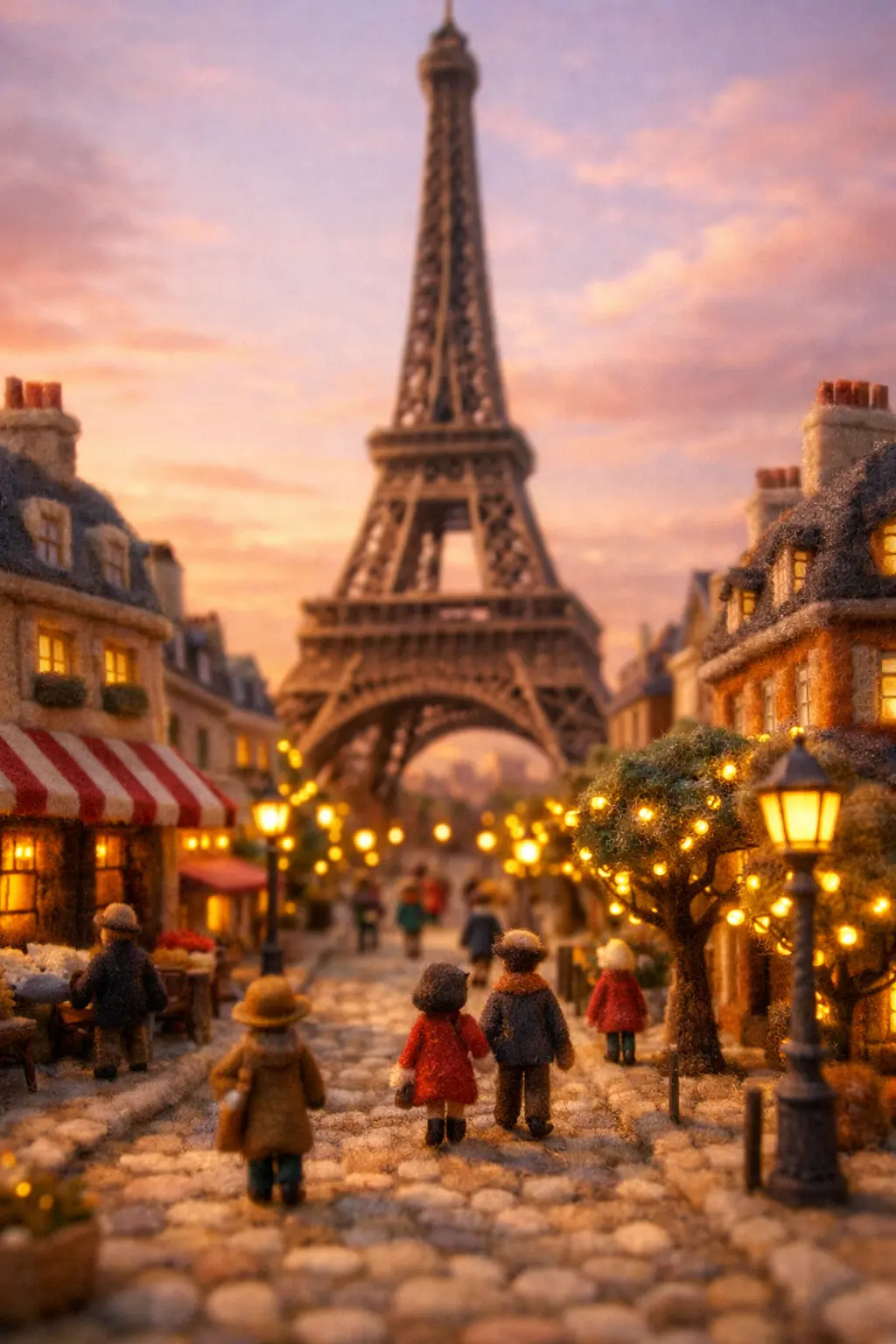
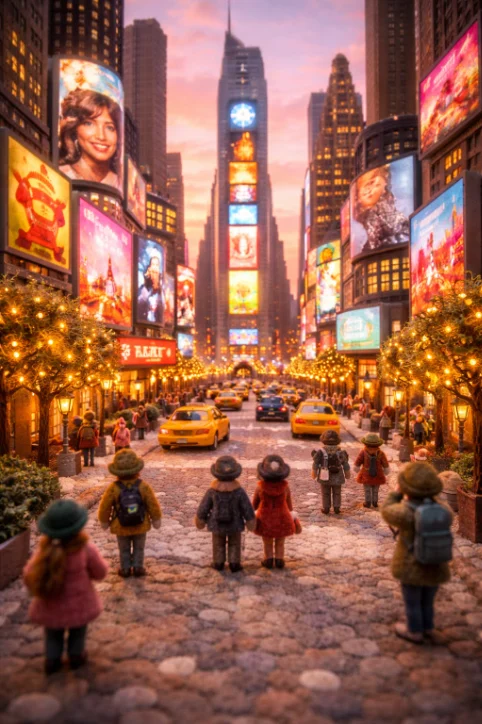
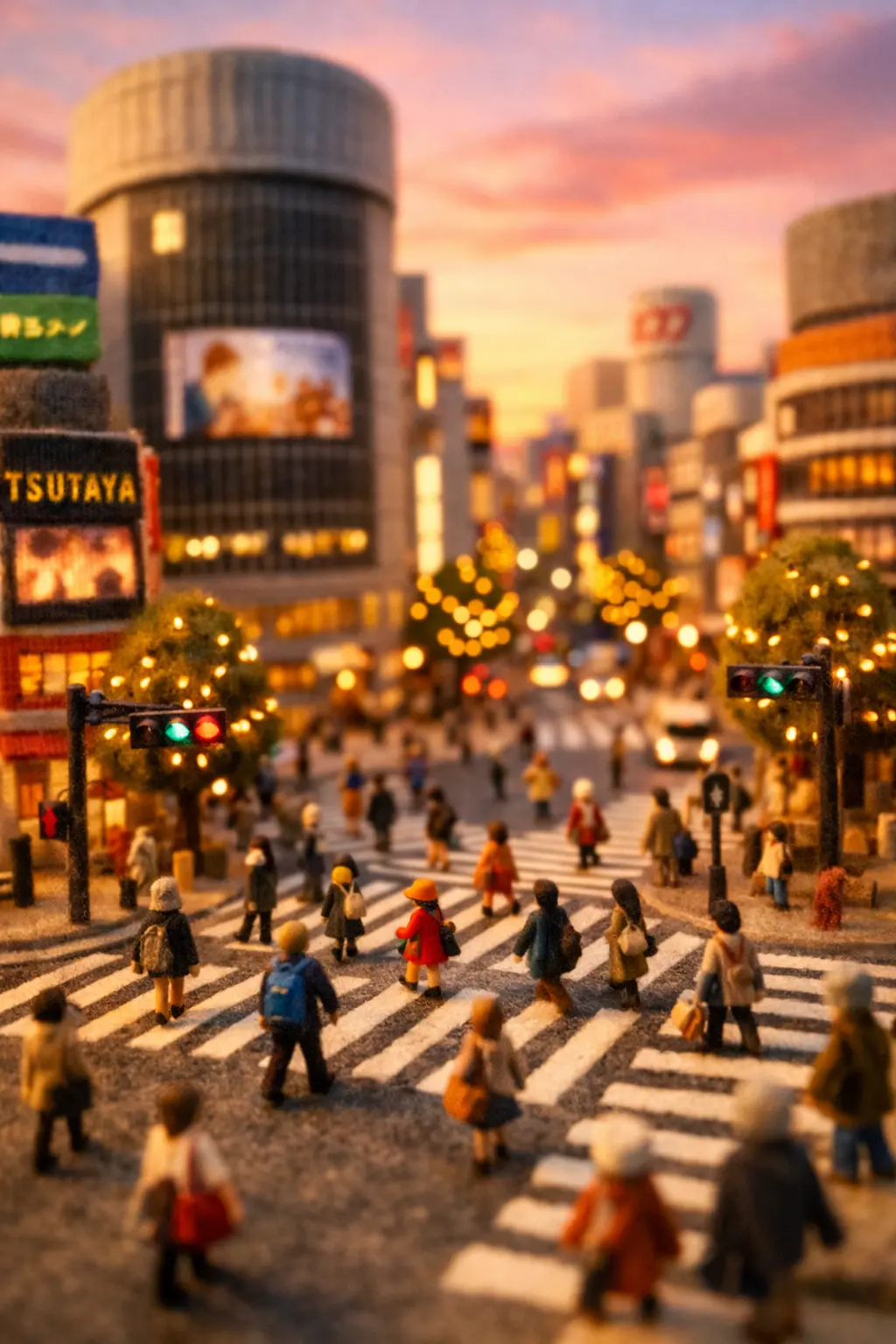
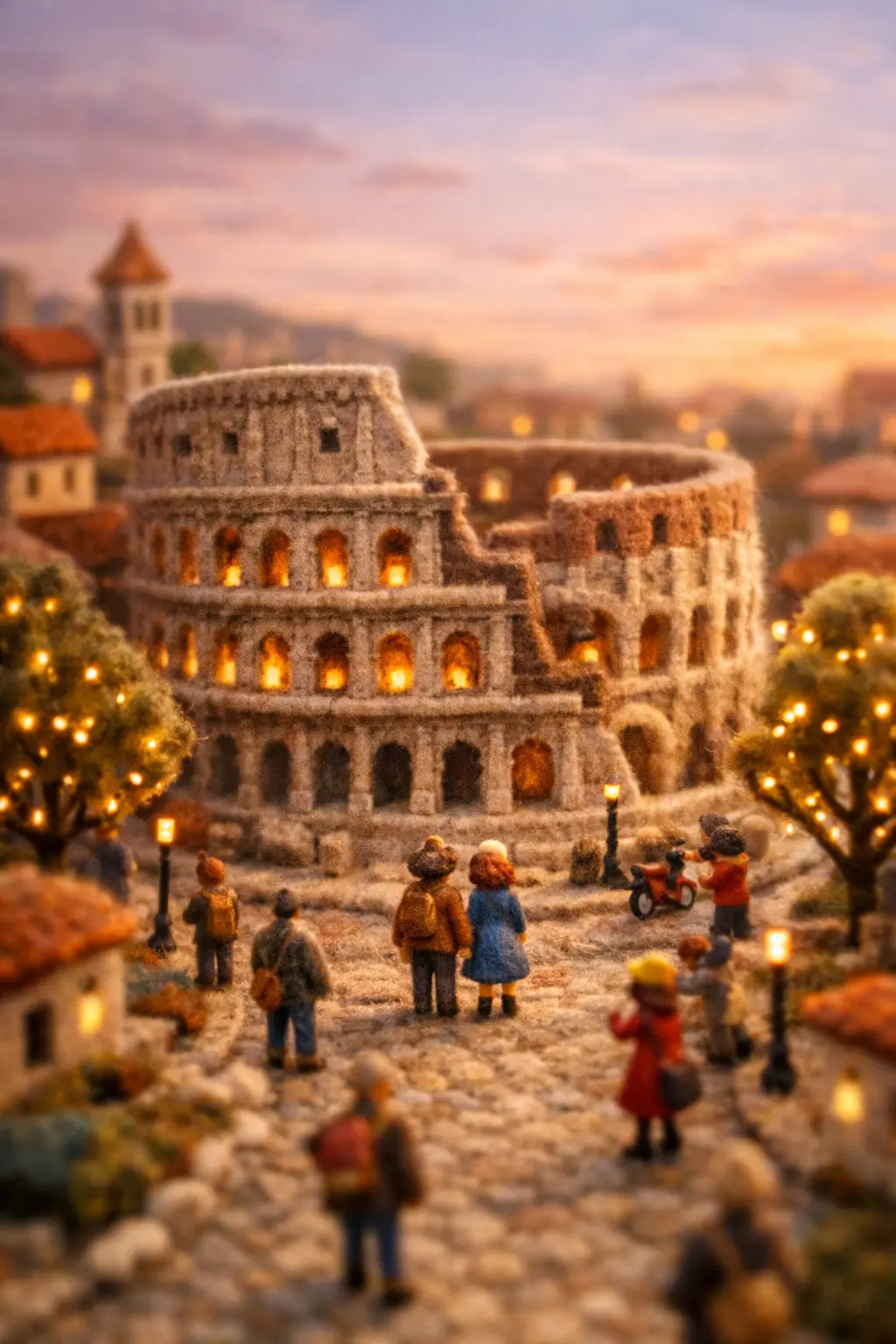
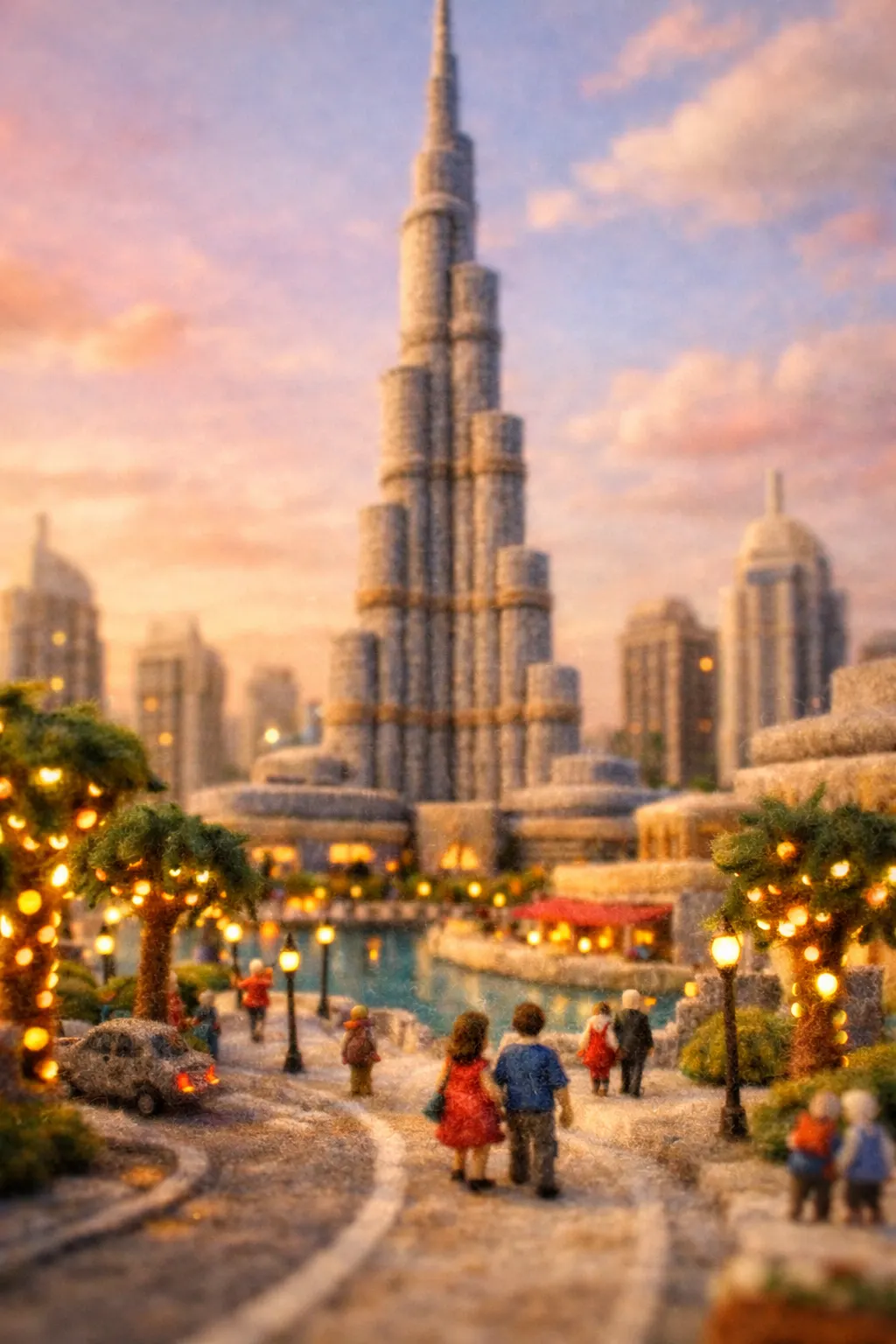
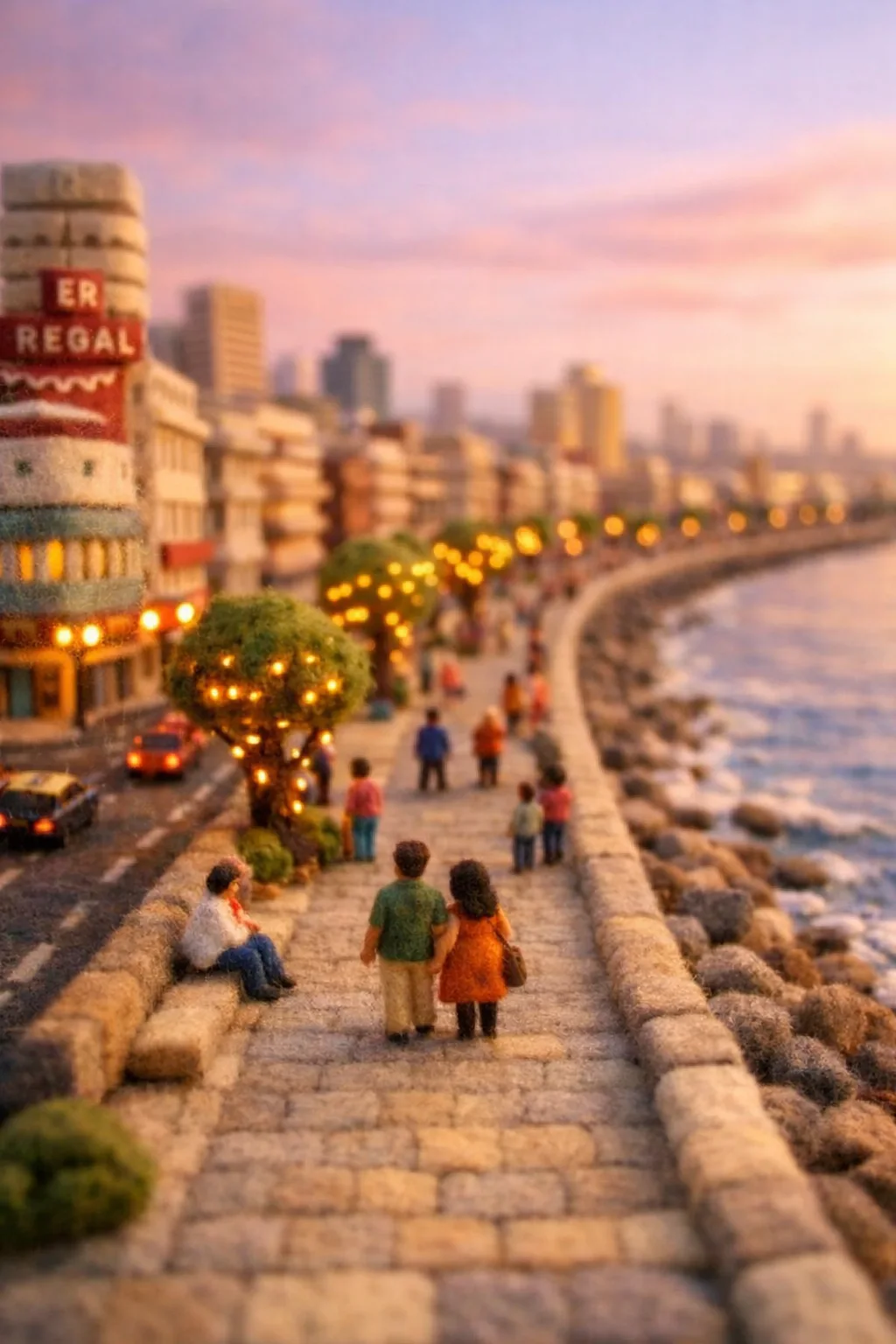
A miniature diorama turns large real-world locations into charming tiny scenes that feel handcrafted and magical. Instead of showing a full-scale city, the visual style presents streets, buildings, and landscapes as if they are part of a carefully built model.

Today, creators can easily generate miniature city visuals using modern AI tools such as Google Gemini, Runway ML, and Pika. These tools can transform simple text prompts into cinematic scenes that resemble handcrafted miniature worlds.
However, to achieve the best results, it helps to follow a structured process. First, generate a vertical 9:16 image of the miniature scene. Then, animate the image using a motion prompt to create a short cinematic video.

Step 1: Generate a Miniature Diorama Image

First of all, begin by generating a 9:16 vertical image, because this format works perfectly for Instagram Reels, YouTube Shorts, and TikTok videos. Moreover, vertical compositions highlight the miniature environment and make the scene more immersive.

Use the following prompt to create the base image:
Prompt: “A cinematic miniature felt-craft diorama of {FAMOUS_LOCATION}, {CITY_NAME}, {COUNTRY}, featuring tiny handcrafted buildings, miniature streets, clearly visible small walking figurines with distinct shapes and details, trees wrapped in warm fairy lights, soft pastel sky at golden hour, tilt-shift macro lens, shallow depth of field, ultra-detailed handmade wool texture, cozy storytelling atmosphere, vertical composition, 9:16 aspect ratio, ultra detailed miniature environment.”
As a result, the generated image looks like a handcrafted miniature model rather than a regular city photograph.

Step 2: Animate the Scene with Motion

After generating the image, the next step is animation. Instead of generating a video from scratch, animating a prepared image usually produces more stable and cinematic results. Use the following motion prompt:
Miniature Felt Diorama Motion Prompt Prompt:
Animate the uploaded image as a cinematic miniature felt-craft diorama of {FAMOUS_LOCATION}, {CITY_NAME}, {COUNTRY}. Preserve the original image composition, scale, and handcrafted wool textures exactly as shown. The environment remains stable like a physical miniature model. A tilt-shift macro camera performs a very slow, smooth forward glide through the miniature city scene. Subtle natural motion appears: small figurines walk gently along the streets while fairy lights softly glow on the trees. Warm golden-hour lighting slowly shifts across the tiny buildings, maintaining a cozy cinematic atmosphere with shallow depth of field and realistic miniature scale.
Consequently, the animation feels natural and cinematic rather than chaotic or unstable.

Why the Two-Step Method Works Better

First, generating the image ensures the scene structure is clear. Then, animating it adds motion without disrupting the environment. Therefore, creators gain more control over visual quality.

Moreover, this approach improves lighting consistency and camera movement. In addition, the tiny details such as buildings, figurines, and trees remain sharp during animation.

As a result, the final output looks like a professionally crafted miniature film scene.

Popular Locations for Miniature Diorama Scenes

Miniature dioramas work especially well with famous locations. For example, creators often recreate globally recognizable places because they immediately capture viewer attention.

Some popular examples include:

  • Eiffel Tower — Paris, France
  • Times Square — New York City, USA
  • Shibuya Crossing — Tokyo, Japan
  • Colosseum — Rome, Italy
  • Burj Khalifa — Dubai, UAE
  • Marine Drive — Mumbai, India
Because these locations are iconic, viewers instantly recognize the miniature version of the scene.
Scroll to Top