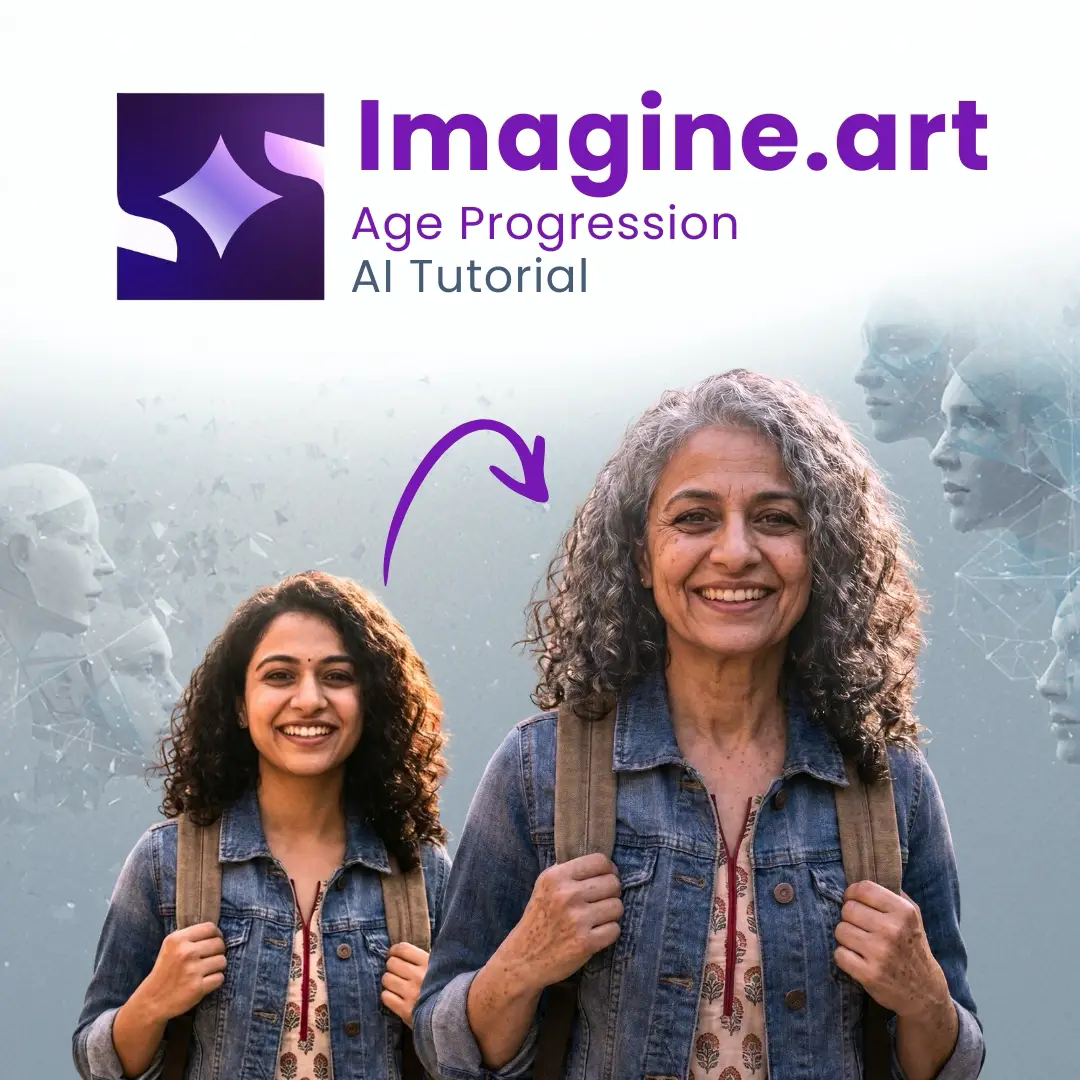
Age Progression AI Tutorial: See Your Future Face Instantly
There has been a total transformation in the way that individuals can visually represent what they will look like as they age thanks to the capabilities of Age Progression AI. In the past, this type of visual representation required intensive manual artistry, complex digital editing software, and long hours to produce; however, we now have the ability to generate incredibly accurate representations of the effects of aging on our facial features quickly and with minimal effort, and using nothing more than AI’s assessment of your face’s bone structure, skin texture, and all other age-related changes.
Many individuals are using this AI tool for multiple reasons: as a sheer fascination, for artistic purposes or even just for fun. Due to the wide-ranging applications of Age Progression AI, and the fact that it is so incredibly user-friendly (no technical expertise is needed to achieve an acceptable result), Age Progression AI is skyrocketing in popularity!
This guide will provide you step-by-step instructions for using one of the most popular AI online tools with tips and tricks to produce the best results while utilizing this tool.
Step-by-Step Process to Use Age Progression AI
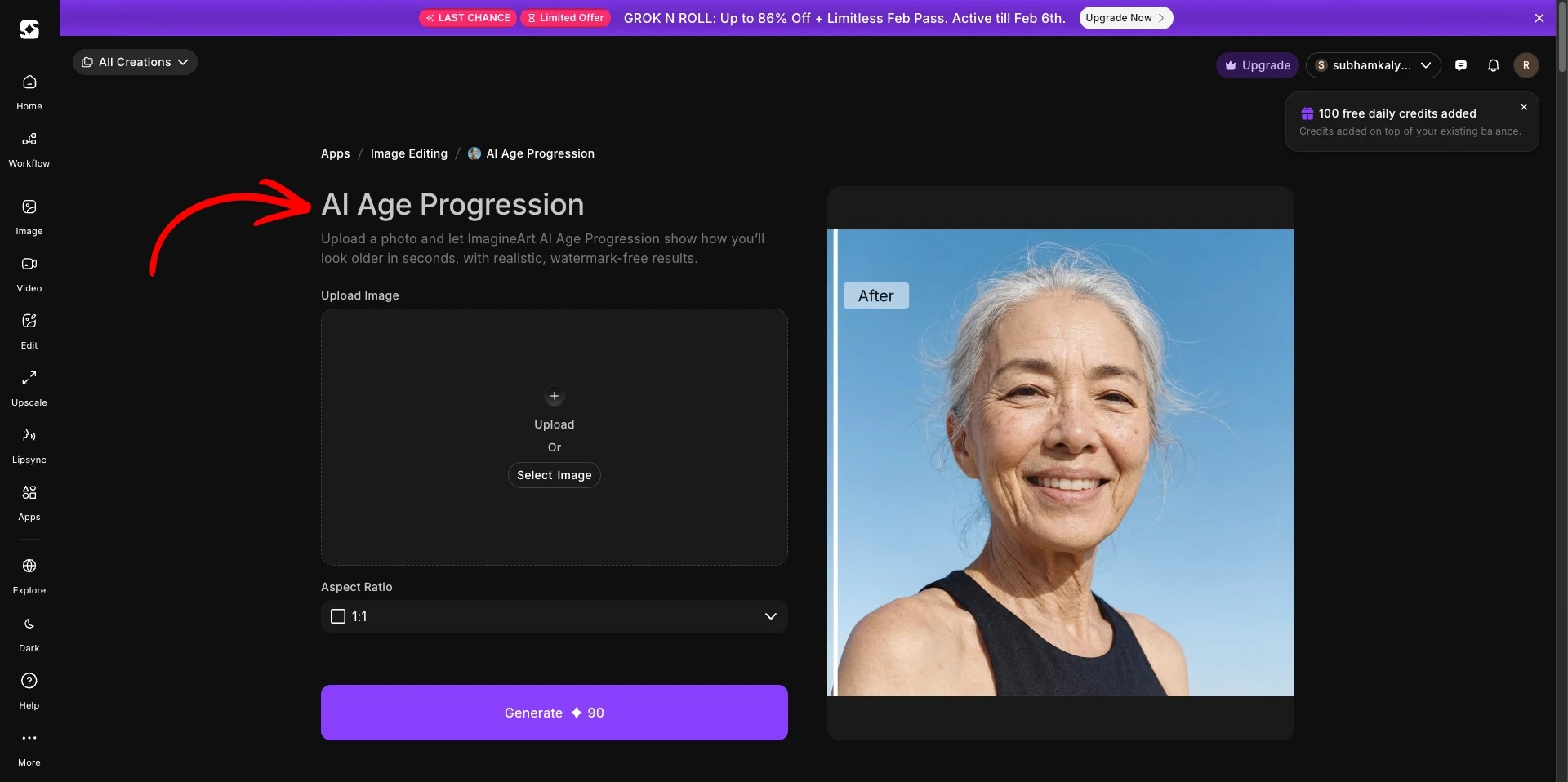
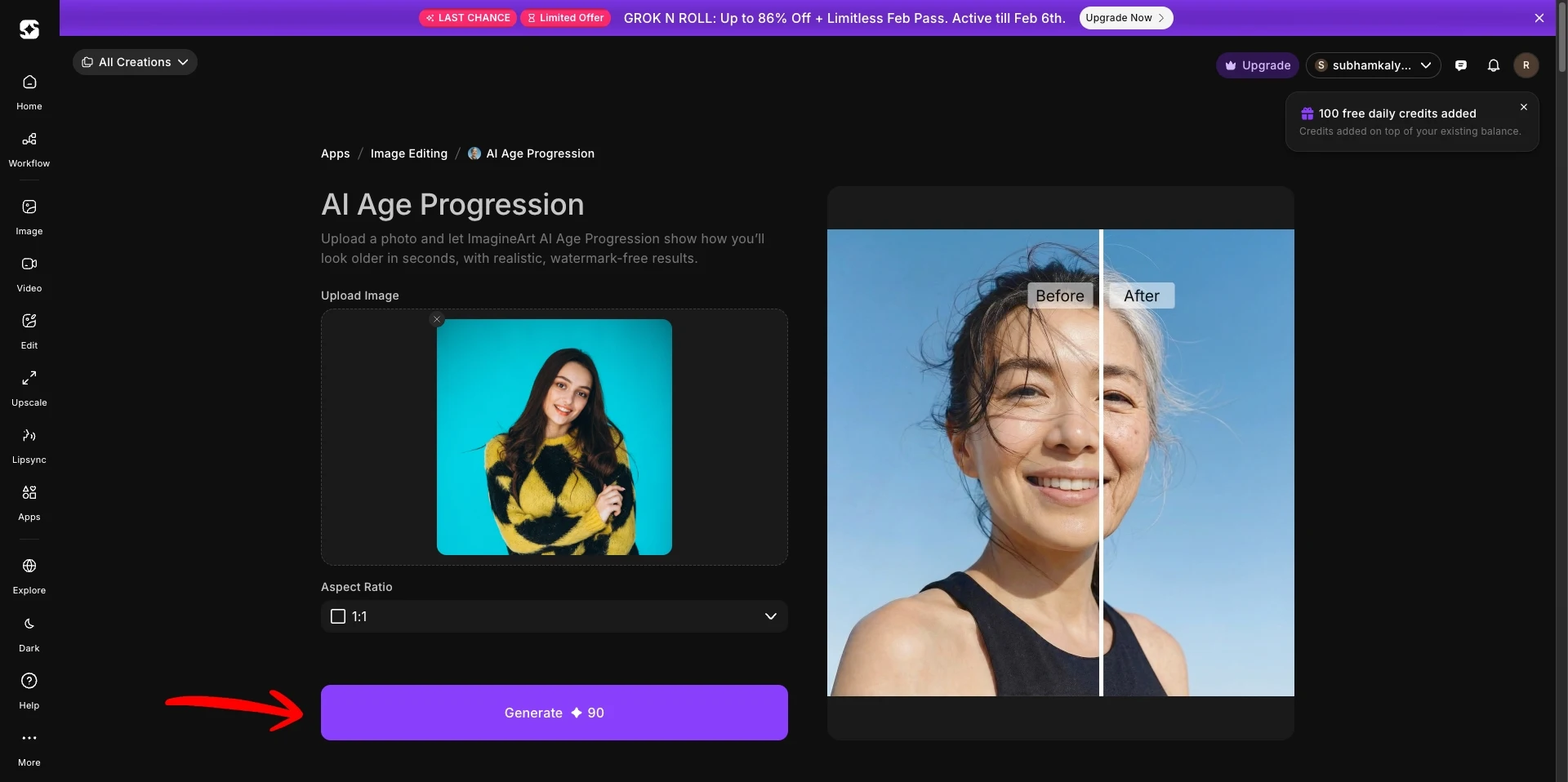
Step 1: Open the AI Age Progression Tool Online from ImagineArt
First, go to the ImagineArt website and find their AI Age Progression Tool Online.
This tool is built specifically for realistic aging effects.
Step 2: Create an Account
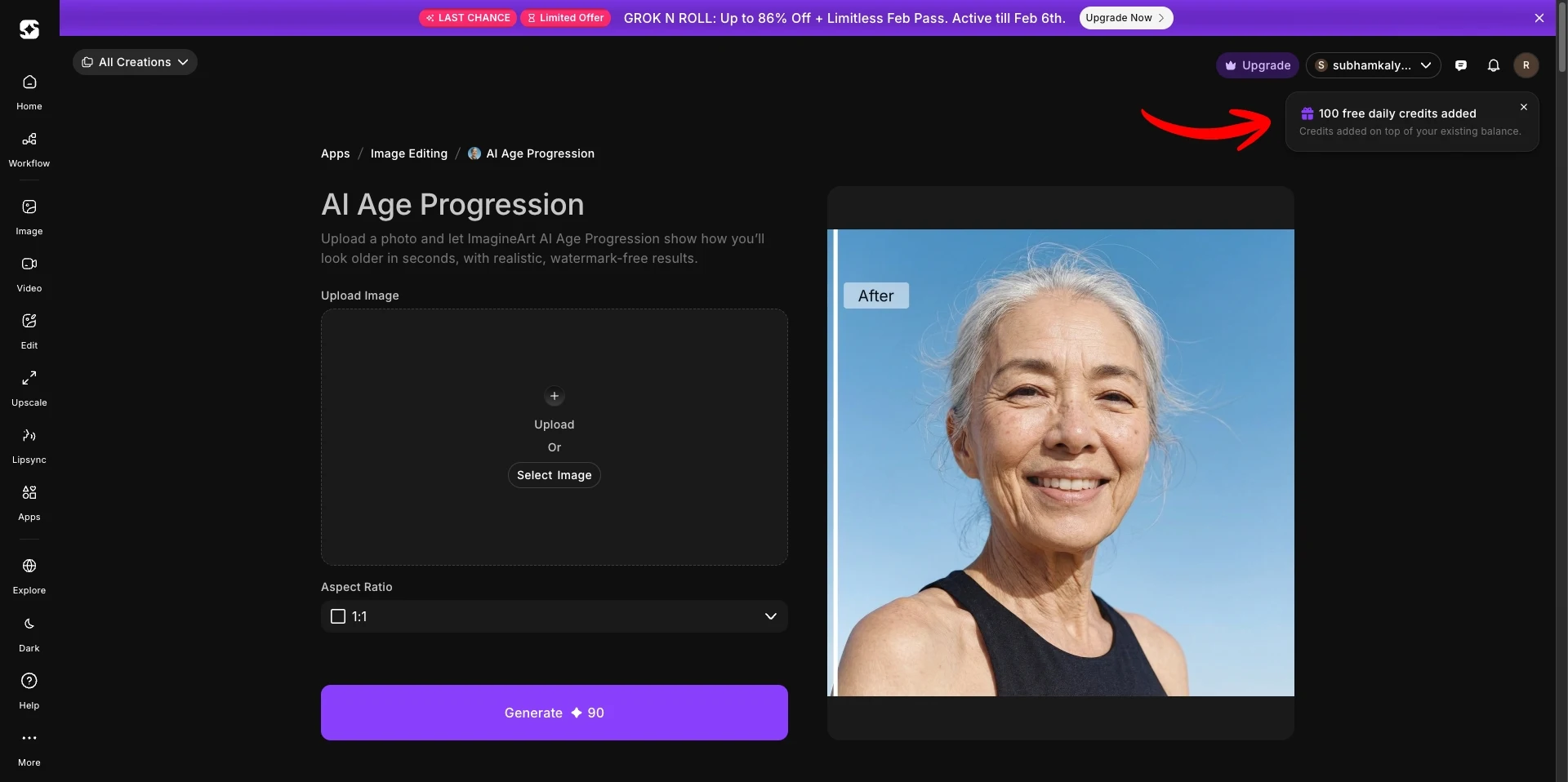
Before using the tool, create a free account.
After signing up, you receive:
• 100 free credits every day
These credits allow you to generate images without paying.
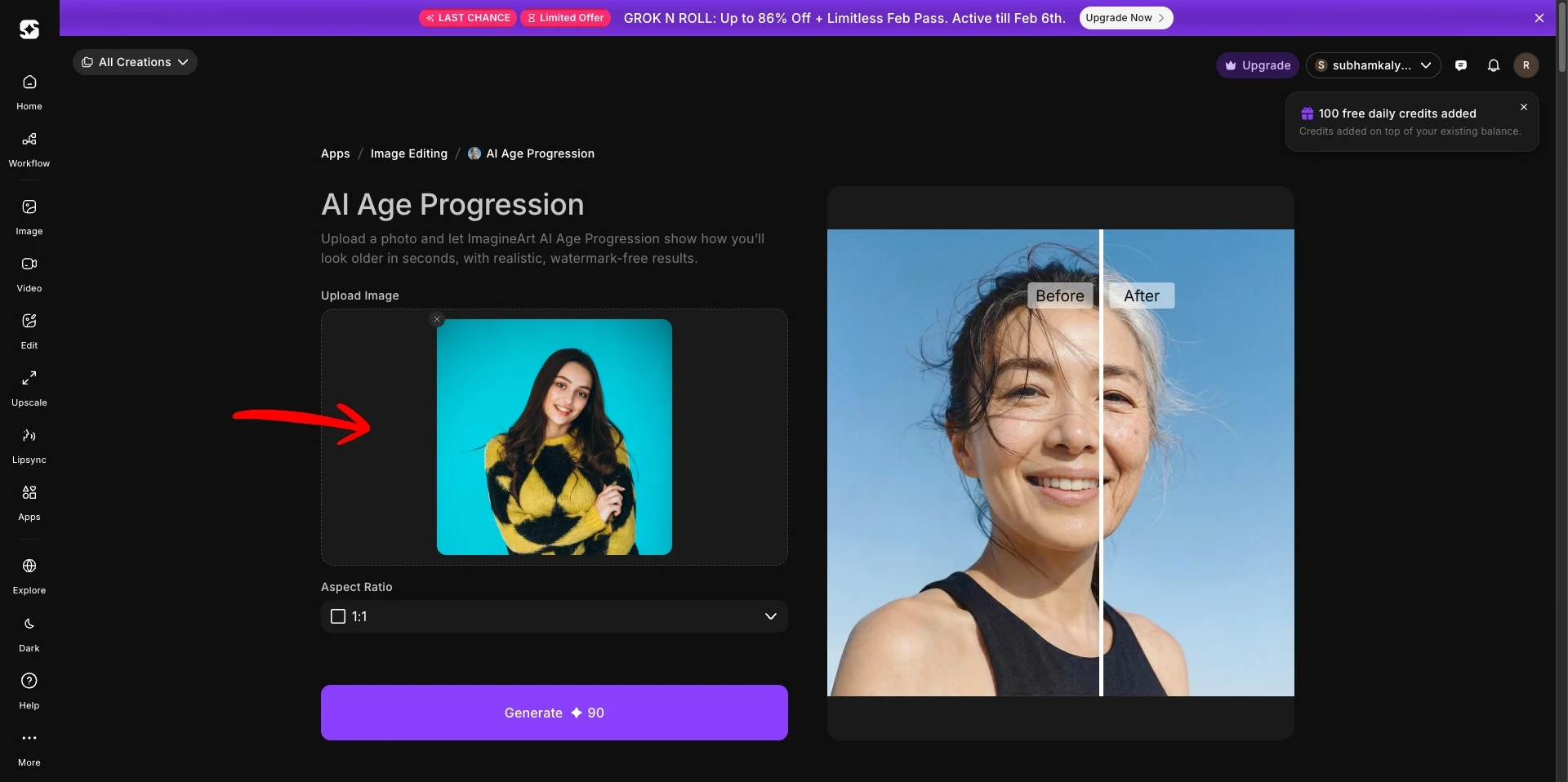
Step 3: Upload Your Photo
Once logged in, upload a clear photo where:
your face is fully visible
lighting is natural and even
no heavy filters are applied
Front-facing images usually give the best results.
Step 4: Generate the Image
Click the Generate button.
This will automatically apply realistic aging details within seconds.
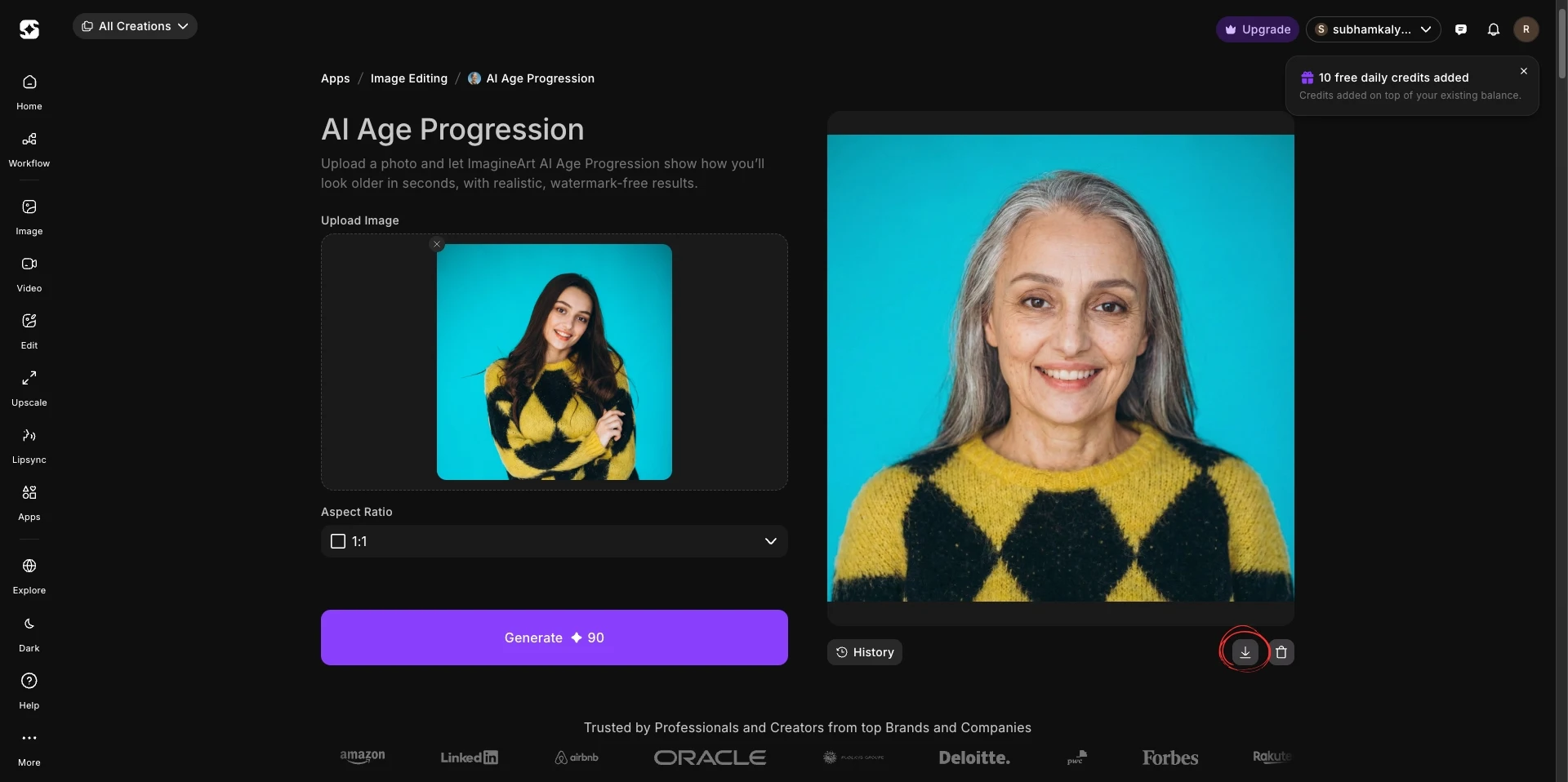
Step 5: Download or Save
After processing, download your new image or save it for later.
Tips for Better Results
Use high-resolution photos
Avoid strong shadows
Keep your face centered
Use neutral expressions
These small steps help the AI work more accurately.
Is Age Progression AI Free to Use?
Many platforms, including ImagineArt, offer free daily credits. This means you can experiment regularly without spending money.
For casual users and creators, this makes Age this very accessible.
Conclusion
Age Progression AI tools allow for an interesting and compelling look at possible future images of yourself as you age with ease of use, along with accurate representations in just moments.
By following our complete guide above, users are able to create their own age progressed images now without having to edit them or use costly software.
As AI technology develops further, these transformations will only continue to improve and become more realistic.