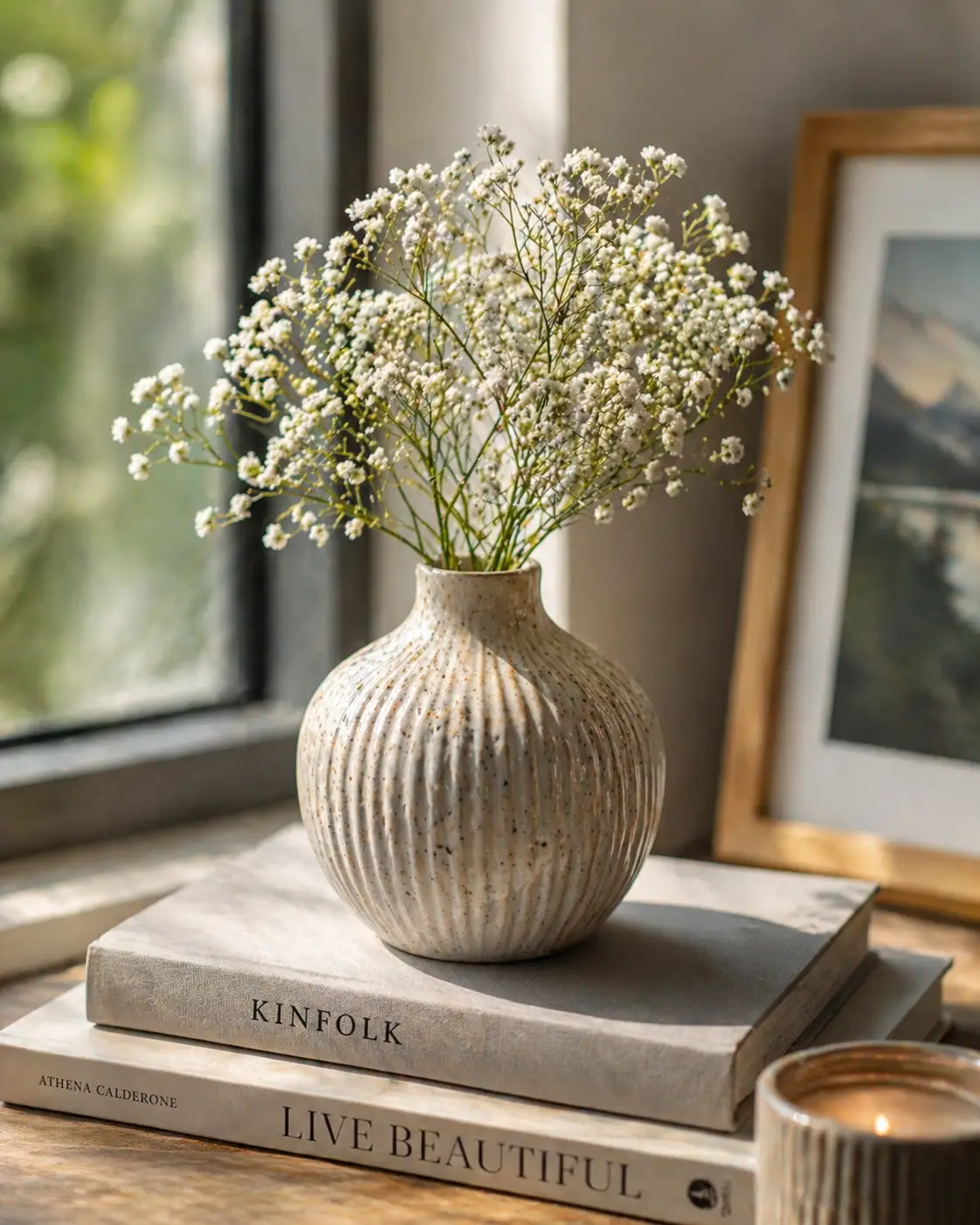
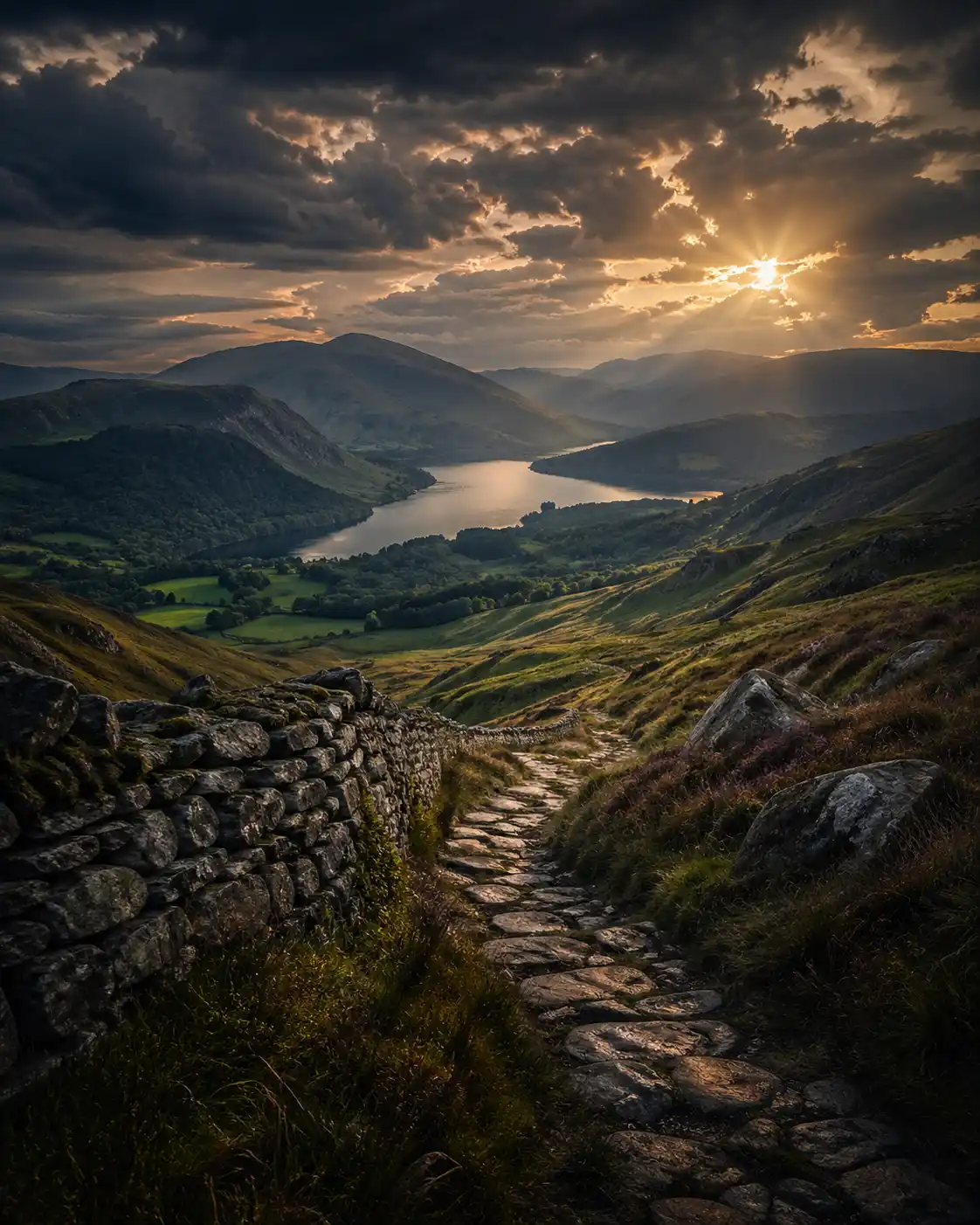
HDR Effect with AI Prompts: Bring Out Detail, Depth, and Balanced Light
The HDR Effect changes how an image handles light. Instead of choosing between bright highlights or deep shadows, it keeps both. As a result, details stay visible across the entire frame.
However, strong HDR isn’t about pushing everything to the extreme. When it’s overdone, textures look harsh and unnatural. When it’s controlled, the image feels rich, balanced, and clear.
At the same time, AI tools make this easier to apply. Yet, the real difference comes from how the prompt defines light balance, contrast, and detail. Because of that, a well-written prompt creates depth without making the image look artificial.HDR Effect AI Prompts (High Detail Control)
Natural Balanced HDR
Prompt:
Use the uploaded image as base, apply HDR Effect with balanced exposure blending, preserve highlight detail, gently lift shadows, maintain natural midtones, avoid over-sharpening, subtle contrast enhancement, realistic lighting, clean detail clarity, aspect ratio [AR] Dramatic HDR Contrast Prompt:
Use the uploaded image as reference, apply HDR Effect with strong contrast, enhanced texture detail, deep shadow recovery, controlled highlights, high micro-contrast, bold dynamic range, cinematic intensity, avoid unnatural halos, aspect ratio [AR] Soft Realistic HDR Prompt:
Use the uploaded image as subject, apply HDR Effect with soft tonal compression, smooth transitions between shadows and highlights, minimal contrast boost, natural color preservation, subtle clarity enhancement, realistic visual tone, aspect ratio [AR] Ultra Detail HDR Texture Prompt:
Use the uploaded image as base, apply HDR Effect focusing on high detail extraction, enhanced textures, sharp clarity, controlled highlight retention, shadow depth preserved, crisp edges without noise, high resolution finish, aspect ratio [AR] Moody HDR Atmosphere Prompt:
Use the uploaded image as reference, apply HDR Effect with darker tonal bias, lifted shadows but controlled brightness, muted highlights, atmospheric depth, subtle haze integration, cinematic mood, balanced contrast, aspect ratio [AR] Clean Minimal HDR Prompt:
Use the uploaded image as subject, apply HDR Effect with low contrast enhancement, clean exposure balance, smooth tonal transitions, no excessive sharpening, soft highlight control, minimal and modern look, aspect ratio [AR]
Use the uploaded image as base, apply HDR Effect with balanced exposure blending, preserve highlight detail, gently lift shadows, maintain natural midtones, avoid over-sharpening, subtle contrast enhancement, realistic lighting, clean detail clarity, aspect ratio [AR] Dramatic HDR Contrast Prompt:
Use the uploaded image as reference, apply HDR Effect with strong contrast, enhanced texture detail, deep shadow recovery, controlled highlights, high micro-contrast, bold dynamic range, cinematic intensity, avoid unnatural halos, aspect ratio [AR] Soft Realistic HDR Prompt:
Use the uploaded image as subject, apply HDR Effect with soft tonal compression, smooth transitions between shadows and highlights, minimal contrast boost, natural color preservation, subtle clarity enhancement, realistic visual tone, aspect ratio [AR] Ultra Detail HDR Texture Prompt:
Use the uploaded image as base, apply HDR Effect focusing on high detail extraction, enhanced textures, sharp clarity, controlled highlight retention, shadow depth preserved, crisp edges without noise, high resolution finish, aspect ratio [AR] Moody HDR Atmosphere Prompt:
Use the uploaded image as reference, apply HDR Effect with darker tonal bias, lifted shadows but controlled brightness, muted highlights, atmospheric depth, subtle haze integration, cinematic mood, balanced contrast, aspect ratio [AR] Clean Minimal HDR Prompt:
Use the uploaded image as subject, apply HDR Effect with low contrast enhancement, clean exposure balance, smooth tonal transitions, no excessive sharpening, soft highlight control, minimal and modern look, aspect ratio [AR]