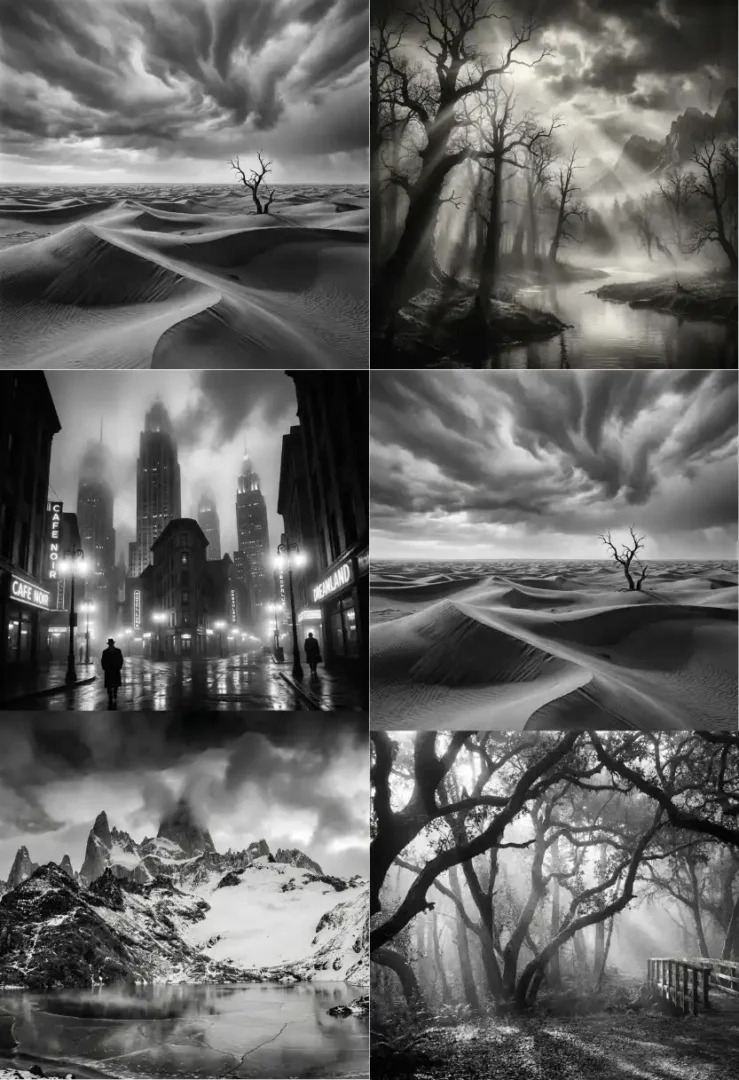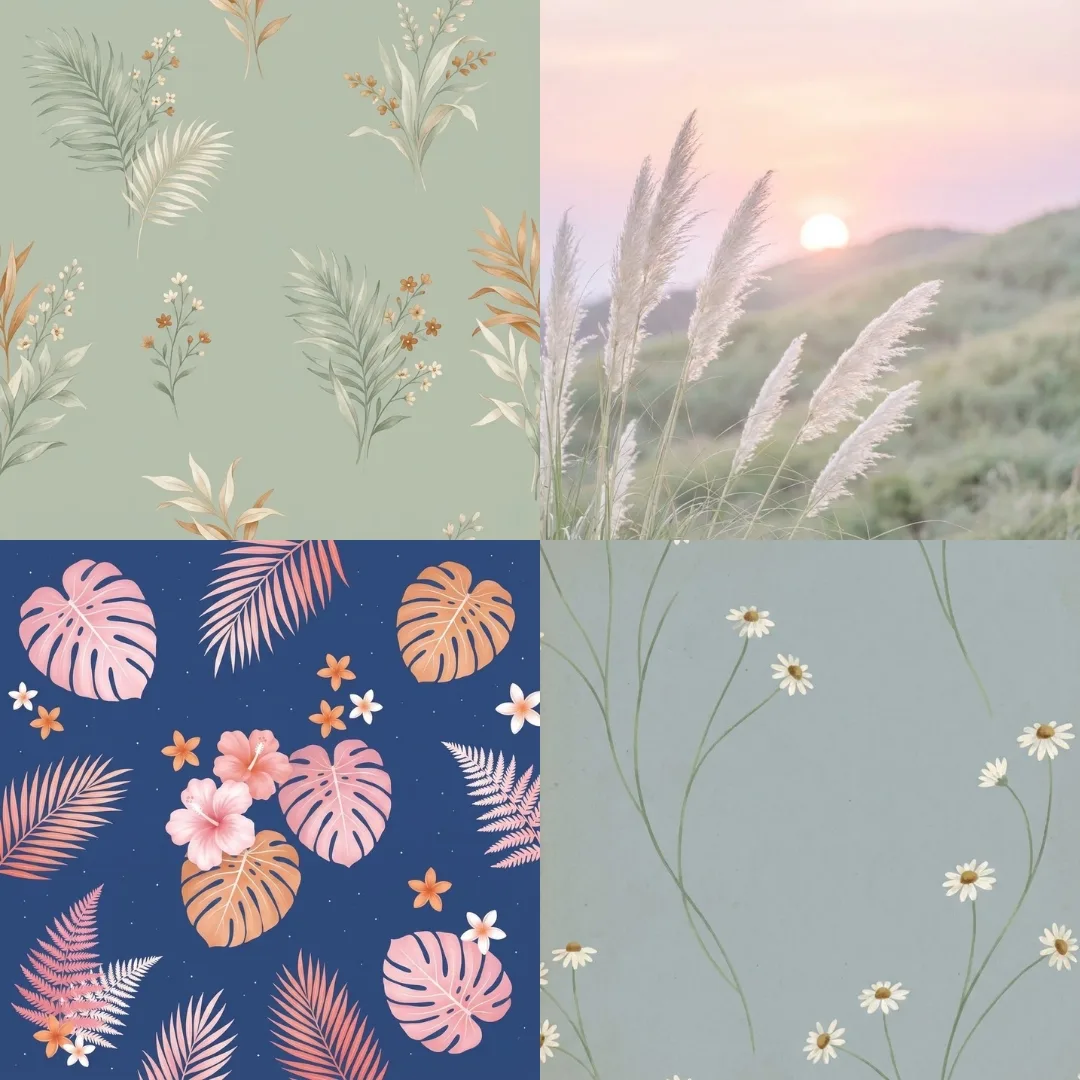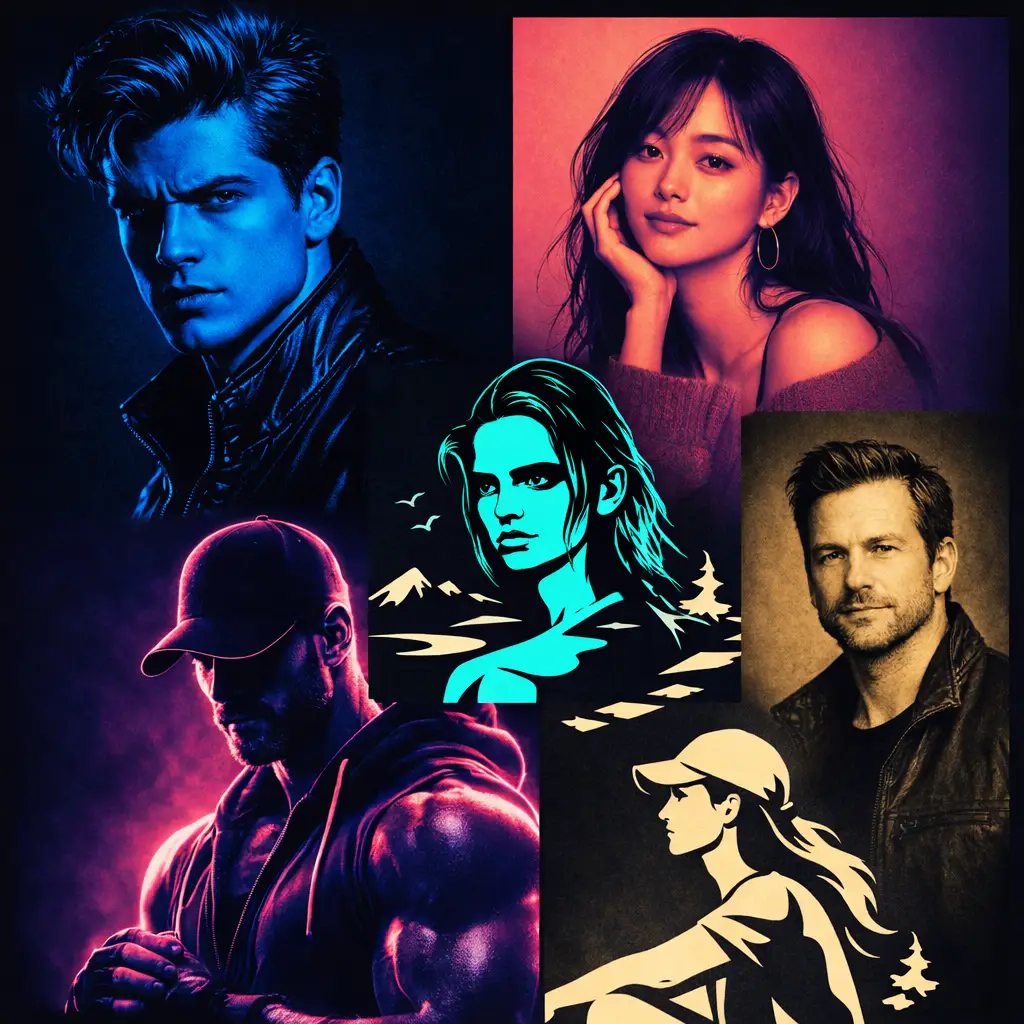
Duotone Effect with AI Prompts: Turning Any Image Into Bold Visual Impact
Some images don’t need more detail—they need stronger identity. That’s exactly where the Duotone Effect changes everything. Instead of relying on complex colors, it reduces the scene into two controlled tones. As a result, the image feels sharper, cleaner, and far more intentional.
However, the real difference doesn’t come from filters alone. It comes from how the AI prompts guide contrast, lighting, and tonal balance. When done right, the Duotone Effect doesn’t look edited—it looks designed.
Meanwhile, tools like ChatGPT image generation, Nano Banana, and Flux make this process simple. Yet, the outcome still depends on how precisely you describe the transformation. Therefore, each prompt below is built to control depth, edge clarity, and tonal hierarchy.Start with Your Uploaded Image, Then Apply the Duotone Effect
Before applying any prompt, upload your image into your preferred AI tool. Then, instead of overthinking adjustments, let the prompt define the transformation.
A clean base image helps. However, even complex photos can work if the prompt controls contrast properly. As a result, the Duotone Effect becomes consistent across different subjects—portraits, objects, or landscapes.Duotone Effect AI Prompts That Feel Designed, Not Filtered
Cinematic Shadow Split Duotone
Prompt:
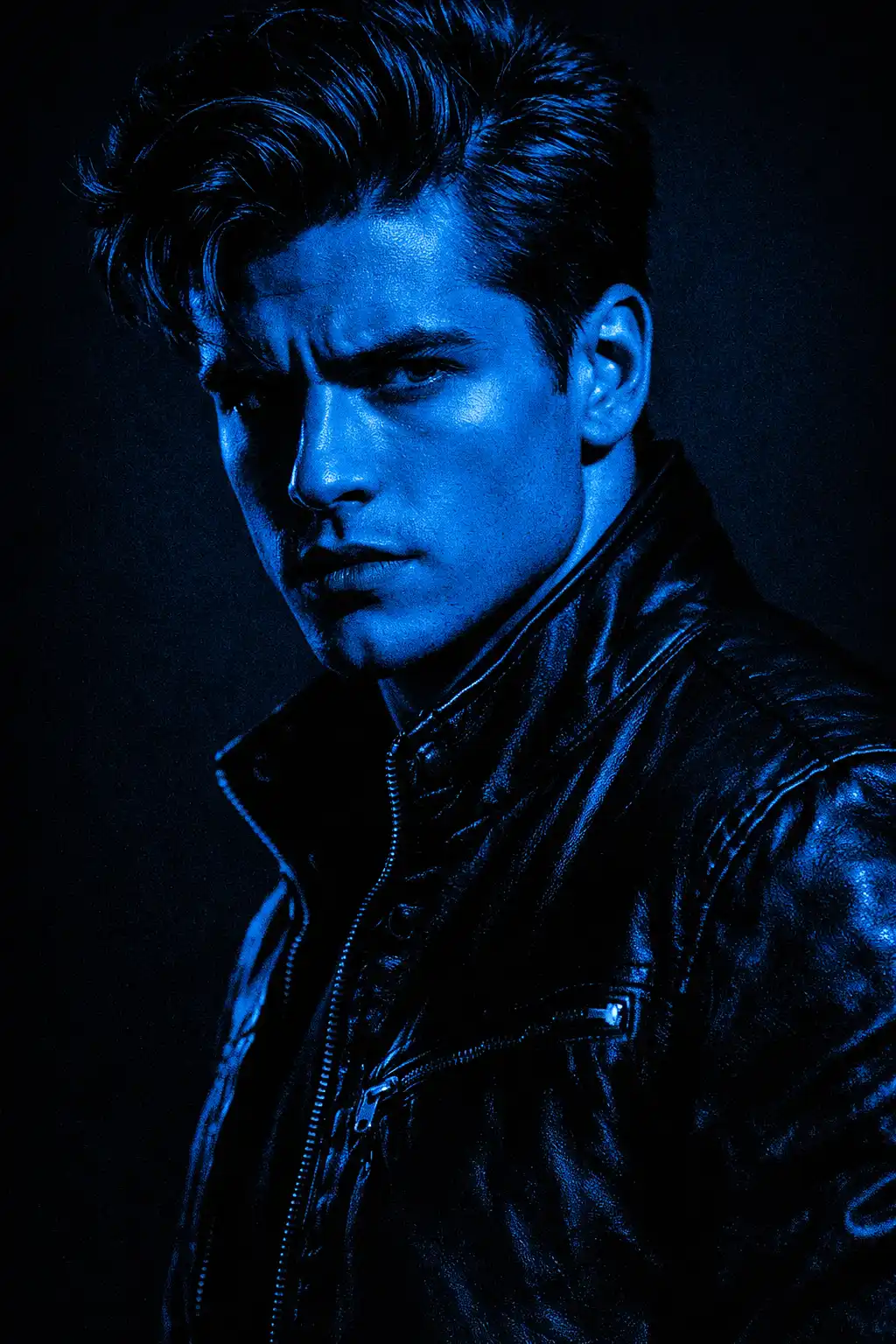
Use the uploaded image as the base subject, transform it using a cinematic Duotone Effect with deep shadow dominance, strong contrast separation, highlights mapped to a rich electric blue and shadows to deep charcoal black, controlled light falloff, sharp edge preservation, subtle grain texture, dramatic lighting direction, no color contamination, clean tonal hierarchy, minimal background distraction, premium poster aesthetic, bold and striking composition, aspect ratio [AR] Soft Gradient Glow Duotone Prompt:
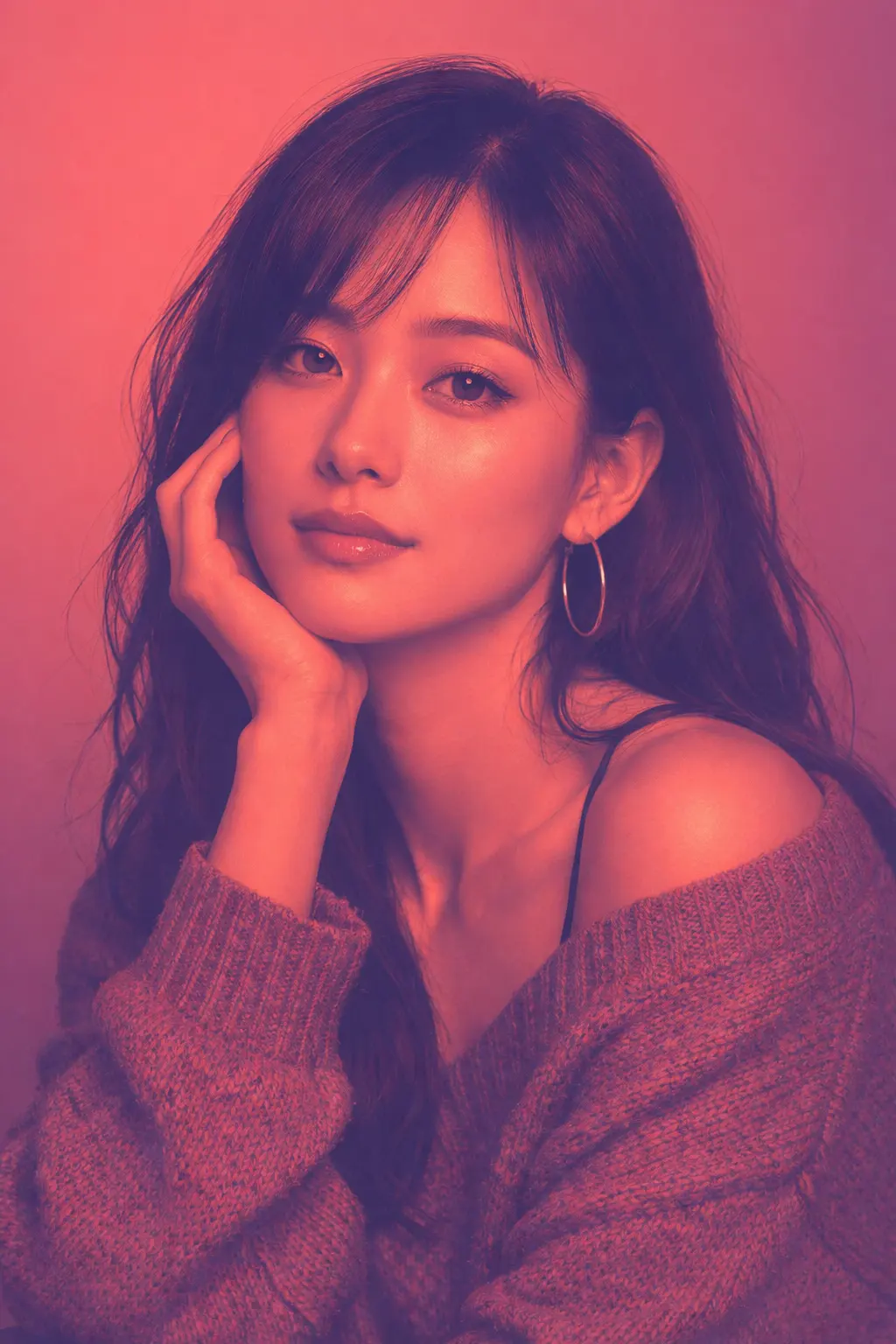
Use the uploaded image as reference, apply a smooth Duotone Effect with soft gradient blending, highlights in warm coral tone and shadows in deep plum, gentle transitions between tones, preserved midtone softness, subtle glow around edges, balanced exposure, clean background separation, minimal noise, modern aesthetic, calm and refined visual mood, aspect ratio [AR] High Contrast Graphic Duotone Prompt:
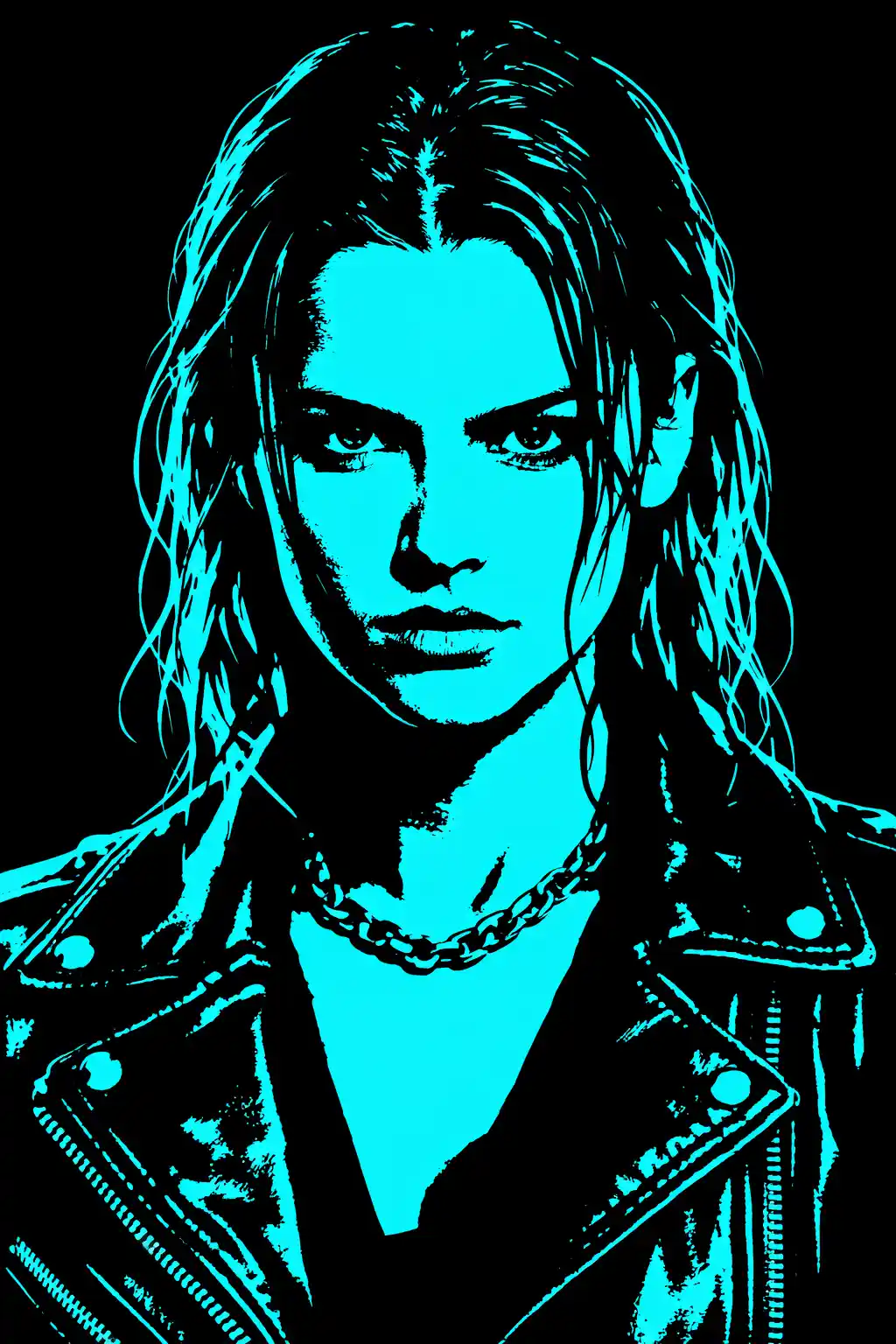
Use the uploaded image as subject, convert into a high contrast Duotone Effect with hard tonal clipping, highlights in bright neon cyan and shadows in pure black, no midtones, sharp silhouette emphasis, bold graphic impact, crisp edges, posterized look, minimal detail loss in key areas, strong visual hierarchy, modern editorial design style, aspect ratio [AR] Vintage Print Duotone Texture Prompt:
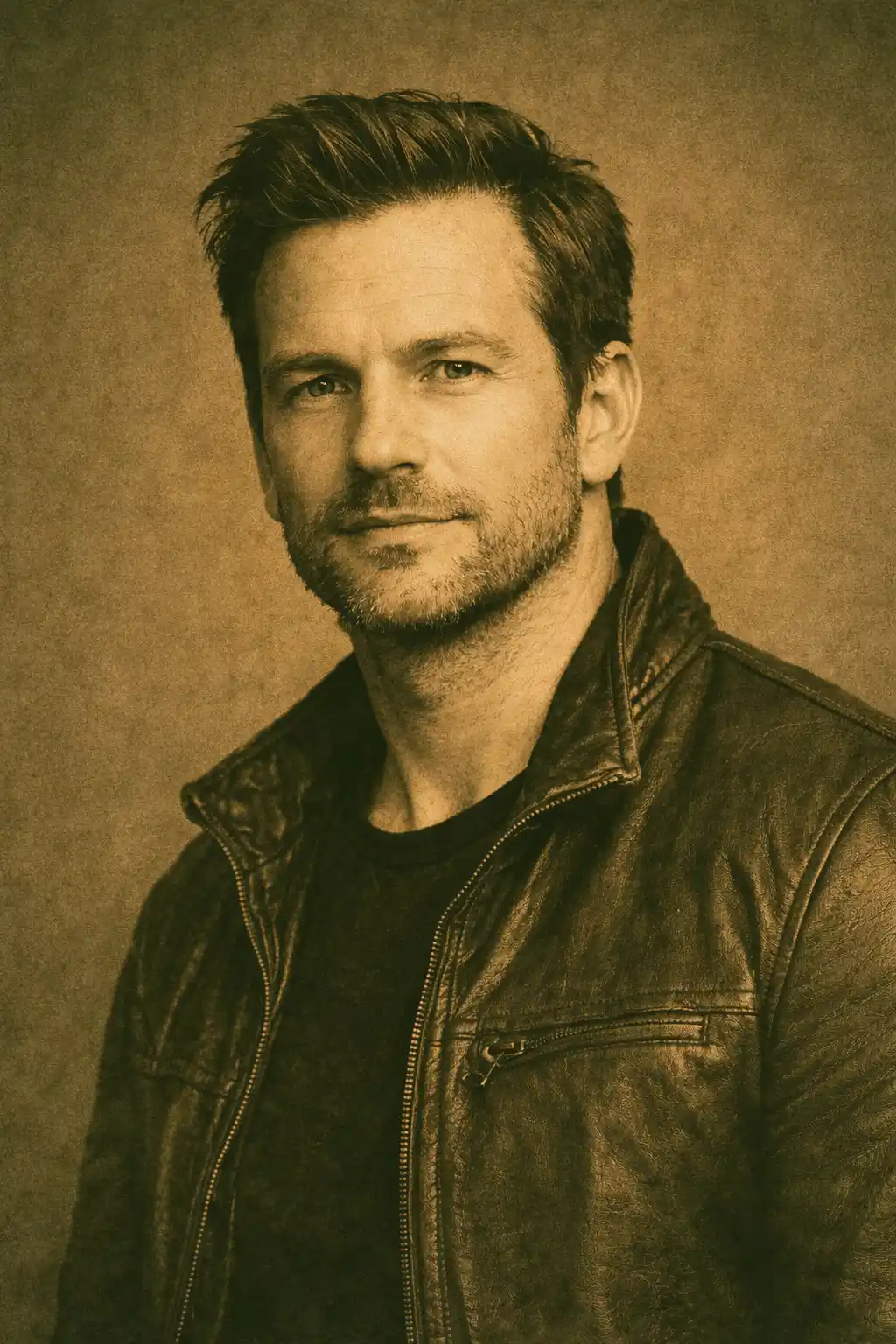
Use the uploaded image as base, apply a vintage-inspired Duotone Effect with muted sepia highlights and deep olive shadows, subtle paper grain texture, slight ink bleed effect, soft contrast edges, controlled tonal fade, classic print aesthetic, balanced composition, warm nostalgic mood, refined and timeless design, aspect ratio [AR] Neon Edge Rim Duotone Prompt:
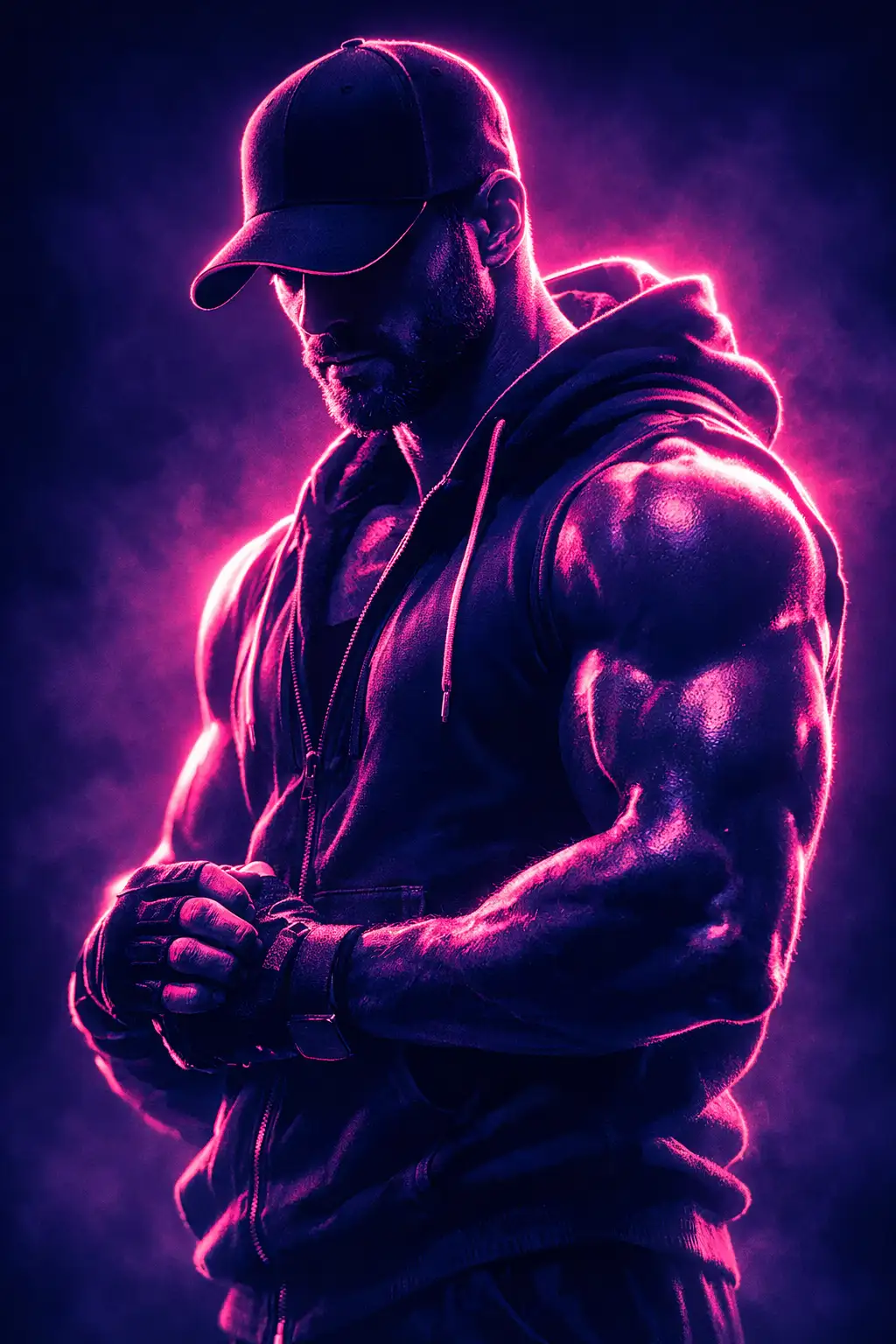
Use the uploaded image as core subject, transform into a Duotone Effect focused on edge lighting, highlights in vibrant magenta and shadows in deep navy, strong rim light outlining subject contours, dark interior tones, glowing edge separation, cinematic depth, subtle haze diffusion, modern futuristic aesthetic, aspect ratio [AR] Minimal Flat Editorial Duotone Prompt:
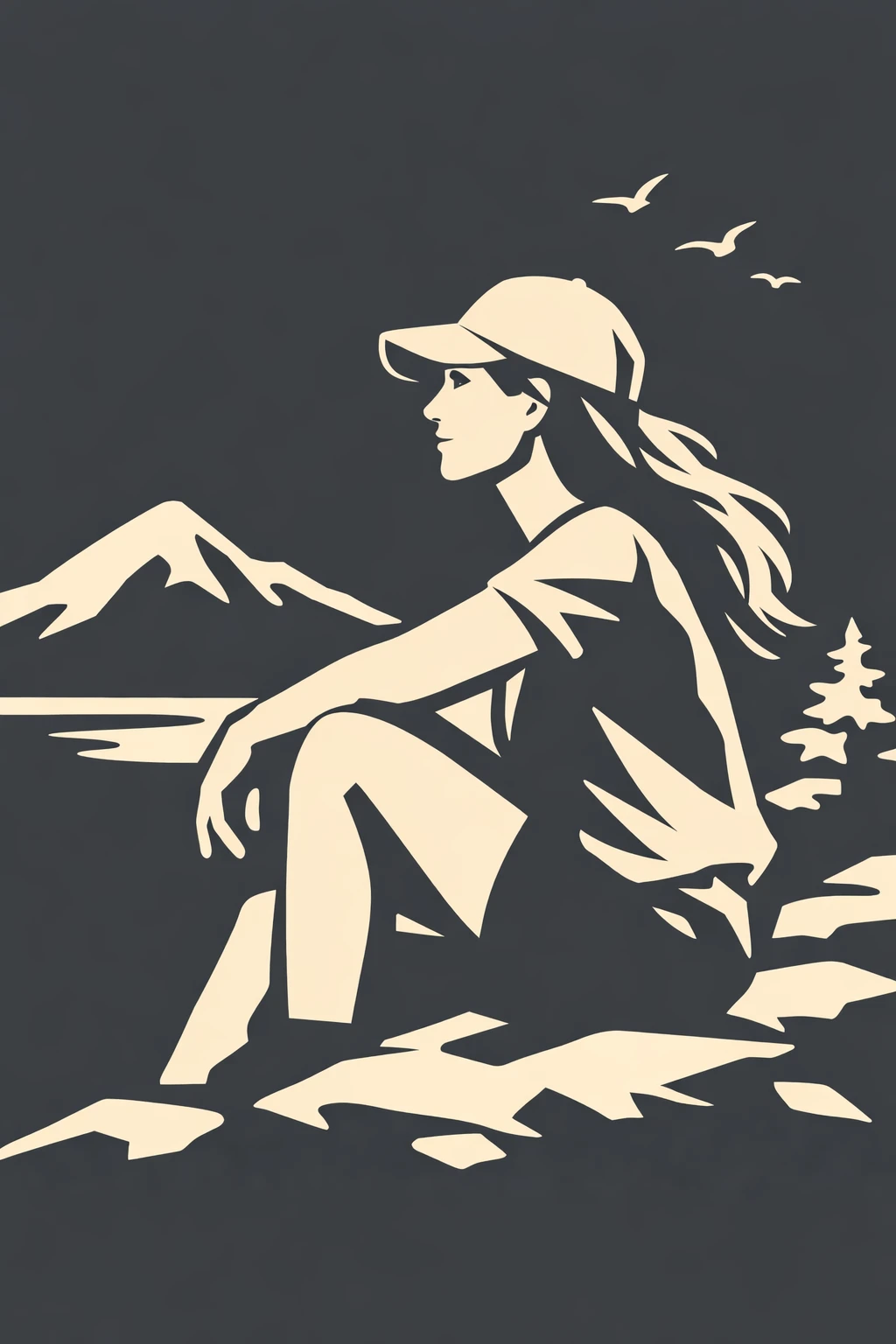
Use the uploaded image as reference, convert into a clean minimal Duotone Effect with flat color mapping, highlights in soft beige and shadows in charcoal gray, smooth tonal blocks, no gradients, reduced detail complexity, strong negative space usage, editorial layout feel, balanced composition, refined modern design aesthetic, aspect ratio [AR]
Use the uploaded image as the base subject, transform it using a cinematic Duotone Effect with deep shadow dominance, strong contrast separation, highlights mapped to a rich electric blue and shadows to deep charcoal black, controlled light falloff, sharp edge preservation, subtle grain texture, dramatic lighting direction, no color contamination, clean tonal hierarchy, minimal background distraction, premium poster aesthetic, bold and striking composition, aspect ratio [AR] Soft Gradient Glow Duotone Prompt:
Use the uploaded image as reference, apply a smooth Duotone Effect with soft gradient blending, highlights in warm coral tone and shadows in deep plum, gentle transitions between tones, preserved midtone softness, subtle glow around edges, balanced exposure, clean background separation, minimal noise, modern aesthetic, calm and refined visual mood, aspect ratio [AR] High Contrast Graphic Duotone Prompt:
Use the uploaded image as subject, convert into a high contrast Duotone Effect with hard tonal clipping, highlights in bright neon cyan and shadows in pure black, no midtones, sharp silhouette emphasis, bold graphic impact, crisp edges, posterized look, minimal detail loss in key areas, strong visual hierarchy, modern editorial design style, aspect ratio [AR] Vintage Print Duotone Texture Prompt:
Use the uploaded image as base, apply a vintage-inspired Duotone Effect with muted sepia highlights and deep olive shadows, subtle paper grain texture, slight ink bleed effect, soft contrast edges, controlled tonal fade, classic print aesthetic, balanced composition, warm nostalgic mood, refined and timeless design, aspect ratio [AR] Neon Edge Rim Duotone Prompt:
Use the uploaded image as core subject, transform into a Duotone Effect focused on edge lighting, highlights in vibrant magenta and shadows in deep navy, strong rim light outlining subject contours, dark interior tones, glowing edge separation, cinematic depth, subtle haze diffusion, modern futuristic aesthetic, aspect ratio [AR] Minimal Flat Editorial Duotone Prompt:
Use the uploaded image as reference, convert into a clean minimal Duotone Effect with flat color mapping, highlights in soft beige and shadows in charcoal gray, smooth tonal blocks, no gradients, reduced detail complexity, strong negative space usage, editorial layout feel, balanced composition, refined modern design aesthetic, aspect ratio [AR]