
Face swap is a basic thing every designer faces while doing some asignments. When there is platform like Remaker Ai, no need to spend hours in photoshoping. Due to its user friendly interface and ai powered features, designers used to use this platform. Here, you ll get a complete guidance for face swap, multiple face swap and batch swap.
Getting Started with Remaker AI
You have to first sign in as new users where you will get 30 free credits, which will give you a free hand to experiment. It is very simple even for a beginner. All three face swap features follow a similar workflow—upload, assign, and generate—allowing you to produce clean, natural edits with minimal effort.
Single Face Swap: The Fastest Way to Replace One Face
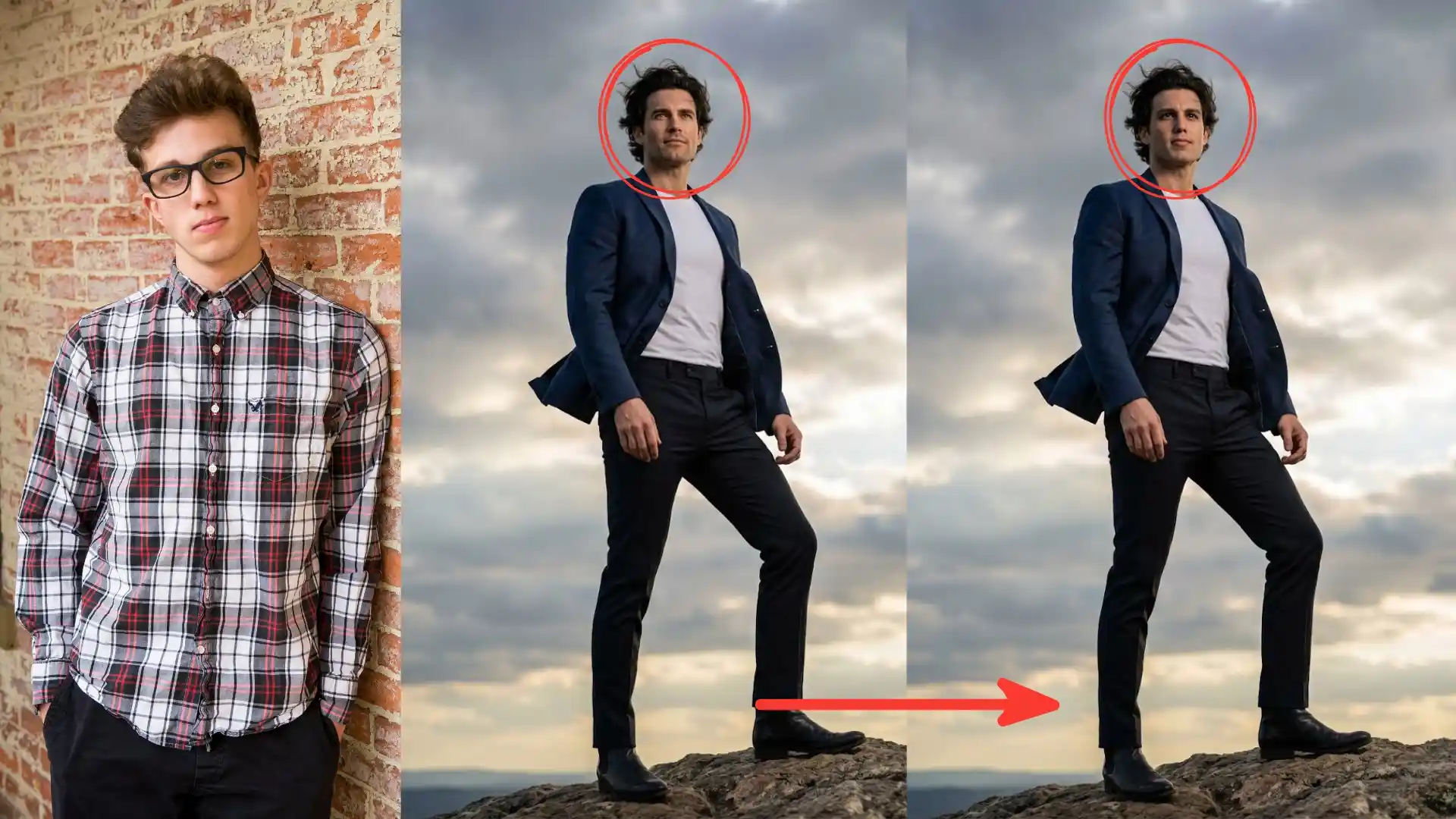
When it comes to replacing a person’s face from one picture to another, the Single Face Swap Tool is your best bet for getting an accurate and realistic match in terms of light, expression, and pose!
How to Use It
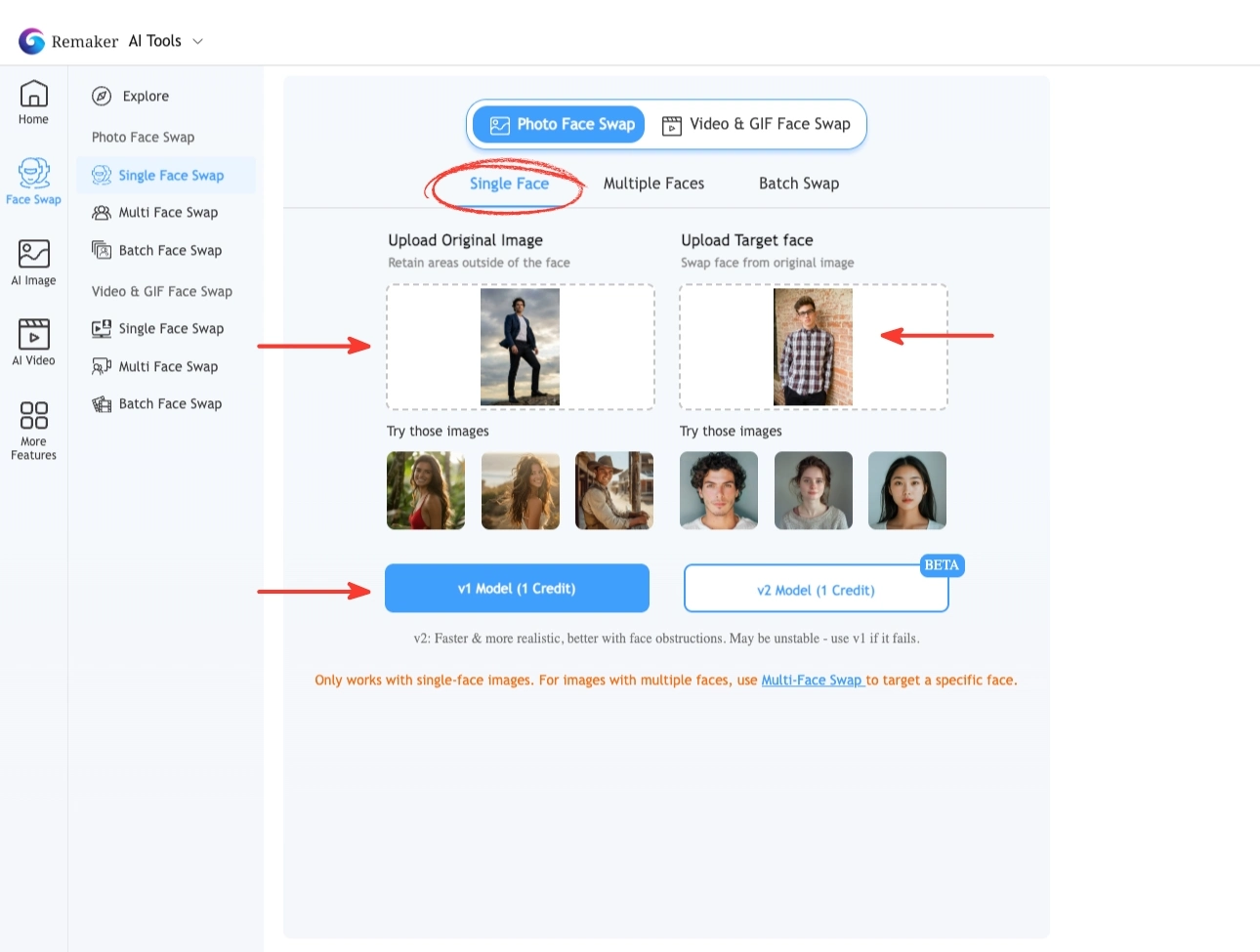
- Upload your original image.
- Upload the target face you want to swap in.
- Select a model option:
- V1: Faster and credit-efficient for quick tests.
- V2: Slower but highly realistic with better blending and skin tone matching.
- Click Generate to create the final image.
- Download or upscale the result.
Multiple Face Swap: Perfect for Group Photos
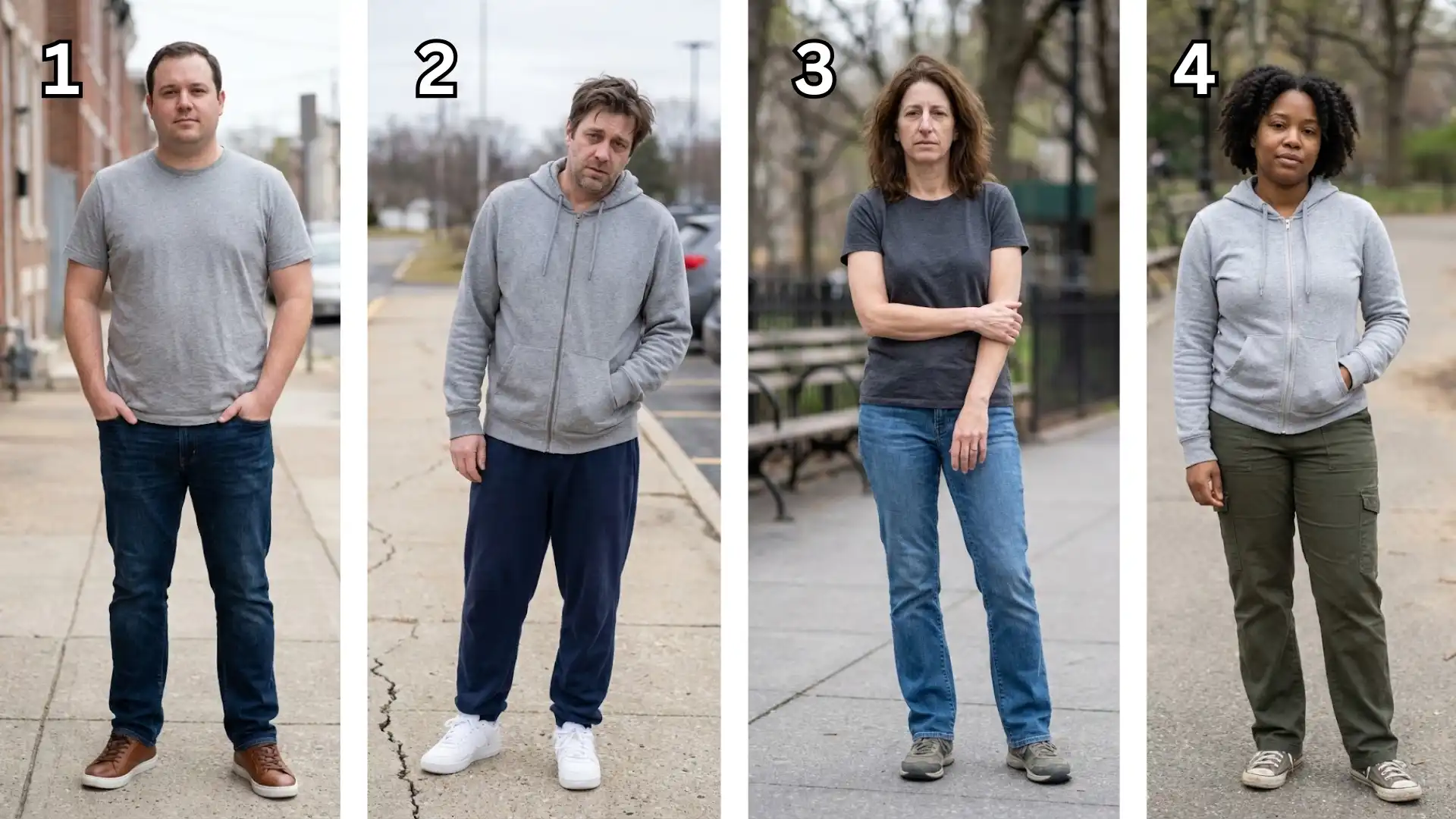
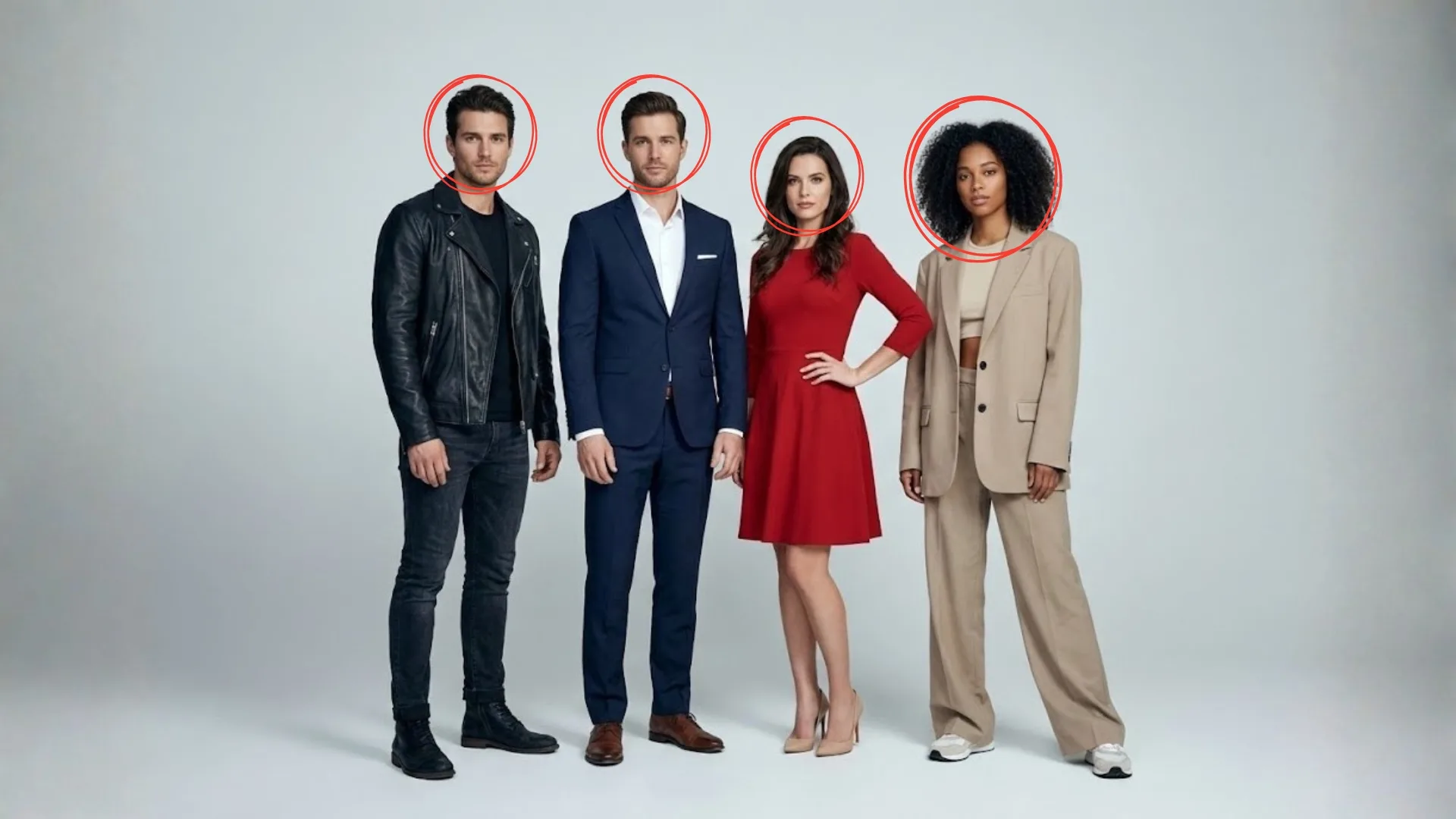
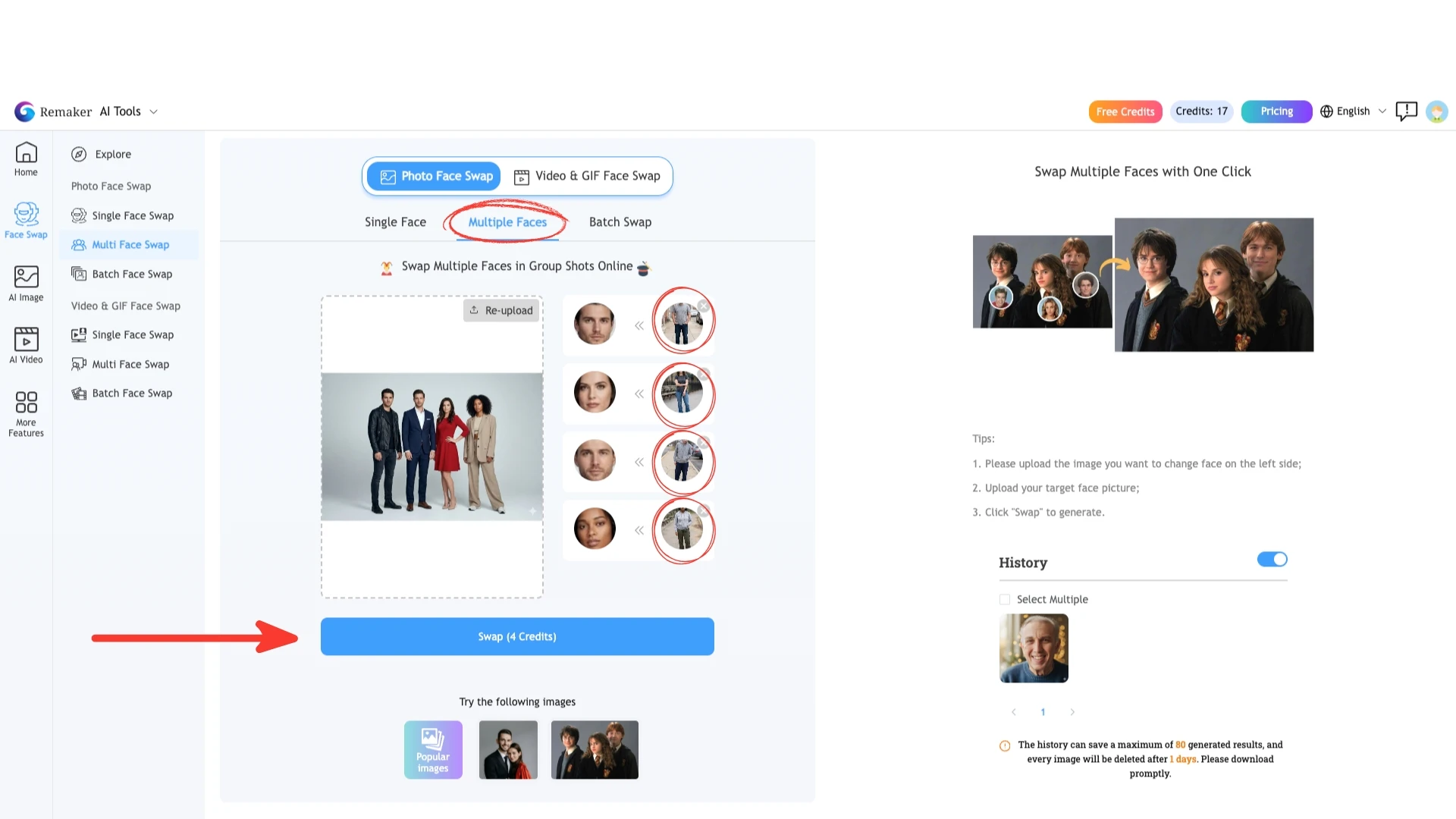
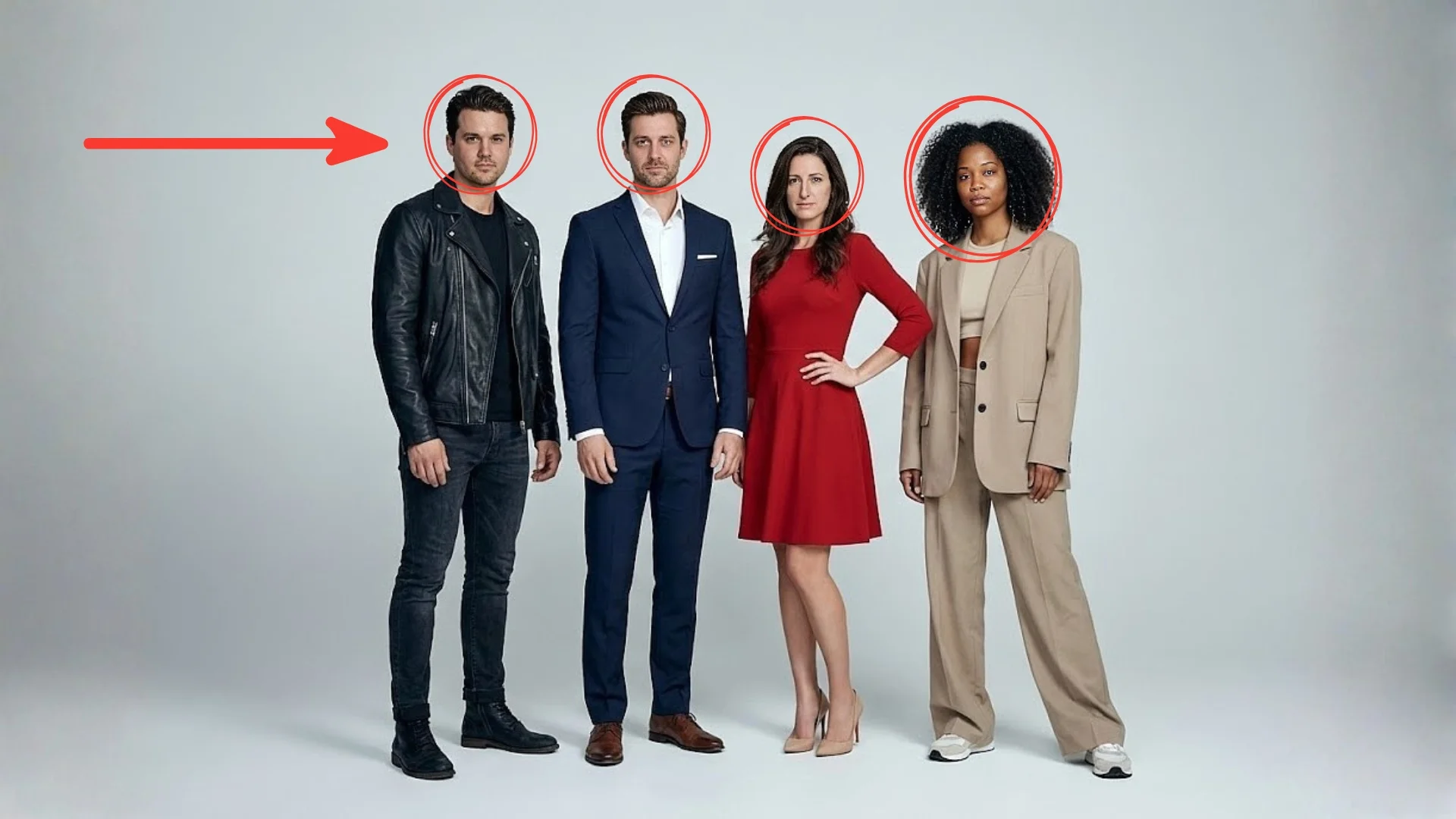
While working with group images like friends, family, team members, the Multiple Face Swap tool is very useful. Very interesting feature that is automatically detecting each face in the photo.
How to Use It
- Upload your group photo.
- Let the AI identify all faces automatically.
- Assign a unique target face to each detected person.
- Generate the final image with clean, consistent results.
Conclusion
Remaker AI keeps face swapping simple, accurate, and accessible. With powerful tools for Single Face Swaps, Multiple Face Swaps, and Batch Swaps, the platform gives creators every essential feature for producing seamless and engaging photo edits. Whether you’re transforming one picture or managing dozens at once, Remaker AI delivers consistent results with minimal effort—making it one of the most reliable AI photo editing tools available today.
