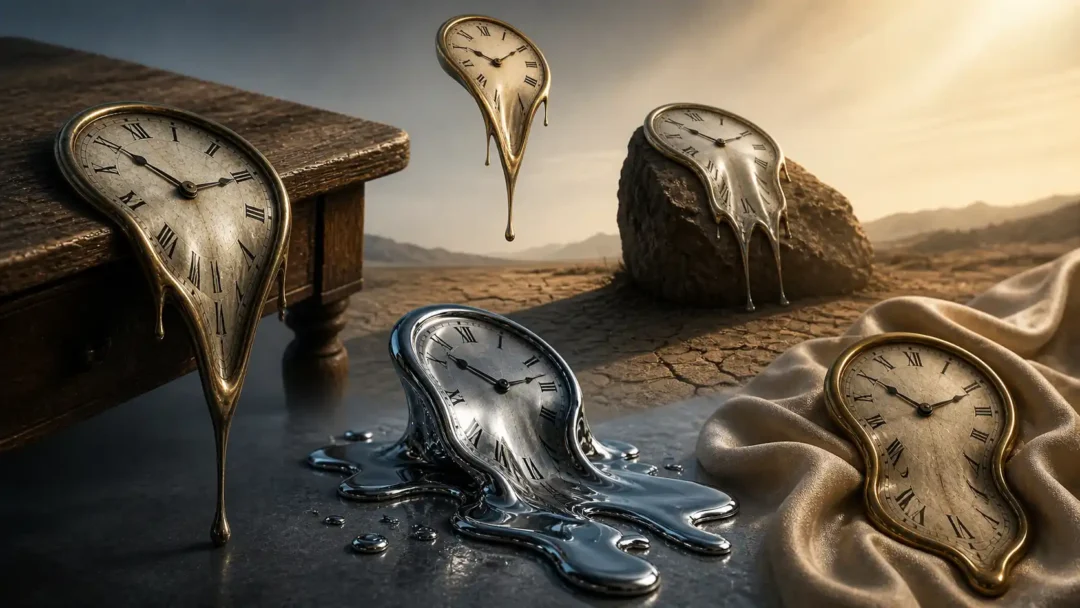
Melting Clock Painting with AI Prompts: Turning Time Into Visual Emotion
A melting clock painting transforms a familiar timepiece into a surreal focal point. The effect works best when the prompt explains what is melting, how it deforms, what supports it, and how the scene is framed—not just the words “melting clock.”
This guide gives you six adaptable AI prompts plus a practical method for refining the shape, material, lighting and composition. The prompts are starting points, not guaranteed recipes: image generators interpret wording differently, so plan to adjust one or two details at a time.
How to Build a Better Melting Clock Prompt
A useful melting-clock prompt gives the image model a clear visual hierarchy: one clock as the focal point, a specific direction of deformation, a surface or setting, and a deliberate composition. Start with the result you want to see; remove details that compete with it.
A repeatable prompt formula
- Name the subject and keep it recognizable. Say whether you want an antique pocket watch, a round wall clock, or a small mantel clock. If the face should remain readable, say so; if distorted numerals are part of the idea, make that intentional.
- Describe the melt physically. Choose one main action, such as the lower rim sagging, the body folding over an edge, or the surface stretching into a few smooth drips. “Melting” alone leaves the model to invent the shape.
- Choose a material and support. Brass, painted wood, glass, and liquid metal reflect light differently. Tell the model where the clock rests or hangs, and make the deformation interact with that support.
- Set the composition. Specify close-up or wide view, camera angle, where the clock sits in frame, and how much negative space to leave. This helps when you need room for a poster title or a wallpaper crop.
- Direct light, palette, and finish. Use a small number of compatible cues: for example, warm low-angle sunlight, long shadows, muted ochre, and painterly texture. Avoid stacking contradictory styles.
- Set output controls in the image tool. Replace
[AR]in the examples below with your target ratio, such as 1:1 or 4:5, or remove it if your tool uses a separate aspect-ratio control.
Reusable template: “A single [clock type] with [one specific deformation], made of [material], [resting/hanging] on [support], in [setting]. [Camera angle and framing]. [Lighting and palette]. [Intended visual finish]. [Aspect ratio or crop].” Change one bracketed choice at a time so you can see which instruction changes the result.
How to refine the first result
- Keep the subject and composition fixed for the first variation; adjust only the deformation.
- If the clock looks like a shapeless blob, describe an anchor point and a direction: “the left rim stays circular while the lower-right edge droops over the table.”
- If the face becomes unreadable, ask for a distinct clock face and visible hands, then simplify extra markings. Image models may still render lettering or numerals inaccurately.
- If the scene feels busy, remove background objects before adding more style words. If the melt is hard to notice, increase the contrast between the rigid top and the softened edge.
- Save a version you like before changing the material or lighting. Keep notes on the prompt and model settings if you want to reproduce the look later; results can vary between tools and runs.
Common problems and practical fixes
- The clock no longer reads as a clock: Keep the hands, face, and upper rim intact; limit the deformation to one edge or section.
- The melt looks like wax when you wanted metal: Name the material and describe its surface response—soft highlights for painted wood, sharp reflections for polished metal. Do not rely on a style label alone.
- The object floats unintentionally: State what supports it and where the shadow falls. For a floating composition, explicitly describe the gap between the object and the ground.
- The result is too cluttered: Use one focal object, one setting, and one lighting direction. Remove secondary props unless they help explain scale or mood.
- The crop cuts off the important detail: Move the clock away from the frame edge and choose the aspect ratio before generating final variations.
Limits, rights, and model-specific controls
These prompts are starting points, not tested guarantees. Different image models interpret words and settings differently, and generated text, numbers, and fine clock details may need correction in an image editor. Review the output before using it, and check the image tool’s current terms and any reference-image permissions for your intended use. Avoid asking for a near-copy of a living artist’s work or another creator’s protected character; describe the visual qualities you want in your own terms.
If you use Adobe Firefly, its official guide explains model-dependent controls such as aspect ratio, content type, composition, style, lighting, and camera angle: Adobe Firefly: generate images from text descriptions. Other tools expose different controls, so use the instructions for the model you selected.
Explore related visual guides
For adjacent techniques, see our guides to surreal photo manipulation, psychedelic wall art, and surrealism drawing ideas.
6 Melting Clock Painting AI Prompts to Customize
Choose a prompt, copy it, then replace [AR] with your target aspect ratio.
Classic Desert Melt
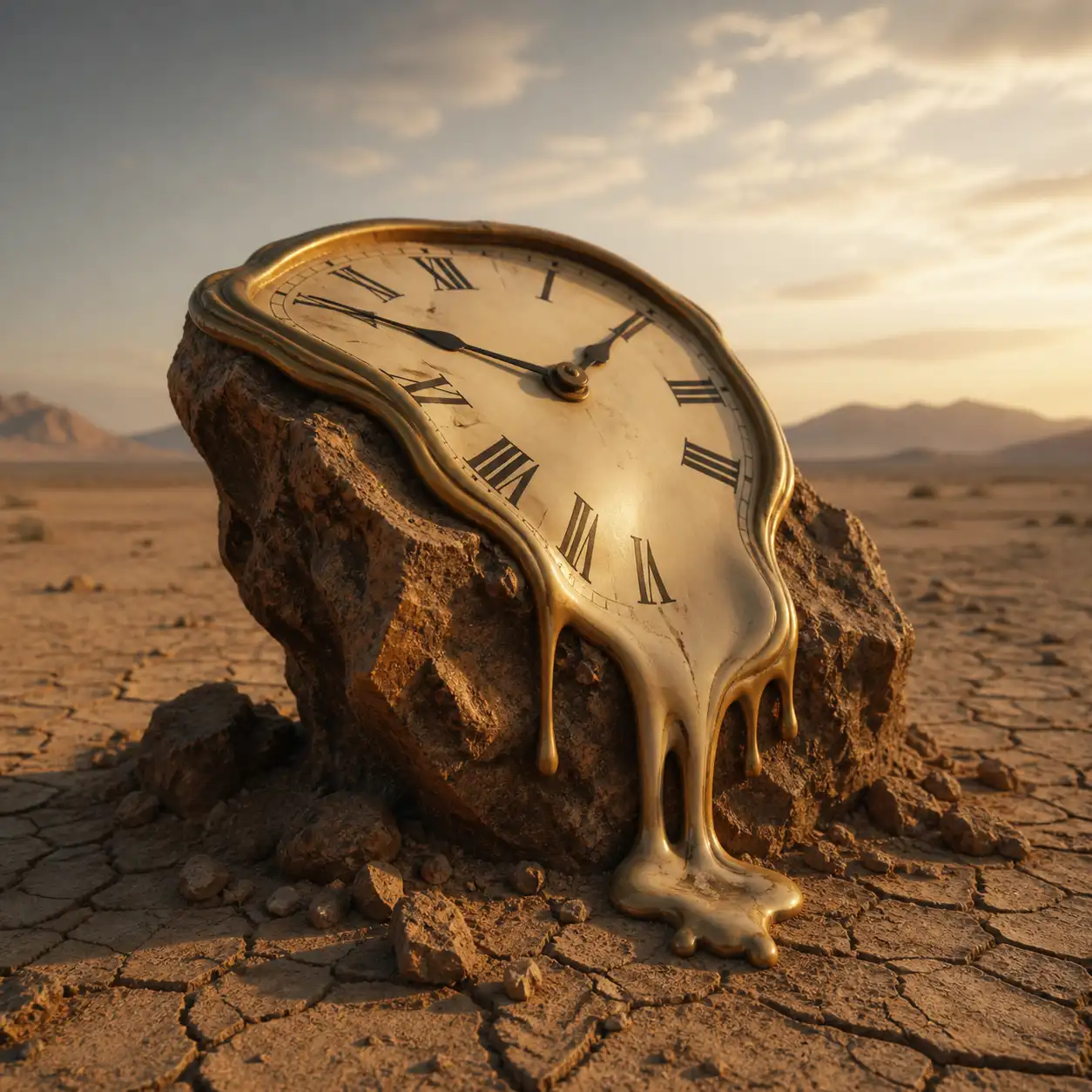
Create a single melting clock painting on a sunlit desert rock; the clock face remains recognizable while its lower edge droops over the rock under gravity. Show one clear subject, a low horizon, long soft-edged shadows, warm sand and muted ochre, painterly surface texture, balanced negative space. Keep the clock fully inside the frame; no extra clocks, duplicate hands, lettering, border, or watermark. Aspect ratio [AR].
Table Edge Collapse
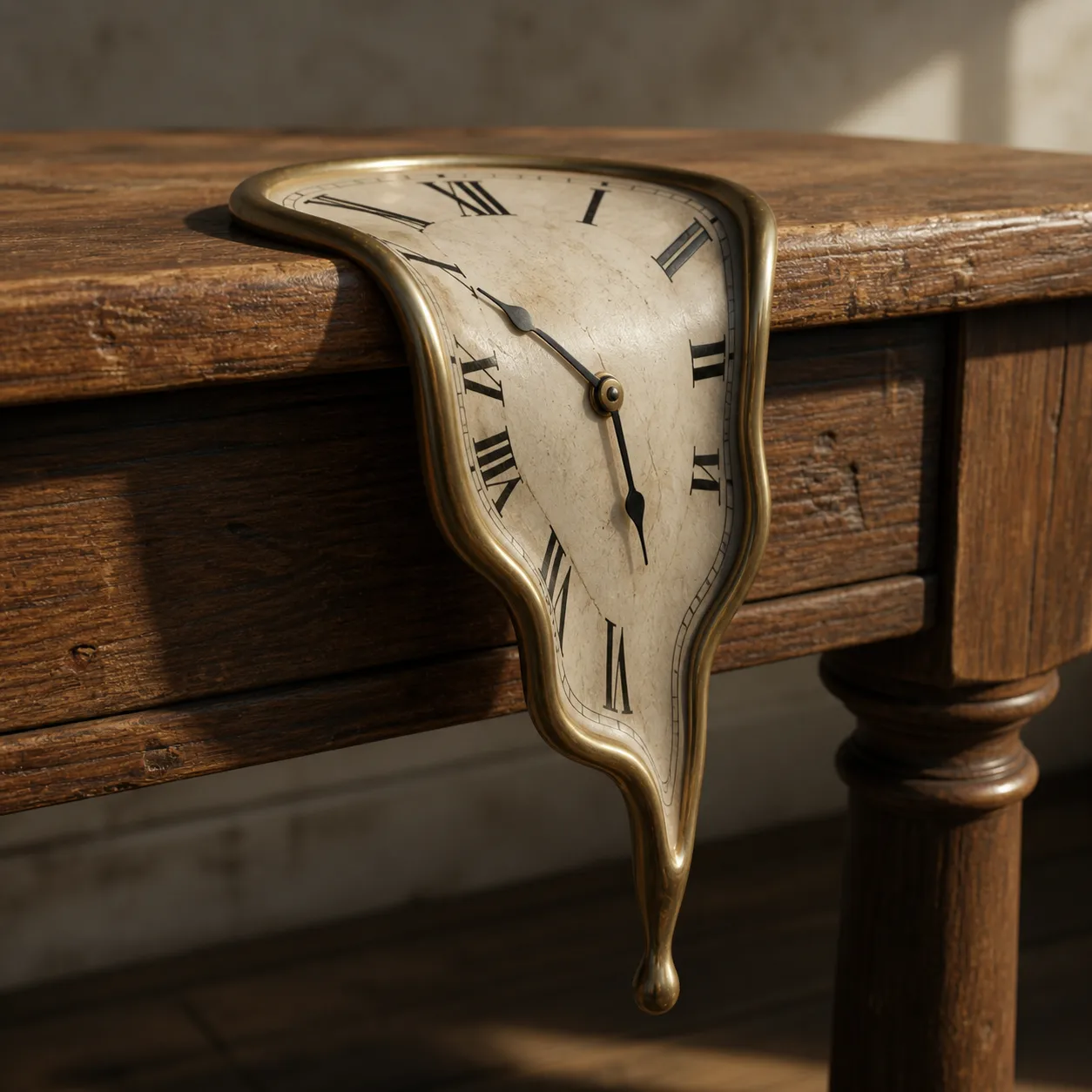
Create a single melting clock painting draped over the front edge of a wooden table; keep the face readable as the lower rim stretches down, with the hanging portion touching the table edge. Use a close three-quarter view, visible wood grain, a soft cast shadow, restrained natural window light, and a simple uncluttered room. Keep the whole clock in frame; no extra clocks, duplicate hands, lettering, border, or watermark. Aspect ratio [AR].
Liquid Metal Clock
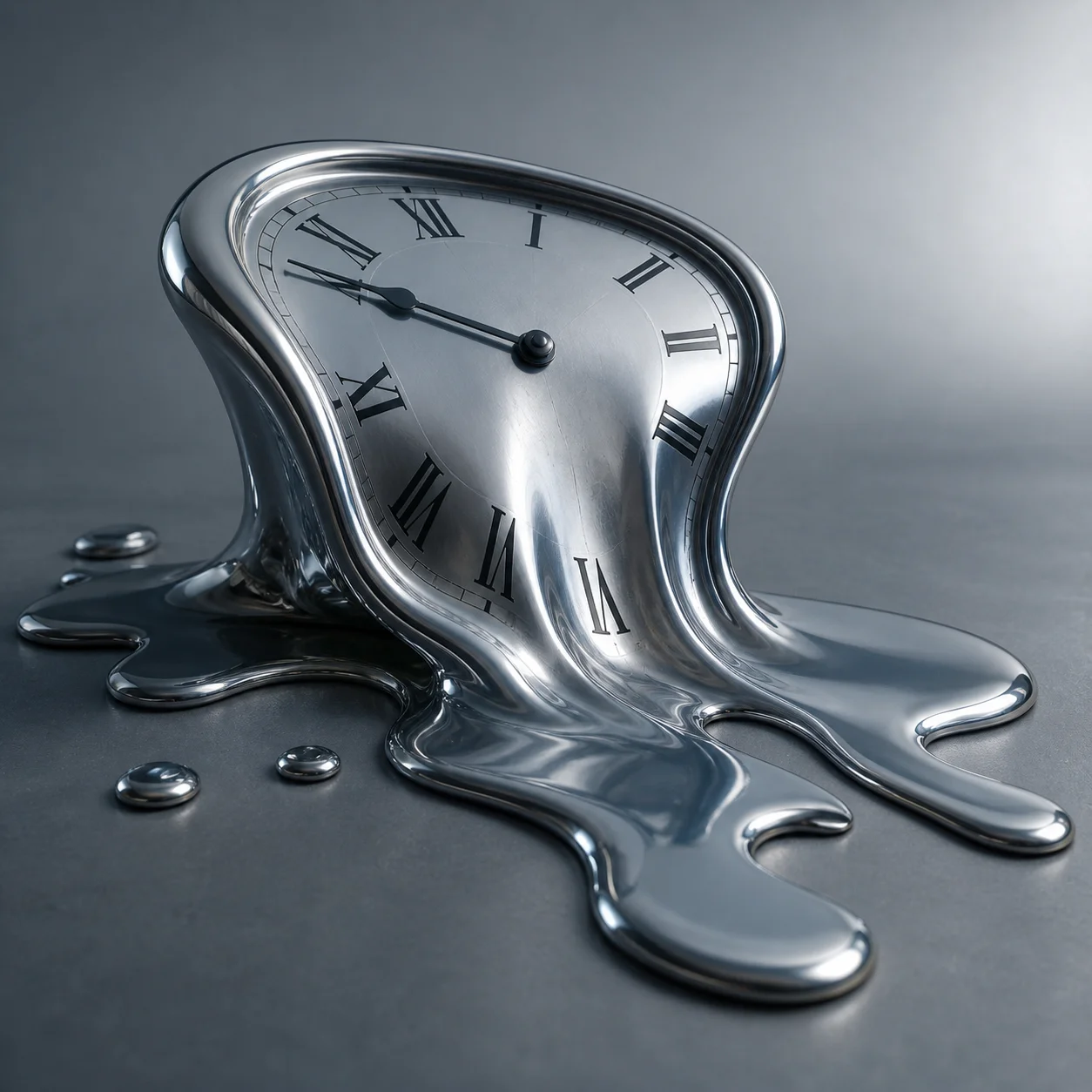
Create a single melting clock painting with a polished silver-metal surface, slumped across a matte stone plinth. Keep the face recognizable and let only the lower rim flow into a short smooth pool; show controlled studio reflections, cool gray-blue light, and a plain background. One clock only, fully in frame; no extra hands, lettering, border, or watermark. Aspect ratio [AR].
Dark Dreamscape Clock
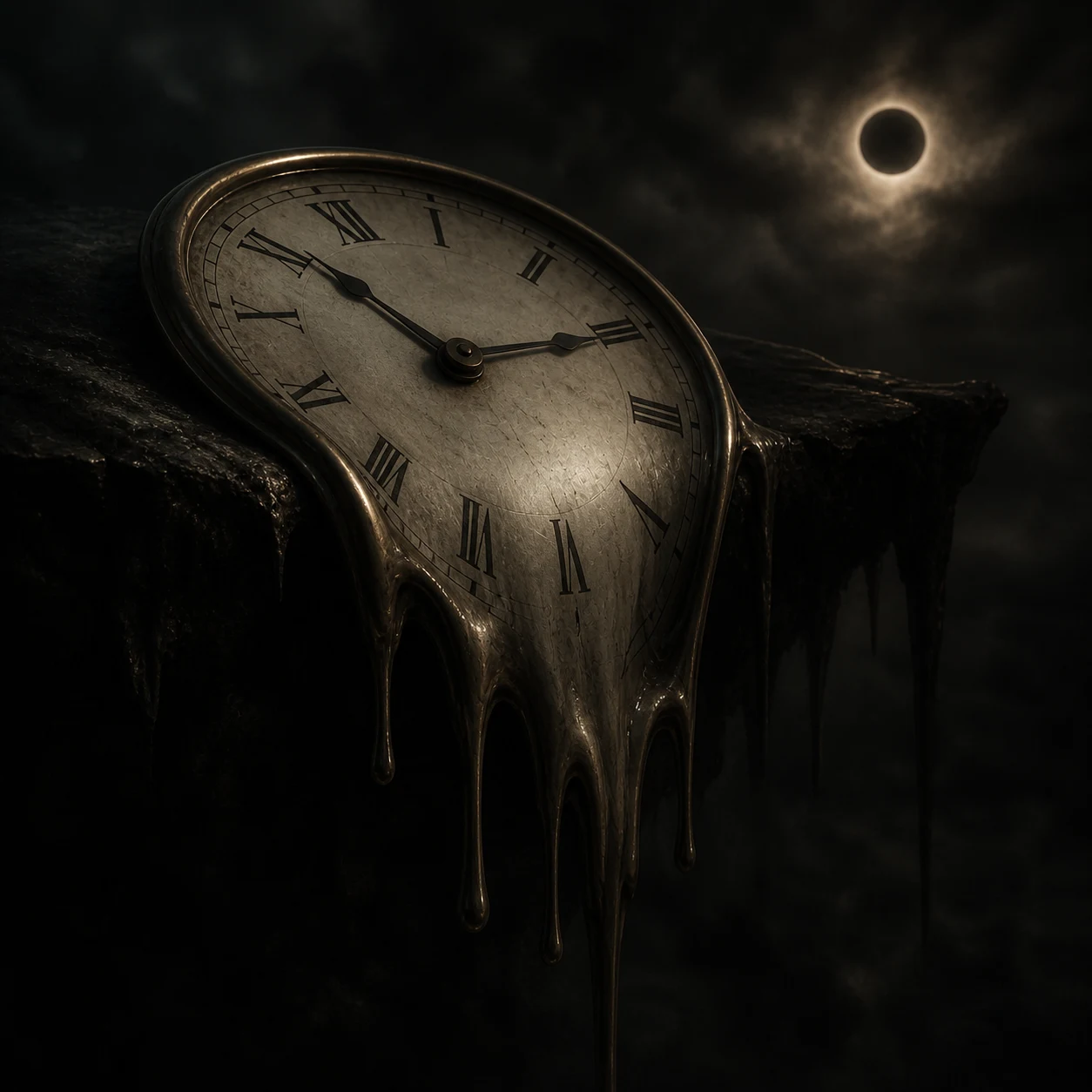
Create a single melting clock painting in a quiet night-time landscape; the face stays recognizable while a small section of its lower rim droops onto a dark stone ledge. Use a readable silhouette, one subtle rim light, deep blue shadows, and a simple background with generous negative space. Avoid crushed blacks; keep the clock fully in frame. No extra clocks, duplicate hands, lettering, border, or watermark. Aspect ratio [AR].
Floating Melt Effect
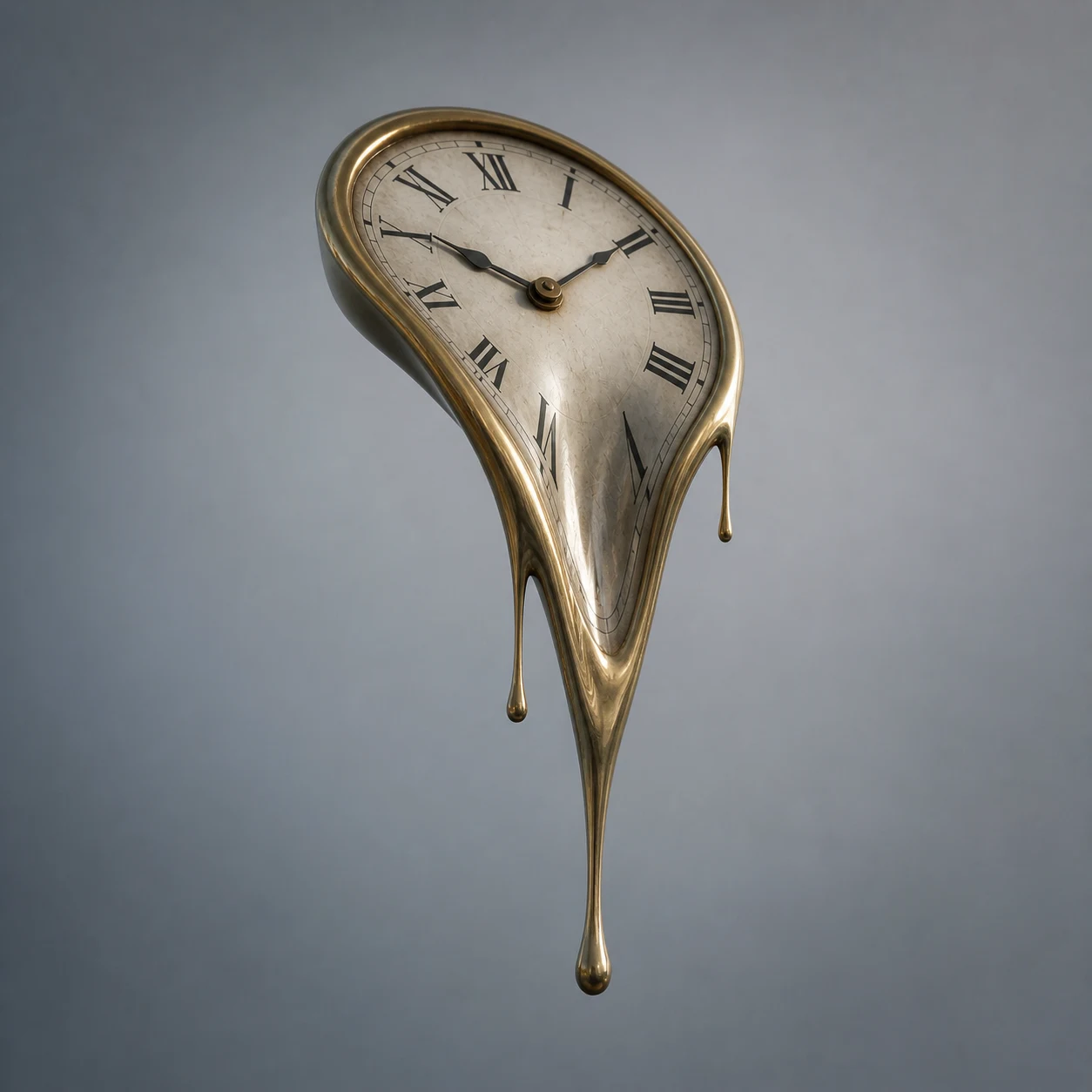
Create a single melting clock painting suspended just above a plain studio floor; keep the clock face recognizable and let its lower rim stretch downward as if gravity still acts on it. Show a soft floor shadow to anchor the object, clean pale background, centered composition, and gentle diffused light. One clock only, fully inside the frame; no extra hands, lettering, border, or watermark. Aspect ratio [AR].
Organic Melt on Fabric
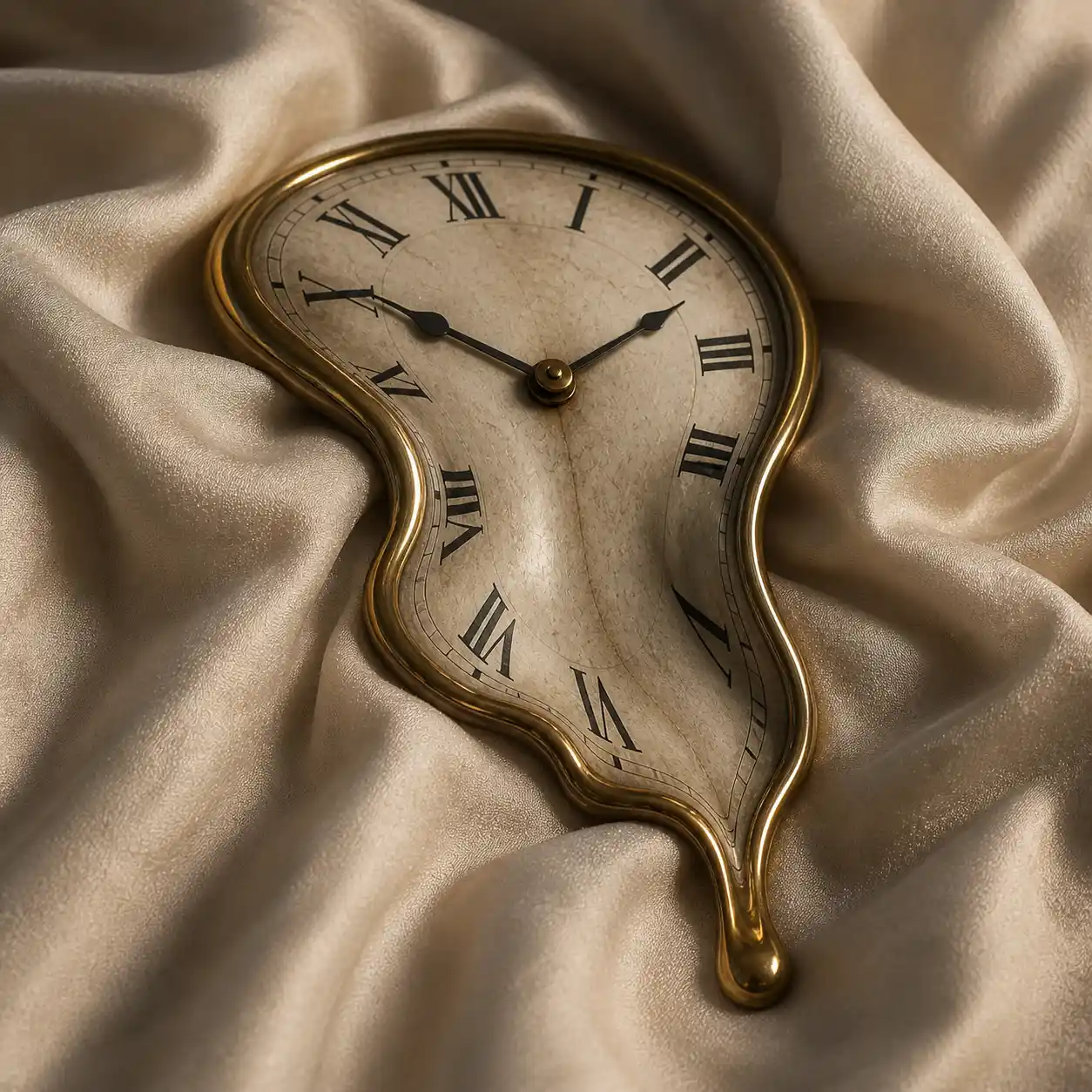
Create a single melting clock painting resting on folded linen; keep its face readable while the lower edge follows one fabric fold and presses lightly into the cloth. Show a close composition, visible weave, believable contact shadow, warm window light, and a simple neutral setting. Keep the whole clock in frame; no extra clocks, duplicate hands, lettering, border, or watermark. Aspect ratio [AR].